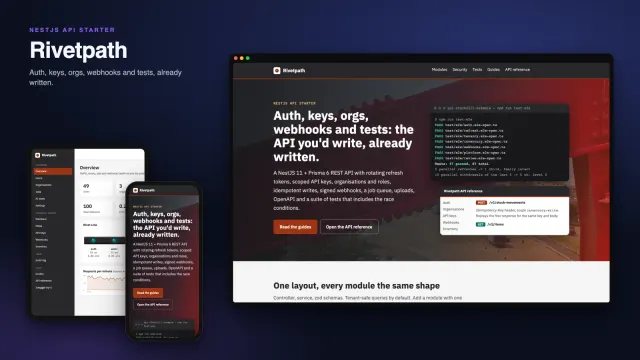
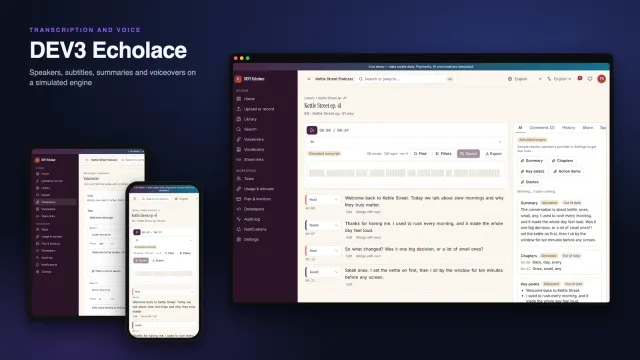
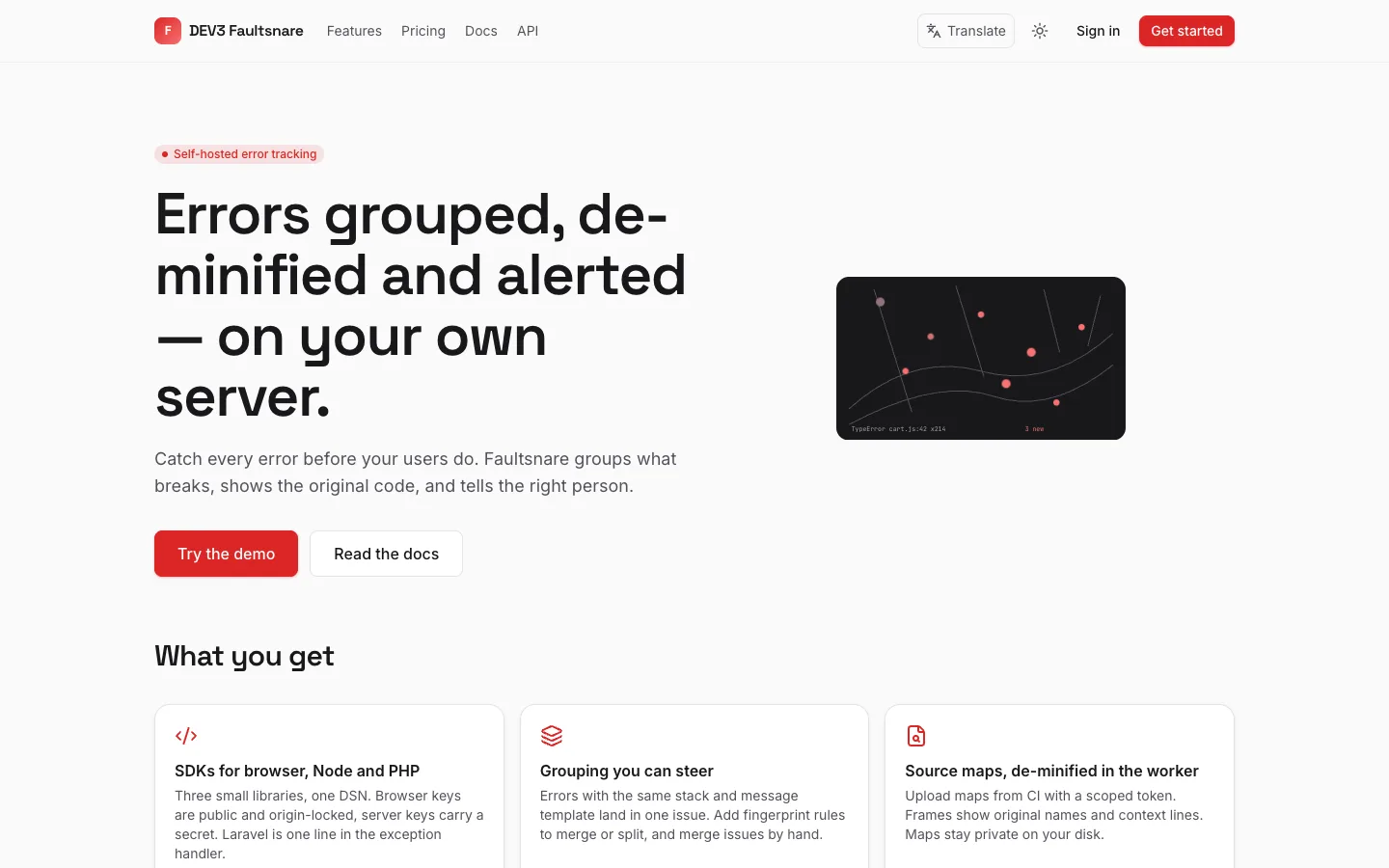
 Home — Errors grouped, de-minified and alerted on your own server, with a flat snare line catching red dots.
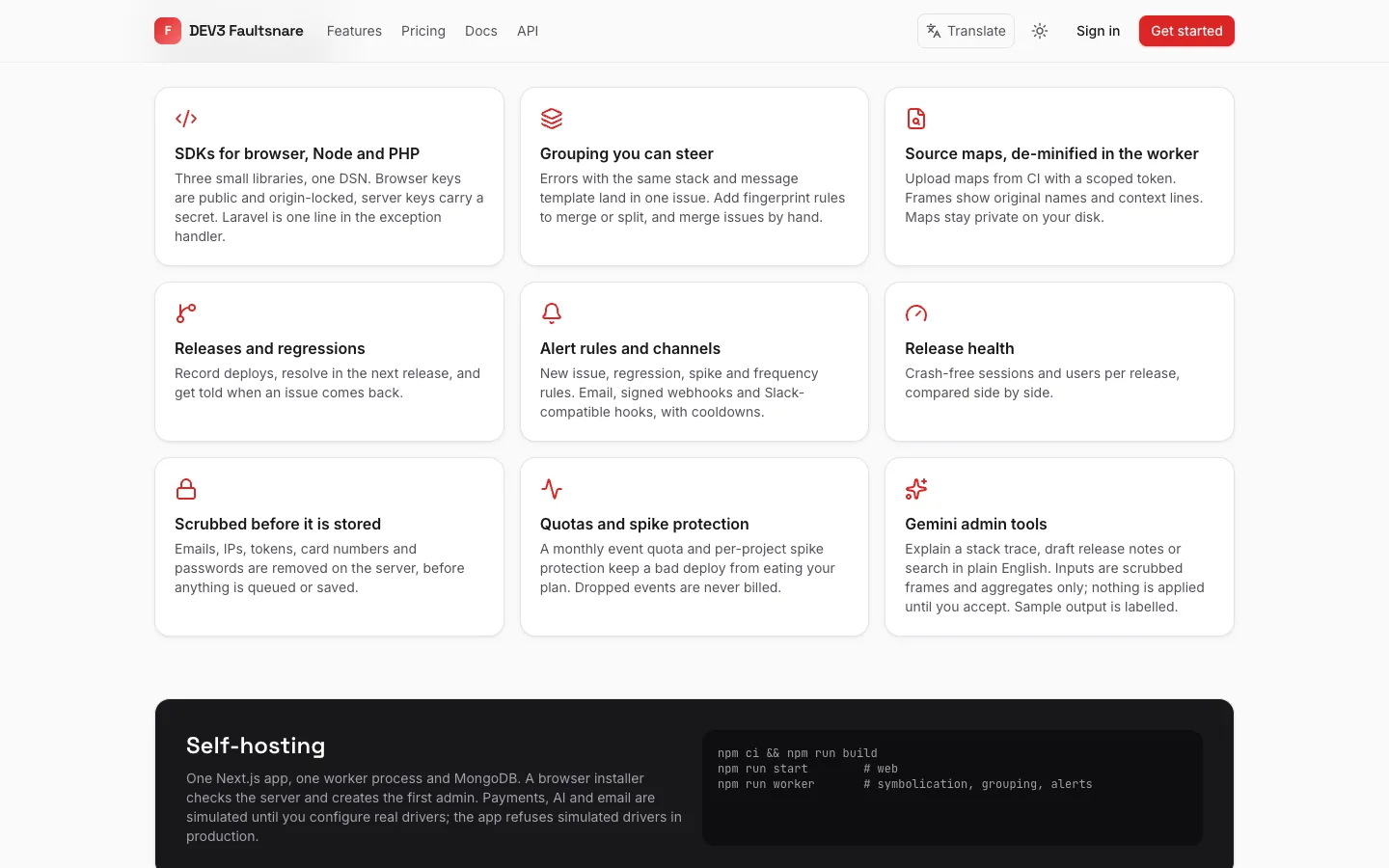 What you get — SDKs, grouping, source maps, releases, alerts and privacy defaults, each in one card.
Self-hosted error tracking: 7 things to check before you pick one
Last updated
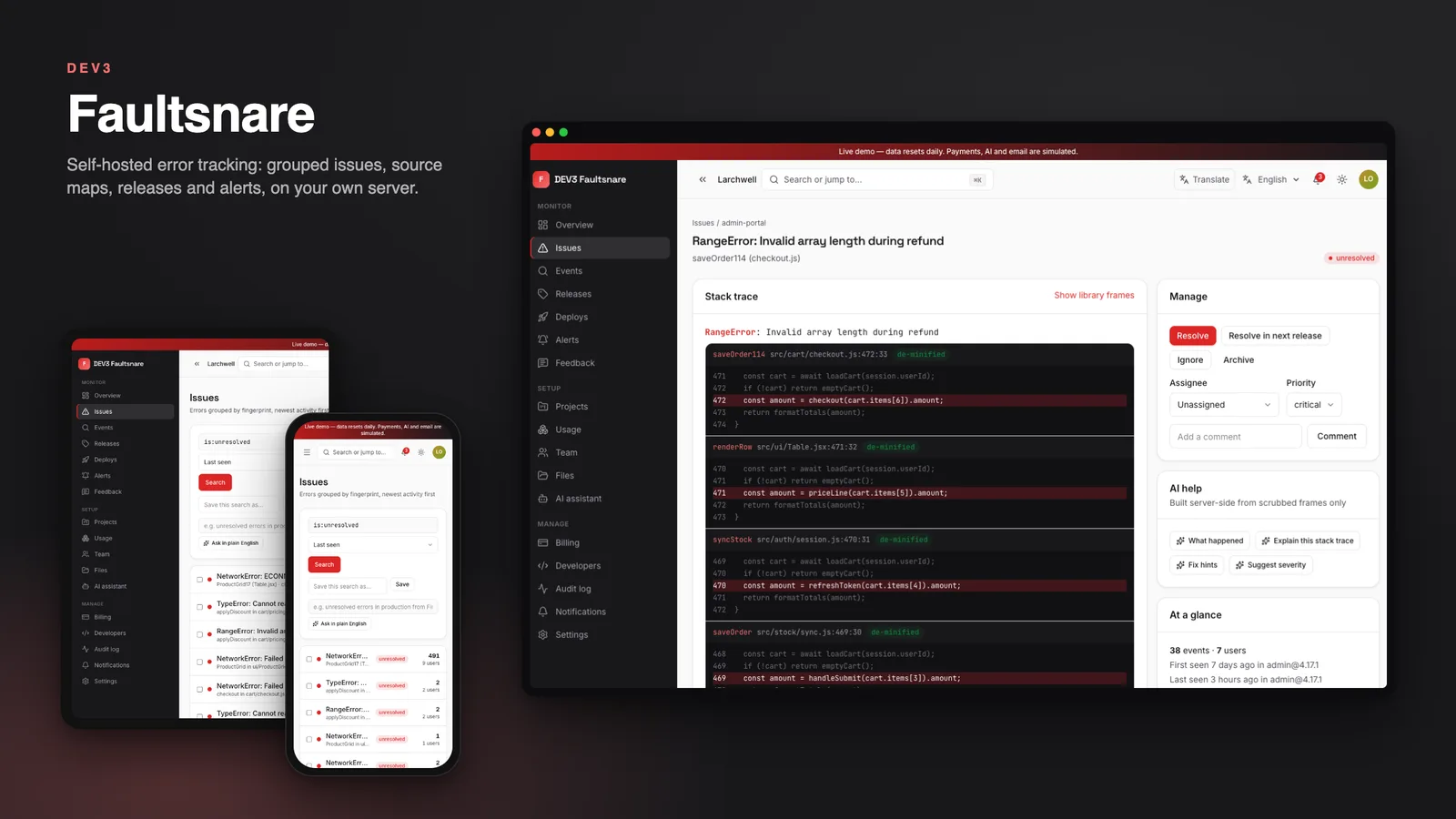
An error tracker is only useful if the noise is low, the stack traces are readable and the right person hears about a problem in time. Here are seven things to check before you pick error tracking software you host yourself, with DEV3 Faultsnare as the worked example.
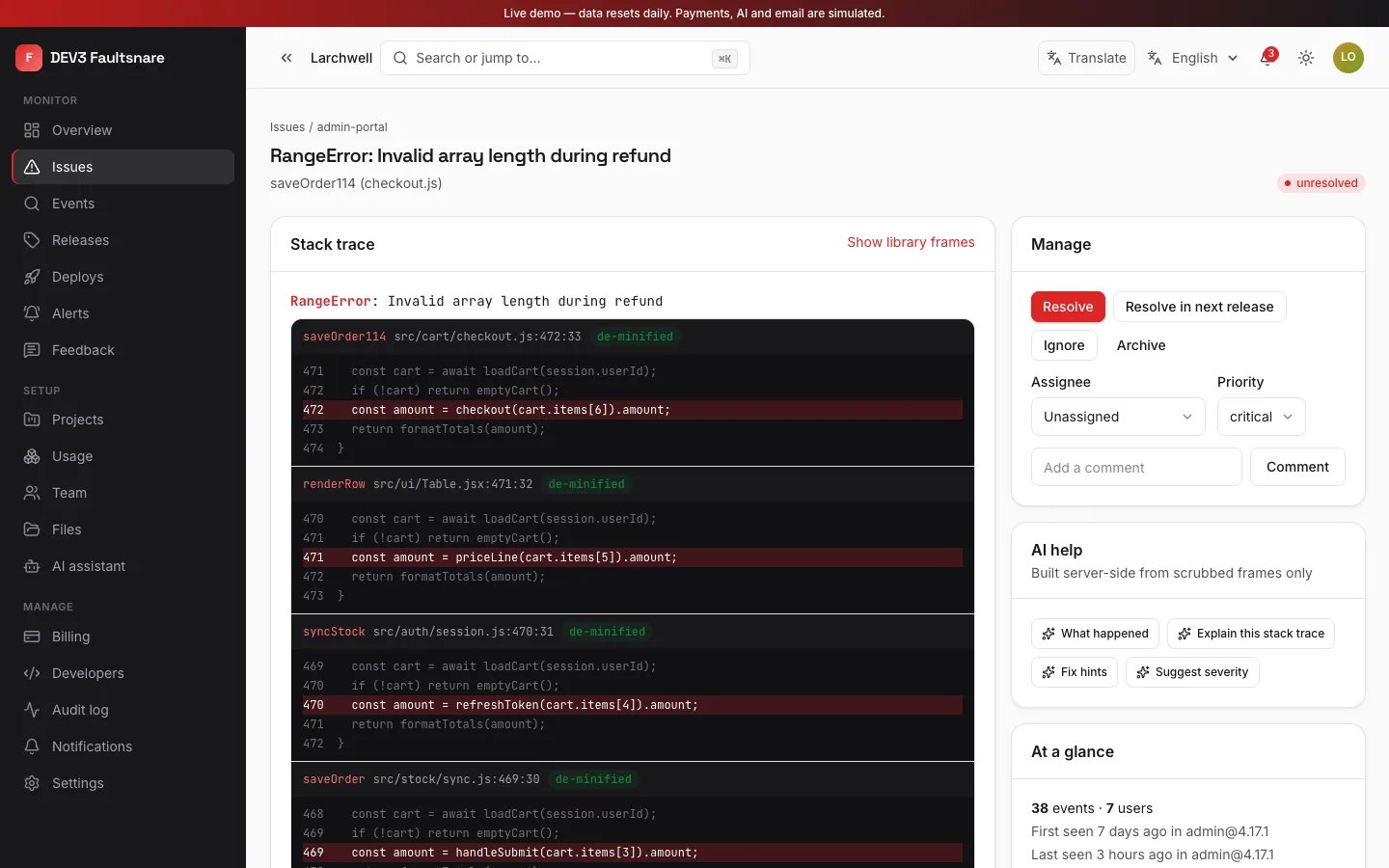
1. Does it group errors sensibly?
Look for grouping by exception type and the shape of the stack, not by the raw message. Faultsnare normalises frames and message numbers, lets you add fingerprint rules per project, and lets you merge issues by hand.
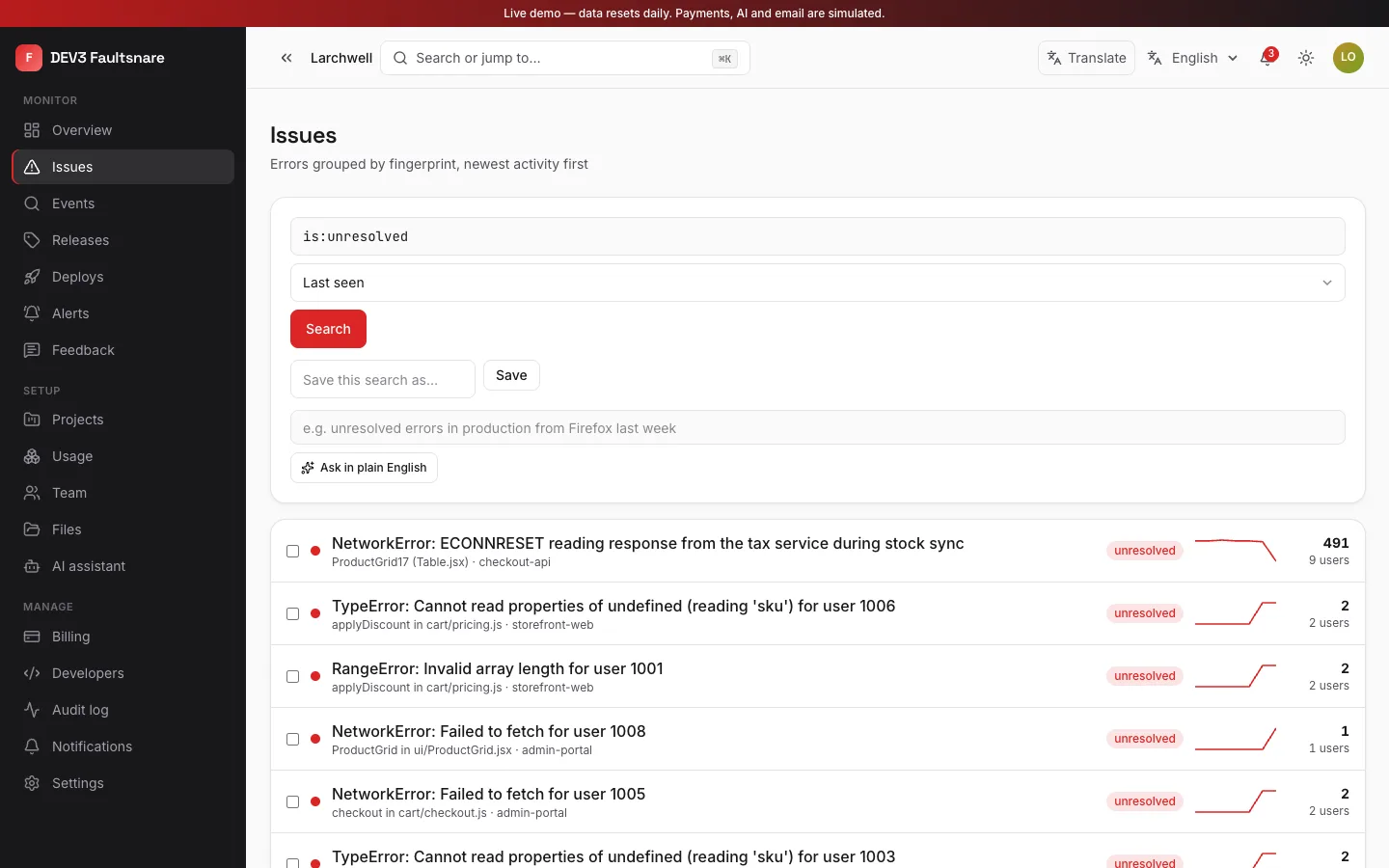
2. Can you read the stack trace?
Minified code is useless in a report. Check that source maps can be uploaded from CI, that they stay private, and that frames show original files, lines and a few lines of context. In Faultsnare the maps are parsed in a separate worker with time and memory limits.
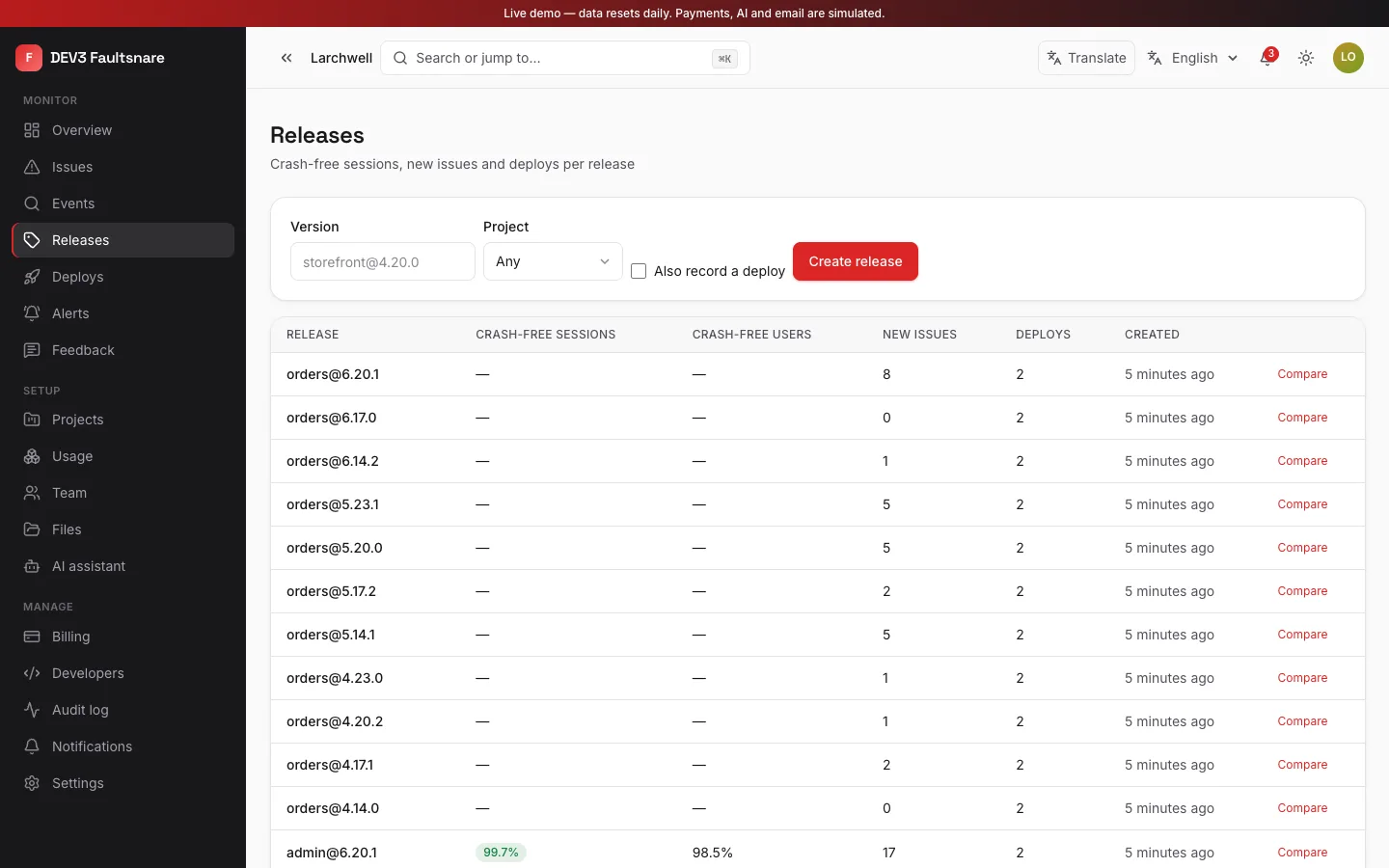
3. Does it know about releases?
You want to mark an issue as fixed in the next release and see it reopen as a regression if it returns. Faultsnare records deploys, compares two releases and shows the sessions that ended without a crash.
4. Are the alerts tunable?
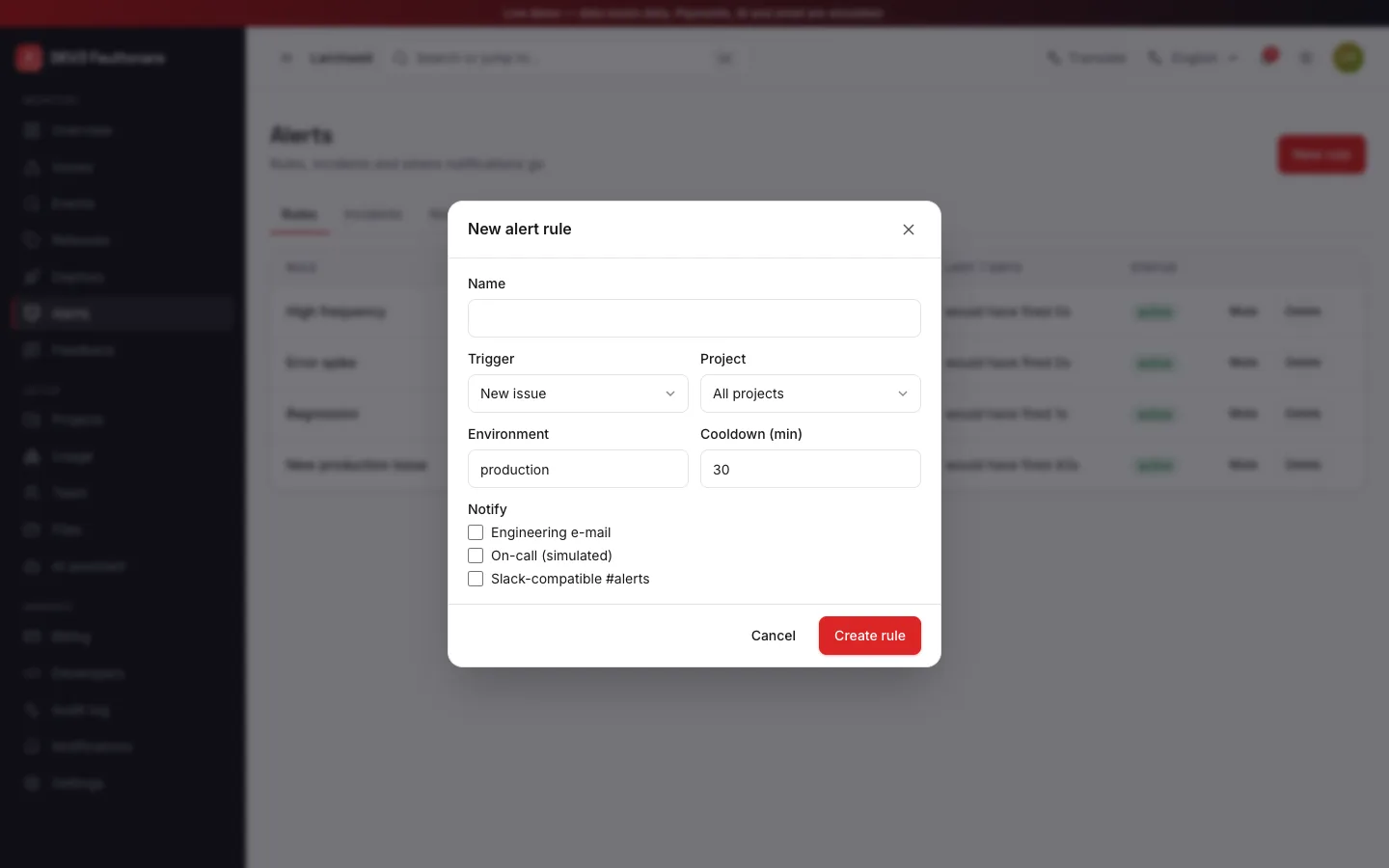
Check for new-issue, regression, spike and frequency rules, cooldowns, muting and a way to preview a rule before it pages anyone. Faultsnare shows how often a rule would have fired in the last seven days and sends through email, signed webhooks or a Slack-compatible webhook.
5. What happens to personal data?
Scrubbing should happen on the server before storage, not as an option in the client. Faultsnare removes emails, addresses, tokens, card numbers and the values of keys such as password and secret by default, and never keeps request bodies, cookies or headers.
6. What stops it from falling over?
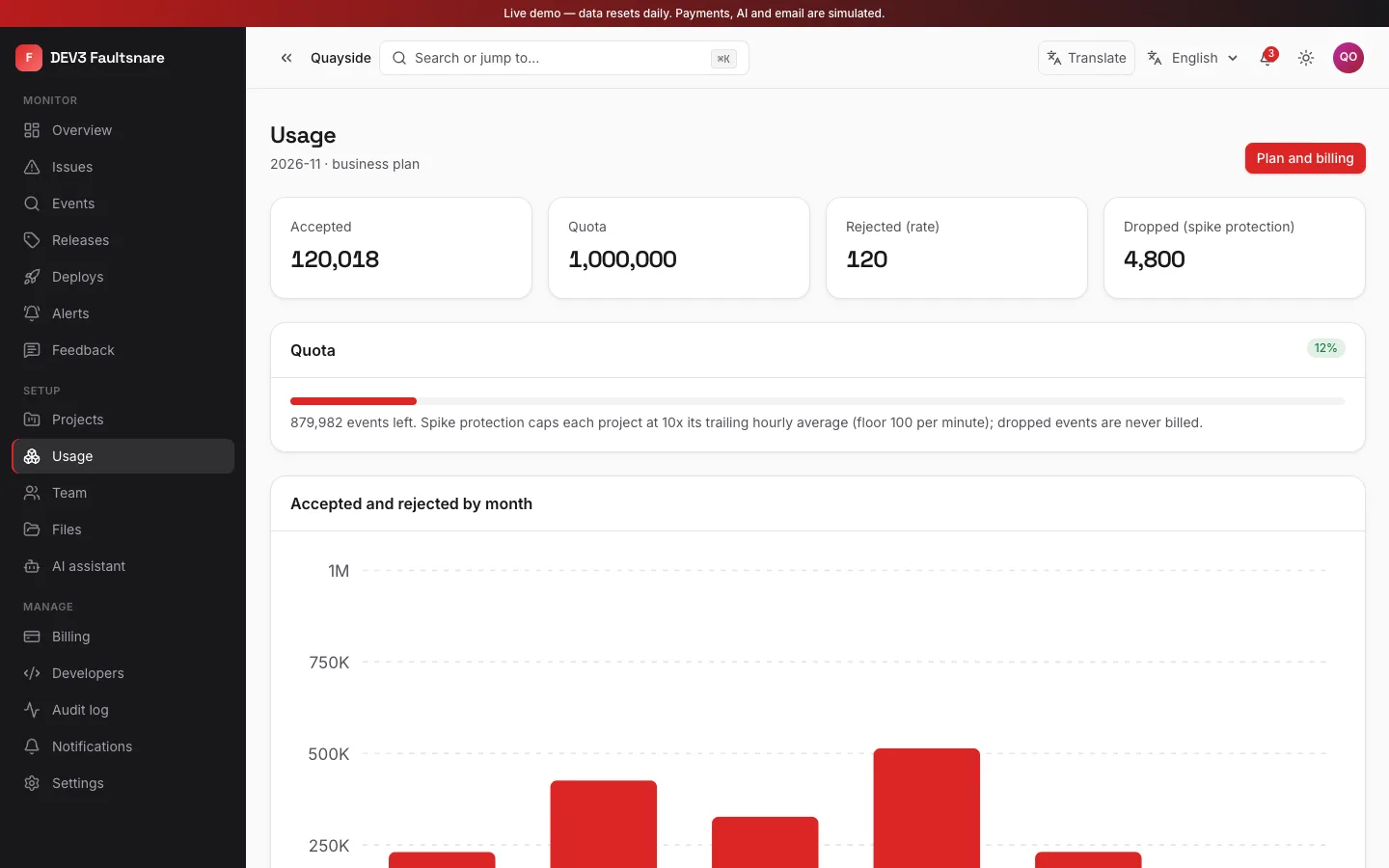
Ask about size caps, rate limits per key, monthly quotas and spike protection. Faultsnare ships plan quotas, overage packs and per-plan retention, and its usage page shows what was accepted and what was rejected, by reason.
7. How is the AI wired?
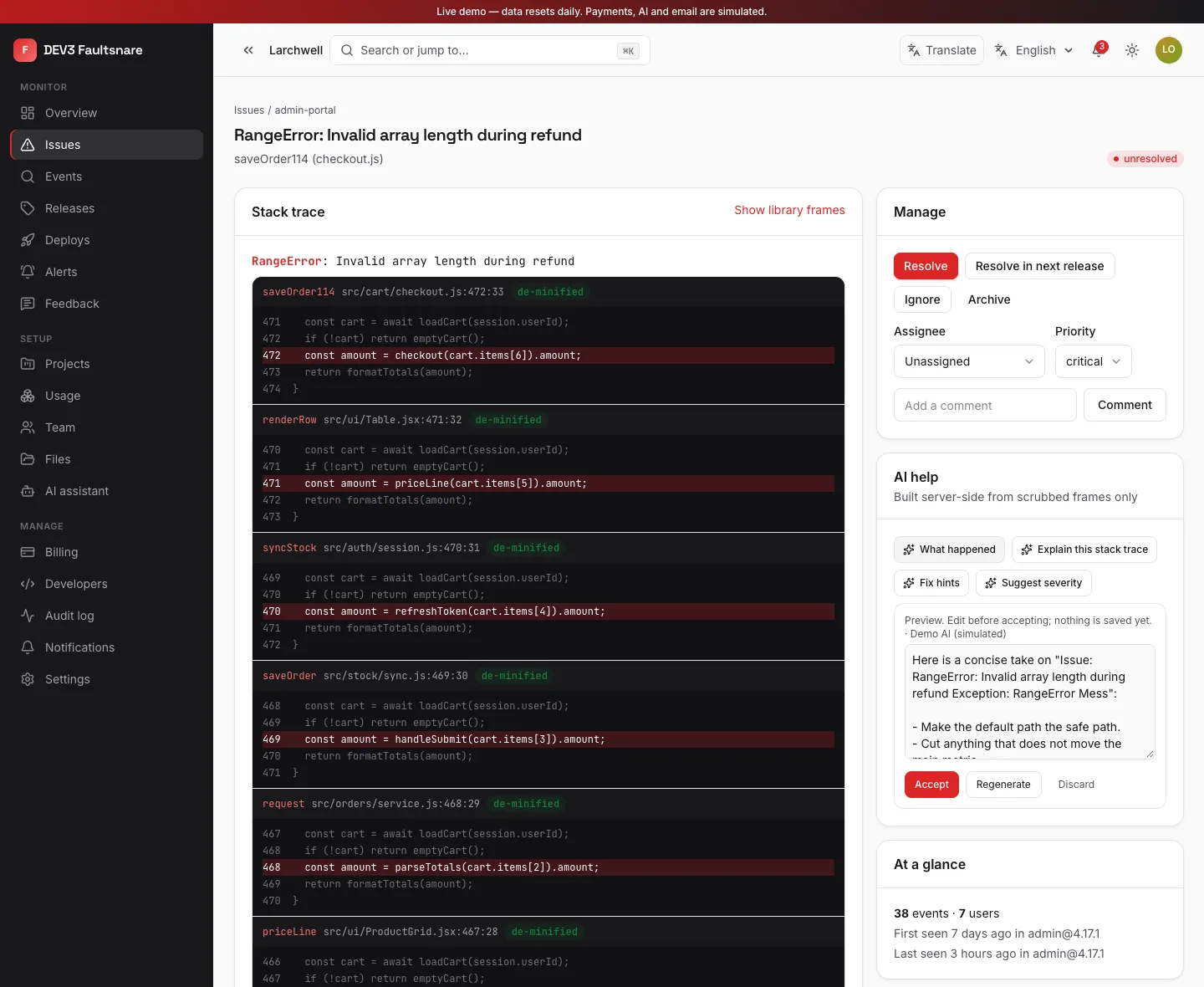
The AI tools should suggest, never act. In Faultsnare, optional Gemini AI admin tools use your own Google Gemini key, build their input on the server from scrubbed frames only, show an editable preview and save nothing until you accept. Without a key the buttons stay disabled.
Limits to weigh
There is no performance tracing and no session replay in this version. Volume depends on your hardware. The Sentry-compatible ingest endpoint is off by default. Email needs a real driver in production. Check these against your needs.