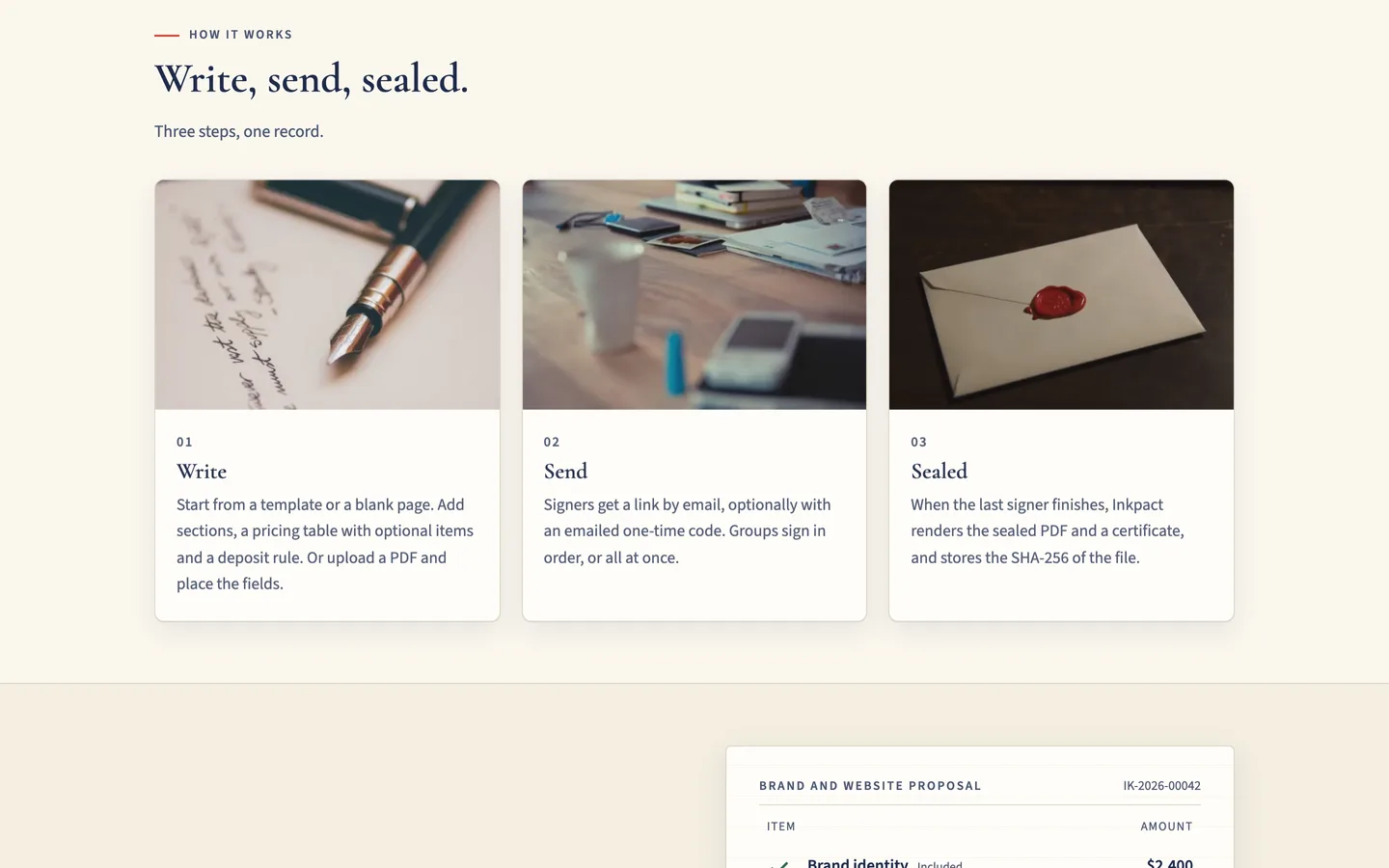
 From draft to sealed — Build, send, sign, pay a deposit and seal, each step explained in a short block.
Proposal and e-signature software: 7 things to check before you pick one
Last updated
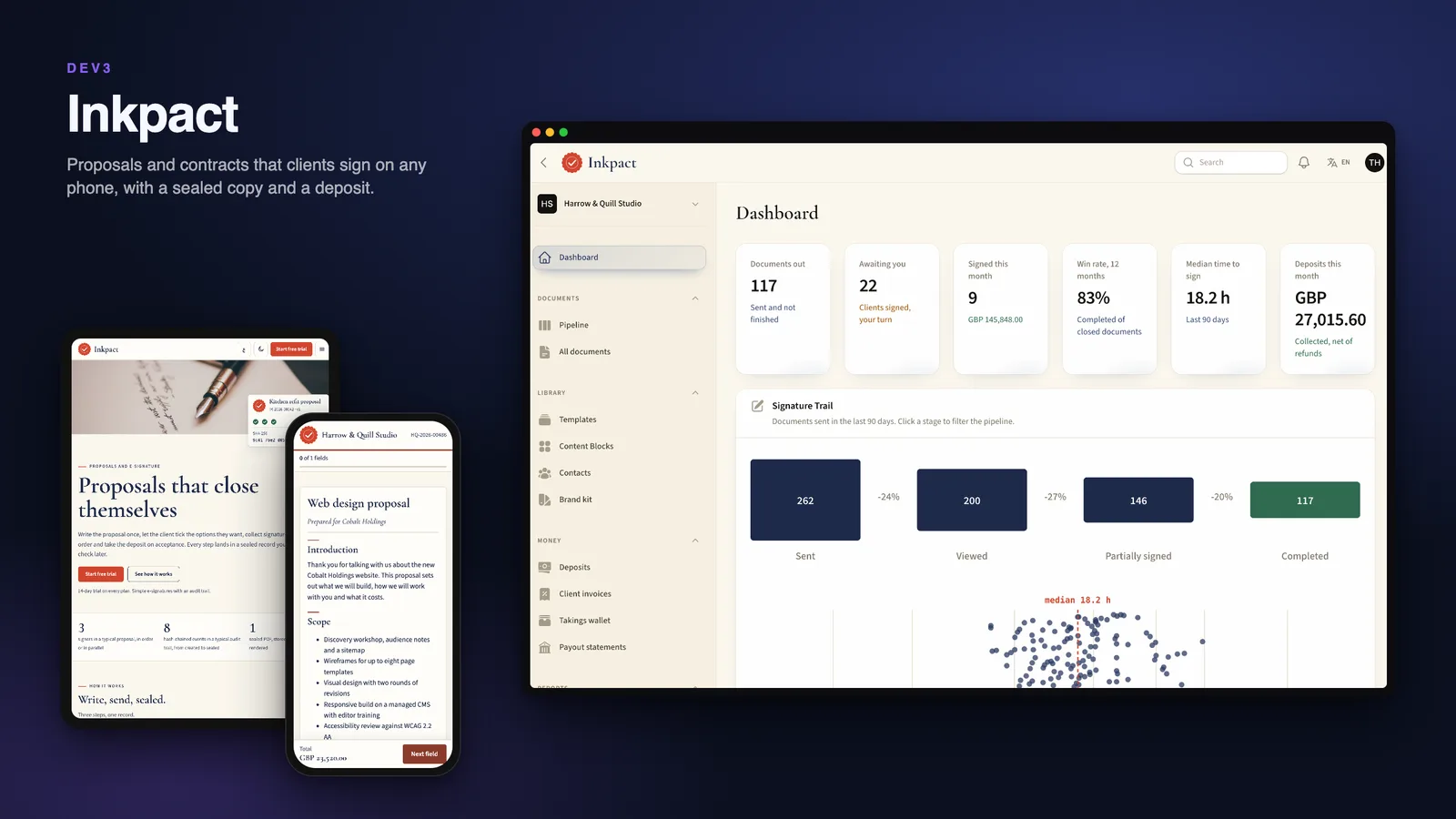
A proposal is a promise in writing, and a signature is only worth what you can prove about it afterwards. Here are seven things to check before you pick software for sending and signing documents, with DEV3 Inkpact as the worked example.
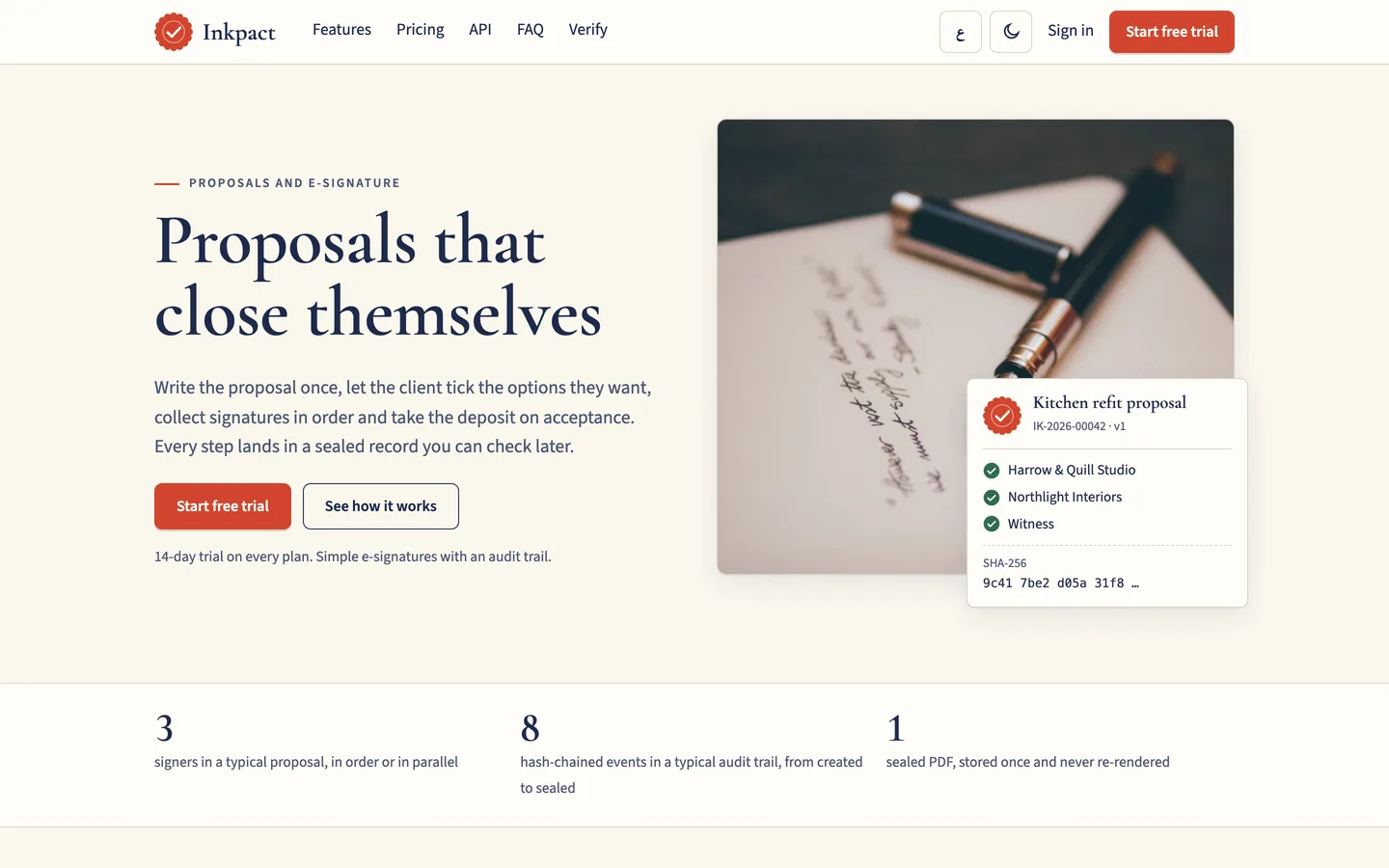
1. Is the version the client signed frozen?
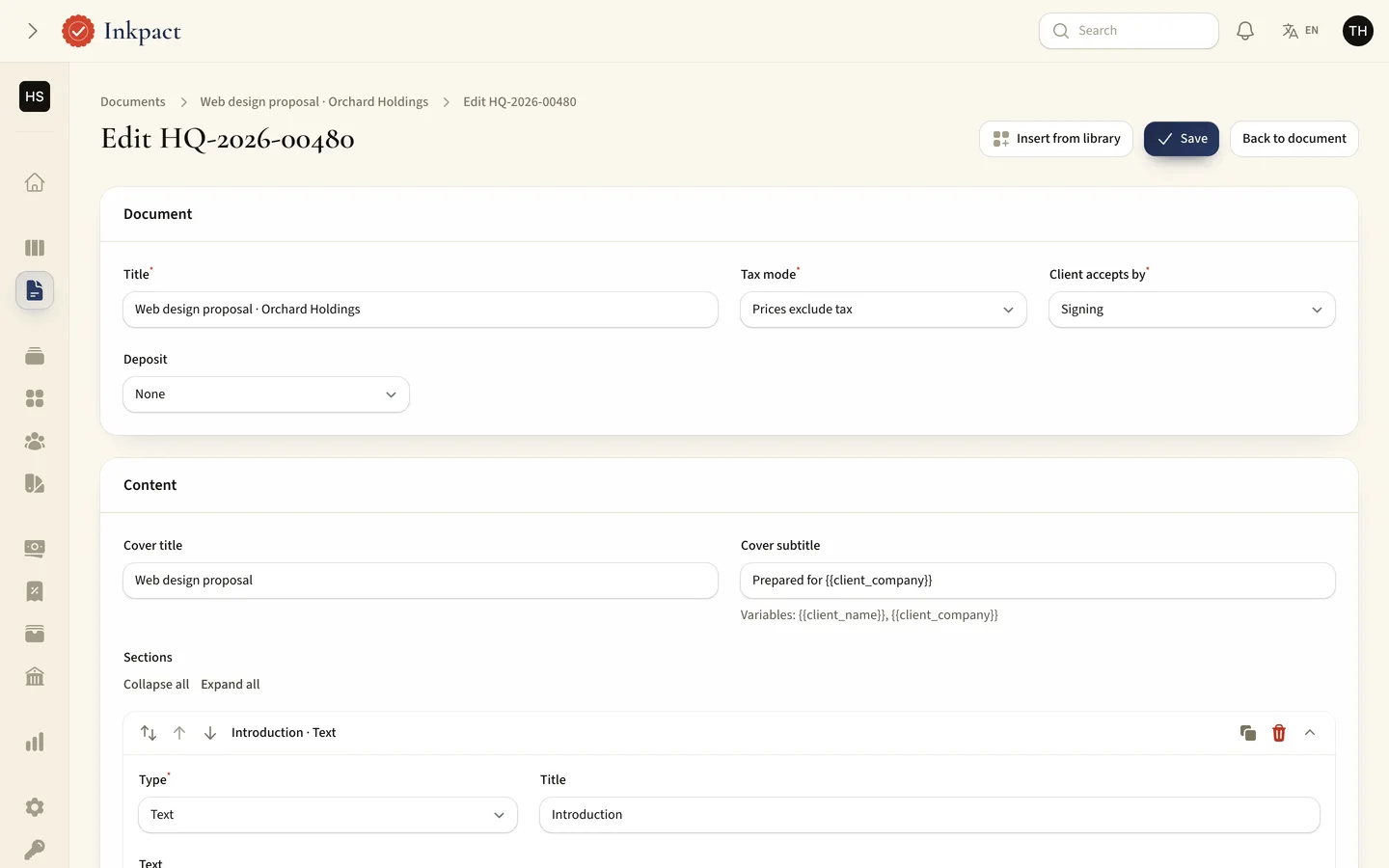
If you can edit a document after it was sent, the client may sign text that later changed. Inkpact hashes the exact content when you send it and refuses changes to that version. An edit after sending makes a new version and asks everyone to sign again.
2. Can you control the signing order?
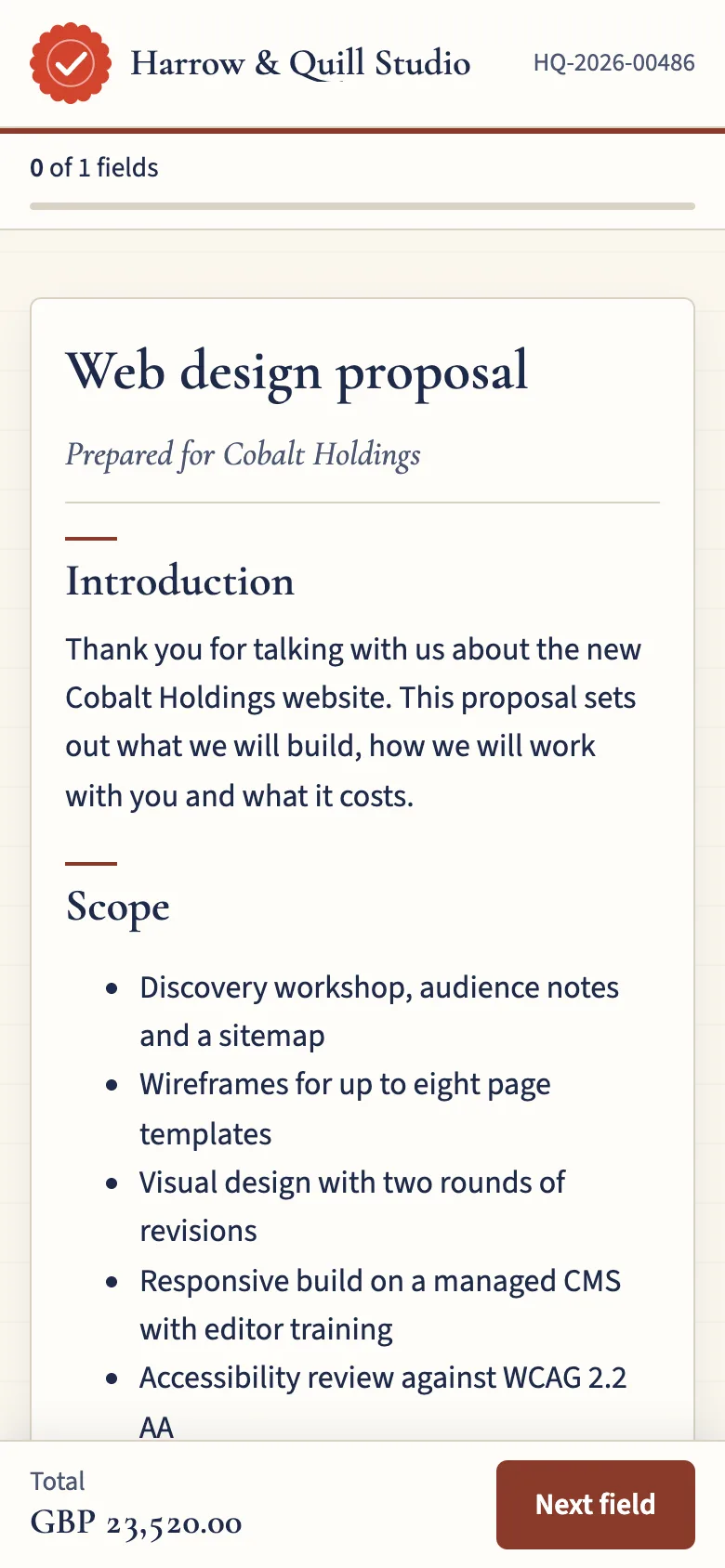
Some documents need the client first and a countersigner second, others need everyone at once. Inkpact signs in groups, with client, countersigner, witness and approver roles, and tells the next group only when it is their turn.
3. Can clients choose optional items?
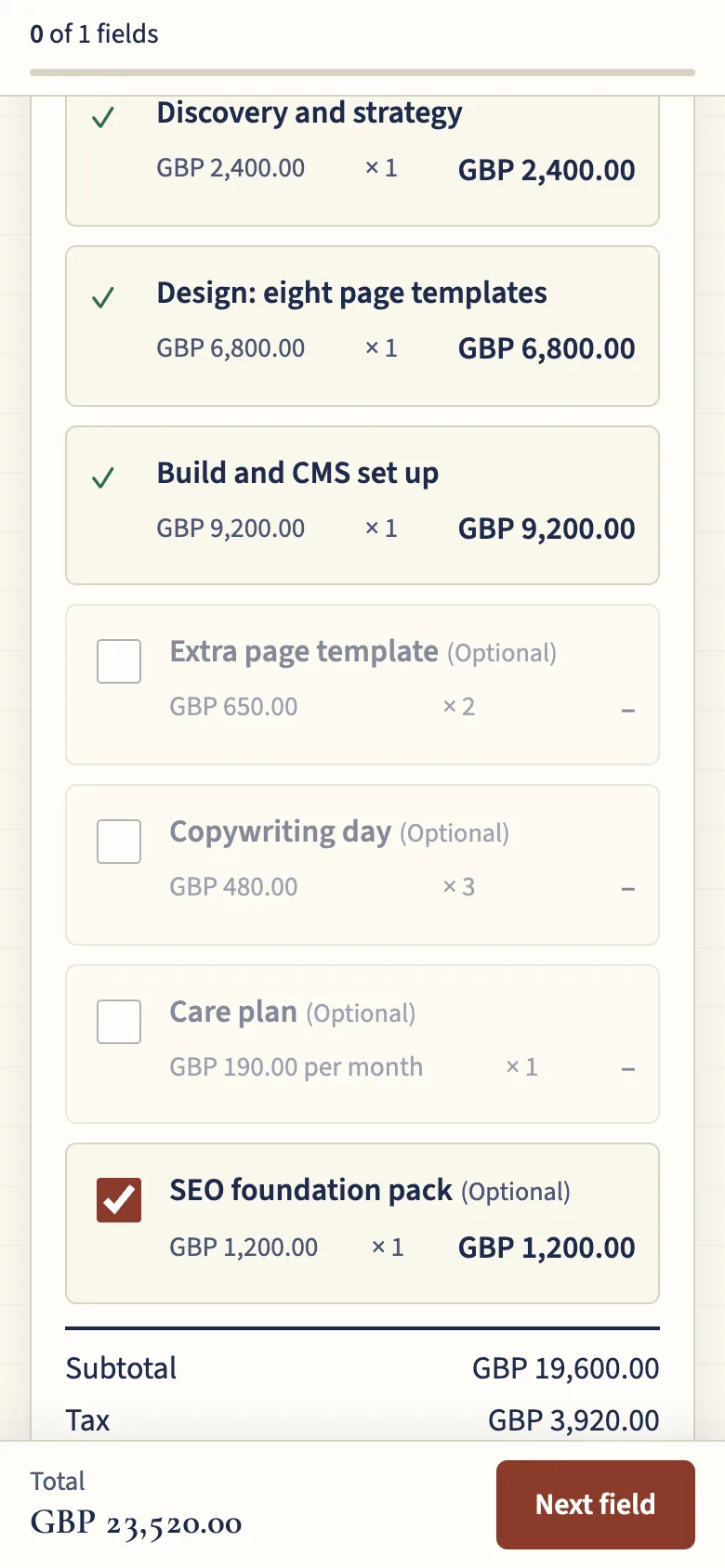
A pricing table with optional lines and editable quantities lets the client shape the deal while the total updates live, and the choices are locked once someone has signed after them.
4. Is the audit trail tamper-evident?
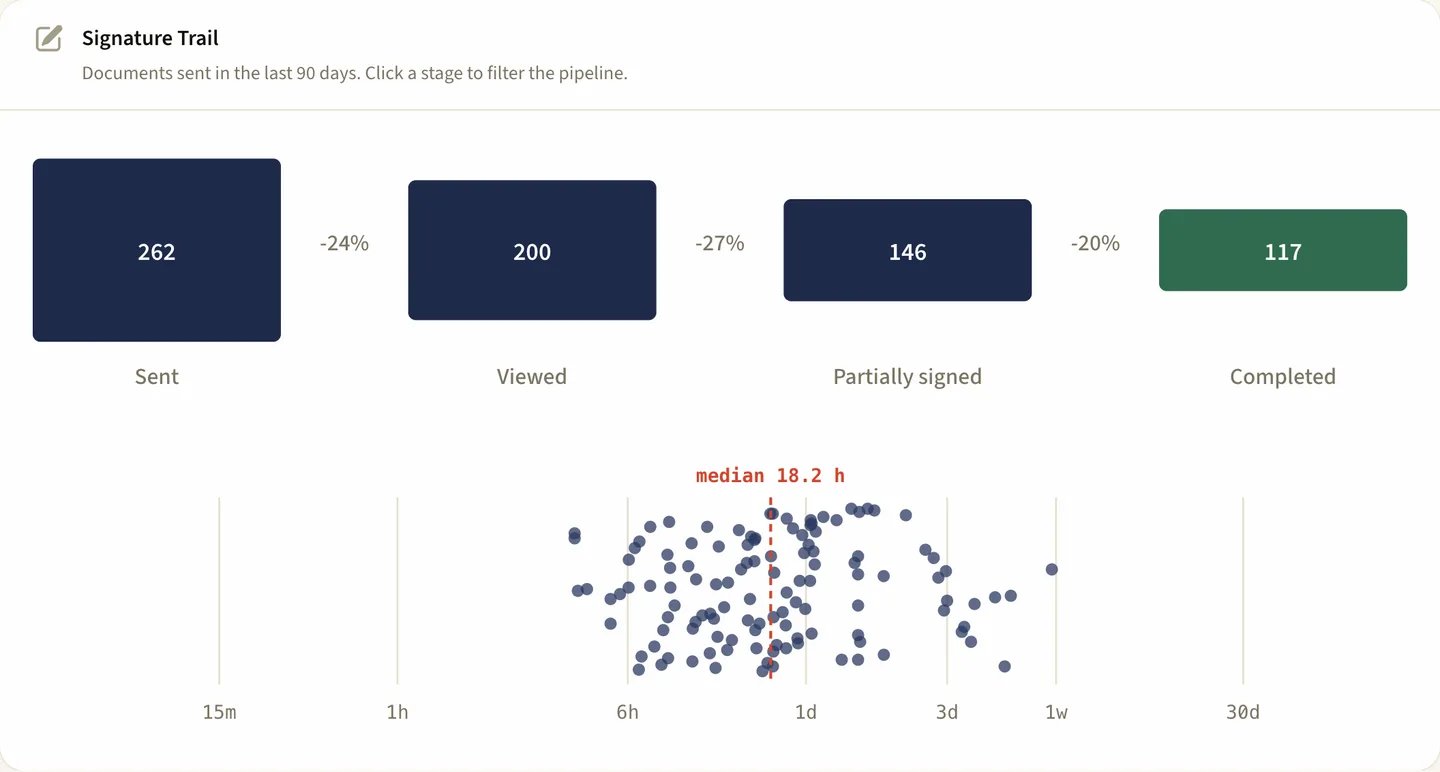
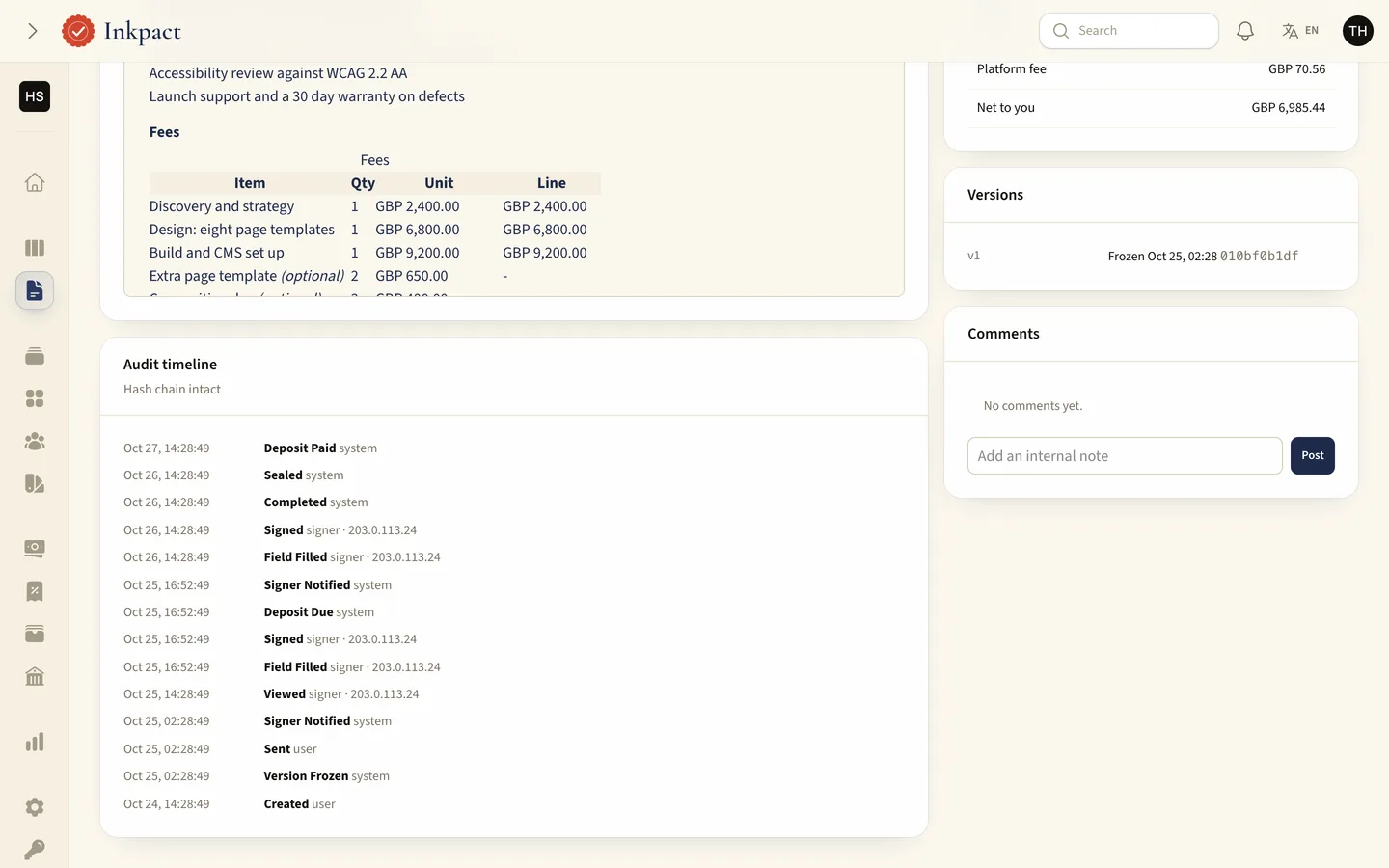
Every event is chained to the one before it with SHA-256, so a changed or deleted entry breaks the chain. The document page shows the timeline, and a check command verifies every chain.
5. Can anyone verify the final PDF?
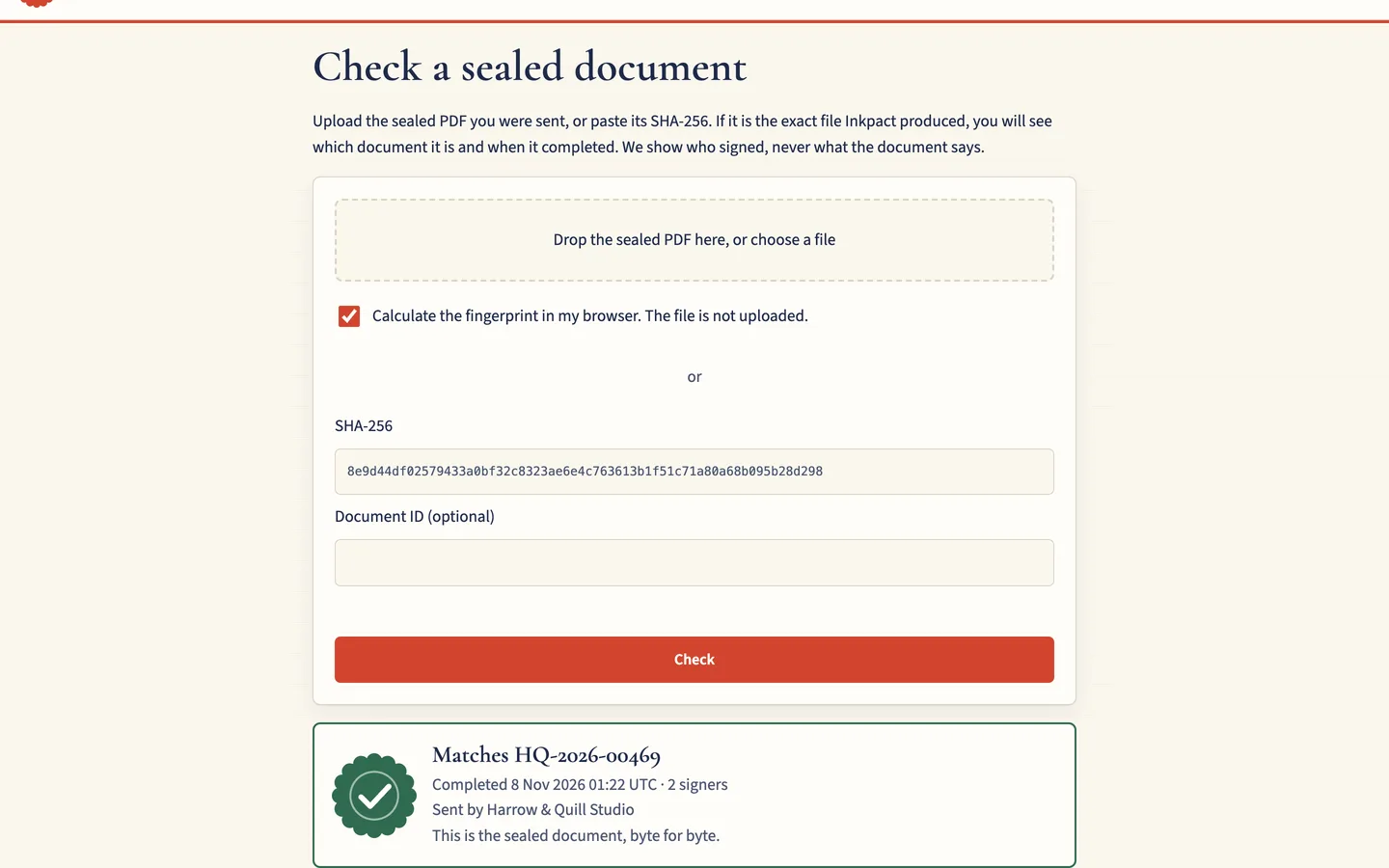
The completed document is sealed once into a PDF with a certificate of completion. Drop that file on the public verify page and it tells you whether it matches a completed document, without showing its content.
6. What happens to a deposit?
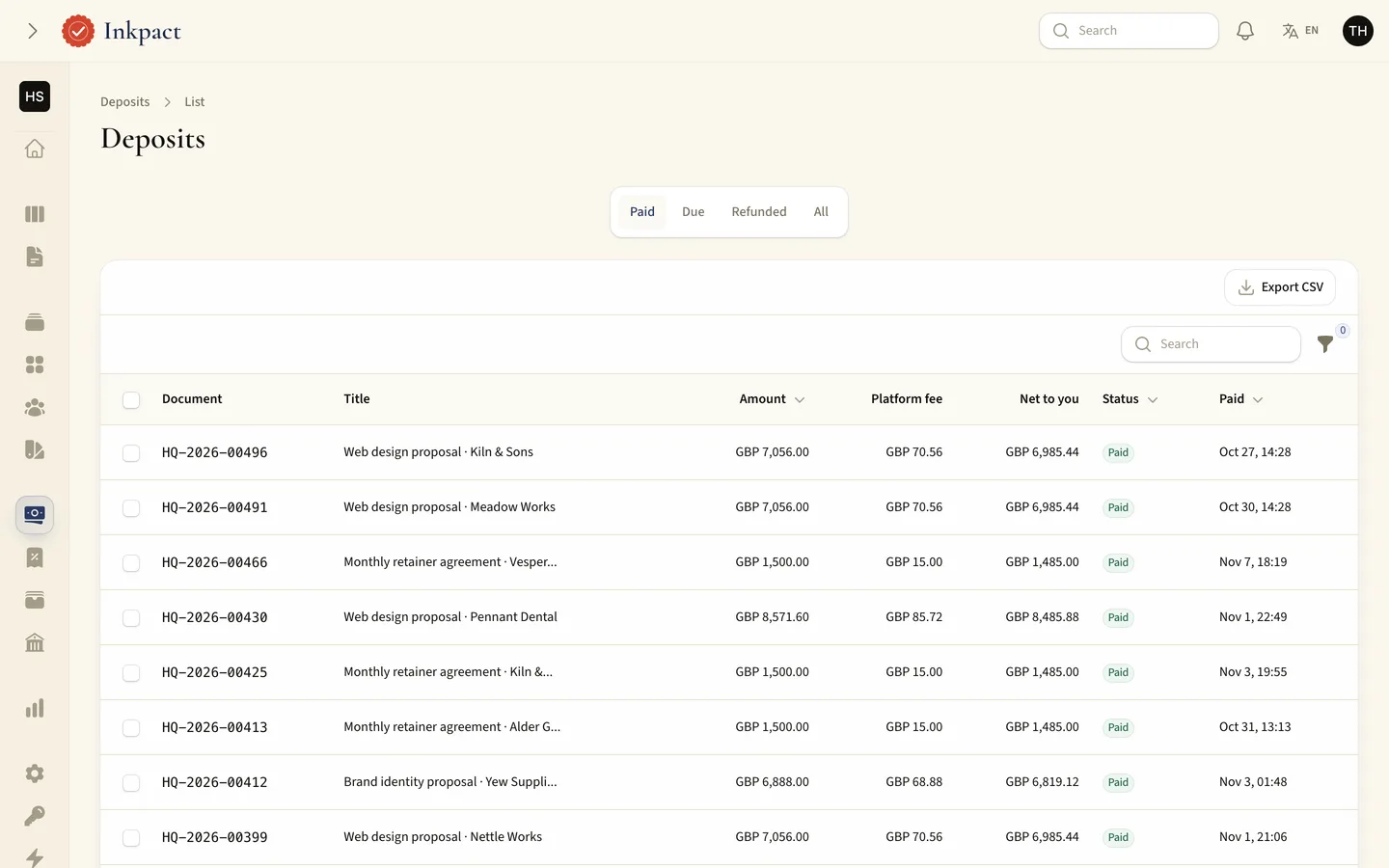
Taking a deposit on acceptance saves a round of invoicing, but late and duplicate payments need a refund path. Inkpact splits the payment between the platform fee and the workspace wallet and returns payments that arrive after a void.
7. What are the limits?
Simple electronic signatures with an evidence trail are not qualified signatures, and no identity is verified. Inkpact says so in its documentation: check what your jurisdiction requires, and use a qualified provider where the law demands one.