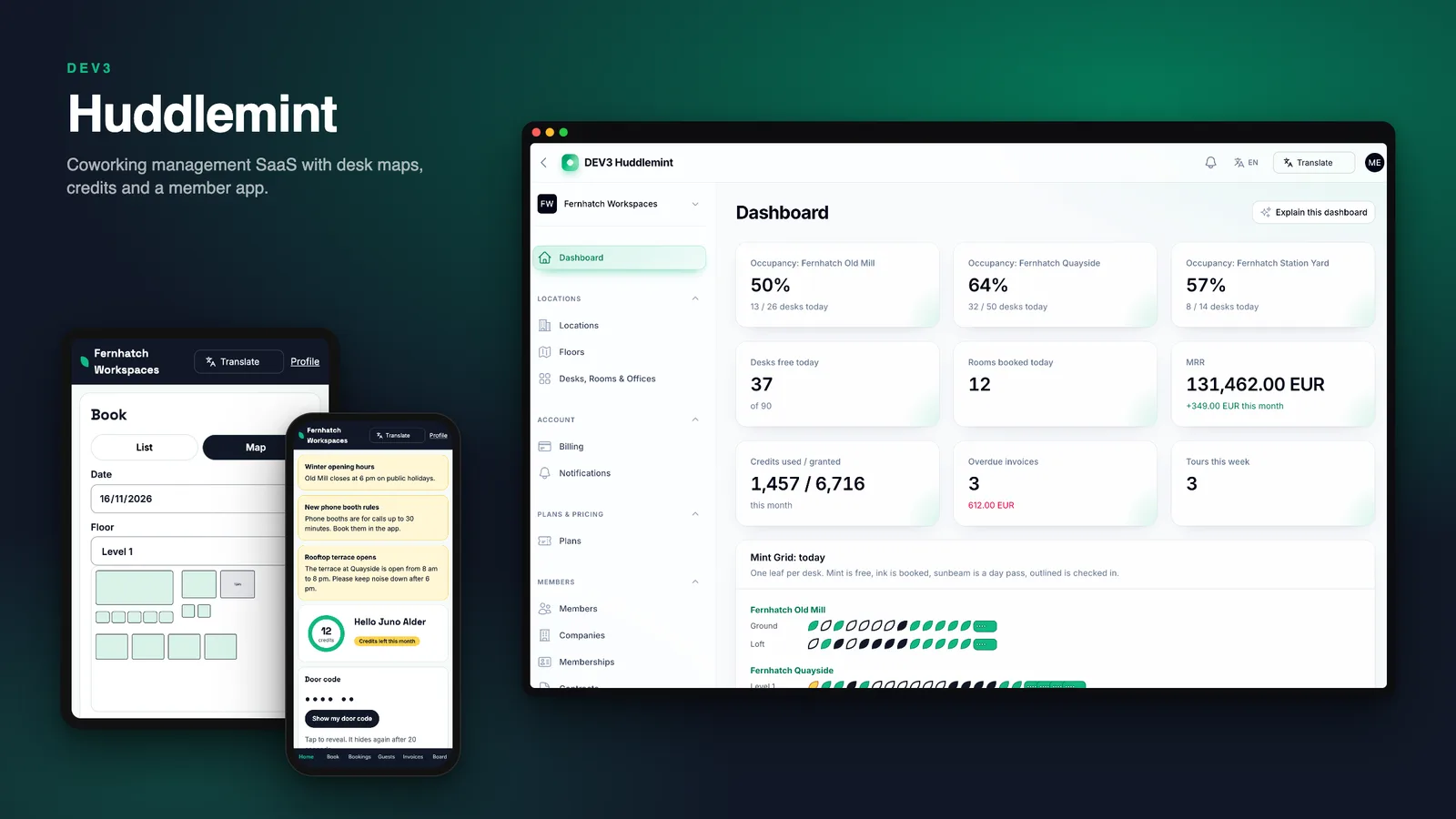
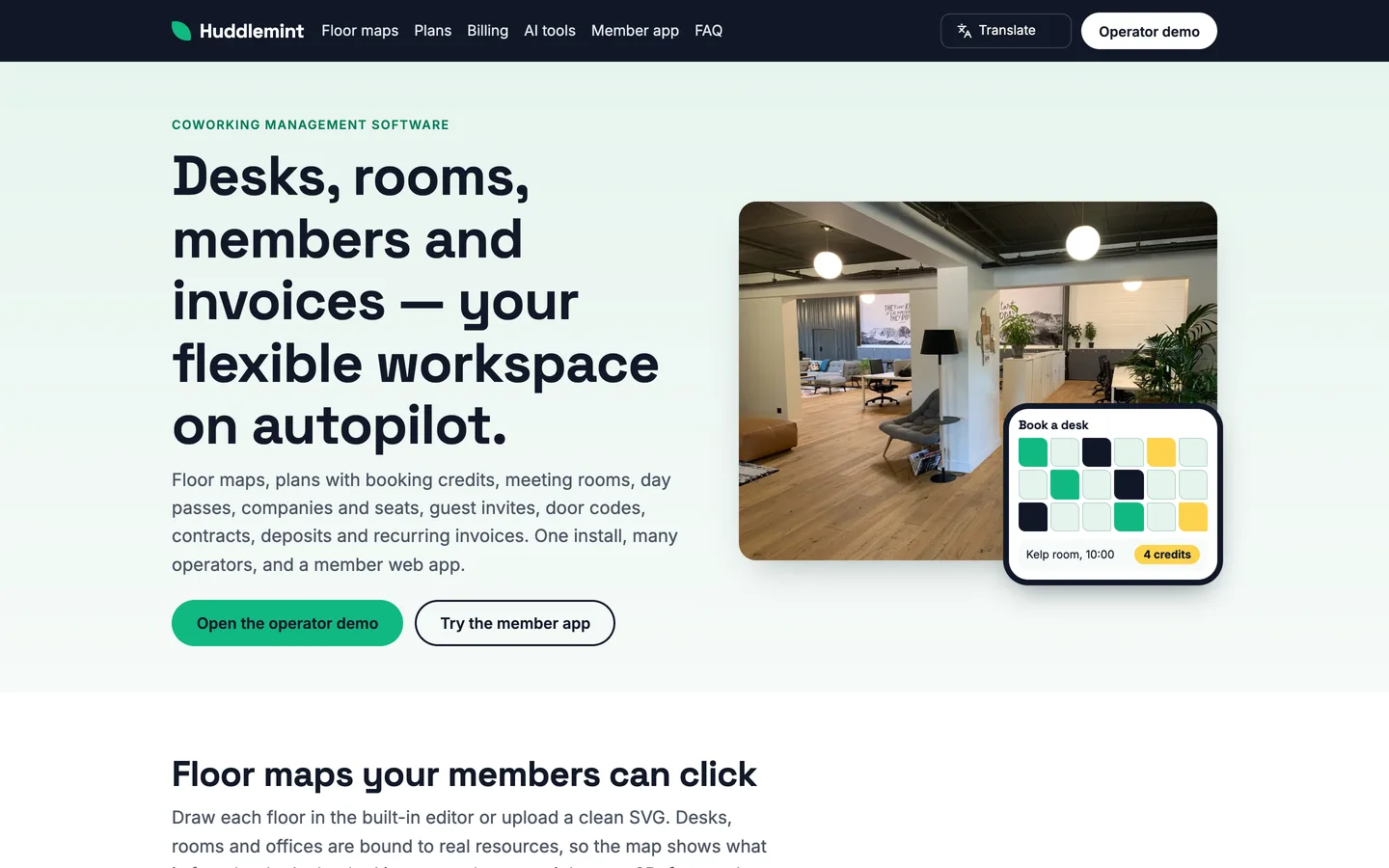
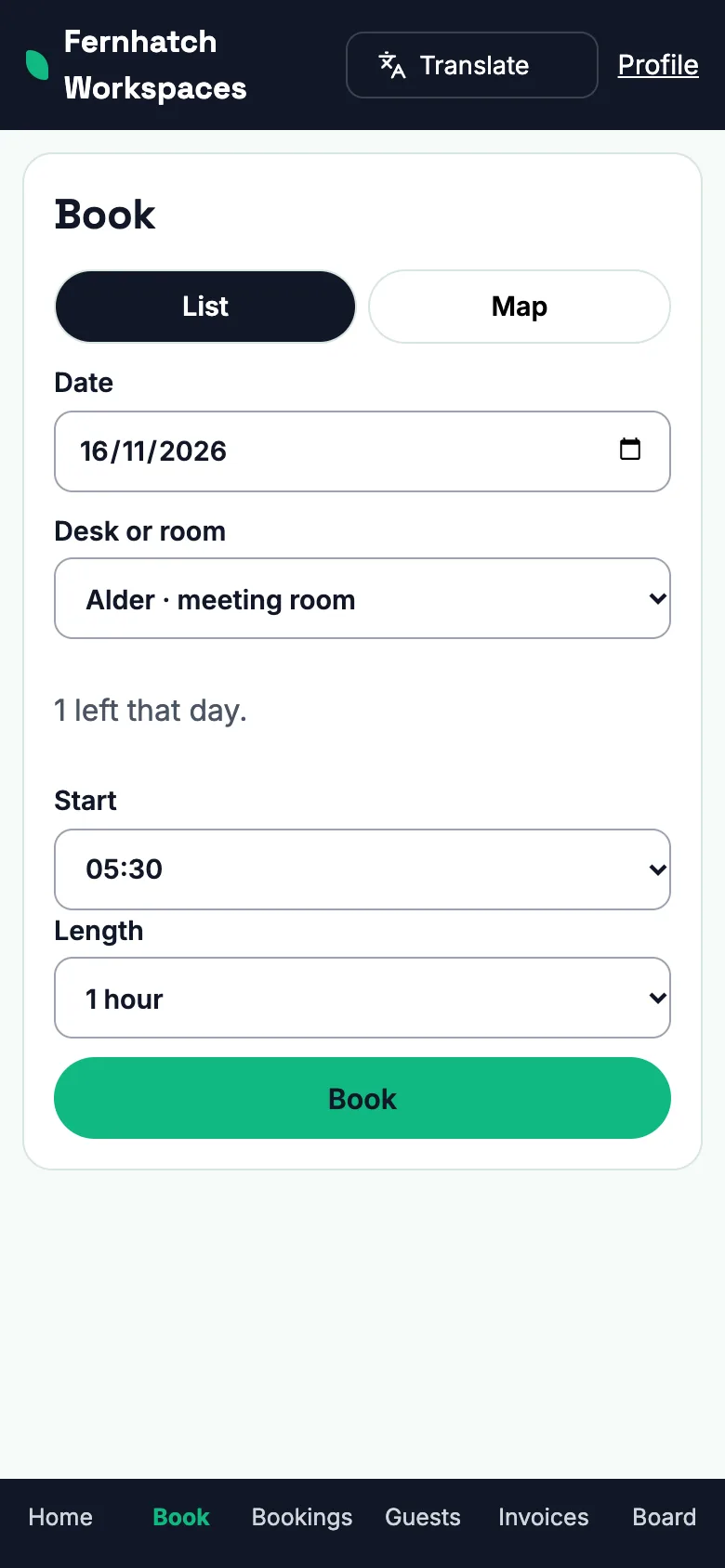
Huddlemint is the software for running coworking spaces and flexible offices. An operator sets up locations, floors with a clickable desk map, hot desks, dedicated desks, private offices and meeting rooms, then sells membership plans with monthly booking credits. Members book from an installable web app, bring guests with a one-time link, get a door code and pay recurring invoices; the operator's team runs everything from one panel. It is built by DEV3 Technologies on Laravel 12 and Filament 4 as a multi-tenant SaaS: each space operator is a workspace, and a platform admin manages operators and plans.
What it does
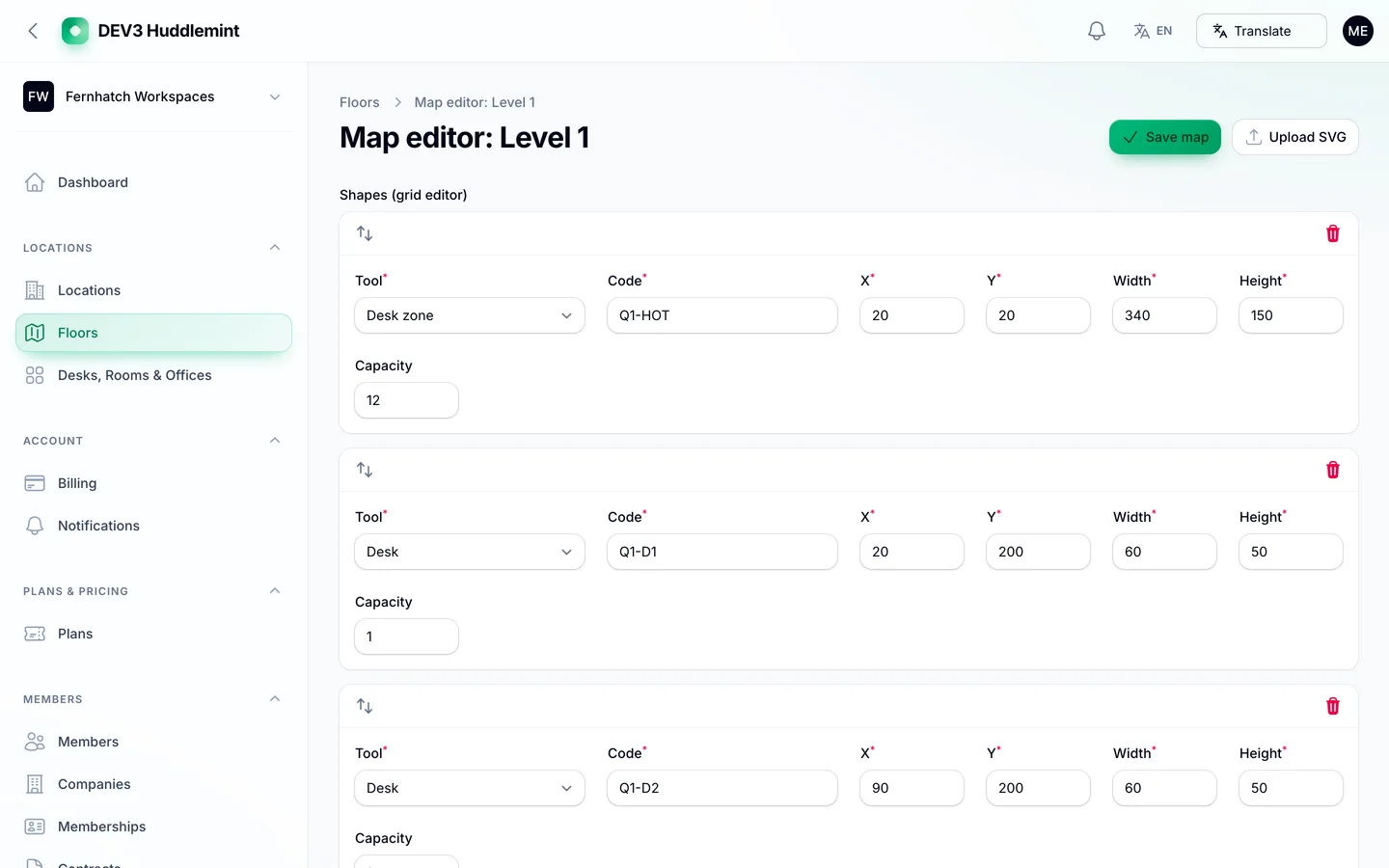
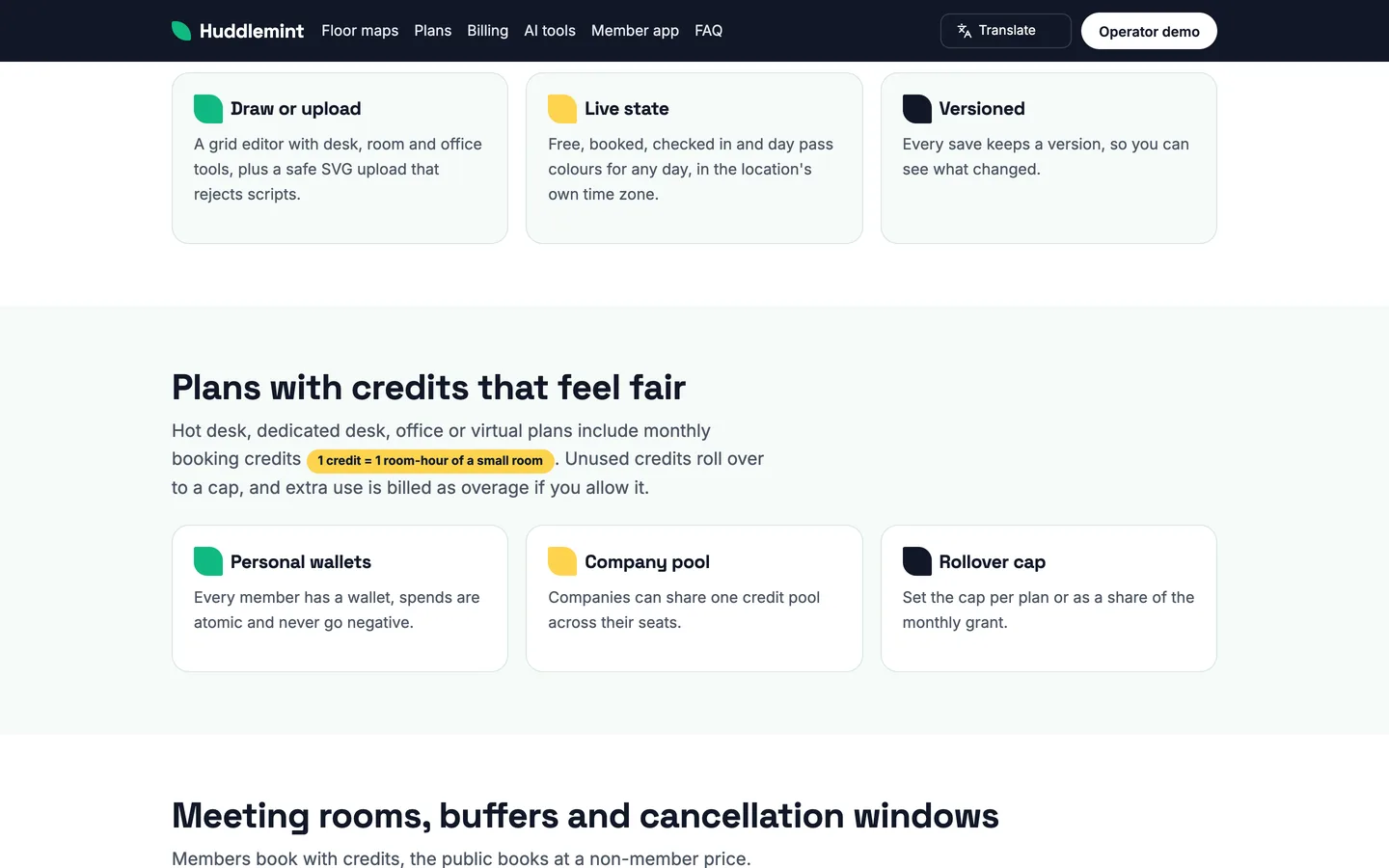
- Locations, floors and desk maps. Draw a floor in the built-in grid editor or upload a clean 2D SVG plan; desks, rooms and offices are bound to real resources and coloured by today's state (available, booked, checked in, day pass). Uploaded SVGs are sanitised and anything unknown is rejected.
- Hot desks, dedicated desks, offices and rooms. Zones count by day, dedicated desks and rooms hold 15-minute slots, and rooms have buffers, opening hours and cancellation windows. Members and non-members see different room rates.
- Plans with booking credits. Each plan grants monthly credits (1 credit is one room-hour of a small room) that members spend on rooms. Credits are spent from the personal wallet, then the company pool, then billed as overage when you allow it; unused credits roll over up to a cap you set. Wallets never go negative.
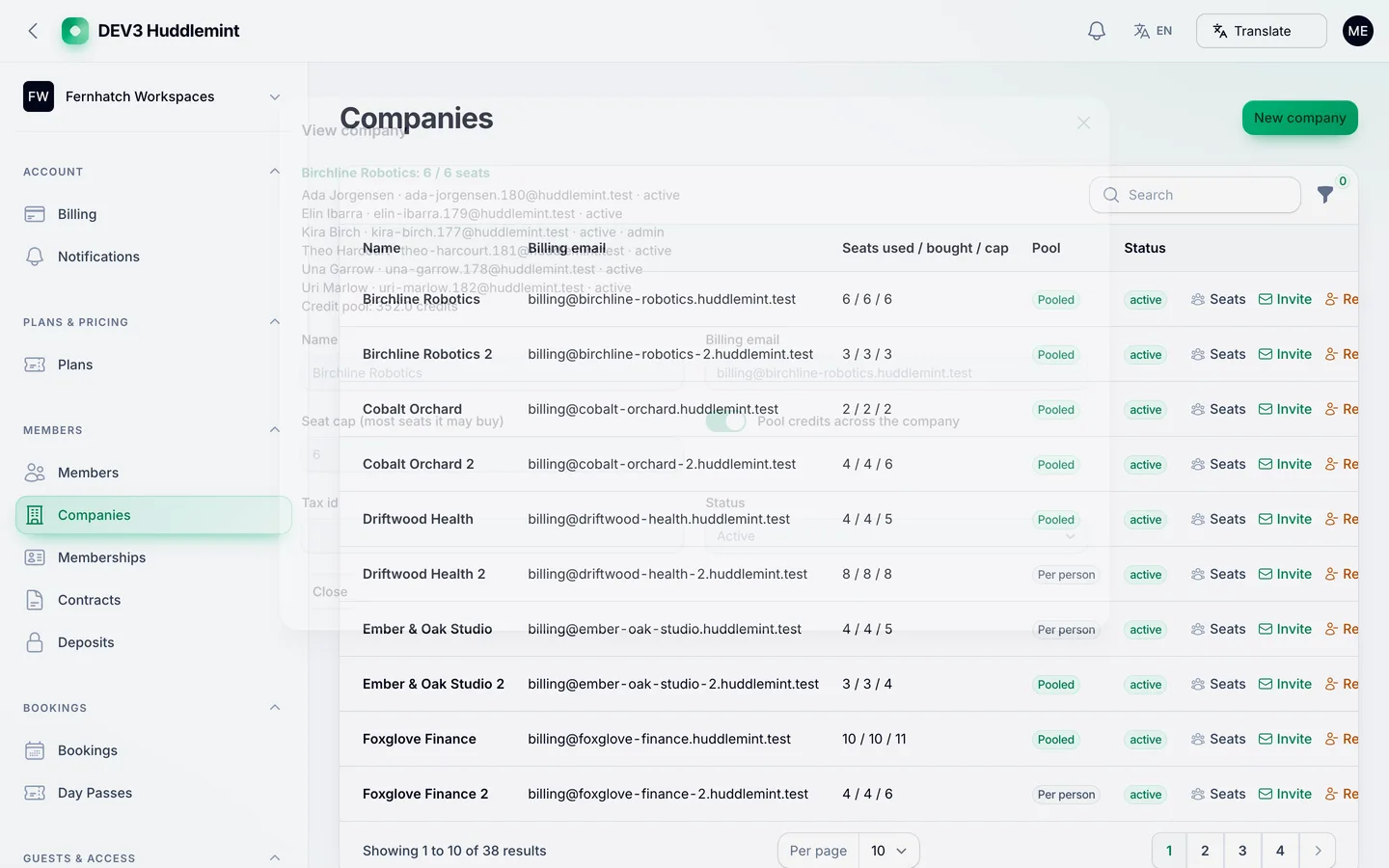
- Companies and seats. A company buys seats up to a cap, assigns people already linked to it or invites them by email, and can share a credit pool. Adding a seat bills a prorated adjustment and removing one leaves a credit note.
- Day passes and guest invites. Visitors buy a day pass on your public page and receive a code; members invite guests with a signed one-time link and a day code. The last pass or desk is never sold twice.
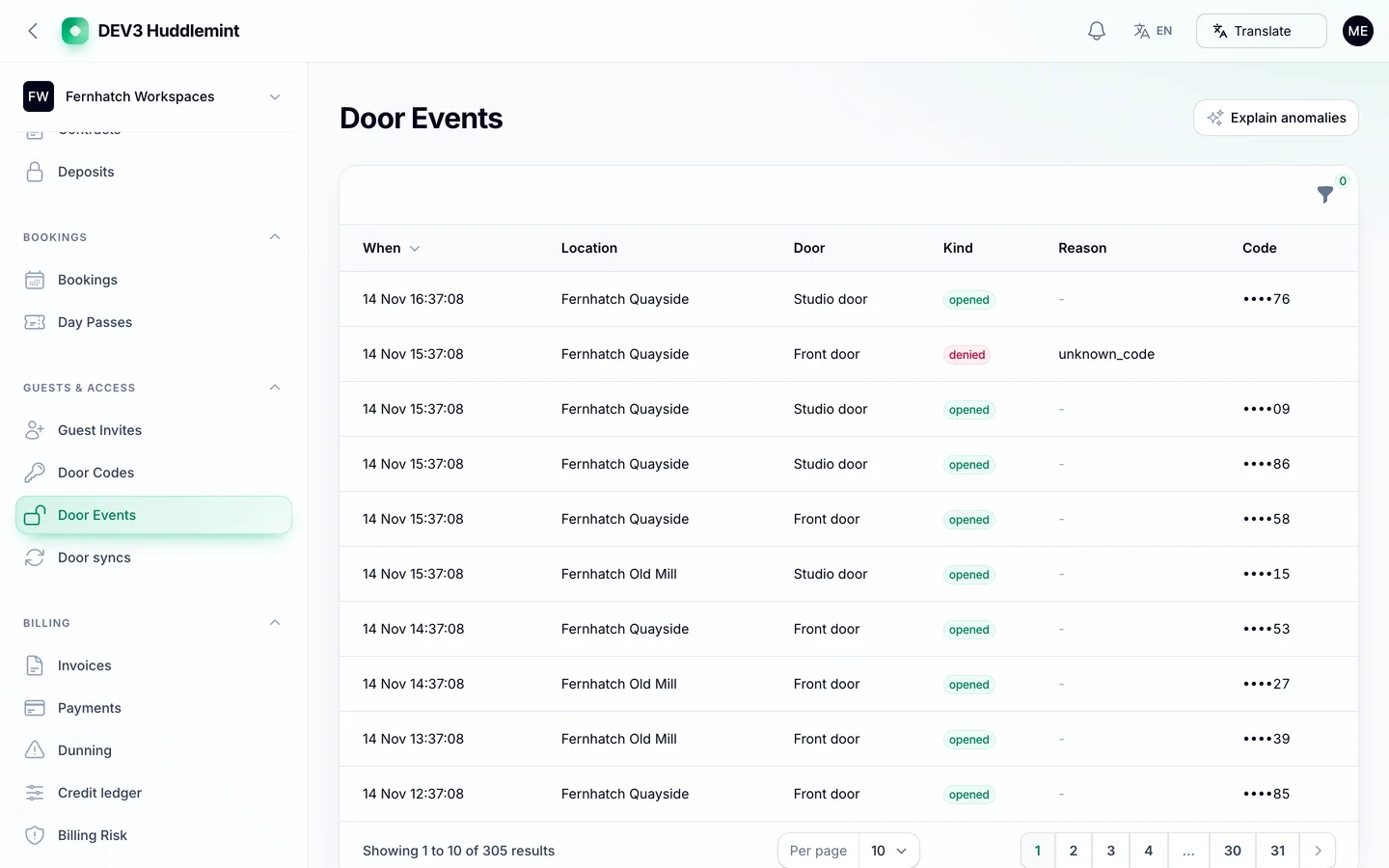
- Door codes. Every active member gets a code that is shown to them on request, masked for staff, and revoked when a membership ends or is paused. The built-in door driver is simulated; a signed generic webhook adapter calls your own controller.
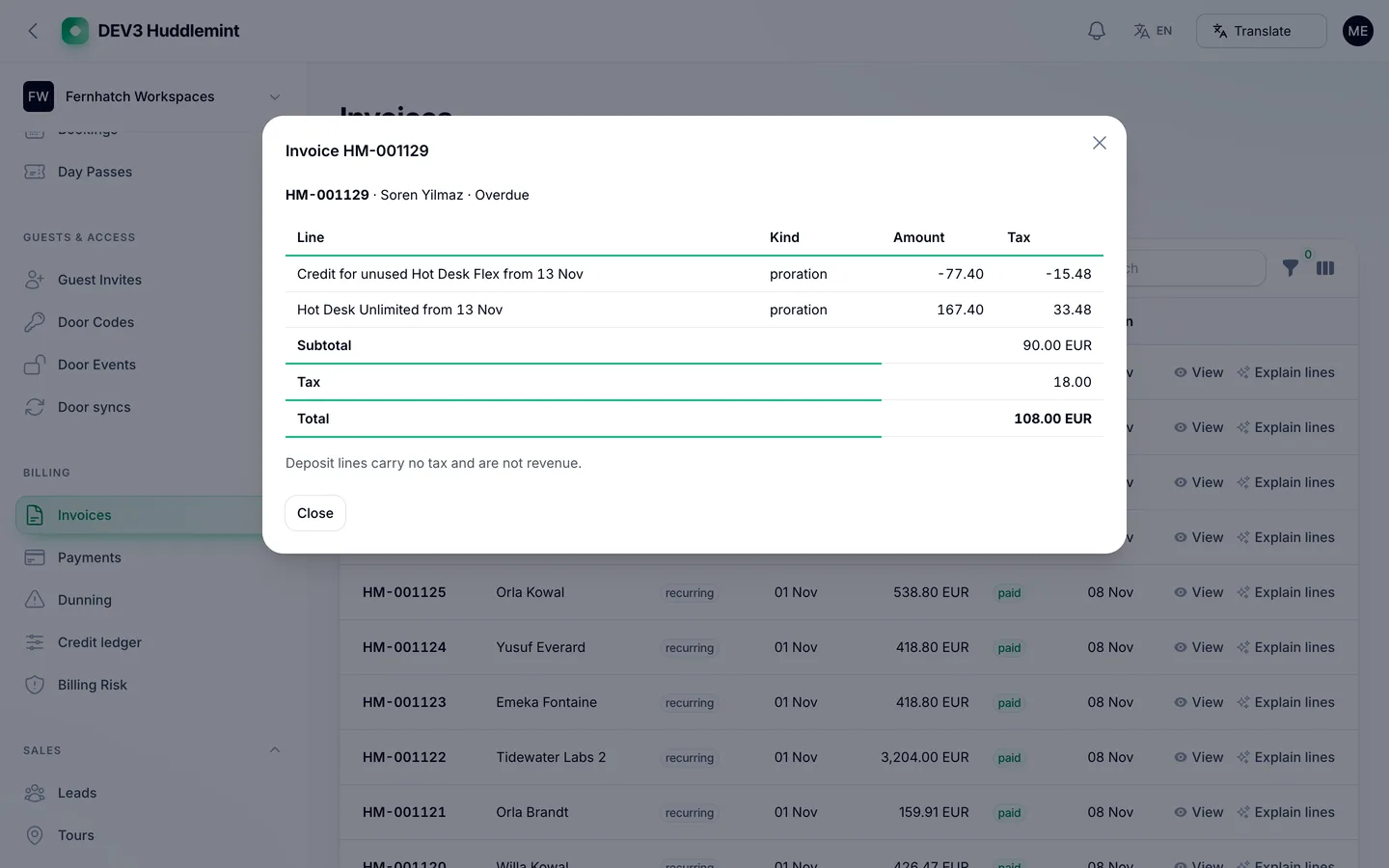
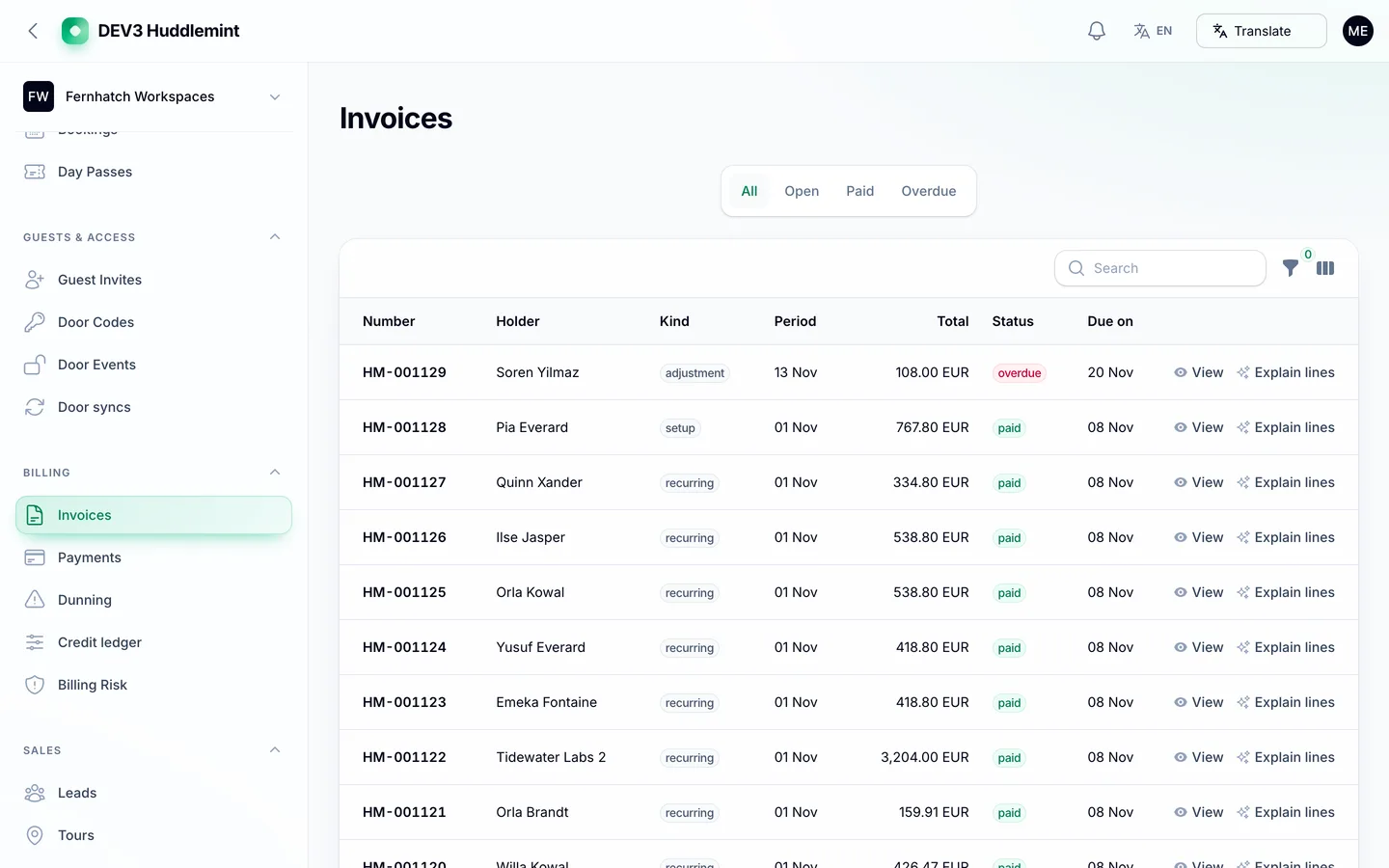
- Contracts, deposits and invoices. Typed-name contracts with a sealed audit hash, deposits held apart from revenue, and recurring invoices billed by calendar month with proration, tax per line, dunning on days 1, 4 and 8, and a pause that revokes door codes until the member pays.
- Community and sales. A members' board with moderation, events with RSVPs and announcements; leads, tour booking from the public page and a tours calendar.
- Reports. Occupancy, revenue by plan and location, credit usage, churn and room utilisation, plus hourly occupancy snapshots.
- Public site, member app and API. A public page per operator with locations, plans, day-pass checkout, room booking and tour booking; an installable member web app (PWA) with an offline shell; a key-based REST API with an OpenAPI document and four signed webhooks.
Gemini AI admin tools
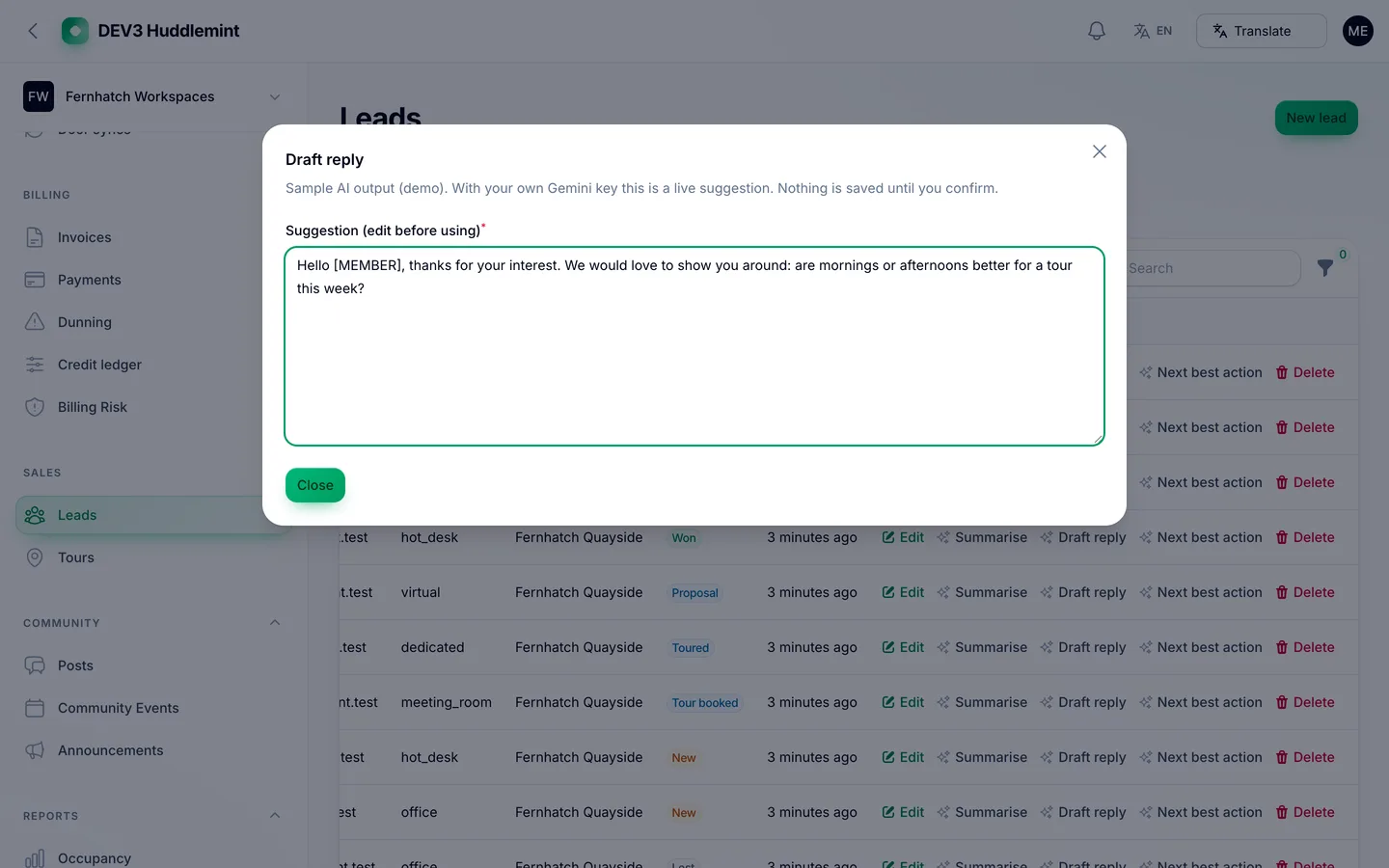
Optional, bring your own key: add your own Gemini key after purchase (Google bills your account); with no key the AI buttons stay disabled and say so. Every result is a draft you preview and edit; nothing is saved, billed, moderated, cancelled or sent automatically.
- Locations and plans: write a description, improve a title and suggest tags.
- Members: an "Ask in plain words" filter checked against an allow-list of fields, a member timeline summary and a members CSV clean-up.
- Bookings and reports: explain utilisation, explain any report and suggest a next best action.
- Billing: flag renewal and churn risks from aggregates, and explain invoice lines.
- Sales and community: summarise a lead, draft a reply, suggest a next action; rewrite a post, suggest tags and classify posts for moderation; write an event description.
- Door events and settings: flag odd door-event patterns and explain what a setting does.
Names, emails and company names are replaced by tokens before any call, and door codes, guest tokens, contract text and payment data are never sent. There is no AI in the member app. A Google Translate language switcher (English, Spanish, Portuguese, French, German and Dutch) sits in the public header, the member app and the admin bar; private areas are excluded from translation.
Quality checks
The release passed seven gates on the final code: Larastan level 6 with 0 errors, a Pest suite of 414 tests including 53 independently checked money vectors, a build with a 20 KB gzip page budget and no 3D, migrations and the full demo seed on MySQL 8 and SQLite, a headless smoke test over 113 pages plus 19 MySQL race checks (last hot desk, same room, credit double-spend, seat cap, repeated payment key, last day pass, pausing while a door code rotates), the web installer driven from the zip, and a secret scan. A consistency command (huddlemint:check) proves wallet balances, bookings, seats, invoice totals and door codes agree on the demo data.
What you should know before buying
- Billing is by calendar month. Whole months are billed in advance on the 1st; the first invoice is prorated from the start day. There is no per-member billing anchor day.
- Payments are simulated until you connect a gateway. A Stripe adapter is included and off by default; the simulated driver refuses to run outside demo and local environments.
- Door access issues codes. Connecting a physical access-control system needs your vendor's API through the generic signed webhook; no hardware packs are included, and the demo driver is simulated.
- The REST API and webhooks depend on the operator's platform plan. Operators whose plan does not include the API get a clear refusal.
- Contracts use typed-name e-signatures with an audit hash. They are not qualified electronic signatures.
- Floor plans are 2D. Draw them in the editor or upload an SVG.
- The member area is an installable web app. No native mobile app is included.
- Your own Gemini key. Add it in Settings; Google bills your account and no AI usage is included. AI name-redaction can miss very short first names, so review a prompt before relying on it.
- Translate privacy. The language switcher needs Google's widget to load in the visitor's browser and sends page text to Google; private areas such as member profiles, invoices, door codes and contracts are excluded.
- Use MySQL or MariaDB for a live site; the concurrency checks were run on MySQL 8. One cron entry every minute is required.
Included
Source code, the web installer, a buyer guide, and demo data for a fictional operator, Fernhatch Workspaces (3 locations, 6 floors, 60 desks, rooms and offices, 9 plans, 38 companies, 309 members, about 3,450 bookings and 1,130 invoices) plus a second small operator, and six months of support.
 Floor maps — every desk and room is a shape on a 2D plan members can click.