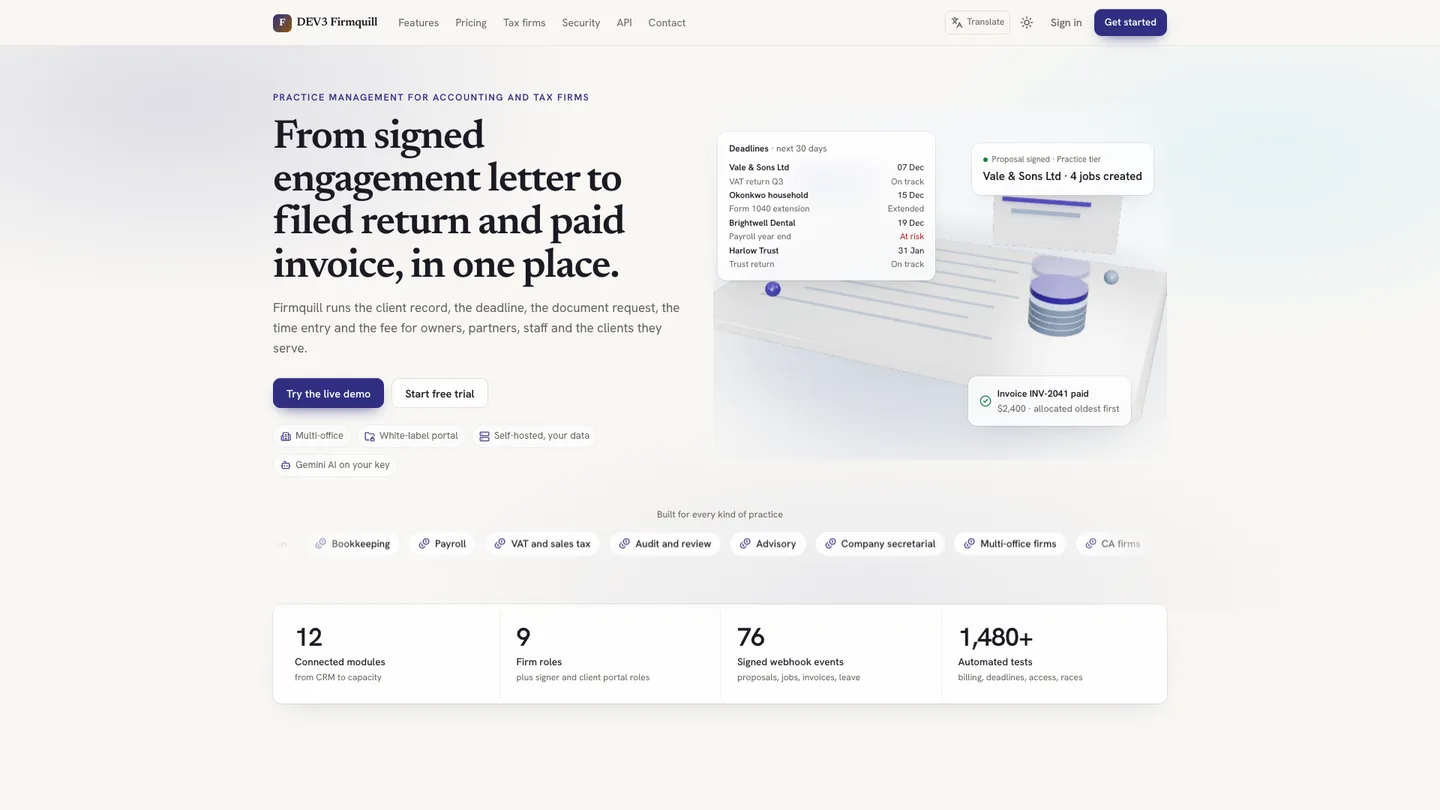
 Home — A plain-language page for accounting firms: portal, proposals, deadlines and billing in one place.
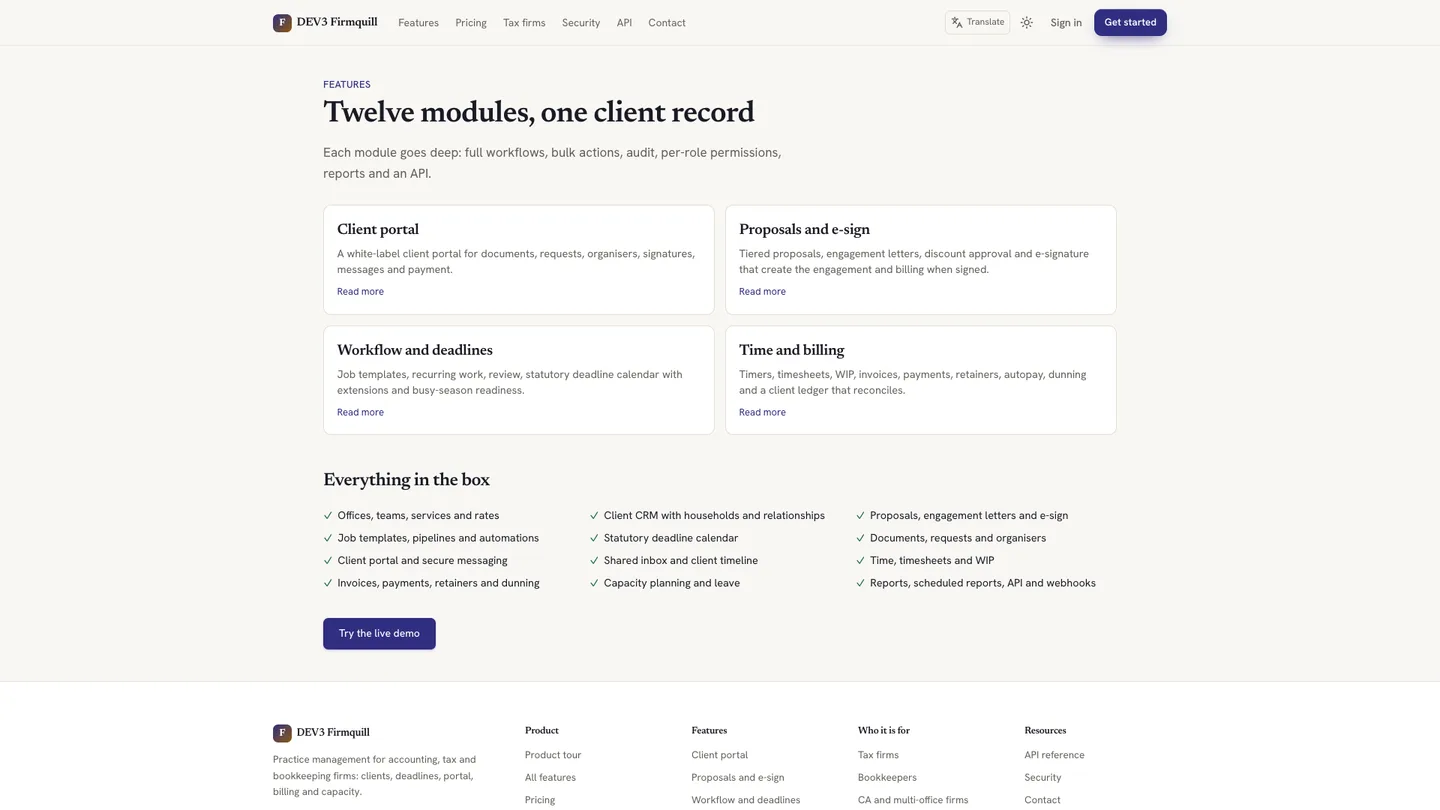 Features — Every module of the practice on one page.
Accounting practice management software: 6 things to check before you pick one
Last updated
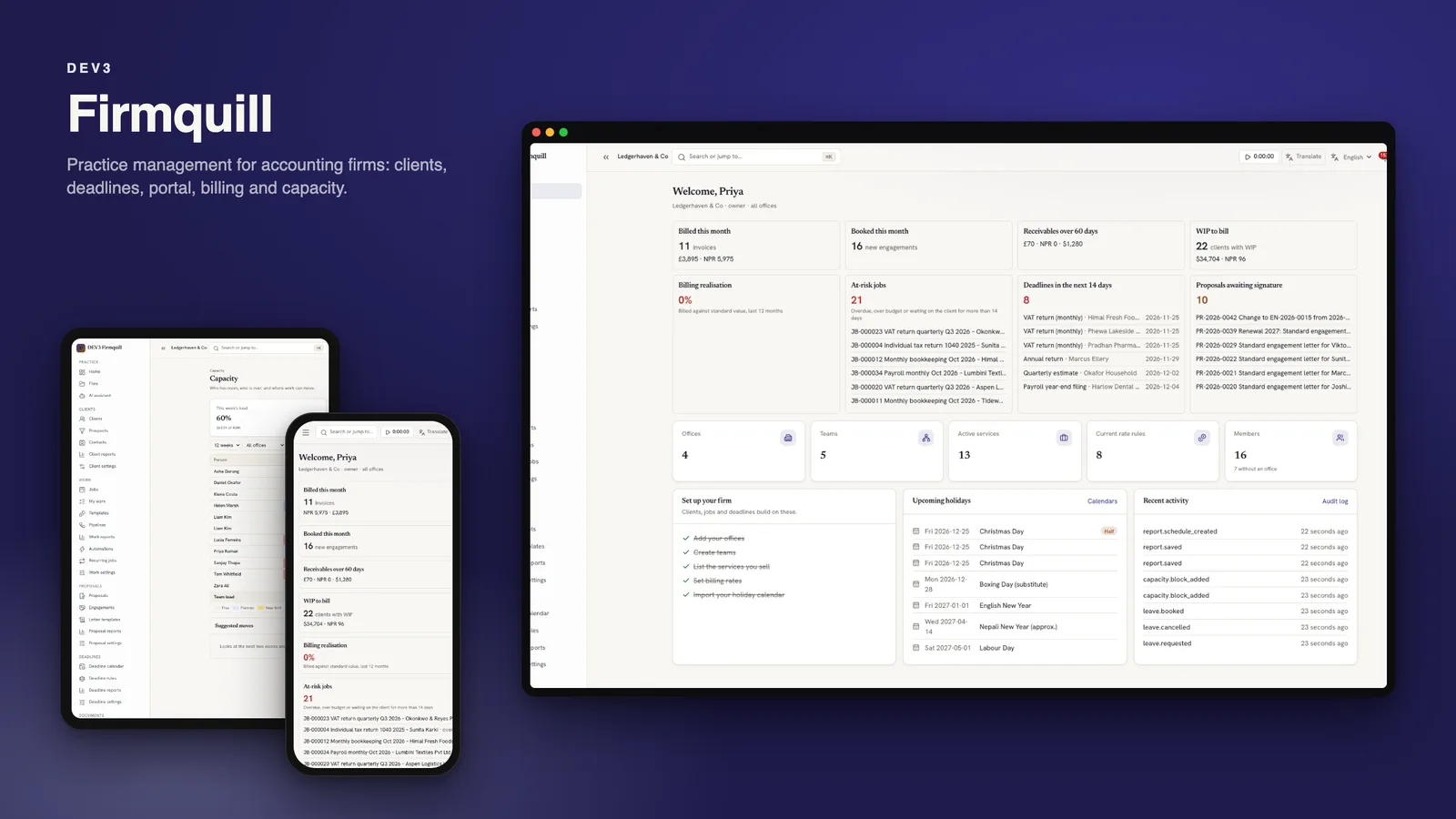
Practice management software looks alike in a feature list until you ask the awkward questions: who can see a restricted client, what happens when two people move the same job, and whether an hour can be billed twice. Here are six things to check, with DEV3 Firmquill as the worked example.
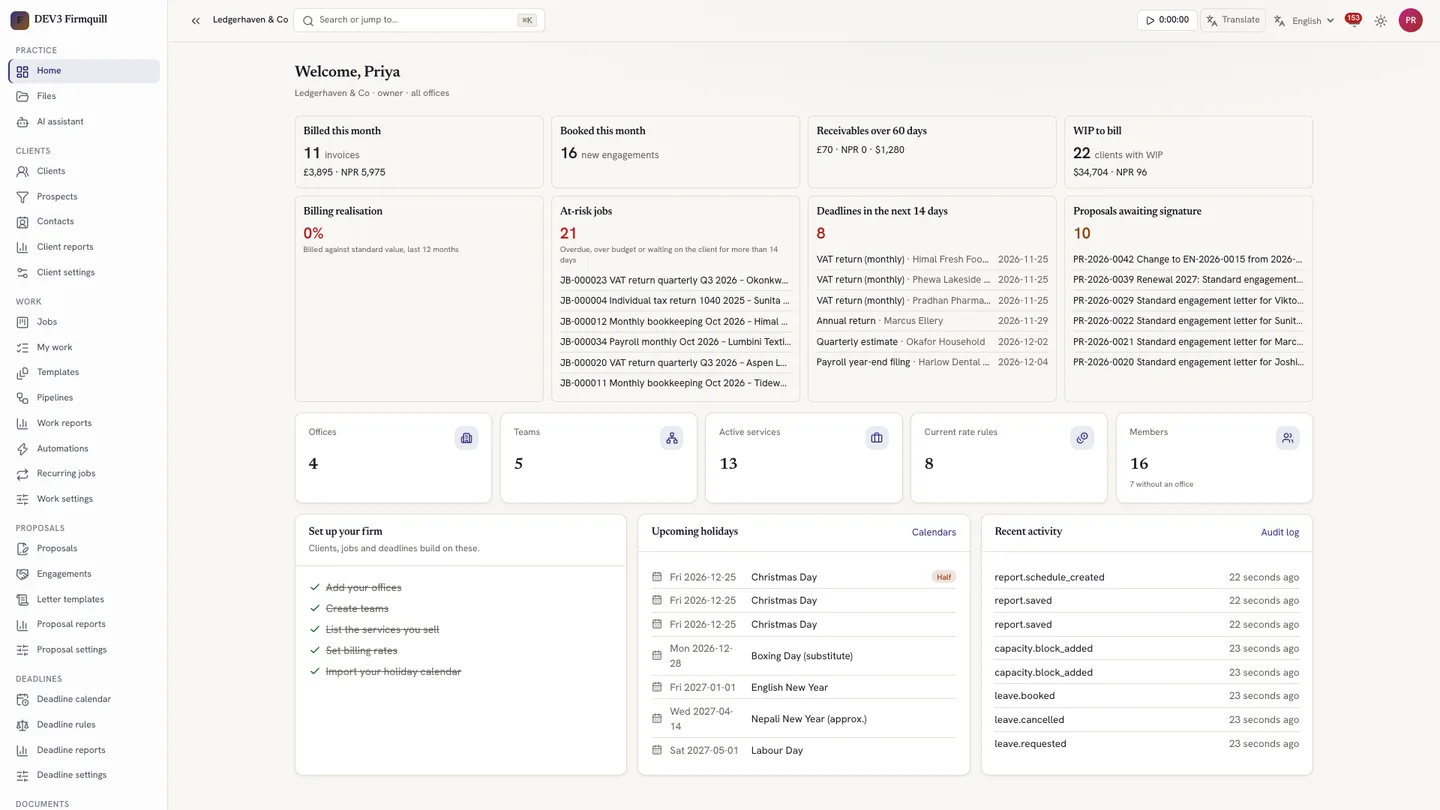
1. Is client data protected by design?
Tax IDs and dates of birth should be encrypted, masked on screen and revealed only with a reason that is logged. Restricted clients must disappear from search, exports and reports, not just the list. Firmquill encrypts per firm and filters restricted clients on every path.
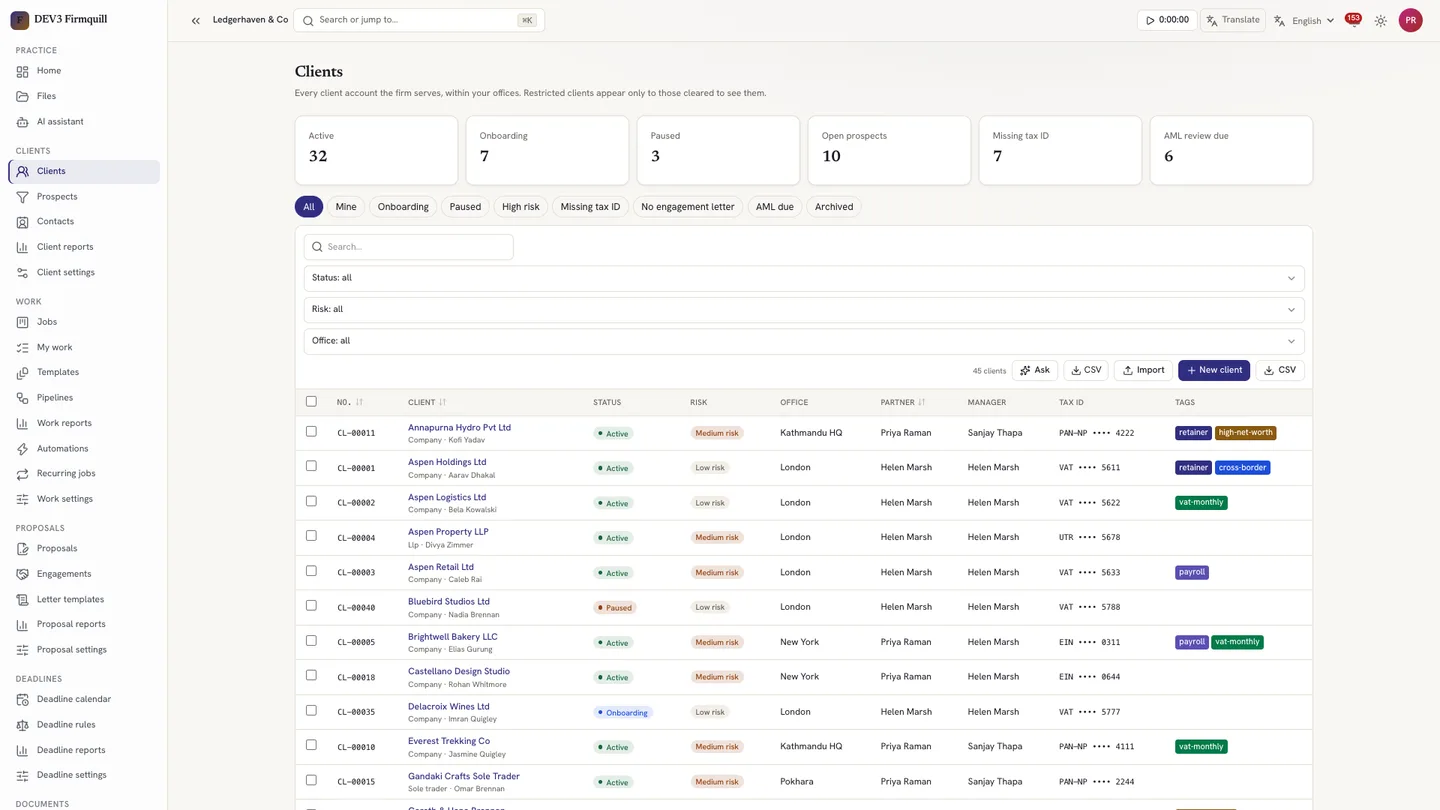
2. Does the engagement letter start the work?
A signed letter should create the recurring jobs and the billing schedule, once. Firmquill seals each sent version, accepts it exactly once and then creates the engagement, the job schedules and the invoices plan.
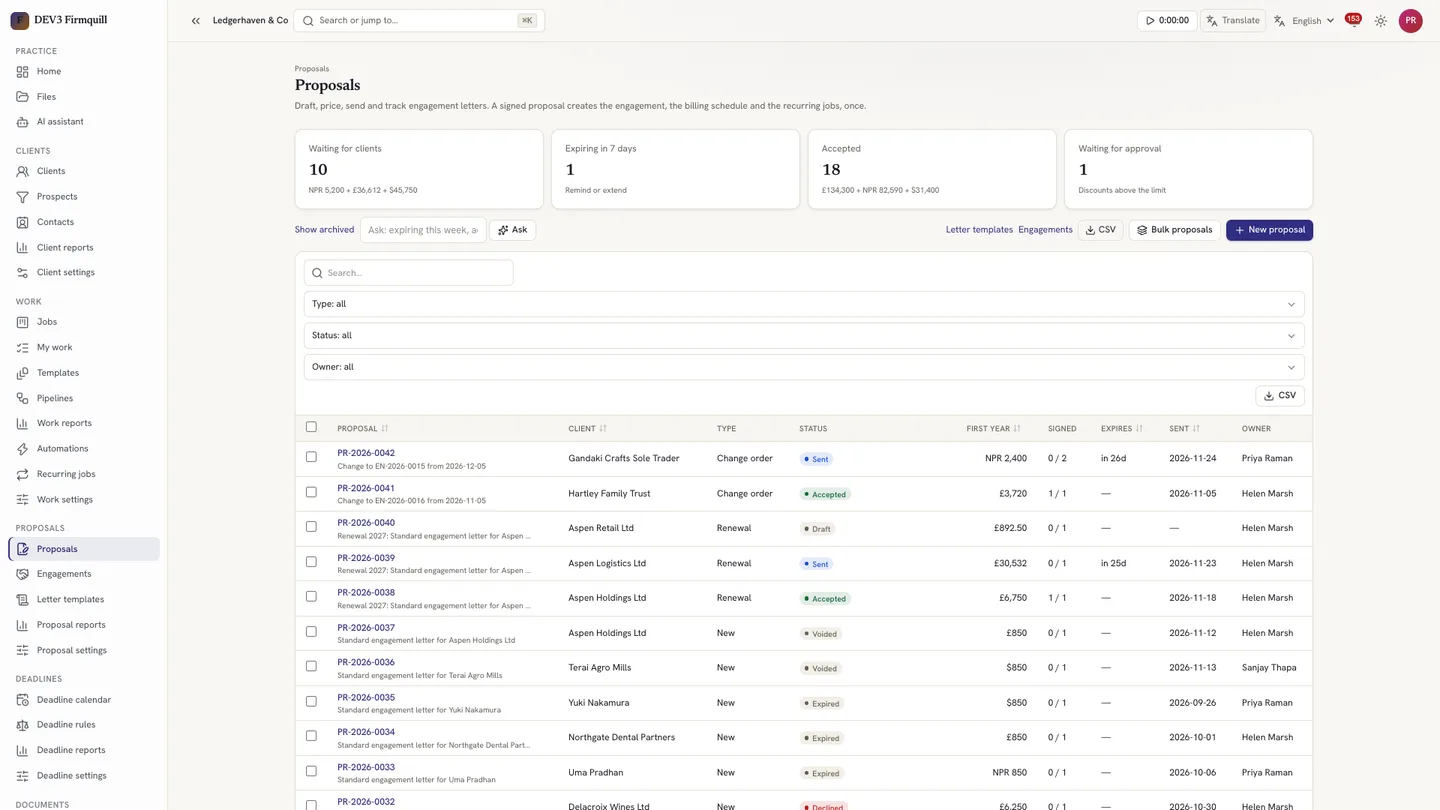
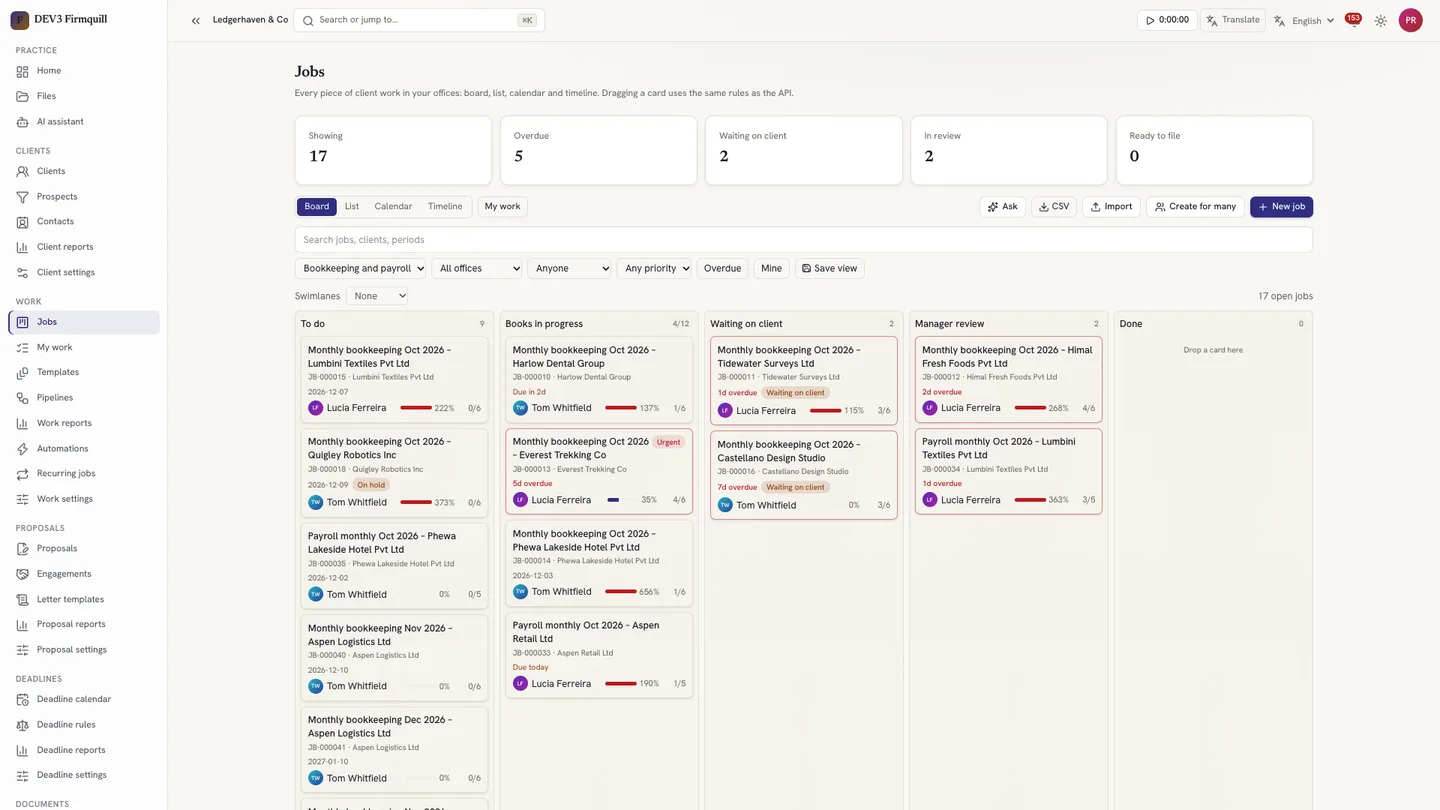
3. Are jobs and review a real workflow?
Look for pipelines with a review loop: send-back notes that must be cleared, and a sign-off that a later note withdraws.
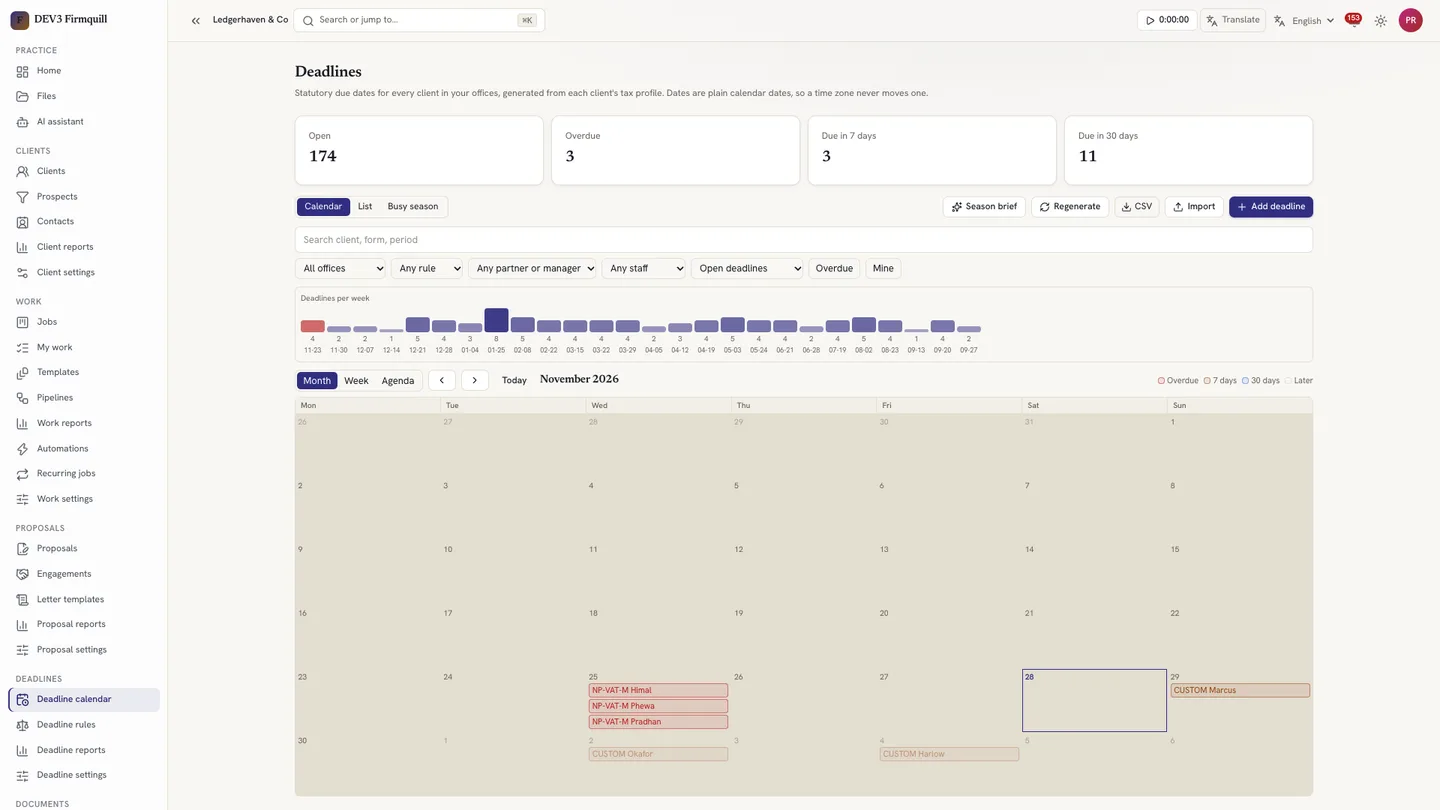
4. Are statutory deadlines generated, not typed?
Deadlines should come from the client's tax profile and rule packs for each jurisdiction, with extensions in bulk.
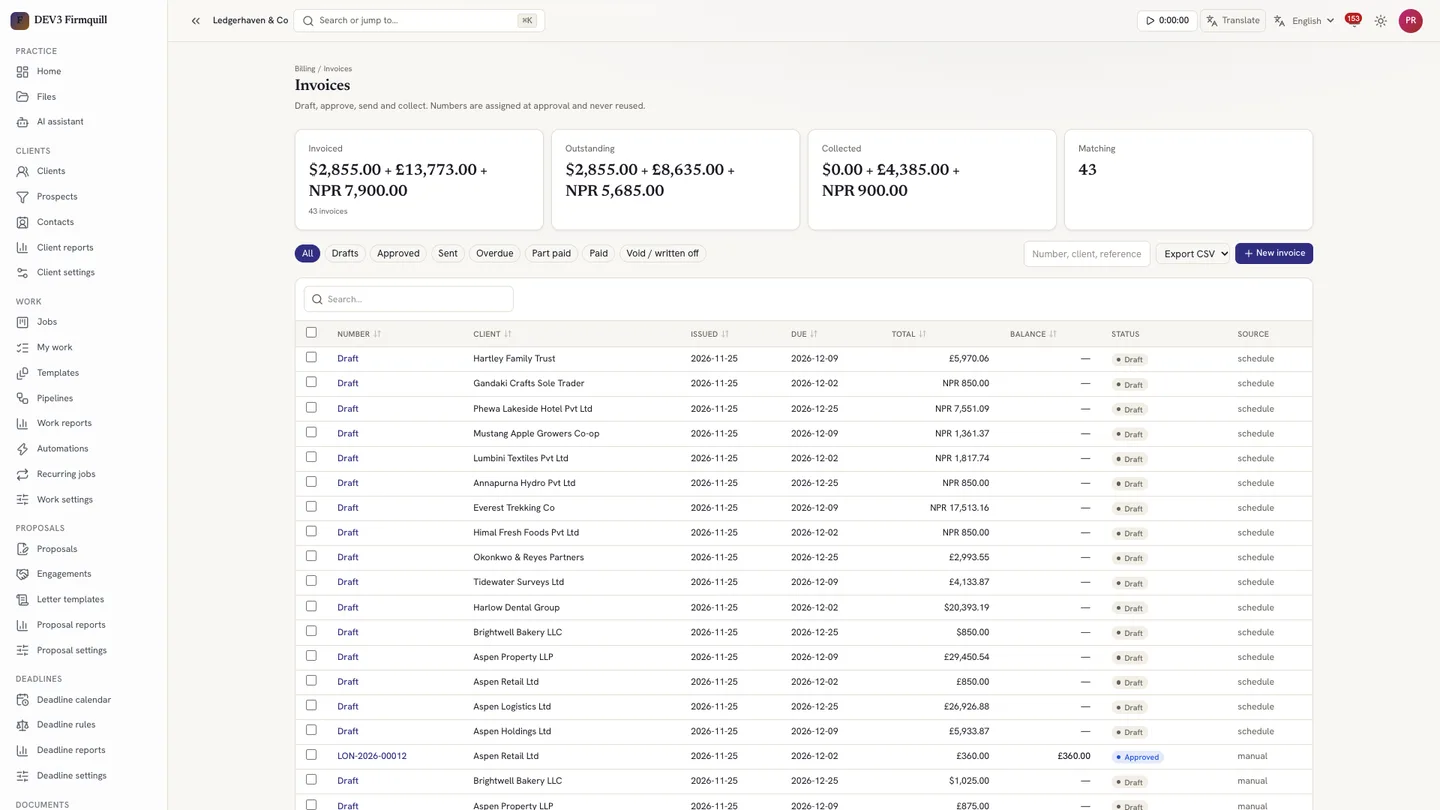
5. Does time turn into invoices without leaks?
Approved time becomes WIP, WIP becomes an invoice, and each hour is claimed once. Collections should show who owes what and chase it.
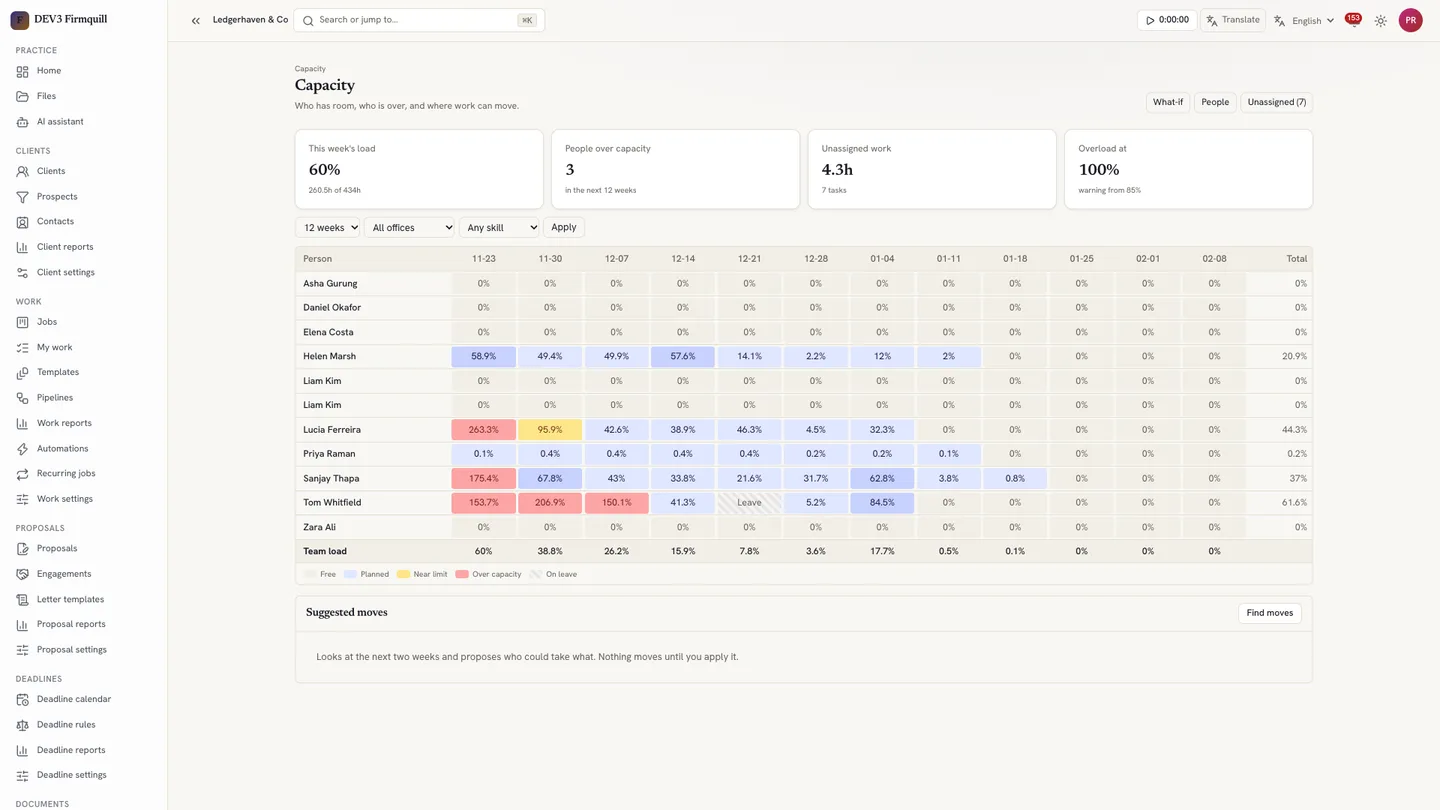
6. Can you see capacity before the busy season?
A heatmap of remaining task budgets against leave and holidays shows who is overloaded weeks ahead.
Honest limits
Firmquill does not prepare or file tax returns, payments are simulated until you add a gateway, and accounting and mailbox connectors are simulated drivers. You run it yourself on Node.js and MongoDB.