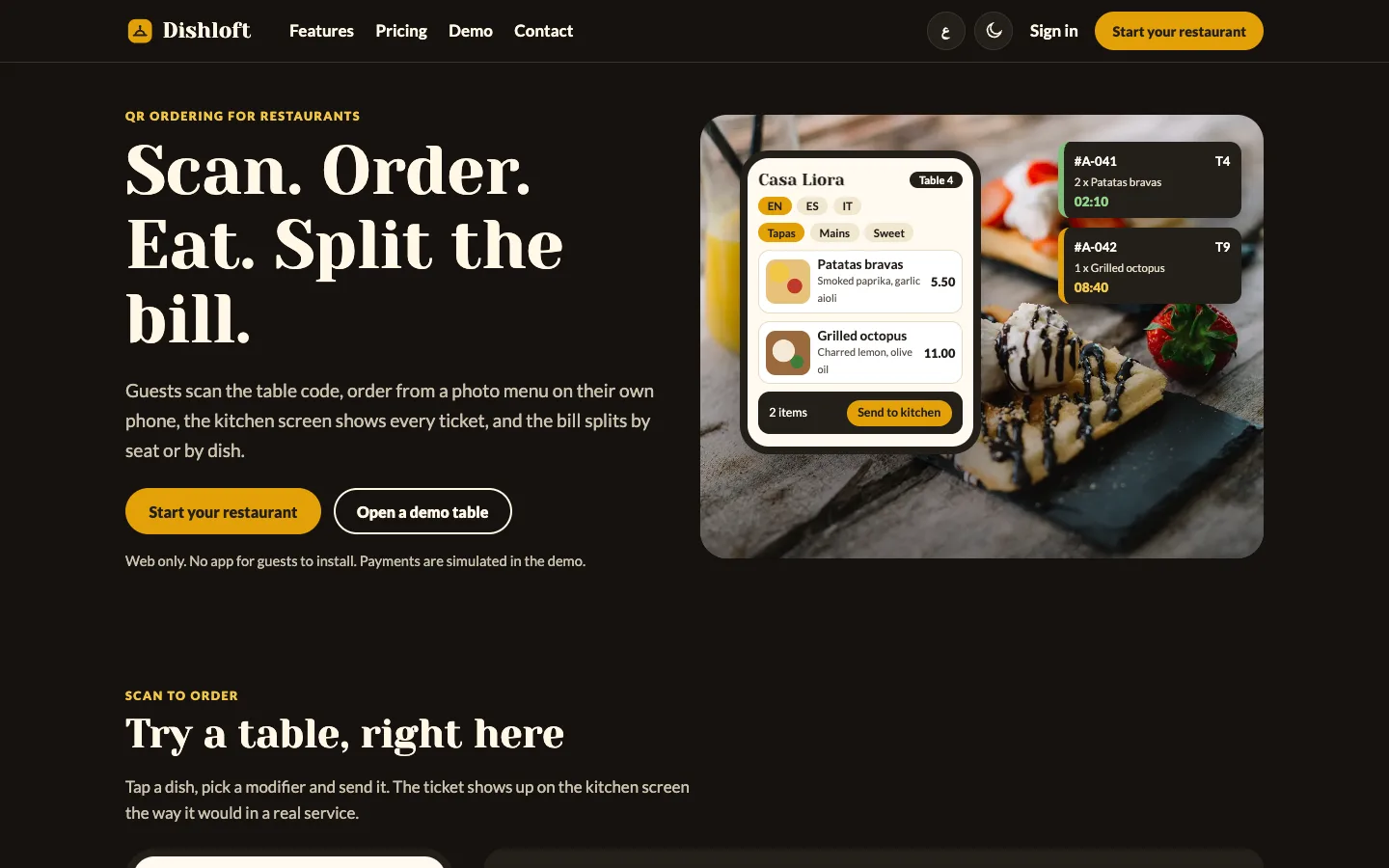
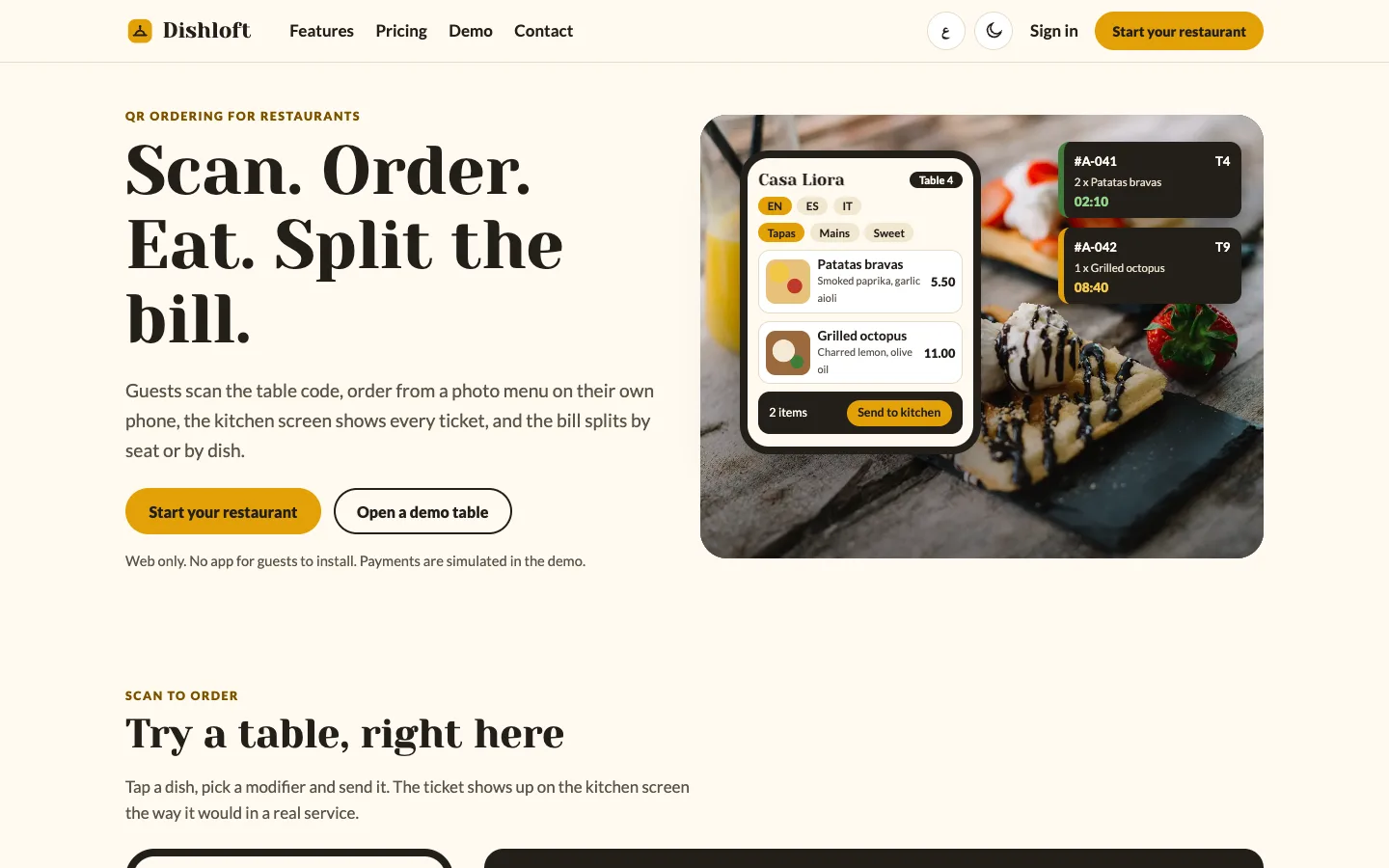
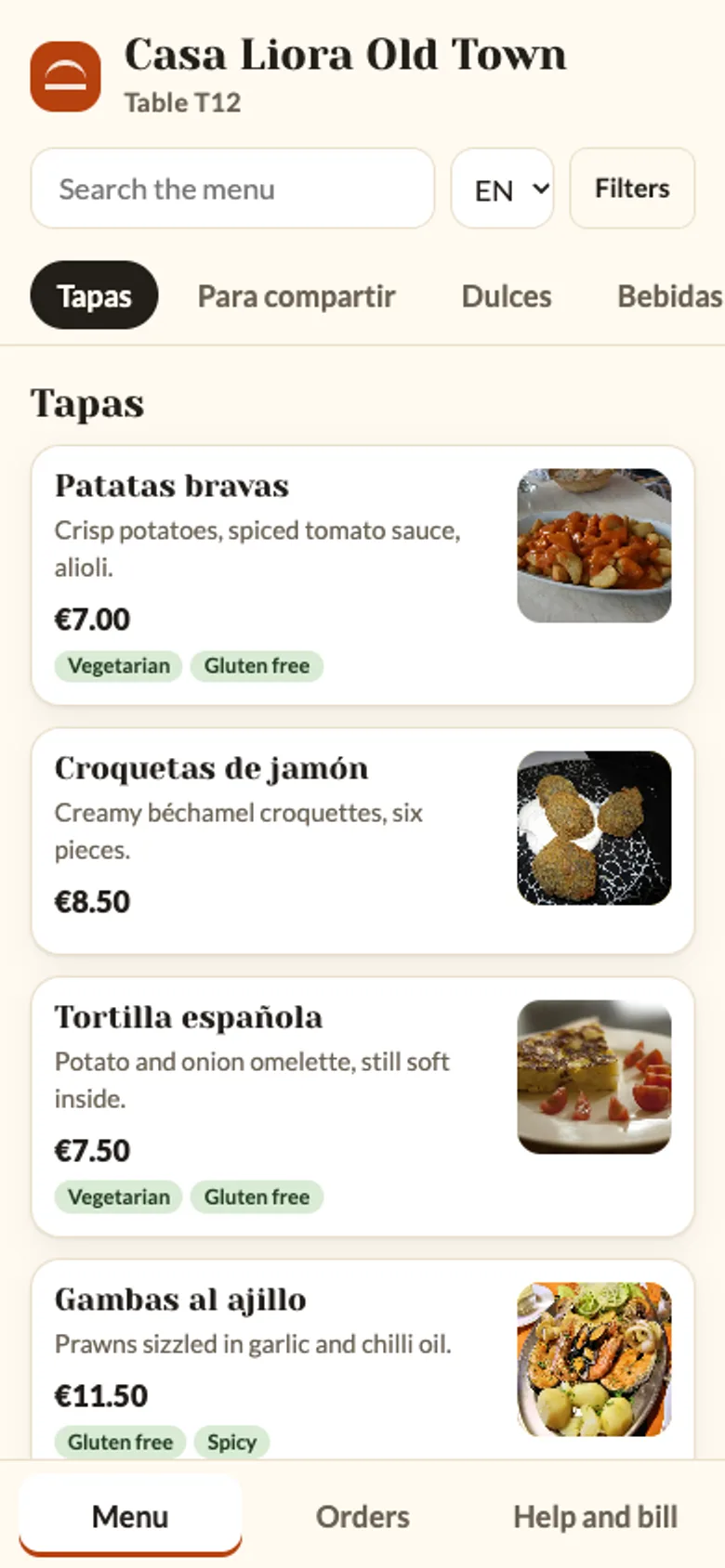
 Dark hero — The same first screen in the dark colour scheme, for evening visitors.
QR menu ordering for restaurants: 6 things to check before you pick one
Last updated
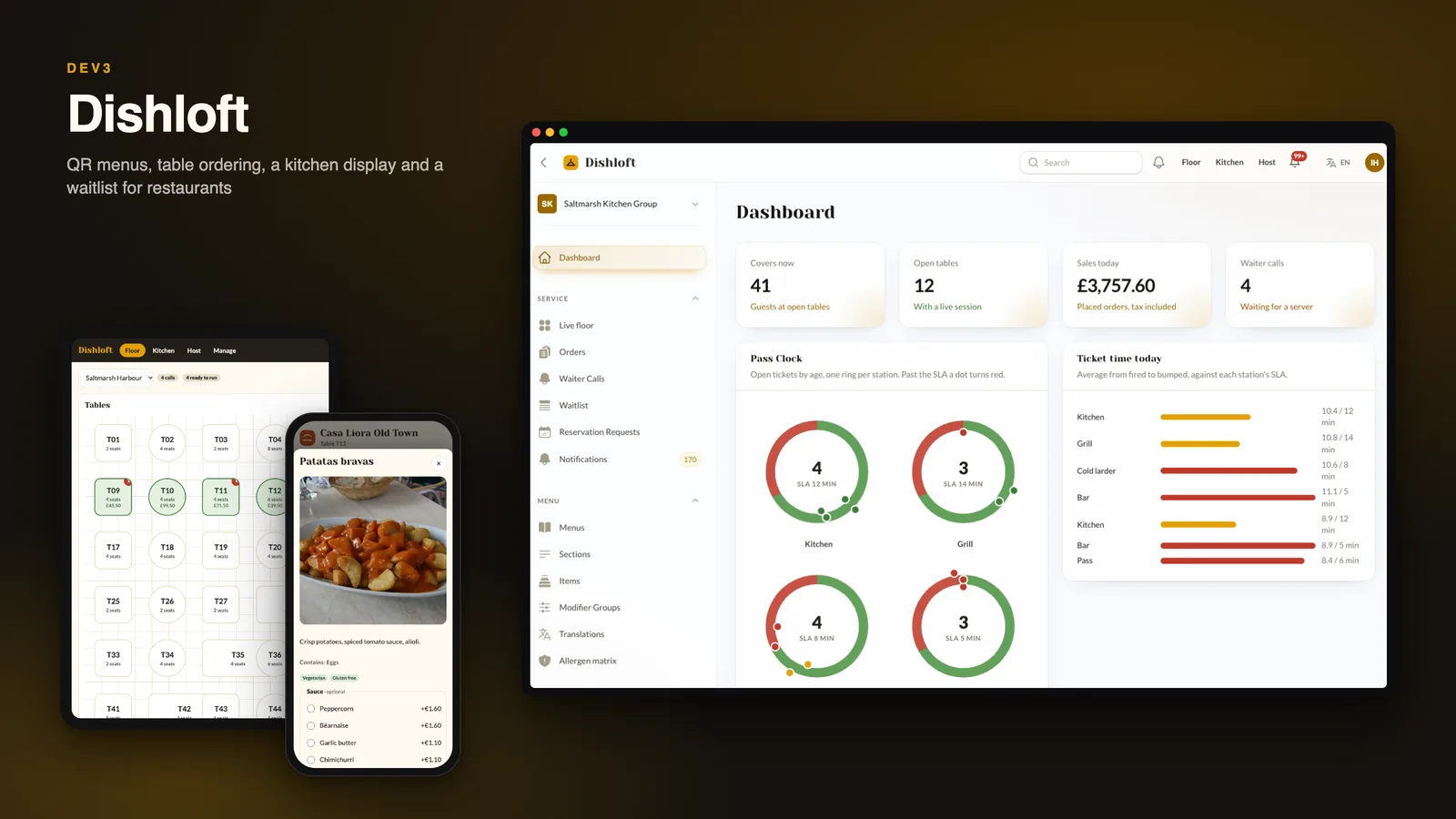
Guests do not want another app, they want to order and leave. Here are six things to check before you pick table ordering software for restaurants, with DEV3 Dishloft as the worked example.
1. Does the menu work with one hand?
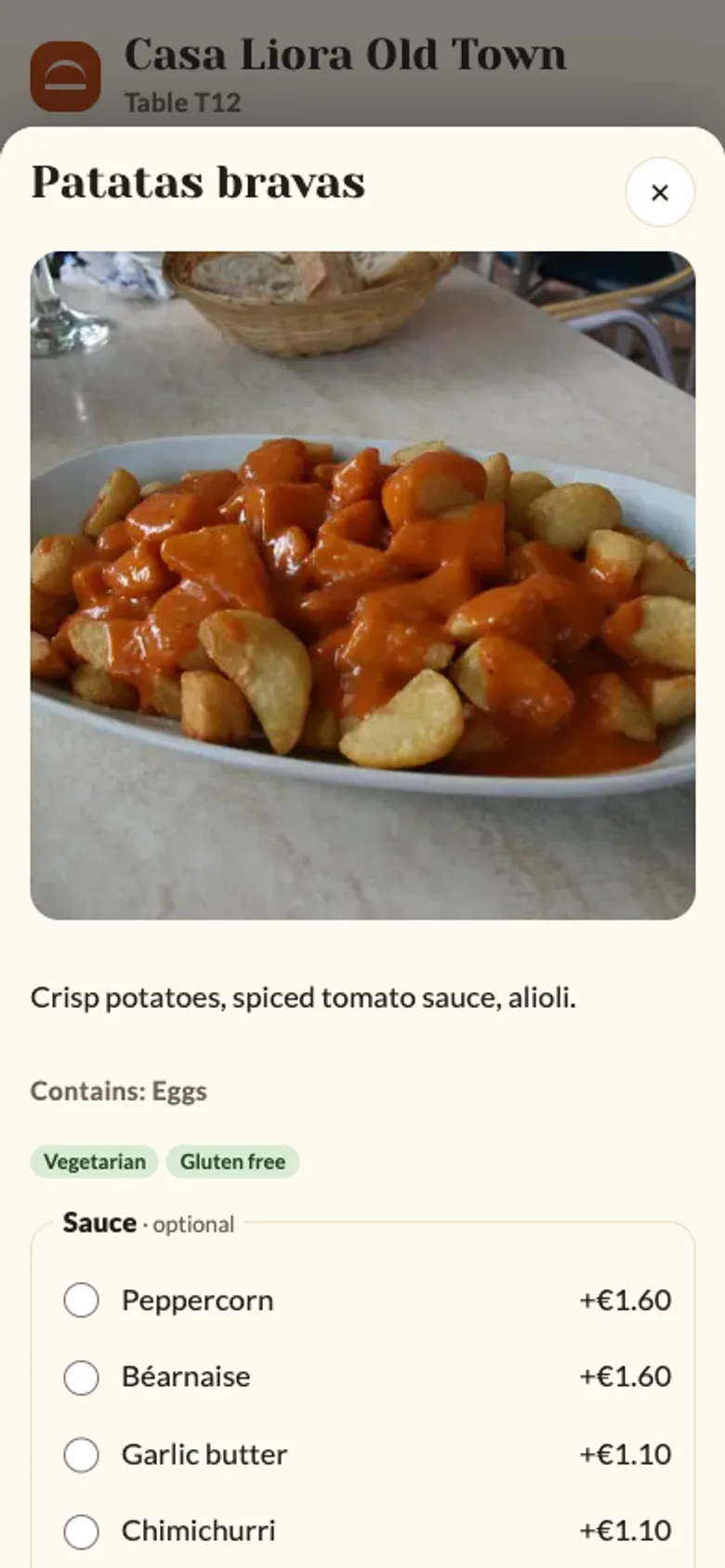
A guest menu lives or dies on the first ten seconds: sticky section tabs, photos that load lazily, a search box, allergen and diet filters, and option groups that stop at the right number of choices. Dishloft opens from the table code with no install and keeps one shared cart for the whole table, tagged by phone.
2. Can the kitchen keep up?
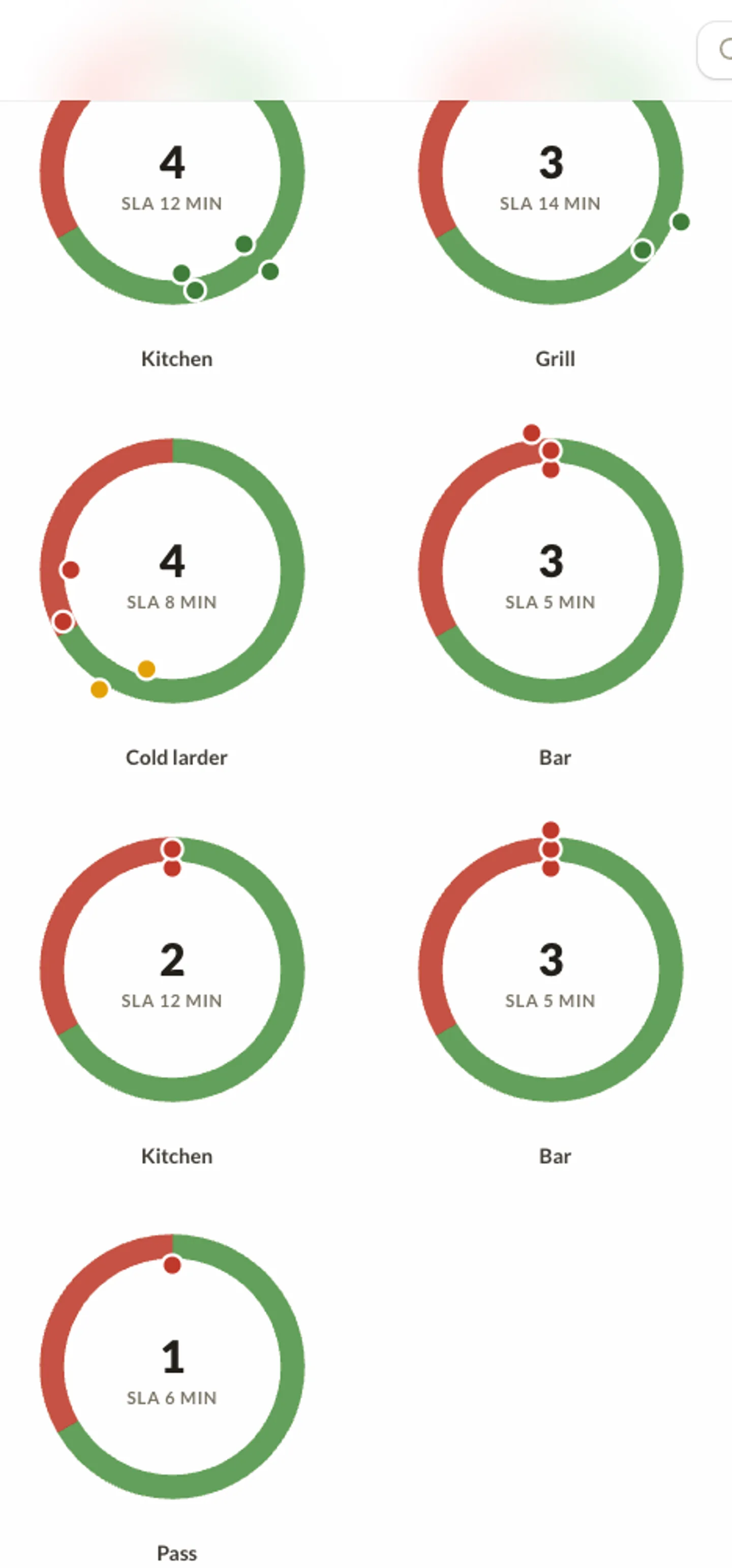
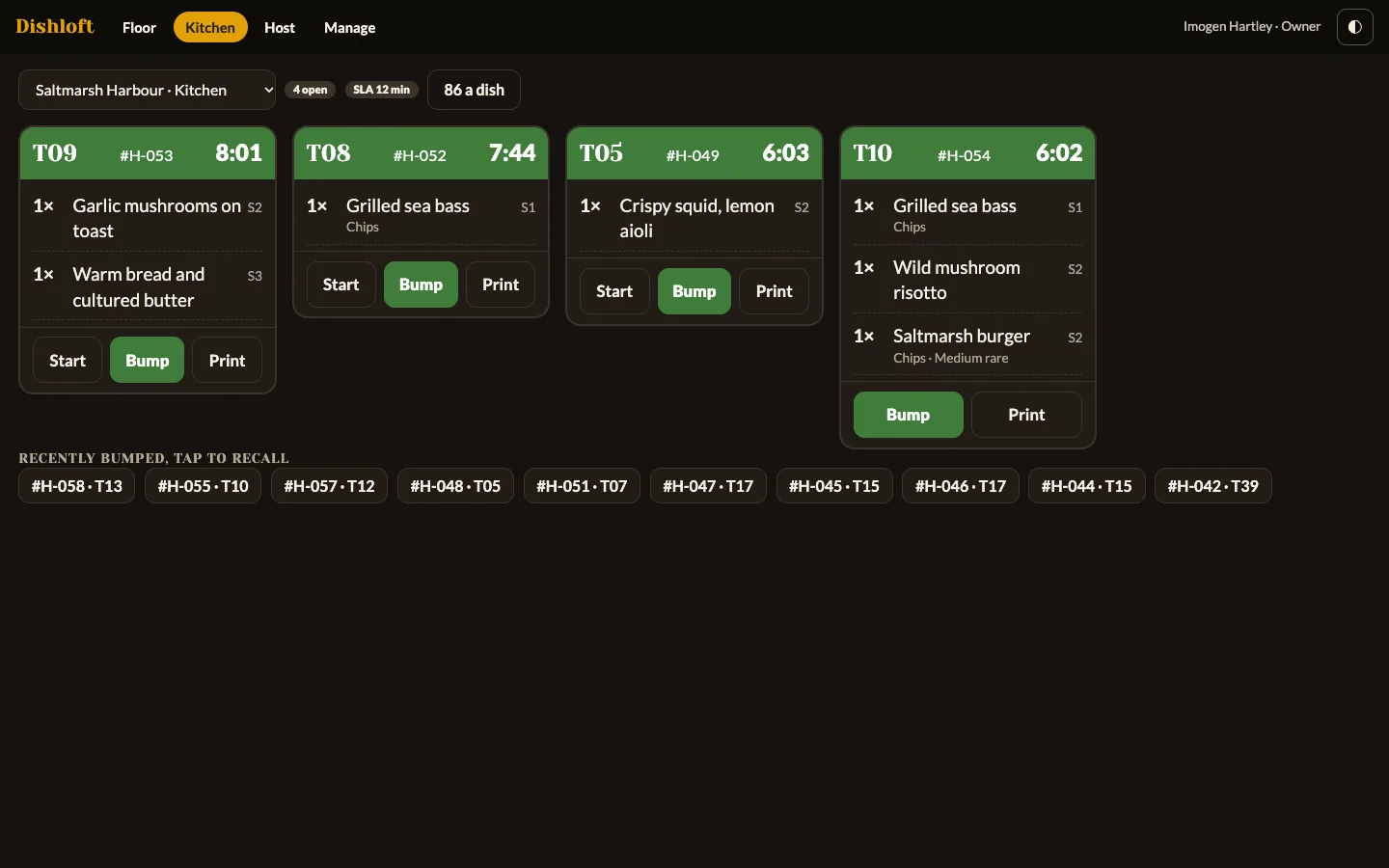
Orders should split by station, show a timer, and turn red when they are late. Dishloft fans an order into one ticket per station, bumps by dish or by ticket, recalls the last ten and lets the kitchen mark a dish sold out so every guest menu updates.
3. What happens at the bill?
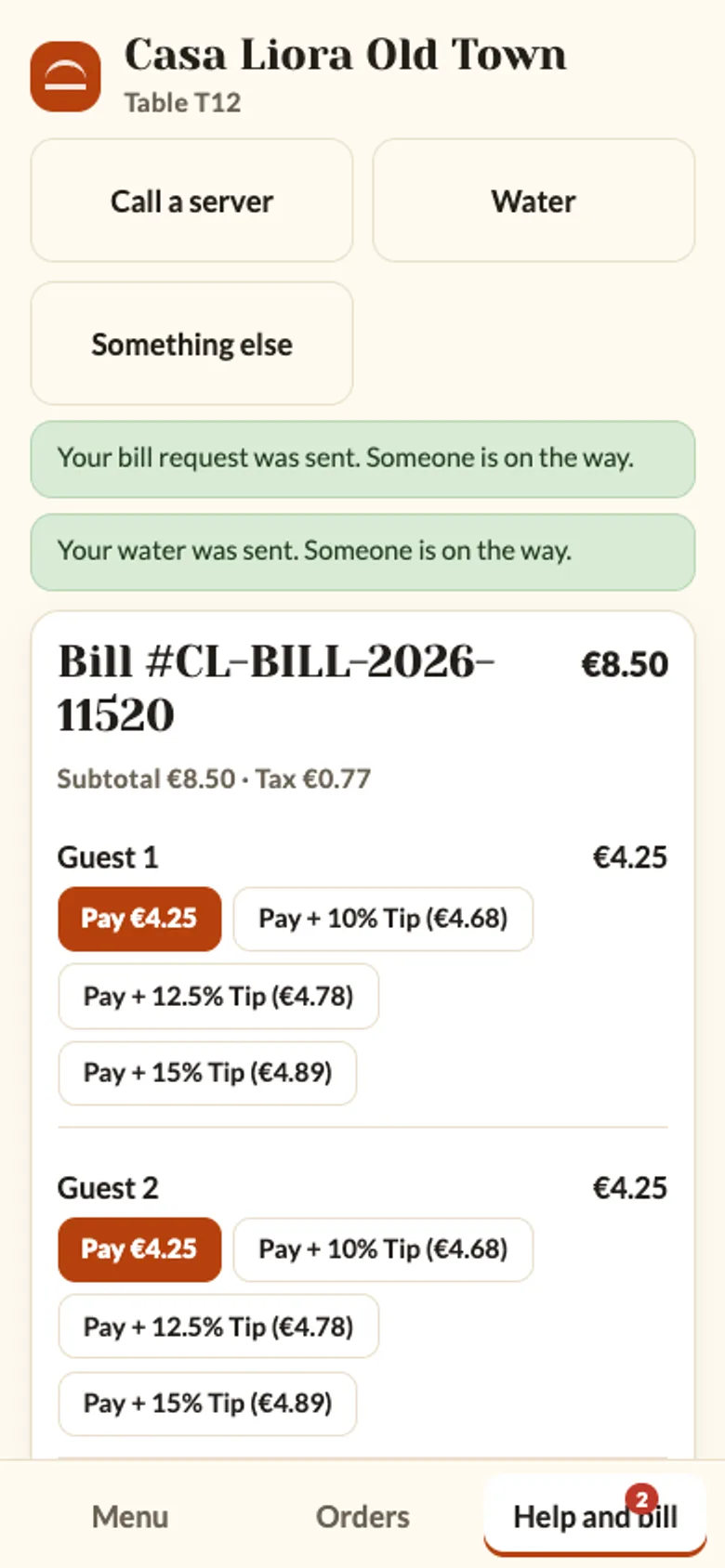
Splitting equally is the easy case. Check that the software can split by seat and by dish, that each part is paid on its own phone with a tip, and that a payment which arrives twice is refunded instead of counted twice. Dishloft settles each split once under a lock and queues refunds until the card takes them.
4. Who takes the payment?
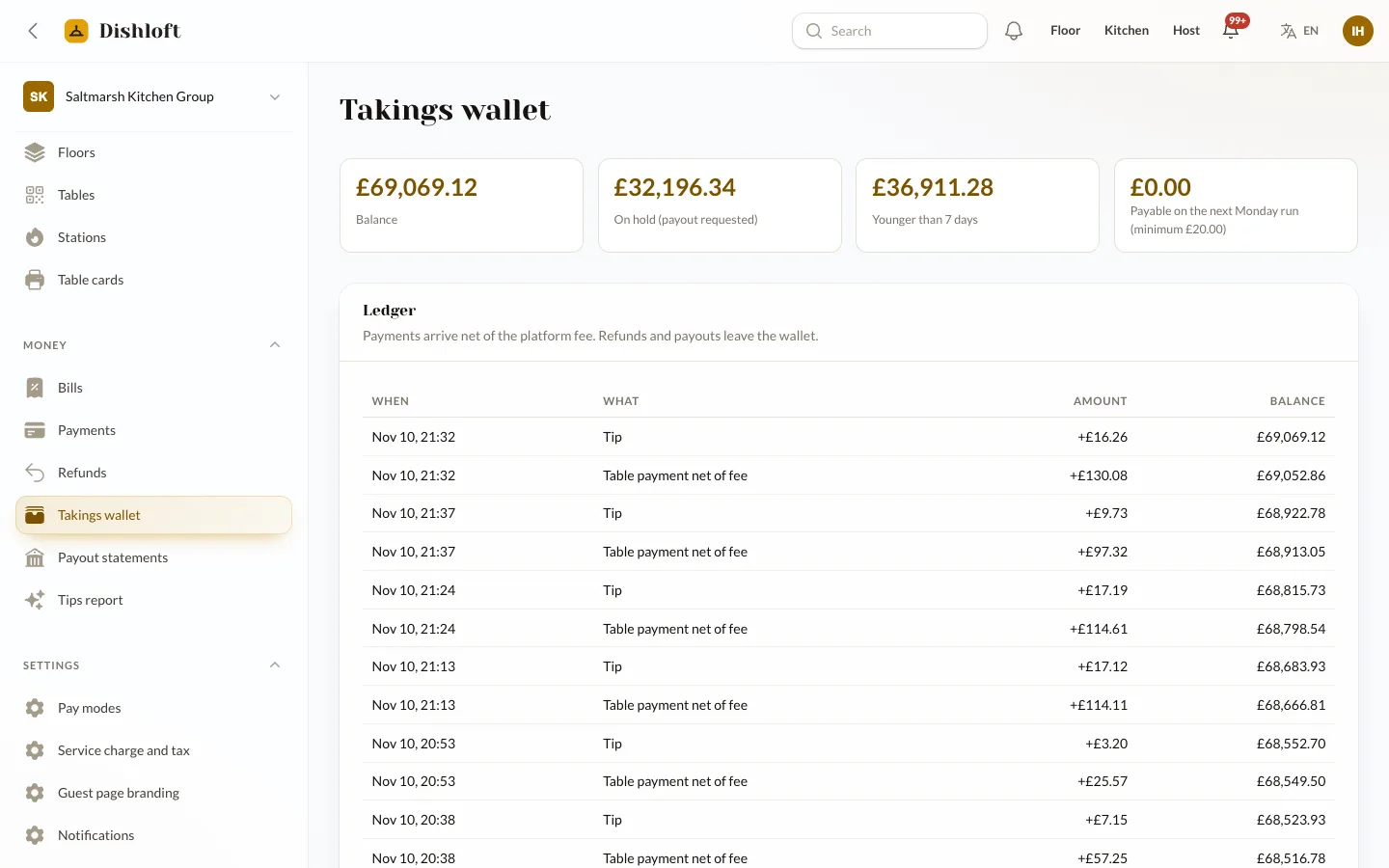
In Dishloft the operator is the merchant of record: the guest pays through your gateway, each restaurant has a takings wallet and you pay it out weekly. A restaurant can also choose pay at the counter, which needs no gateway. Restaurants cannot connect their own Stripe account in this version, so say that plainly to your customers.
5. Does the floor see what the guest asked for?
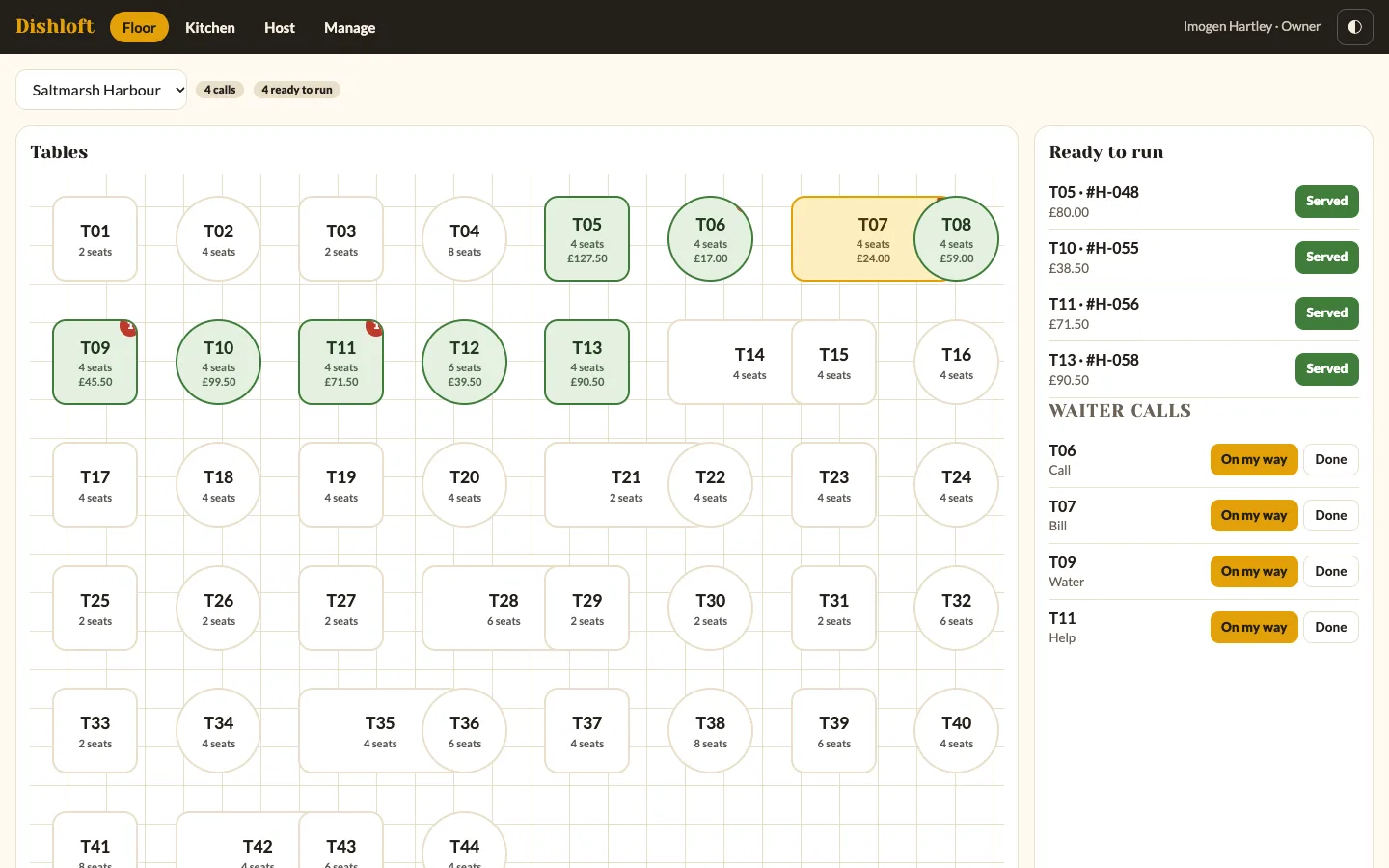
A call button is only useful if the right person sees it. Servers get a floor map with a badge per table, a ready-to-run list and counter payments, and the host runs a waitlist that quotes the wait from recent table turns.
6. What are the limits?
It is not a cash-till or stock system, there is no ESC/POS printer driver (use the kitchen display or print the 80 mm ticket from a browser), reservations are requests plus a waitlist, translations are typed in, drivers for mail, SMS and payments are simulated until you add accounts, and there are no mobile apps.