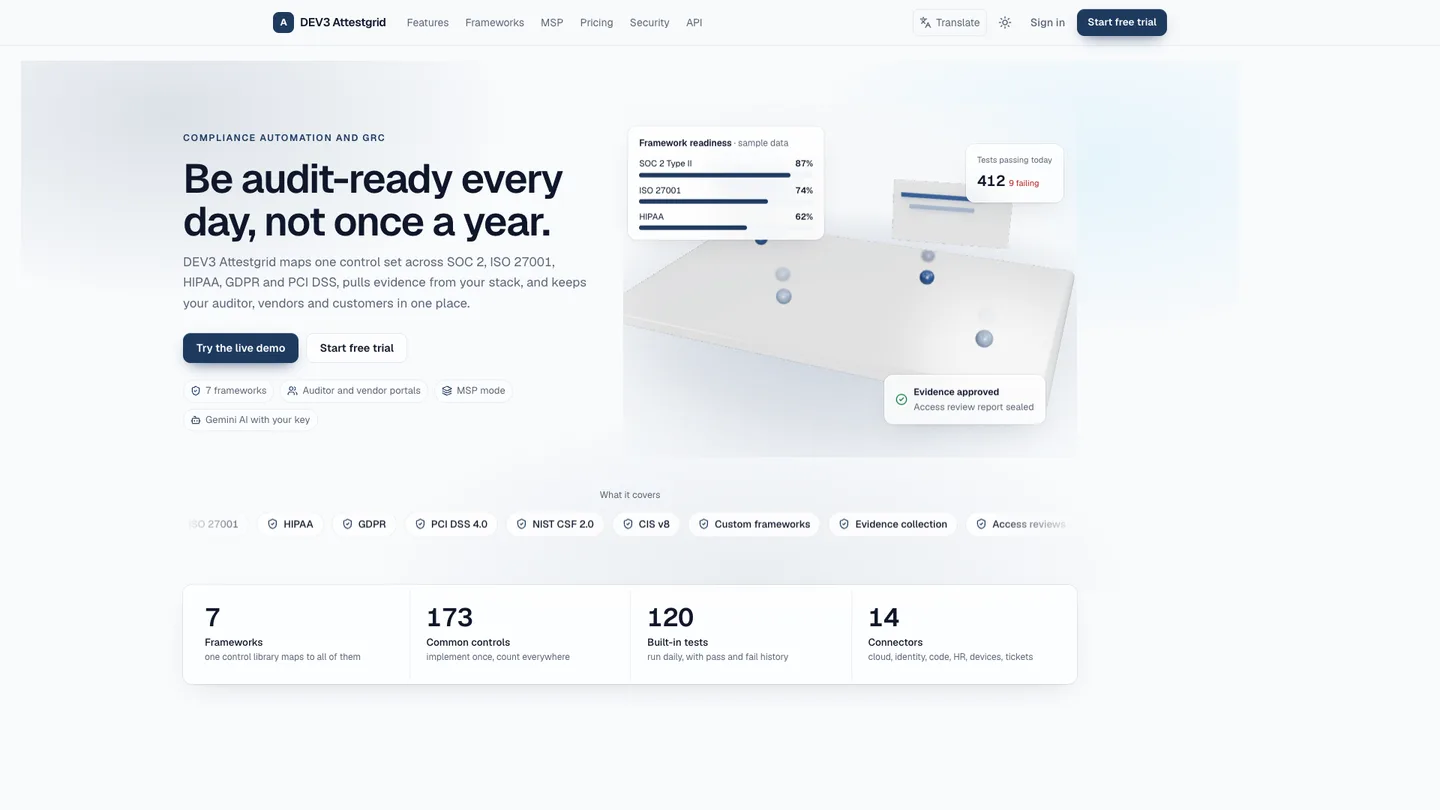
 Landing — Live readiness widget beside the headline, then a framework strip.
 Landing — Connect, monitor, prove, MSP and pricing in one scroll.
Compliance automation software: 6 things to check before you pick one
Last updated
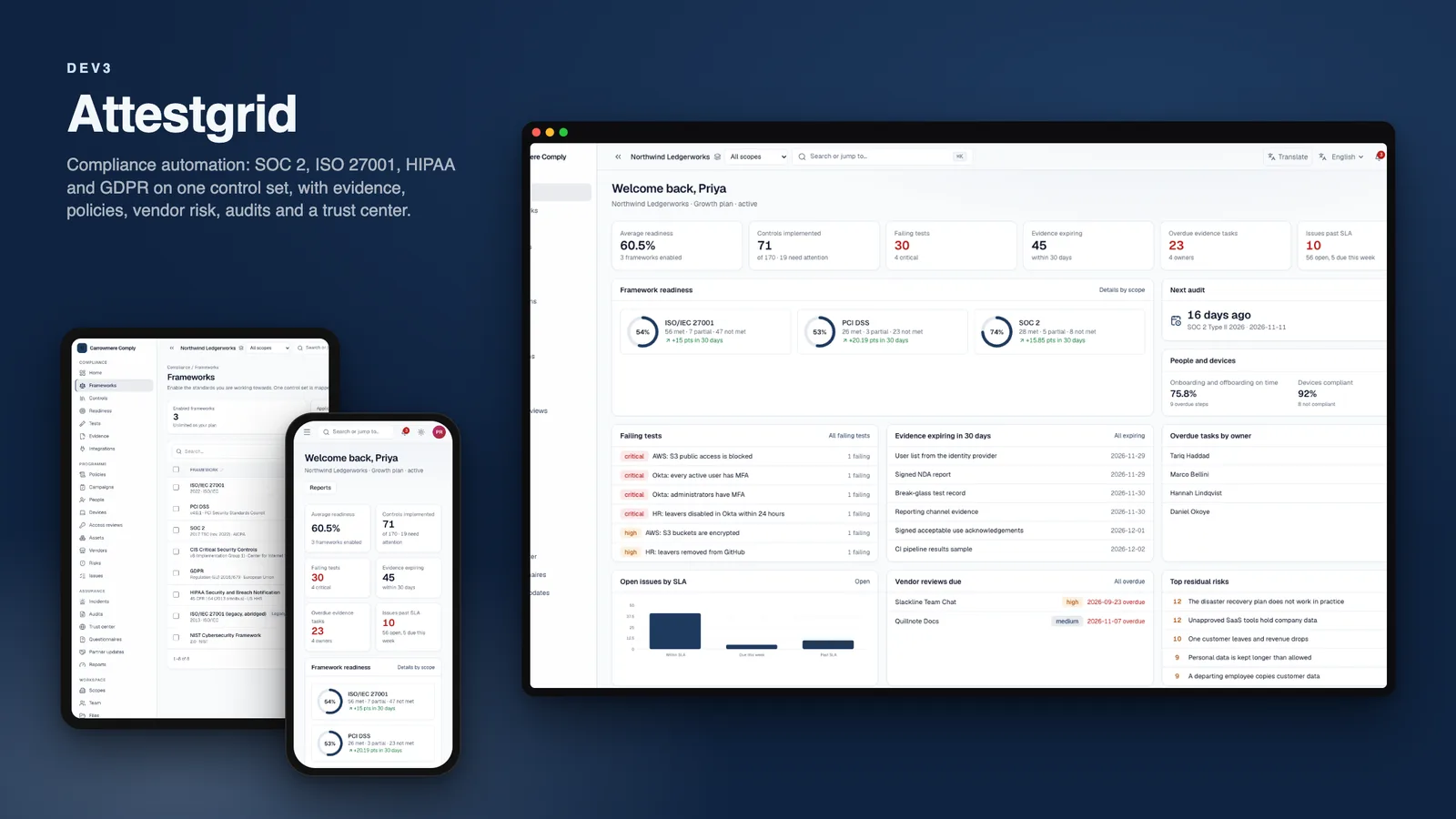
Compliance tools look alike on a feature list until you ask the awkward questions: what makes a control "green", what a trust page is allowed to claim, and what stops one client's data showing up in another's portfolio. Here are six things to check, with DEV3 Attestgrid as the worked example.
1. Does one control satisfy many frameworks?
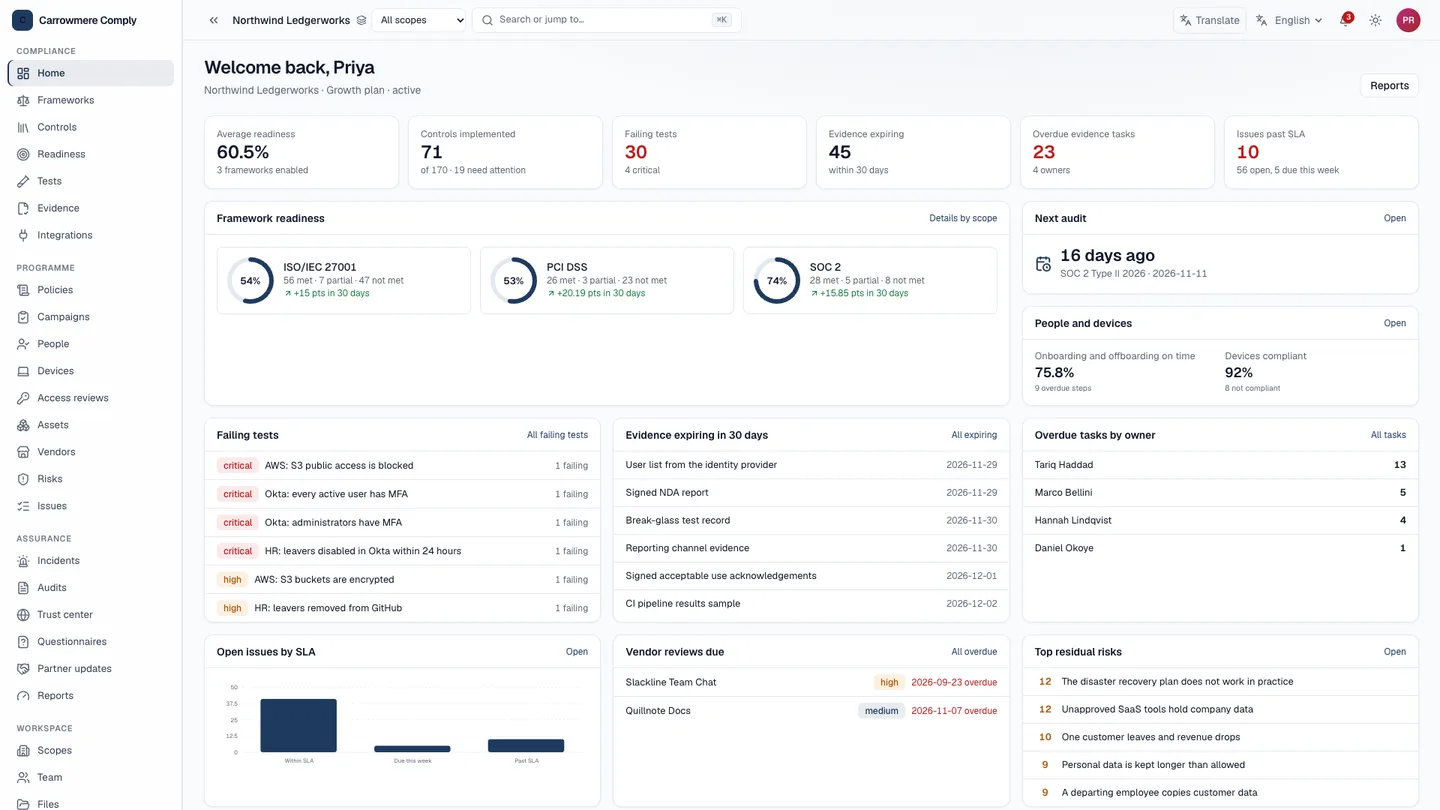
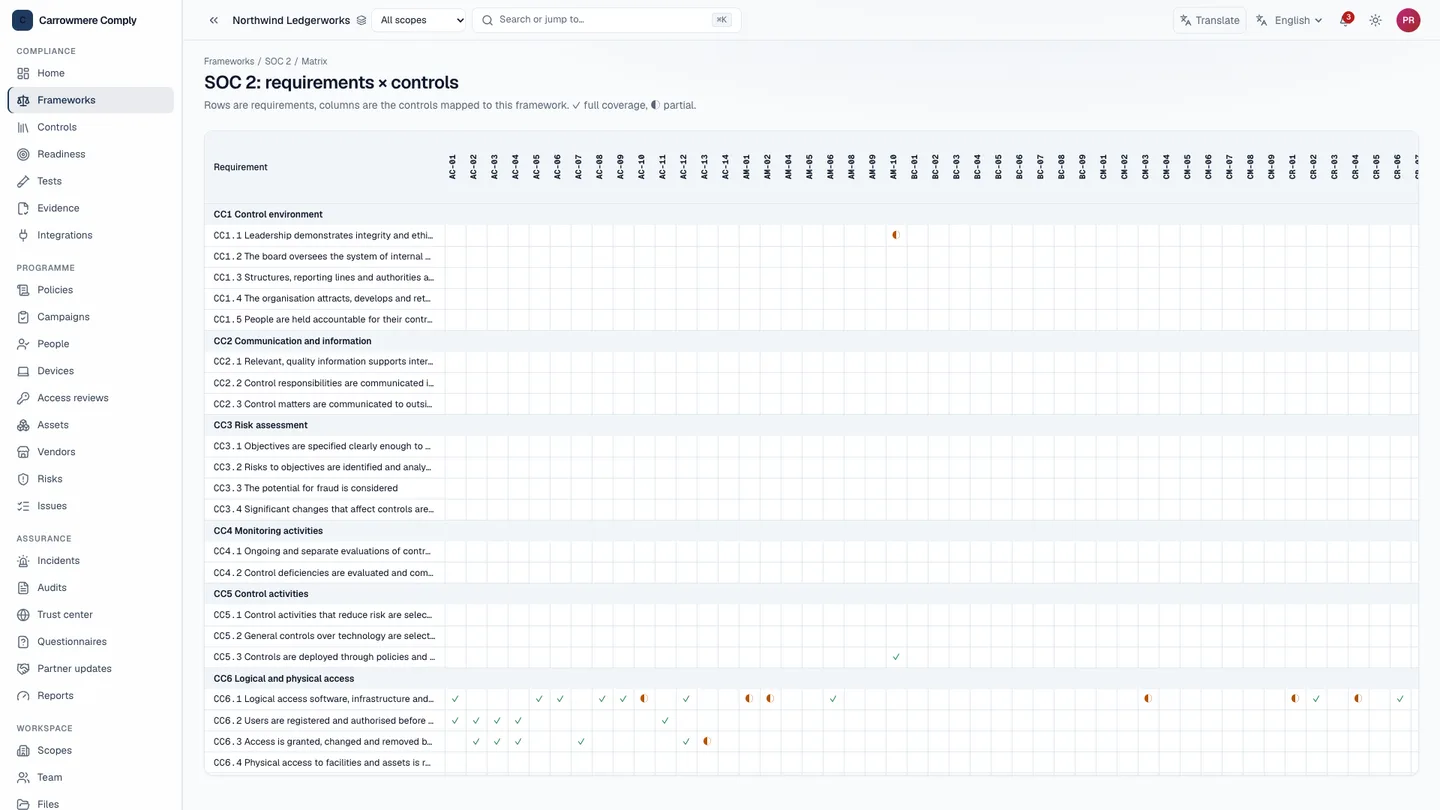
If SOC 2 and ISO 27001 each need their own control list, you do the work twice. Attestgrid maps 173 common controls to seven frameworks, so one control with one piece of evidence counts everywhere it applies.
2. Is readiness computed, or ticked by hand?
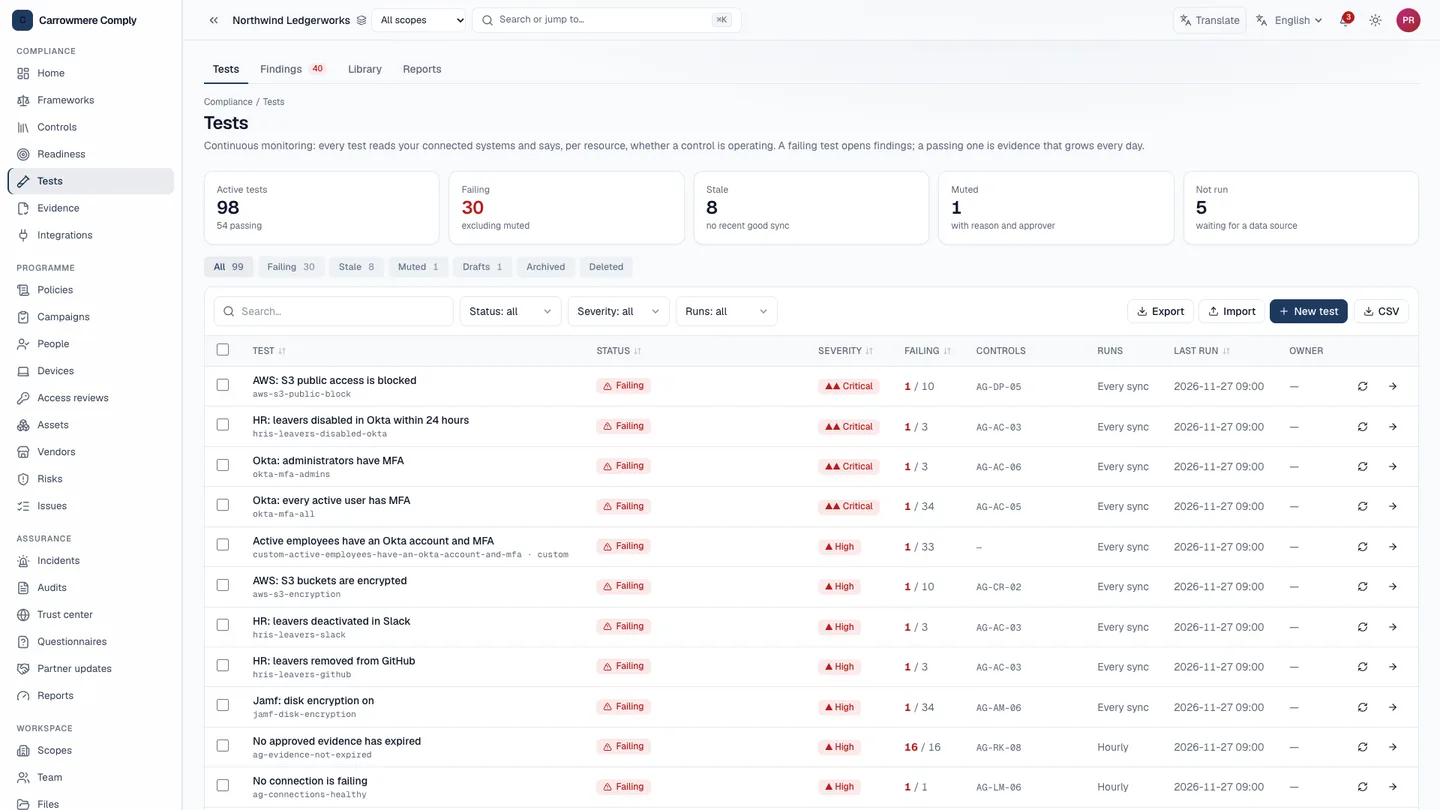
A control should turn green because a test passes and its evidence is fresh, not because someone clicked. Readiness here comes from tests, evidence and policies, so it goes down when evidence expires.
3. Does the trust page claim only what is true?
Badges should say "report available", "audited" or "aligned", never "certified" unless it is. Gated documents should need a confirmed email and a signed NDA, and the link a visitor receives should work once.
4. Who can see what: vendors, auditors and employees?
Vendor and auditor links should expire, be stored hashed and show only their own request list. Employees should see their own policies and training, nothing else.
5. If you serve many clients, can data ever mix?
For an MSP or vCISO, a client that is not yours must be a 404, a revoked consultant must lose access at once, and the portfolio view must show only counts. Attestgrid keeps these rules in one place and tests them.
6. What are the honest limits?
Attestgrid organises your evidence but does not issue a certification, its connectors are simulated until you add your own credentials, payments are simulated, and AI needs your own key. They are listed on the item page so you can plan around them.