Enterprise SaaS Startersv1.0.0
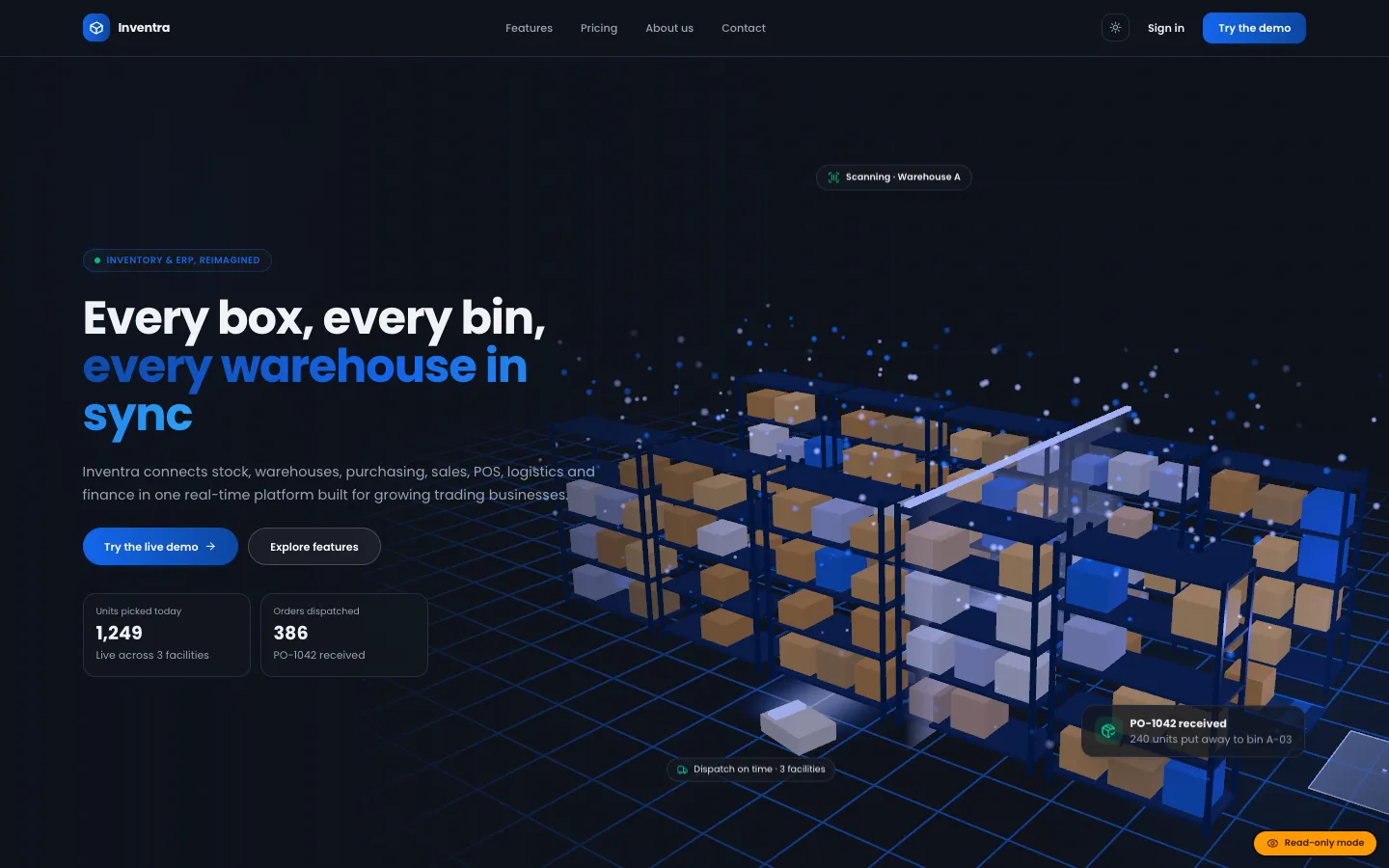
Inventra – Multi-tenant Inventory Management & ERP (Next.js + MongoDB)
Next.jsReactNode.js+2
(0)
0 salesUpdated 6d ago
from
$29WordPress plugin for restaurants and cafés: menus with modifiers and allergens, pickup, delivery and table-QR ordering priced on the server, WooCommerce or pay-at-counter checkout, a live kitchen board, and AI that imports a menu from a photo.
WordPress plugin for restaurants and cafés: menus with modifiers and allergens, pickup, delivery and table-QR ordering priced on the server, WooCommerce or pay-at-counter checkout, a live kitchen board, and AI that imports a menu from a photo. Free download: sign in and click Download ZIP. Add your own Google AI Studio (Gemini) API key to switch on the AI features; the documentation says which features work without one.
We built DEV3 AI Restaurant Menu & Online Ordering as a WordPress plugin in PHP with a React admin, a mobile-first ordering front end and a standalone kitchen board. Menus, sections, items, modifier groups, tables, orders and imports live in their own tables.
Pricing::quote() checks that each item exists, isn't sold out and is available at the order time (menu and section windows), enforces each modifier group's minimum and maximum, caps quantities at 50, then adds the delivery fee for the matched postcode zone, the free-delivery threshold, the minimum order and the tip.SW1*, numeric ranges like 1000-1099 or a catch-all *, in order, so a central zone can sit in front of an outer one.pending_payment and expire after 60 minutes if unpaid. A named lock re-checks slot capacity so two guests can't take the last place in a time slot.The menu is server-rendered HTML with Menu JSON-LD, sticky section chips, dietary filters and the 14 EU allergens. Ordering opens in sheets for item options, the order drawer and a one-page checkout for pickup, delivery or dine-in, with ASAP or a time slot computed from opening hours, closed dates, lead time and capacity. Table QR codes carry a rotating token, so reprinting invalidates old cards. Customers follow their order on a status page that refreshes every 15 seconds. The API client, settings, jobs and usage logs come from a shared core used across DEV3's plugins.
0 salesUpdated 6d ago
from
$290 downloadsUpdated 4d ago
0 salesUpdated 6d ago
from
$290 salesUpdated 6d ago
from
$290 downloadsUpdated 2h ago
0 downloadsUpdated 2h ago
0 downloadsUpdated 2h ago
0 downloadsUpdated 2h ago