Enterprise SaaS Startersv1.0.0
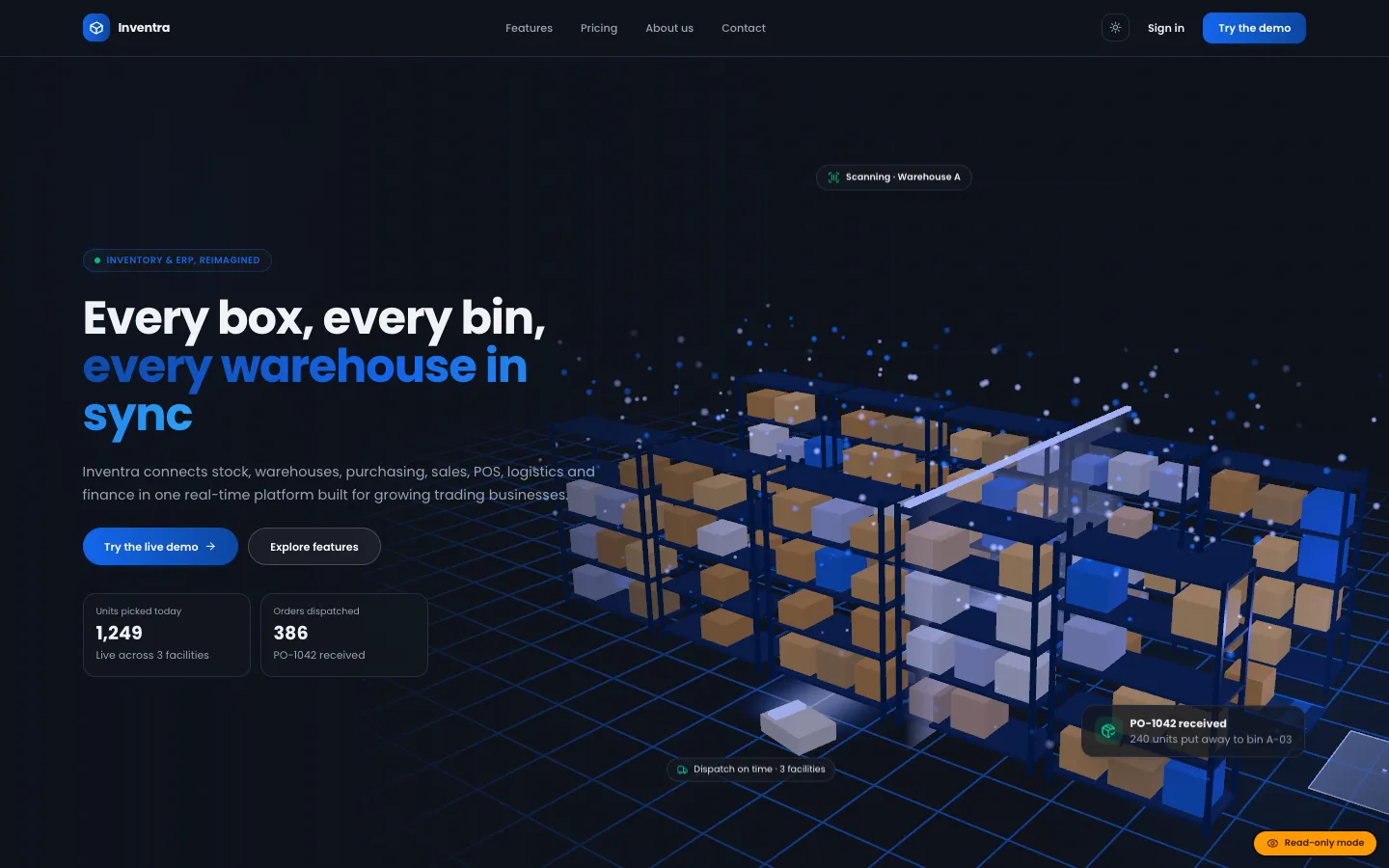
Inventra – Multi-tenant Inventory Management & ERP (Next.js + MongoDB)
Next.jsReactNode.js+2
(0)
0 salesUpdated 6d ago
from
$29WooCommerce plugin: AJAX filters with SEO URLs, served from an index table and cached postings lists, plus a live search that turns plain-language queries into filters, with or without AI.
WooCommerce plugin: AJAX filters with SEO URLs, served from an index table and cached postings lists, plus a live search that turns plain-language queries into filters, with or without AI. Free download: sign in and click Download ZIP. Add your own Google AI Studio (Gemini) API key to switch on the AI features; the documentation says which features work without one.
We built DEV3 AI Product Filter & Smart Search as a WooCommerce plugin in PHP with a React admin and a small storefront script. The filter engine never queries product meta at request time: it reads precomputed lists and does set maths in memory.
(product_id, facet, value, num_value): categories with their ancestors, attributes, every in-stock variation price, rating, stock, sale and chosen meta or ACF fields. Saves, stock changes, reviews and term edits queue a re-index at shutdown, and Action Scheduler rebuilds it nightly./shop/filter/color/black/ with one canonical URL per state. Combinations are noindex unless the merchant turns one into a landing page with its own title, meta description, H1 and intro, listed in the XML sitemap.Filters render as a horizontal bar, a sidebar or a mobile drawer, in block themes and classic themes, through a block, widget, shortcode, Elementor widget or WPBakery element. The storefront calls a same-origin, rate-limited REST endpoint that returns results, counts, the price range and rating counts in one response, and the main shop query is narrowed with the same ID set. Optional AI features (semantic search with embeddings stored in the database, "Build my filters", synonym and typo lists, zero-result fixes and landing-page copy) all produce drafts the merchant accepts or rejects. The API client, encrypted key storage, job runner and usage logs come from a shared core used across DEV3's plugins.
0 salesUpdated 6d ago
from
$290 downloadsUpdated 4d ago
0 salesUpdated 6d ago
from
$290 salesUpdated 6d ago
from
$290 downloadsUpdated 2h ago
0 downloadsUpdated 2h ago
0 downloadsUpdated 2h ago
0 downloadsUpdated 2h ago