Enterprise SaaS Startersv1.0.0
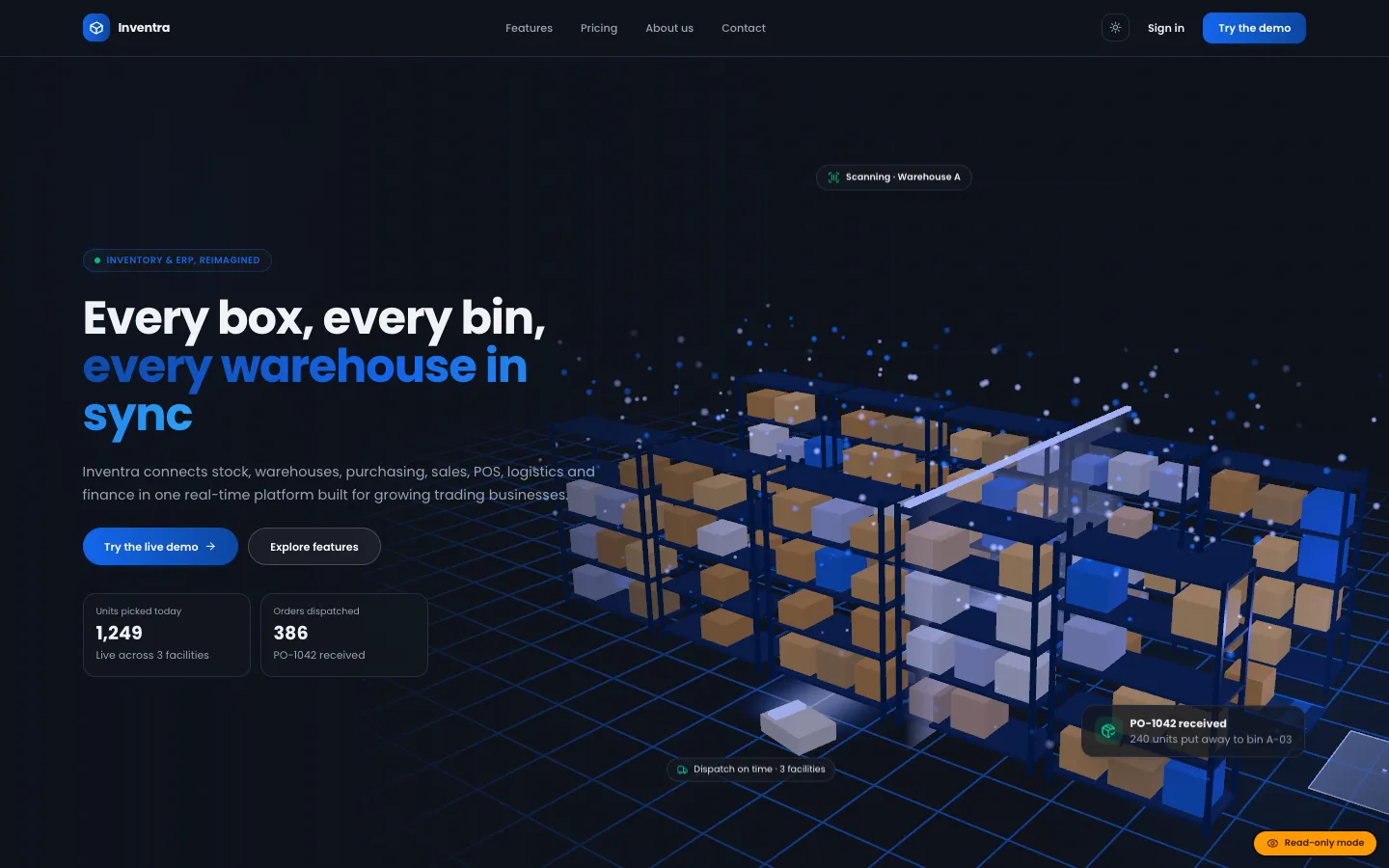
Inventra – Multi-tenant Inventory Management & ERP (Next.js + MongoDB)
Next.jsReactNode.js+2
(0)
0 salesUpdated 6d ago
from
$29Block-editor plugin: 32 server-rendered blocks, five template kits and a brand kit, plus AI that turns a page description into a draft built from native blocks, with no shortcodes and no block-validation warnings.
Block-editor plugin: 32 server-rendered blocks, five template kits and a brand kit, plus AI that turns a page description into a draft built from native blocks, with no shortcodes and no block-validation warnings. Free download: sign in and click Download ZIP. Add your own Google AI Studio (Gemini) API key to switch on the AI features; the documentation says which features work without one.
We built DEV3 AI Page Builder for Gutenberg in PHP with a React editor integration. The model never writes markup. It returns a small, typed page plan, and the plugin builds the blocks itself.
Schema::normalize_page() then re-checks every field: unknown types are dropped, list sections without items become plain content sections, plans without a price are removed, and exactly one pricing plan ends up featured.dev3pb/* blocks render on the server. Containers save only <InnerBlocks.Content /> and leaves save null, so the editor has no stored wrapper HTML to compare and validation cannot fail on them.Layout\Block builds each one as a parsed-block array whose HTML matches that block's own save() output, down to class order and newlines, and serialize_block() writes it out. PHPUnit asserts the exact strings.createBlock(), so the editor re-serialises it with its own save functions before anything is stored.aiType attribute. Regeneration summarises the current section as indented plain text, sends it with the user's instruction, and swaps in a new section of the same type while the rest of the page stays as it is.Block definitions live in PHP and the editor reads them from server data, so attributes have one source of truth. A brand kit (colours, fonts, radius, voice) becomes CSS custom properties, can be added to the theme.json palette and is passed into every prompt; a WCAG contrast table checks the saved colours. Five template kits (landing, SaaS, agency, shop, restaurant) with eight pages, and a library of more than 40 ready-made sections, are built from the same section plans as the AI output. An SEO pass reads headings, images and links back out of the blocks and syncs titles with Yoast SEO and Rank Math. The API client, encrypted key storage, usage caps and logs come from a shared core used across DEV3's plugins.
0 salesUpdated 6d ago
from
$290 downloadsUpdated 4d ago
0 salesUpdated 6d ago
from
$290 salesUpdated 6d ago
from
$290 downloadsUpdated 2h ago
0 downloadsUpdated 2h ago
0 downloadsUpdated 2h ago
0 downloadsUpdated 2h ago