Enterprise SaaS Startersv1.0.0
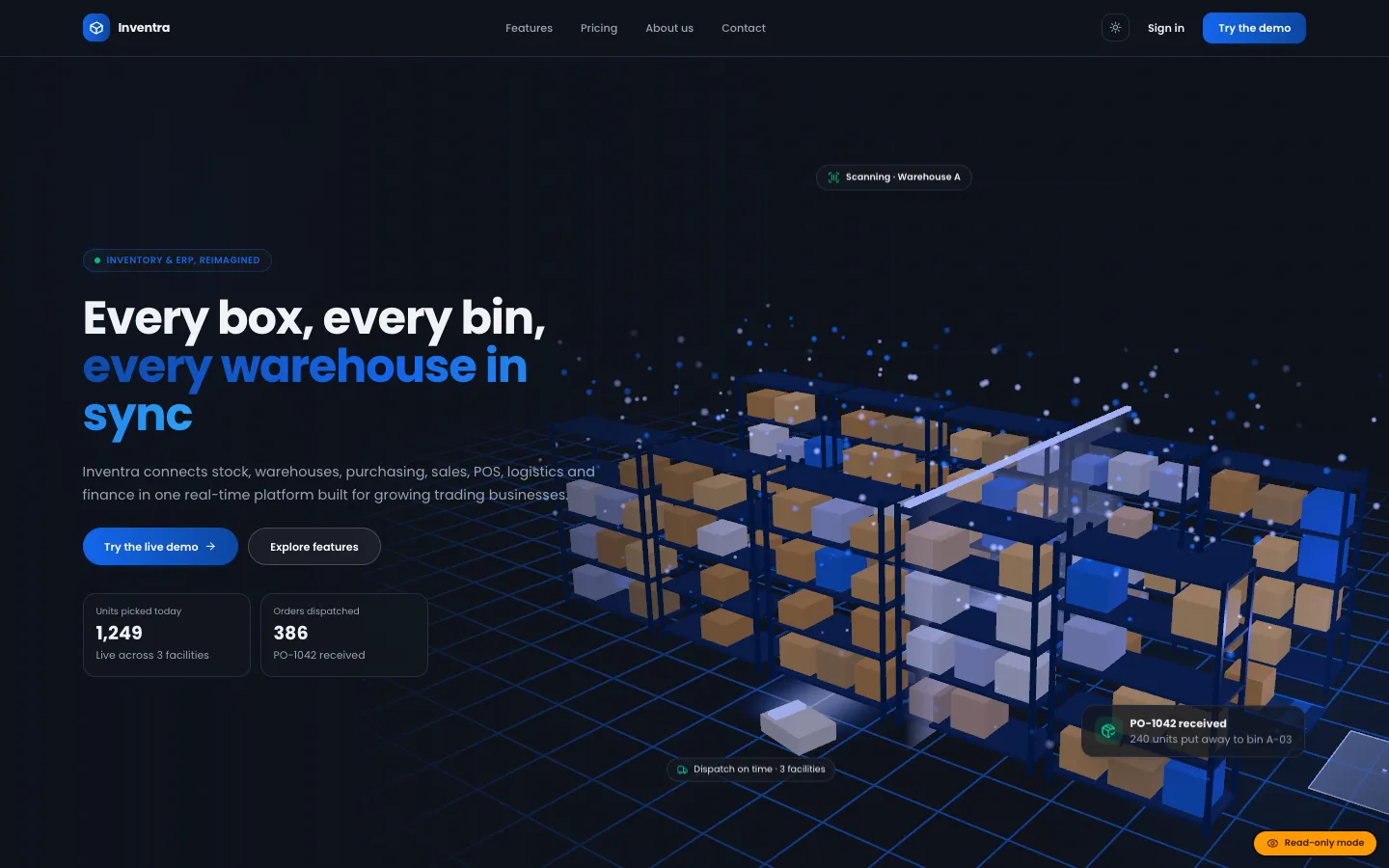
Inventra – Multi-tenant Inventory Management & ERP (Next.js + MongoDB)
Next.jsReactNode.js+2
(0)
0 salesUpdated 6d ago
from
$29WordPress plugin: a drag-and-drop editorial calendar, topic backlog and approval workflow, with Google Gemini API research, outlines and native-block drafts, and a publish guard that keeps every AI-written post unpublished until an approver signs off.
WordPress plugin: a drag-and-drop editorial calendar, topic backlog and approval workflow, with Google Gemini API research, outlines and native-block drafts, and a publish guard that keeps every AI-written post unpublished until an approver signs off. Free download: sign in and click Download ZIP. Add your own Google AI Studio (Gemini) API key to switch on the AI features; the documentation says which features work without one.
We built DEV3 AI Auto Blogger & Content Calendar as a PHP plugin with a React admin app and a block editor panel. The calendar, backlog and workflow work without AI; the AI writes drafts that wait for people.
wp_insert_post_data filter at priority 99 checks every save. An unapproved, plugin-managed post heading for publish or future is quietly saved as pending instead, whatever code path sent it.edit_others_posts by default (filterable). An editor who publishes in person is recorded as the approver; an author with publish rights is downgraded to pending.parse_blocks → serialize_blocks round trip unchanged.The calendar has month and week views, drag and drop with pointer, touch and keyboard (Space to pick up, arrow keys to move, Enter to drop, with live announcements), and an agenda list on phones. The Studio takes an item from topic to outline, draft, review and schedule. Drafts are written section by section as a background job and only reach the post when someone clicks Accept draft into post. In the block editor, a pre-publish panel locks the Publish button until "I have reviewed this AI-assisted draft" is ticked. Brand voices, e-mail notifications and a daily digest round it out. The API client, jobs, embeddings store and settings come from a shared core used across DEV3's plugins.
0 salesUpdated 6d ago
from
$290 downloadsUpdated 4d ago
0 salesUpdated 6d ago
from
$290 salesUpdated 6d ago
from
$290 downloadsUpdated 2h ago
0 downloadsUpdated 2h ago
0 downloadsUpdated 2h ago
0 downloadsUpdated 2h ago