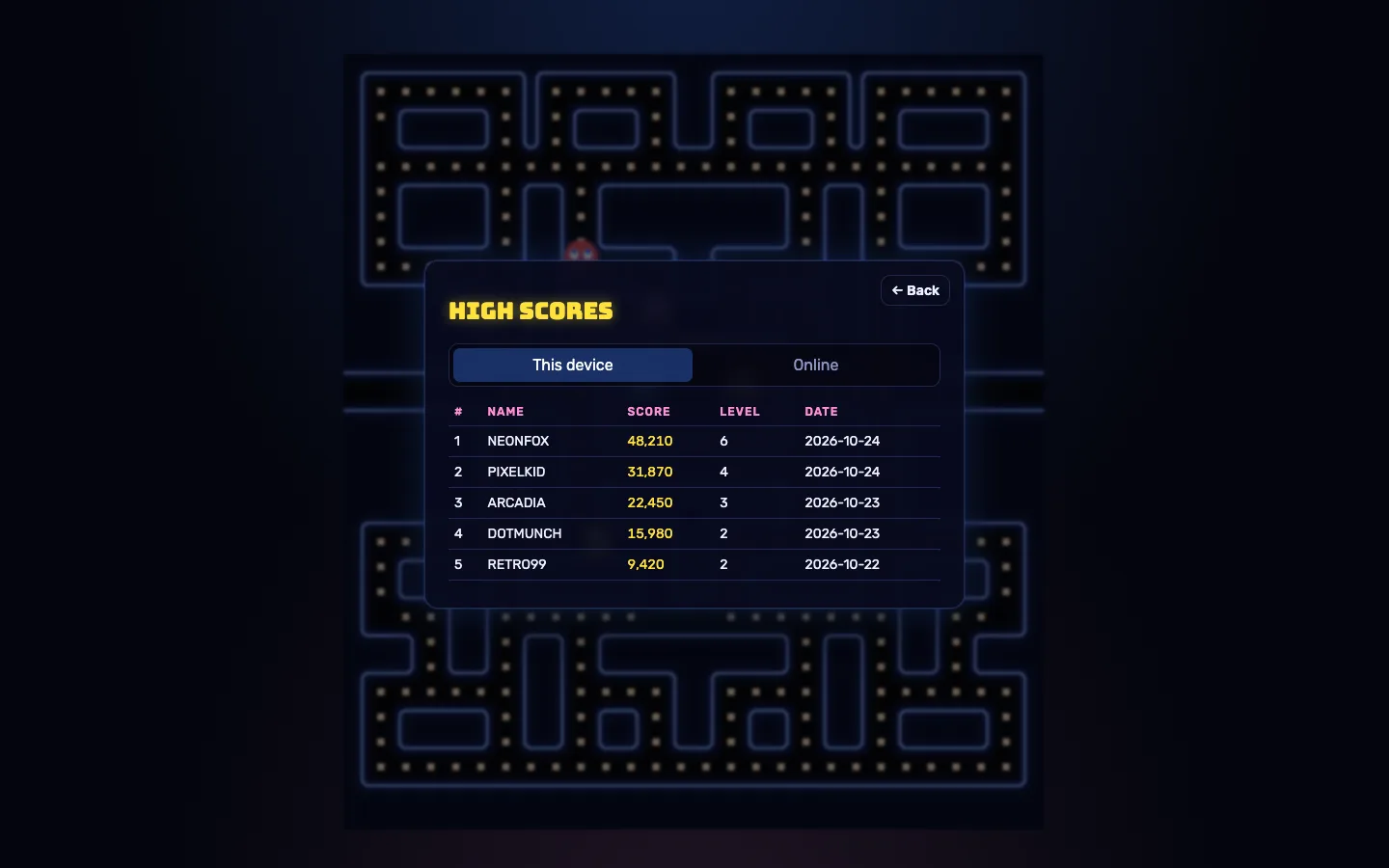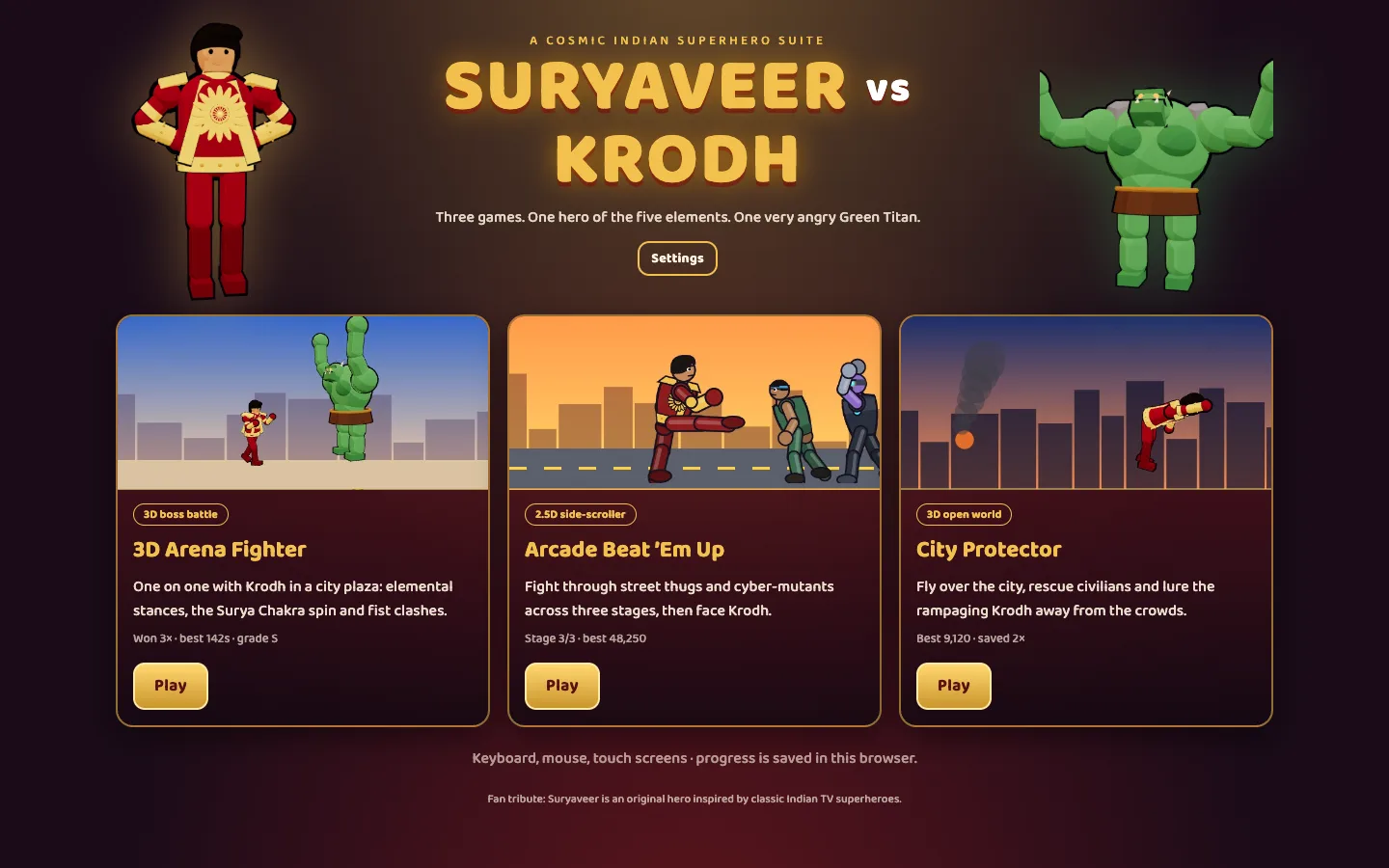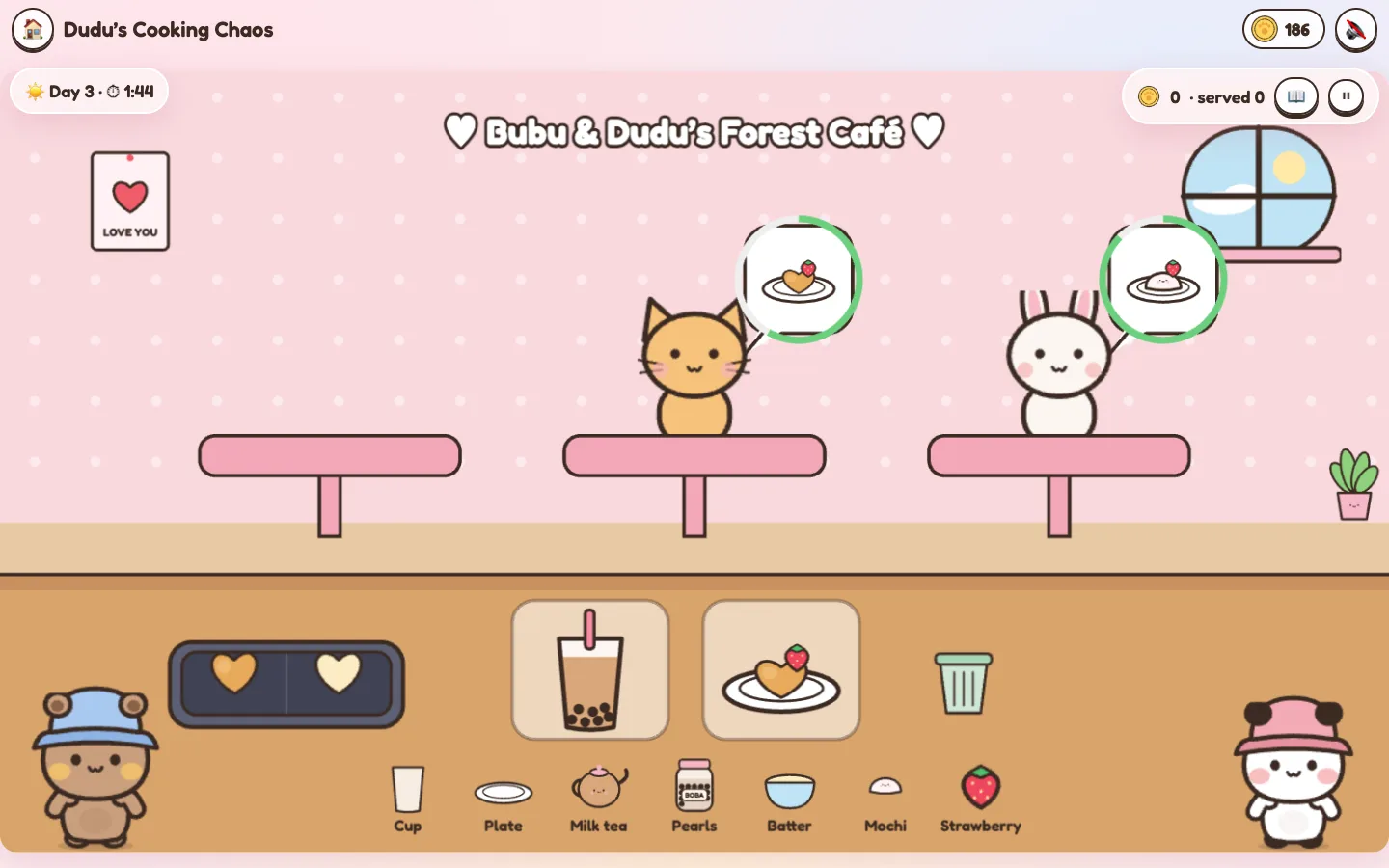
Most 2D games carry a folder of PNG sprite sheets, often several megabytes of them, exported at two or three sizes. The Bubu & Dudu Cozy Game Suite has no image files at all. Its two bears, the café customers, the food, the maze tiles, the furniture and the effects are all drawn by code at start-up, and the music and sound effects are synthesised too.
This post explains how that works, what it buys you in download size and flexibility, and where it is the wrong choice. It uses the suite's real source as the example. A note on the characters first: Bubu and Dudu were created by another artist. This is a fan-made project with the art drawn in their style, not an official or licensed product, so get the rights holder's permission before you sell or publish a version that uses them.
What "drawing a game in code" means here
Every visual in the suite starts life as a function that draws with Canvas 2D paths (moveTo, bezierCurveTo, arc, fills and strokes) inside a small unit box. There are two main files:
src/core/bears.tsdraws the two heroes. Dudu is the brown bear in a blue bucket hat; Bubu is the white panda in a pink hat. Each bear is drawn in a 100 × 124 unit box, and onedrawBear()function takes the bear, a pose, an emotion, an animation frame and a hat.src/core/props.tsdraws everything else: snacks, café ingredients and dishes, the panda, cat and bunny customers, maze tiles, gates and pressure plates, room furniture, coins, hearts and sparkles.
The README describes the bear art as 9 poses × 7 emotions × hats. Hats are just a parameter too: none, blue, pink, yellow, chef or crown.
From drawing functions to game sprites
Phaser can't render a drawing function directly, so src/core/textures.ts turns them into ordinary textures once, at the right resolution:
- Pick a resolution. At boot, the game works out
RES, the number of device pixels per logical pixel. All scenes use a 1600 × 900 logical space, soREScomes from the window size and the device pixel ratio (capped at 2), and is then clamped between 0.75 and 2. - Bake the bears. For each bear and hat combination it uses, the game draws a pose sheet of 23 frames (idle, blink, four walk frames, jump, crying, cheering, pushing, hugging, waving, sitting, sleeping and two "holding" poses) onto one canvas, six frames to a row.
- Bake the props. Every prop and ground tile is painted at
RESand shelf-packed into a singlepropsatlas canvas, at most 4,096 pixels wide. - Register them with Phaser. Each canvas becomes a texture with
textures.addCanvas(), and each frame gets a name. Animations such aswalk(four frames at 10 fps),cry,cheerandwaveare built from those frames. - Draw at the right scale. Each scene's camera zooms by
RES, and afitWidth()helper sizes sprites in logical pixels. One logical pixel maps toRESdevice pixels, so art stays sharp from phones to 4K screens.
Baking happens once per texture. A bear sheet is only drawn for a hat that is actually used, for example after the player buys the crown in the café shop, and is reused after that.
The same drawing functions also feed the DOM. bearUrl(), propUrl() and dishUrl() render a bear, prop or dish to a canvas and return a cached PNG data URL, which the hub cards, shop, recipe book and coin counter use as ordinary <img> sources. The HTML interface and the game canvas never drift apart in style, because they come from the same code.
Why it matters
Download size
The README puts the whole client at about 400 KB gzipped. We checked a production build in the repository: the game's own JavaScript (all four game engines, the scenes, the UI, the audio synthesiser and every drawing function) is about 125 KB, or roughly 42 KB gzipped. Phaser accounts for most of the rest, at roughly 335 KB gzipped. The only other files are a small stylesheet and the Fredoka web font.
In other words, all the art in the suite costs less to download than a single medium-sized PNG. For a game that is meant to be shared as a link (the Love Notes game turns a note into a share URL), the first load is the one that matters.
Sharp at any pixel density
Because textures are painted at the device's resolution rather than scaled from a fixed export, there are no @2x and @3x sprite sheets to maintain and no blurry art on high-DPI phones. The Playwright tests include a 2× high-DPI screen for exactly this reason.
Variations are parameters, not files
Look at what the café needs: three customer animals, each in four moods (calm, happy, sad and crying). That is 12 frames from one animal() function with two arguments. Three pancake states (raw, golden and burnt) come from one function too. Hats, emotions and held items work the same way. In a file-based pipeline, each of those would be another exported image to keep in sync.
Reskinning starts with a palette
Each bear's fur, shading, ears, blush and feet colours are in a PALETTES object at the top of bears.ts, and the hat colours are in HAT_COLORS. A new colourway is a few hex values, and every pose, emotion, hat and DOM icon picks it up automatically. Bigger changes, like a different silhouette or new ears, mean editing the drawing code. We covered that in our guide to reskinning the suite with your own characters.
Easy to review
Open ?gallery to see every bear pose on one page, or ?gallery=props to see everything else. It is the quickest way to check a change across the whole cast, and a useful page to share with a designer or client for sign-off.
Sound follows the same idea
There are no audio files either. src/core/audio.ts synthesises each sound effect and five looping music tracks, renders them to PCM the first time they are needed and plays them through the Web Audio API, with an HTML5 Audio fallback.
The trade-offs
Procedural art is a good fit for this suite. It is not right for every game.
| Consideration | Procedural (in code) | Image assets |
|---|---|---|
| Who makes the art | A developer, or a designer who can code | Any illustrator or artist |
| Art styles | Flat, vector and cartoon styles work best | Anything, including painterly and photographic |
| Download | Tiny: just code | Grows with every sprite and resolution |
| Sharpness | Painted for the device | Depends on the exported sizes |
| Variations | Cheap: they are parameters | Each one is another file |
| Start-up | Some CPU time to bake textures | Time to download and decode images |
| Changing the art | Edit and review code | Swap files |
A few practical details from this codebase:
- Fonts are painted into the art. Some props include text, like the "BOBA" label on a jar. The game waits for the web font to load (for up to 1.5 seconds) before baking, so labels don't fall back to a system font.
- Resolution is chosen once.
RESis set at boot. If the window changes size later, Phaser'sScale.FITrescales the canvas rather than re-baking the art. That is usually fine, but a very large resize after load can soften the art slightly until the page is reloaded. - Atlas size has a ceiling. The props atlas is capped at 4,096 pixels wide, which suits the WebGL texture limits of most devices. A much bigger prop set would need more than one atlas.
- The engines don't care. Each game's rules live in a pure TypeScript engine that is tested without a browser, and the Phaser scenes only draw its state. Changing the art never touches the rules, and the suite's 54 unit tests (all passing when we ran them) don't depend on the art.
When to choose procedural art
Choose it when:
- the style is flat, rounded or cartoon-like,
- the game should load fast from a shared link or an embed,
- you need lots of variations of a small cast (moods, outfits or colourways), or
- the team is mostly developers.
Choose image assets when:
- the look depends on an illustrator's hand (painterly textures, complex lighting or photography),
- artists need to iterate without touching code, or
- you are licensing an existing art pack.
You can mix the two. Nothing stops you loading one hero illustration as a PNG and drawing the rest in code.
A checklist if you try this yourself
- Draw each character in a fixed unit box, so scaling is a single multiply.
- Make poses, emotions and outfits parameters of one drawing function.
- Bake to textures once, at the device's resolution, and cache them by key.
- Pack small props into one atlas, and keep it within common texture limits.
- Wait for web fonts before baking any art that contains text.
- Reuse the same drawing code for DOM icons.
- Build a gallery page so every pose can be reviewed at once.
- Keep rules in engines that know nothing about the art.
Explore the code
The full source of the Bubu & Dudu Cozy Game Suite is a free download for anyone who signs in to the DEV3 marketplace, as a fan-made project. bears.ts, props.ts and textures.ts are a compact reference for drawing a whole game in code. The case study covers the four games and how they were built, and our team can help you apply the same approach to your own original characters.