Most people arrive at a clinic website with a single question. Can I see someone about this, and when? A medical clinic WordPress theme should answer that in as few steps as possible: which department, which doctor, which day, which time, and how to ask for the appointment. The atmosphere matters too, because a calm, clean site helps an anxious visitor. But it comes second to that route.
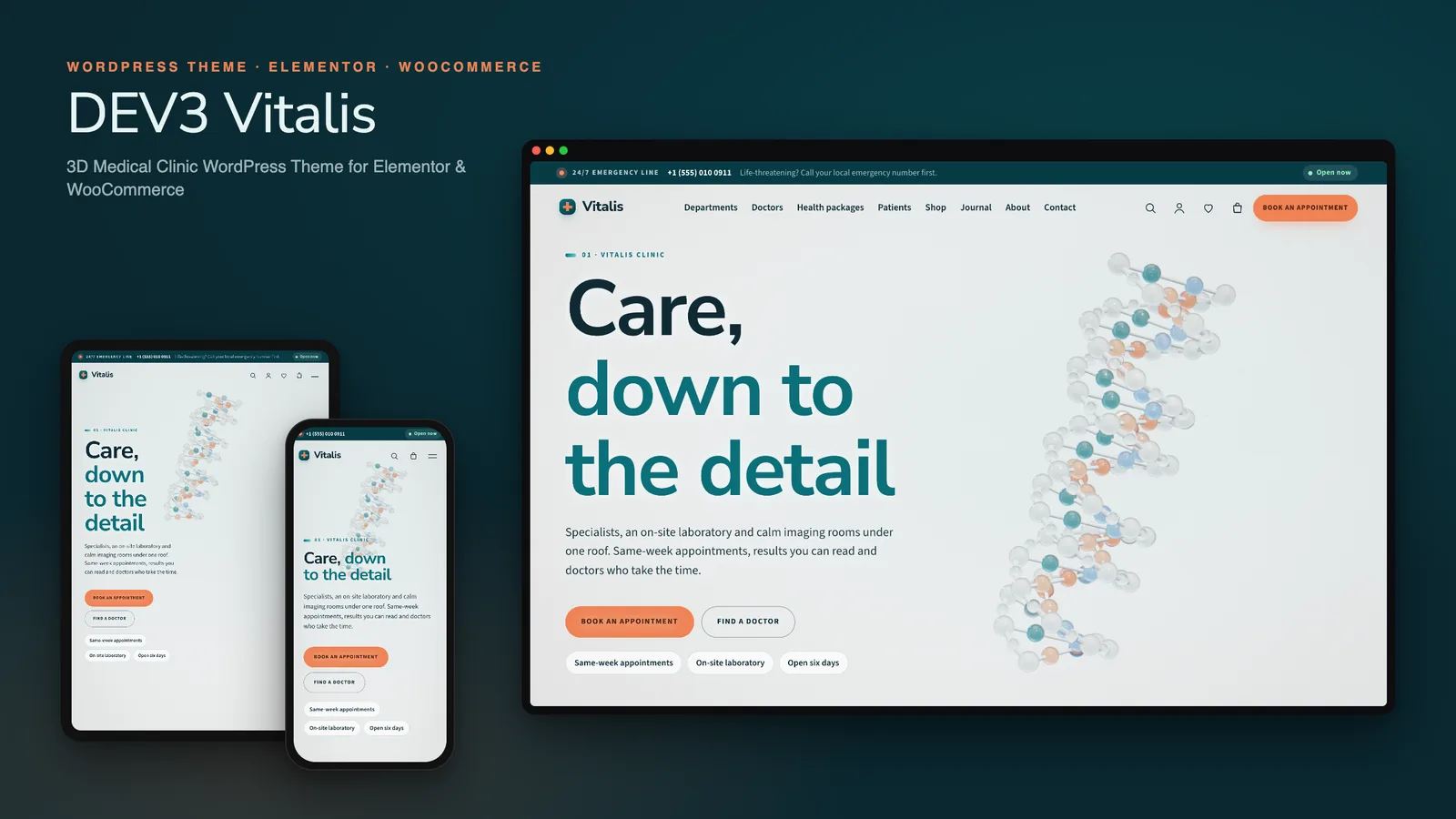
DEV3 Vitalis is built around that route. It has a 3D home page, and we will get to it, but most of the work went into connecting departments, doctors, timetables and an appointment request so that a clinic's front desk can keep them up to date in WordPress. This post follows a visitor's path through the theme and explains the decisions behind each step.
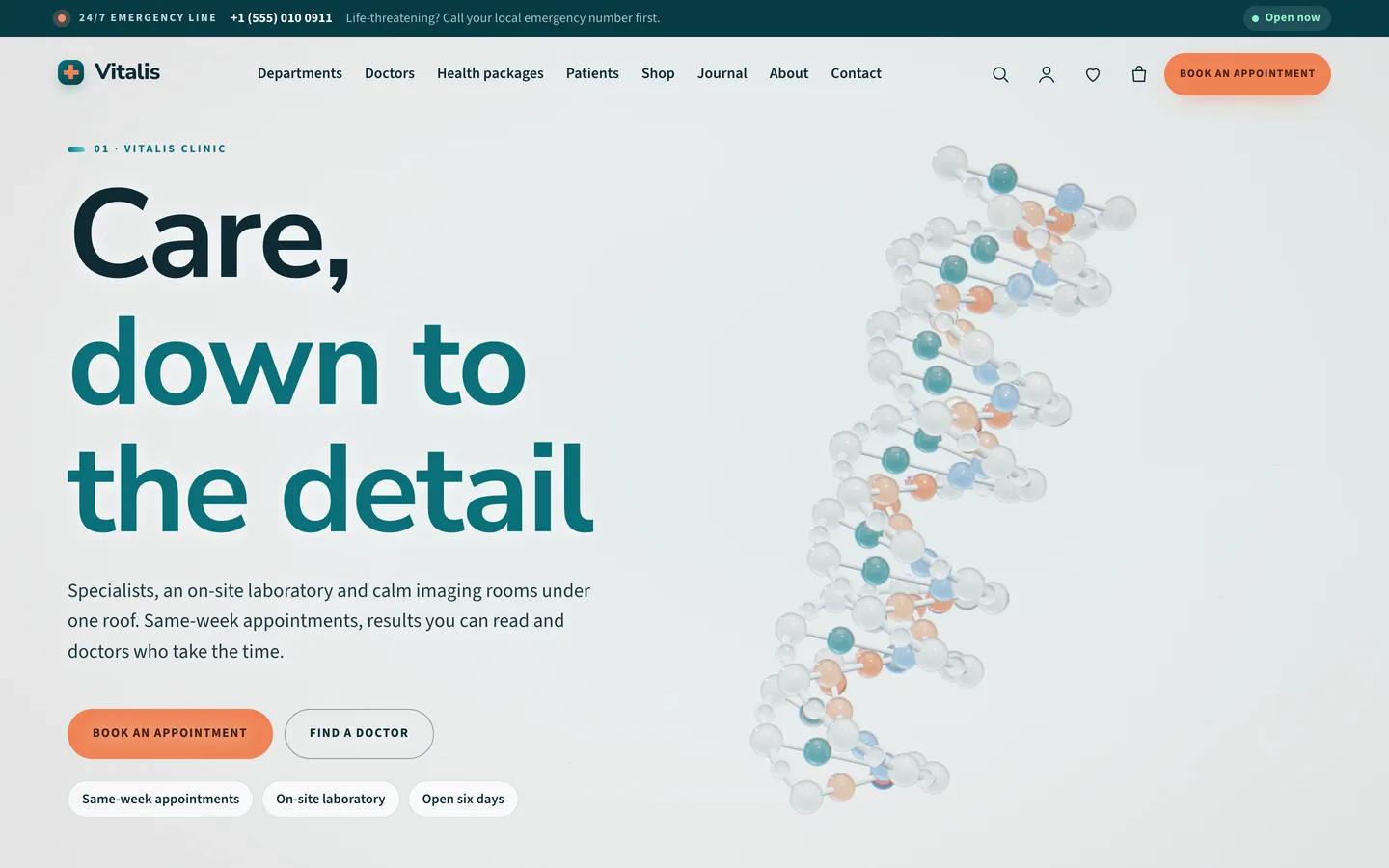
Step one: a calm first impression
The home page opens on a glassy DNA double helix turning slowly beside the headline. As the visitor scrolls, the helix dissolves into floating glass cells. The cells then gather into a translucent heart with labelled vessels, and that settles into a body-scan wireframe for the imaging chapter. A final chapter leads to booking.
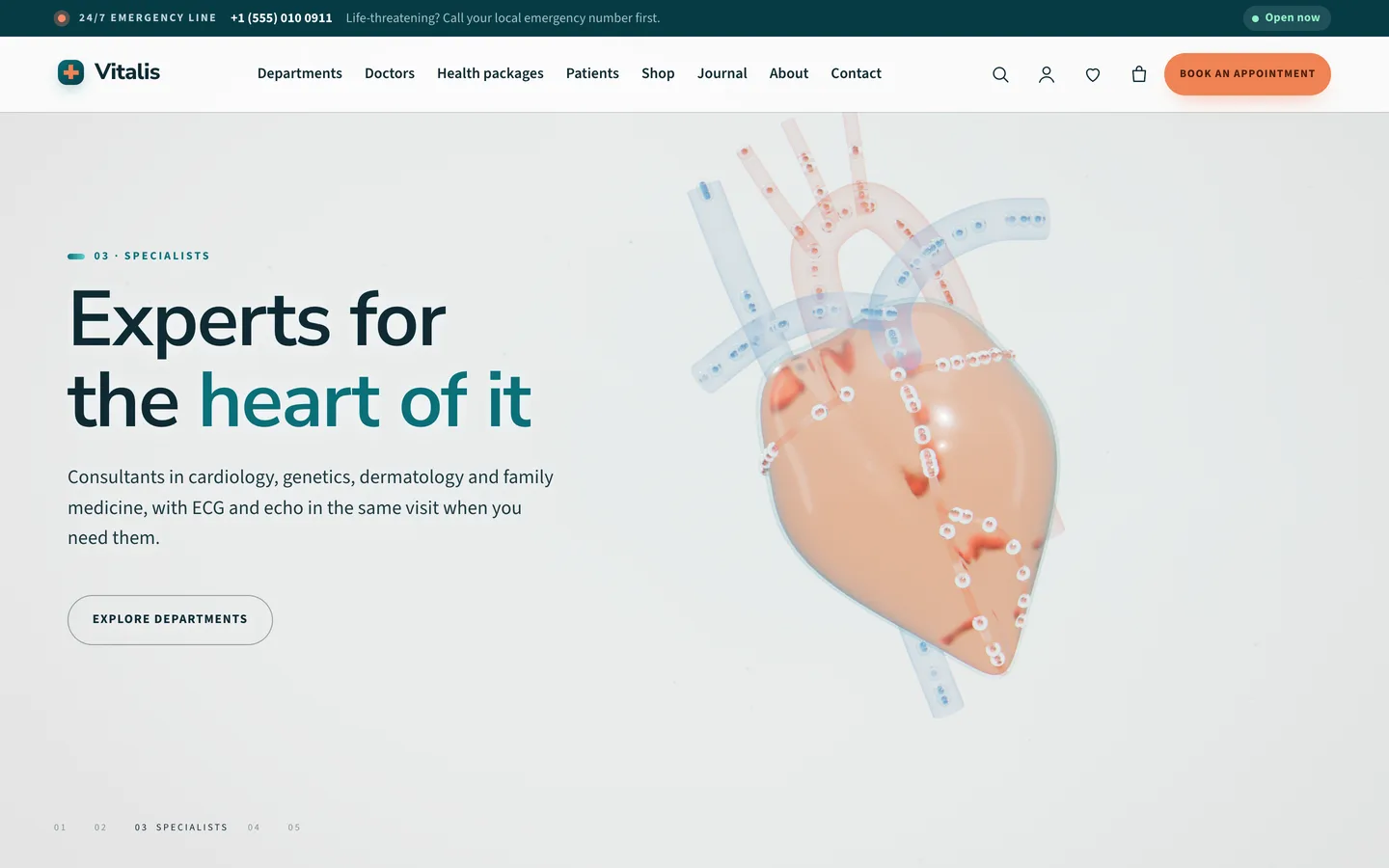
We wanted the scene to feel clinical rather than dramatic. The palette is white, mist and teal, with a warm coral saved for calls to action. Camera moves are slow and eased. Every chapter's text sits on one side of the screen while the 3D subject moves to the other, and on phones the copy sits at the bottom with the subject lifted above it.
Technically, the four stages are one procedural three.js scene, not four models. A single phase value runs from 0 (helix) through 1 (cells) and 2 (heart) to 3 (scan), and the scene blends between stages as the visitor scrolls. That is why the transitions flow instead of cutting. It also means editors can tune any chapter with a small JSON value such as {"phase":2,"spin":0.3} without touching code.
Above all of it is an optional emergency line strip. It shows a label, a phone number and a short note, such as "Life-threatening? Call your local emergency number first." Clinics switch it on or off in the Customizer, next to their opening hours, appointment slot length and medical notice.
Step two: choose a department
Departments are the main way patients think about a clinic, so they get their own post type. In the demo there are six: cardiology, diagnostics and laboratory, imaging and radiology, genetics and prevention, family medicine and dermatology. Each has its own Elementor page.
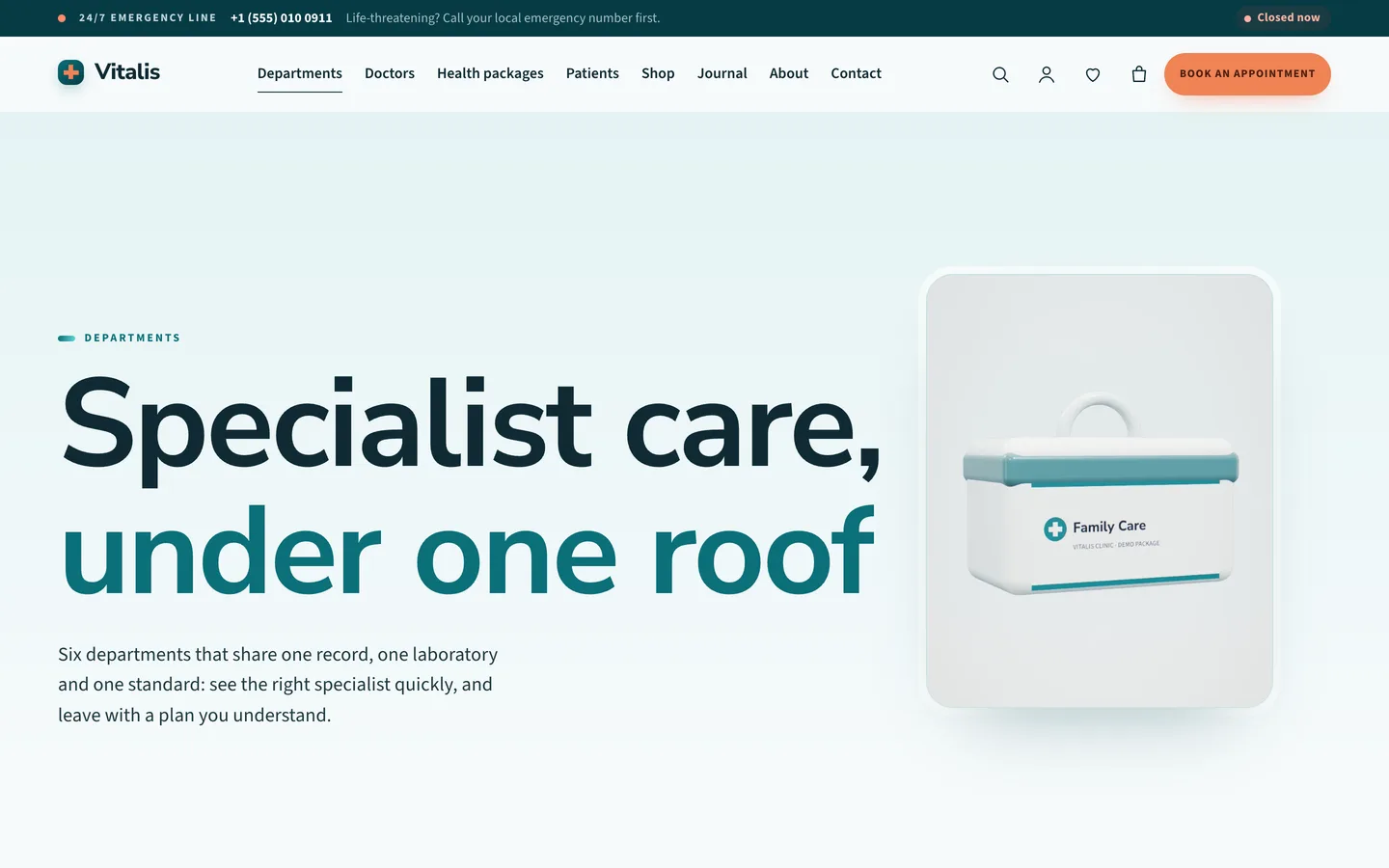
Department pages are ordinary WordPress content. A clinic adds a department in the dashboard, writes its description, and lays out the page in Elementor or the block editor. The theme's 27 block patterns include a departments grid, a department intro, a lab feature and visit steps, so a new page does not start from a blank canvas.
Step three: find a doctor and a day
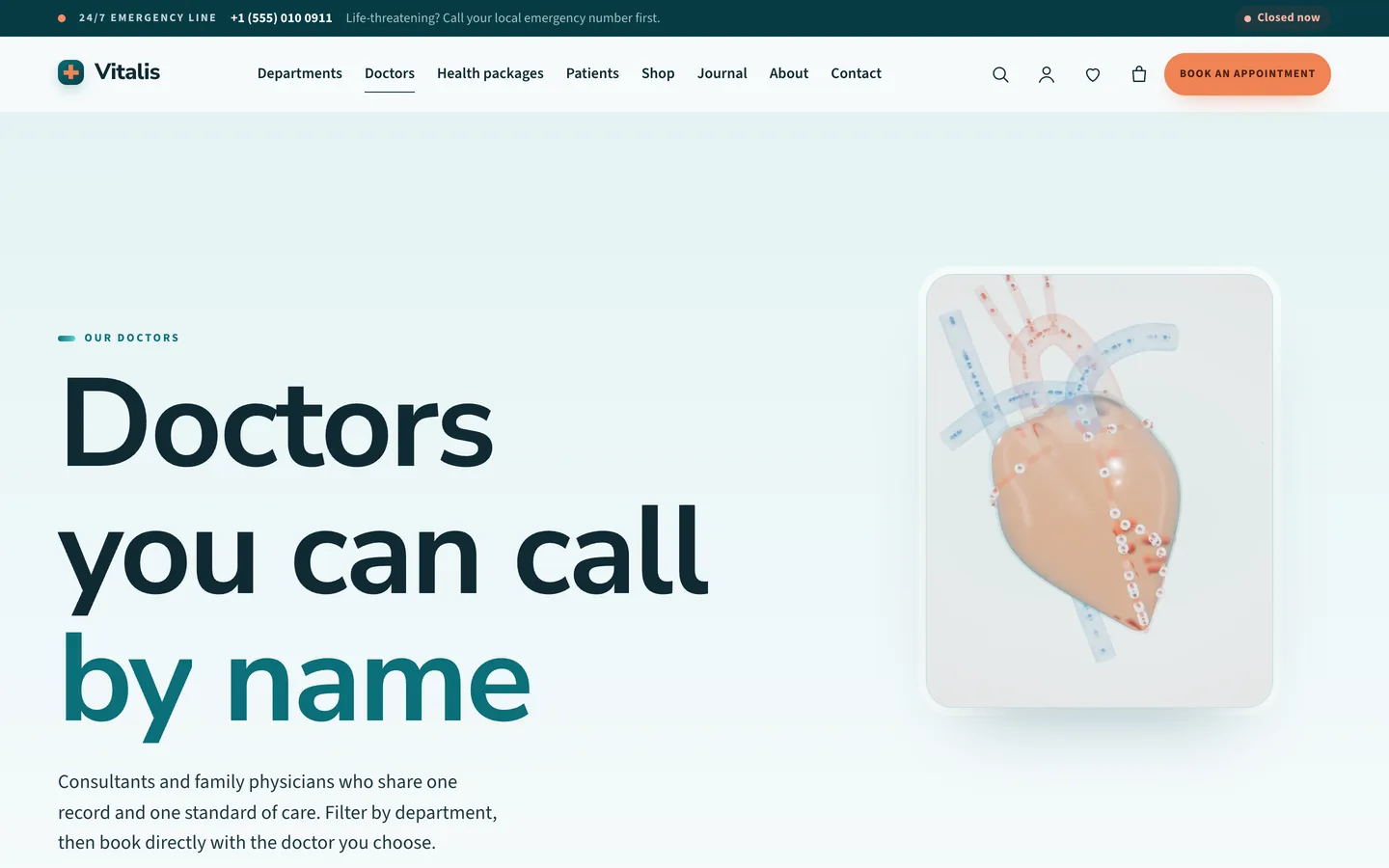
Each doctor has a speciality, a short list of specialities in the excerpt, and a weekly timetable. The timetable is plain text with one line per day, for example Mon: 09:00-13:00, 14:00-17:00. Staff can update it without learning a scheduling tool. Doctors are placed in a category named after their department, and the slug links the two.
We chose generated monogram portraits for the demo doctors instead of stock photos of people. Real clinics will of course use their own photographs. A demo with invented faces, though, looks like a real practice and invites the wrong kind of trust, so we left them out.
The clinic blocks are placed with a single HTML marker each, in an Elementor HTML widget or a Custom HTML block:
data-vitalis-timetable="all"renders a weekly grid, filterable by department, with today highlighted. Usedept:cardiologyordoctor:123to narrow it.data-vitalis-doctors="all"renders doctor cards with consulting days and a Book button. A department slug narrows it.data-vitalis-hoursrenders the opening hours with a live "Open now" or "Closed now" state in the site's time zone.data-vitalis-bookingrenders the appointment slot picker.
The theme renders these markers on the server from the Doctors post type and the Customizer settings. Change a doctor's Tuesday hours once, and the timetable, the doctor card and the slot picker all follow.
Step four: request an appointment
The booking page pairs the slot picker with a Contact Form 7 form called "Appointment request". The patient works through four steps: choose a department, choose a doctor (or "First available doctor"), choose a day from the next 14 days, then choose a free slot. Days without consulting hours are greyed out, and the opening hours stay visible beside the form.
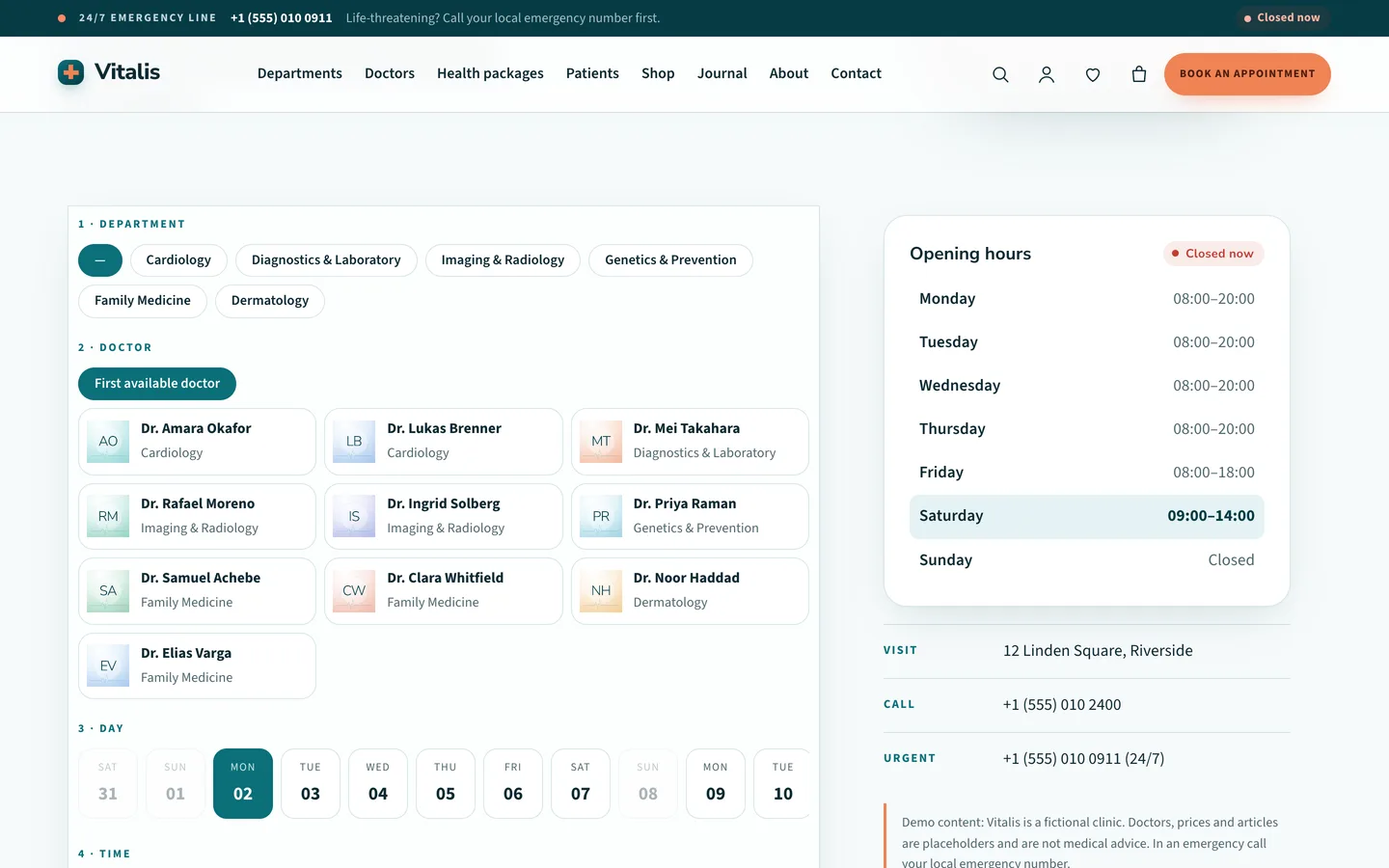
When the patient picks a slot, the picker fills the form's your-department, your-doctor, your-date and your-time fields, and the request is sent like any other Contact Form 7 message. Slot length is a Customizer setting. Links such as /book-an-appointment/?doctor=123 or ?department=cardiology arrive with the choice already made, which is how the Book buttons on doctor cards work.
We were careful about what this is and what it is not. The picker shows availability worked out from the timetables you enter, and it sends a request. It does not hold a live diary or store patient records, and it is not a practice management system. In the demo, some slots appear as taken to show the pattern. The documentation tells clinics to confirm real bookings in their own system. Building on Contact Form 7 means the request lands wherever the clinic already handles its mail, and WPForms works the same way.
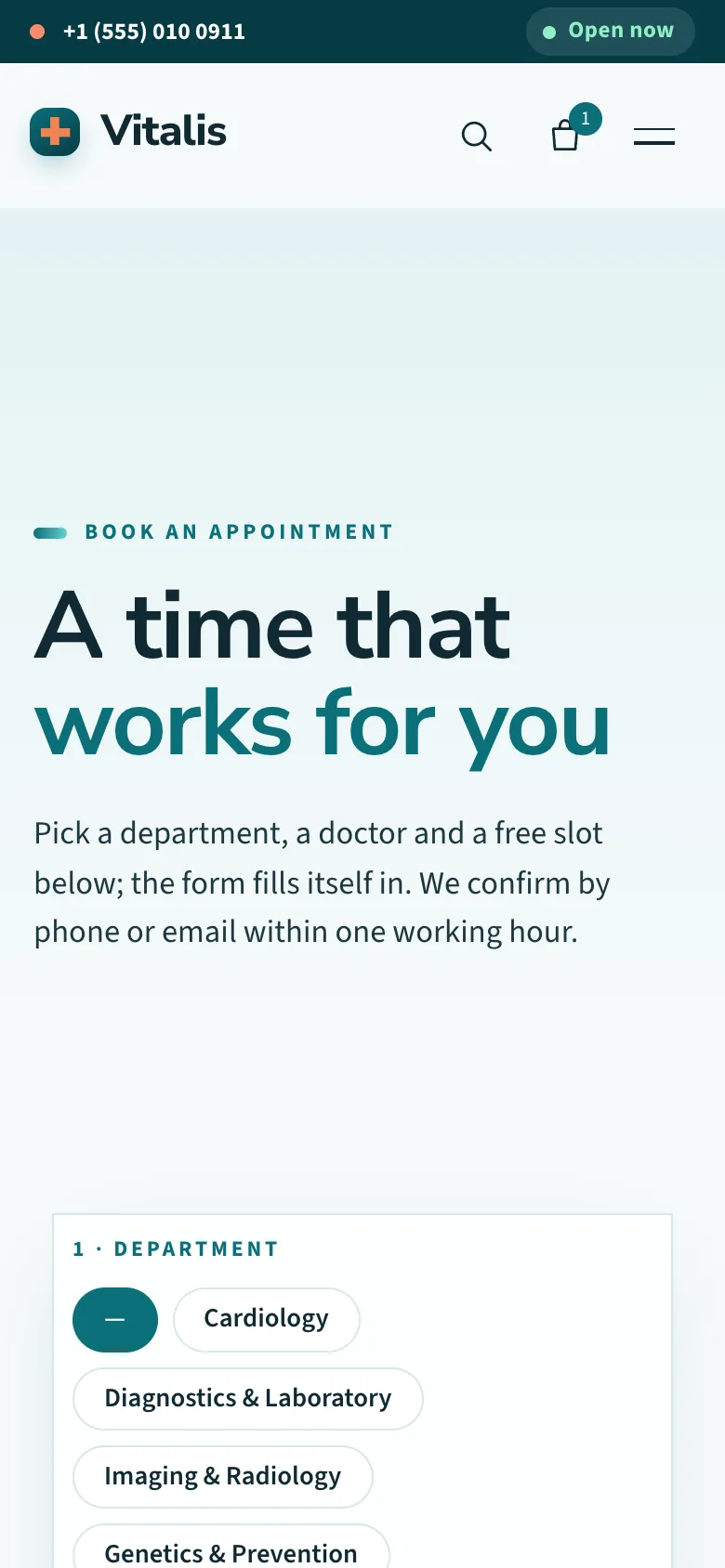
On a phone the same flow uses department chips and slot buttons sized for thumbs.
Packages, lab tests and a small shop
Many clinics sell fixed-price items such as a health check package or a lab test, and some run a small pharmacy or wellness counter. Vitalis styles WooCommerce end to end. Health packages come in Essential, Comprehensive and Executive levels, shown as label swatches. Lab tests are virtual products with no shipping step. Pharmacy items ship normally.
Every product has a drag-to-rotate 3D view from the "Vitalis: product studio" preset. The objects include capsules, a pharmacy bottle, lab vials, a health check kit, a wellness jar and a glass drop, each with an accent colour and label text. A clinic can also paste the URL of its own GLB model. The toolkit adds a mini-cart drawer, quick view and a wishlist, and both the classic and block checkout are styled in the same teal and white.
Editing in Elementor or the block editor
Every demo page is an Elementor container layout. The DEV3 widget category holds the 3D Scene and 3D Product Viewer widgets, plus Counter, Pricing, Team, Timeline, Post Type Grid, Product Grid, an FAQ widget that outputs FAQ schema, a Contact / Map widget on OpenStreetMap that needs no API key, and a Form widget.
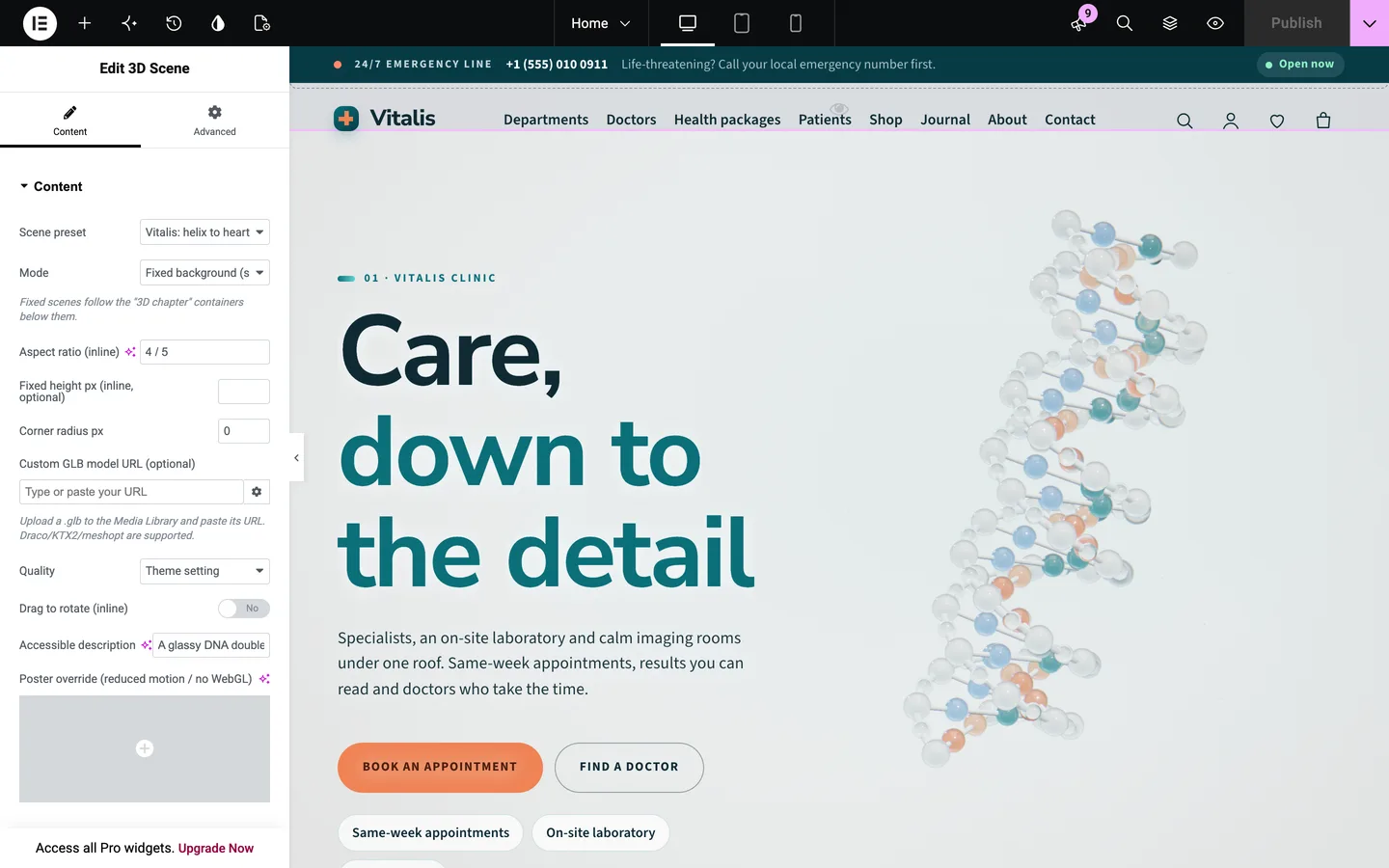
The 3D scene is one widget at the top of the home page, set to "Vitalis: helix to heart" in "Fixed background" mode. Each section below it has Advanced → DEV3 3D chapter switched on, which makes it a camera stop. The widget exposes the hologram, halo and room colours, the helix rotation speed, light intensity and a soft caustic light. Changes show live in the editor. Clinics without Elementor can use the block twins of every widget and the 27 patterns.
Built to stay out of the way
A clinic site is often opened on an older phone, in a waiting room, on a weak connection. The 3D engine loads only on pages that have a scene: about 213 KB gzip including three.js. Pages without one load about 10 KB of JavaScript. Quality adapts to the device and steps down if the frame rate drops. Visitors who prefer reduced motion, have Save-Data on or have no WebGL see a still poster, and the text and booking flow work the same either way.
Fonts are self-hosted, so the theme makes no requests to outside services. The theme has a skip link, visible focus rings, keyboard menus, an ARIA-live cart count and an RTL stylesheet, and it outputs MedicalClinic structured data. Before release, Vitalis passed the same gates as the other DEV3 themes: phpcs with WordPress Coding Standards at zero errors, the Theme Check plugin, the engine size budget, an automated checkout run and an Elementor live-editing test.
One more note on content. Every clinic, doctor, price and article in the demo is a fictional placeholder and is not medical advice. Vitalis is a website theme. What a clinic publishes on it should be its own reviewed content, with a medical notice that suits its jurisdiction.
See it in motion
Get the theme
Vitalis is on the DEV3 marketplace with the theme, a child theme, the DEV3 Theme Toolkit plugin, the one-click demo and HTML documentation. The case study covers the design decisions in more depth.