Change the 3D story
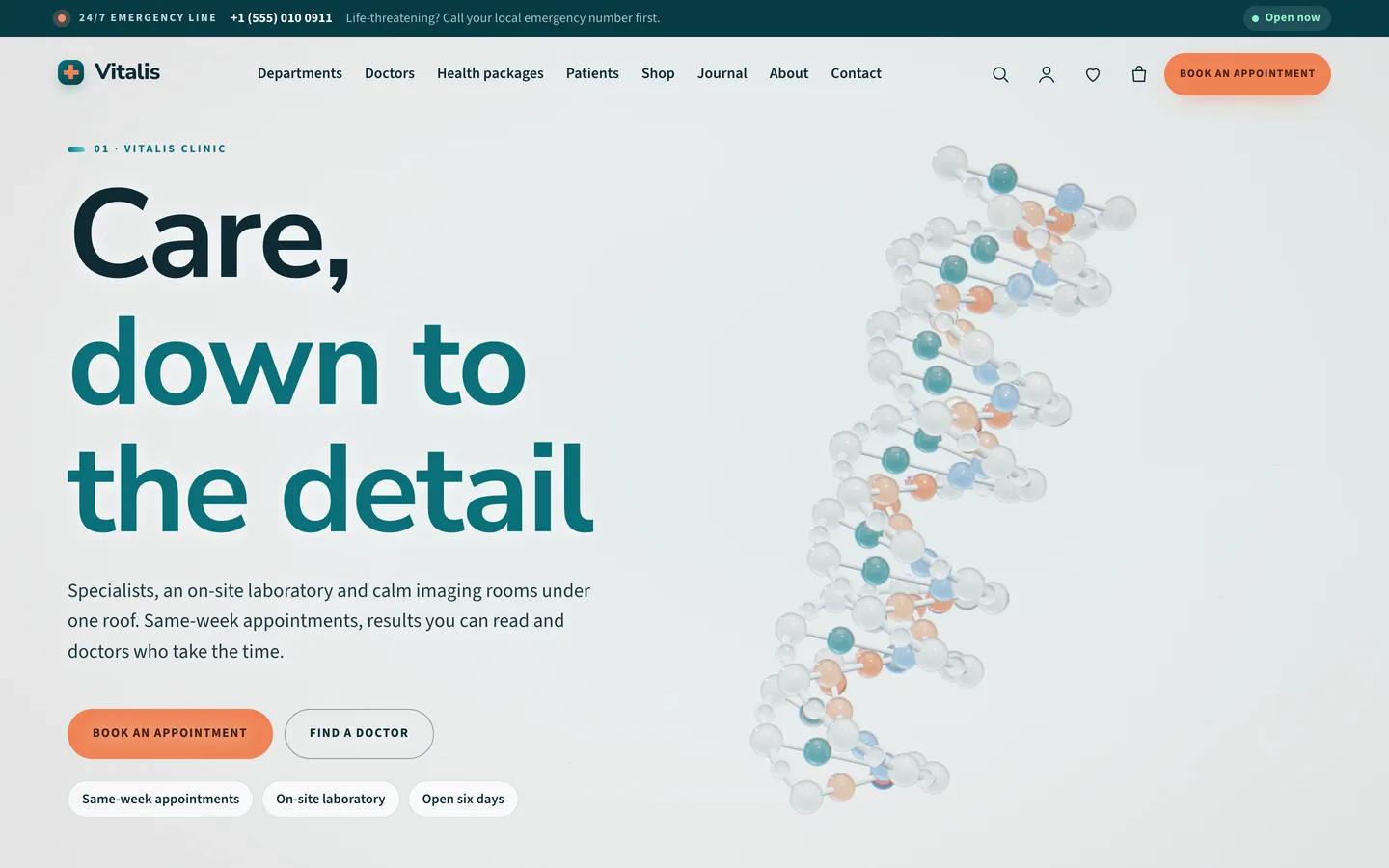
Open the home page with Edit with Elementor. The first widget is a 3D Scene with the preset Vitalis: helix to heart in Fixed background (scroll story) mode. Each section below it has Advanced → DEV3 3D chapter switched on; the five default stops are helix, cells, heart, body scan and booking.
- Reorder, duplicate or remove chapter sections to change the story.
- Set Copy side to the side your text is on; the 3D subject moves to the other side. On phones the copy sits at the bottom.
- Fine-tune a stop with Scene state JSON, for example
{"phase":2,"spin":0.3,"yaw":0.2,"scan":0,"warm":0.35}. phase runs from 0 (helix) to 1 (cells), 2 (heart) and 3 (scan).
- In the widget, change the hologram, halo and room colours, helix rotation speed, light intensity and the soft caustic light.
Add departments and doctors
- Departments live under Departments in the dashboard. Each one can be edited with Elementor.
- Doctors live under Doctors. Set the Speciality, list specialities in the excerpt, and enter the week in Timetable, one line per day, for example
Mon: 09:00-13:00, 14:00-17:00. Put each doctor in a Doctor category named like the department; the slug links the two.
Place the timetable, hours and booking
Add an Elementor HTML widget or a Custom HTML block containing one marker:
<div data-vitalis-timetable="all"></div> – the weekly grid (or dept:cardiology, doctor:123)<div data-vitalis-doctors="all"></div> – doctor cards with a Book button (or a department slug)<div data-vitalis-hours></div> – opening hours with a live Open now / Closed now state<div data-vitalis-booking></div> – the appointment slot picker
The slot picker fills the your-department, your-doctor, your-date and your-time fields of the Appointment request Contact Form 7 form. Links such as /book-an-appointment/?doctor=123 or ?department=cardiology preselect a choice. The picker shows availability from your timetables; confirm real bookings in your practice system.
Customizer settings
Go to Appearance → Customize → DEV3 Vitalis Options: Clinic details (emergency strip, opening hours, slot length, medical notice), Colours & Fonts, Header, 3D & Motion (quality auto, high, low or off, loader, cursor, smooth scroll, chapter rail), Footer, Shop and Blog.
Sell packages and lab tests
Health packages and lab tests are Virtual WooCommerce products, so checkout skips shipping; pharmacy items ship normally. Use a label attribute for package levels. In the product's 3D view tab choose the Vitalis: product studio preset with parameters such as {"object":"bottle","title":"Vitamin D3"}, or paste a GLB URL.