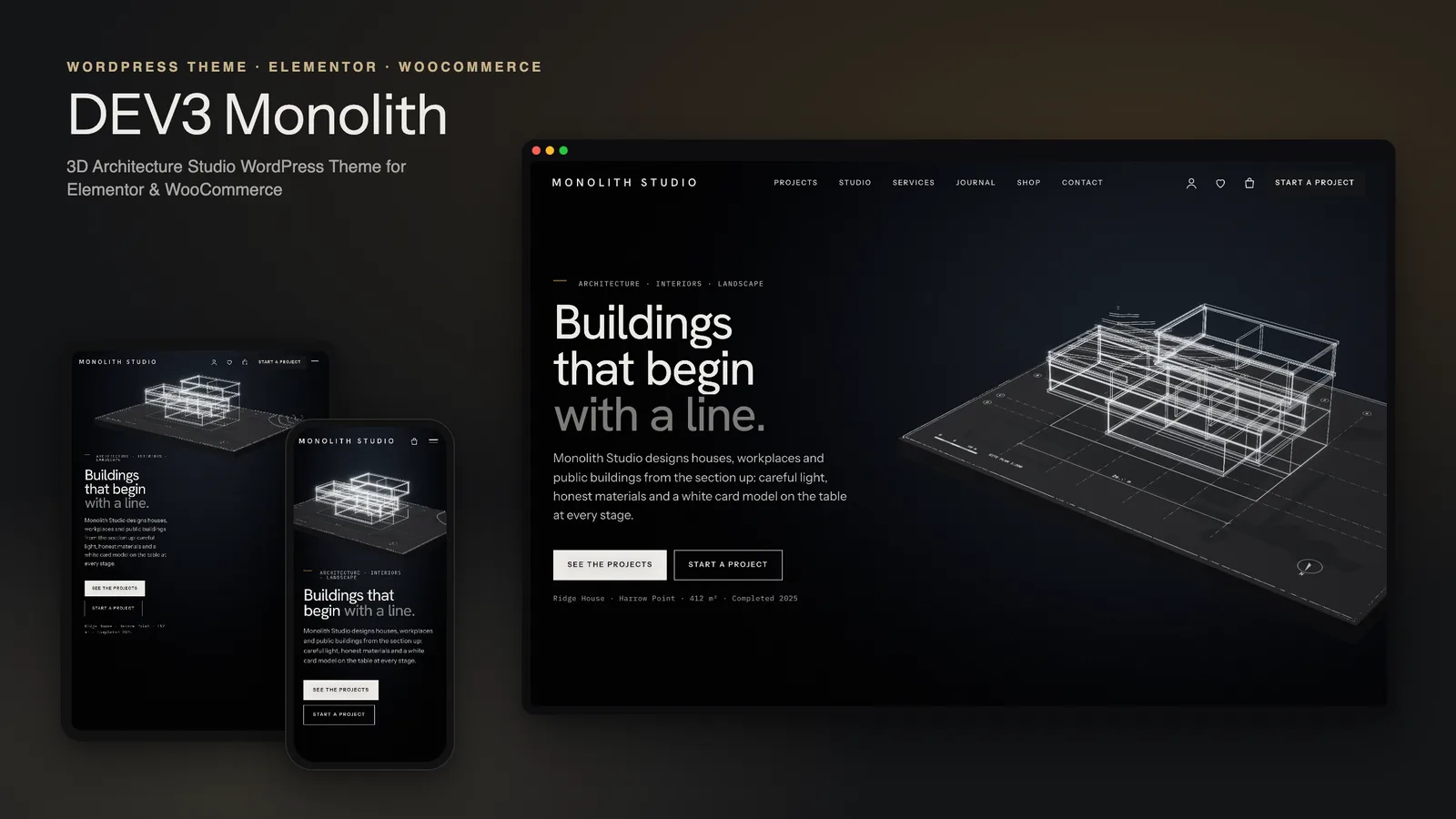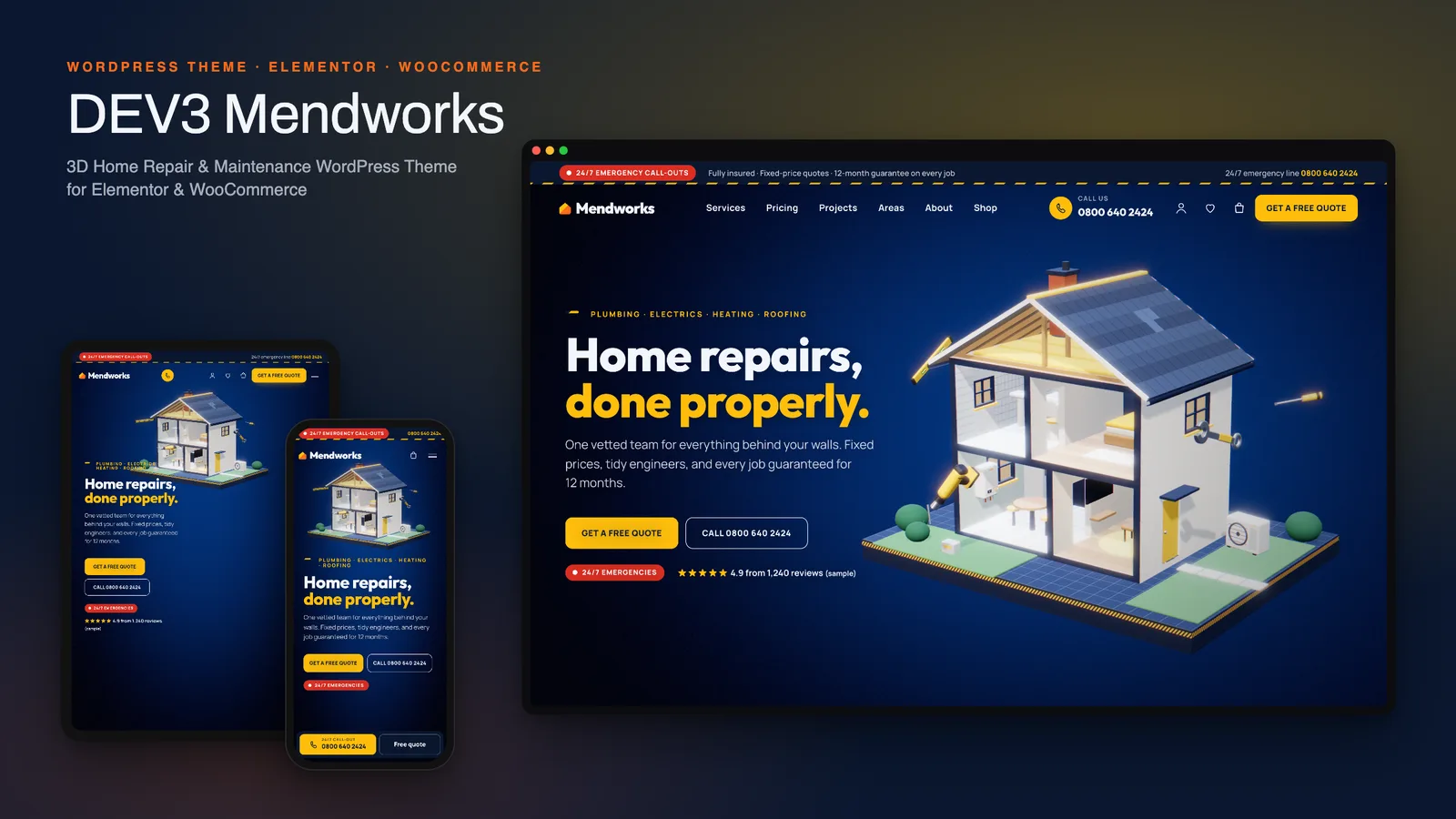
If you run a plumbing, electrical, heating, roofing or handyman business, your website has exactly one job: make the phone ring, or get a quote request in. Everything else is decoration. Most handyman and maintenance services WordPress themes forget that. They give you a photo of a van, a services list and a contact form at the bottom. DEV3 Mendworks starts from the lead and works backwards, and it adds something photos cannot do: a live 3D house that opens up to show what you actually fix behind the walls. This post covers who Mendworks suits, how to set up a trades site with it, and how to edit the exploding-house story in Elementor.
Who Mendworks is for
- Plumbers, electricians and heating engineers who sell emergency call-outs and fixed-price jobs.
- Multi-trade home-maintenance companies covering plumbing, electrics, HVAC, roofing, cleaning and handyman work under one brand.
- Roofers and HVAC installers who need to explain a system before quoting for it.
- Agencies building sites for local trades. The lead settings all live in one Customizer section, so handing a site over is simple.
If you sell online first and take the occasional call, a shop theme will suit you better. Mendworks is for businesses whose best customer is on a phone, in a hurry, with water on the floor.
The lead machine
Before the 3D, here is what Mendworks does for leads on every page:
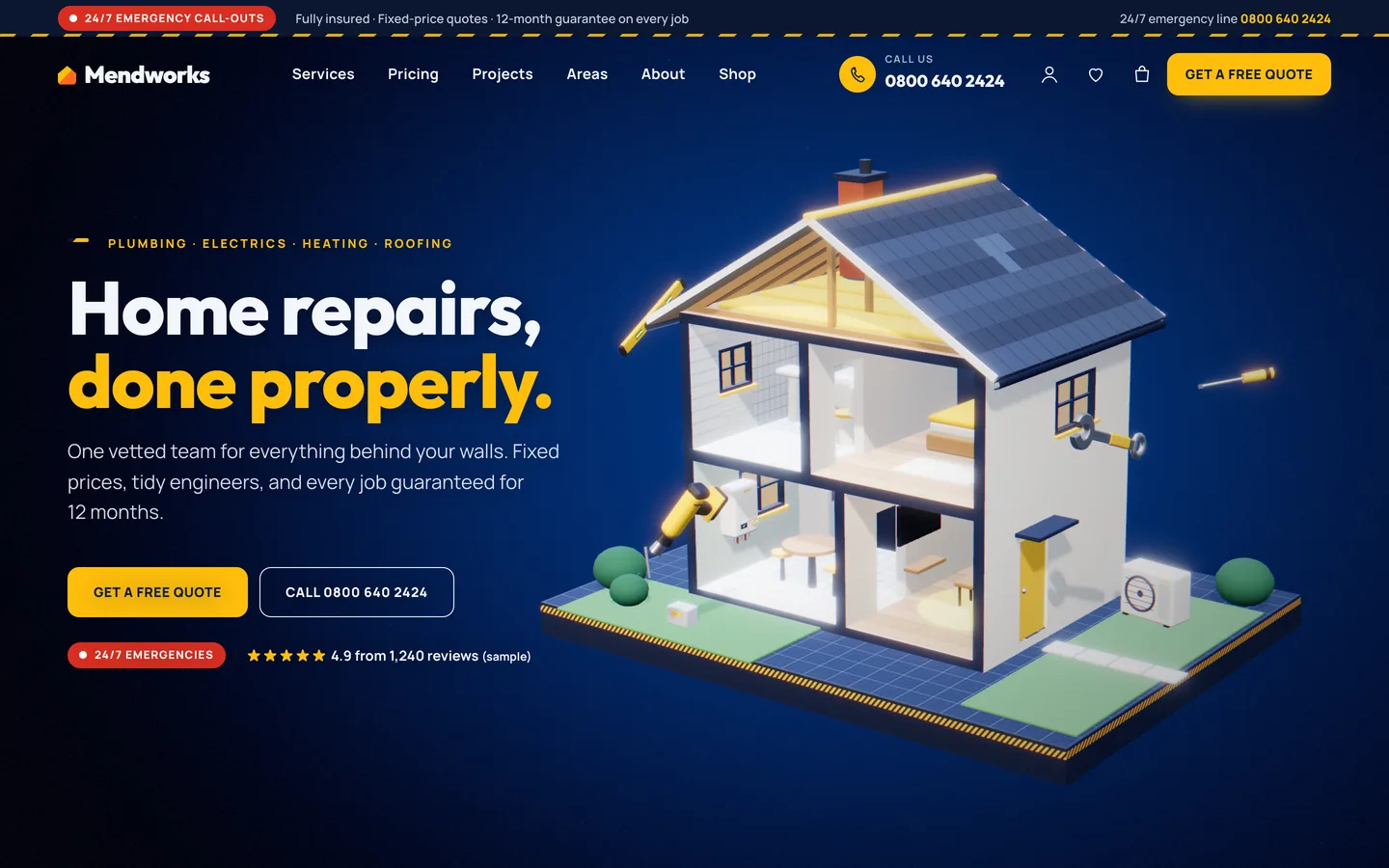
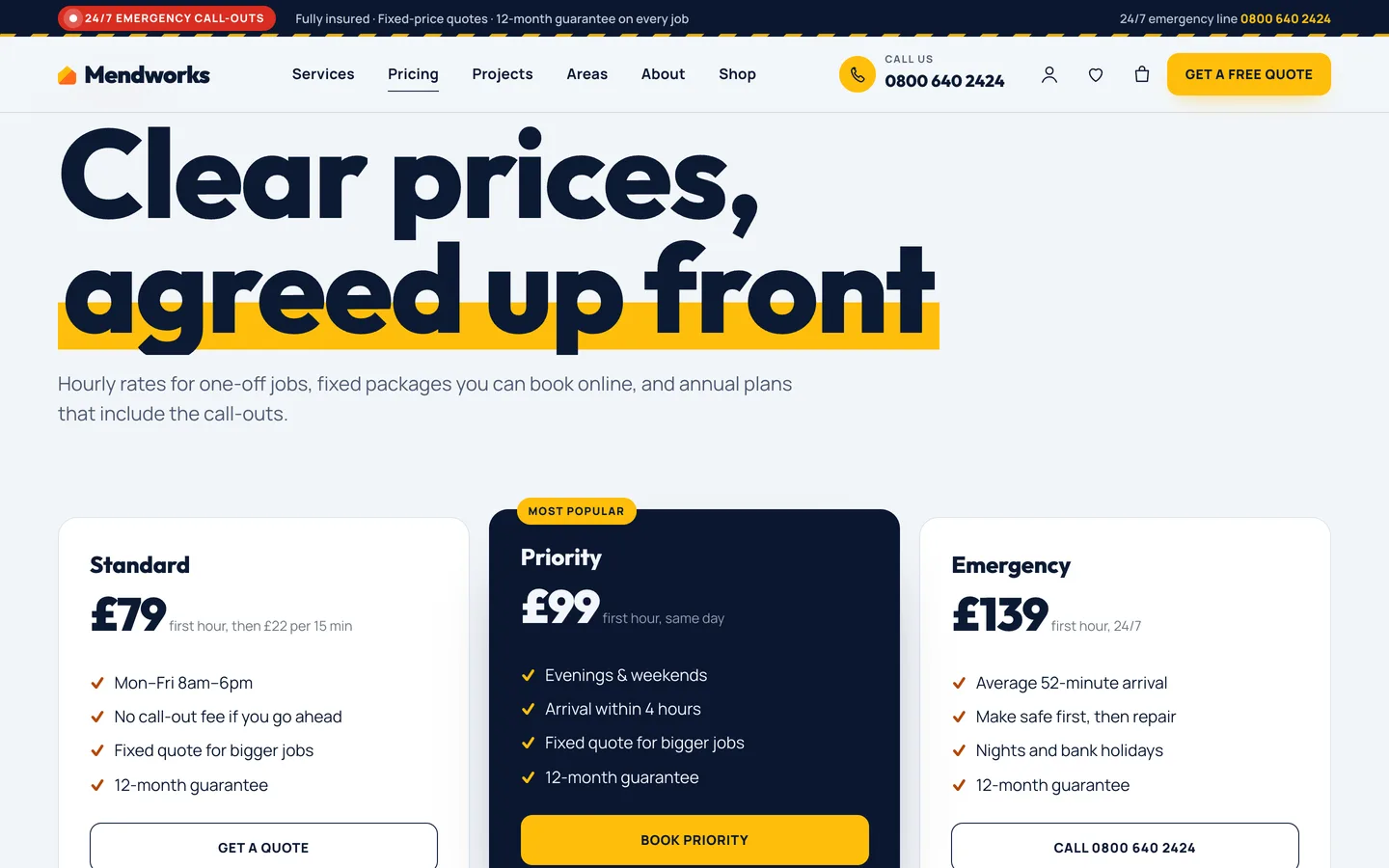
- Top bar: a pulsing 24/7 emergency badge, a trust line ("Fully insured · Fixed-price quotes · 12-month guarantee") and your number.
- Header: a phone icon with the number, and a Get a free quote button.
- Sticky mobile call bar: a big Call button and a Free quote button at the bottom of every page on phones. It hides while a form field has focus, so it never sits on top of the keyboard while someone types their address.
- Emergency strips: big tap-to-call numbers on the home, areas and quote pages.

All of this reads from one place: Appearance → Customize → Mendworks: leads & service area. Change your number there, and the header, top bar, call bar, 404 page and patterns all update together.
"Do you cover my area?"
This is the question that loses trades businesses the most leads, because people leave rather than ask. Mendworks has a service-area checker: the visitor types a postcode and gets an instant answer. If you cover it, the answer links to the quote form with the postcode already filled in, or to a call. You maintain the list in the Customizer, one area per line, for example Kestrel Bay: KB1, KB2, KB3. Matching uses the outward code, so KB2 matches "KB2 4HT" but KB1 does not wrongly match "KB12". The result is announced to screen readers through an ARIA-live region.
Forms that already know the job
Three Contact Form 7 forms come with the theme:
- Free quote: service, property, urgency, postcode, description and consent.
- Book a visit: service, date, a two-hour arrival slot and access notes.
- Contact.
The quote form reads the service and postcode from the link. So a "Get a quote" button on the Plumbing page arrives with Plumbing chosen, and a postcode check arrives with the postcode filled in. Fewer fields to fill means more forms sent.
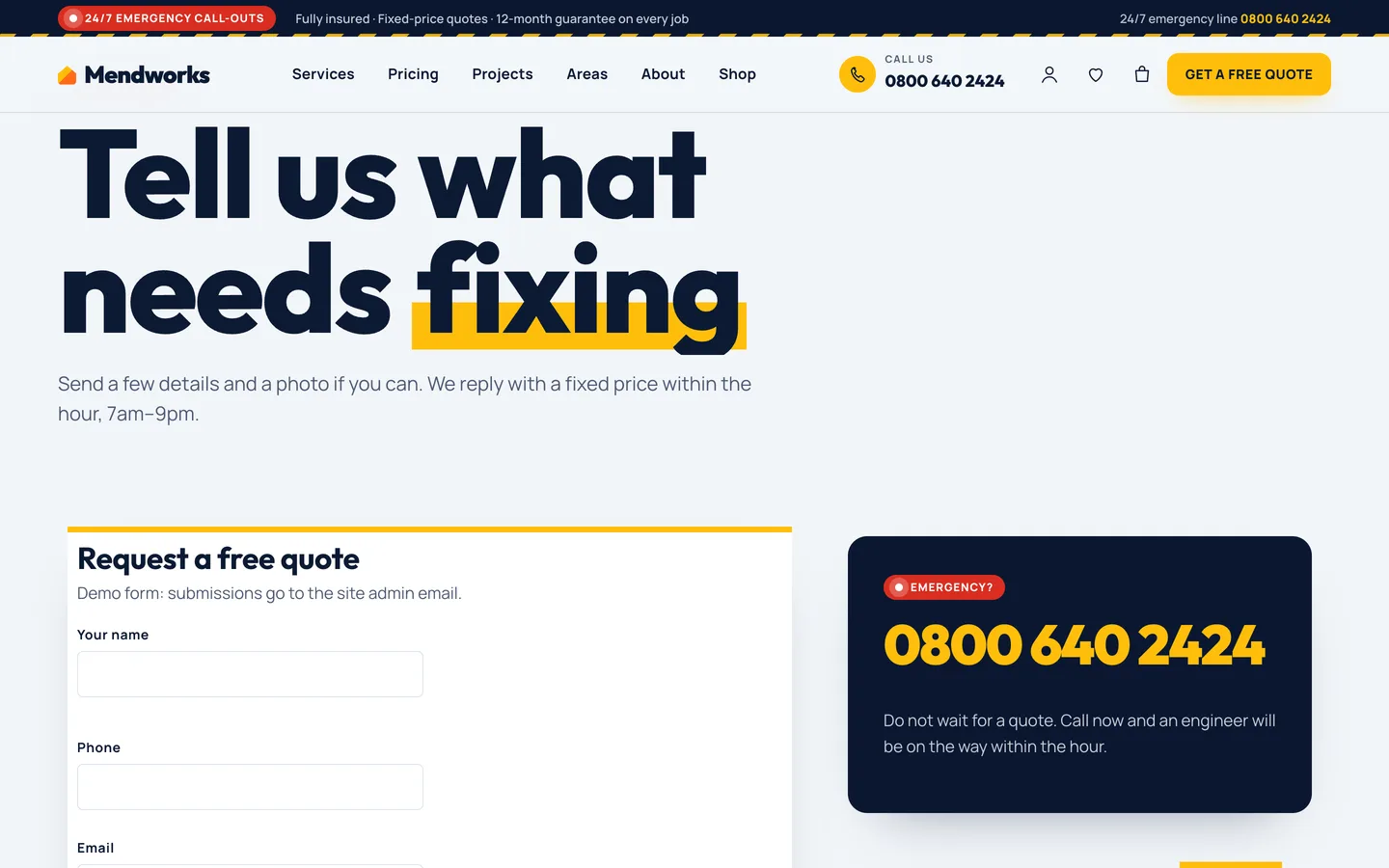
The house that explains your trades
The home page is a three.js scene that stays fixed behind the page while you scroll. It is a miniature cutaway house on a plinth, and it moves through six chapters:
- Home: the house assembled, with tools orbiting it.
- Plumbing: walls and floors explode apart, hot and cold pipes draw on and glow with flowing water, and the taps drip.
- Electrics: dusk falls, wiring draws on from the consumer unit with travelling sparks, and the room lights come on one by one.
- Heating & air: the roof lifts, and ducts from the heat pump fill with moving airflow.
- Roofing: a scan line sweeps the tiles, and replacement tiles drop into the gaps.
- Fixed: everything reassembles, and a guarantee shield rises.
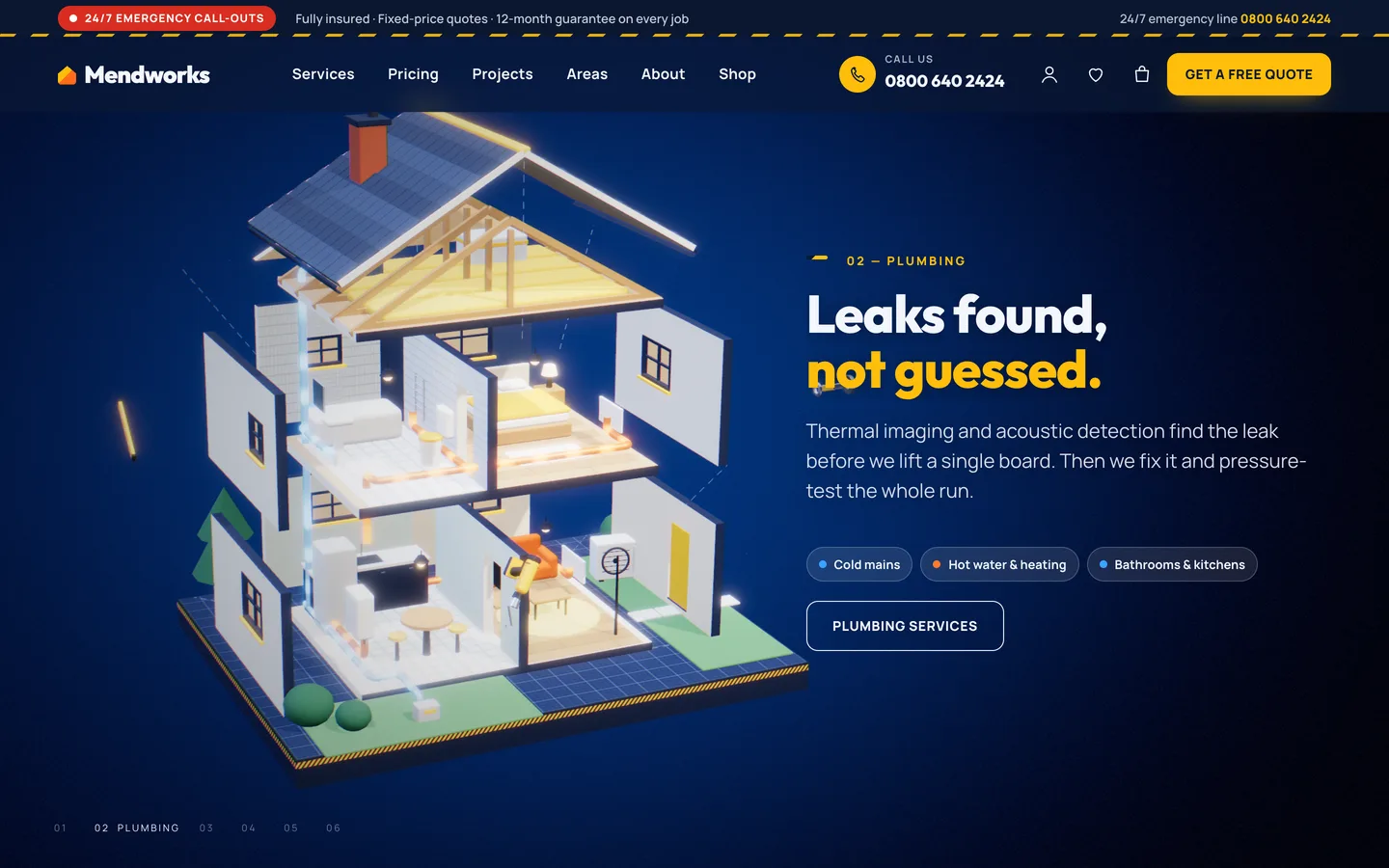
It is generated in code, so there are no stock photos to license and no real brands on show. The same house works on inner pages: run it inline on the Plumbing service page with only the pipes highlighted. A second preset, before / after room, illustrates project pages, with a wear value from 0 (after) to 1 (before). A third, product studio, renders 19 objects for the shop, from thermostats and boilers to drills and toolboxes.
Setting up a trades site with Mendworks
- Install. Upload
dev3-mendworks.zipunder Appearance → Themes → Add New → Upload Theme, activate it, and install the DEV3 Theme Toolkit from the prompt. It is required. Install Elementor, WooCommerce and Contact Form 7 at the same time. - Import the demo. Go to Appearance → DEV3 Demo → Import demo while logged in as an administrator. You get 14 Elementor pages, 6 service pages, 6 project pages, 6 engineers, 6 reviews, 6 advice posts, 19 products and the 3 forms.
- Set your leads. Fill in your phone number, badge, top bar and quote link in Mendworks: leads & service area, then replace the demo areas with your own postcodes.
- Rewrite services. Each service has a price, a duration and a booking link. Services are also editable in Elementor, so a page can show the trade's own 3D system.
- Add proof. Projects take a client, year and location. Pair them with the Before/After widget. The demo reviews carry a "Sample review" badge. Replace them with real reviews, then switch the badge off. Never publish the samples as real.
- Optional shop. Maintenance plans are virtual products. Service packages can have variations, such as a half-day or full-day handyman visit. Parts and tools can have finish swatches that recolour their 3D model.
- Connect the forms. Set the email recipients in Contact → Contact Forms.
The front page outputs HomeAndConstructionBusiness structured data for search engines.
Editing the 3D chapters in Elementor
Open the home page with Edit with Elementor. At the top is a 3D Scene widget with the Mendworks: exploded house preset, used as a fixed background. Its panel picks the highlighted system (follow chapters, whole house, or one trade), whether tools orbit the house, and the room, halo and window-glow colours. Changes show in the editor as you make them.
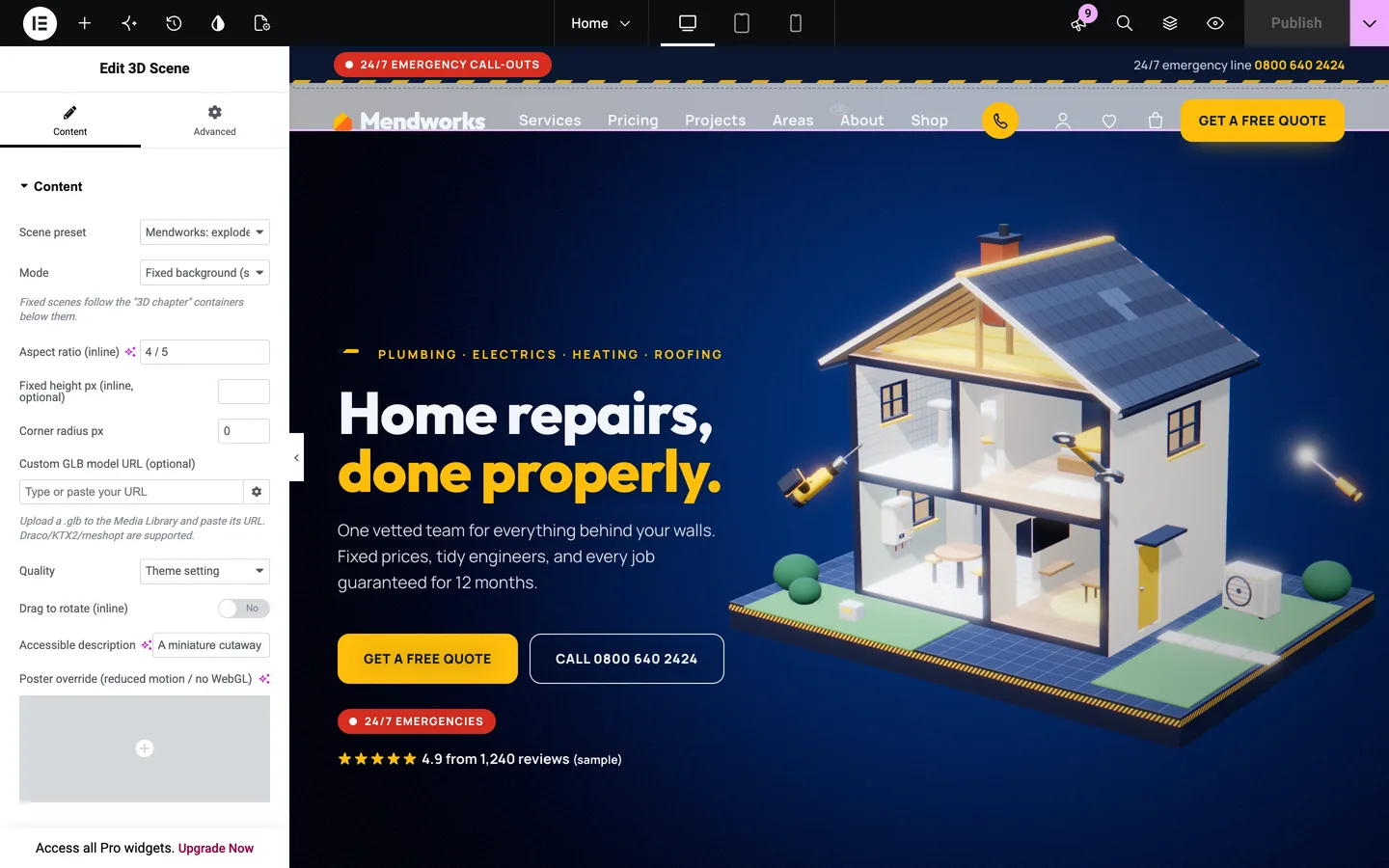
The six chapters are the full-height containers below, each with Advanced → DEV3 3D chapter → Use as 3D chapter switched on. To edit the story:
- Change a chapter: edit its text and buttons as normal.
- Choose where the text sits: set Copy side to left, right or centre, and the camera frames the house on the other side.
- Drop a trade you don't offer: delete its container, for example Roofing.
- Fine-tune what the house does: override a chapter with Scene state JSON, such as
{"explode":0.6,"elec":1,"night":0.8}. The keys areexplode,plumb,elec,hvac,roof,tools,nightandfixed, each from 0 to 1, and they blend smoothly between chapters.
If you build without Elementor, every widget has a block twin and there are 28 patterns. They include an emergency hero, a call-out rates table, a postcode checker band, a seasonal maintenance checklist and three ready-made 3D sections.
Fast on a phone in a hurry
Your visitor may be standing in a puddle on a slow connection, so the 3D never blocks the call button:
- All copy, buttons and phone links are HTML, ready before the 3D loads.
- The engine loads only on pages with a scene, at about 207 KB gzip including three.js.
- Reduced motion, Save-Data or no WebGL get a still poster of the house.
In our QA run, all 18 desktop pages held 61 fps in headed Chrome, and the home and product pages held 61 fps at phone width.
See it in motion
There is no public live demo. The video tour shows the house exploding trade by trade, the quote flow and checkout.
Mendworks is on the DEV3 marketplace. The case study covers the design decisions behind the house and the lead tools.