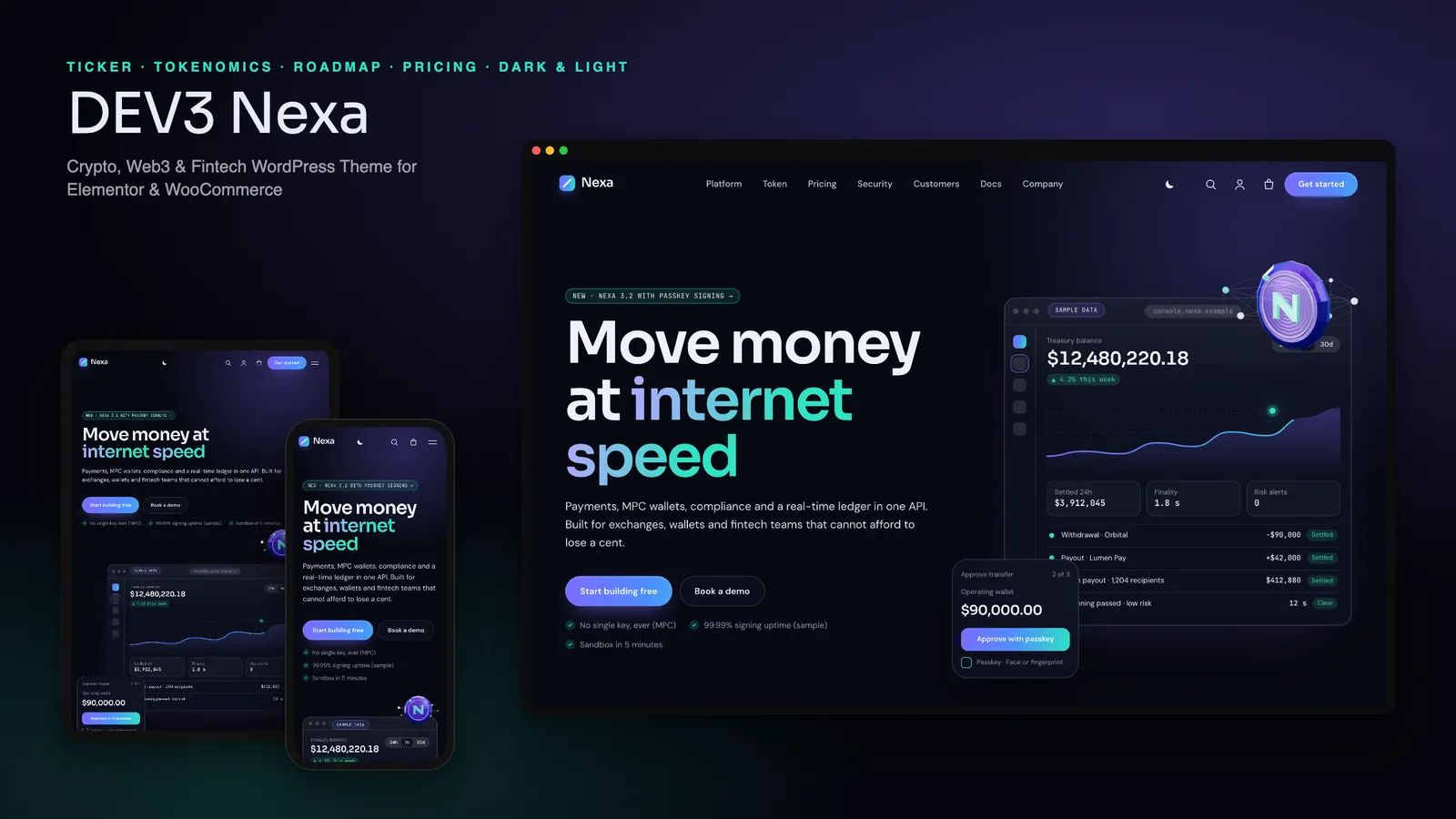
A crypto or fintech website has to look like a serious product company, with crisp interface screens and engineered motion, while never saying anything it cannot stand behind: no live prices that read as advice, no audit badges you never earned. DEV3 Nexa is a crypto, Web3 and fintech WordPress theme built around that tension. It gives you the look, and it ships honest by default. This post covers who Nexa is for, how to set it up in Elementor, and how its ticker, token page, pricing and compliance settings work.
Who a crypto and Web3 theme like this is for
Nexa was designed around teams that sell a financial or on-chain product to other people:
- Fintech SaaS and payment platforms that need a product hero, platform tabs, pricing and a security page.
- Wallets, custody and exchange products that want to explain the product step by step and publish their audits.
- Web3 protocols and DAOs that need a token page, a roadmap and a changelog-style blog.
- Agencies building launch sites for fintech or Web3 clients.
Nexa is the marketing site in front of a product, not the product: it has no wallet connection, no on-chain calls and no price feed switched on out of the box.
Honest by default: sample data, live prices off
The first thing to know about Nexa is what it does not do. Nexa Protocol, the NXA token, the partners, customers, auditors and every number in the demo are fictional. Nothing in the theme or the demo is investment advice, and the theme is built to make that obvious to anyone who visits a half-finished site:
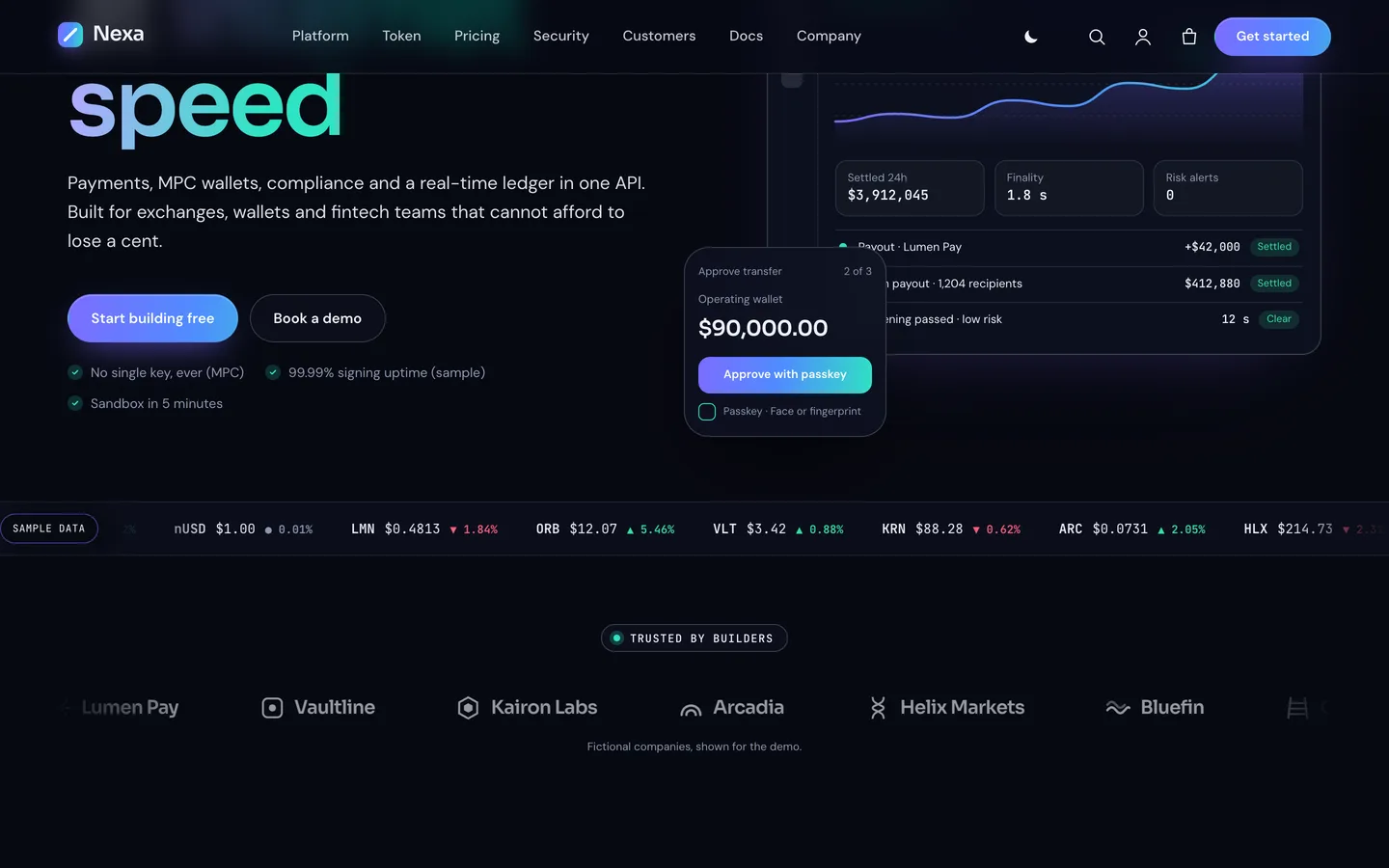
- The price ticker shows sample values with a visible Sample data badge and a gentle sample drift so the strip feels alive. Live prices are off by default. Each row can be switched to live mode with a CoinGecko id, and the documentation reminds you that this makes visitors' browsers call a third-party API, which belongs in your privacy policy.
- A risk notice prints above the footer on every page. Edit or hide it under Customizer → Nexa: mode & disclaimer, and replace the placeholder with the wording your legal and compliance team require.
- The demo includes a Risk disclosure page linked from the footer, and labels its audits, certifications and partners as "(sample)" or "(fictional)".
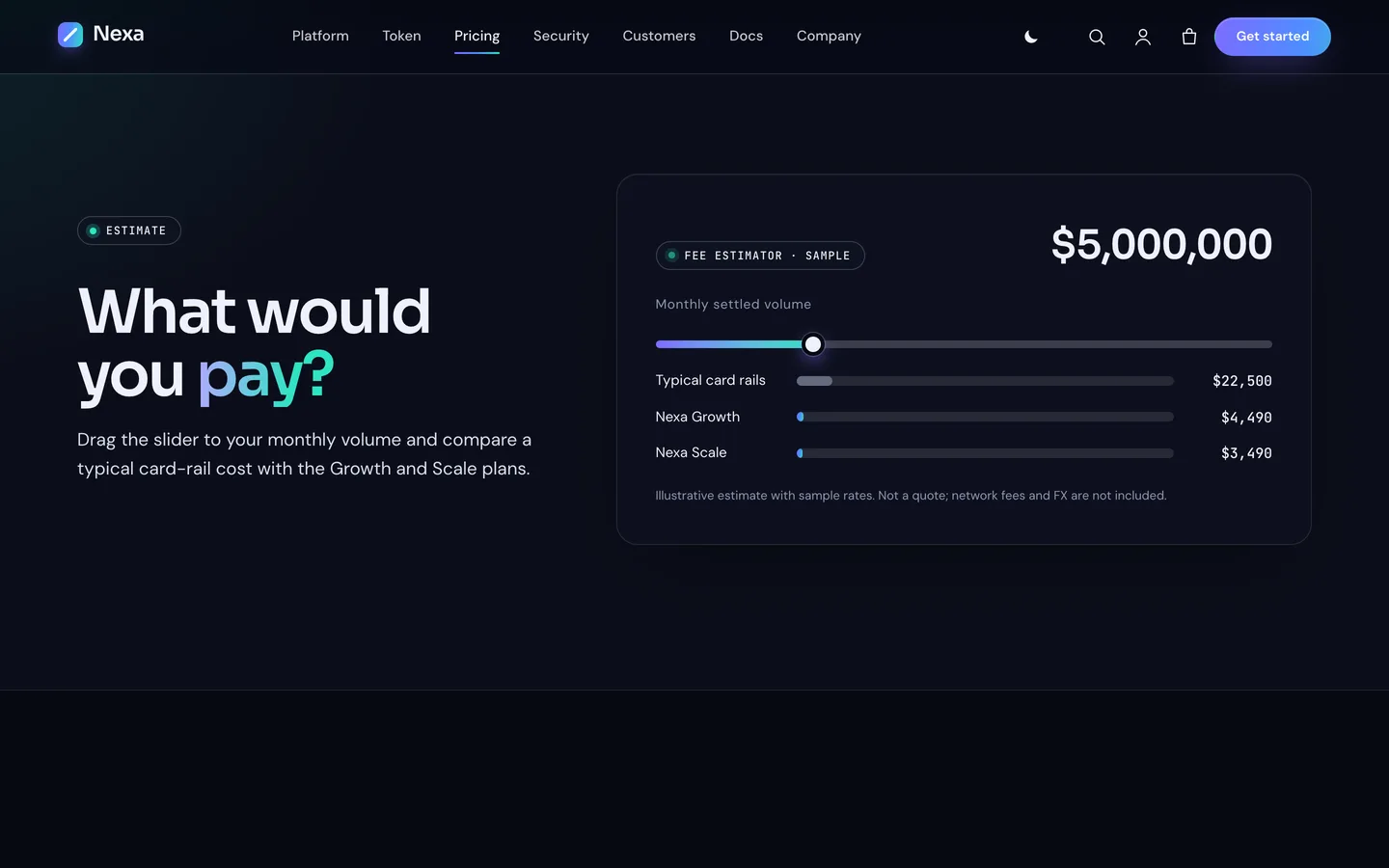
- The fee estimator on the pricing page is labelled as an illustrative estimate with sample rates, not a quote.
None of this replaces your own legal review.
A modern look, rich motion and one small 3D object
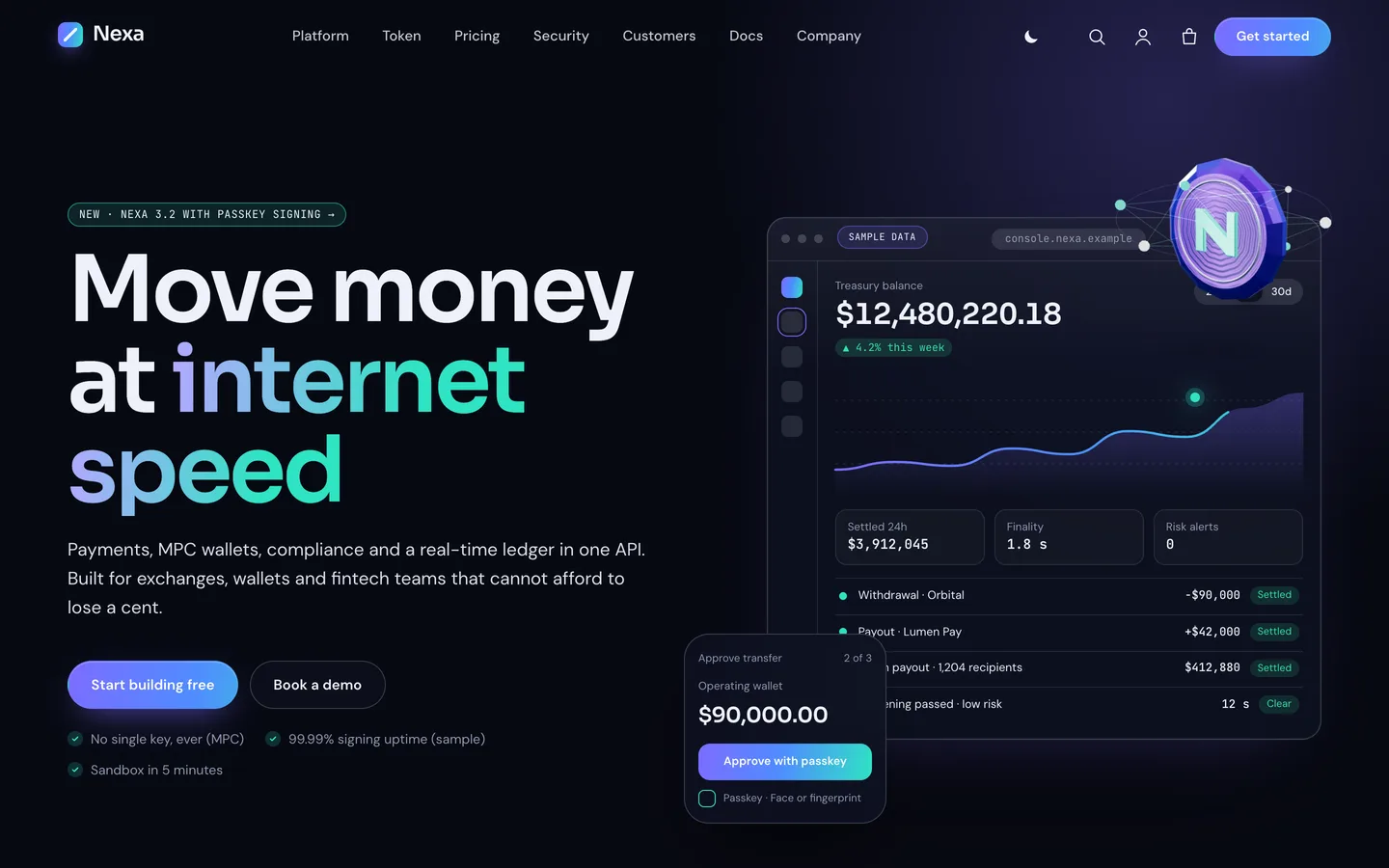
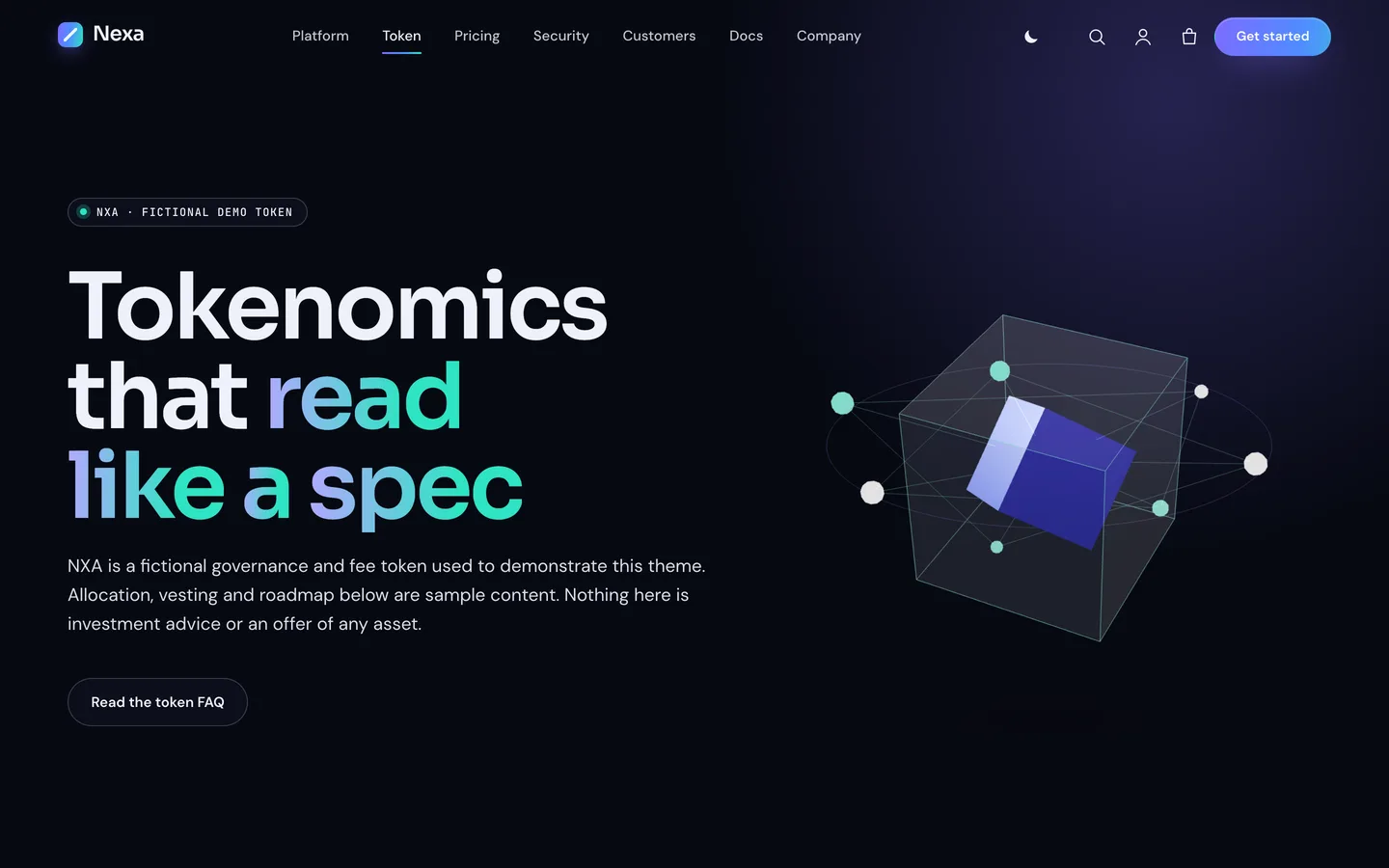
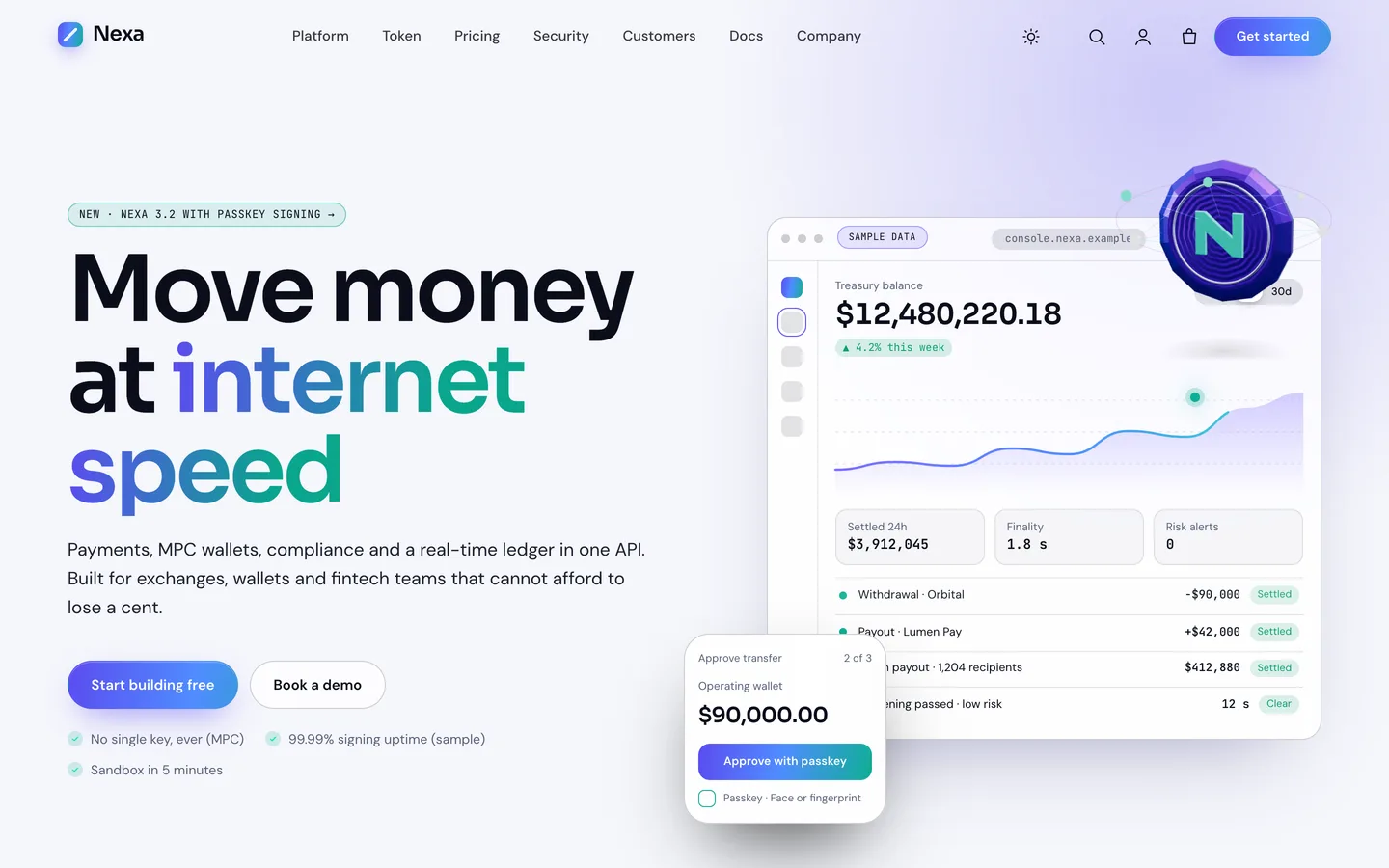
Nexa is part of DEV3's newer theme style. Instead of a full-screen 3D scene, it uses product-led design (glass cards, gradient headlines, monospace figures) with plenty of motion and a single 3D accent: a faceted coin circled by network nodes, sitting on the corner of the hero's console mockup. On the token page the same widget shows a chain block instead. You can recolour it, change the orbit, or delete the widget; nothing else depends on it.
The motion carries the page. The hero console counts up, draws its chart and adds four sample transactions, then stops. Headings split into words, bento cards tilt under the pointer and "how it works" steps stack as you scroll. Visitors who ask their system for reduced motion see everything in its final state, the ticker and marquee stop, and the coin becomes a still image.
Setting up a fintech or Web3 site with Nexa
1. Install the theme and the toolkit
Upload dev3-nexa.zip under Appearance → Themes → Add New → Upload Theme and activate it. The theme then asks for the DEV3 Theme Toolkit: upload dev3-theme-toolkit.zip under Plugins → Add New → Upload Plugin. The toolkit adds the post types, the Ticker, Allocation Donut, Roadmap and Pricing widgets, the motion controls and the demo importer. Install Elementor and WooCommerce from the same prompt.
2. Import the demo
Go to Appearance → DEV3 Demo and click Import demo. You get a fictional payments and custody platform with:
- 9 Elementor pages (Home, Platform, Token, Pricing, Security, Company, Careers, Docs & FAQ, Contact), plus Blog, Terms, Privacy and Risk disclosure
- 6 solutions, 6 case studies, 8 team members and 6 customer quotes
- 8 changelog-style blog posts and 9 WooCommerce products
- the menus, footer widgets and theme settings
Every image is an original render: no photos, no AI images and no third-party logos. Reset removes only what the import added.
3. Replace the story, then the numbers
Edit the hero headline and console text first; the console is an HTML widget, so its figures are plain text. Then work through the numbers on every page and either replace them with real ones or remove them. Keep the Sample data badge on the ticker unless you switch on live prices.
The token page: tokenomics that read like a spec
Nexa puts token details on a page designed to be read: what the token is, an Allocation Donut with slices and a centre caption, a facts list, and a Roadmap with done, in-progress and planned phases. The demo badges the donut "Fictional demo token" and states that nothing on the page is investment advice or an offer of any asset.
If your project has no token, delete the page and its menu item. Nothing else depends on it, and the roadmap widget works just as well as a product roadmap.
Pricing with a billing switch and a fee estimator
The pricing page holds four SaaS plans with a monthly/yearly switch, a featured plan with a gradient border, and a comparison table. The billing switch reads a small JSON map in an HTML widget above the plans, so you edit the monthly and yearly prices together with the plans.
The fee estimator lets a visitor drag a monthly volume slider and compare a typical card-rail cost with your plans. Each row carries its rate in basis points and a base monthly fee as data attributes, and the result is labelled illustrative, with network fees and FX excluded. The slider is a labelled range input, so it works with a keyboard and screen readers.
Security, case studies and the rest of the site
The Security page lists audit summaries, a controls checklist and a bug-bounty call to action, all labelled as samples. Case studies get a facts band and result cards, the Company page a team grid and timeline, and the blog reads like a changelog. A styled WooCommerce store sells hardware signers, merch and virtual plan add-ons.
Dark first, with a light mode
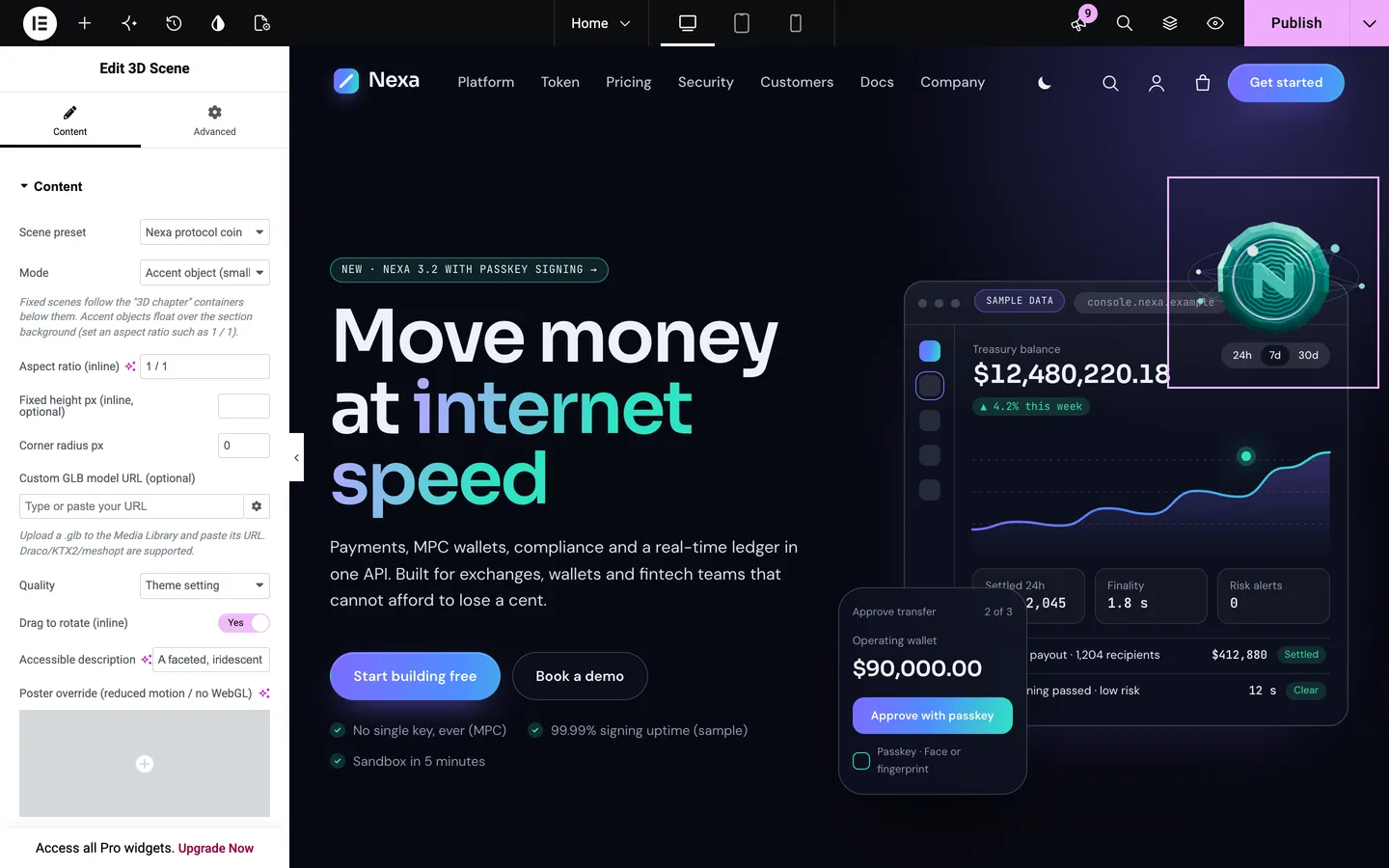
Nexa starts dark. A sun and moon button in the header turns the whole theme light and remembers the visitor's choice. Set the default (dark, light or the visitor's system setting) or hide the button under Customizer → Nexa: mode & disclaimer.
Editing in Elementor
Every demo page is built with the free Elementor plugin. Select the 3D coin to change the object, colours, orbit and scroll turn, live in the editor. Any widget or container has Advanced → DEV3 Motion for split headings, reveals, stacked cards, tilt and counters.
Prefer the block editor? Every widget has a block twin, and Patterns → DEV3 Nexa holds 24 patterns, from a security checklist and audit cards to a token allocation table, a changelog entry and a risk notice.
See it in motion
There is no public live demo, because the motion is best judged moving. The video tour walks through the demo from the home page to the token page, pricing and checkout.
Before you launch
- Replace every sample figure, quote, case study and audit, or remove them.
- Rewrite the risk notice and Risk disclosure page with your compliance team.
- Leave live prices off unless you need them.
Nexa is on the DEV3 marketplace. The case study covers the design decisions in more depth.