Requirements
- WordPress 6.0 or newer and PHP 7.4 or newer
- The DEV3 Theme Toolkit plugin (included and required)
- Recommended: Elementor (free), WooCommerce and Contact Form 7. WordPress offers to install them after you activate the theme. Elementor Pro is supported but not required.
What's in the download
Unzip the download from your DEV3 account first. Do not upload the download itself to WordPress.
dev3-vernissage.zip: the theme. Install this one.dev3-vernissage-child.zip: an optional child theme for your own CSS and PHP.dev3-theme-toolkit.zip: the companion plugin. It is also bundled inside the theme and installed through the prompt.dev3-vernissage-demo-content.zip: the demo package for reference. The importer already has a copy inside the theme.Documentation/index.html: the full guide. Open it in a browser.
Install the theme
- Go to Appearance → Themes → Add New → Upload Theme.
- Choose
dev3-vernissage.zip, click Install Now, then Activate.
- A notice asks you to install the DEV3 Theme Toolkit (required) and the recommended plugins. Click Begin installing plugins, then install and activate them. You can also upload
dev3-theme-toolkit.zip under Plugins → Add New → Upload Plugin.
- Optional: if you plan to change code, upload
dev3-vernissage-child.zip the same way and activate DEV3 Vernissage Child. The parent theme must stay installed.
Import the demo
- Log in as an administrator. Elementor keeps every widget setting only when an administrator runs the import.
- Go to Appearance → DEV3 Demo and click Import demo.
- The import adds:
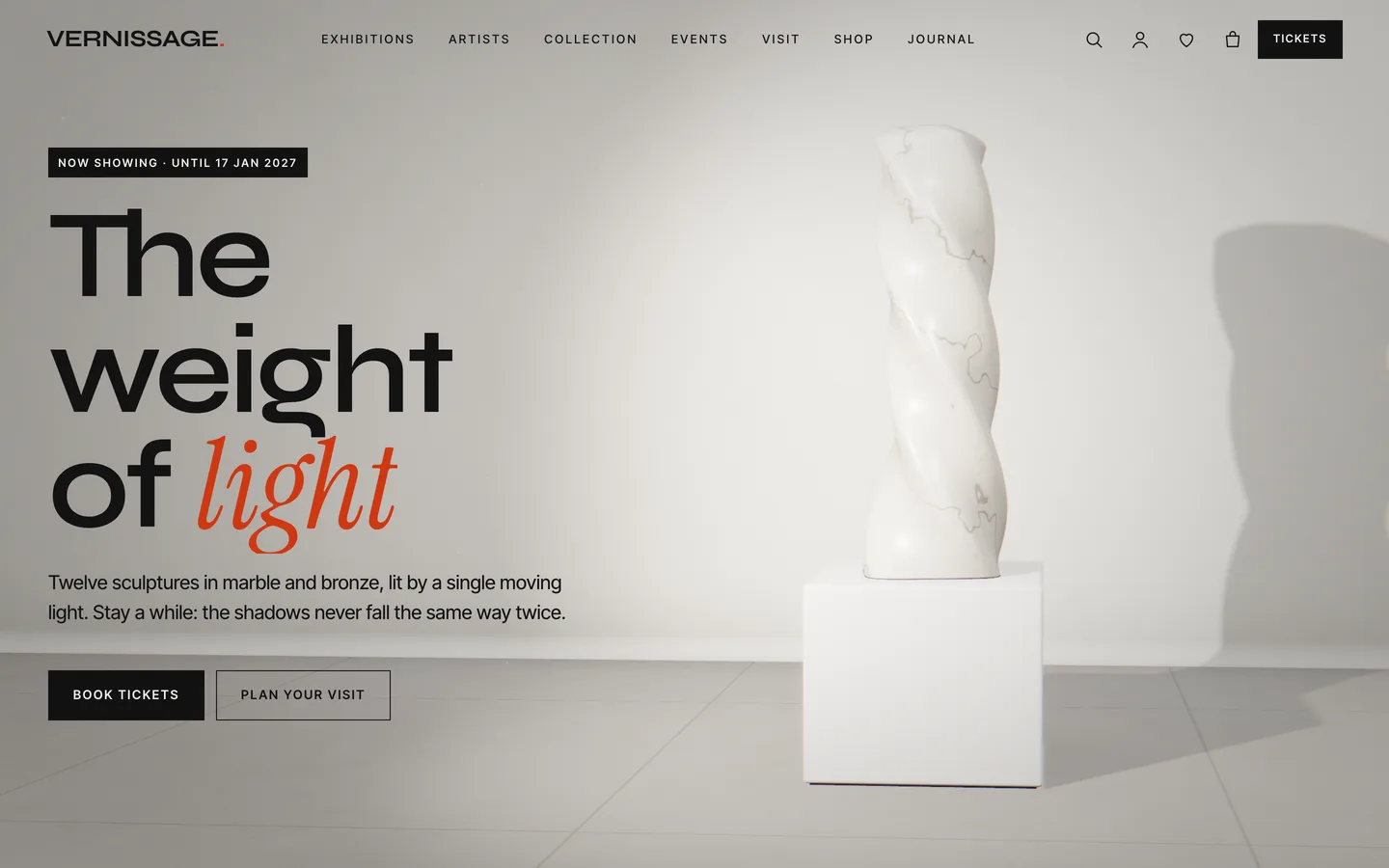
- the Home (five-chapter 3D story), Exhibitions, Artists, Collection, Visit, Events, Journal and Contact pages, all built in Elementor
- the Shop, Cart, Checkout, My account and Saved works pages
- 6 exhibitions, 6 artists, 16 artworks and 6 events, each with its own Elementor page
- 13 products: 6 framed prints with Size and Frame variations, and 7 virtual tickets and memberships
- 6 journal posts, 4 sample press quotes and 2 Contact Form 7 forms (Contact and Group visit)
- the menus, footer widgets and theme settings
- Open the home page and scroll through the gallery.
Imported items are tagged, so Reset (remove demo content) on the same screen removes only them. On a server with WP-CLI you can run wp --user=admin dev3tk demo import and wp dev3tk demo reset.
After the import
- Set your opening-hours line in Appearance → Customize → Venue (Vernissage), for example
Open Tuesday – Sunday 10:00 – 18:00 · Thursdays until 22:00.
- Change the recipient of the Contact and Group visit forms in Contact → Contact Forms.
- Set payments and shipping for prints in WooCommerce → Settings. Tickets and memberships are virtual, so they need no shipping.
Updates
Download the new version from your DEV3 account and upload dev3-vernissage.zip again. WordPress offers to replace the installed version. Changes you made in the child theme, the Customizer and your pages are kept.