Requirements
- WordPress 6.0 or newer and PHP 7.4 or newer
- The DEV3 Theme Toolkit plugin (included and required)
- Recommended: Elementor (free), WooCommerce and Contact Form 7. WordPress offers to install them after you activate the theme. Elementor Pro is supported but not required.
What's in the download
Unzip the download from your DEV3 account first. Do not upload the download itself to WordPress.
dev3-hearth.zip: the theme. Install this one.dev3-hearth-child.zip: an optional child theme for your own CSS and PHP.dev3-theme-toolkit.zip: the companion plugin. It is also bundled inside the theme and installed through the prompt.dev3-hearth-demo-content.zip: the demo package for reference. The importer already has a copy inside the theme.Documentation/index.html: the full guide. Open it in a browser.
Install the theme
- Go to Appearance → Themes → Add New → Upload Theme.
- Choose
dev3-hearth.zip, click Install Now, then Activate.
- A notice asks you to install the DEV3 Theme Toolkit (required) and the recommended plugins. Click Begin installing plugins, then install and activate them. You can also upload
dev3-theme-toolkit.zip under Plugins → Add New → Upload Plugin.
- Optional: if you plan to change code, upload
dev3-hearth-child.zip the same way and activate DEV3 Hearth Child. The parent theme must stay installed.
Import the demo
- Make sure you are logged in as an administrator. Elementor keeps every widget setting only when an administrator runs the import.
- Go to Appearance → DEV3 Demo and click Import demo.
- The import adds:
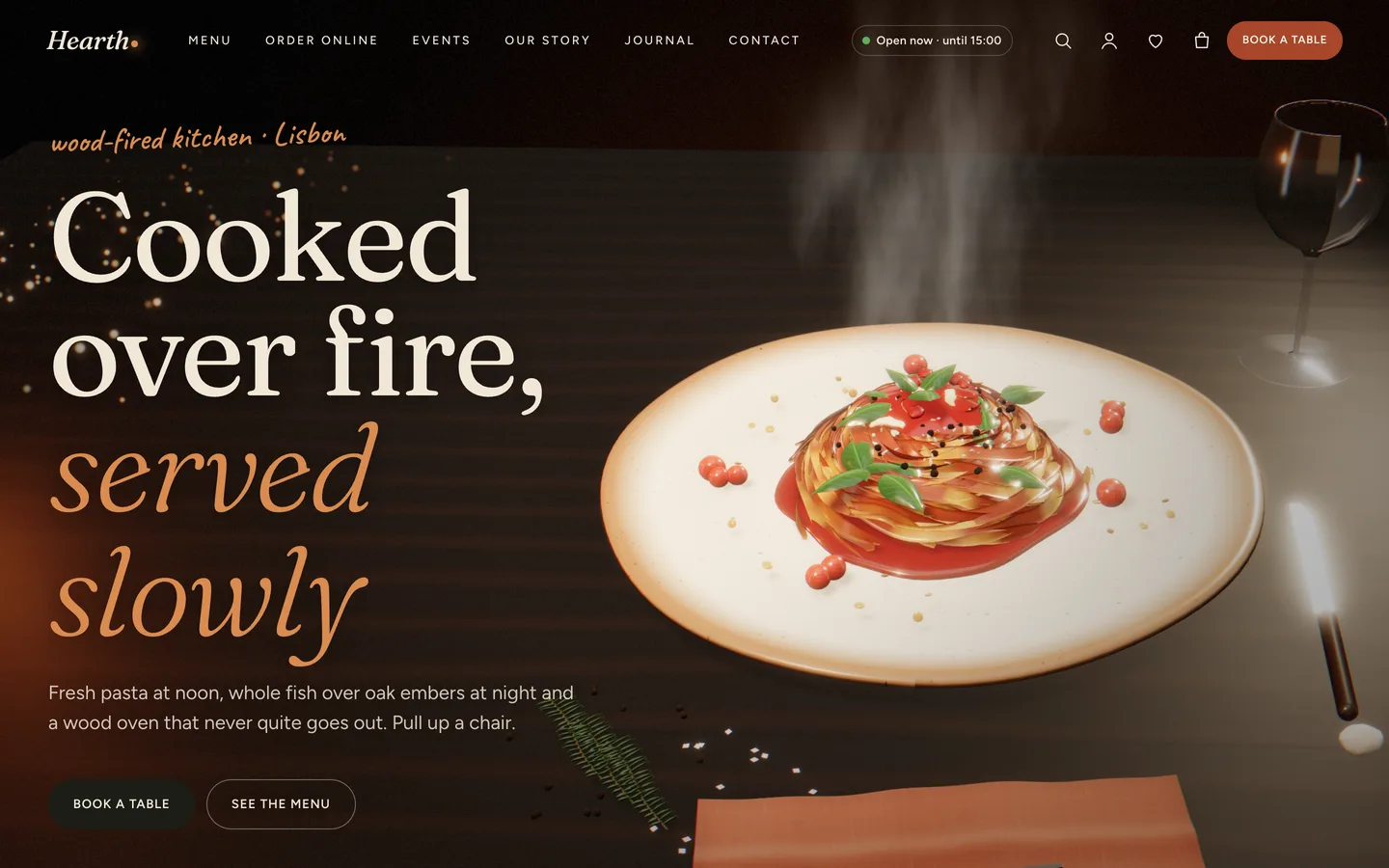
- all the Elementor pages (Home with its six-chapter 3D story, Menu, Reservations, Our story, Chefs, Events, Gallery, Journal, Contact, Gift cards and the shop pages)
- 27 dishes in 7 menu sections, 4 chefs, 4 events, 4 sample reviews, 16 products, 6 journal posts and 3 forms
- the menus, footer widgets and theme settings
- Open the home page and scroll through the story.
Imported items are tagged, so Reset (remove demo content) on the same screen removes only them. On a server with WP-CLI you can run wp --user=admin dev3tk demo import and wp dev3tk demo reset.
After the import
- Set your timezone in Settings → General, then your hours in Appearance → Customize → Restaurant (Hearth). The open-now badge and the booking slots use both.
- Change the "To" address of the Table booking, Private dining and Contact forms in Contact → Contact Forms.
- Set up payments, and the Local pickup or Flat rate shipping zones, in WooCommerce → Settings.
Updates
Download the new version from your DEV3 account and upload dev3-hearth.zip again. WordPress offers to replace the installed version. Changes you made in the child theme, the Customizer and your pages are kept.