Rebrand the store
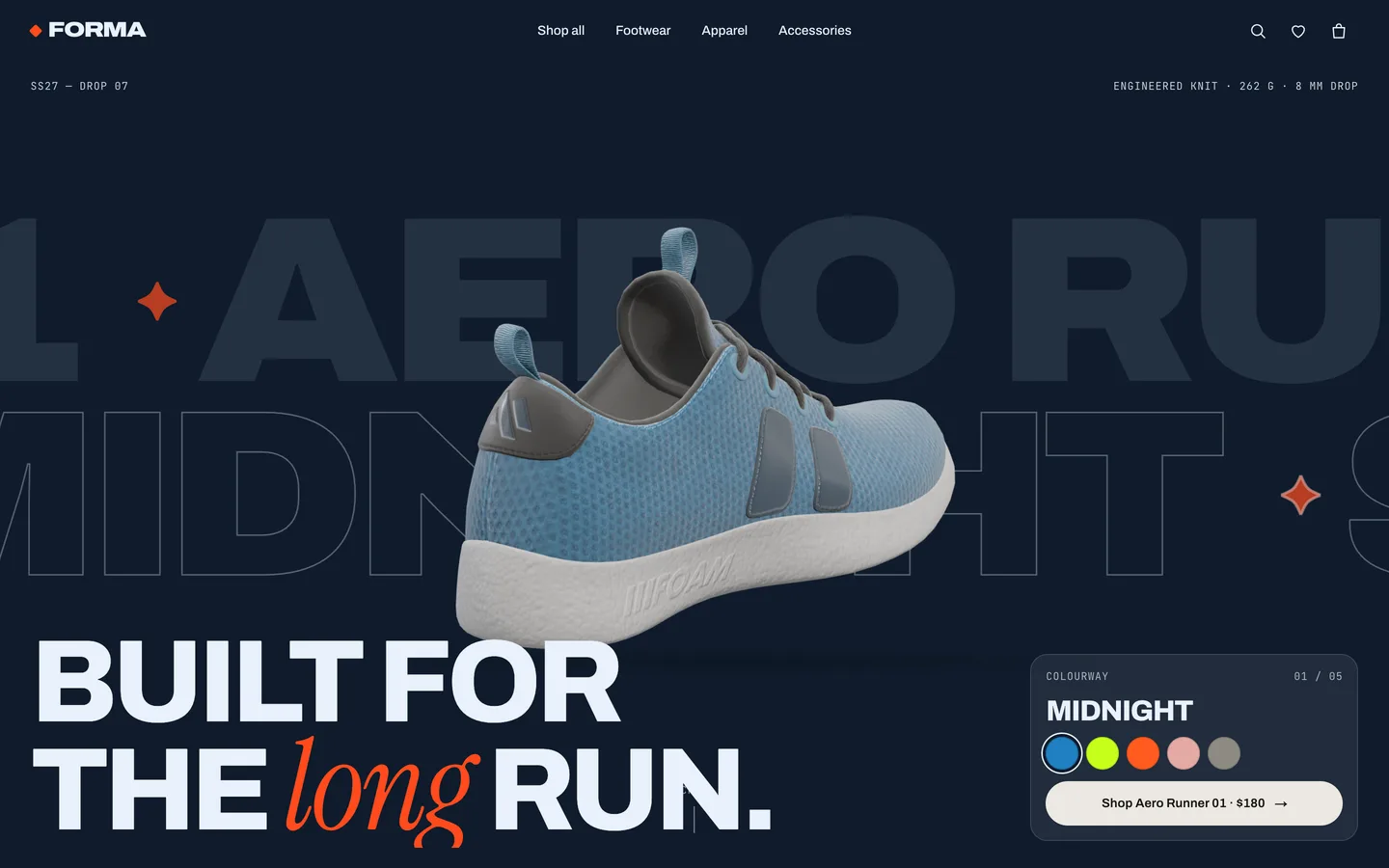
Open config/brand.ts. It holds the brand name, tagline, season label, currency and locale, the free-shipping threshold, shipping and tax, the localStorage key, navigation, social links, credits and the colour tokens. The tokens become CSS variables on <html> (--paper, --ink, --accent and so on) and every component reads them, so changing accent recolours buttons, badges and highlights everywhere.
Change the fonts in config/fonts.ts. They load through next/font/google and set --font-display, --font-serif and --font-mono. The display font's width axis drives the kinetic type; if you pick a font without one, the type still works but stops stretching. app/globals.css holds layout and motion if you want to restyle beyond the tokens.
Edit products and categories
The whole catalogue is in data/products.ts, fully typed. Each product has a slug, name, subtitle, category, price, optional badge, colours, sizes (with stock; zero shows as sold out), a model, gallery images, description, details, materials, care notes and tags.
- Colours: each colour has a name, a swatch, an image,
stage colours (the background and text around the 3D product), and for the sneaker a glTF variant and an optional tint with light, accent and dark hex values that recolour the texture.
- Images:
image and gallery can be any URL, including real product photos.
- Categories, lookbook images and the colour-filter families are at the bottom of the same file.
- The product featured in the home hero is
HERO_PRODUCT.
Swap the 3D models
- Your own glTF/GLB: put it in
public/models/ and set model: { kind: "gltf", url: "/models/your.glb" }. The shoe pipeline expects one mesh with a base-colour map. If the file uses KHR_materials_variants, set each colour's variant to the variant name. The exploded anatomy split is tuned for a shoe; other models still work in the viewer.
- Procedural garments: set
model: { kind: "procedural", type: "hoodie" }. Types are tee, longsleeve, crew, hoodie, jacket, shorts, socks, tote, cap and beanie. Add a new shape by adding a polygon to SPECS in components/three/garments.ts.
- Finishes: Knit, Suede and Patent are presets in
FINISHES in components/three/shoe.ts (roughness, sheen and clearcoat). Edit or add presets there.
Re-render product images
Catalogue images are rendered from the 3D models by scripts/render-products.mjs through the hidden /studio route. With the dev server running and Playwright available, run the script with optional product slugs to render only those. It needs a headed Chrome for full-quality WebGL; see the README for the exact command.
Edit the home page story
The home page sections (hero, new-season drop, categories, studio rail, anatomy, lookbook, marquee) live in components/home/HomeView.tsx, and the fixed WebGL scene in components/home/HomeScene.tsx. Edit headlines and copy in HomeView, reorder or remove sections there, and change marquee and kinetic lines in components/home/Kinetic.tsx.
Connect a real backend and payments
- Catalogue: replace
PRODUCTS with data fetched in the server components (app/shop/* and app/product/[slug]/page.tsx) from Shopify Storefront API, Medusa, Sanity or your own database, mapped to the Product type.
- Cart:
lib/store.ts persists to localStorage. Call your API inside add, setQty and remove, and hydrate in load().
- Payments: the checkout is a demo that never collects card data. In
components/checkout/CheckoutView.tsx, replace placeOrder() with a request to a route handler that creates a Stripe Checkout Session and redirect to its URL, then confirm the order server-side.
- Newsletter:
components/layout/Newsletter.tsx is a mock form; post it to your email provider.
Motion and accessibility
Visitors with prefers-reduced-motion get no smooth scroll, marquees, wipes, custom cursor or auto-rotation, and colour changes apply instantly. Keep that behaviour when you add sections by reading the shared reduced-motion flag in lib/live.ts.