Change the 3D story
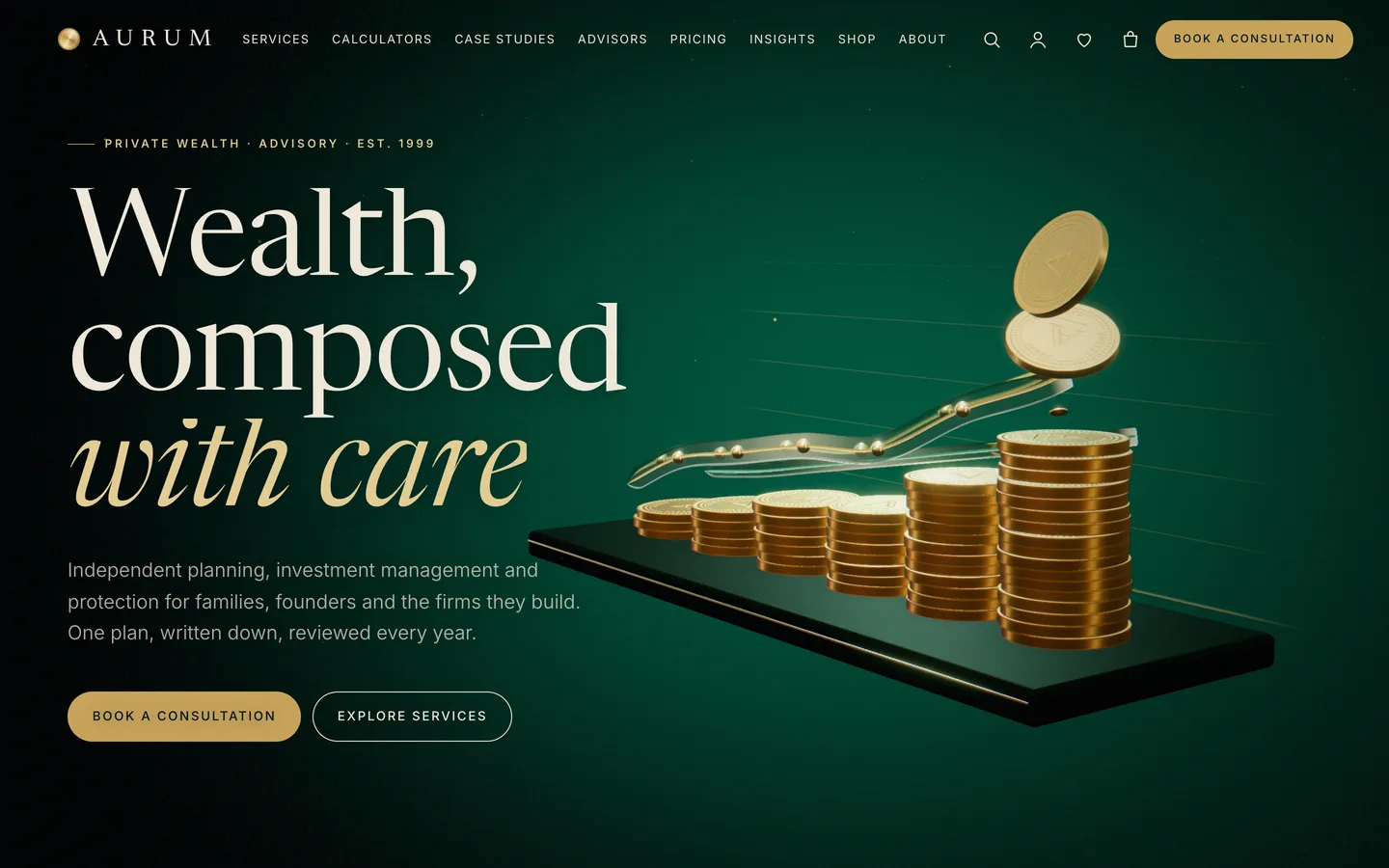
Open the home page with Edit with Elementor. The first widget is a 3D Scene with the preset Aurum: gold & glass ledger in Fixed background (scroll story) mode. Each section below it has Advanced → DEV3 3D chapter switched on; one chapter is one camera stop.
- Reorder, duplicate or remove chapter sections to change the story. The five default stops are coins and chart, growth, planning, global markets and protection.
- Set Copy side to the side your text is on, so the 3D subject moves to the other side.
- Fine-tune a stop with Scene state JSON, for example
{"grow":0.6,"draw":0.5}. The keys are grow (coins land), draw (ribbons), gIn (globe), vIn (vault), lock (vault seals) and warm.
- In the 3D Scene widget, change the gold tone, ribbon tint, room and halo colours, chart columns (3 to 9), light intensity and the trade-route arcs.
Add a calculator
Insert the loan, compound growth or retirement calculator from Patterns → DEV3 Aurum, or copy one of the demo's Elementor HTML widgets. Set the currency and number format with data-currency="GBP" and data-locale="en-GB". Calculators run in the visitor's browser and store nothing. Save pages that contain them as an administrator.
Manage services, case studies and advisors
Use Services, Case Studies and Advisors in the dashboard. Each item can be edited with Elementor. Show them anywhere with the Post Type Grid widget or block, and use the Team Grid widget for advisors.
Customizer settings
Go to Appearance → Customize → DEV3 Aurum Options for colours and fonts, the header, 3D & Motion (quality auto, high, low or off, loader, cursor), the footer, shop and blog options, and Compliance & disclaimer (footer disclaimer on or off, disclaimer text, registration line).
Sell consultations and reports
Consultations, packages and reports are WooCommerce products. Mark them Virtual so checkout skips shipping, and tick Downloadable to attach a PDF report. In the product's 3D view tab, choose the Aurum: product studio preset with parameters such as {"object":"report","color":"#0f4b3e","title":"Annual Outlook"}, or paste a GLB URL.
Take consultation requests
The Book a consultation page uses the Contact Form 7 consultation form (topic, date, meeting type and a consent checkbox). Place any CF7 or WPForms form with the Form widget or block. Do not ask clients to send account numbers through the form.