Web Scripts & Software
DEV3 Tone Generator & Hearing Test — Source Code (React + Tailwind)
from $20$29
Loading…
Everyday tool
Free, no sign-up. Runs in your browser; nothing is uploaded. Buy the source code: $29 Regular / $69 Extended
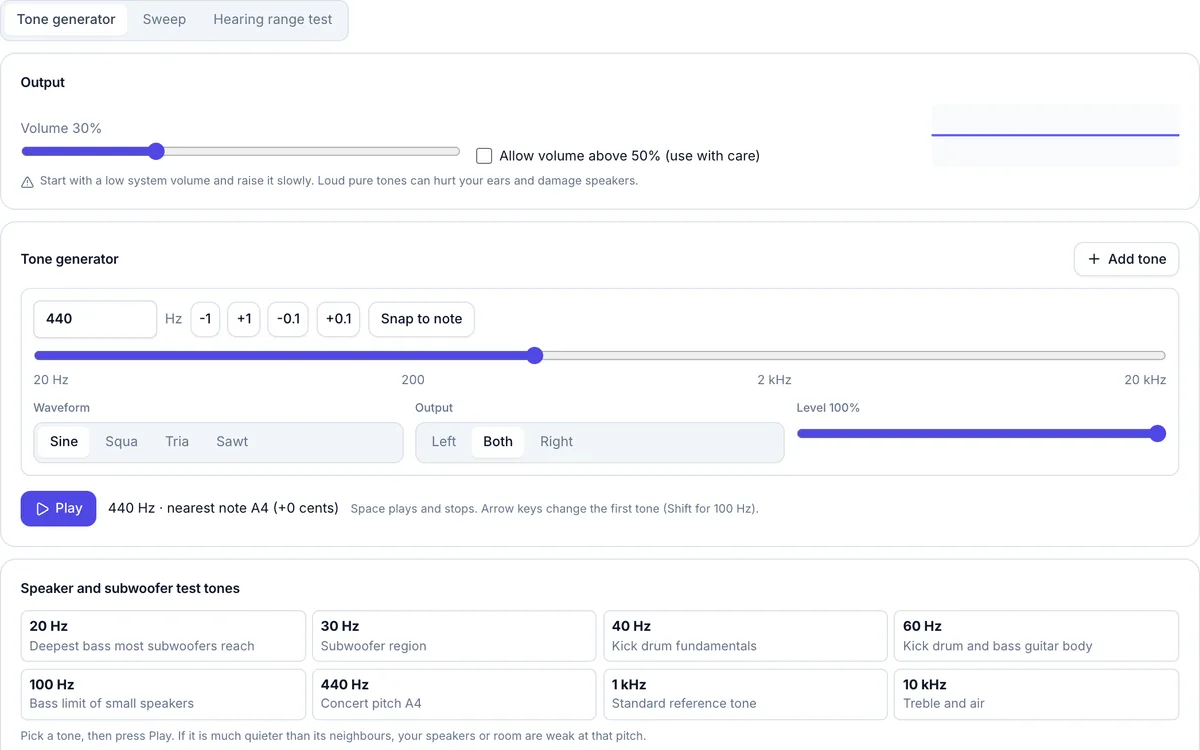
Start with a low system volume and raise it slowly. Loud pure tones can hurt your ears and damage speakers.
Pick a tone, then press Play. If it is much quieter than its neighbours, your speakers or room are weak at that pitch.
Need Tone Generator & Hearing Test as a full mobile or web app? We build it in about a week. Built in about a week, from $99. Send your requirements or SOW; you get a fixed quote and a delivery date.
The tone generator & hearing test stays free to use online. If you want the code to run, edit and ship in your own project, get the full source from the DEV3 Marketplace. Instant download, 6 months of support.
Get the full app behind this tool. Buy once, own the source, and try each one live first.
Web Scripts & Software
from $20$29
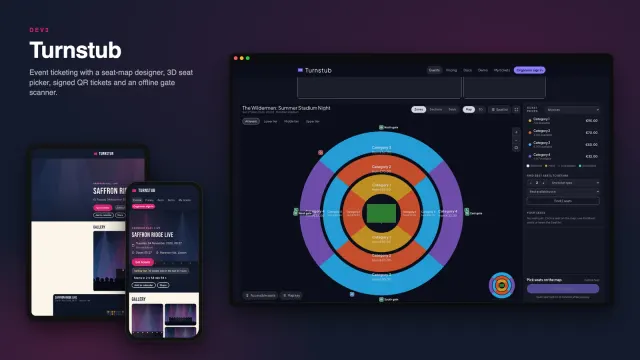
Web Scripts & Software Mobile app
from $69$99
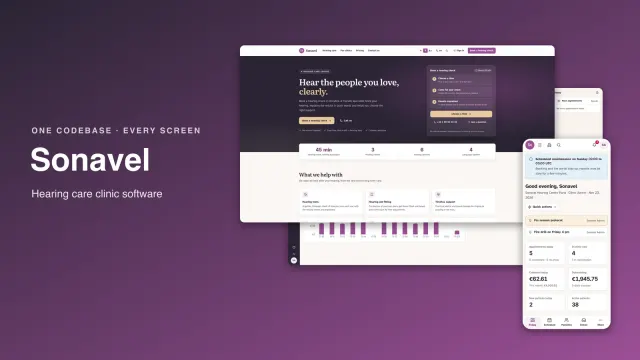
Enterprise SaaS Starters
from $69$99
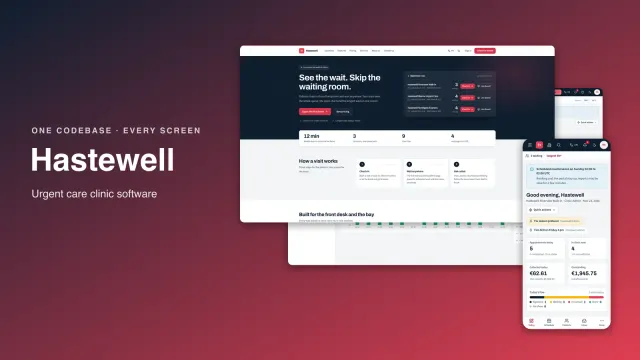
Enterprise SaaS Starters
from $69$99
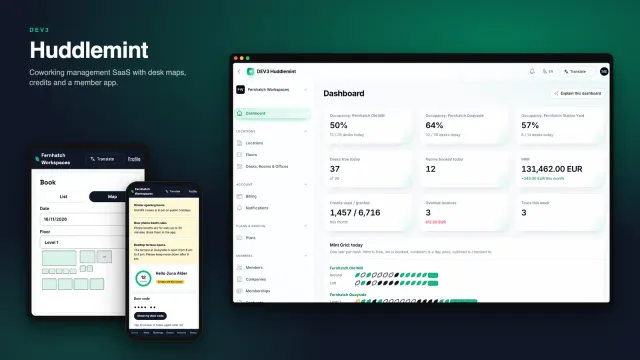
Web Scripts & Software
from $69$99
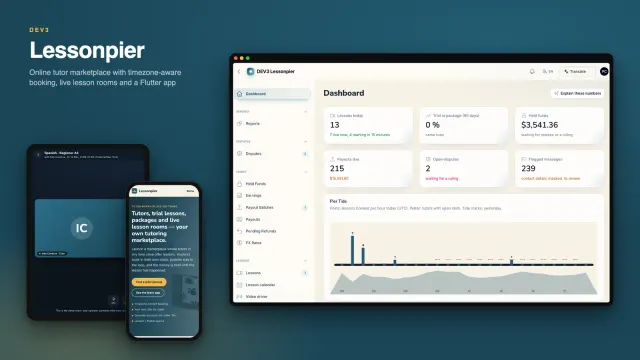
Web Scripts & Software Mobile app
from $69$99
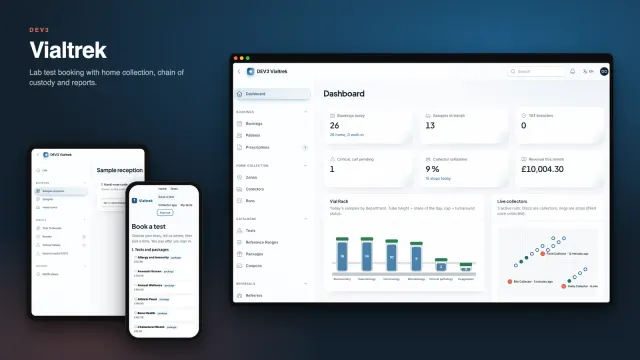
Web Scripts & Software Mobile app
from $69$99
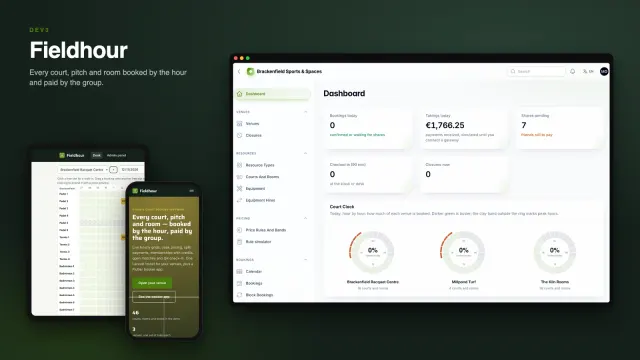
Web Scripts & Software Mobile app
from $69$99
This tool generates mathematically exact test tones with the browser's audio engine. It is useful for checking speakers and headphones, finding resonances, tuning, teaching how pitch works and getting a feel for your own hearing range.
A sweep glides from one frequency to another over a set time, either linearly or logarithmically (which matches how we hear pitch). Presets include a 20 to 200 Hz bass sweep for finding rattles and a full 20 Hz to 20 kHz run.
Put on headphones, set a comfortable level with the 1 kHz reference tone, and answer whether you can hear each tone. The test narrows in on the highest frequency you can hear and gives a very rough age band. Treat the result as curiosity only: equipment limits and ear conditions affect it, and it is not a medical test. See a doctor or audiologist if you notice hearing changes or ringing.
Play fixed tones from 20 Hz to 10 kHz to see how far your speakers go. If a tone sounds much quieter than its neighbours, the room or speaker is cancelling it at that spot.
Create a WAV of any tone or sweep, from 1 to 300 seconds, for use in other tools.
Always start with the volume low. Do not use the tool to test children's or pets' hearing.
Healthy young people can hear up to about 20 kHz. Most adults lose the top end gradually, and by middle age 12 to 15 kHz is typical. The hearing test here finds the highest tone you can hear on your own equipment. It is only a rough guide and not a medical test.
Laptop and phone speakers cannot reproduce frequencies much below 100 Hz or above 15 to 16 kHz, so the tone may be silent even though your ears could hear it. Use good headphones or a full-range speaker for tests at the extremes.
Keep the volume low and increase slowly. Pure tones at high volume, especially high-pitched ones, can be unpleasant or harmful and can damage small speakers. This tool caps the volume at 50 percent by default and fades tones in and out so they do not click.
Use the speaker presets (20 to 100 Hz) or the bass sweep. Play slowly and listen for buzzing or rattling in the room, the cabinet or loose objects; a frequency where something rattles shows you where to fix or damp it.
When two tones are close in pitch, the sound seems to pulse at the difference between them, for example 440 Hz and 444 Hz give four beats per second. Add a second tone in the generator to hear it. Use one tone per ear with headphones for binaural beats.
Yes. Choose a length up to five minutes and download the tone or sweep as a 16-bit WAV file. It is created in your browser and nothing is uploaded.