Web Scripts & Software
DEV3 Aim Trainer & Sensitivity Converter — Source Code (React + Tailwind)
from $20$29
Loading…
Everyday tool
Free, no sign-up. Runs in your browser; nothing is uploaded. Buy the source code: $29 Regular / $69 Extended
Change if you switch mouse DPI.
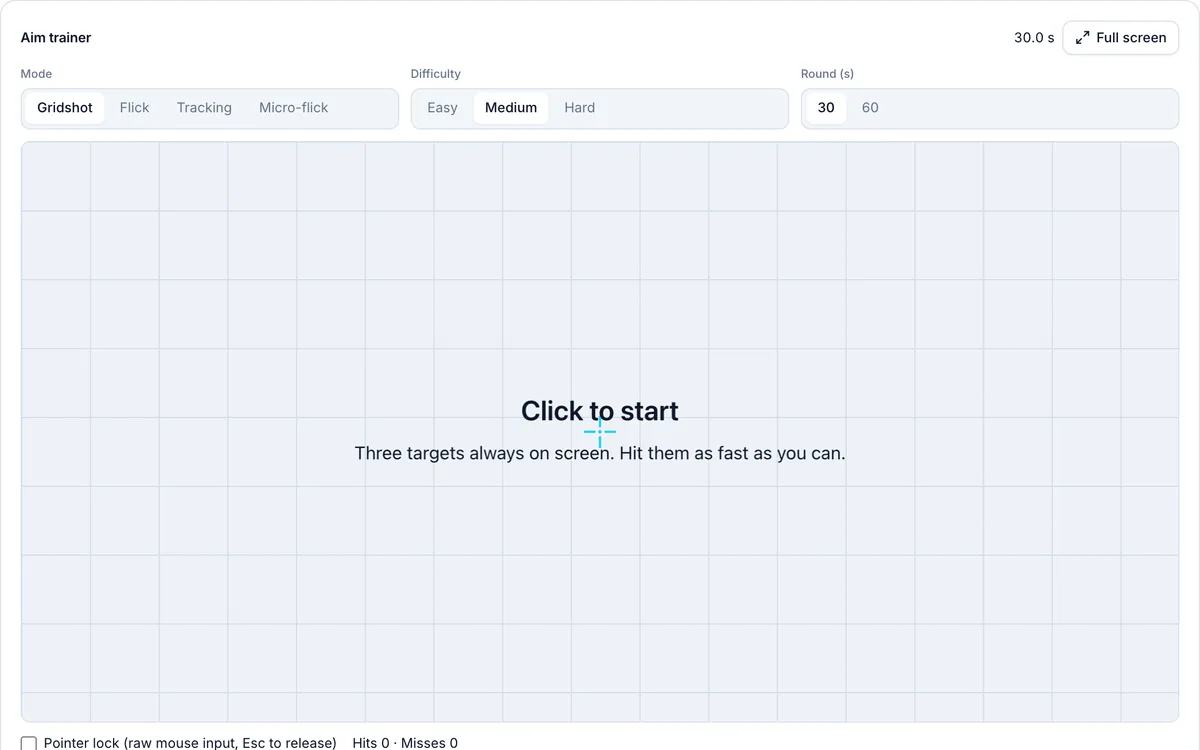
Medium: balanced for flicks and tracking.
| Game | Sensitivity |
|---|---|
| Valorant | 0.400 |
| Counter-Strike 2 | 1.273 |
| CS:GO | 1.273 |
| Apex Legends | 1.273 |
| Overwatch 2 | 4.242 |
| Call of Duty (Warzone / MW) | 4.242 |
| Rainbow Six Siege (default 0.02 multiplier) * | 4.887 |
| Fortnite (sensitivity in %) * | 5.041 |
| Quake / Source engine games | 1.273 |
Yaw table as of 2026-11. Values for most games match the engine setting m_yaw. Entries marked approximate are community-measured: confirm by turning 360 degrees in-game. * approximate.
Need Aim Trainer & Sensitivity Converter as a full mobile or web app? We build it in about a week. Built in about a week, from $99. Send your requirements or SOW; you get a fixed quote and a delivery date.
The aim trainer & sensitivity converter stays free to use online. If you want the code to run, edit and ship in your own project, get the full source from the DEV3 Marketplace. Instant download, 6 months of support.
Get the full app behind this tool. Buy once, own the source, and try each one live first.
Web Scripts & Software
from $20$29
Web Scripts & Software Mobile app
from $69$99

Enterprise SaaS Starters
from $69$99
Enterprise SaaS Starters
from $69$99
Web Scripts & Software
from $69$99
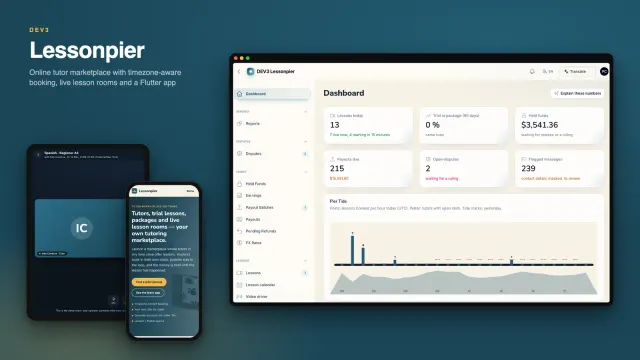
Web Scripts & Software Mobile app
from $69$99
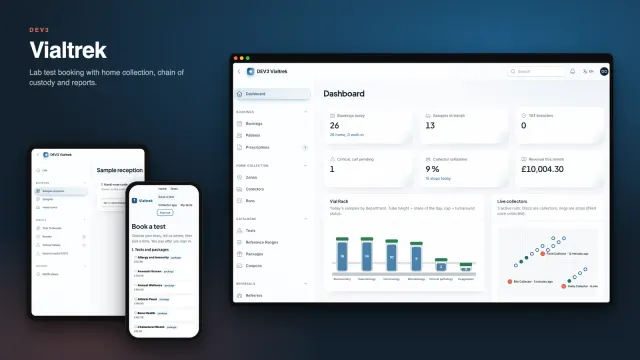
Web Scripts & Software Mobile app
from $69$99
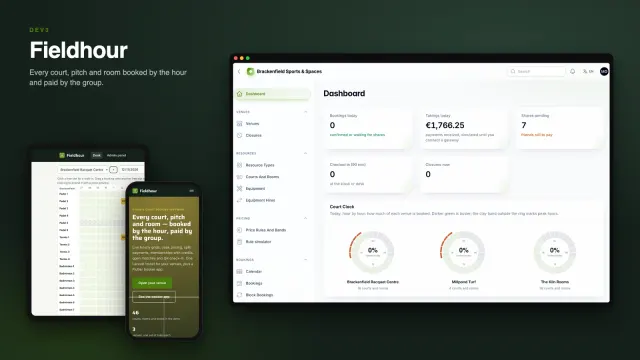
Web Scripts & Software Mobile app
from $69$99
This page combines a small aim trainer with a sensitivity converter, because most players want both: practise a few minutes, then carry the same feel across games.
Enable pointer lock if you want raw mouse movement. It captures the mouse inside the arena until you press Esc. Targets honour reduced motion by moving slower.
Choose your game, sensitivity and DPI. The tool shows your cm/360, inches/360 and eDPI, and the matching sensitivity in all other games. Change the DPI to see what sensitivity keeps the same feel. You can also type a wanted cm/360 to get the sensitivity in a game.
Every game turns mouse counts into degrees with a yaw value. Degrees turned per count equal sensitivity times yaw. For a full turn you need 360 divided by that many counts, divided by DPI gives inches, and times 2.54 gives centimetres. Converting between games keeps cm/360 constant.
Start near 40 cm/360, play a week, then move 10% at a time. Keep it fixed once it feels natural, since consistency builds muscle memory.
Multiply the Valorant sensitivity by 3.18 (0.07 divided by 0.022) at the same DPI. For example Valorant 0.4 equals CS2 1.27. The converter does this for any game pair and also handles a DPI change.
It is how many centimetres you move the mouse to turn the camera a full 360 degrees. It is the best way to compare sensitivities because it ignores DPI and game scale. Most players sit between 25 and 60 cm/360.
Effective DPI is your mouse DPI multiplied by in-game sensitivity. It is a quick way to compare settings inside one game, but it cannot compare different games, so use cm/360 for that.
Enter your game, sensitivity and DPI and the calculator shows it. To check in the game, put the mouse at the start of a ruler, move it that distance and see if the view turns exactly once.
Optional pointer lock uses raw movement where your browser supports it, which bypasses operating system acceleration. Without it, the trainer uses the normal cursor position. Either way, results are not saved or uploaded.
No, a browser trainer only builds habit and warms you up. Scores depend on your screen, mouse and sensitivity, so compare only on the same setup.