Web Scripts & Software
DEV3 Dead Pixel & Refresh Rate Test — Source Code (React + Tailwind)
from $20$29
Loading…
Everyday tool
Free, no sign-up. Runs in your browser; nothing is uploaded. Buy the source code: $29 Regular / $69 Extended
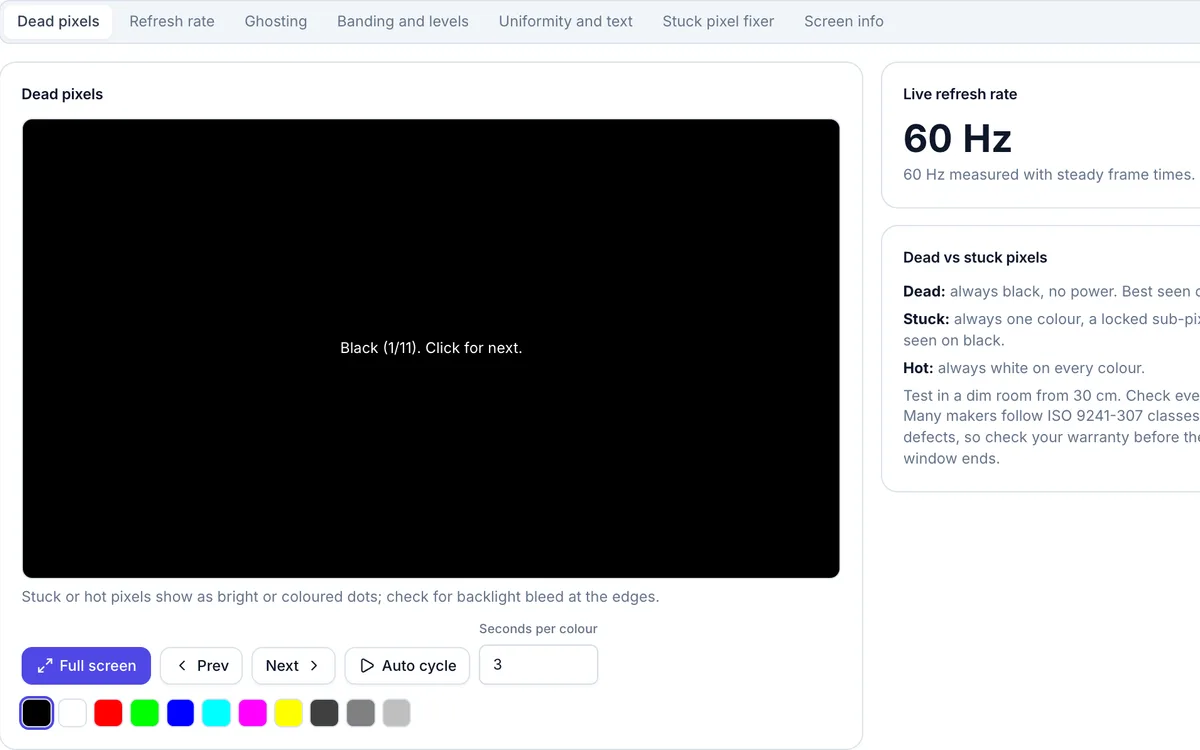
Stuck or hot pixels show as bright or coloured dots; check for backlight bleed at the edges.
Measuring...
Need Dead Pixel & Refresh Rate Test as a full mobile or web app? We build it in about a week. Built in about a week, from $99. Send your requirements or SOW; you get a fixed quote and a delivery date.
The dead pixel & refresh rate test stays free to use online. If you want the code to run, edit and ship in your own project, get the full source from the DEV3 Marketplace. Instant download, 6 months of support.
Get the full app behind this tool. Buy once, own the source, and try each one live first.
Web Scripts & Software
from $20$29
Web Scripts & Software Mobile app
from $69$99

Enterprise SaaS Starters
from $69$99
Enterprise SaaS Starters
from $69$99

Web Scripts & Software
from $69$99
Web Scripts & Software Mobile app
from $69$99
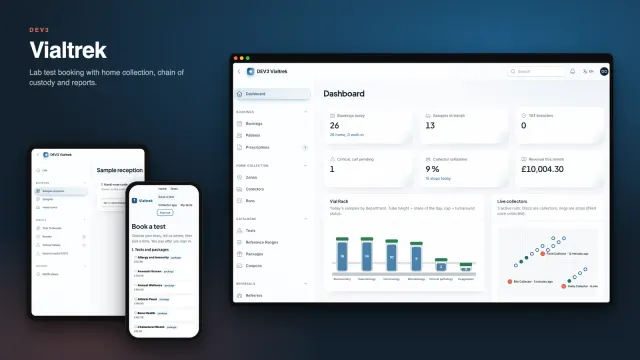
Web Scripts & Software Mobile app
from $69$99
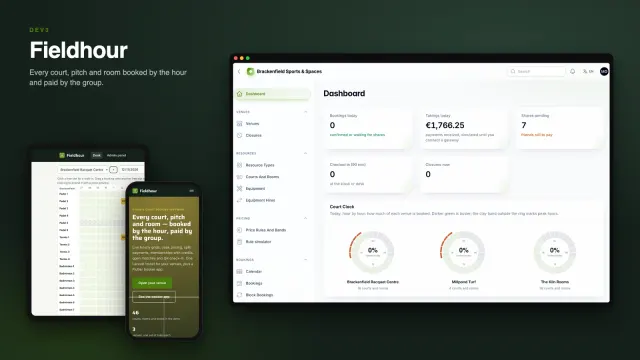
Web Scripts & Software Mobile app
from $69$99
A new monitor, laptop or phone can have defects that show up only on particular colours. This tool runs the standard checks in your browser so you can decide on a return before the window closes.
The Refresh tab measures the real rate from frame timing. It shows the median frame time, jitter, dropped frames and the closest standard rate such as 60, 120 or 144 Hz. Variable refresh rate screens produce a changing rate, and the page says so.
The motion test moves blocks at three speeds. Clean edges mean fast response. A smeared trail behind the block is ghosting. Uneven spacing between copies shows skipped frames.
The gradient shows smooth steps. Visible stripes are banding. The black-level and white-level steps show whether dark and bright details are crushed. The gamma patch should look like an even grey when the display gamma is near 2.2.
A grid and text patterns check geometry and sharpness. The Info tab lists resolution, pixel ratio, colour gamut and HDR support.
An optional flashing patch can free a stuck pixel. It carries a photosensitivity warning, needs your confirmation, and is not used if your system asks to reduce motion.
Start the full-screen colour test, step through black, white, red, green and blue, and look at the whole screen from close up in a dim room. A pixel that stays black on a bright colour is dead. One that stays bright or coloured on a different colour is stuck.
A dead pixel has no power and stays black. A stuck pixel is always on in one colour, often red, green or blue, because one sub-pixel is locked. Stuck pixels can sometimes be fixed. Dead ones usually cannot.
The page counts frames drawn by requestAnimationFrame, which the browser syncs to your display, and takes the median time between frames. 1000 divided by that time is your refresh rate. Browsers can cap this to 60 Hz on some devices or in power saving mode.
Usually the refresh rate is still set to 60 Hz in the operating system display settings, the cable cannot carry more (use DisplayPort or HDMI 2.0 or newer), or the browser is throttled in battery saver. Change the rate in your system settings and measure again.
Sometimes. Flashing colours on the stuck area for 10 to 30 minutes can free a locked sub-pixel, but there is no guarantee and it does nothing for truly dead pixels. It flashes, so it asks your confirmation first and is off by default.
It depends on the maker. Many follow ISO 9241-307 classes, where class I allows no defects and class II allows a few per million pixels. Check your manufacturer policy and test within the return window.