Loading…
Design tool
Free, no sign-up. Runs in your browser; nothing is uploaded. Buy the source code: $29 Regular / $69 Extended
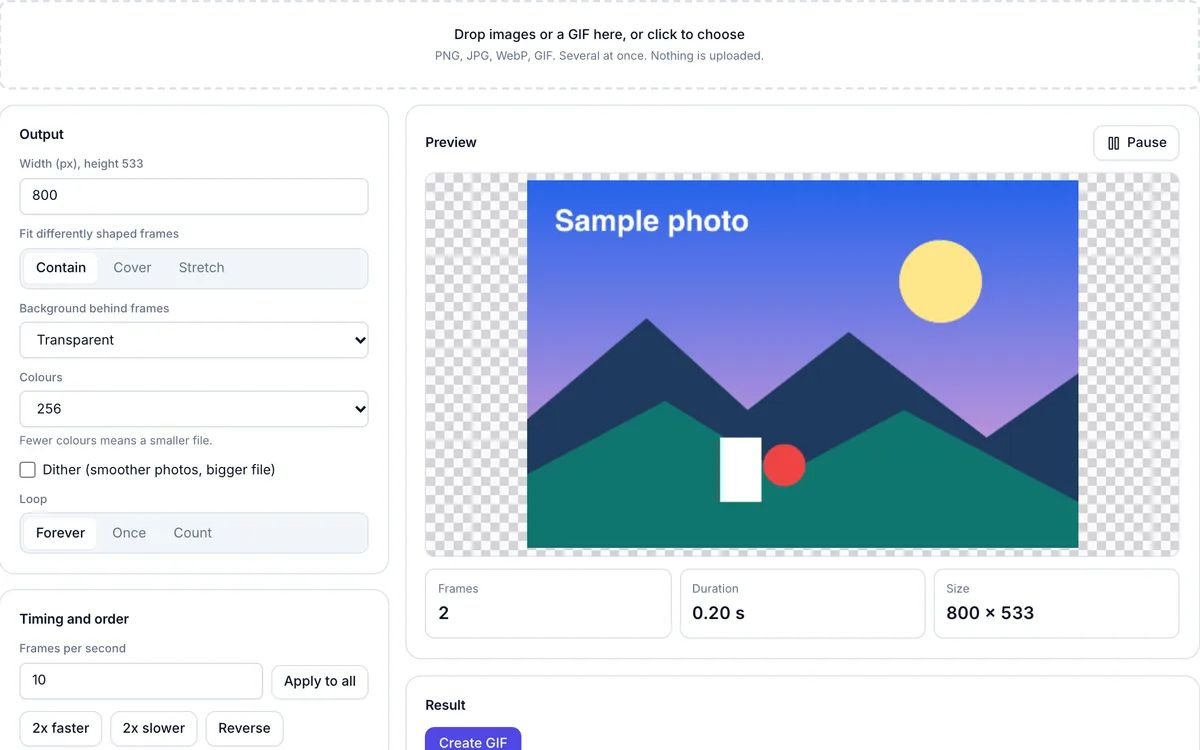
No frames yet. Add two or more images to build an animation, or drop an existing GIF to edit it.
Need GIF Maker & Editor as a complete website or app for your brand? We design and build it end to end. Built in about a week, from $99. Send your requirements or SOW; you get a fixed quote and a delivery date.
The gif maker & editor stays free to use online. If you want the code to run, edit and ship in your own project, get the full source from the DEV3 Marketplace. Instant download, 6 months of support.
Launch the full site, not just the asset. Buy once, own the source, and try each one live first.
Enterprise SaaS Starters
from $69$99

Web Scripts & Software
from $69$99
Web Scripts & Software
from $20$29
Web Scripts & Software
from $20$29
Web Scripts & Software
from $20$29
Web Scripts & Software
from $20$29
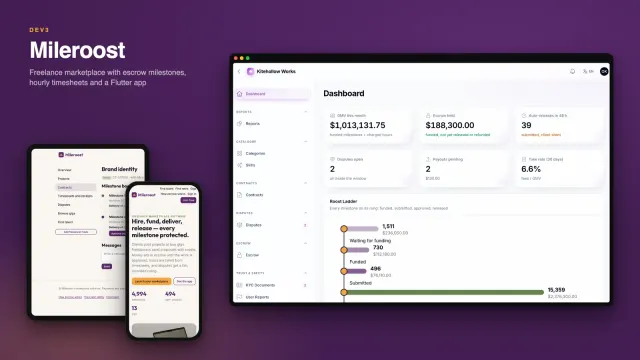
Web Scripts & Software Mobile app
from $69$99
Drop a GIF and the editor splits it into frames. Remove the frames you do not need, drag or use the arrow buttons to reorder, or use the quick actions:
GIF is an old format, so size grows quickly. In order of impact:
Browsers play a GIF delay shorter than 20 milliseconds as 100 milliseconds, so the tool never goes below 20. Choose Loop forever, Play once or a custom count.
Nothing leaves your device, so it is safe for screenshots of private tools and unreleased designs.
No. Decoding, editing and encoding all happen in your browser tab with a GIF encoder that ships with this page. You can go offline after the page loads and it keeps working.
GIF stores every frame as a separate picture with at most 256 colours. Reduce the width (halving it cuts the size by about 75 percent), lower the frame rate, drop frames you do not need, or lower the colour count. Turning dithering off also helps.
Yes. Drop the GIF on the page and it is split into frames. You can delete or reorder frames, change per-frame delays, reverse or ping-pong the animation, resize it and export again.
With only 256 colours, smooth gradients show visible bands. Dithering scatters pixels of nearby colours to fake the in-between shades. It looks better for photos but makes the file larger, so leave it off for flat graphics.
Yes. Transparent areas of PNG or GIF frames stay transparent, because a reserved palette entry is marked transparent. Semi-transparent pixels are rounded to fully visible or fully clear, which is how the GIF format works.
Each frame can be up to about 4 million pixels (roughly 2000 by 2000) and you can use up to 300 frames. Larger inputs are scaled down to fit, as long GIFs this big rarely play smoothly anyway.