Enterprise SaaS Starters
DEV3 Rafterbase – Headless CMS with Content Modelling, Locales, REST APIs & TS SDK (Next.js) with Gemini AI Admin Tools
from $69$99
Loading…
Design tool
Free, no sign-up. Runs in your browser; nothing is uploaded. Buy the source code: $29 Regular / $69 Extended
Load a file to hear the changes live. You can also set up the equaliser first with a preset, then load a file. Export uses the same settings, so what you hear is what you get.
Drag a dot up or down. The blue area is the live spectrum while a file plays. Boost range is 15 dB.
Double-click a slider to reset it. Keyboard: arrow keys move 0.5 dB.
No change.
Punch adds harmonics of the bass, so phone and laptop speakers that cannot play deep notes still seem to deliver them.
Auto preamp lowers the level by your largest boost so nothing clips. Turn it off to keep the loudness and let the limiter catch peaks.
AutoEq-style format, so you can share settings with other equalisers.
Need Audio Equalizer & Bass Booster Online as a complete website or app for your brand? We design and build it end to end. Built in about a week, from $99. Send your requirements or SOW; you get a fixed quote and a delivery date.
The audio equalizer & bass booster online stays free to use online. If you want the code to run, edit and ship in your own project, get the full source from the DEV3 Marketplace. Instant download, 6 months of support.
Launch the full site, not just the asset. Buy once, own the source, and try each one live first.
Enterprise SaaS Starters
from $69$99
Web Scripts & Software Mobile app
from $69$99
Web Scripts & Software Mobile app
from $69$99
Web Scripts & Software Mobile app
from $69$99
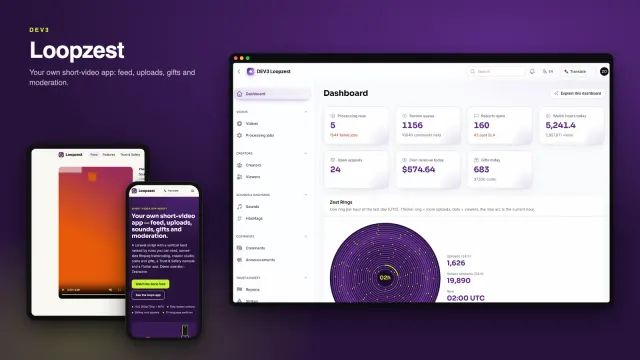
Web Scripts & Software Mobile app
from $69$99
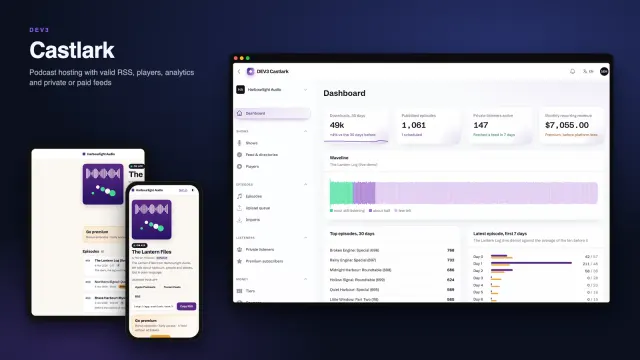
Web Scripts & Software
from $69$99
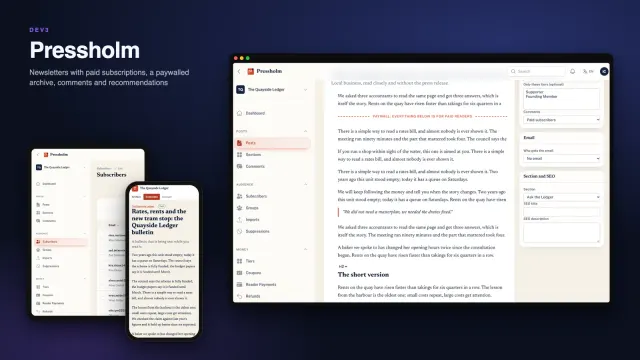
Web Scripts & Software
from $69$99
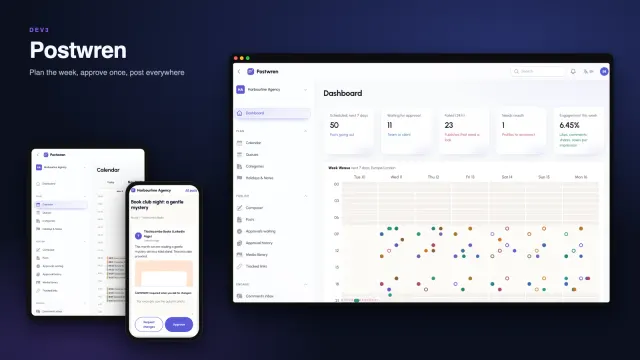
Web Scripts & Software
from $69$99
Use the equalizer to add bass, brighten dull recordings, bring out a voice, or cut rumble, hiss and hum. Changes are heard instantly while the file plays, and the export uses exactly the same settings.
Choose from Bass boost, Extreme bass, Bass reducer, Treble boost, Vocal boost, Podcast, Phone speaker, Laptop speakers, Loudness, Rock, Pop, Hip-hop, Electronic, Jazz, Classical, Acoustic, hum reduction and Night mode. Then adjust by ear. The A/B button switches between the original and the equalised sound at the same position so you can judge honestly.
The bass slider adds a low shelf, and bass punch adds harmonics so small speakers can reproduce the boost. Keep boosts modest: every 6 dB doubles the amplitude of those frequencies.
Boosting raises the peak level. Auto preamp lowers the whole signal by the largest boost in your curve, and the limiter catches the rest. After you press Measure loudness you see integrated loudness in LUFS, true peak and clipped samples for the original and the result.
A high-pass at 30 to 80 Hz removes rumble and wind, and a low-pass at 14 to 18 kHz softens hiss. Use the high-pass with the podcast preset for clean speech.
Choose MP3, M4A or WAV, then Apply and export. Copy the settings as an AutoEq-style text list, or share the link, which stores the whole equalizer.
Load the file, pick the Bass boost preset or drag the bass slider up to about +6 dB, and press Play to hear it. If you hear distortion, lower the boost or leave Auto preamp on. Press Apply and export to download the new file.
Boosting makes the signal louder, and anything over full scale clips. This page lowers the level automatically by the size of your biggest boost (Auto preamp) and has a limiter that catches stray peaks. The Measure loudness button shows peaks and clipped samples before and after.
A graphic equalizer has fixed bands (10 or 31) and you move each slider. A parametric equalizer lets you choose each band's frequency, gain and Q (width), which is better for fixing one problem, such as a boomy note at 200 Hz, without touching the rest.
Phones and laptop speakers cannot play very low notes. The punch control adds harmonics of the bass, which small speakers can play and your brain turns into a sense of deeper bass. It is a classic psychoacoustic trick.
MP3 (up to 320 kbps), M4A (AAC) and WAV in 16 or 24 bit. MP3 and M4A are encoded with an in-browser audio engine that downloads once (about 30 MB) and is cached.
No. The file is decoded, equalised and encoded entirely in your browser.