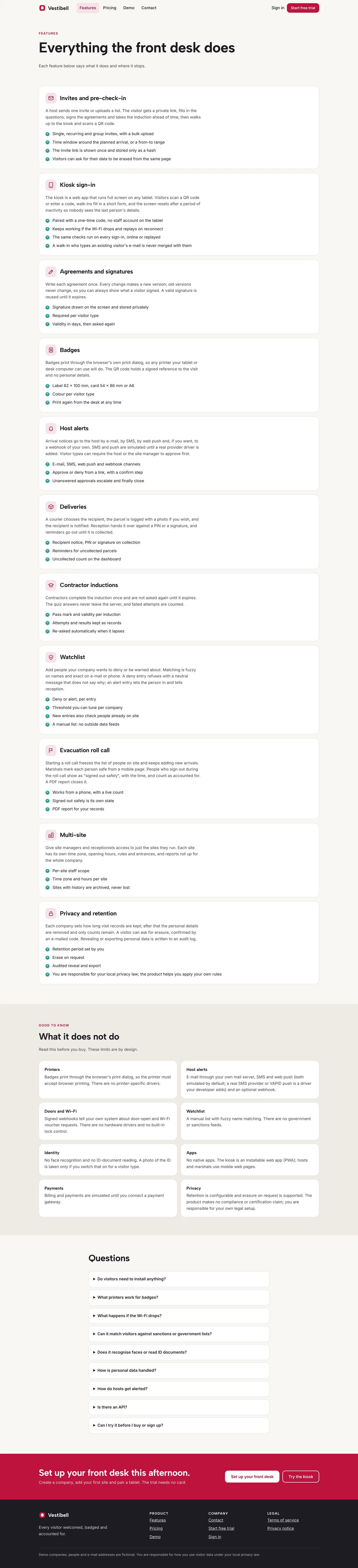
 Everything at the desk — invites, kiosk sign-in, agreements, badges, deliveries, inductions, watchlist and roll call.
Visitor management software for sites and offices: 6 things to check before you pick one
Last updated
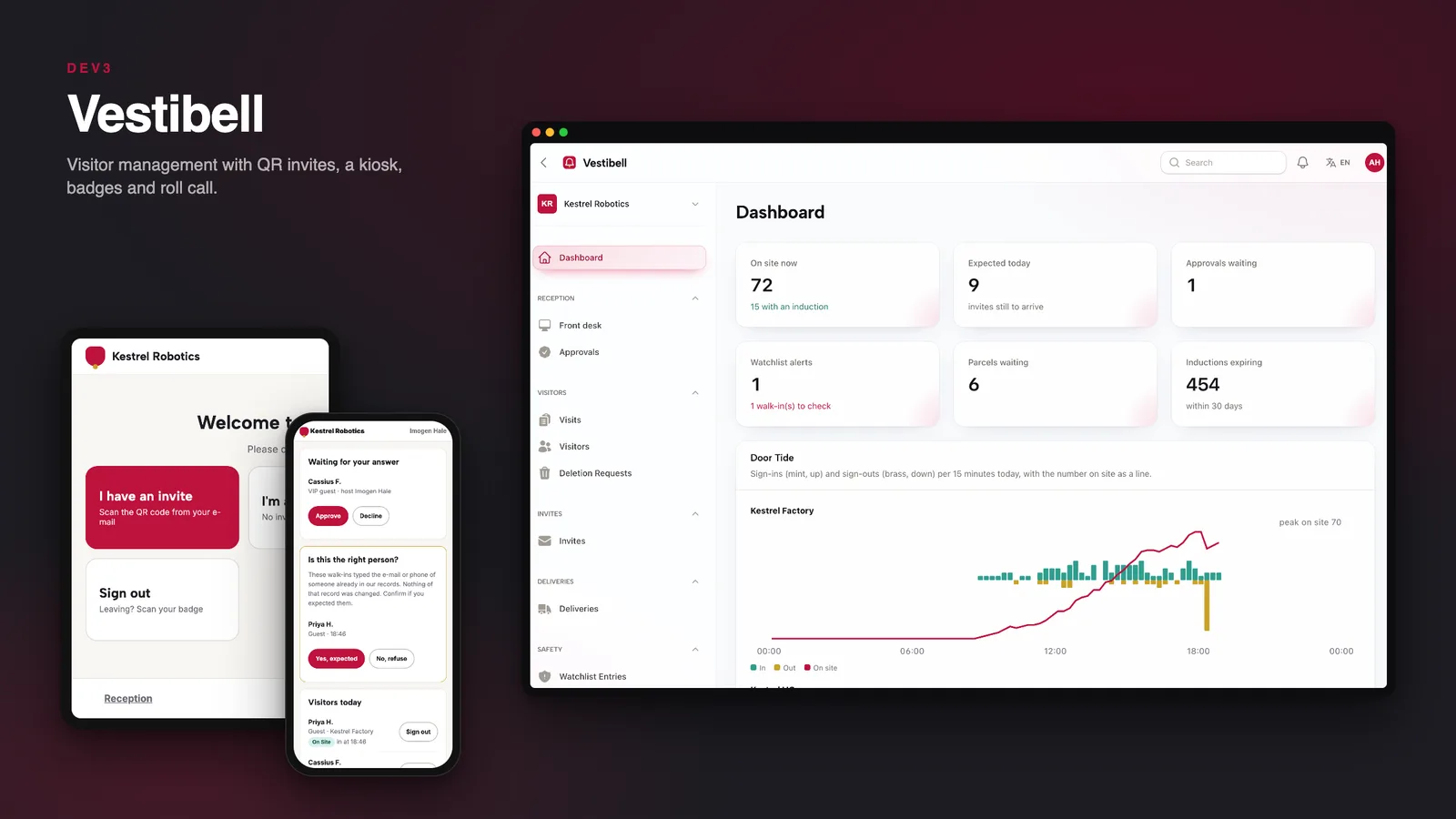
A visitor log on paper is hard to read and useless in a fire. Here are six things to check before you pick software for the front door, with DEV3 Vestibell as the worked example.
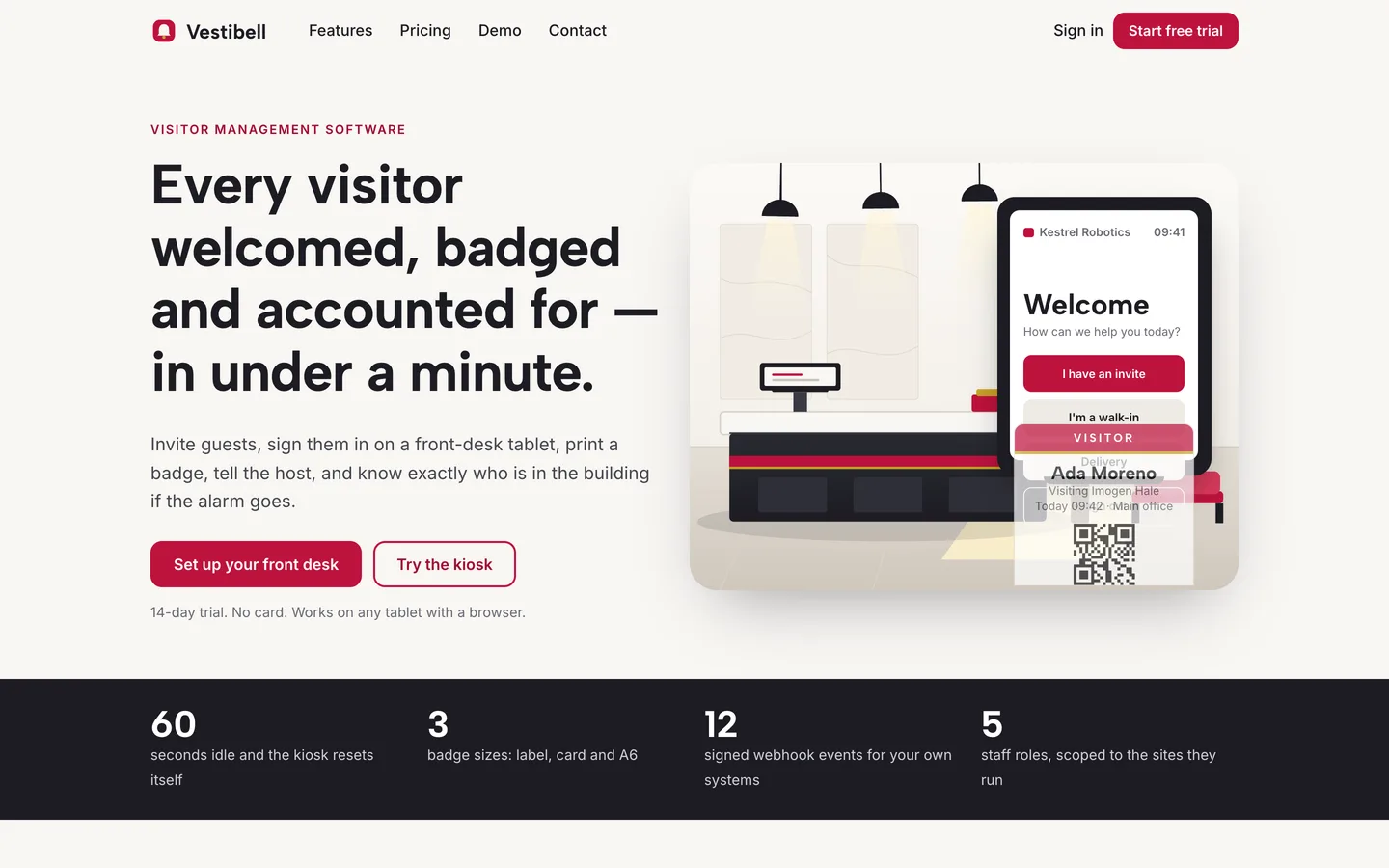
1. Can visitors arrive already checked in?
Hosts should be able to invite a person or a group and send a QR code with directions and the site rules. In Vestibell the code is signed and works once, and the visitor can answer questions and sign agreements before arriving.
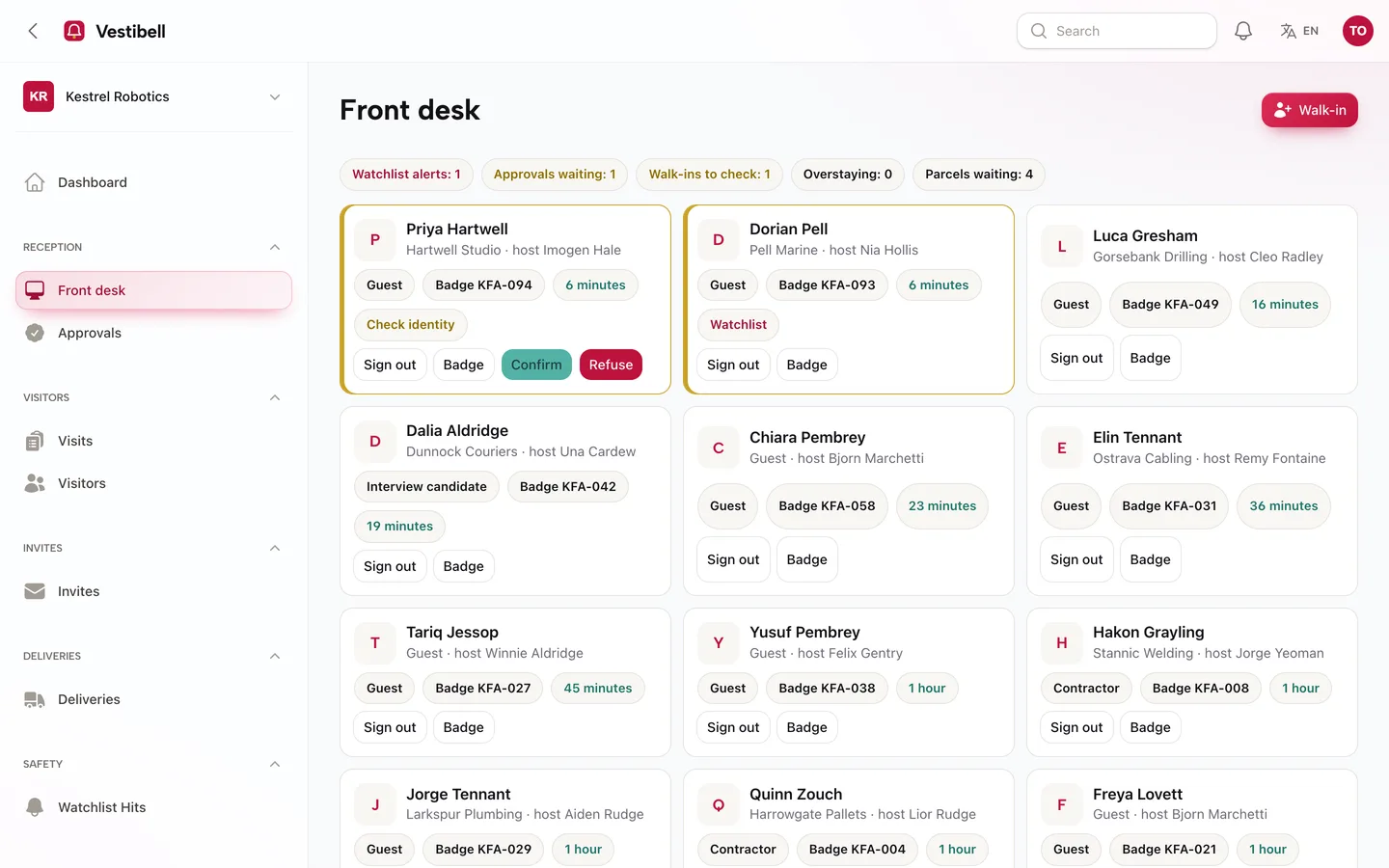
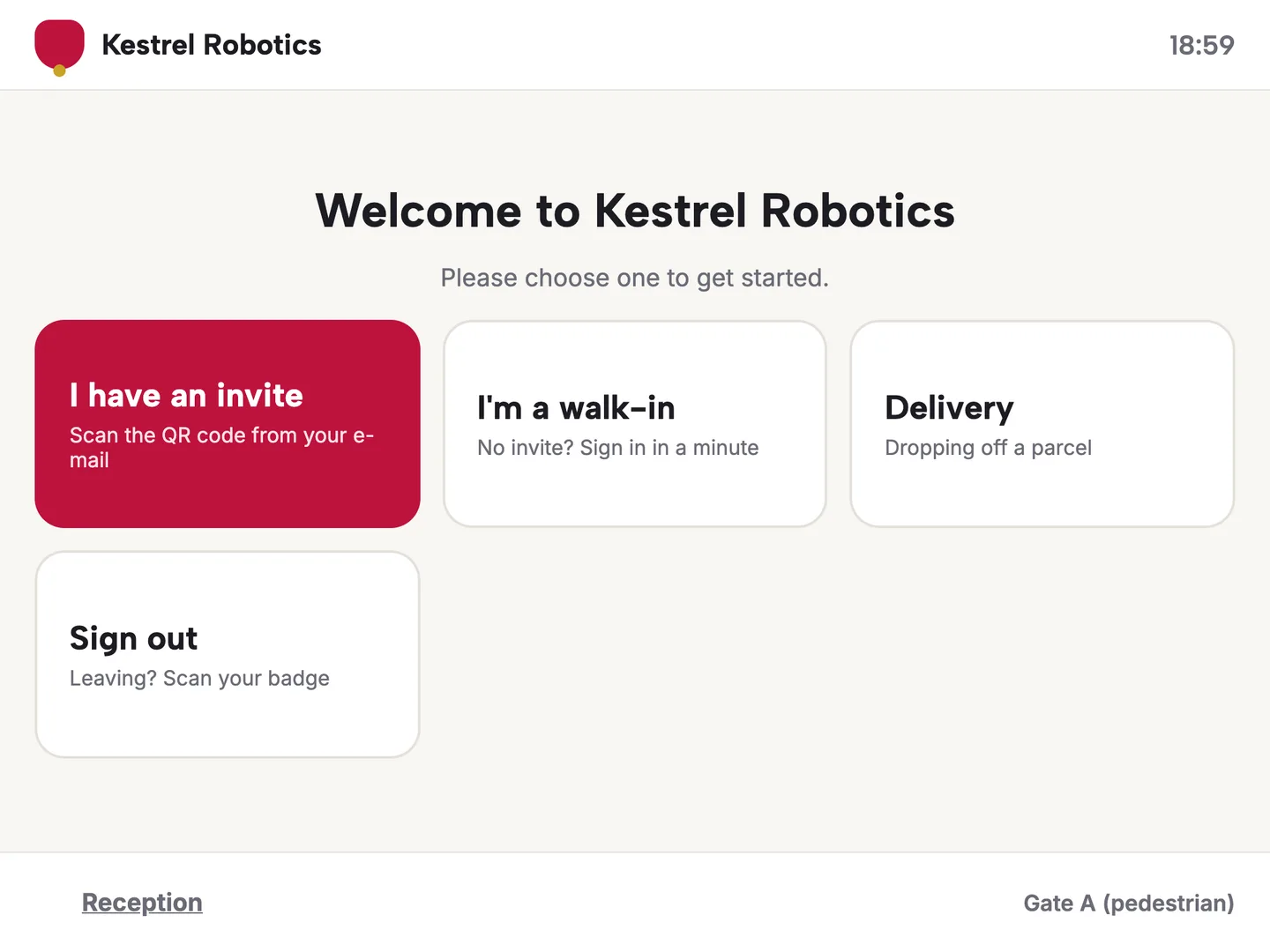
2. Does the kiosk cope with a bad connection?
A tablet at the door will lose Wi-Fi. Vestibell's kiosk is an installable web app that saves sign-ins on the device and sends them when it is back, checking every rule again on the way in.
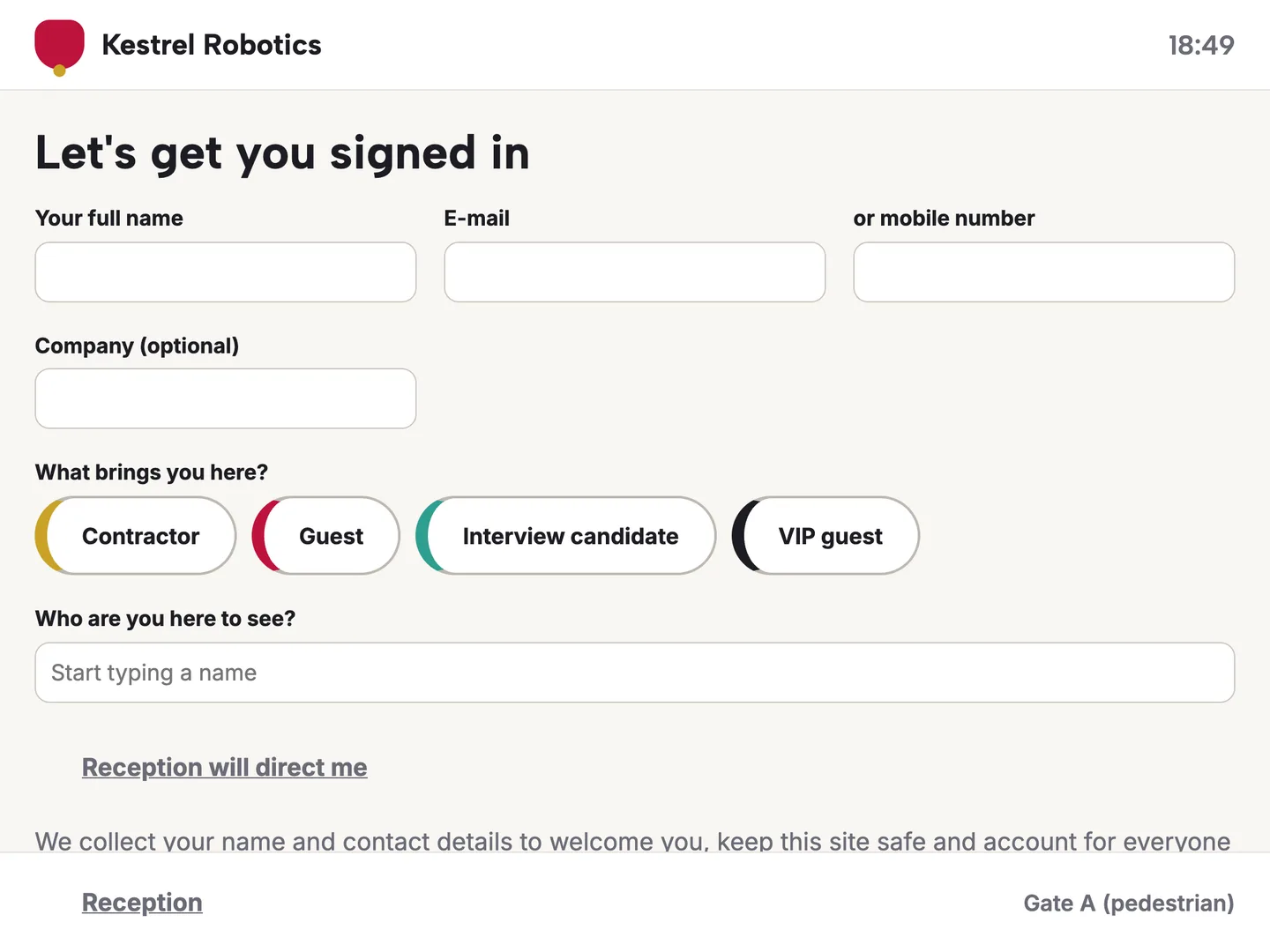
3. Can walk-ins sign agreements and take an induction?
Contractors need more than a name. Visitor types carry their own questions, a finger-signed agreement that asks again when the text changes, and a scored induction that expires.
4. Is there a way to count people in an emergency?
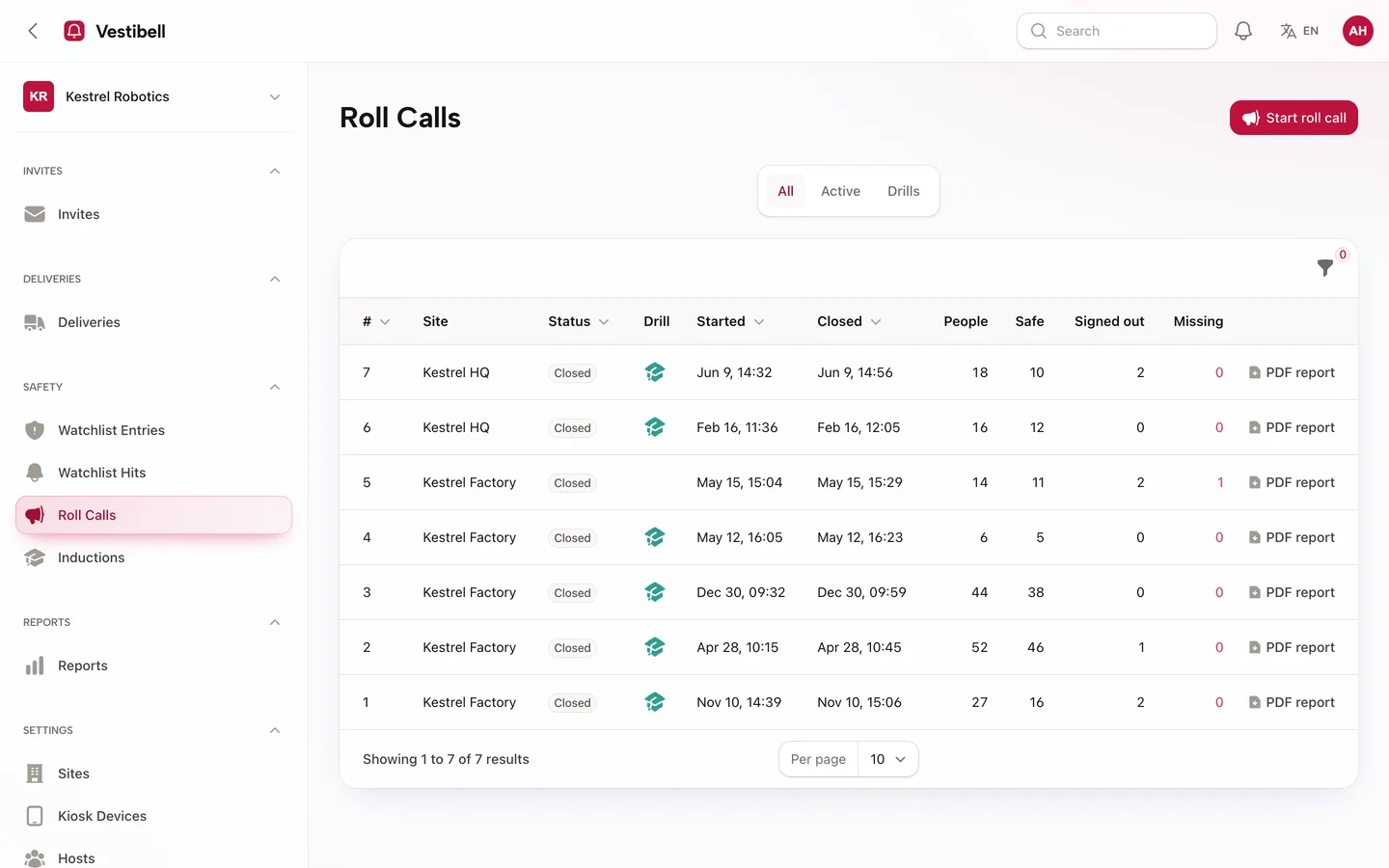
A roll call should start in one tap, let marshals mark people safe on a phone and keep a report. Visitors who already left should count as accounted for.
5. Is personal data kept only as long as you choose?
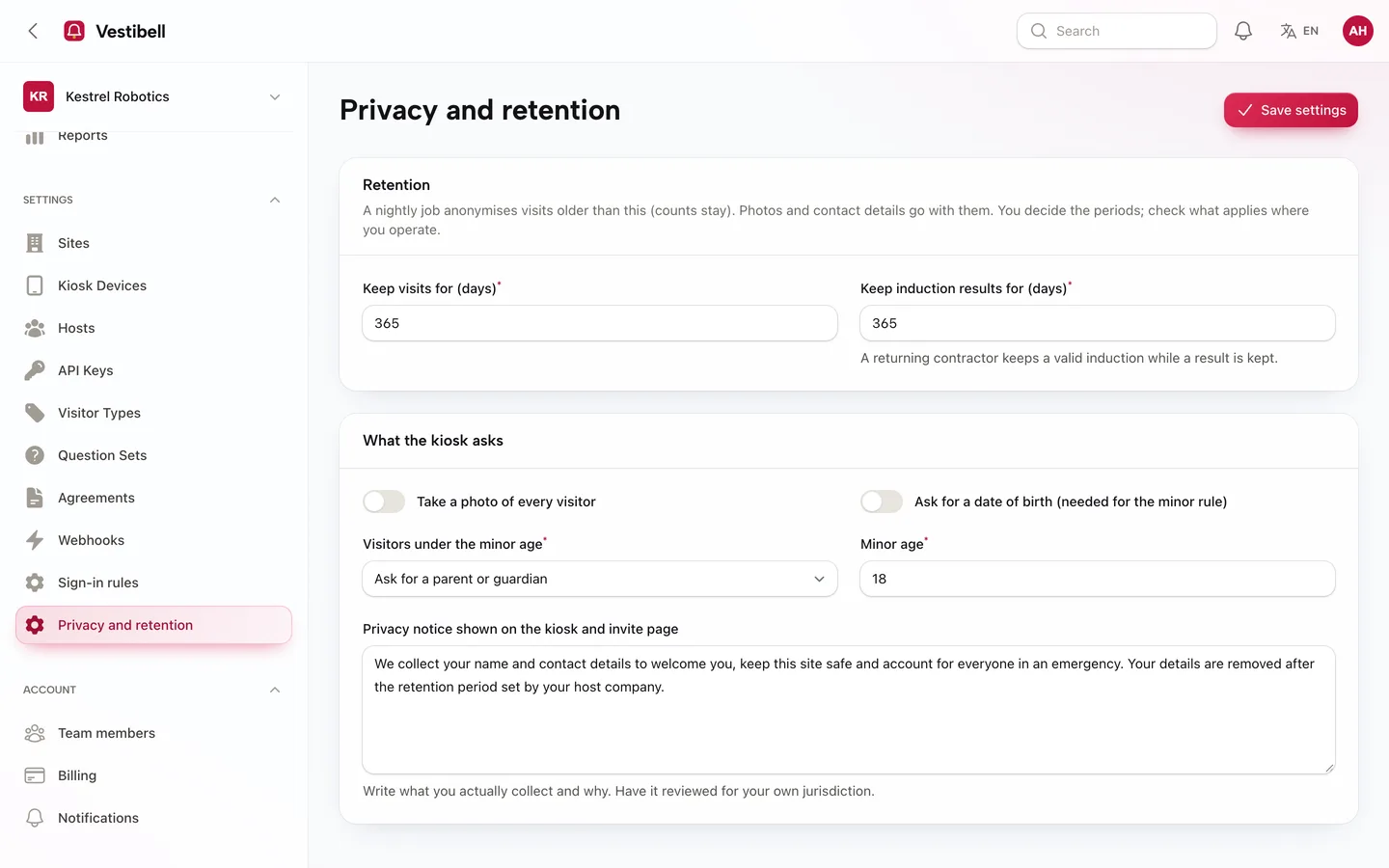
Retention should be a setting, contact details should be masked by default and every look at them audited. No software can make you compliant for you: keep your privacy notice up to date.
6. Are the limits honest?
Vestibell runs in a tablet browser and prints badges through the browser. It has no face recognition, no ID scanning, no door hardware drivers (a signed webhook only) and no sanctions database. Say that plainly to your buyers.