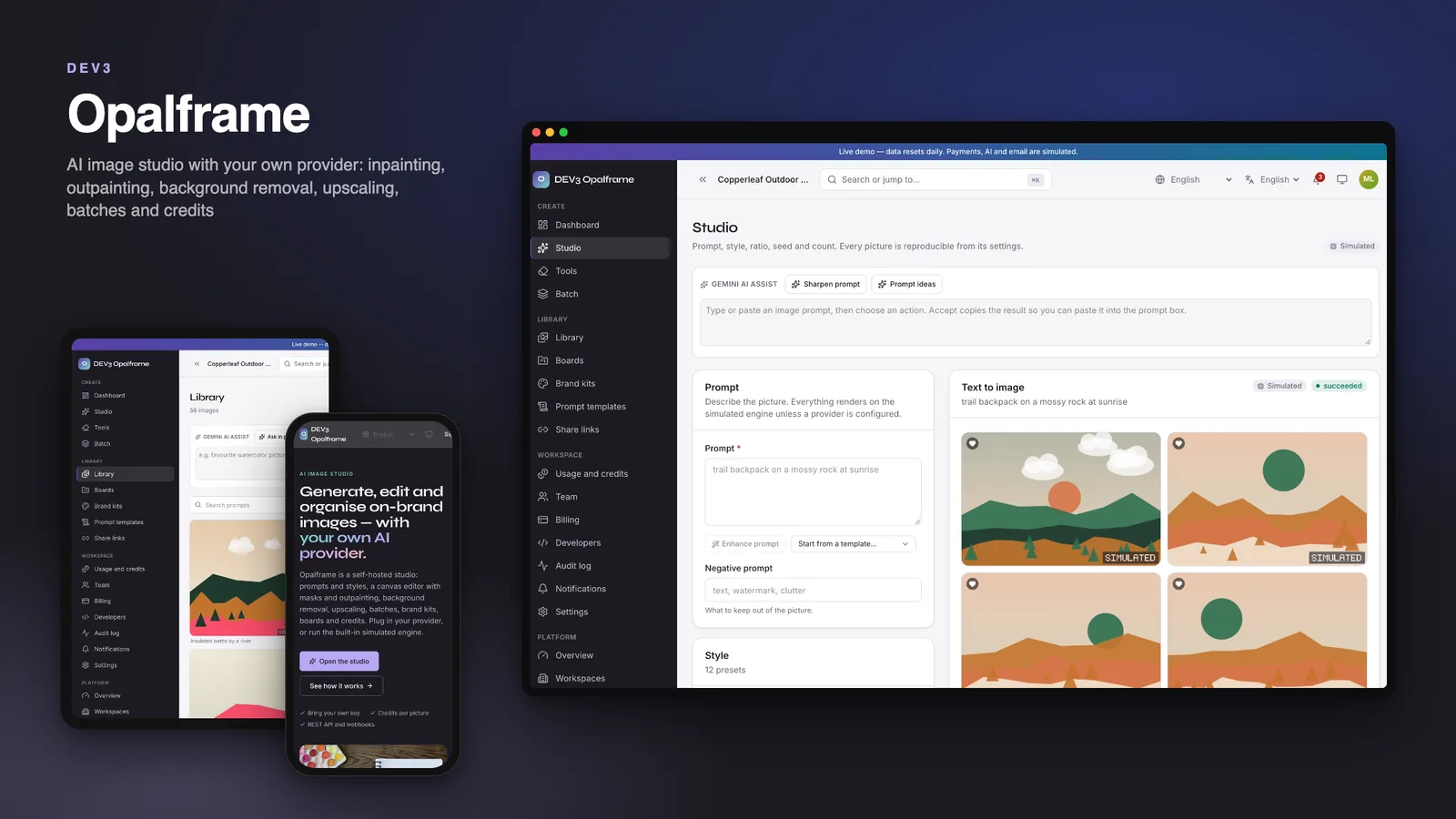
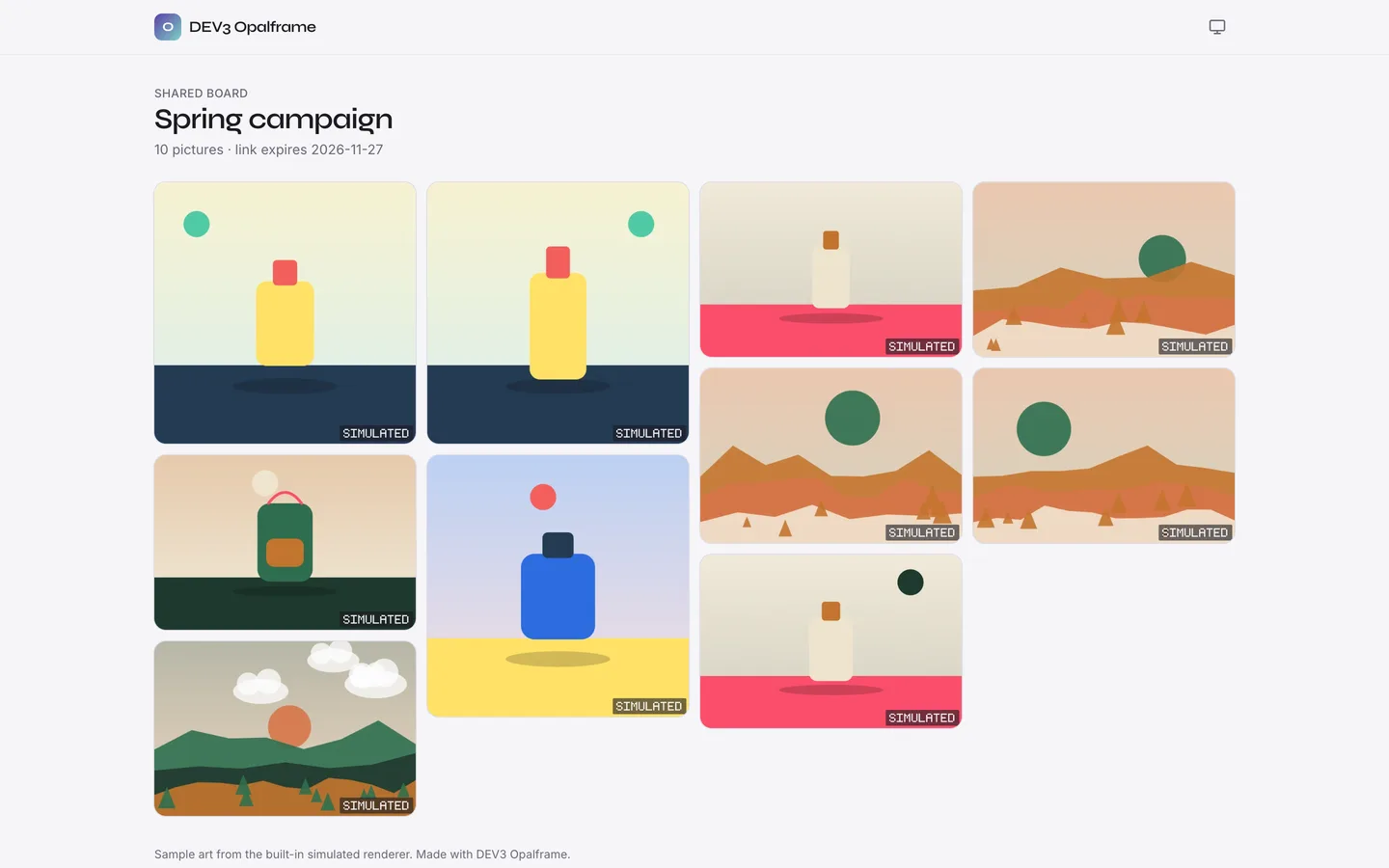
Opalframe is an image-generation studio that you host yourself, built by DEV3 Technologies on Next.js 16, React 19, TypeScript, Tailwind 4 and MongoDB, with a separate Node worker that renders the queue. Each customer gets a workspace with a credit balance. People write a prompt, pick a style, ratio, seed and count, and get pictures they can remix, vary, repaint with a mask, extend, cut out and upscale. You, the operator, sell plans and credit packs and run the platform from an operator panel. The demo shows fictional workspaces: an outdoor retailer, a candle shop, an agency with client brand kits and a print shop close to its storage limit.
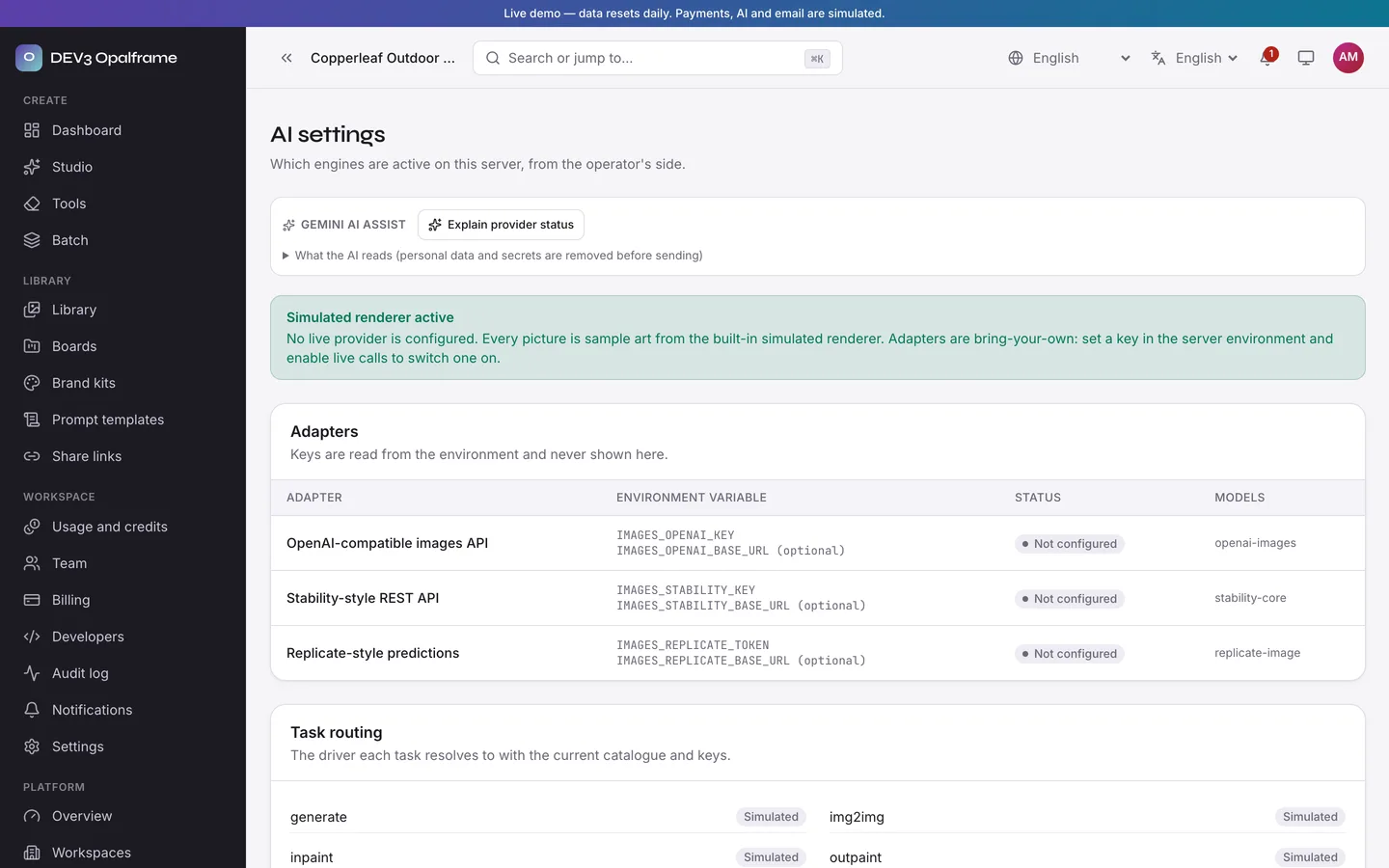
How the AI works, plainly: every picture in this product comes from a built-in simulated renderer. It draws deterministic procedural sample art from the prompt, style, seed and aspect ratio, and marks it "Simulated". It is not a model and the pictures are not photographs. Real providers are bring-your-own-key and off by default: an OpenAI-compatible images API, a Stability-style REST API and a Replicate-style predictions API. They are shipped as adapters that stay "Not configured" and locked until you set a key and enable live calls, and they are tested against recorded fixtures only. No model, key, credit or GPU is included, and provider costs and content policies are yours. A workspace setting can force simulated mode even when a provider is configured.
No live demo: 41 screenshots and two video tours show the marketing site, the studio, the canvas editor, the tools, the library and boards, and the operator panel. This product is a web application: there are no mobile apps.
For people who make images
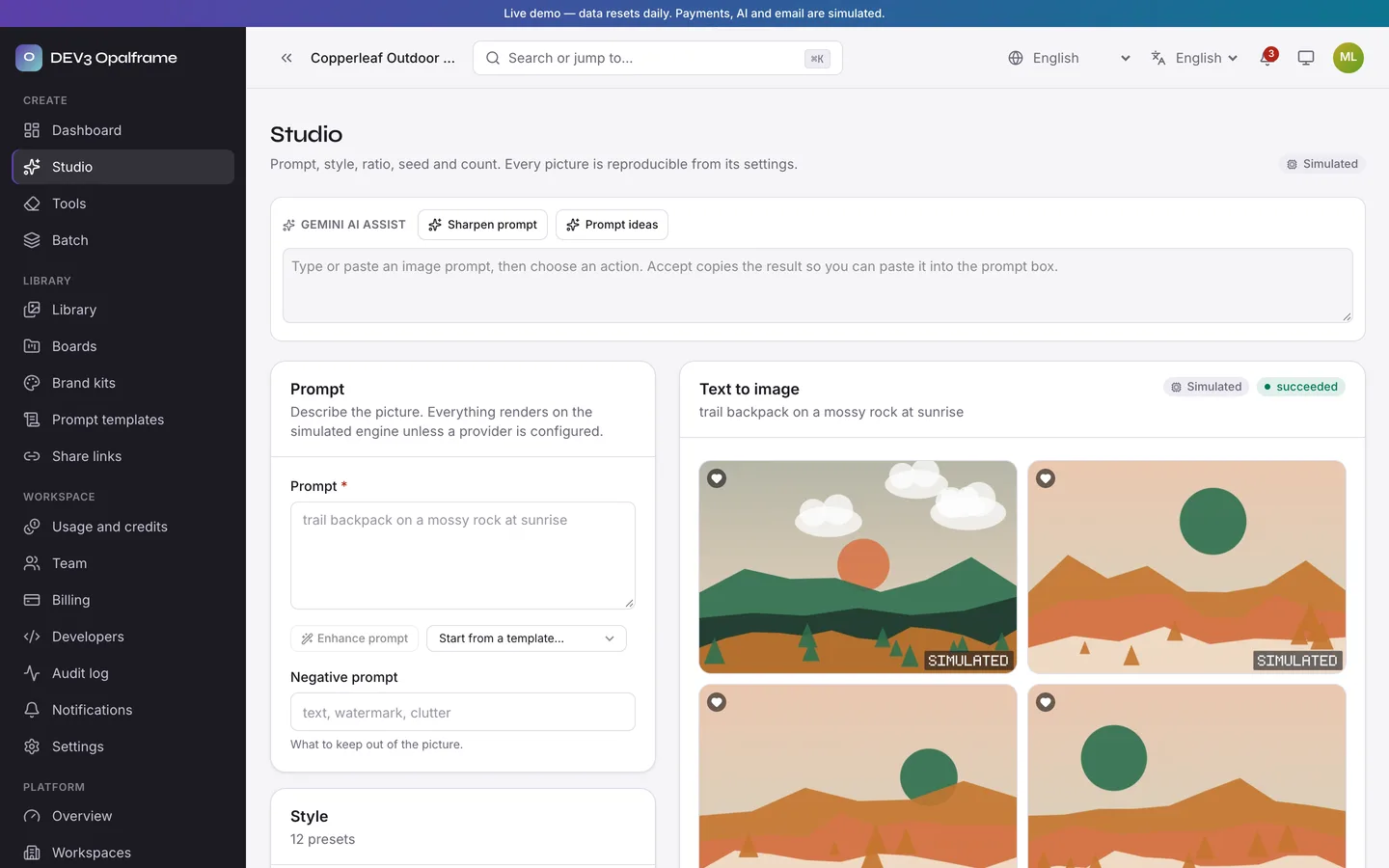
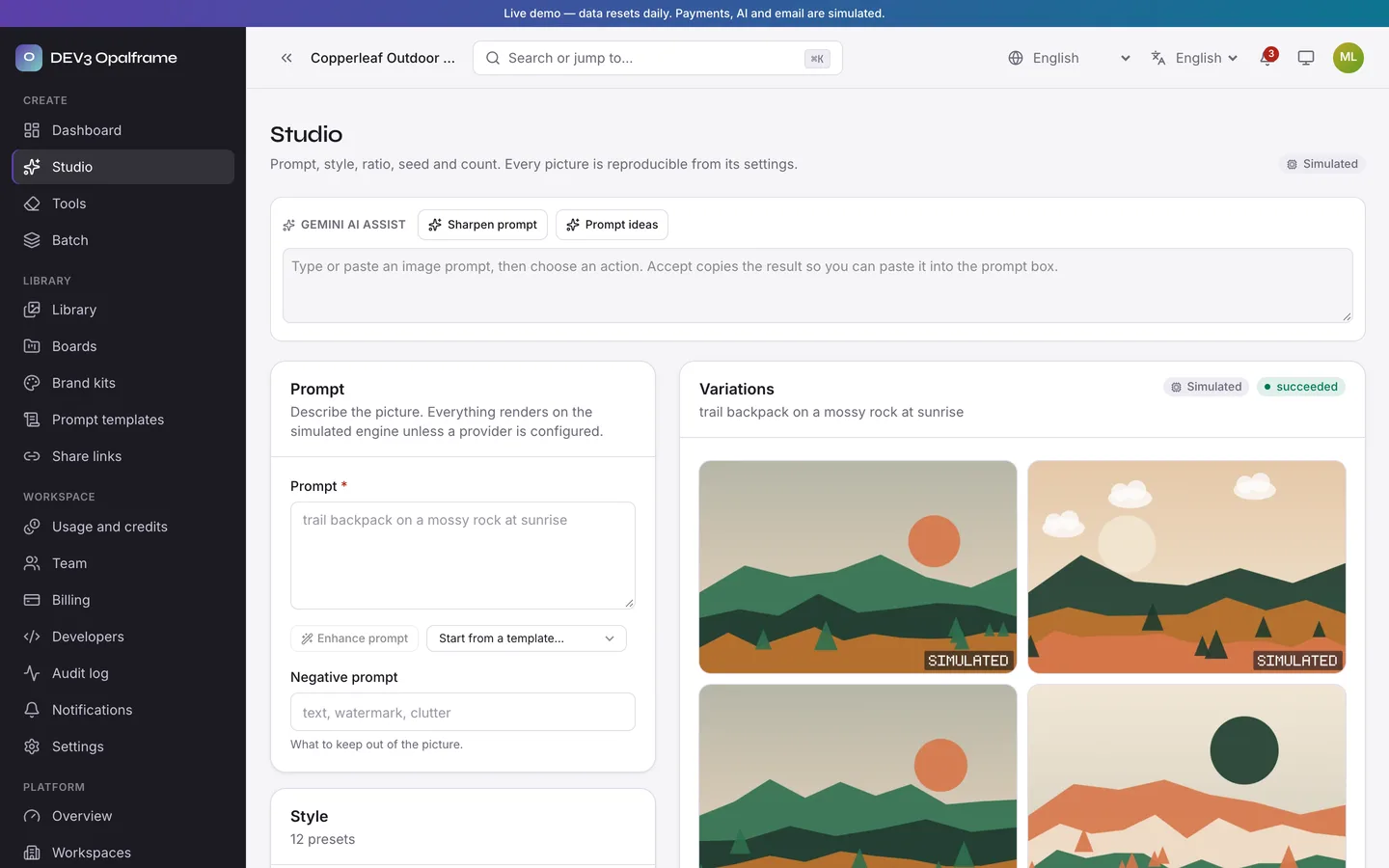
- Studio: prompt and negative prompt, twelve style presets, aspect ratios, seed, one to four pictures per job, quality tiers, history rail, and variations. Every setting is stored so a result can be reproduced.
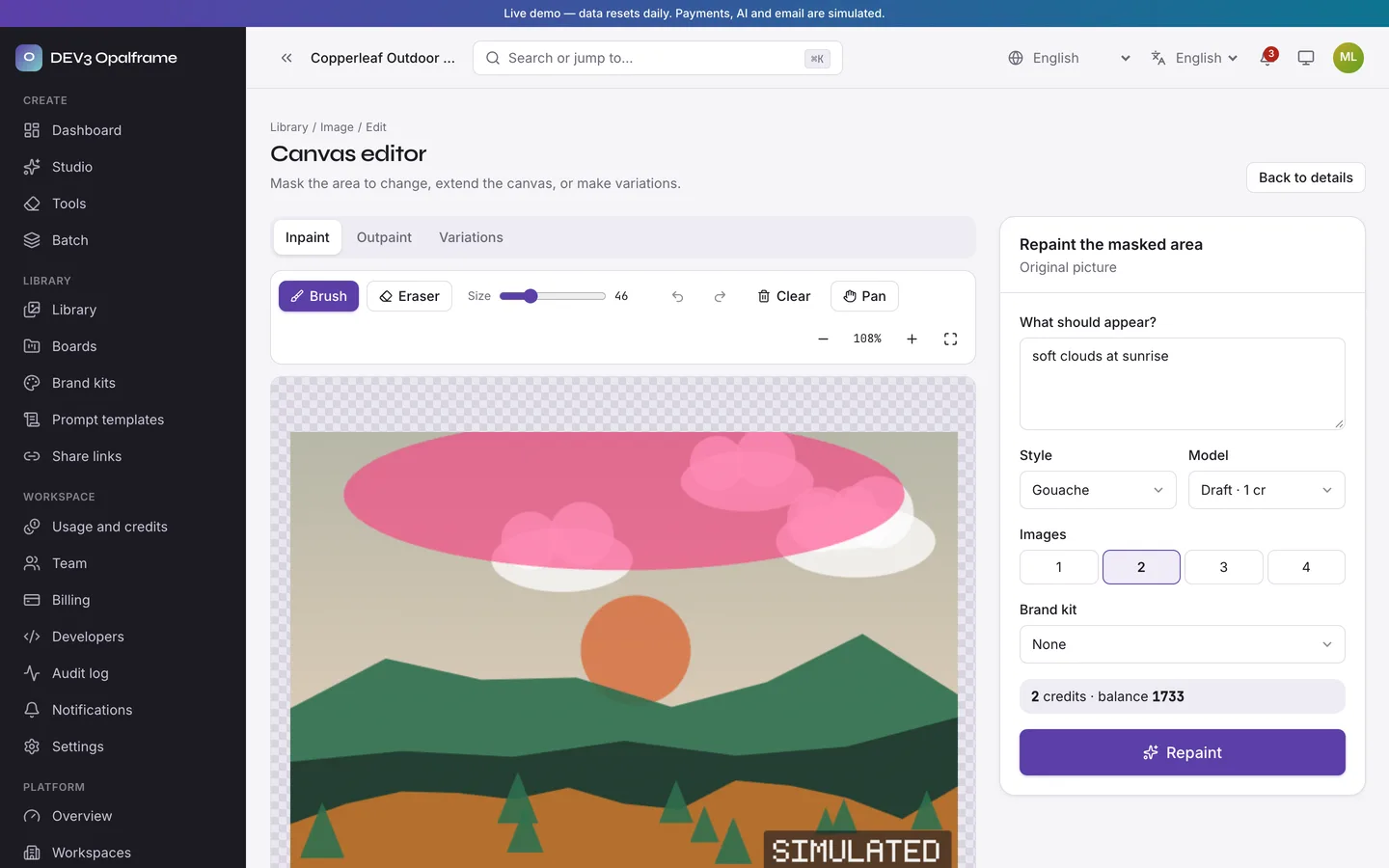
- Canvas editor: paint a mask for inpainting, or extend the canvas for outpainting, with brush, eraser, undo and zoom on a plain 2D canvas. Edit chains link every result back to its original.
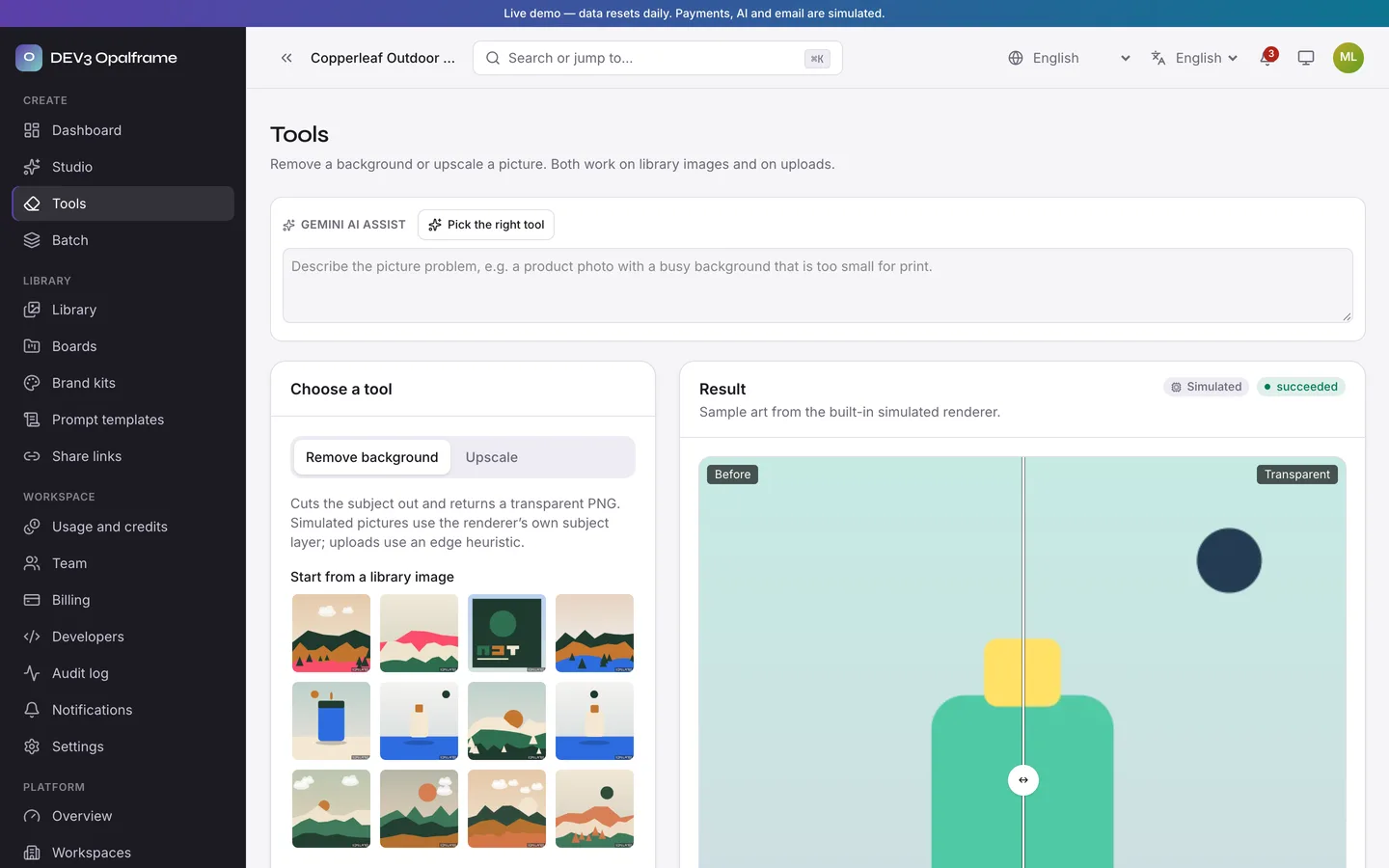
- Tools: background removal to a transparent PNG and upscale at 2x or 4x, each with a before and after slider.
- Batch: paste or import a CSV of prompts and get a contact grid with progress, a zip download and a grid PNG.
- Brand kits: palettes, keywords and a default style per brand, applied to a prompt from the studio.
- Library and boards: masonry wall with filters by style, model, tag, board and favourites; boards for campaigns and clients; expiring share links with download control, view counts and revoke; prompt templates.
For the operator
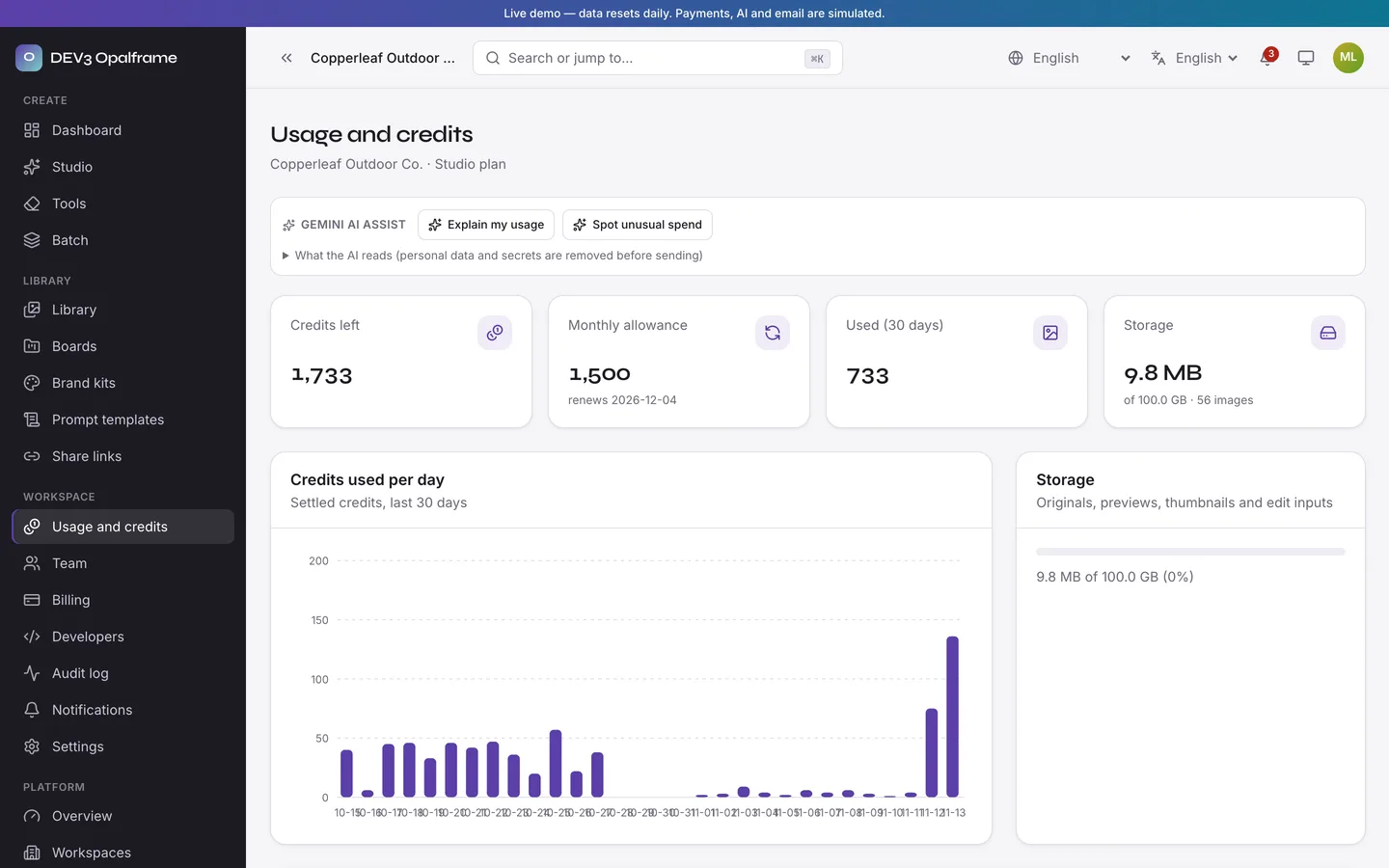
- Credits and plans: credits are reserved when a job starts, settled per finished picture and refunded when a job fails or is cancelled, with a ledger and a reconciliation command. Plans, credit packs and an agency overdraft are included. Payments are simulated until you connect your own gateway (Stripe and Razorpay adapters included).
- Operator panel: platform overview, workspaces and detail, models and a cost table, style presets, prompt library, moderation queue, blocklists, credits ledger, AI settings with the outbound network policy, and audit log.
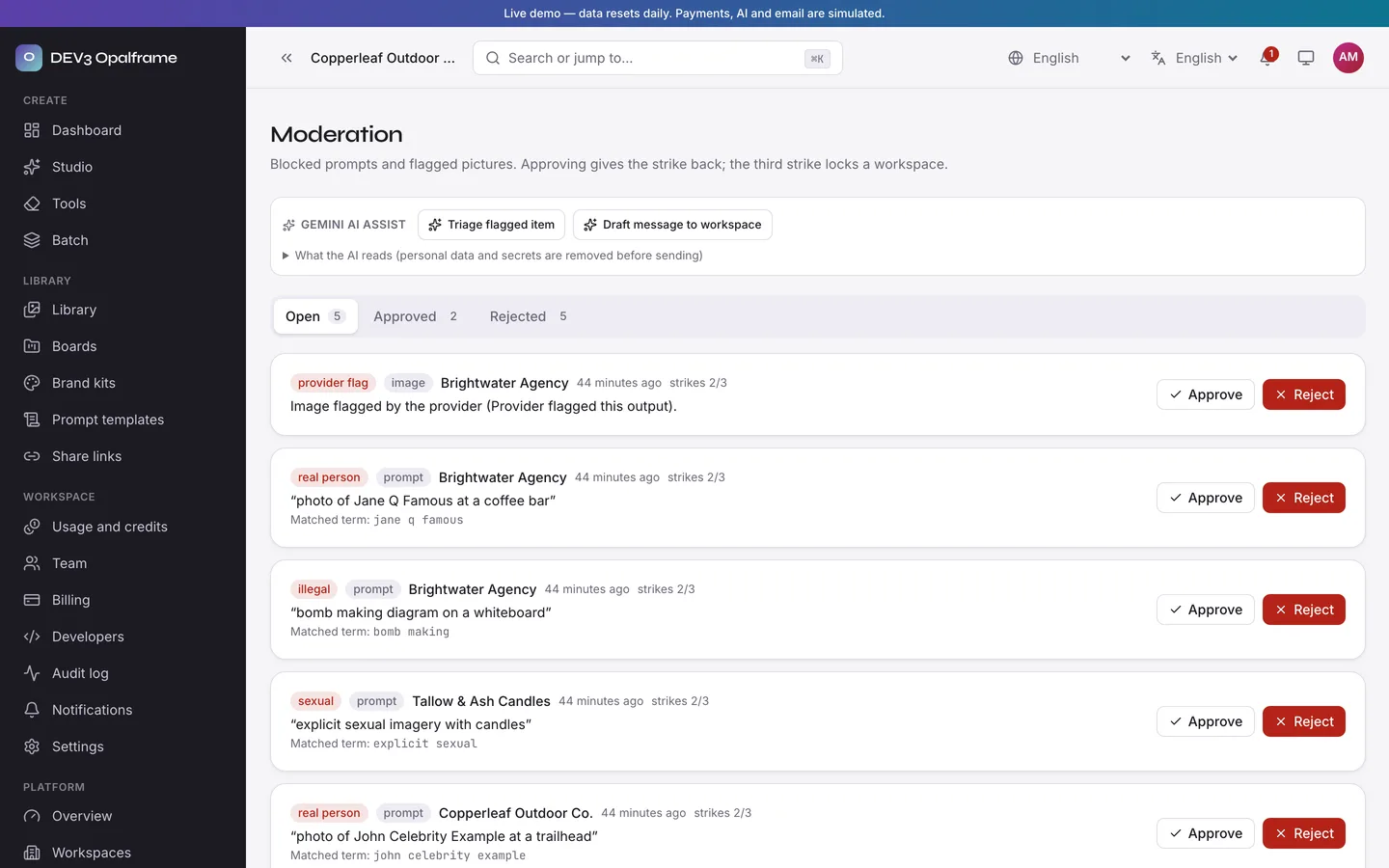
- Moderation: a keyword and blocklist filter with a real-person name list and a review queue with strikes. There is no AI safety classifier unless your provider supplies one.
- Teams and API: owner, admin, member, billing and viewer roles, API keys, a REST API with OpenAPI and webhooks.
- Setup wizard, demo data, installer lock, and a documentation page in the download.
Demo data (real numbers from the seed)
4 workspaces, 15 users, 101 pictures, 2,453 history jobs, 12 style presets, 6 models, 9 boards, 6 brand kits, 8 prompt templates, 5 share links, 12 moderation items, 37 invoices and 8,285 credit ledger rows. Loading takes about a minute and a reconciliation command confirms the ledger.
Good to know
- Starting codebase for an image-generation service, not a finished business. Extended licence needed to sell the service to paying customers.
- Simulated by default: no real model is included; connect your own provider key to produce real images.
- No video generation, model training, face swap or GPU hosting. Web only.
- Needs MongoDB 6+ (replica set, a single node works) and two long-lived Node processes: the web app and the worker. The
sharp image library is the one native dependency and ships prebuilt for Linux and macOS.
- Storage is local or S3-compatible. Back up your
APP_SECRET and your storage folder.
- All people, workspaces and pictures in the demo are fictional.
Gemini AI admin tools
Add your own Gemini key (GEMINI_API_KEY) and about 40 AI actions switch on across the workspace and operator pages: sharpen prompts and prompt ideas, plain-English library search, alt text and captions, edit-chain and activity summaries, usage and ledger anomaly flags, report and invoice explanations, reply and share-message drafts, CSV prompt clean-up, moderation triage and next best actions. Every result is a preview you edit and accept; personal data, secrets and card numbers are removed before a call, and the product ships with no key (buttons say "Add your Gemini key in Settings"). A Google Translate language switcher is in the header and app top bar.
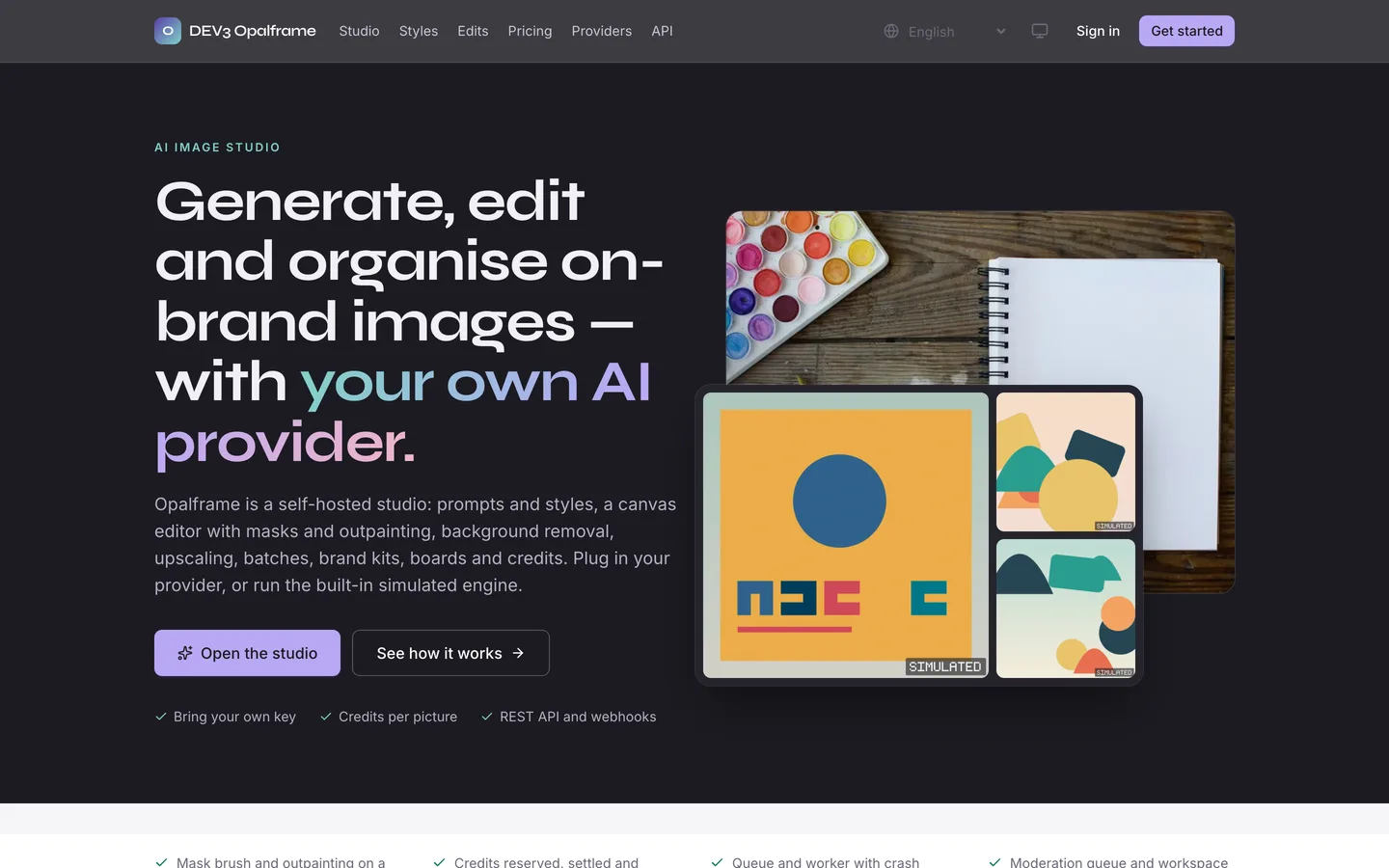 Hero — Generate, edit and organise on-brand images with your own AI provider, over a studio-table photo and sample art from the simulated renderer.
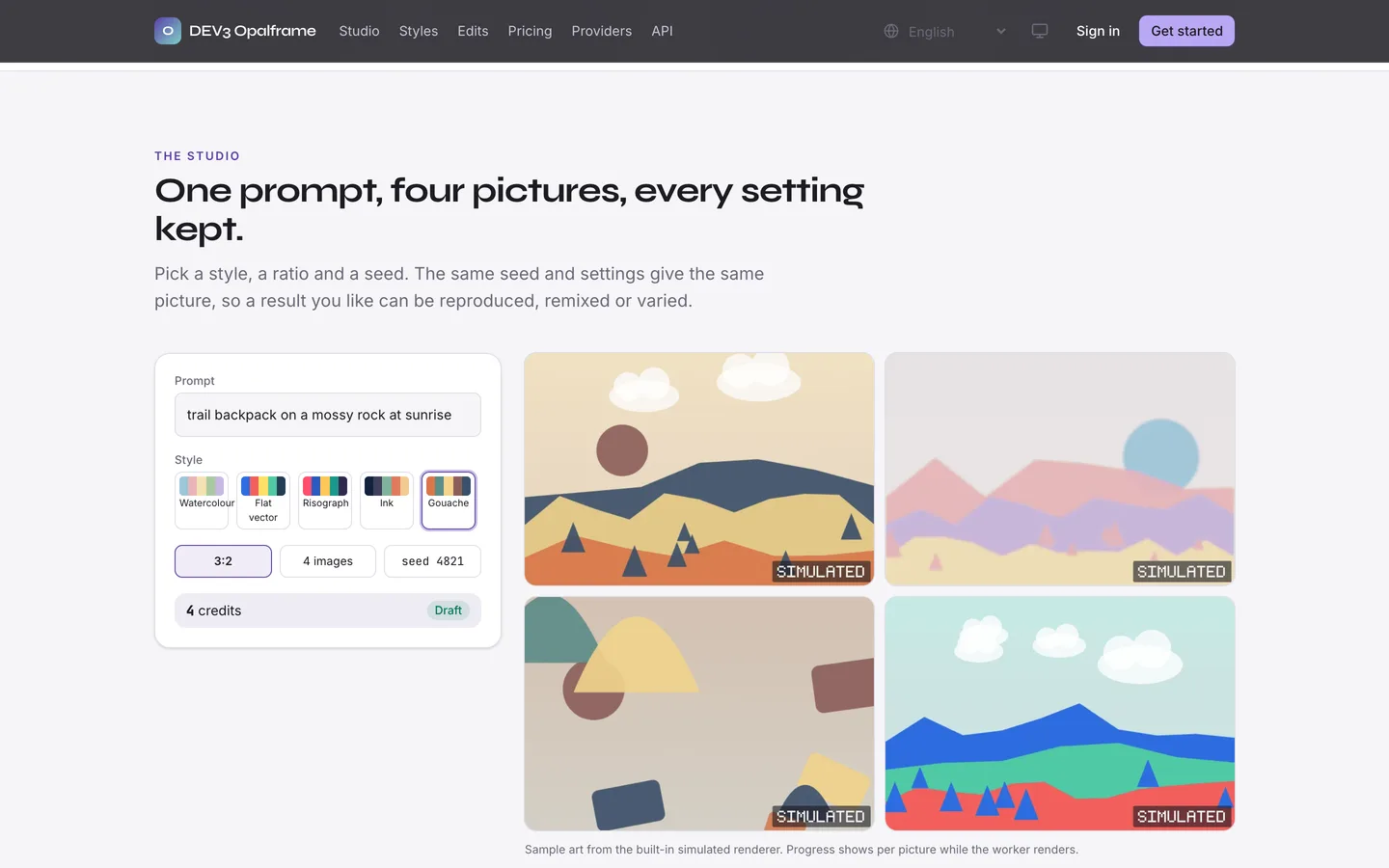 Studio — One prompt, four pictures and every setting kept, so a result can be reproduced, remixed or varied.