Rent Rail — This month by due day: one tick per lease, coloured paid, partial, due or overdue.
Property management software: 6 things to check before you choose one
Last updated
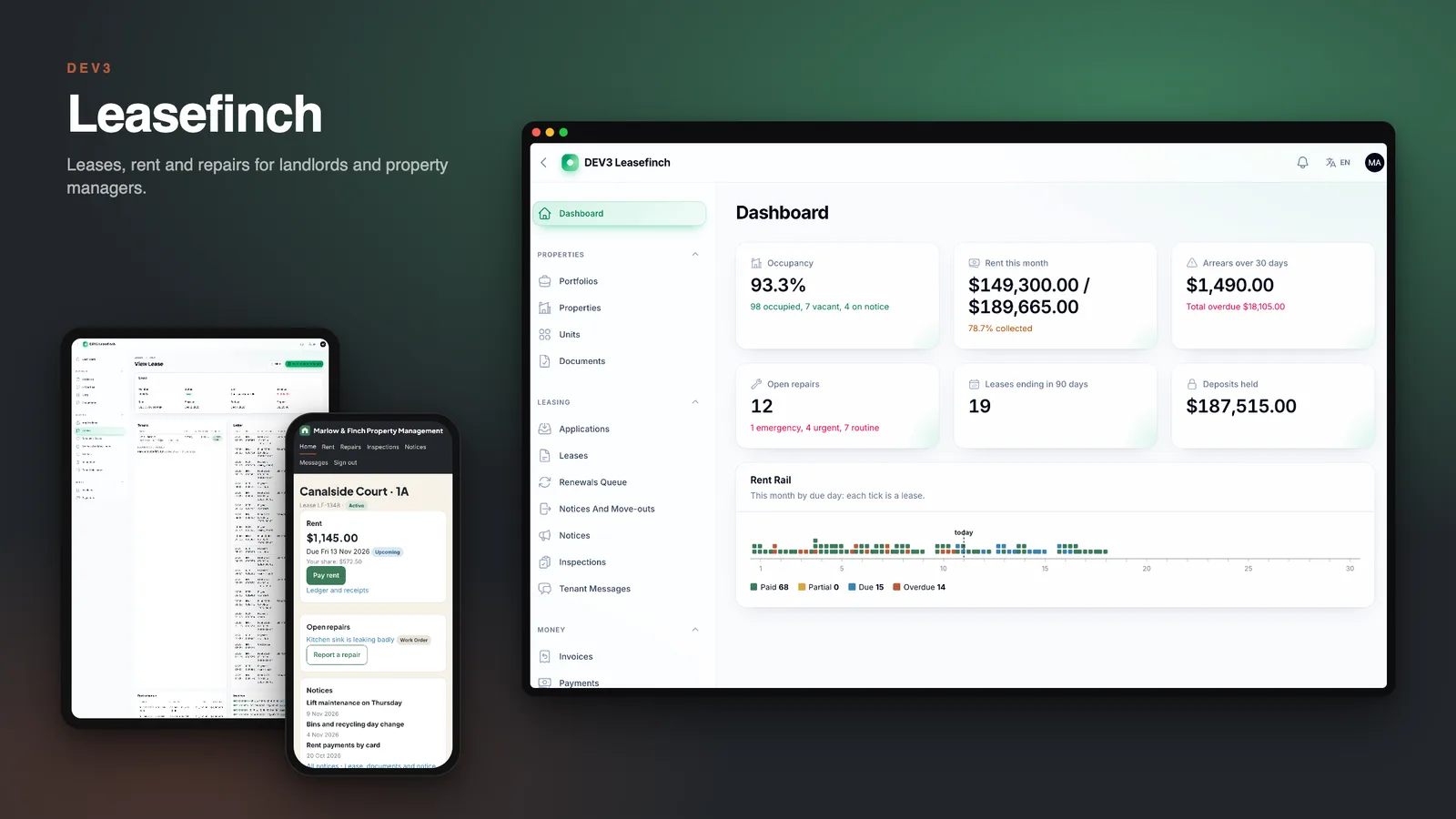
A rental business runs on small promises: rent invoiced on the right day, a late fee charged once, a deposit that settles against evidence, and a repair that does not get lost. Here are six things to check before you choose property management software, with DEV3 Leasefinch as the worked example.
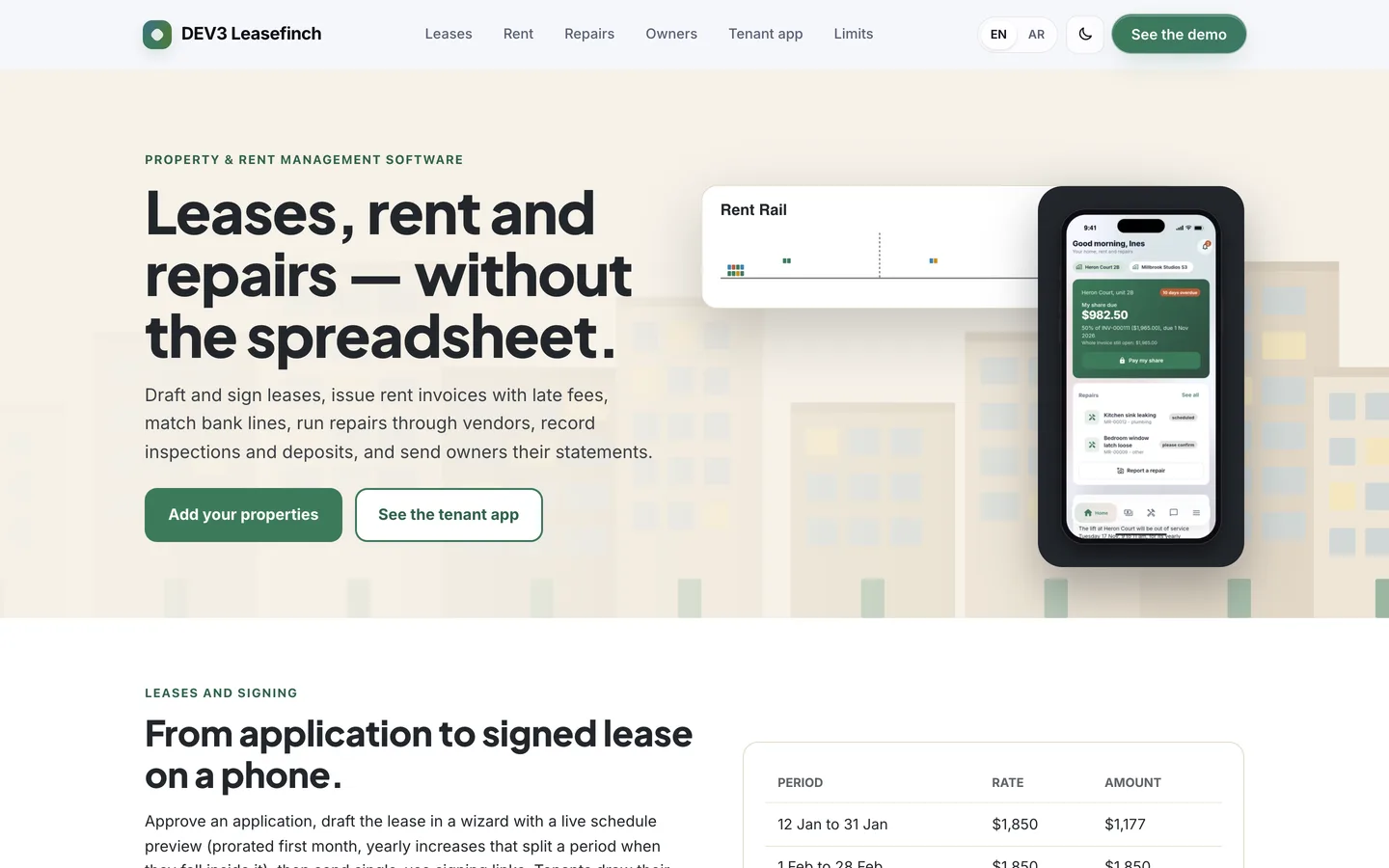
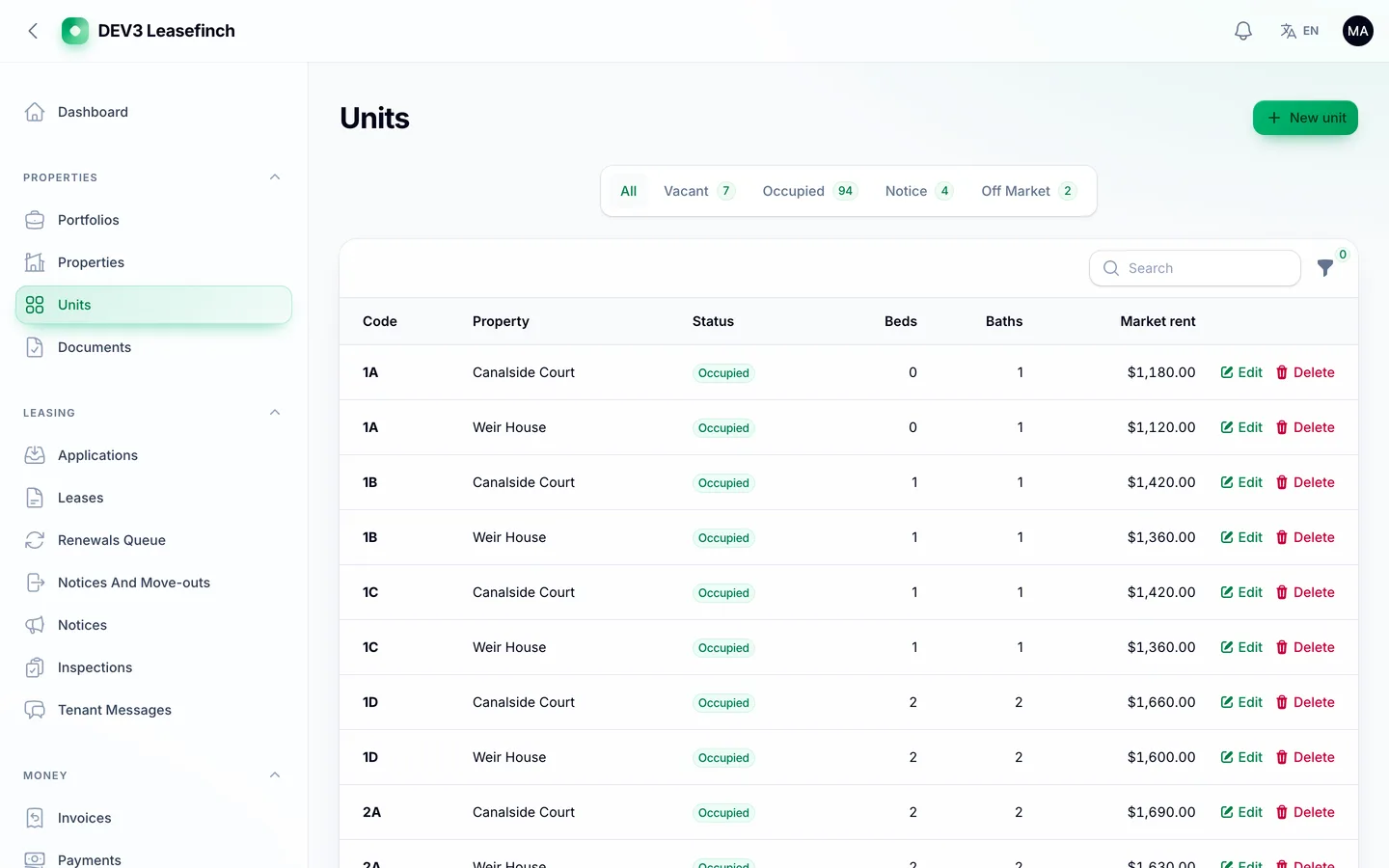
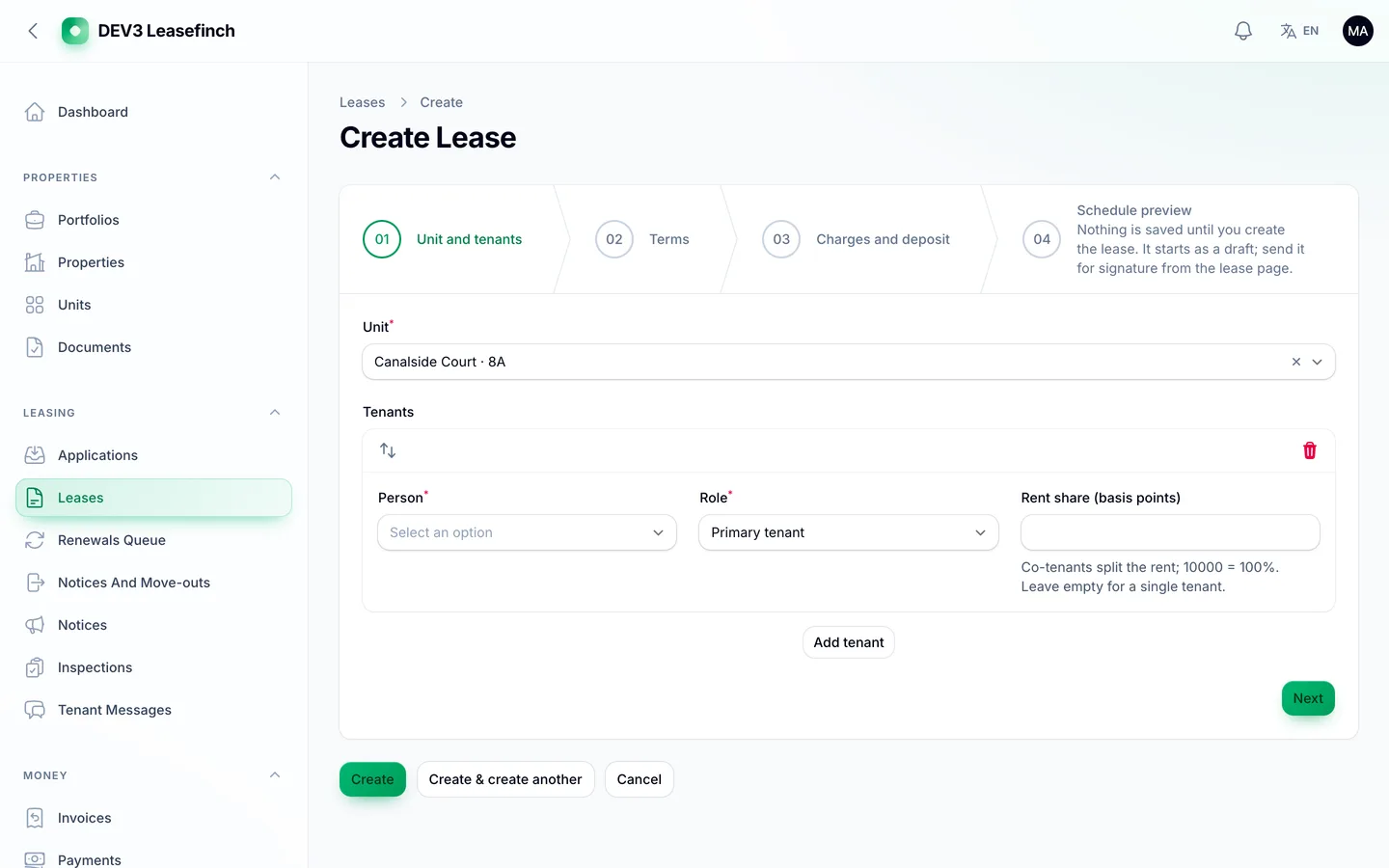
1. Do units and leases stay in step?
You should see every unit as occupied, vacant, on notice or off market, and a lease should show its rent schedule before anyone signs.
2. Is rent invoiced, matched and chased without spreadsheets?
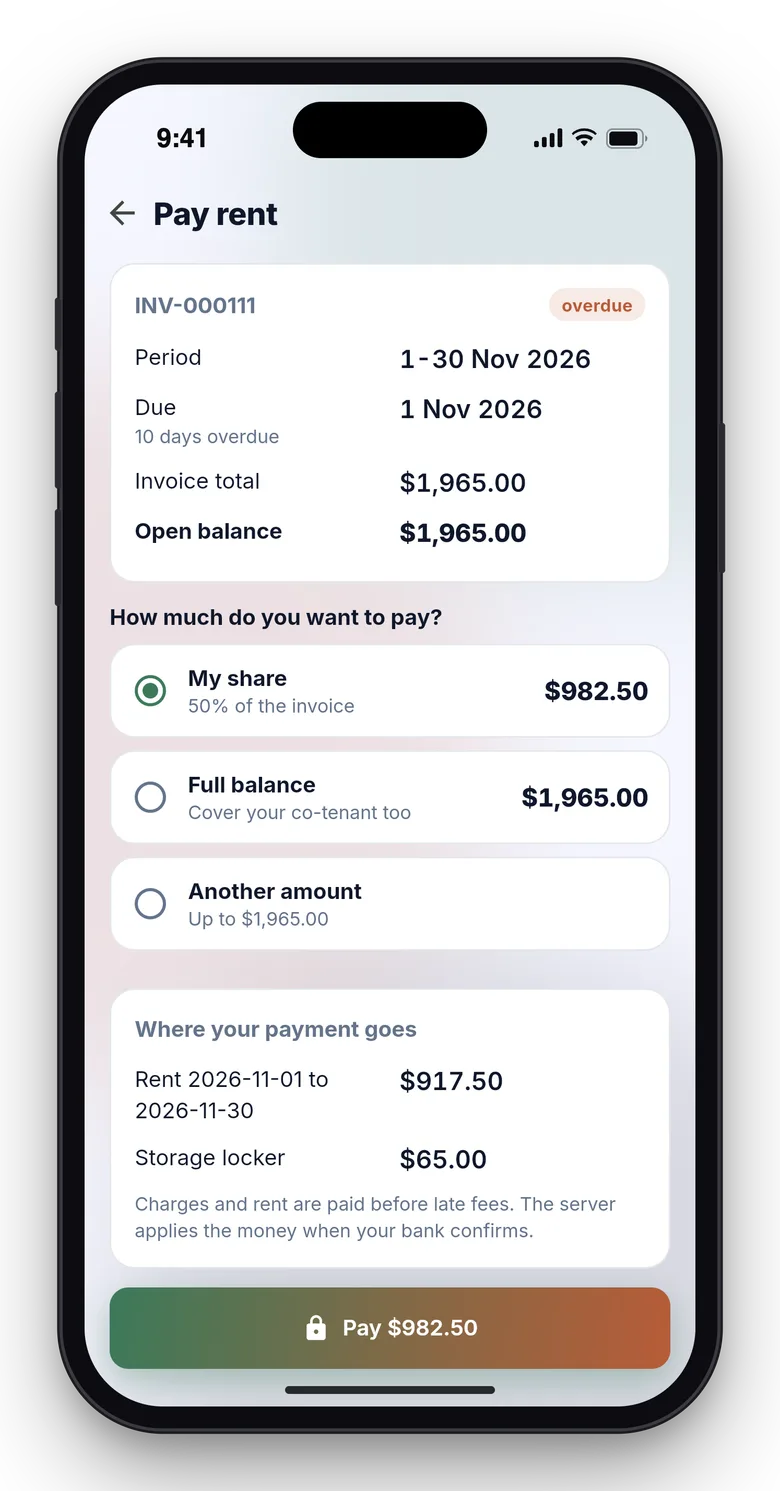
Scheduled invoices, partial payments, receipts, late-fee rules you set, and a bank import that proposes matches for your accountant to confirm.
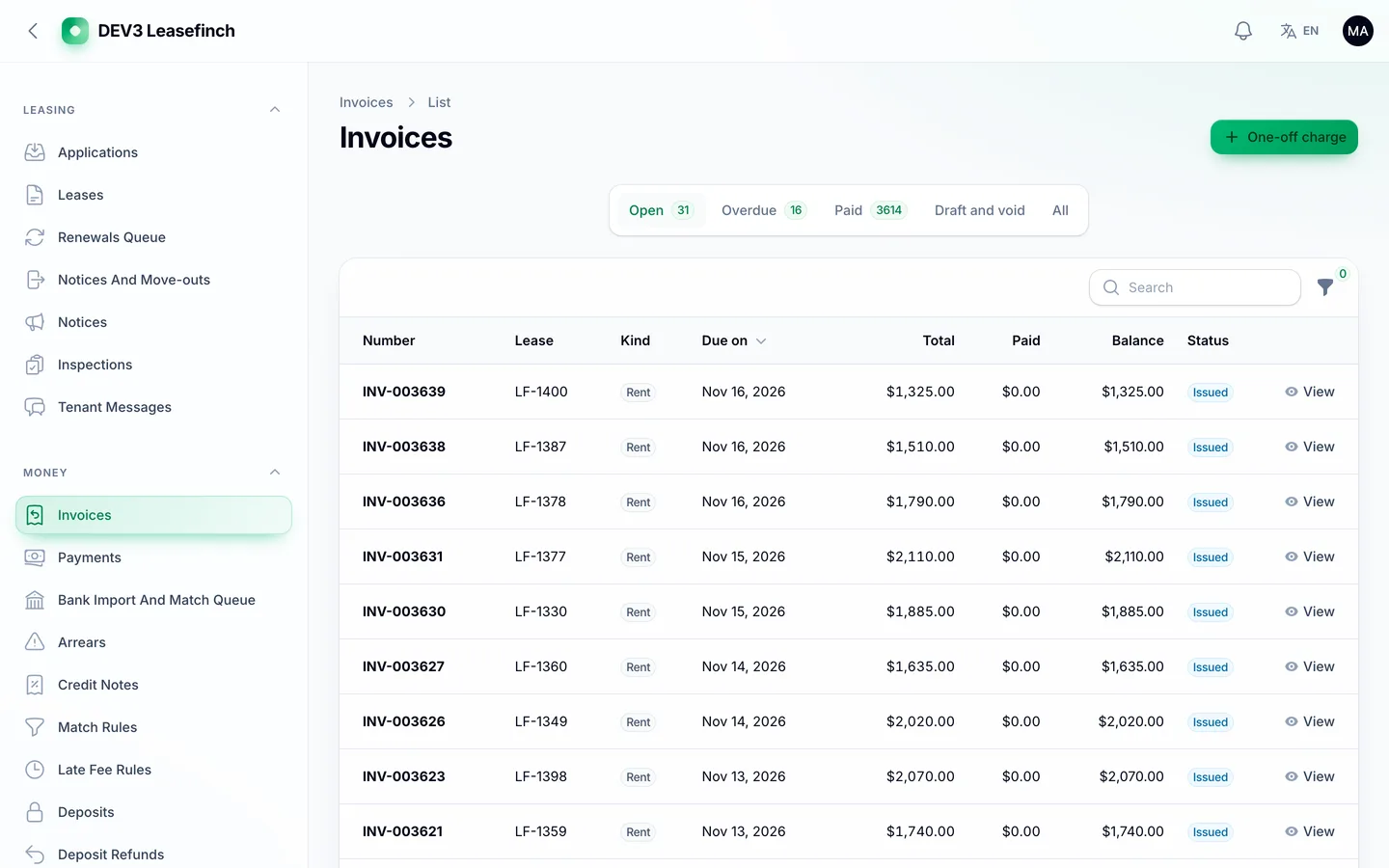
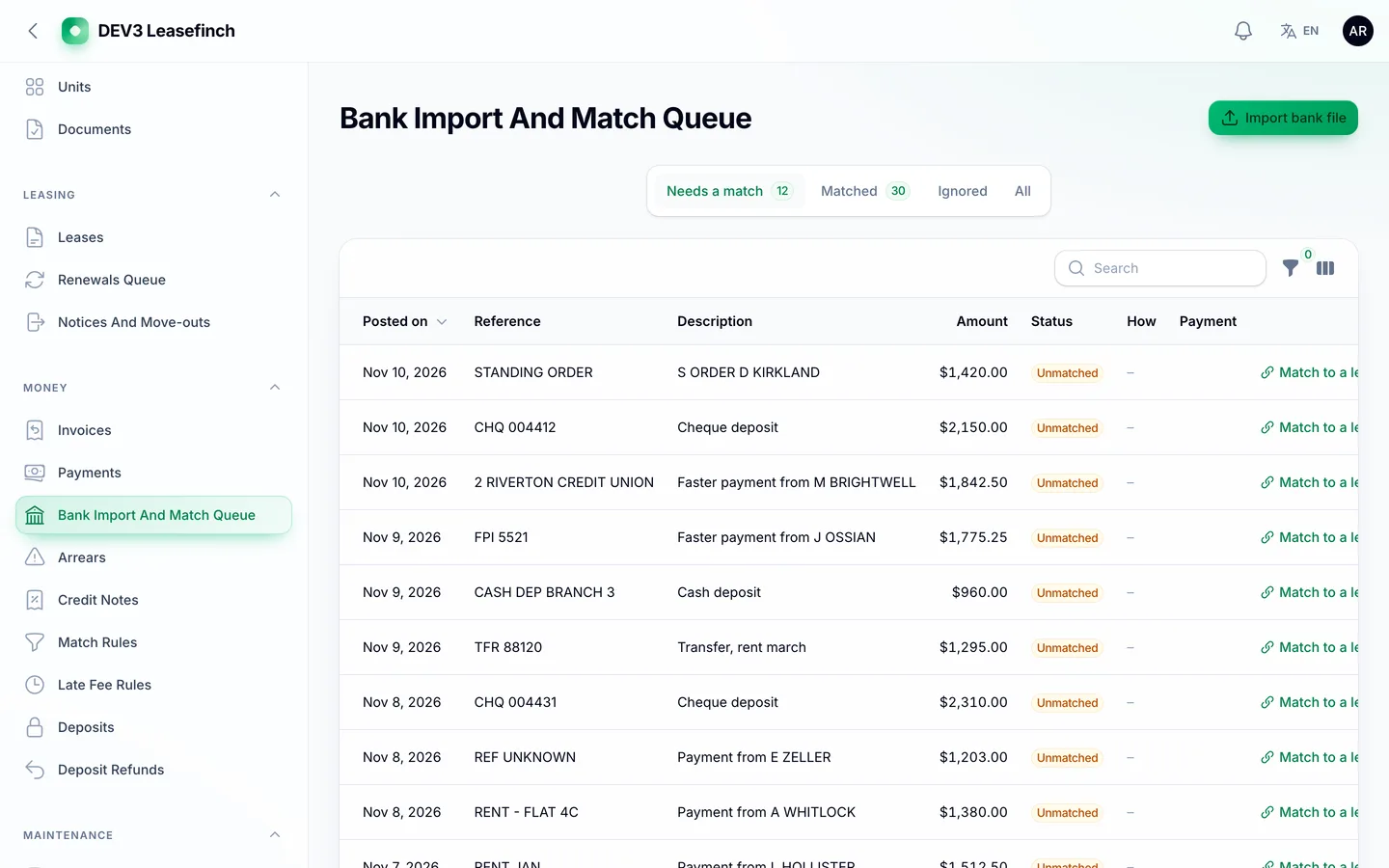
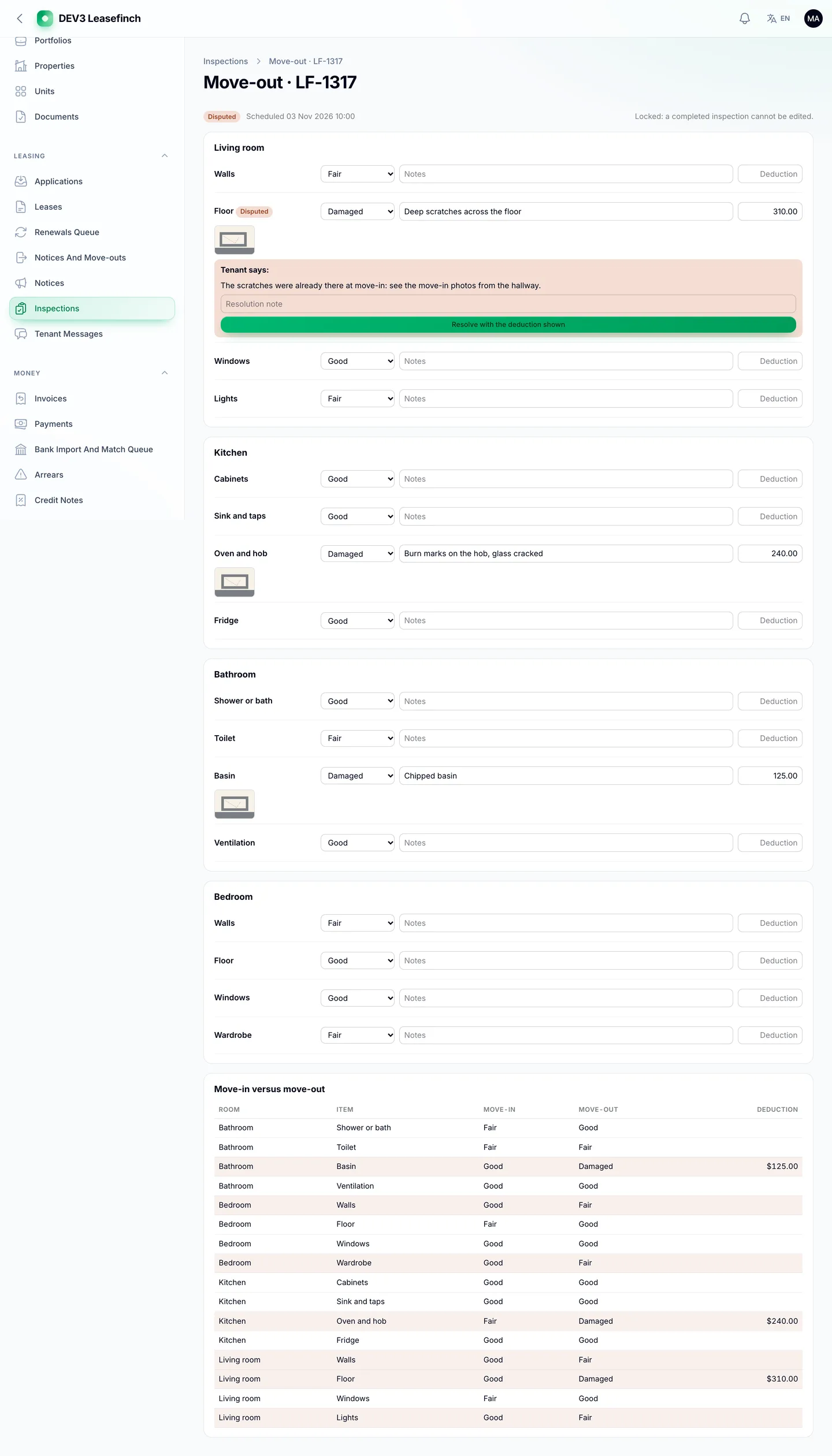
3. Can you prove the state of a home at move-out?
Room and item checklists, a move-in against move-out comparison, and tenant acknowledgement or dispute.
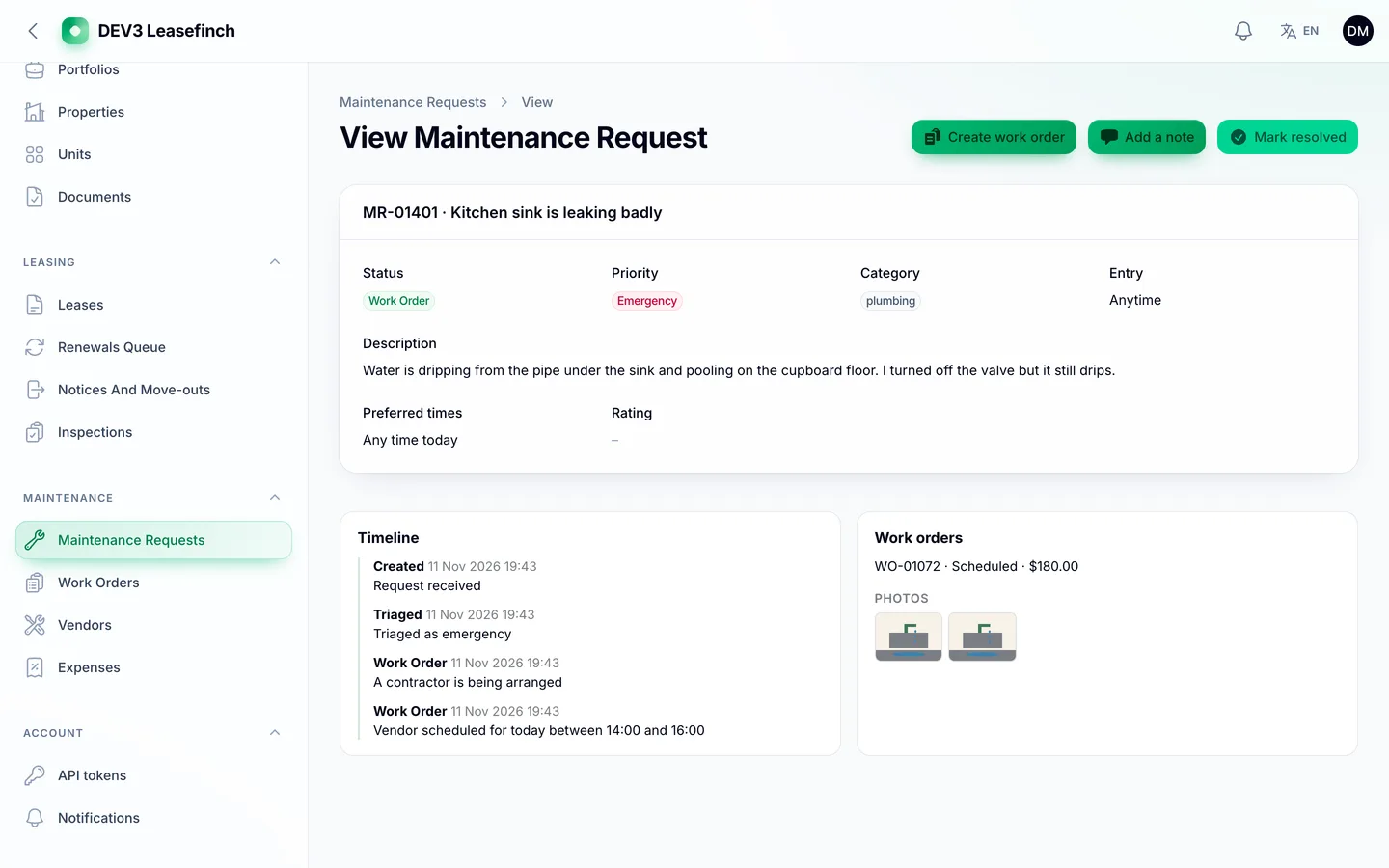
4. Do repairs have an owner and a timeline?
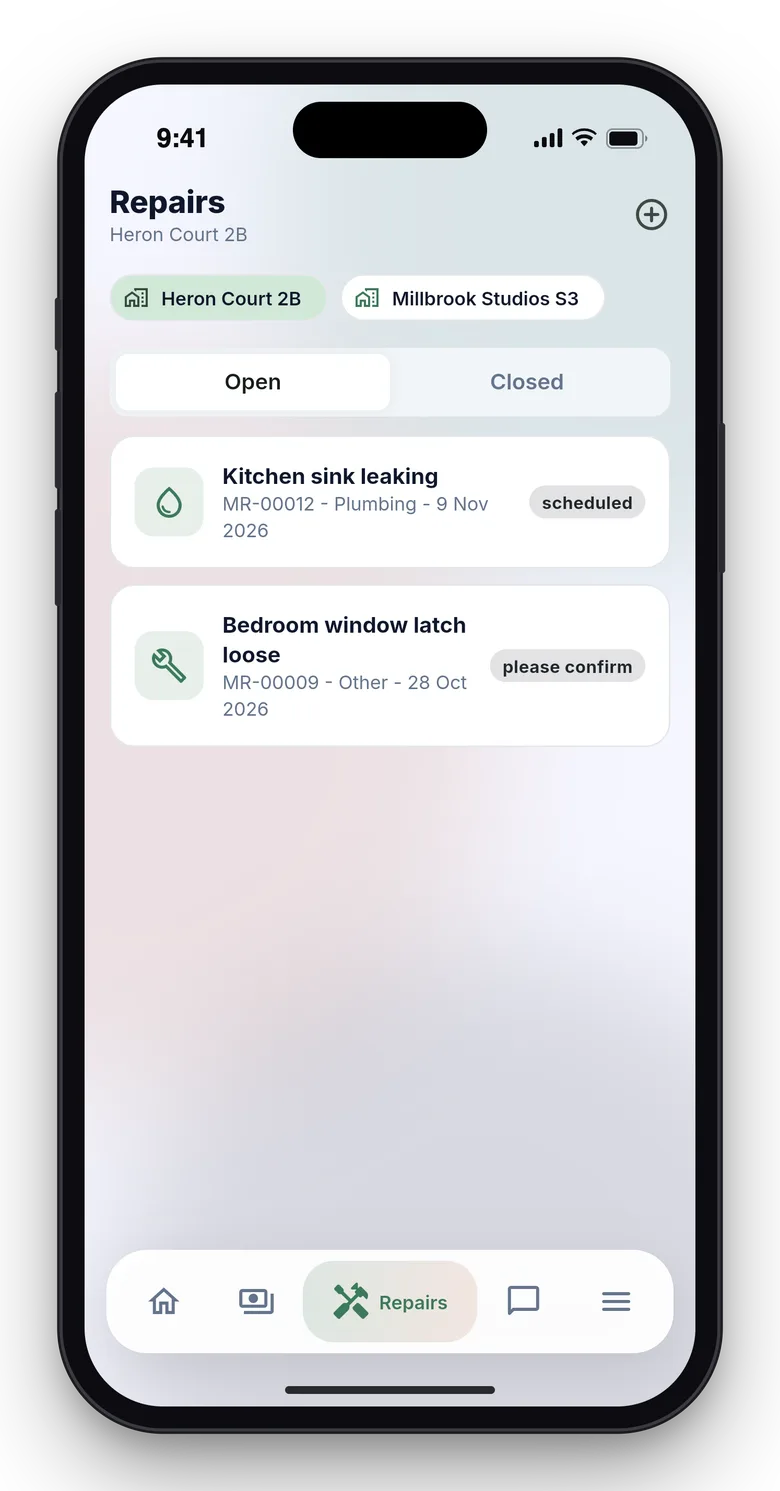
Requests with photos, work orders, vendor pages that need no login, and owner approval for jobs above a threshold you choose.
5. Can owners see their numbers?
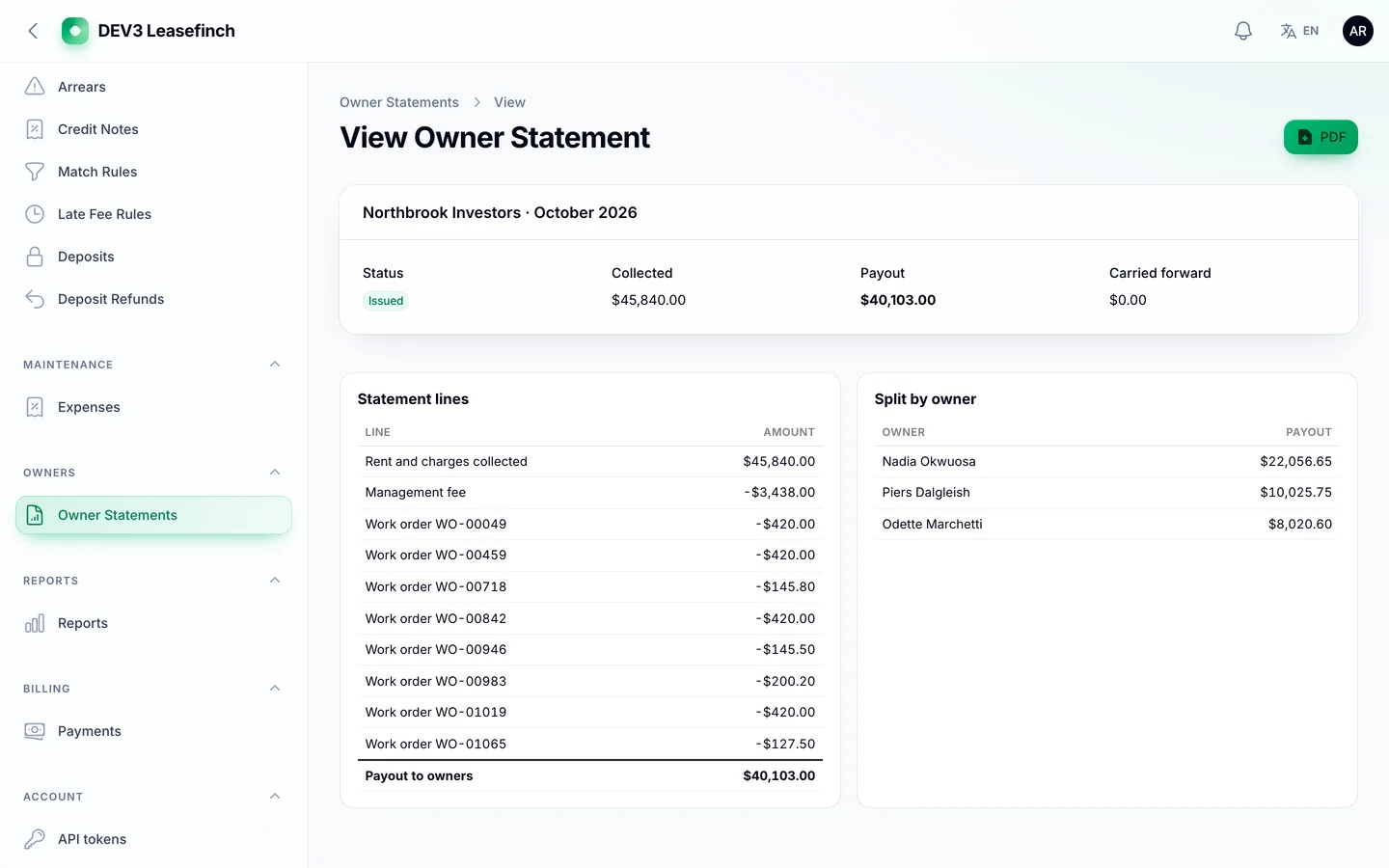
A monthly statement per portfolio with rent collected, expenses, fees and the net due, issued as a PDF, plus a read-only owner portal.
6. Are the limits honest, and is there a tenant app?
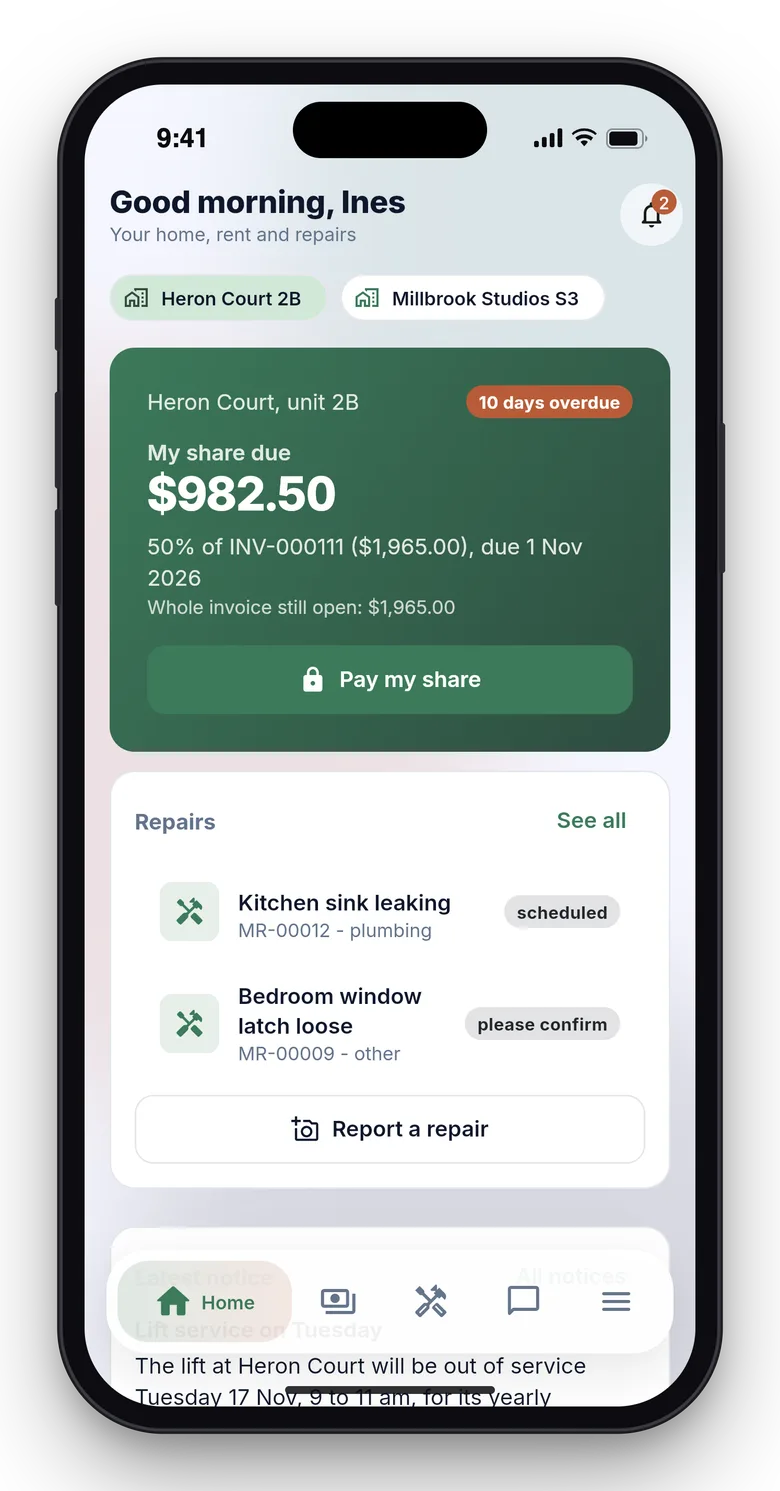
Leasefinch is for one landlord or one property management company, not a SaaS for many. Rent payments are simulated until you connect a gateway, bank statements come in as CSV, there is no tenant screening, and rules such as notice periods and late fees follow your settings and local rules; the software gives no legal advice. It ships a management panel, an owner portal, a tenant web area and a tenant Flutter app with a guide for publishing it under your own store accounts.