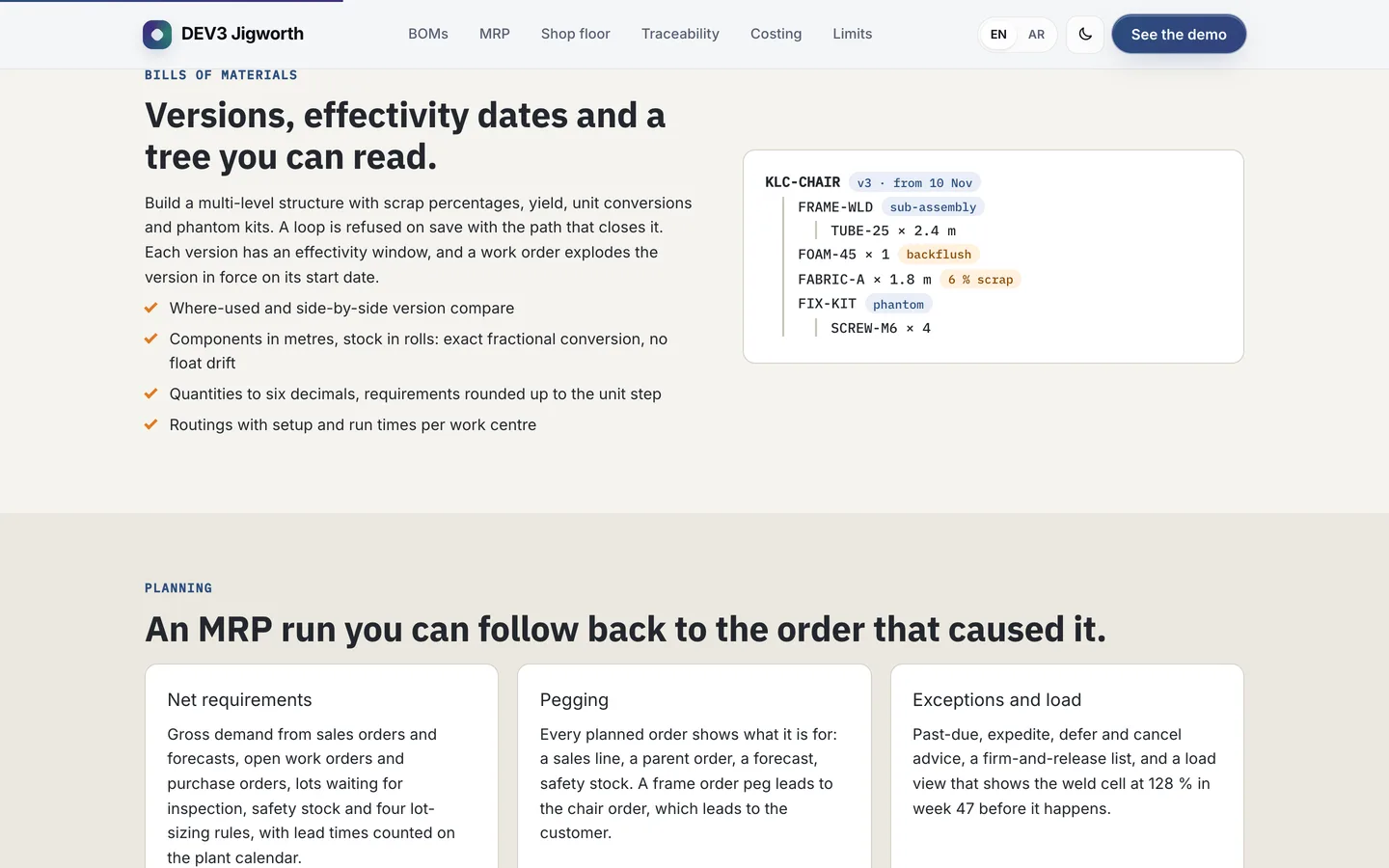
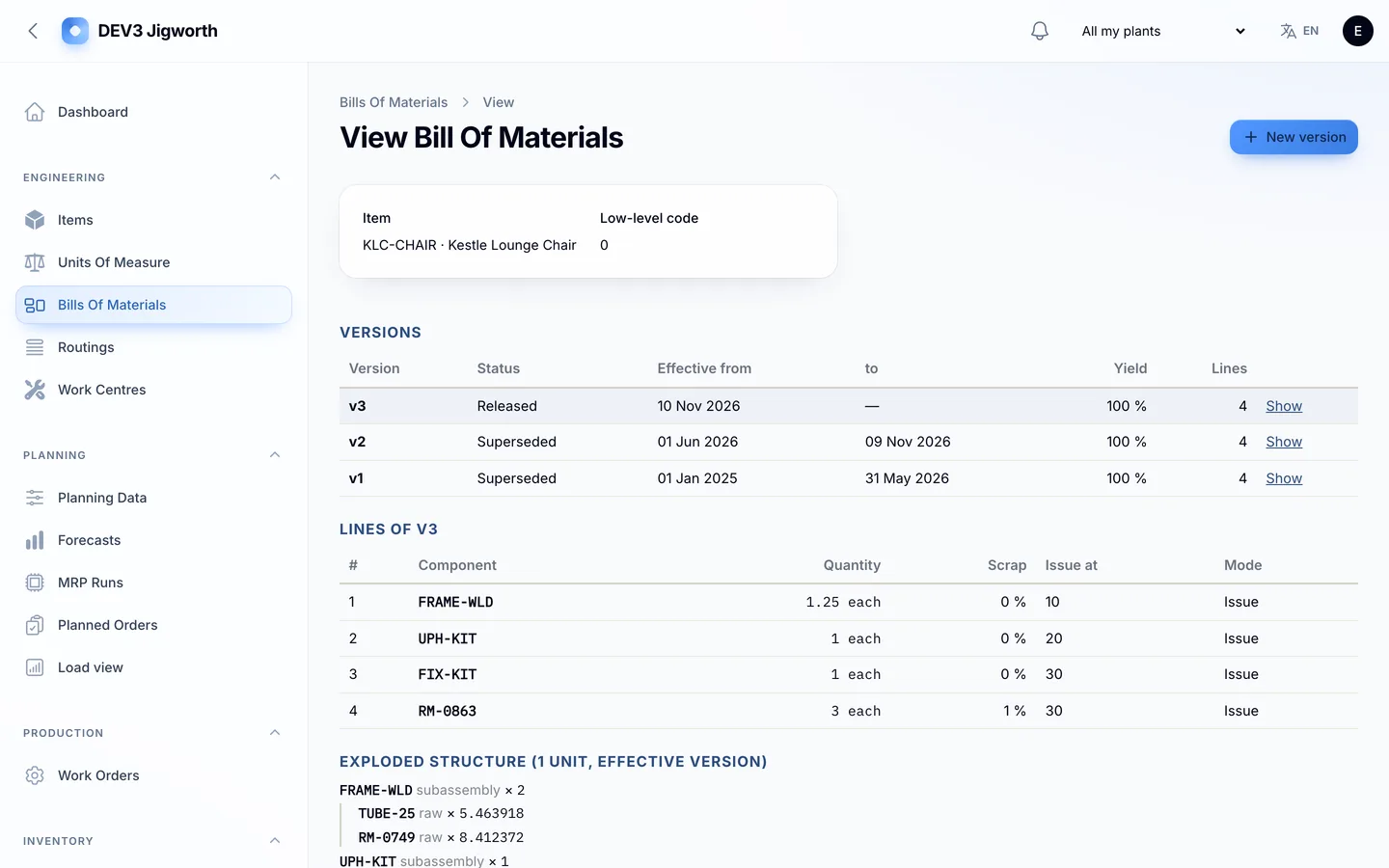
 Bills of materials — a versioned BOM tree with scrap, backflush and phantom kits.
Manufacturing ERP software: 6 things to check before you pick one
Last updated
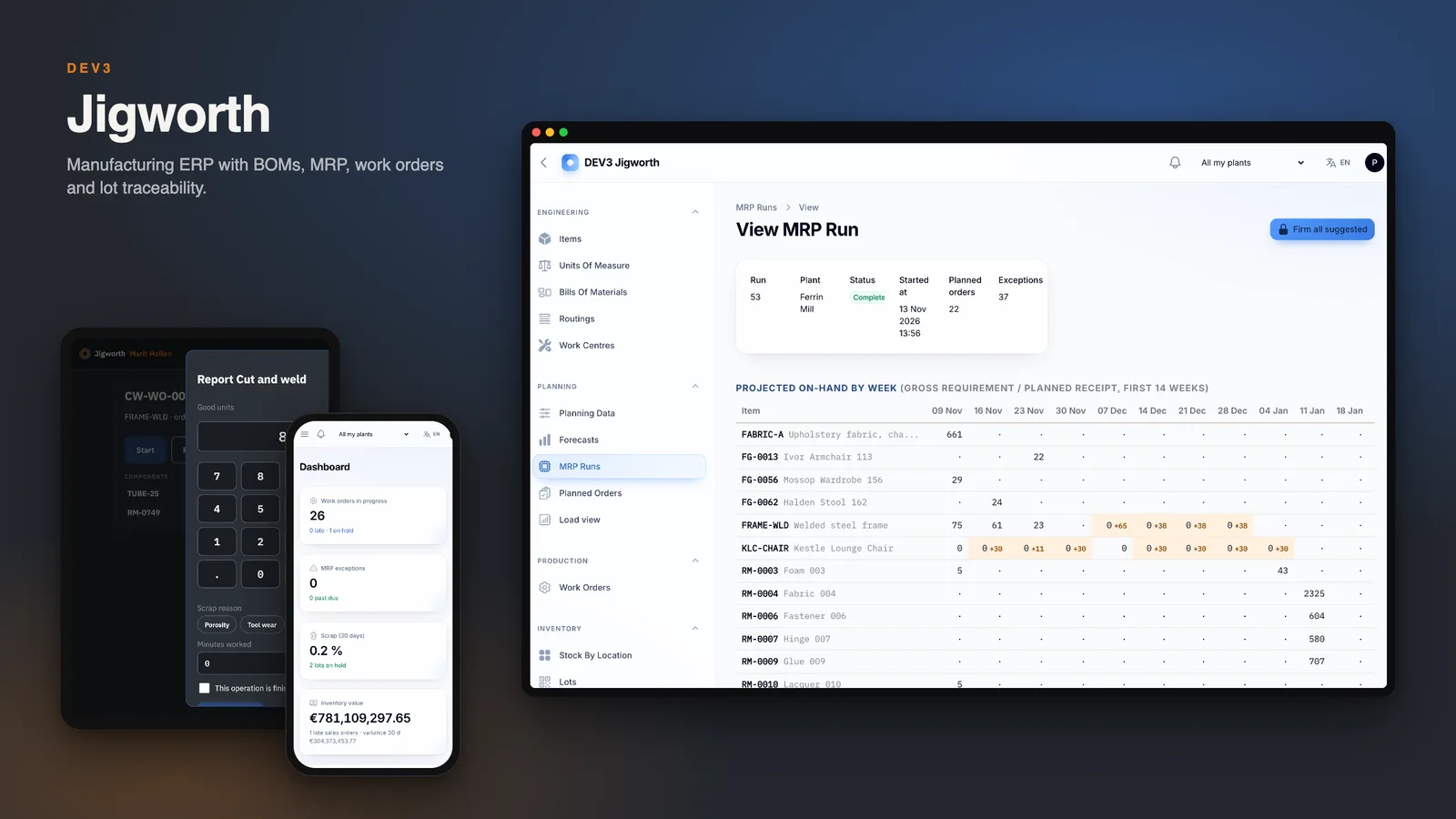
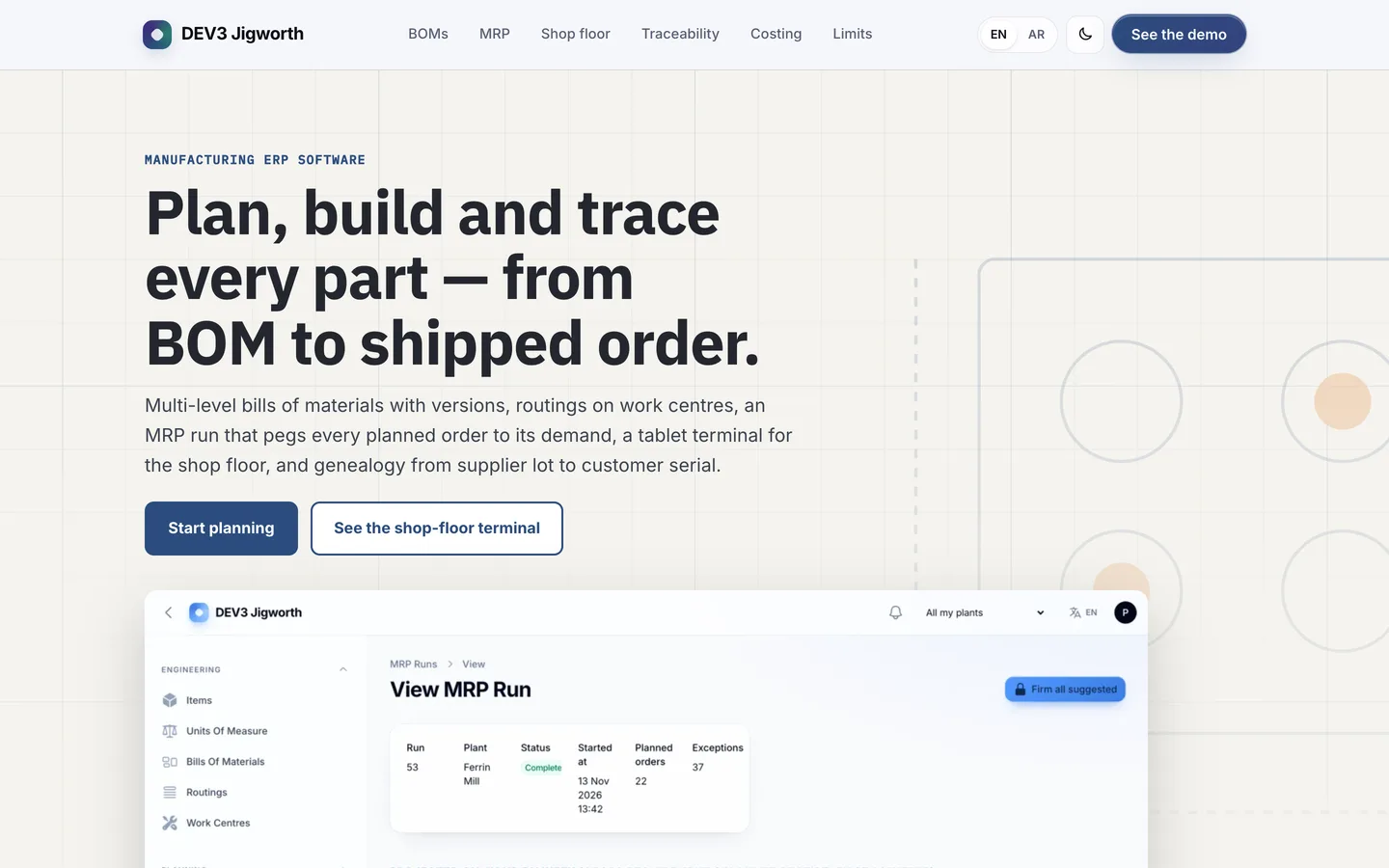
A factory does not need another spreadsheet of parts, it needs to know what to buy, what to make, and which lot went into which order. Here are six things to check before you pick manufacturing software, with DEV3 Jigworth as the worked example.
1. Are bills of materials versioned and checked?
You need effectivity dates, scrap and yield, unit conversions and a refusal to save a loop. Jigworth shows a tree, where-used and a side-by-side compare of two versions.
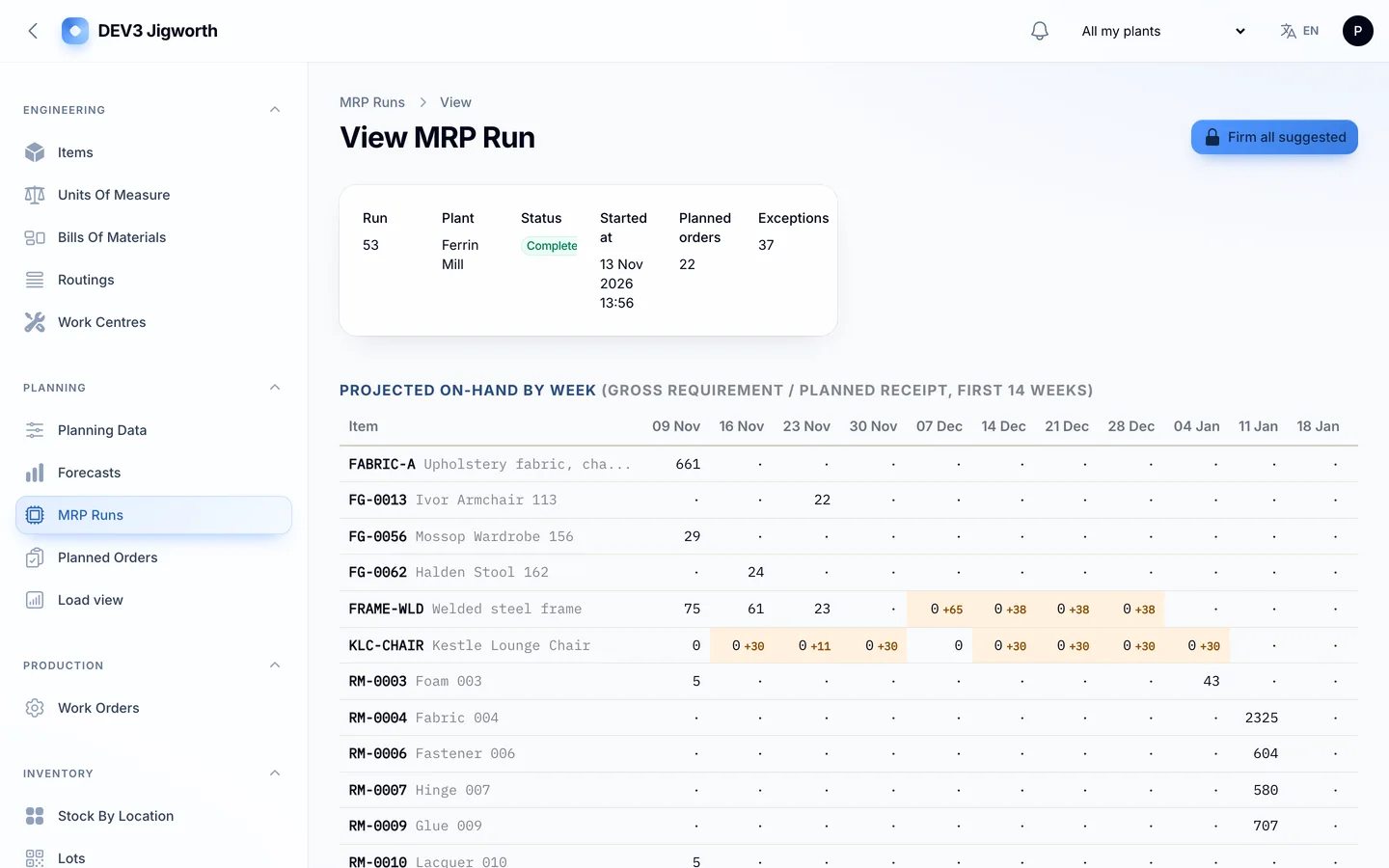
2. Can you follow a planned order back to its cause?
An MRP run is only useful if each suggestion says what it is for. Jigworth keeps pegging from a planned order to the sales line, the parent order or the forecast, and lists exceptions you can firm and release in bulk.
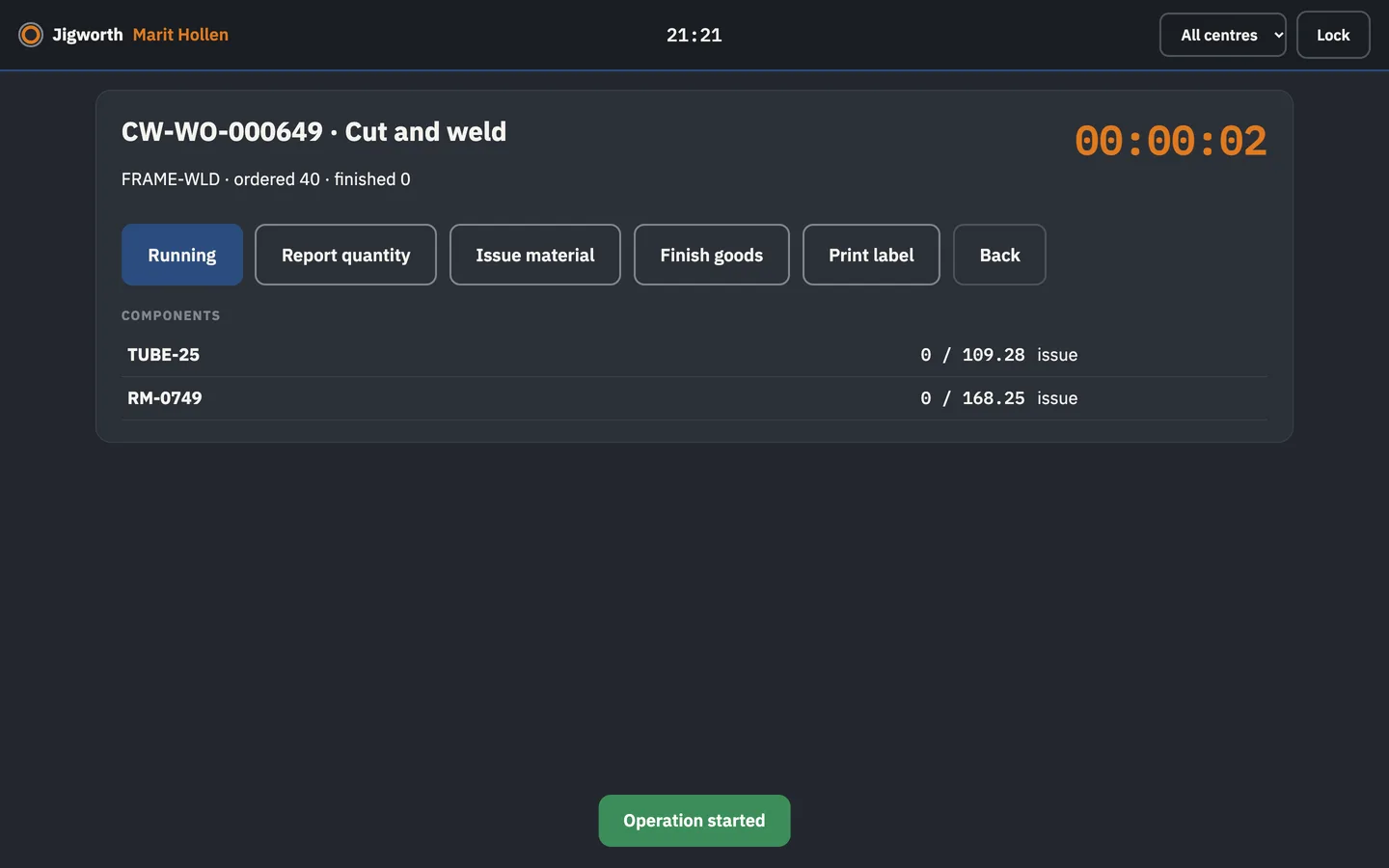
3. Is there a terminal the floor will use?
Operators need big buttons, a PIN and a dispatch list, not the office panel. Jigworth ships a tablet terminal that pairs with a code, locks itself, reports good and scrap quantities and prints barcode labels.
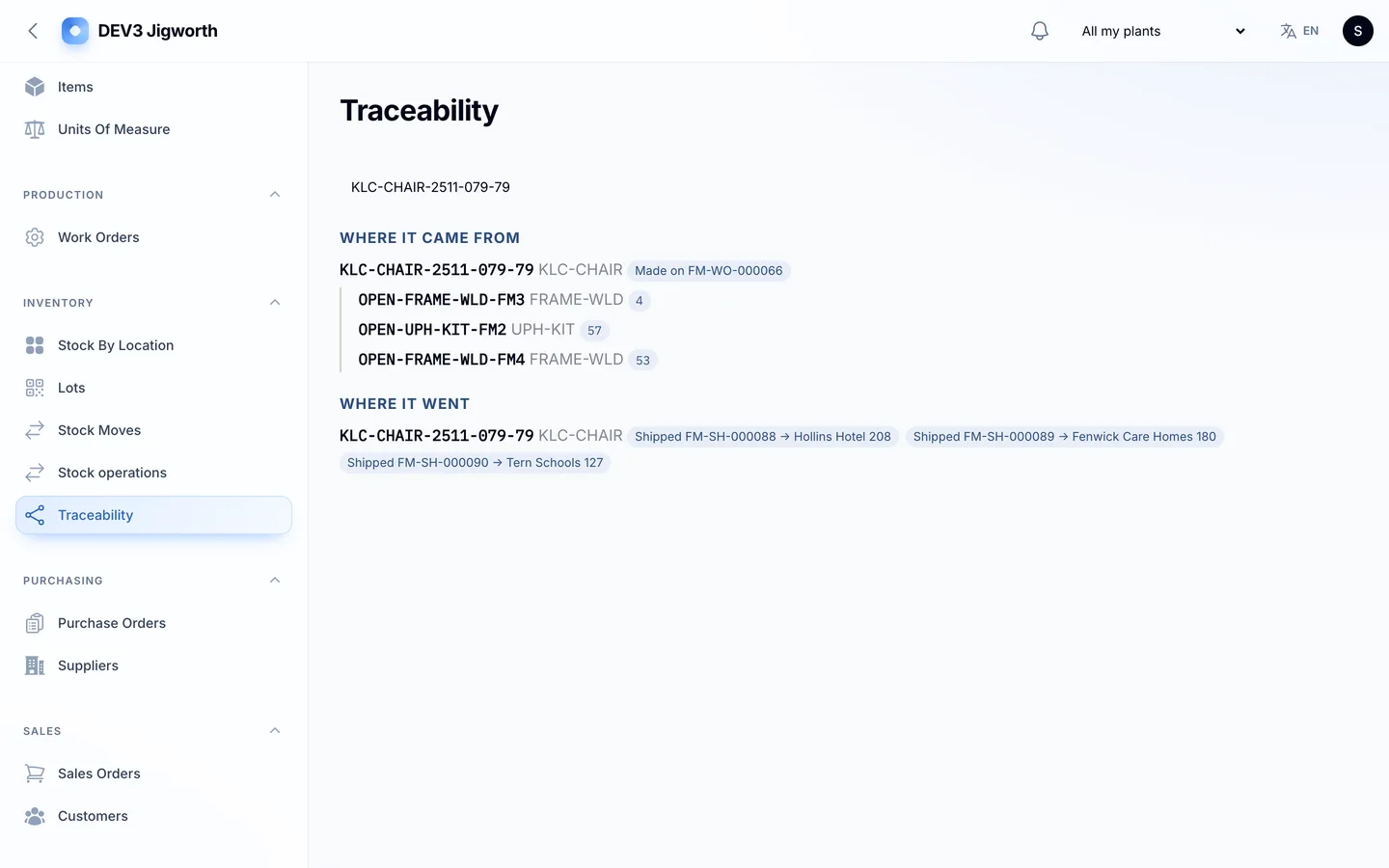
4. Can you trace a lot both ways?
From a customer's serial number back to the supplier lot, and forward from a lot to every order that used it, with quality holds that stop a lot until someone decides.
5. Do the cost variances add up?
Material price, usage, scrap and labour efficiency should sum exactly to actual minus standard. Jigworth tests that to the cent on its demo data.
6. Does the vendor state its limits?
Jigworth is for one manufacturer with one or more plants. MRP is net requirements with lead times and lot sizing, not a finite-capacity optimiser. It exports cost files for your accounting rather than being accounting software, has no CAD or machine connectivity, and is web only.