DEV3 Everbloom – Free Wedding Planner WordPress Theme for Elementor & WooCommerce

A free, photo-led WordPress theme for wedding planners and event studios: a slideshow hero, planning packages, real weddings with galleries, venues and vendors, a planning checklist, a date-and-guest enquiry form and a small shop. No 3D, light motion only.

by DEV3 TechnologiesVerified Author(0) 0 downloads 0 viewsUpdated 06 Nov 2026

DEV3 Everbloom is a free WordPress theme for wedding planners, event studios, celebrants and anyone who plans celebrations for other people. It is soft and romantic: Gilda Display headlines, warm paper surfaces, dusty rose and plum, arch-shaped photos and a thin flourish between sections, with real photography in every section. Motion is light (split headings, reveals, counters, stacked cards, a slow Ken Burns drift on the hero) and it respects reduced motion. There is no 3D or WebGL in the theme at all.

Sign in to download it for free. There is no public live demo: watch the video tour at the top of this page, or step through the screenshots at desktop, tablet and phone sizes.

A photo hero that sells the day

  • The toolkit's Photo Hero widget: one photo, a cross-fading slideshow or a muted background video, with an overlay, optional Ken Burns drift, a split headline, two buttons and trust chips.
  • Inner pages use the same widget at medium or short height, so every page opens with a photo and a clear heading.
  • The header is transparent with light text over the photo and solid once you scroll, with the logo in the centre.

Packages, real weddings and venues

  • Planning packages (day-of, partial, full) in a pricing table with a comparison, and a services archive with what is included, how it works and FAQs.
  • Real weddings with the couple, date, venue, guest count, palette, a mixed-size gallery, the vendor team behind the day and the couple's own words. Filter by style.
  • A venue directory with capacity, setting, best season and a good-to-know list, and a vendor directory with category chips, live search and a city filter.

Tools for couples

  • A planning timeline: a tick-as-you-go checklist in six phases with a progress bar, saved only in the visitor's own browser.
  • A guest-count estimator that shows a rough, sample budget as you slide.
  • A date and guest-count enquiry form, a date availability note and a countdown to the next diary opening.

Shop

WooCommerce styling for printable planners (downloadable PDFs), a one-hour planning session and a gift card with three amounts, with a slide-out mini cart.

Built for editing

Every demo page is built in Elementor (free) with the DEV3 Theme Toolkit widgets, and 25 block patterns cover the same sections for the block editor. Colours and fonts come from one token file and sync to the Customizer, theme.json and the Elementor kit. Fonts are self-hosted. The demo photos are free-licence (CC0) stock photos listed in PHOTO-CREDITS.md; all couples, venues, vendors, prices and quotes are fictional.

How it's built

Architecture, stack, key decisions and the quality gates DEV3 Everbloom passed before release.

Our own free WordPress theme for wedding planners: a photo hero slideshow, planning packages, real weddings with galleries, venue and vendor directories, a planning checklist and a date-and-guest enquiry form, built on the no-3D theme core.

The problem it solves

A wedding planner sells taste and calm. Couples want to see real weddings, understand what each package includes, find out whether their date is free and feel looked after before they write. Most wedding themes answer with a slider and a contact form. Everbloom had to make the photographs carry the page, put packages, venues and vendors in clear directories, give couples something useful to do (a checklist and a guest-count estimator), turn the enquiry into a date and a guest count, stay fully editable in Elementor and ship no 3D or WebGL code at all.

Architecture and approach

Everbloom is a classic PHP theme with theme.json, built on DEV3's shared theme core in flat mode: a "flat": true token stamps a WebGL-free boot (smooth scroll, header, motion) and a build gate fails the theme if any three.js or WebGL code reaches its assets. The always-loaded JavaScript is about 12.5 KB gzipped.

The DEV3 Theme Toolkit provides the content types, relabelled for weddings: services, real weddings (couple, date, venue, guests, gallery, vendor team and story), venues, vendors and couple stories. The Photo Hero widget opens every page. Small theme-only scripts load on demand: the vendor search and city filter, the guest-count estimator and the planning checklist, which saves ticks in the visitor's own browser only.

The enquiry page uses a Contact Form 7 form with wedding date and guest count beside a date availability note and a countdown. The demo uses free-licence CC0 photos with a credits file.

Quality gates and results

Everbloom ships as a free download with a one-click demo: 7 Elementor pages, 6 services, 6 real weddings, 5 venues, 8 vendors, 4 journal articles, 4 shop products and 25 block patterns.

It passes PHP lint, WordPress coding standards (0 errors, 0 warnings), Theme Check with no required issues, the WooCommerce checkout flow and an Elementor editor test, and its no-3D gate.

Tech stack

Area Technologies
Frontend DEV3 Motion, Photo Hero, Lenis, Elementor widgets, Block patterns
Platform WordPress 6.0+, PHP 7.4+, WooCommerce, Contact Form 7, DEV3 Theme Toolkit
Delivery phpcs (WPCS 3), Theme Check, No-3D build gate, One-click demo importer

Inside the build

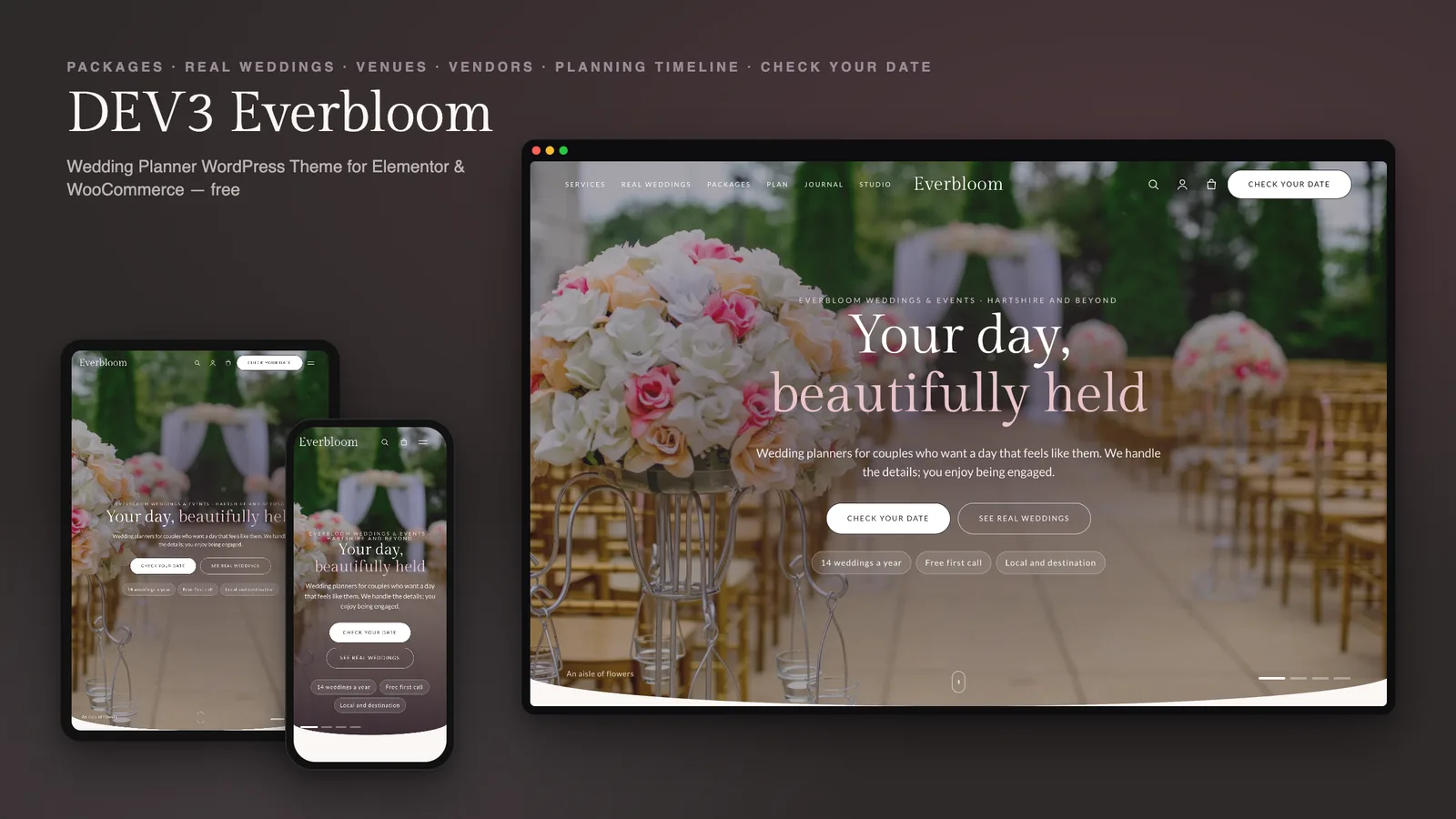
Photo hero slideshow: a full-screen slideshow of aisles, tables and beach vows with a slow Ken Burns drift, a split headline, Check your date and See real weddings buttons and trust chips. Photo hero slideshow — a full-screen slideshow of aisles, tables and beach vows with a slow Ken Burns drift, a split headline, Check your date and See real weddings buttons and trust chips.

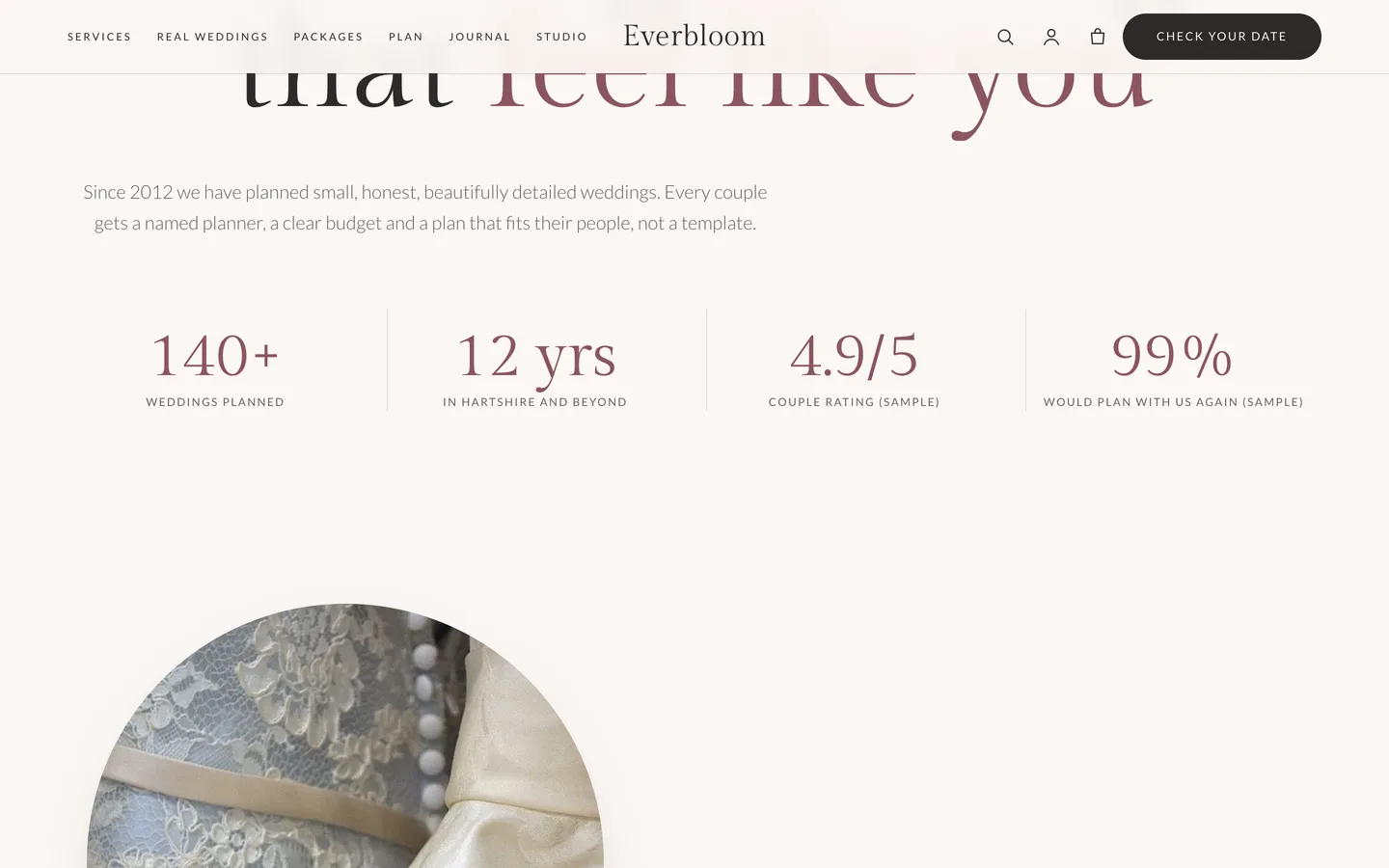
Hello, lovebirds: a centred promise in Gilda Display with four counters that count up as they arrive (sample figures). Hello, lovebirds — a centred promise in Gilda Display with four counters that count up as they arrive (sample figures).

Guides & articles

Practical guides and engineering write-ups for DEV3 Everbloom.

A free wedding planner WordPress theme: real weddings, venues and enquiries with Everbloom

Last updated
A free wedding planner WordPress theme: real weddings, venues and enquiries with Everbloom: DEV3 Everbloom

A wedding planner's website has one job: help a couple trust you enough to tell you their date. That means proof (real weddings), clarity (what each package includes and costs), a sense of taste on every page and an enquiry that is easy to send. DEV3 Everbloom is a free WordPress theme built for exactly that, with real photography instead of effects and every page editable in Elementor.
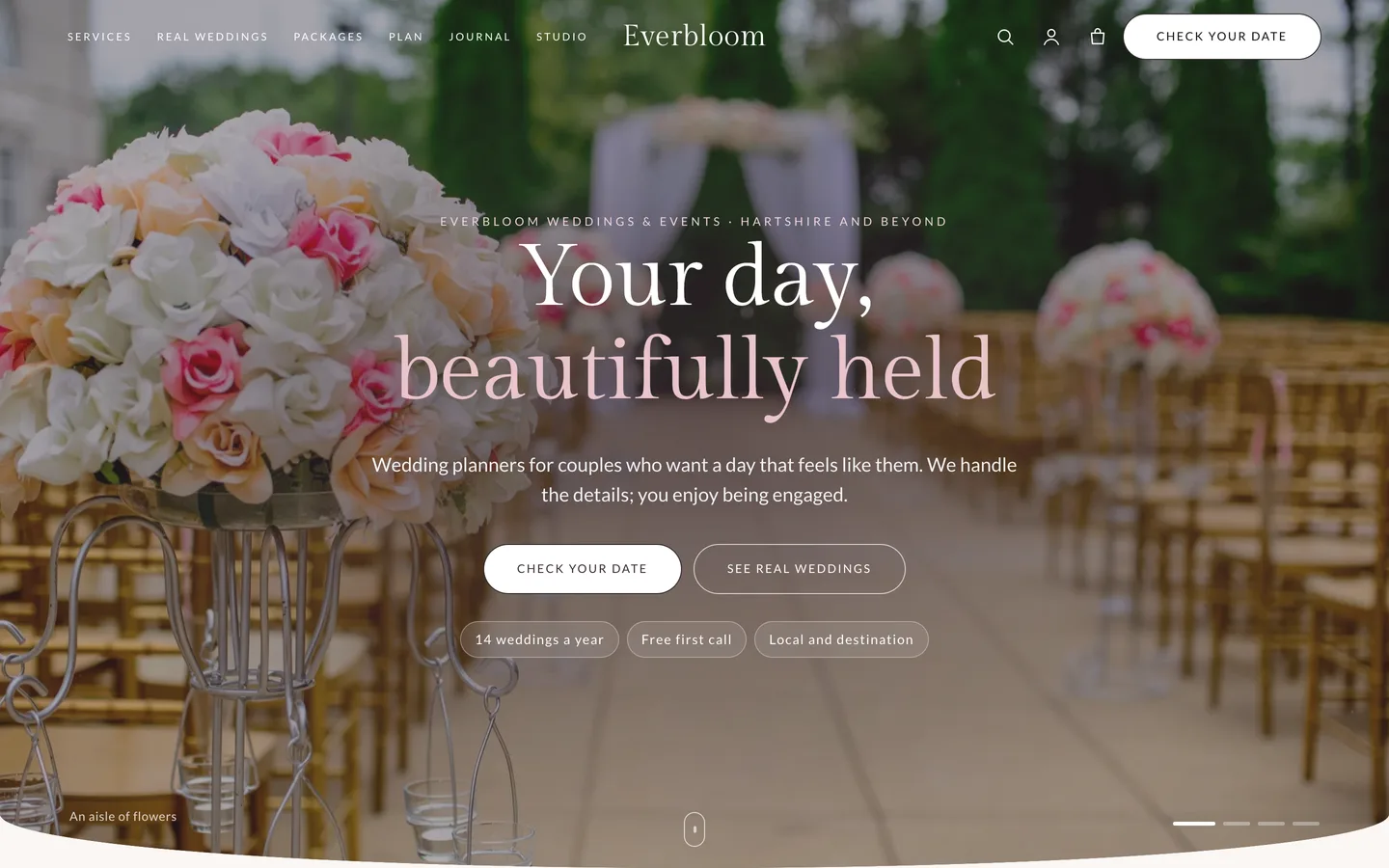
The Everbloom home page: a full-screen photo slideshow of a flower-lined aisle with the headline

Video tour of the Everbloom demo: the photo hero, real weddings, venues, vendors, the planning checklist and the enquiry form

Who Everbloom is for

  • Wedding and event planners, from solo planners to small studios.
  • Venues, celebrants and stylists who want a directory and gallery-led site.
  • Agencies and freelancers building a wedding site the client will keep up to date.

Proof first: real weddings

Each real wedding stores the couple, date, venue, place, guest count, style, palette, a gallery, the vendor team and a quote. The template lays them out the same way every time: a photo hero with the facts, their story in large type, a mixed-size gallery, the team behind the day and the couple's words.
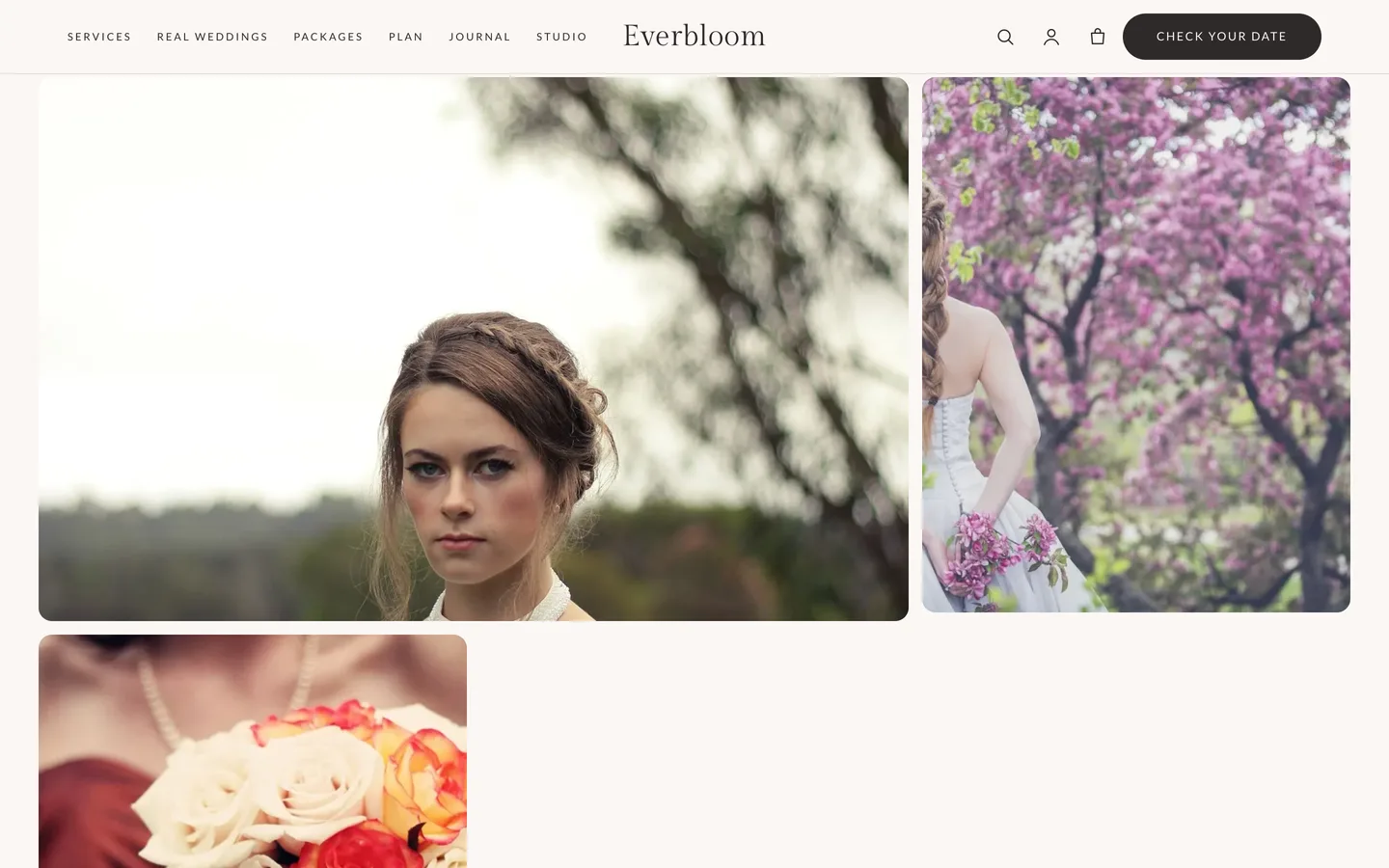
A real wedding gallery in Everbloom with the vendor team and the couple's quote

Venues, vendors and a planning checklist

The venue directory shows capacity, setting, best season and a good-to-know list, with a viewing request on each venue page. The vendor directory has category chips, a live search and a city filter. The planning timeline is a tick-as-you-go checklist with a progress bar, stored only in the visitor's own browser, and the guest-count estimator shows a rough, sample budget as a couple slides to their guest list.
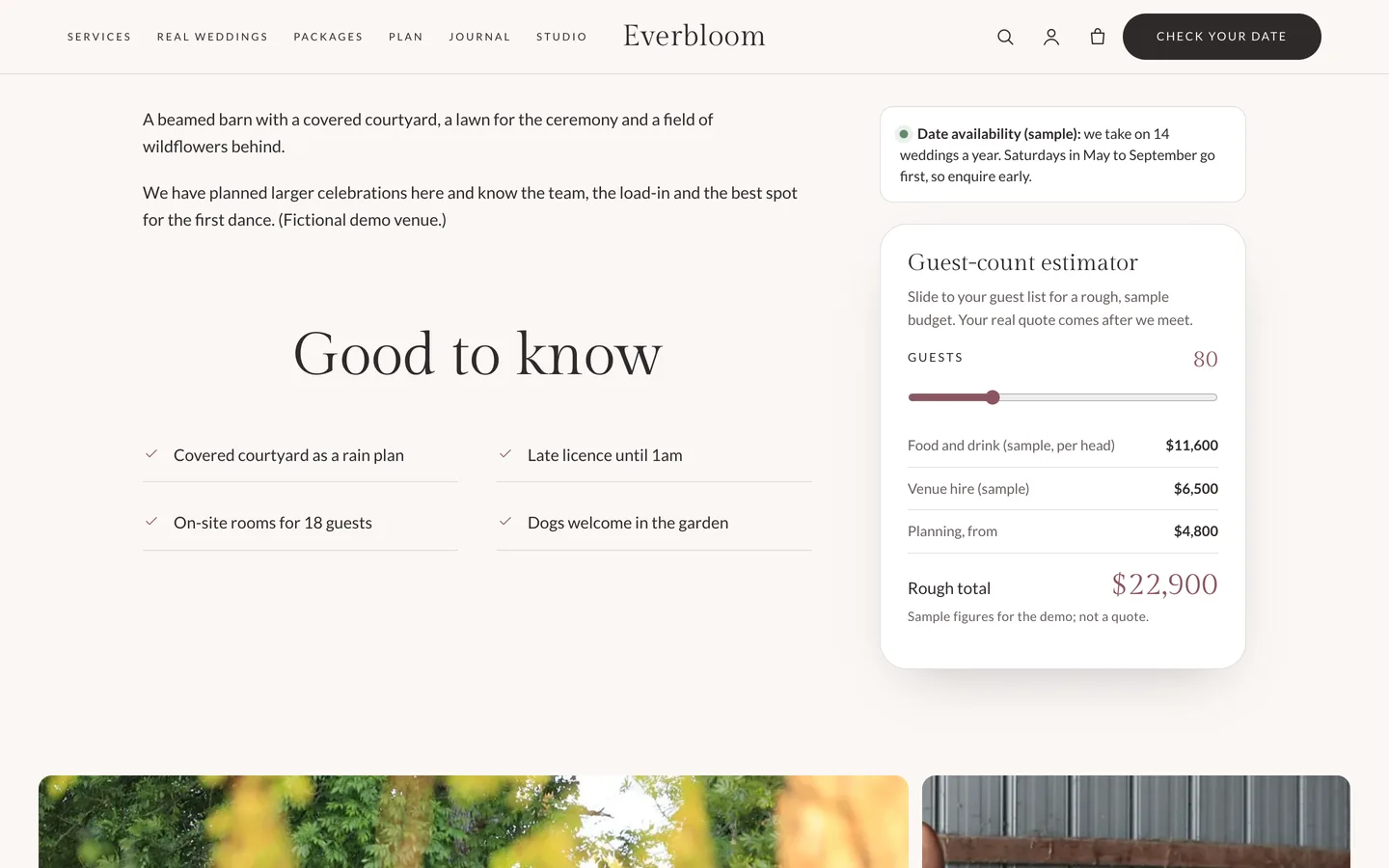
The Everbloom venue page with the date availability note and the guest-count estimator

A clear next step

The Enquire page asks for a wedding date and a rough guest count beside a date availability note and a countdown to your next diary opening. Packages show three levels of help with a comparison table.
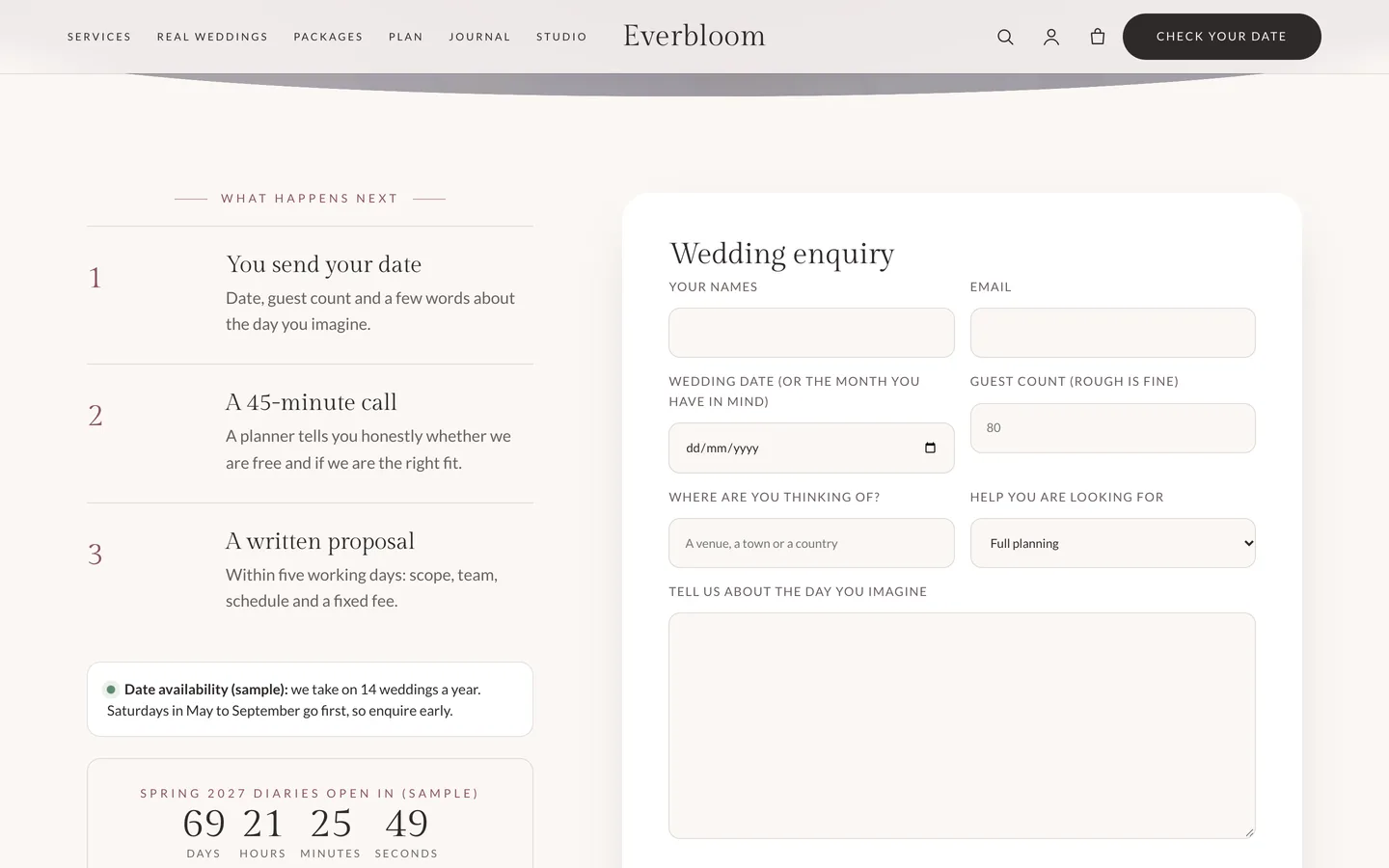
The Everbloom enquiry page: three steps beside the date and guest-count form

Set it up in an afternoon

  1. Install the theme and the DEV3 Theme Toolkit, then import the demo from Appearance → DEV3 Demo.
  2. Replace the demo photos with your own, and edit the hero slides in the Photo Hero widget.
  3. Rewrite the services and packages, add two or three real weddings (with the couple's consent) and your venues and vendors.
  4. Set your phone number and enquiry link under Appearance → Customize → Everbloom: business details.
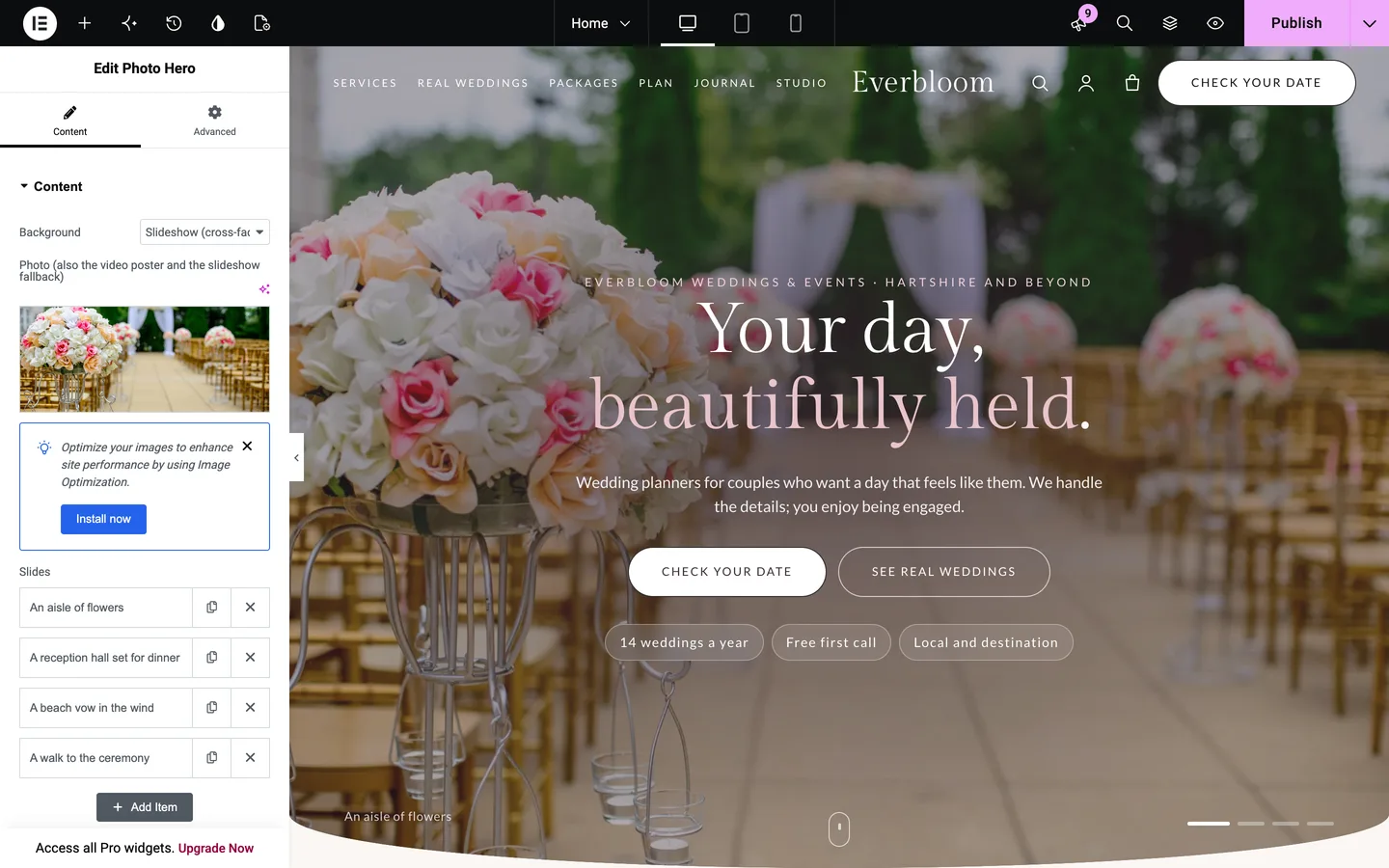
Everbloom in the Elementor editor with the Photo Hero widget selected

Everbloom is free: sign in on DEV3 to download it.

Frequently asked questions

The complete source code (version 1.0.0) as a download from your account, with the setup and usage guides shown on this page. It is free: sign in to download it.

Buying guides: 3D and motion WordPress themes for Elementor and WooCommerce

More from this author

View all

Related in CMS Extensions

View all