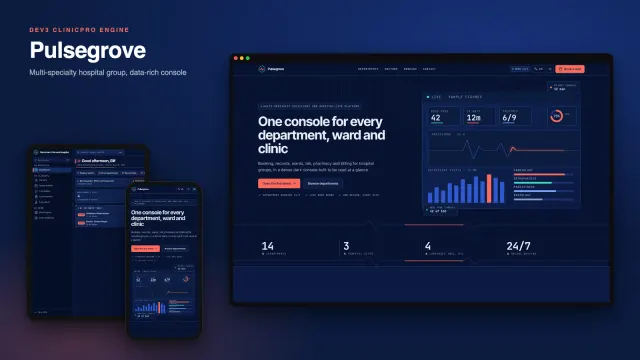
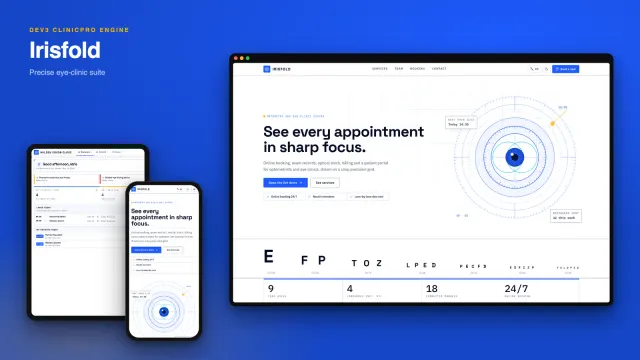
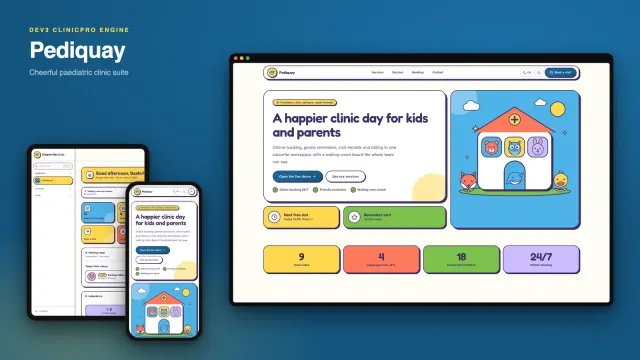
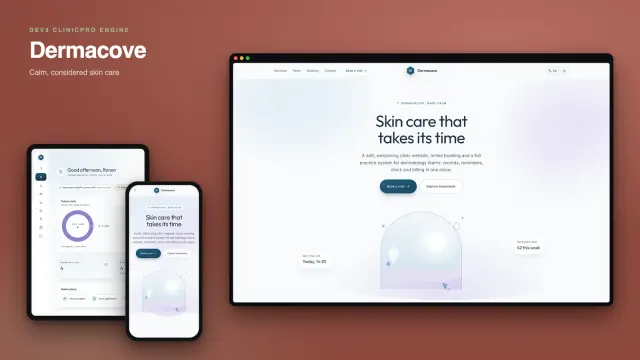
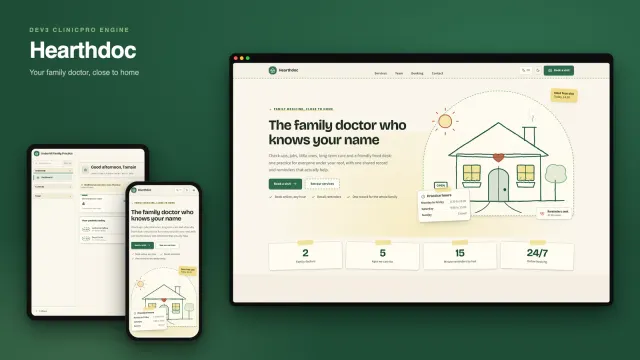
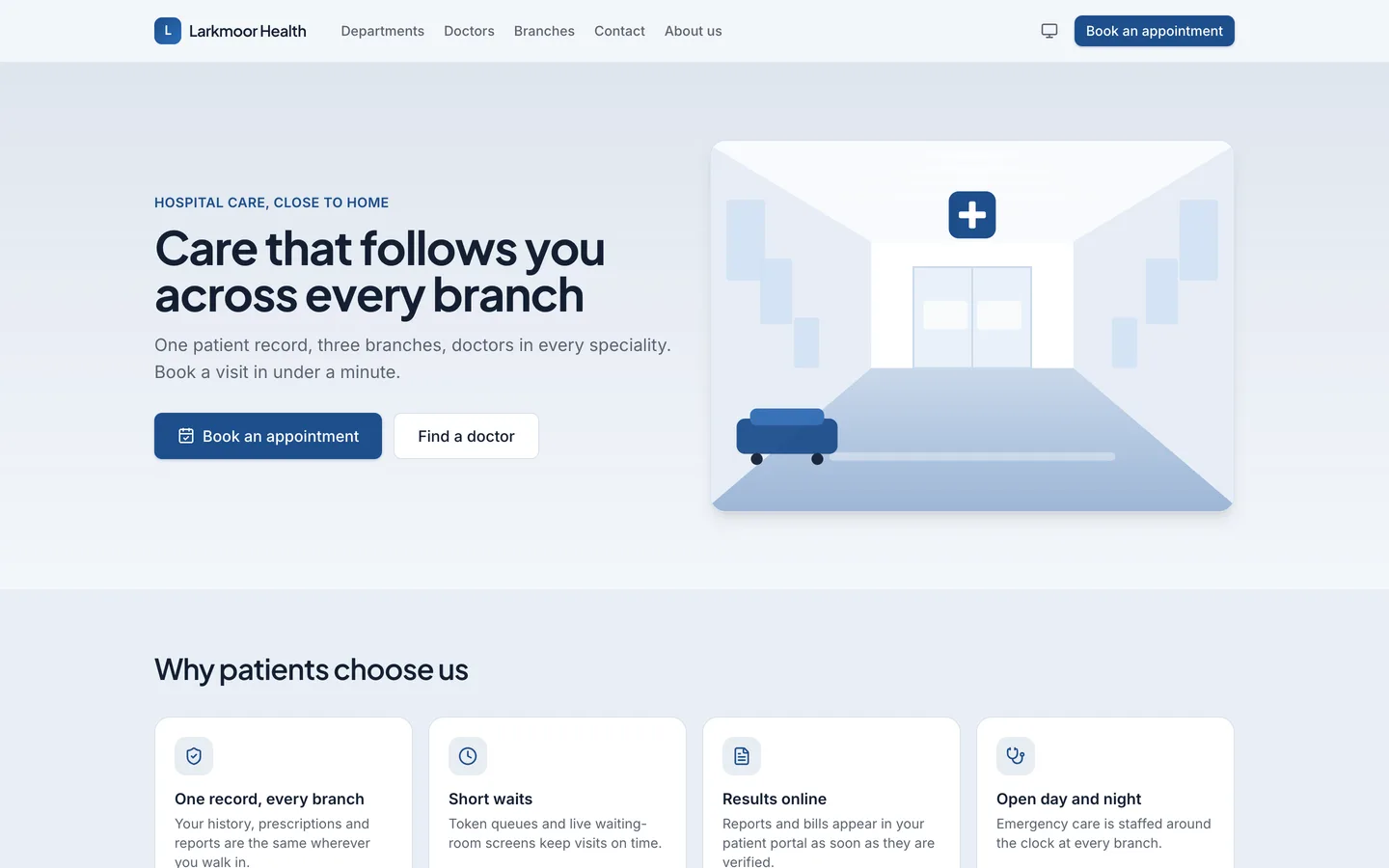
 Hospital website — Departments, doctors and branches with a book-an-appointment call to action.
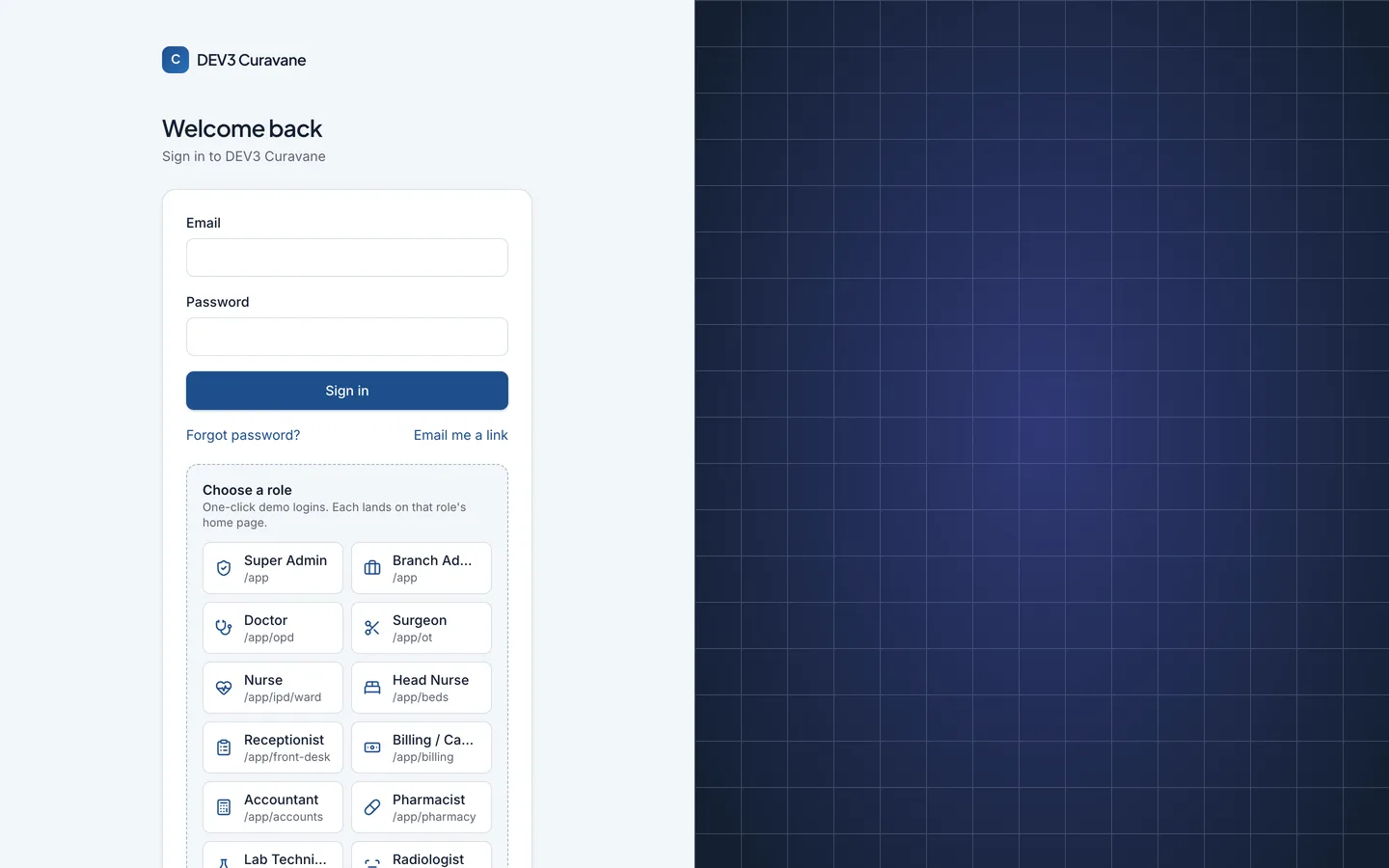 Role sign-in — One-click demo sign-in for every hospital role, from doctor to auditor.
Hospital management system: 7 things to check before you pick one
Last updated
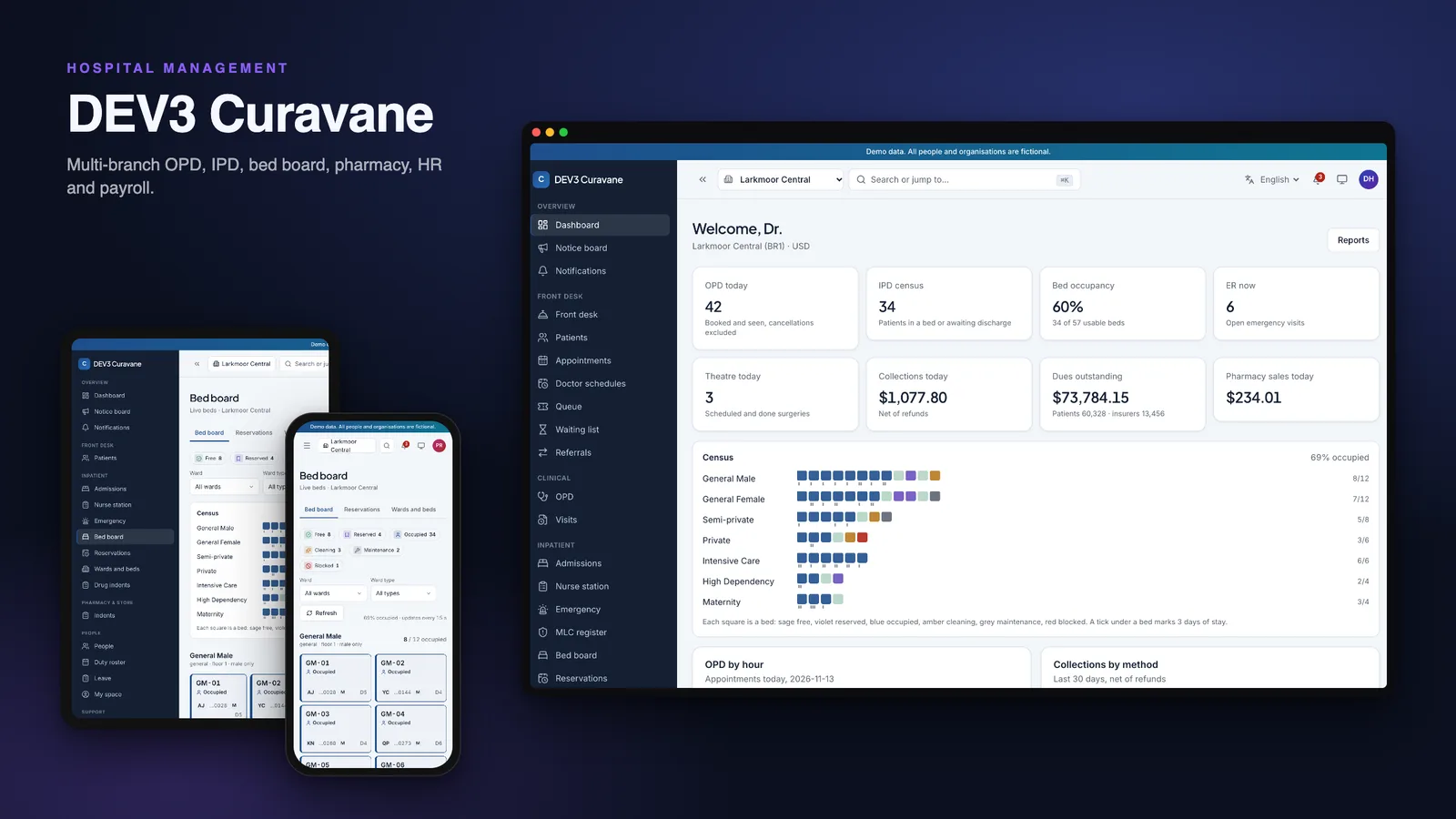
Hospital software is easy to demo and hard to trust. The questions that matter come after the first patient is registered. Here are seven things to check before you pick a self-hosted system, with DEV3 Curavane as the worked example. You can also try the live demo (read-only, with a demo login for each role).
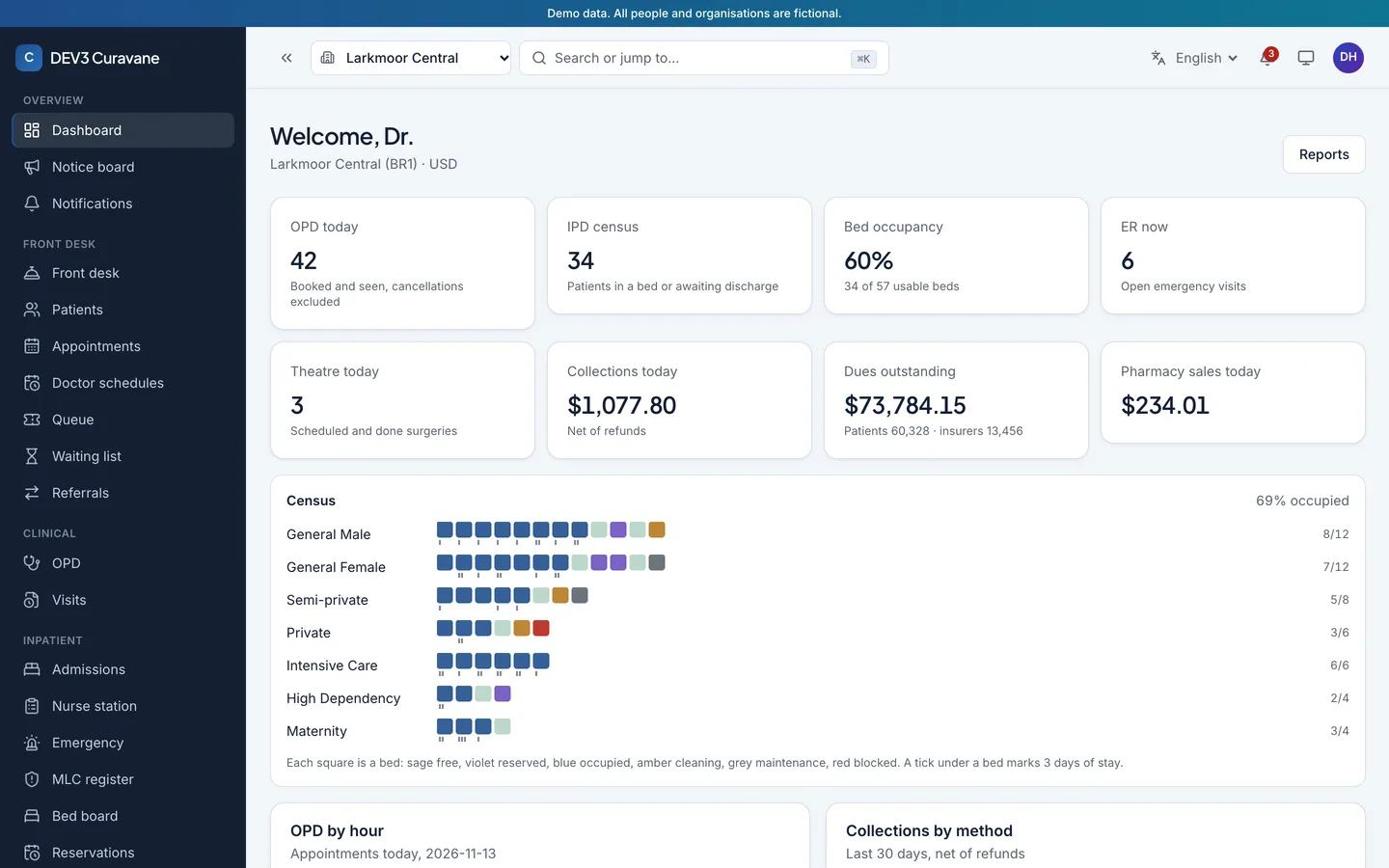
1. Can it run many branches?
Check that each branch has its own timezone, currency, tax, wards and stock, that staff see only their branches, and that one patient number works across all of them.
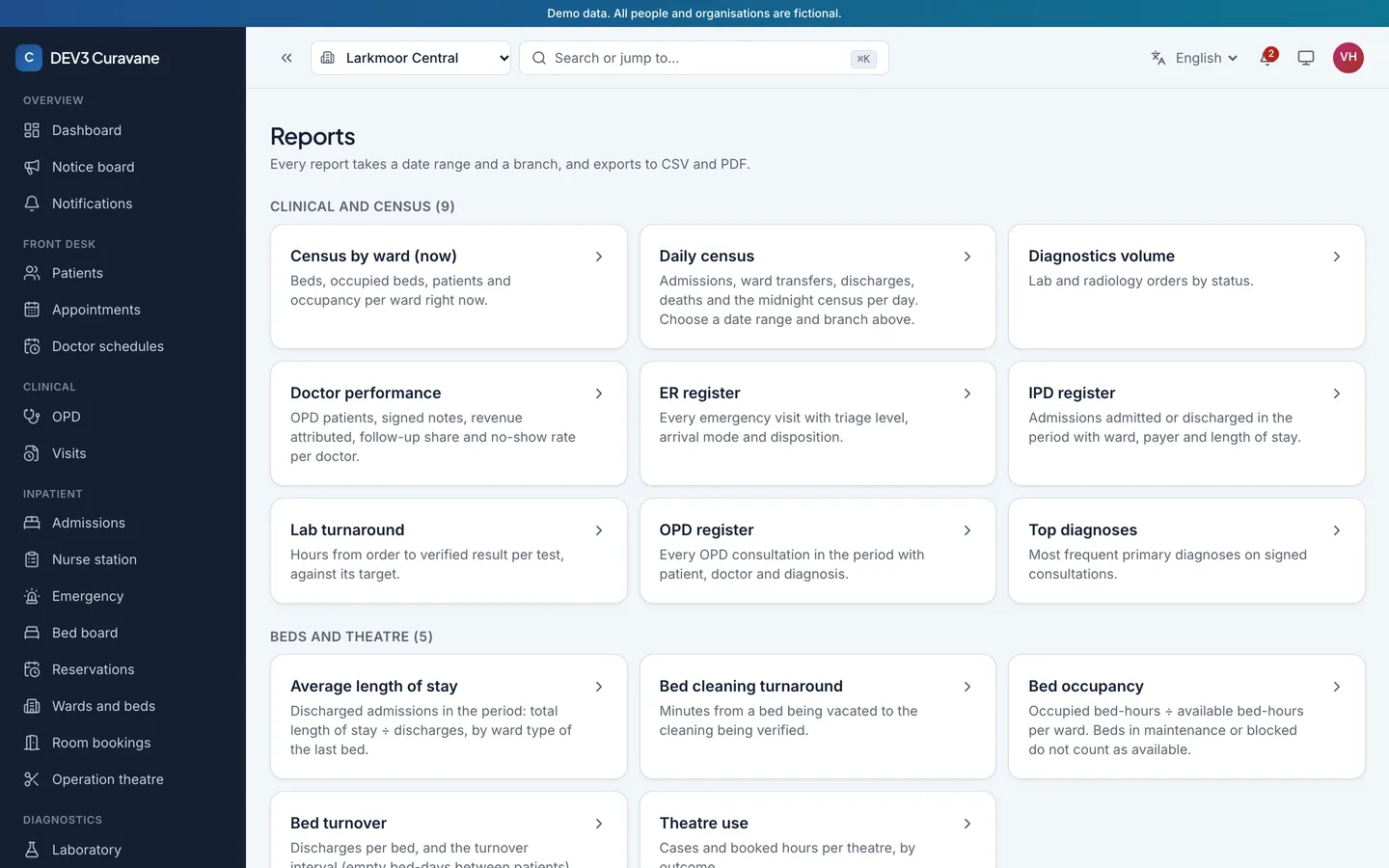
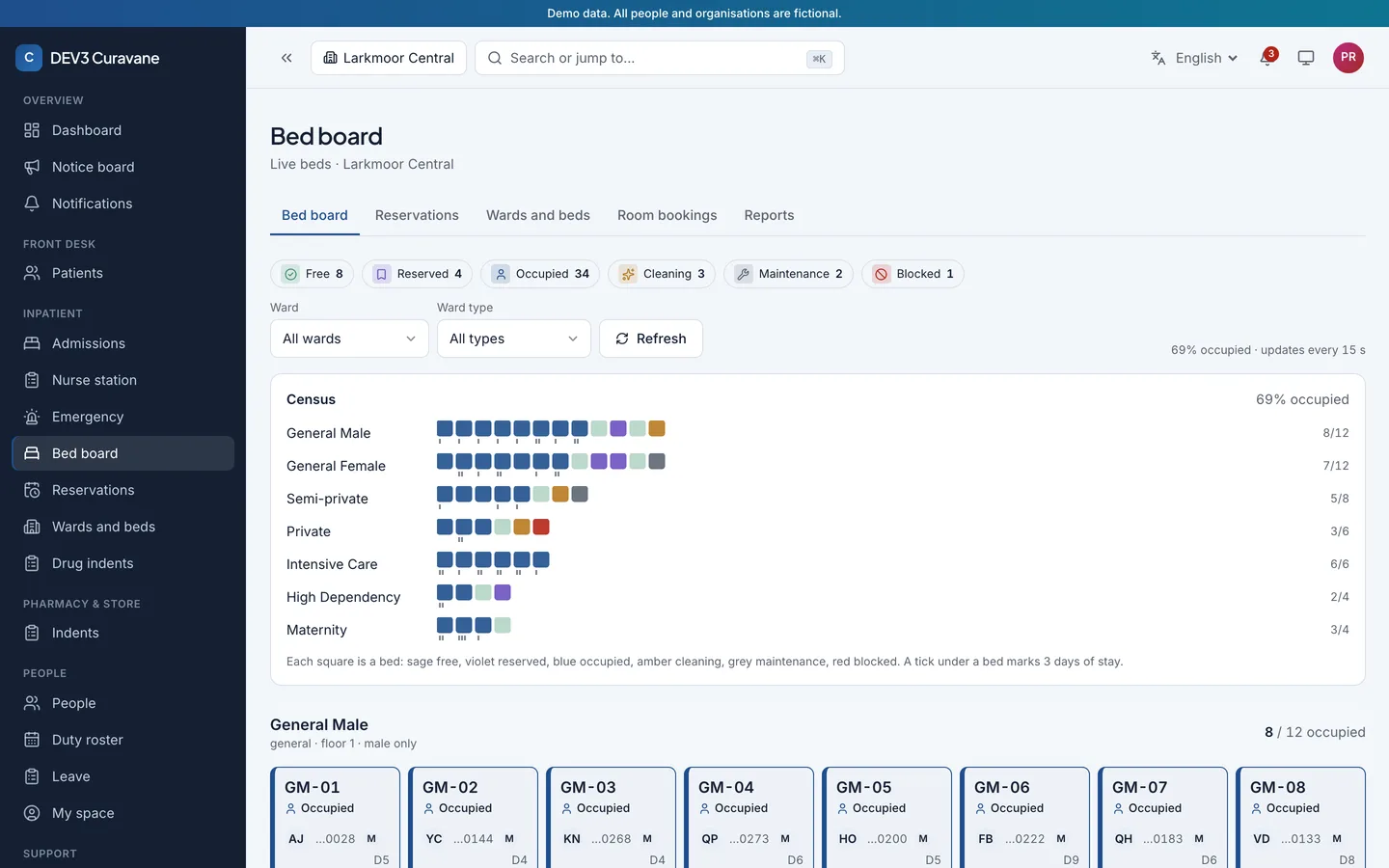
2. Is there a live bed board?
Look for wards, rooms and beds with tariffs, reservations that expire, transfers and bed-days that follow a clear midnight rule.
3. Do the bills add up?
OPD and admission bills, packages, deposits, insurer and patient split, refunds with approval limits and a cash close. Amounts should be whole cents with one rounding rule.
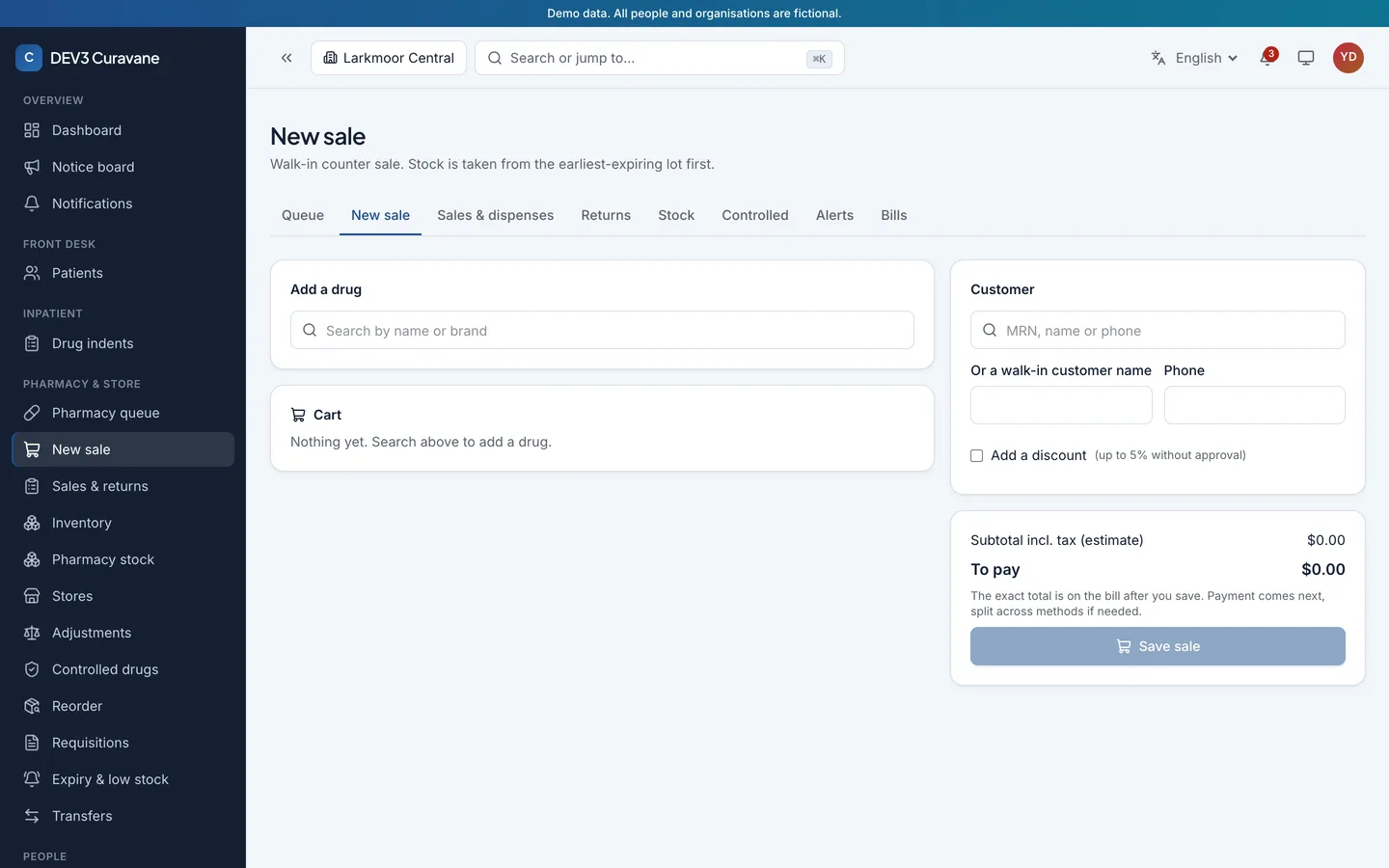
4. How is stock handled?
Pharmacy, store and operation theatre should share one stock ledger by batch and expiry, with a controlled-drug register and low-stock alerts.
5. Who can do what?
A permission matrix with own, department, branch or all scope, two-factor sign-in and an audit log with before and after values.
6. Can patients and visitors self-serve?
A hospital website with online booking and a patient portal for reports, prescriptions and bills. In Curavane the SMS code and the payment gateway are simulated until you connect your own.
7. Who keeps it running?
One Node process, MongoDB and a worker for reminders and expiry alerts. Race tests on real MongoDB show whether double clicks are safe.
Limits to weigh
It is not a certified clinical system, so clinical content, licensed code sets and local rules are your responsibility. It is a responsive web app with no native mobile app.