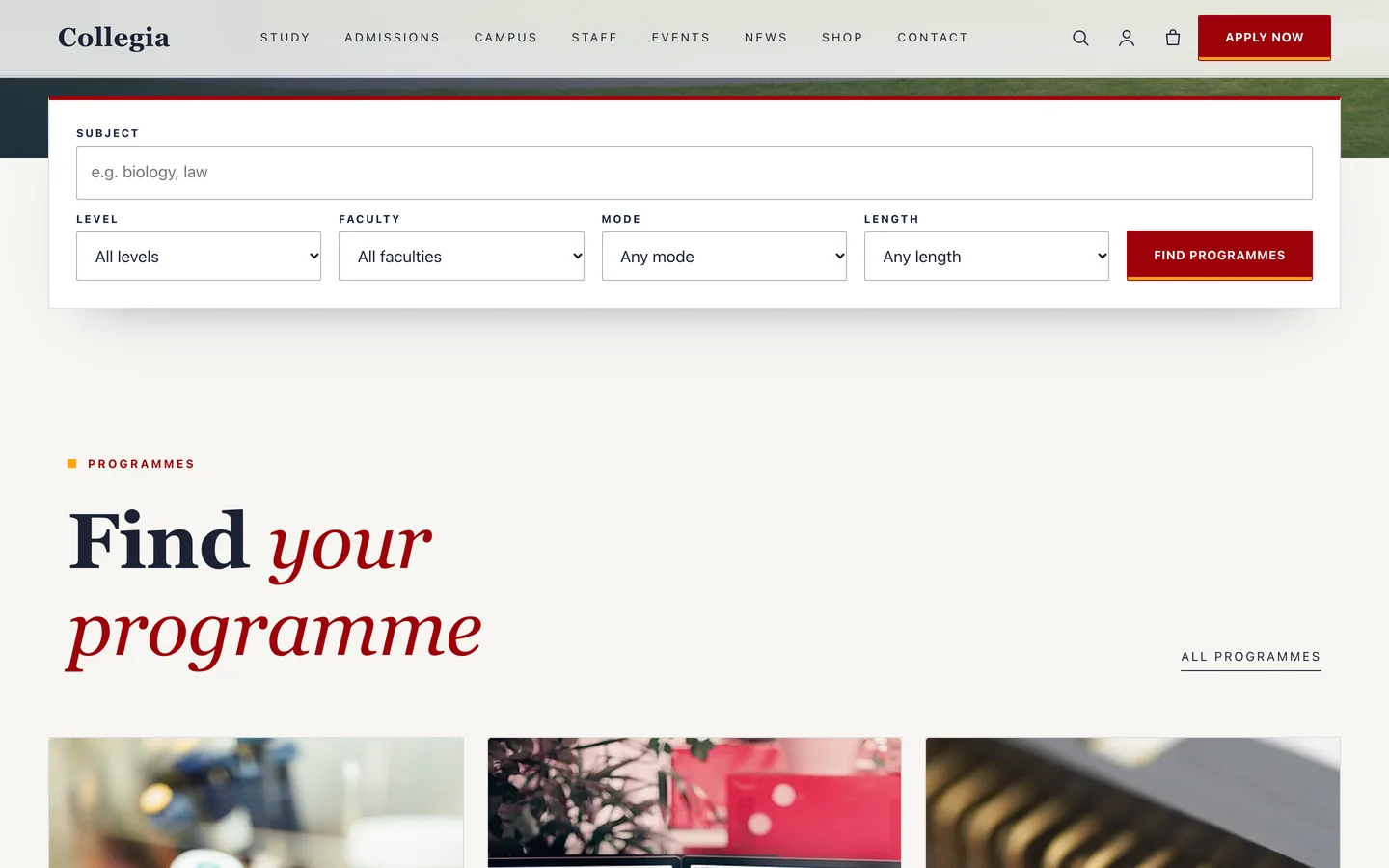
 Programme finder — level, faculty, mode and length filters in one panel. It is a plain form, so it works without JavaScript.
A free university WordPress theme: programme finder and admissions with Collegia
Last updated
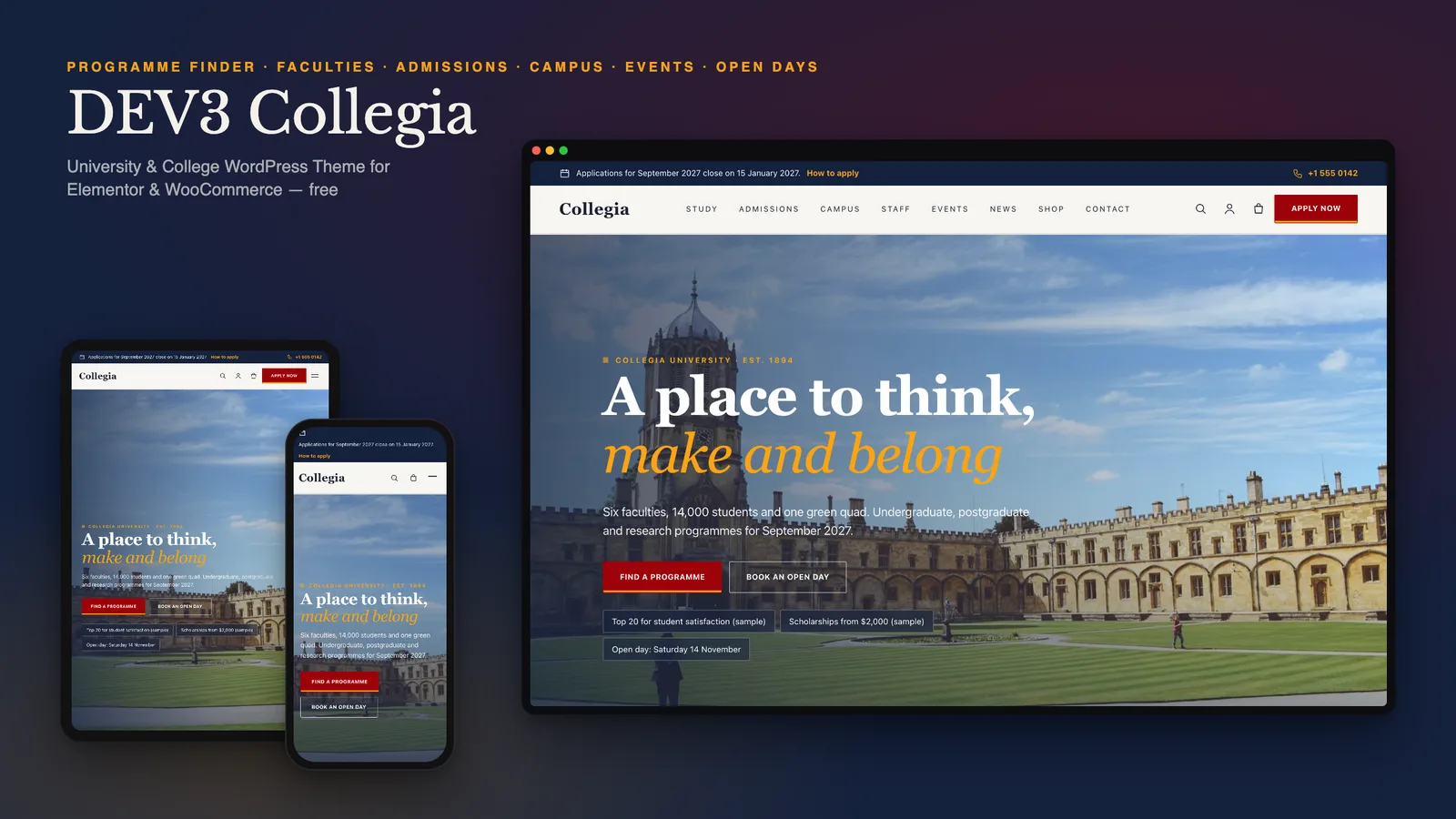
A university website has one job: help a prospective student find the right programme, trust what they find and take the next step. That means answers (what will I study, what do I need, what does it cost, where does it lead), a finder that works on any device, and clear dates. DEV3 Collegia is a free WordPress theme built for exactly that, with campus photography instead of effects and every page editable in Elementor.
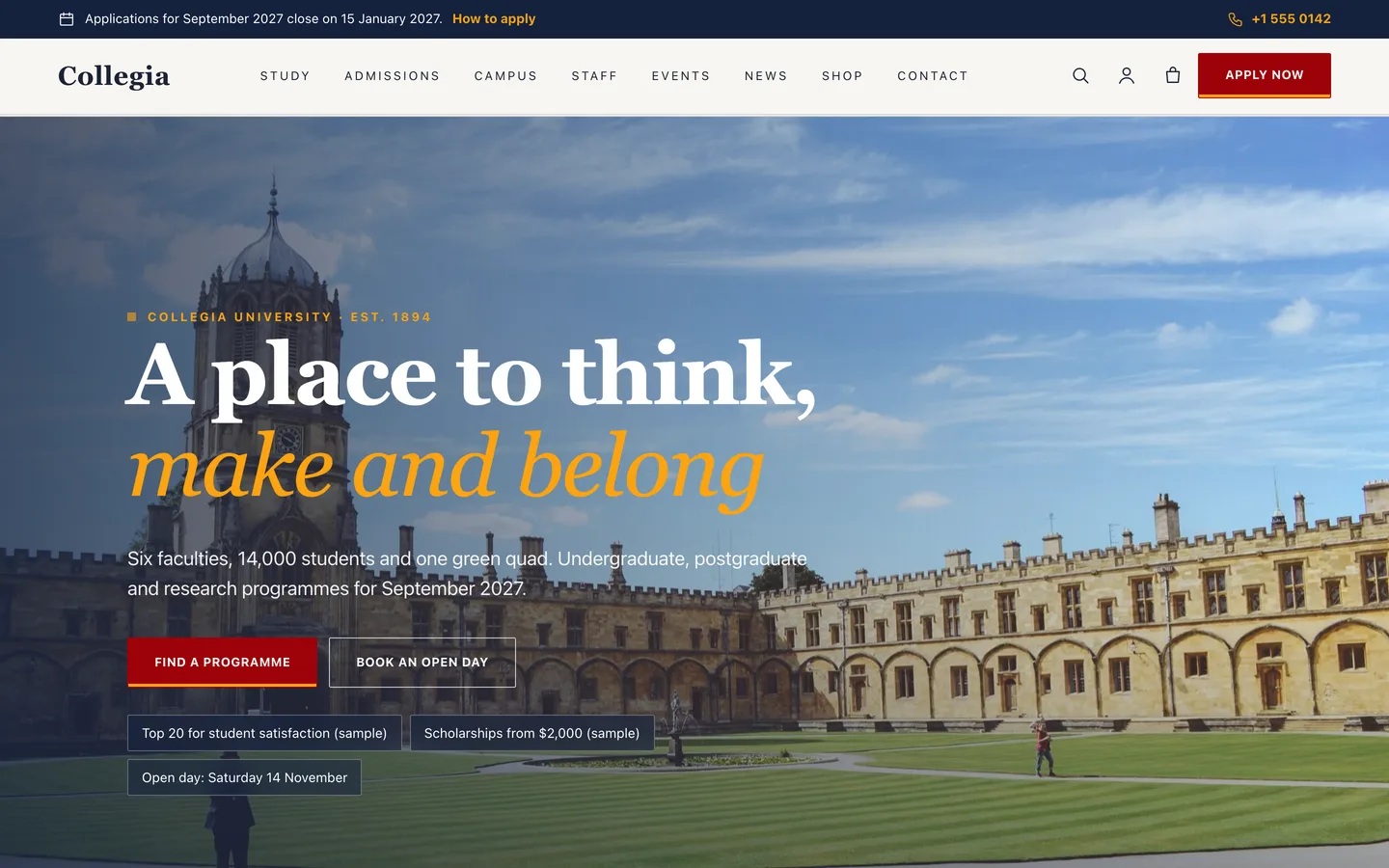
Who Collegia is for
- Universities and colleges with several faculties and a long list of programmes.
- Institutes, academies and training providers that publish courses, fees and intakes.
- Agencies building an education website that the admissions team will keep up to date.
A programme finder that works without JavaScript
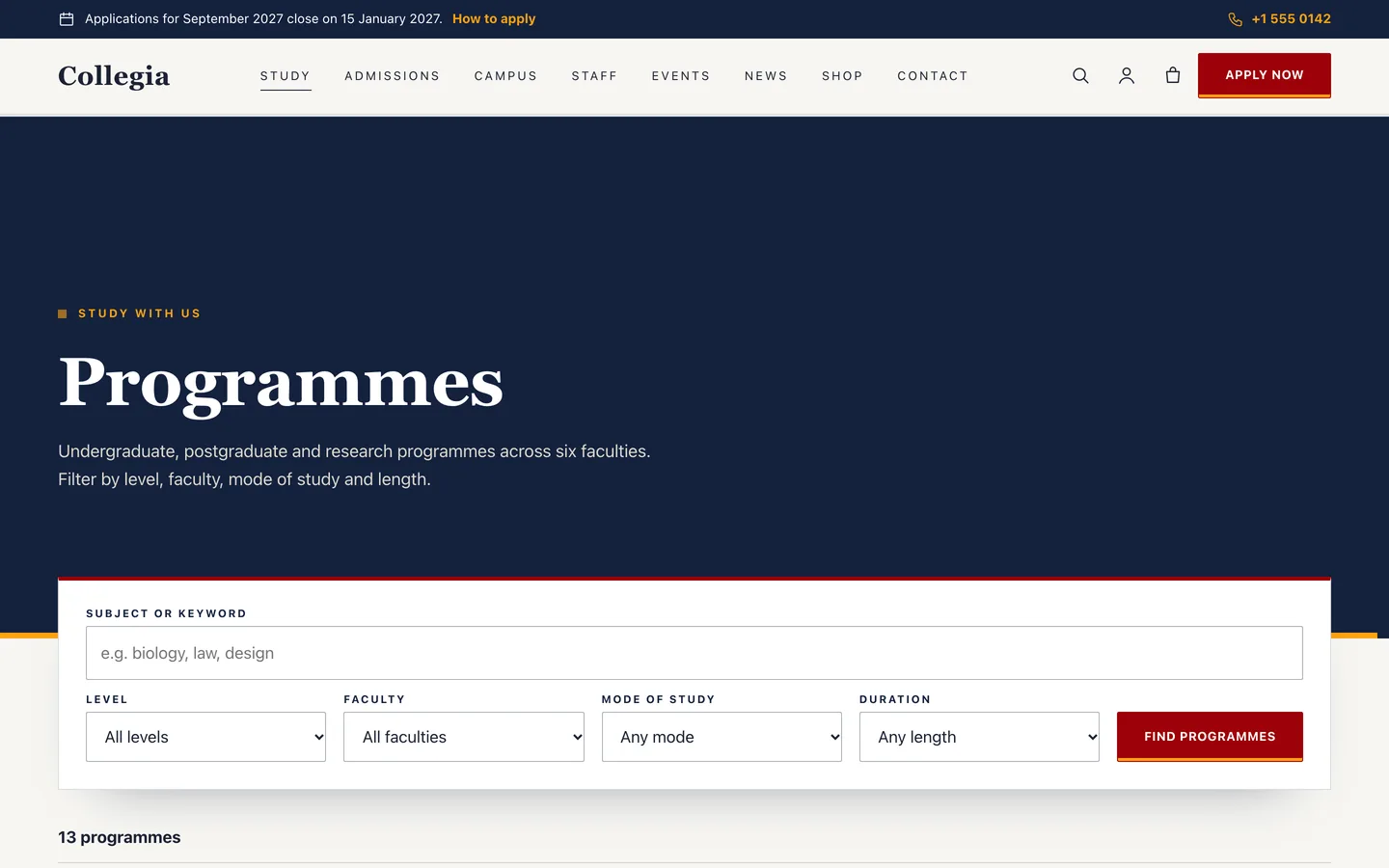
Visitors filter by level, faculty, mode of study and duration, plus a keyword. The finder is a plain form that submits to the Programmes archive, where the list is filtered on the server. It works on every device, can be bookmarked and shared, and needs no JavaScript.
Programme pages that answer the real questions
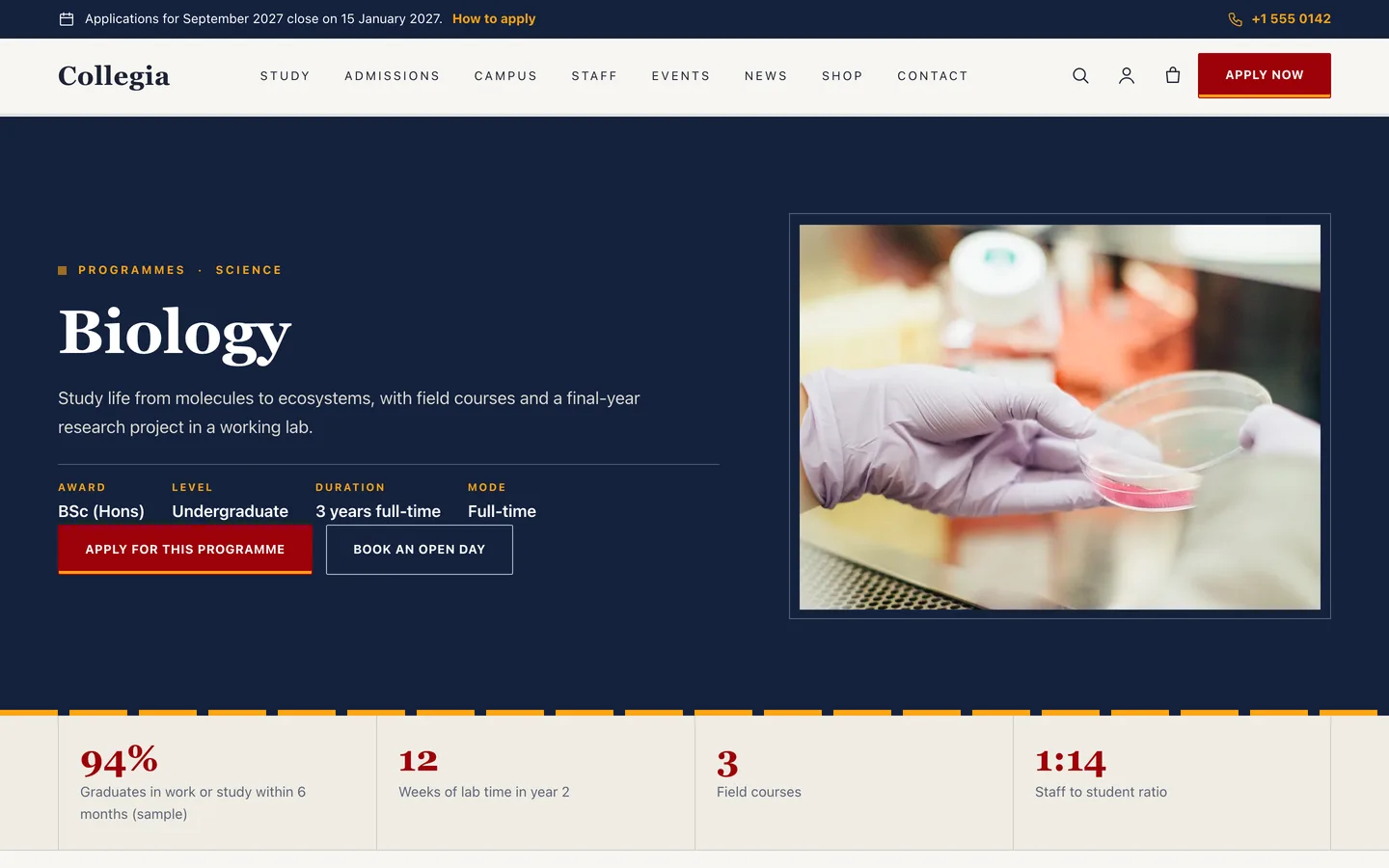
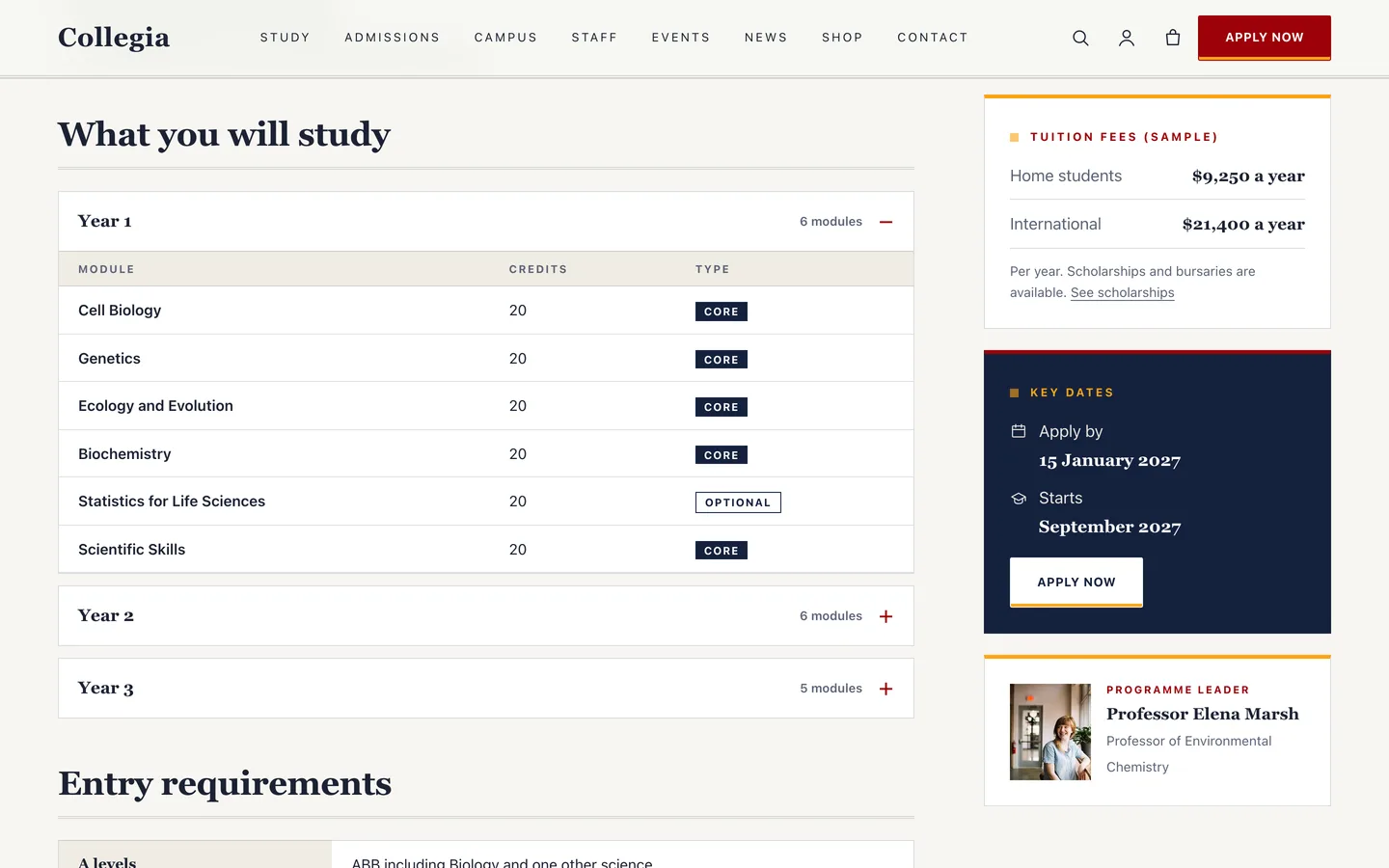
Each programme stores its award, level, mode, duration, intake and deadline, fees for home and international students, highlight figures, modules by year, entry requirements, careers and FAQs. The page lays them out the same way every time, with an Apply button and an open day button always in reach.
Staff, faculties and admissions
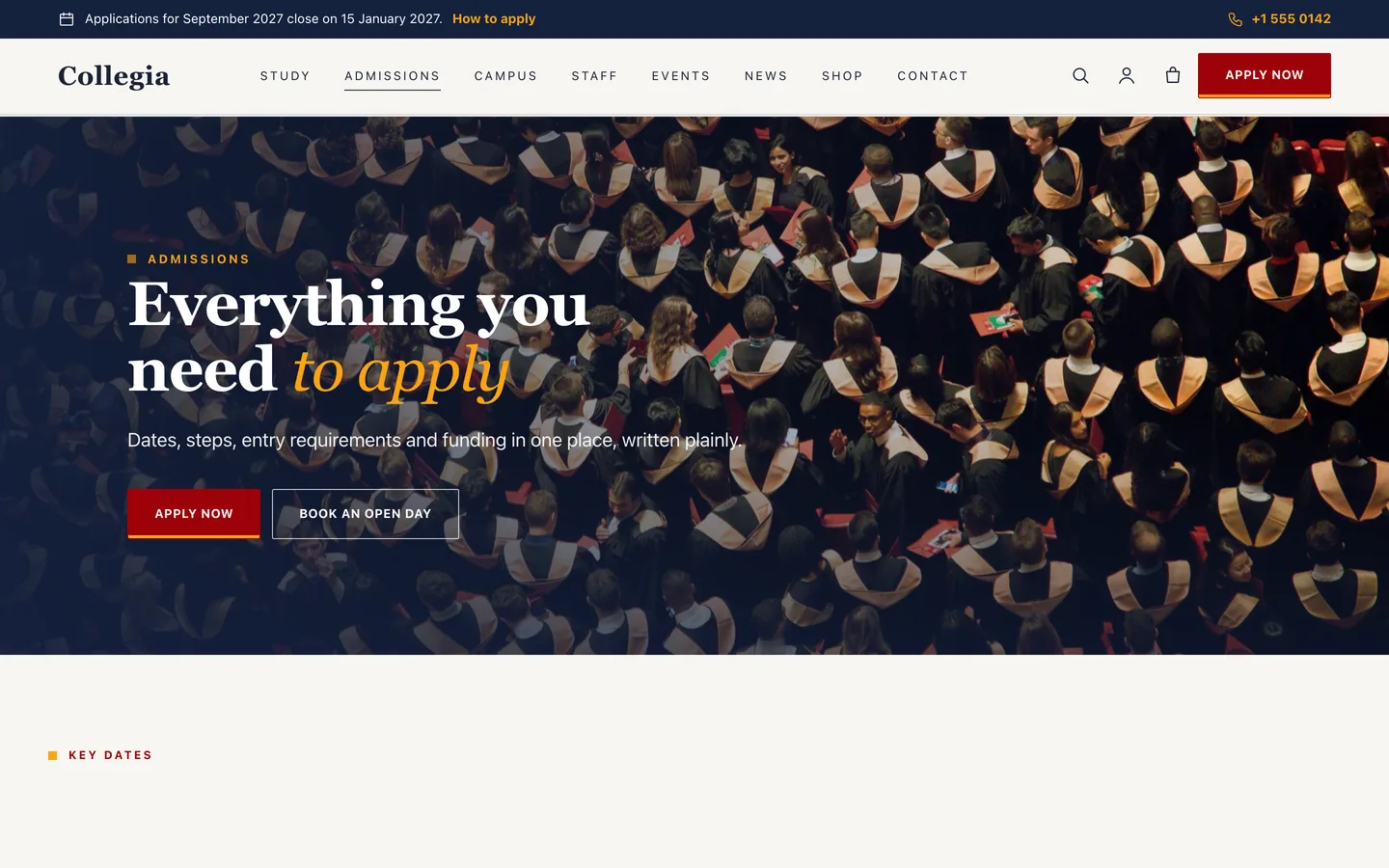
The staff directory filters by name, faculty and department and each profile shows student hours, research interests and publications. Admissions has a key-dates strip, four application steps and a scholarships grid.
Events and open days
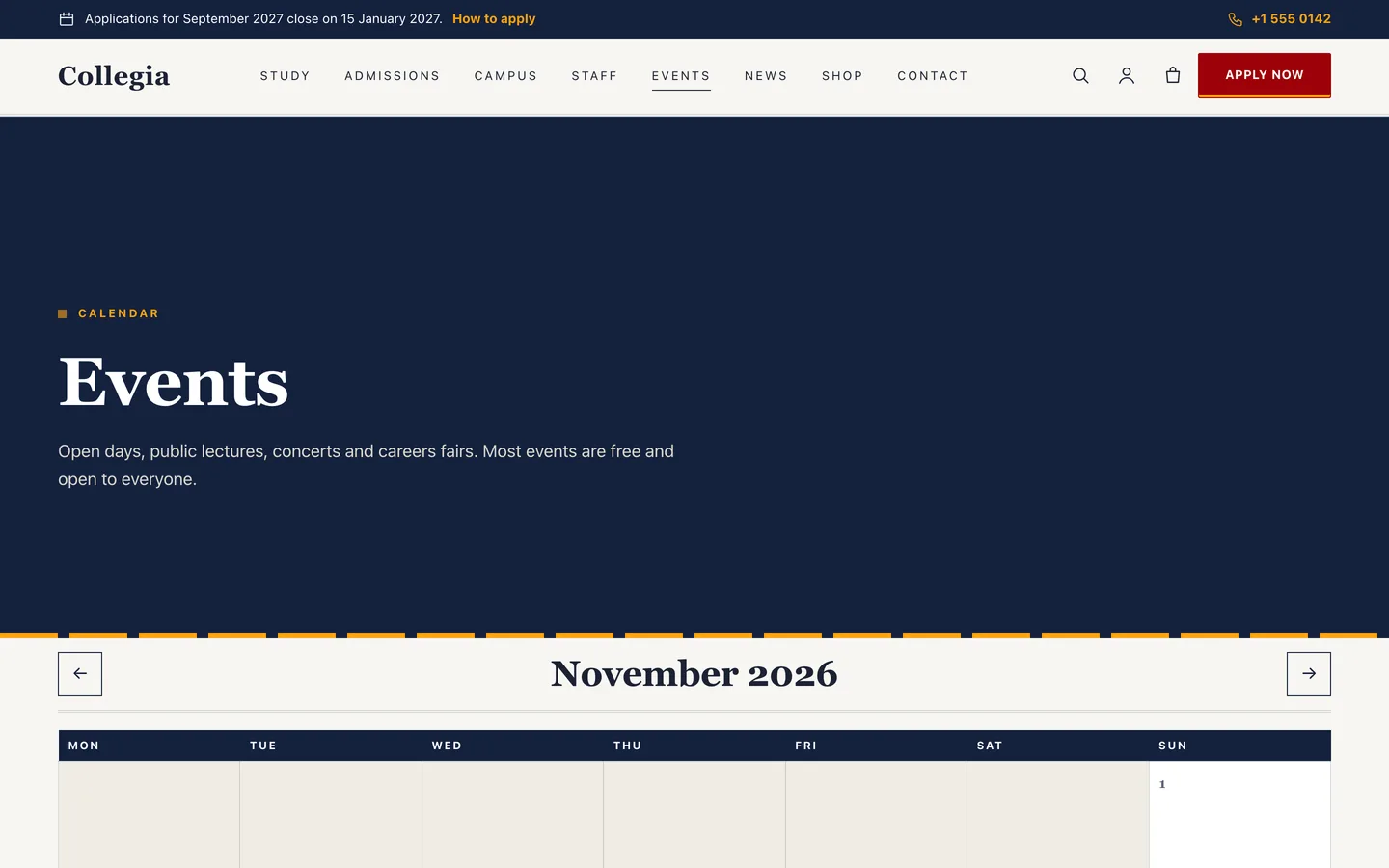
The events calendar is a real month grid with previous and next links, and an agenda list on phones. Visitors book an open day with a request form that lists your events, and requests are stored privately and emailed to you.
A prospectus shop
WooCommerce styling for a downloadable prospectus, a printed copy, the application fee and merchandise, with a slide-out mini cart.
Set it up in an afternoon
- Install the theme and the DEV3 Theme Toolkit, then import the demo from Appearance → DEV3 Demo.
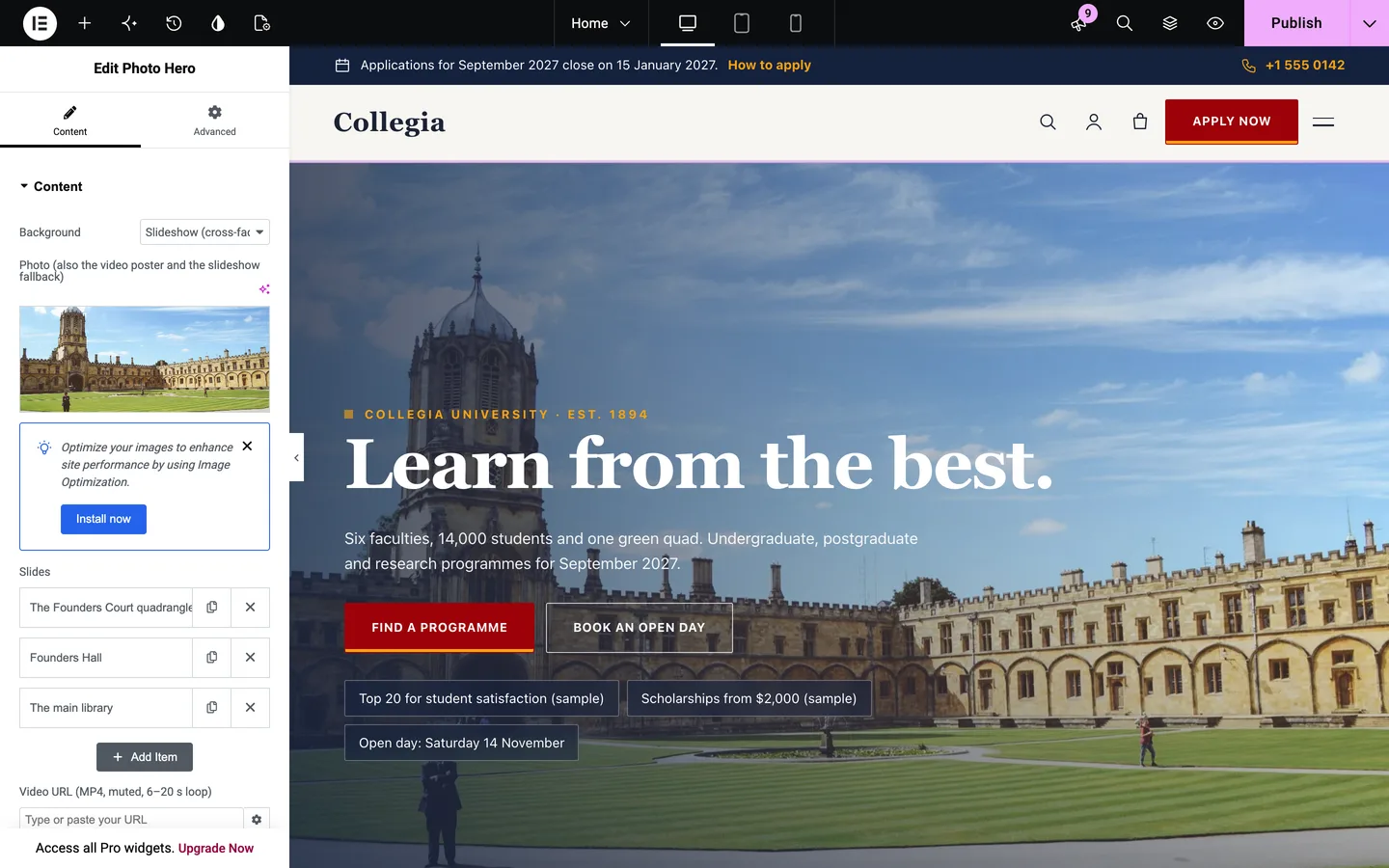
- Replace the demo photos with your own, and edit the hero slides in the Photo Hero widget.
- Add your faculties and programmes, then your staff and events.
- Set the notice bar, the Apply link and the open day link under Appearance → Customize → Collegia: institution details.
Collegia is free: sign in on DEV3 to download it.