
Web Scripts & Software
DEV3 Video & Audio File Info (MediaInfo Online) — Source Code (React + Tailwind)
from $20$29
Loading…
Developer tool
Free, no sign-up. Runs in your browser; nothing is uploaded. Buy the source code: $29 Regular / $69 Extended
Nothing loaded yet. The MediaInfo engine (~2.5 MB) downloads once after you choose a file.
Need Video & Audio File Info (MediaInfo Online) built into your own product? We build it as a full app, API and admin included. Built in about a week, from $99. Send your requirements or SOW; you get a fixed quote and a delivery date.
The video & audio file info (mediainfo online) stays free to use online. If you want the code to run, edit and ship in your own project, get the full source from the DEV3 Marketplace. Instant download, 6 months of support.
Skip the build: ready-made apps with the code included. Buy once, own the source, and try each one live first.
Web Scripts & Software
from $20$29
Enterprise SaaS Starters
from $69$99
Enterprise SaaS Starters
from $69$99
Enterprise SaaS Starters
from $69$99
Enterprise SaaS Starters
from $69$99
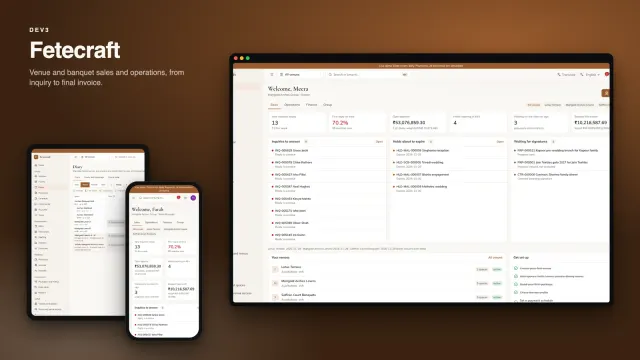
Enterprise SaaS Starters
from $69$99
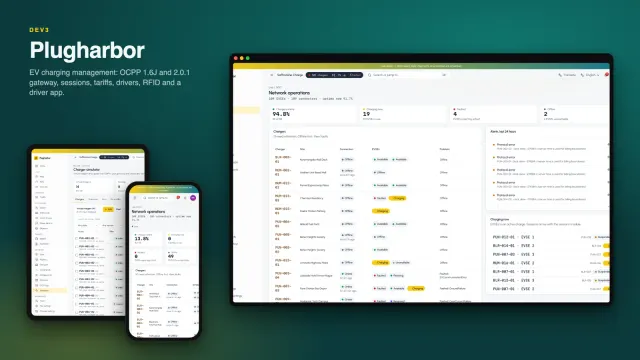
Enterprise SaaS Starters
from $69$99
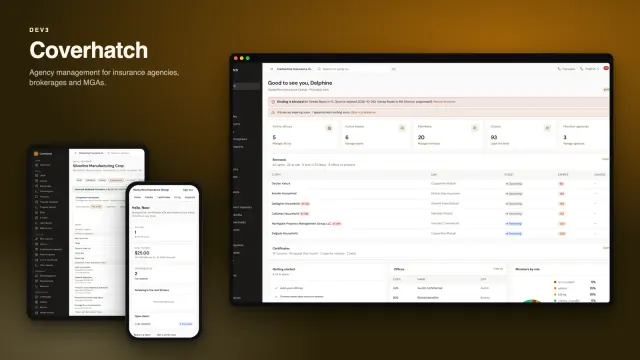
Enterprise SaaS Starters
from $69$99
Every media file is a container holding streams: video, audio, subtitles and sometimes chapters. This tool opens the container with MediaInfo, the reference analyser used across the industry, and presents what it finds in plain language.
MediaInfo reports what the file declares. If a header is damaged or truncated, values can be missing, which this page shows as an empty field rather than guessing. Use the video converter when the report shows a format your target device cannot play.
Drop the file on this page. The summary card names the video codec (such as AVC for H.264 or HEVC for H.265), its profile and level, and the audio codec next to it. Nothing is uploaded: the file is read in your browser by MediaInfo compiled to WebAssembly.
Yes. MediaInfo only needs the start of the file and sometimes the index at the end, and the page reads the file in 4 MB chunks instead of loading it into memory. A multi-gigabyte movie opens in a second or two.
They compare the container, video codec, audio codec, bit depth and chroma format against typical support on iPhone and Safari, Chrome and Edge, Firefox, Android, Windows players and smart TVs. "Partial" means it depends on the device, operating system version or hardware decoder. They are guidance, not a guarantee.
The tool reads the transfer function and the HDR format fields. PQ means HDR10 or Dolby Vision, HLG is broadcast HDR, and a plain BT.709 transfer is SDR. HDR clips shown on a non-HDR player often look washed out.
A constant frame rate (CFR) video has frames at evenly spaced times. Variable (VFR) videos, common from phone screen recordings, change the spacing. Some editors drift out of sync with VFR, so convert it before editing.
MediaInfo by MediaArea (BSD-2-Clause) as the mediainfo.js build. The 2.5 MB WebAssembly file is fetched once from a public CDN after you choose a file and then cached by your browser.