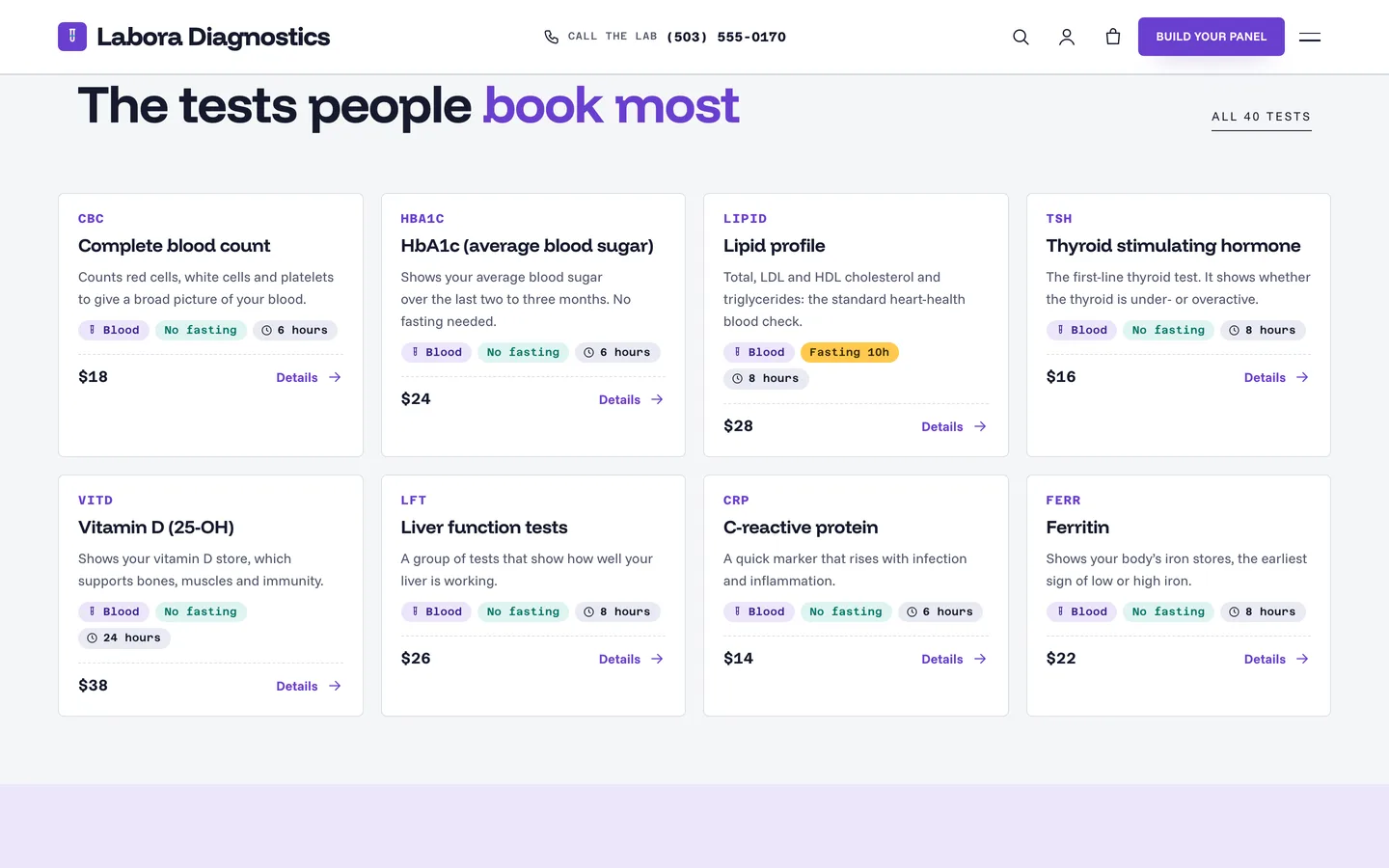
 Popular tests — eight test cards with code, sample, fasting, turnaround and a sample price.
A medical lab WordPress theme with a test catalogue and panel builder: DEV3 Labora
Last updated
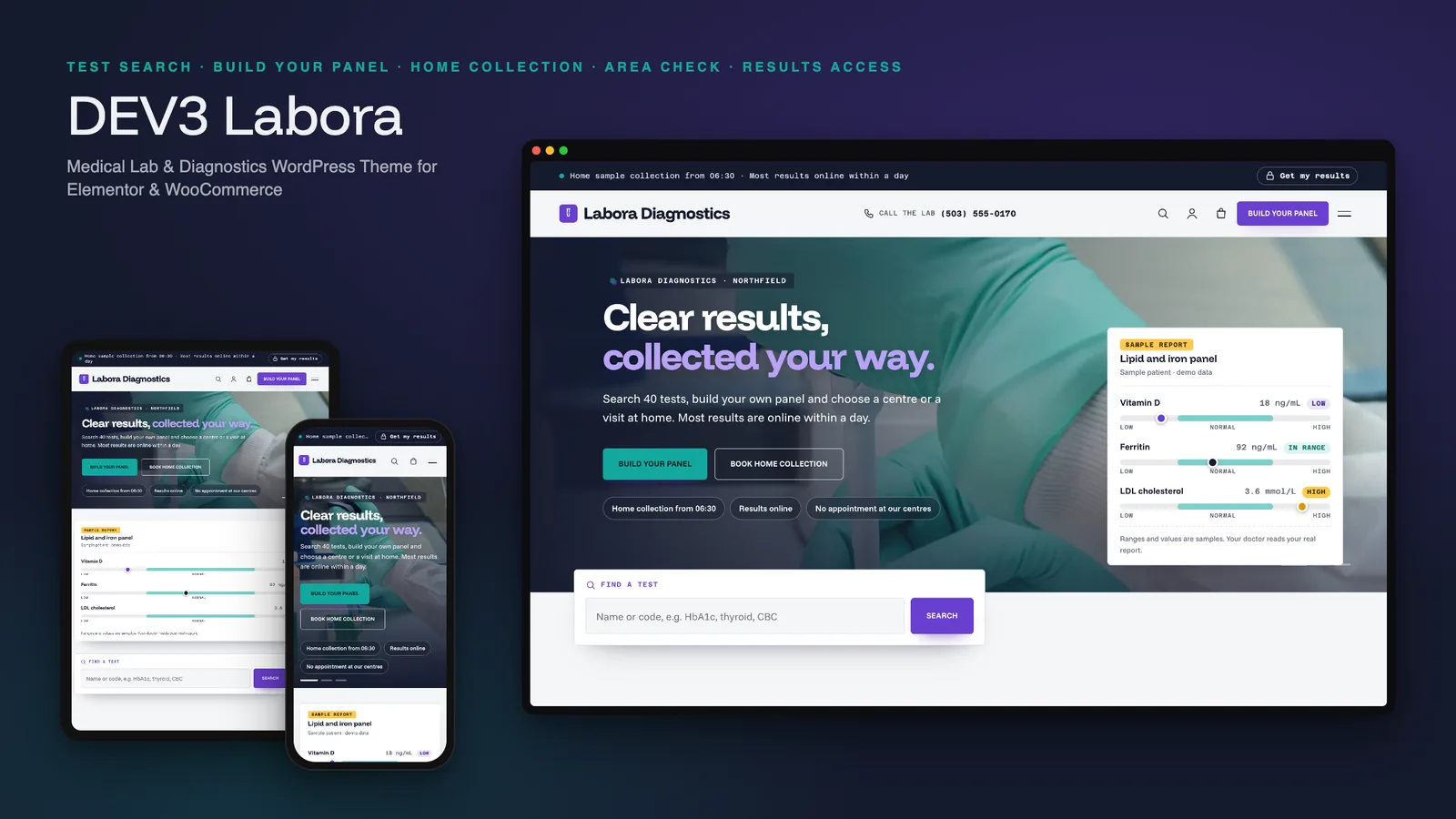
A lab website is used by people who want three answers fast: what does this test involve, do I need to fast, and when will I know. A medical lab WordPress theme should answer those first, let a patient combine several tests into one booking, and stay careful with anything that looks like a result. DEV3 Labora is built around that: a searchable test catalogue, a panel builder with live totals, home sample collection with an area check, and a results card that links to your own portal. This post covers who Labora suits, how to set it up and how it stays careful with medical content.
Who Labora is for
- Medical and pathology laboratories with a long test menu and several collection centres.
- Diagnostic centres and health-check clinics that sell packages and want patients to book online.
- Home-collection services that need days, windows and an area check before a visit is booked.
If you run a single-test clinic, a simpler clinic theme will do. Labora earns its place when patients choose from dozens of tests.
A test catalogue that answers the practical questions
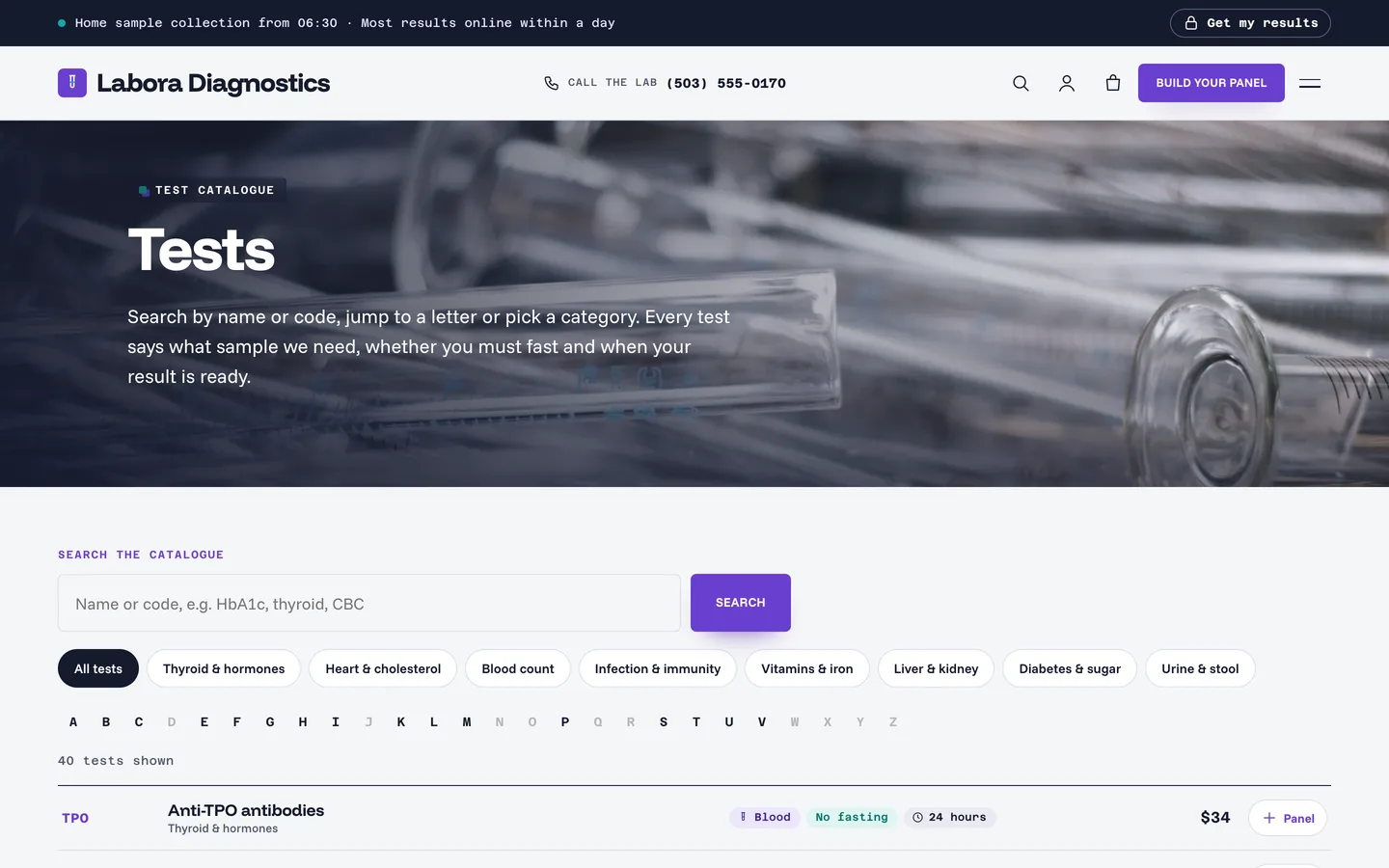
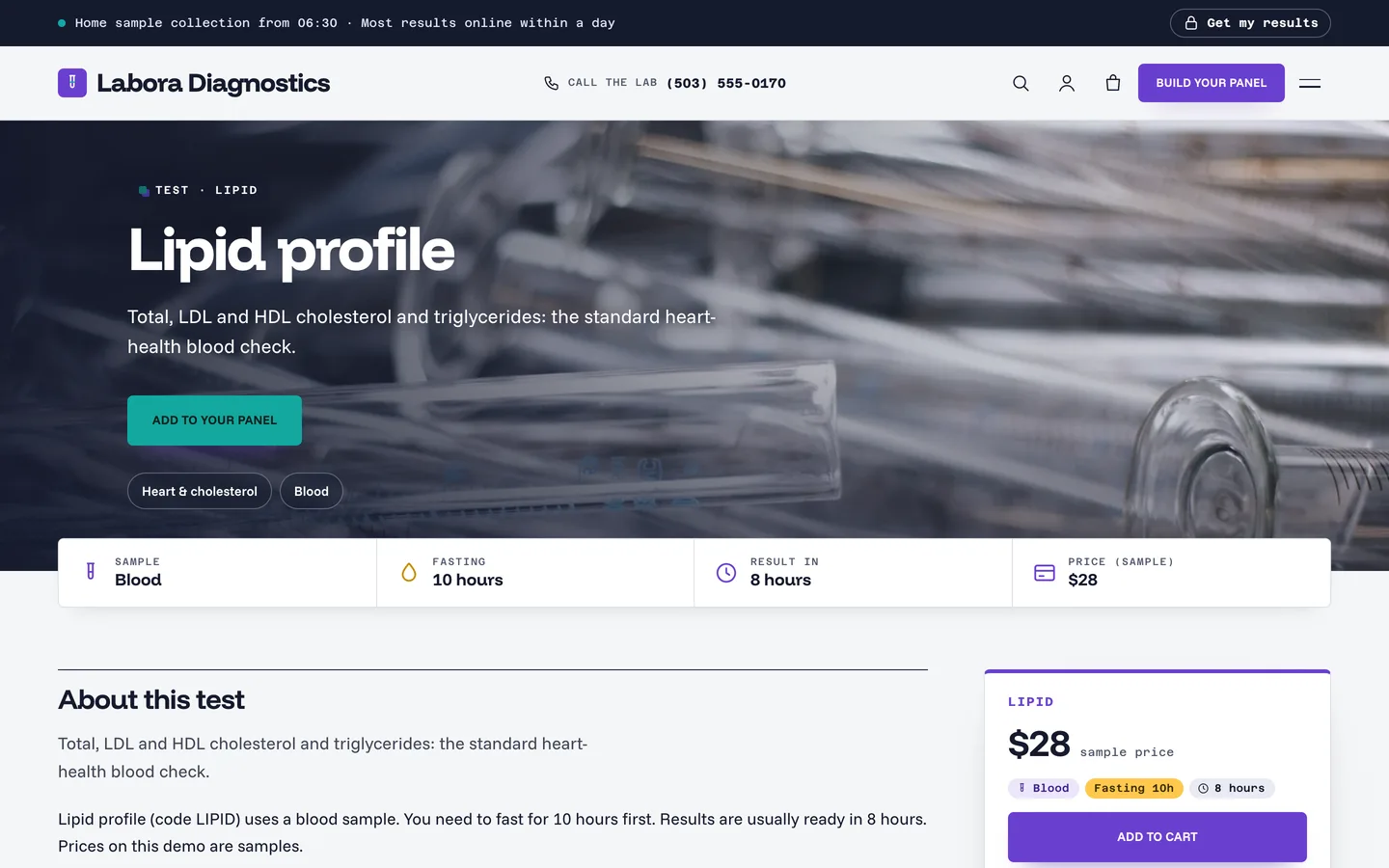
Search by name or code, jump to a letter or pick a category chip. The chips and letters are real links and the search is a plain form, so the catalogue works without JavaScript; with JavaScript the same controls filter the list live. Each row shows the sample, whether you must fast and how long the result takes.
Reference ranges, labelled as samples
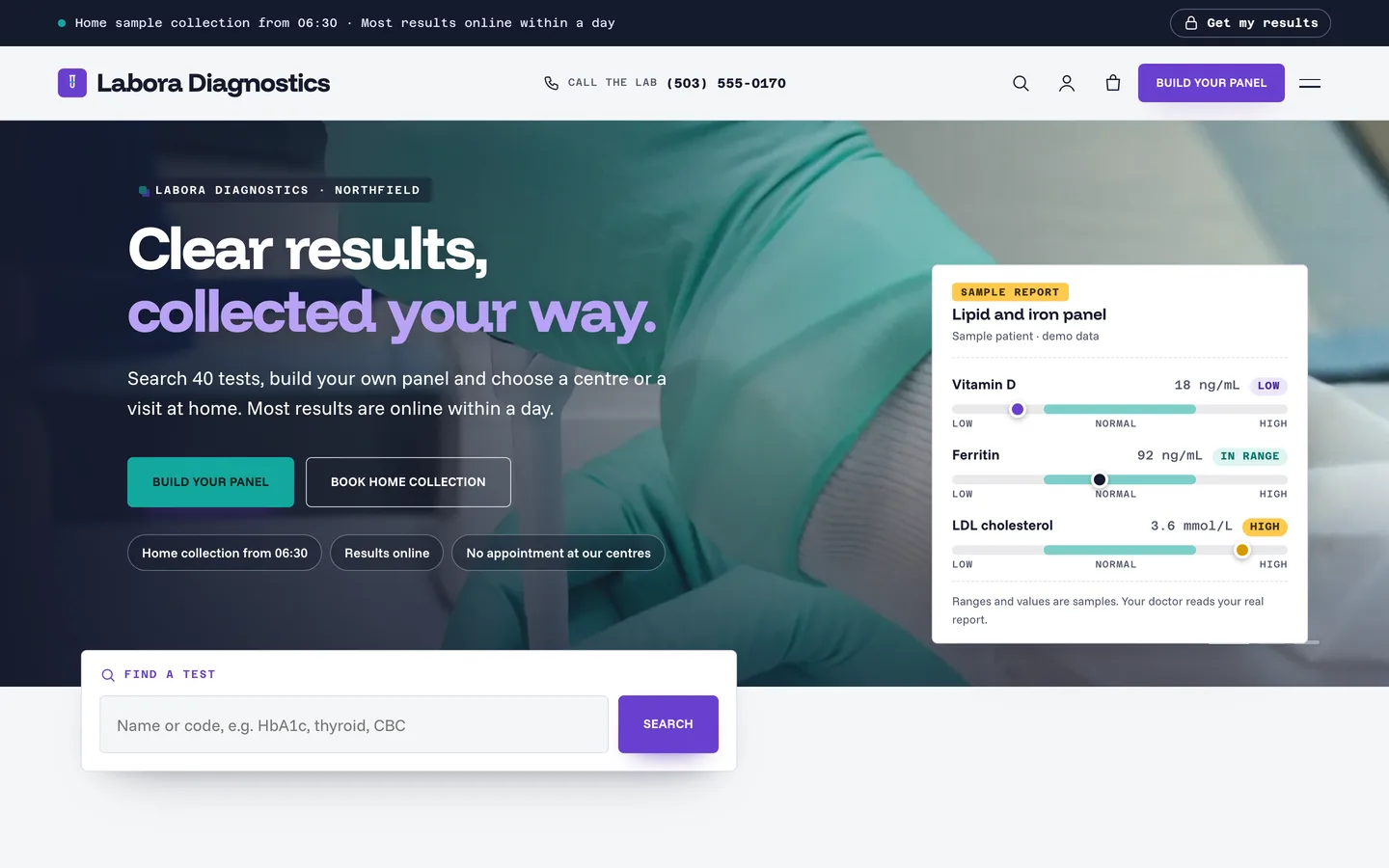
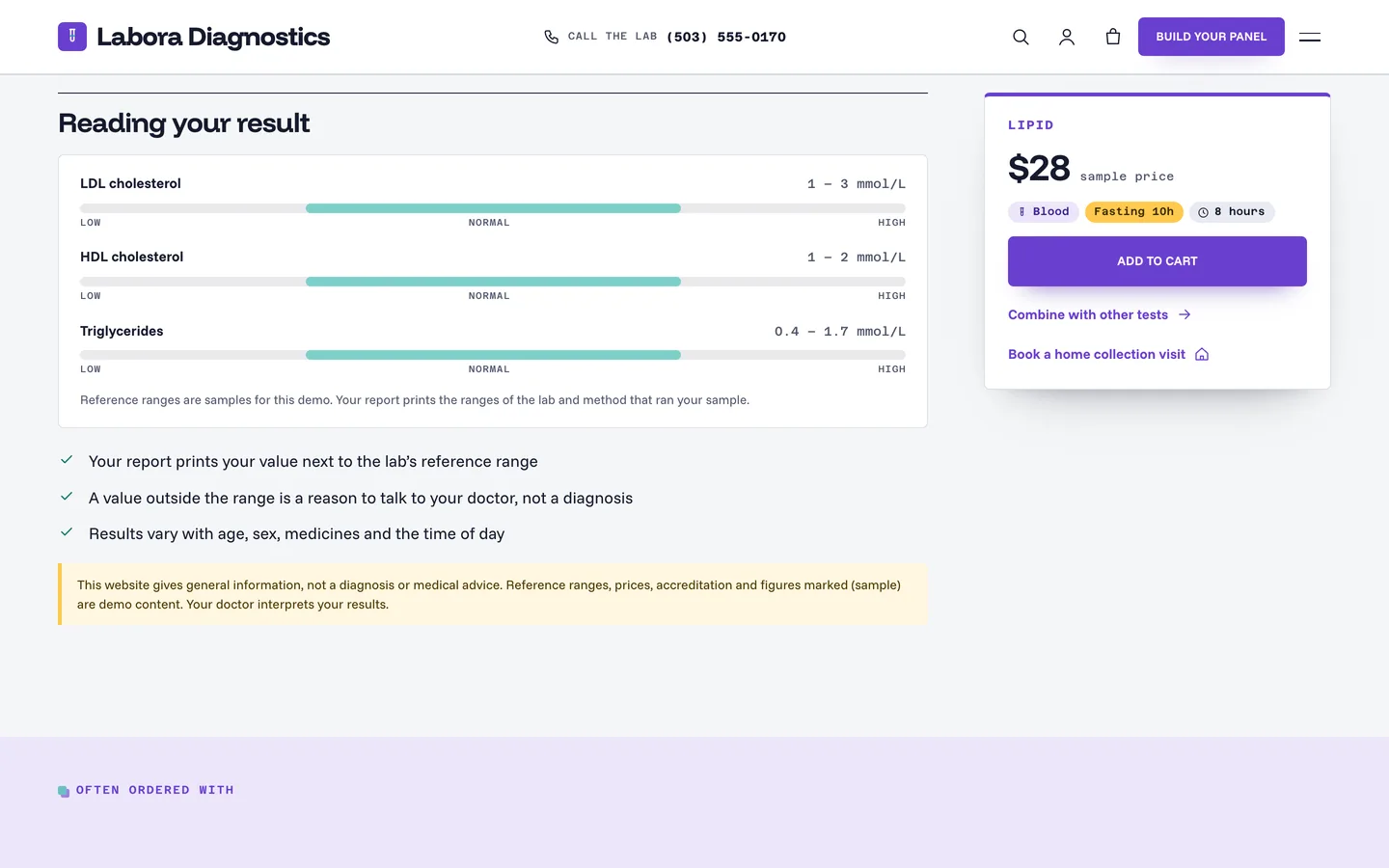
Each test can carry sample ranges written as Name | low | high | unit. They render as bars with the words Low, In range or High, never colour alone, and the page repeats your health disclaimer underneath.
Build your panel
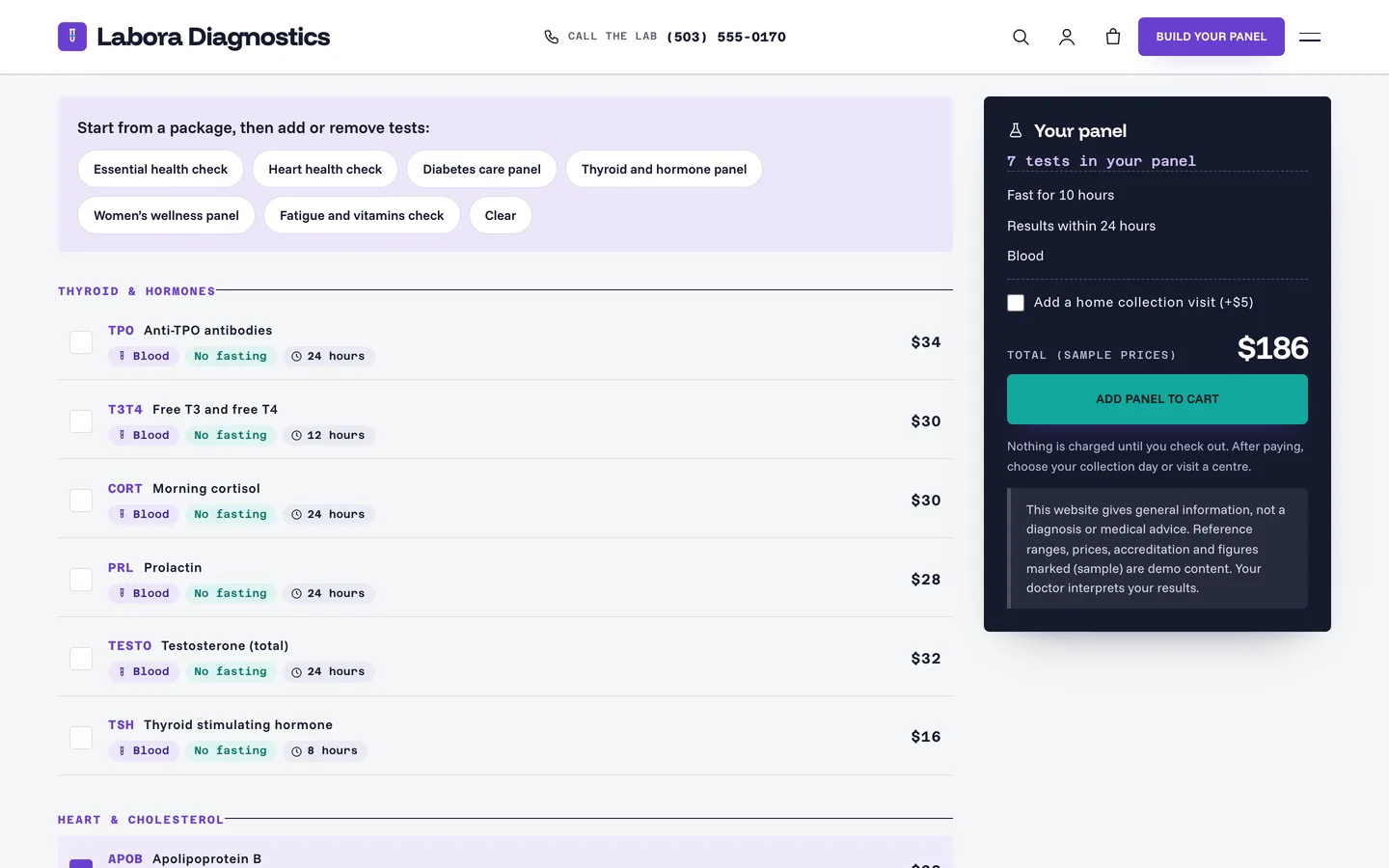
Tick tests, or start from a package. A sticky summary shows the count, the total, the longest fast and the longest wait for results, and adds the matching WooCommerce products to one cart. Each test and package is a virtual product whose SKU is its code, and the server ignores any code it does not know. Links such as /build-your-panel/?package=heart-health-check tick tests in advance.
Home collection and the area check
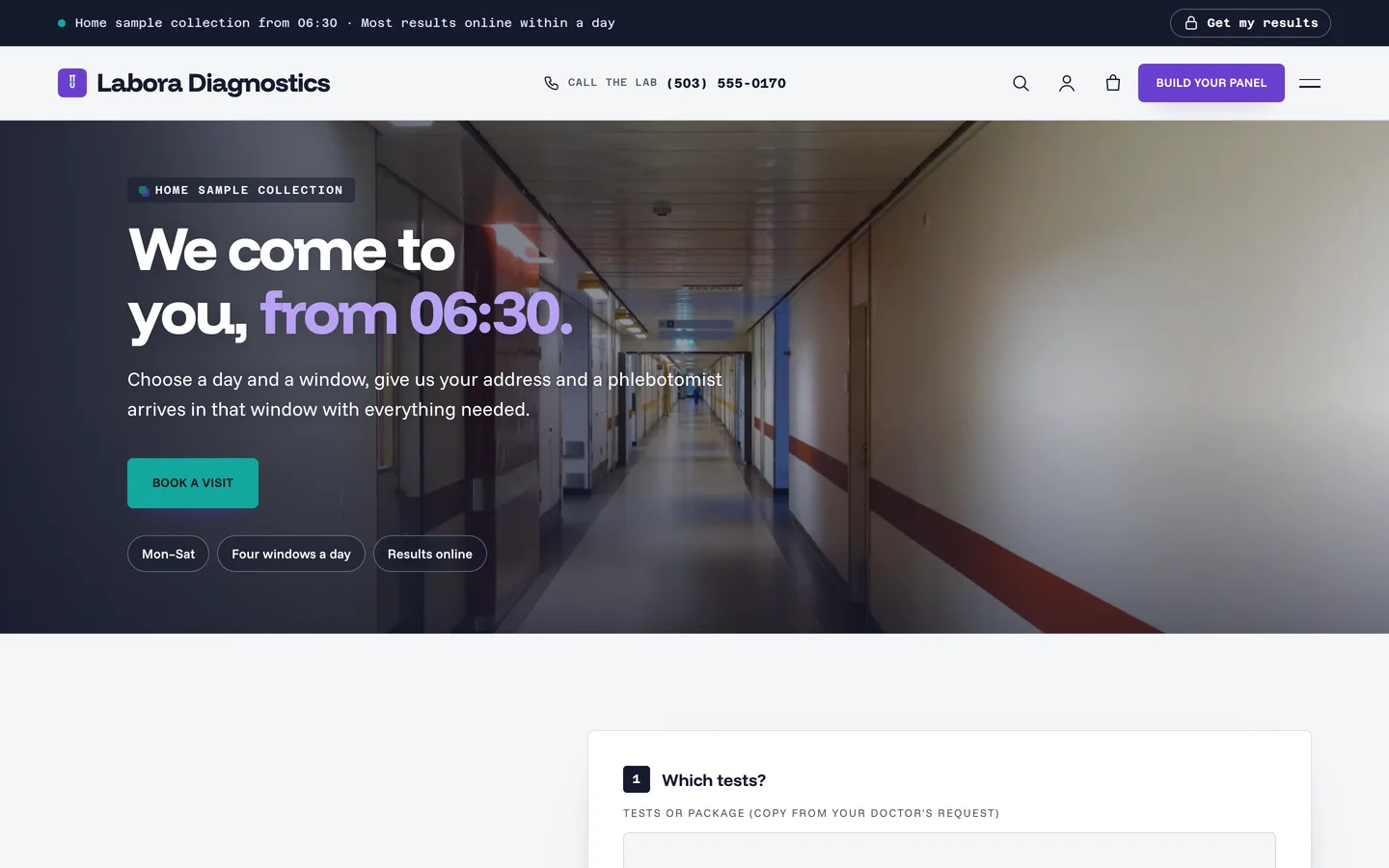
Set your ZIP codes, collection days and windows in Appearance → Customize → Labora: business details. Patients check their ZIP code, pick a day and a window and send the request; days, windows and ZIP codes you do not offer are rejected on the server.
Results access without storing results
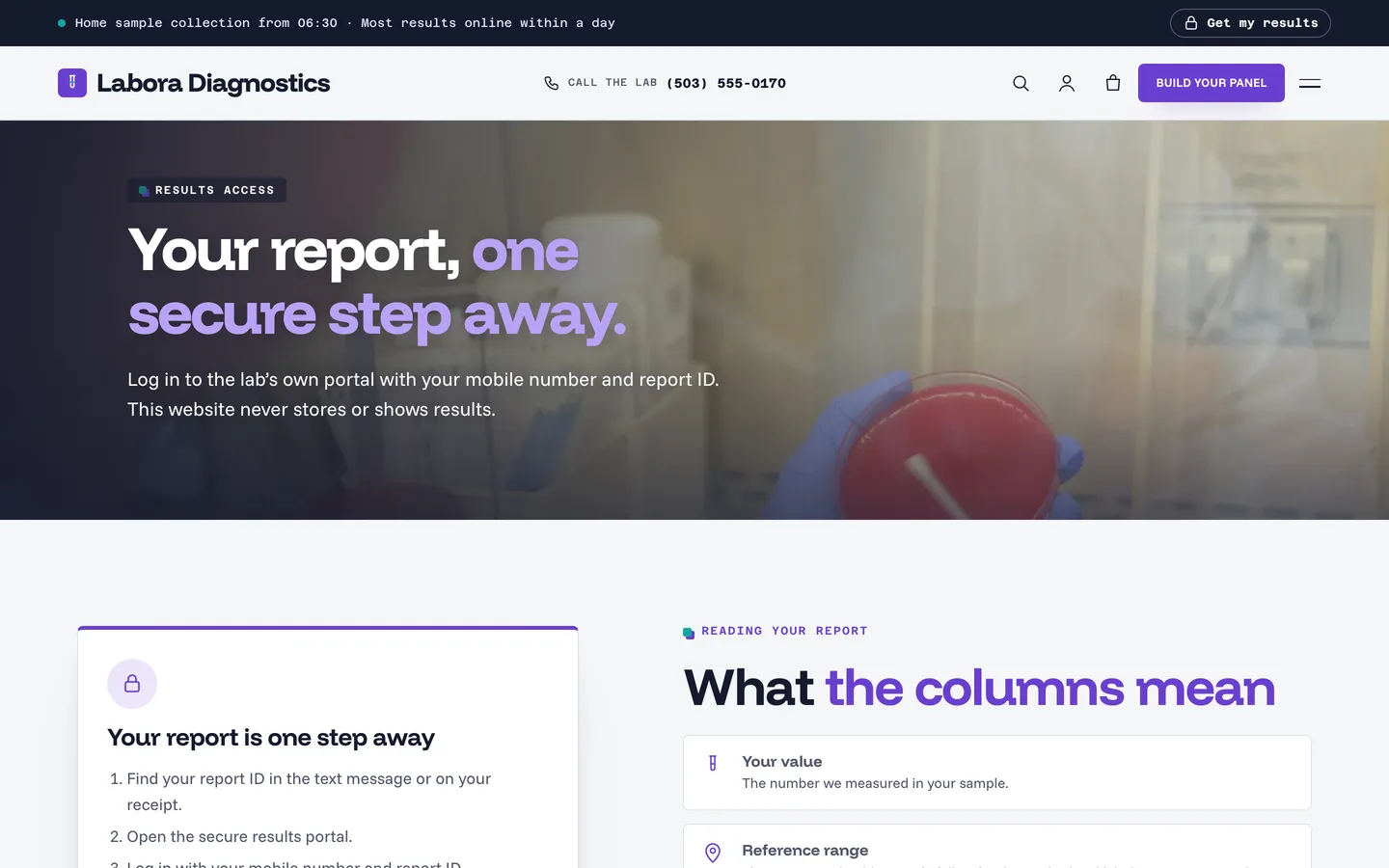
The Results page shows a login-style card with three steps and a button to the portal link you set. The theme stores and shows no results.
Staying careful with medical content
- A Health disclaimer in the Customizer prints in the footer and under every panel, range, result and review.
- Every test, range, price, accreditation and credential in the demo is marked (sample), and the lab, people and reviews are fictional.
- There are no patient photos and no medical claims. MedicalTest, clinic and offer-catalogue structured data is added for search engines.
Set it up with Elementor
Install the theme and the DEV3 Theme Toolkit, then import the demo from Appearance → DEV3 Demo. Every page is built with Elementor (the free version works) and the live parts are slots you can place anywhere with an HTML widget, for example <div data-labora="catalogue"></div>. Replace the demo tests, packages, centres and photos with your own, set your results portal link and your disclaimer, and your lab site is ready.