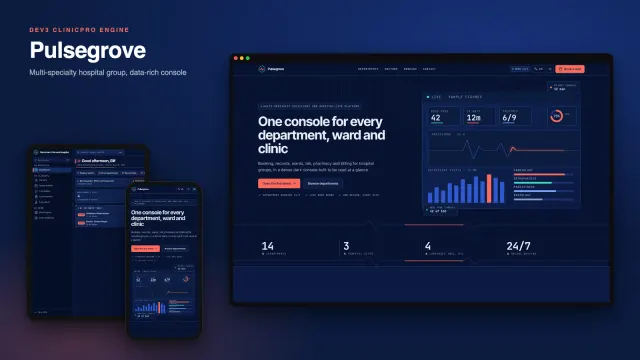
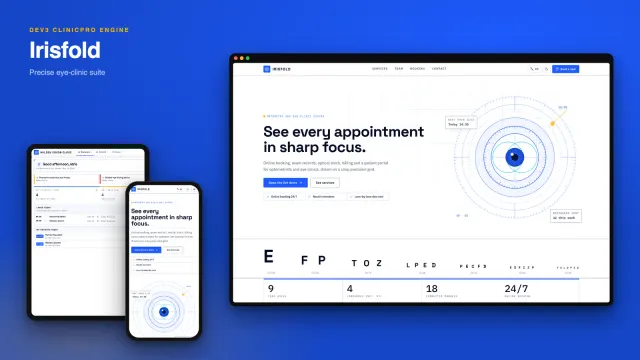
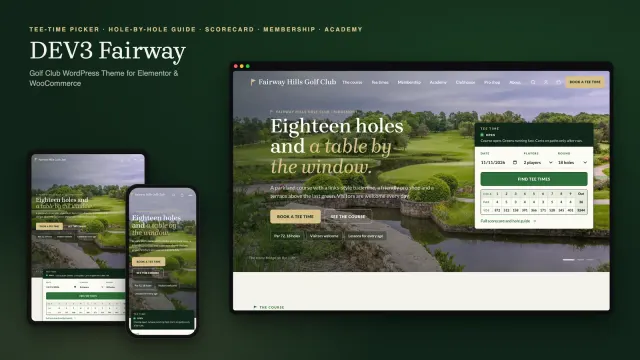
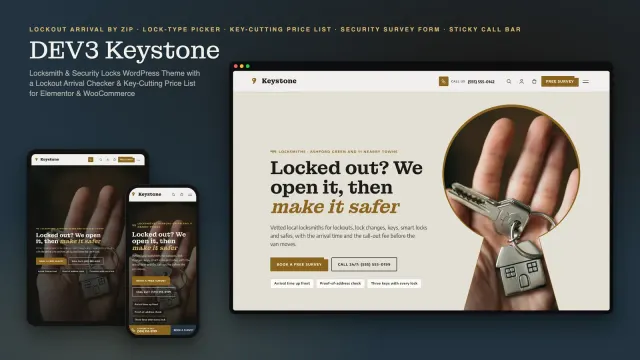
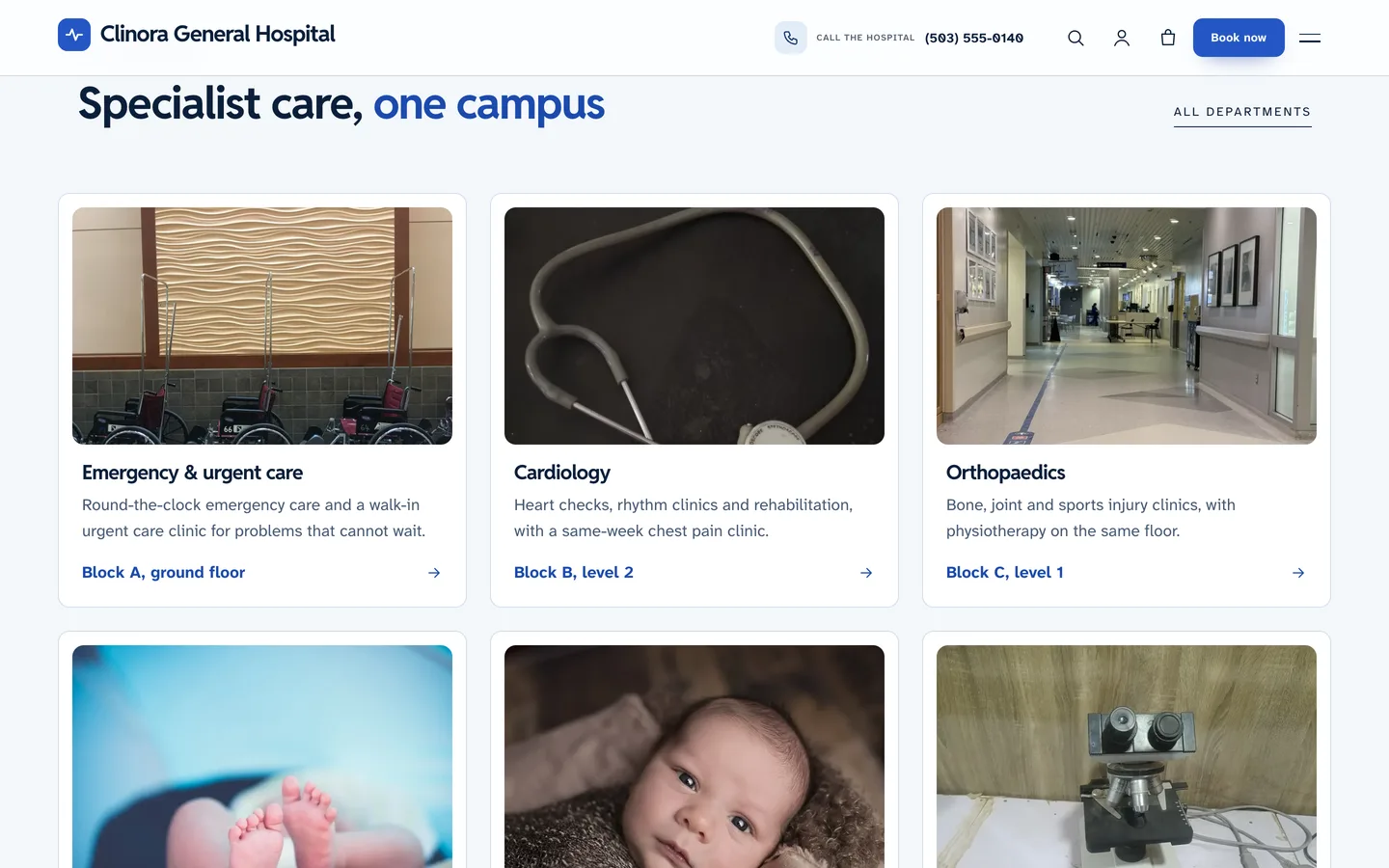
 Departments — ten department cards with a photo, a one-line summary and where to find them, each opening its own page.
A hospital WordPress theme with a doctor finder and OPD timetables: DEV3 Clinora
Last updated
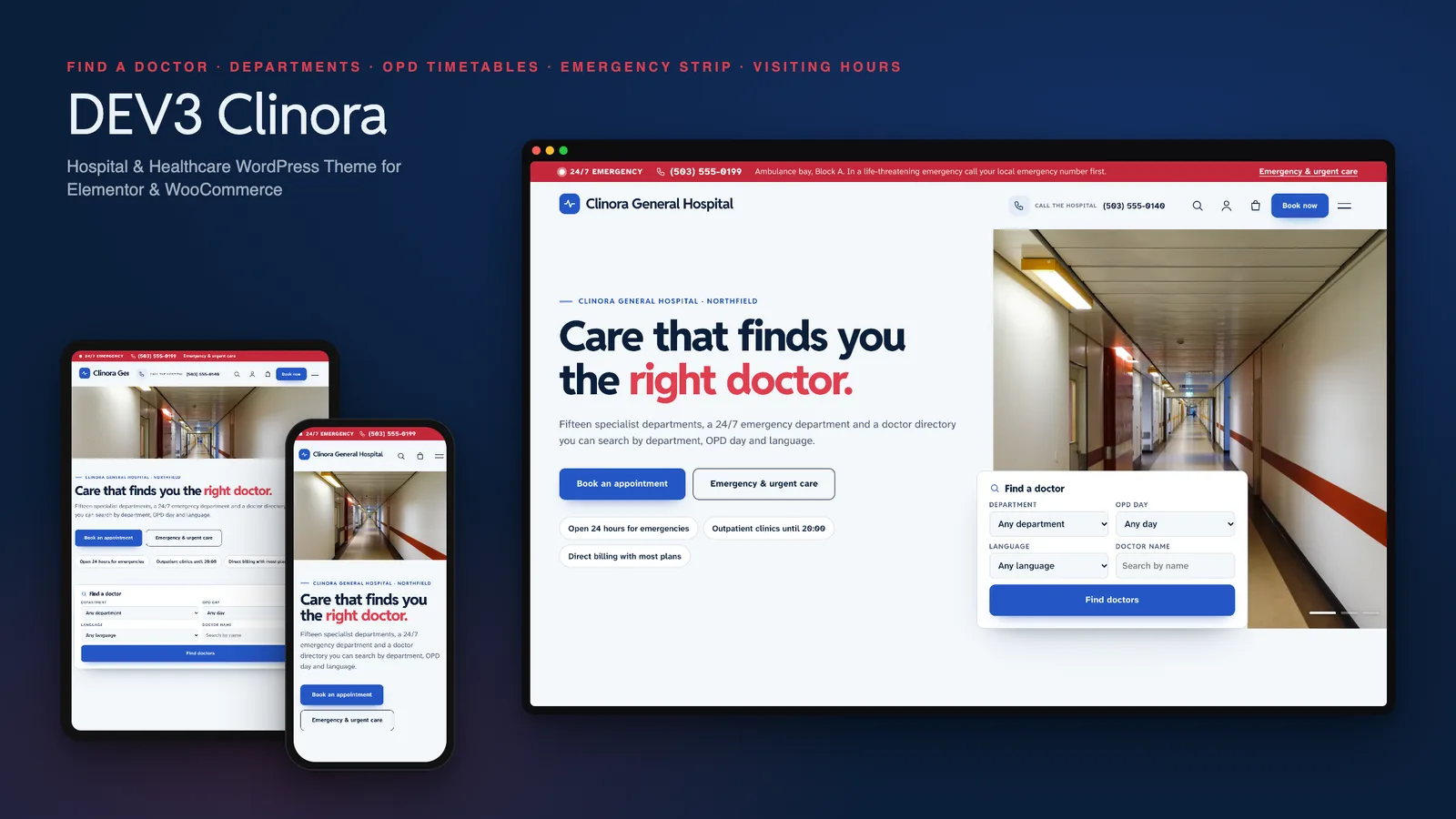
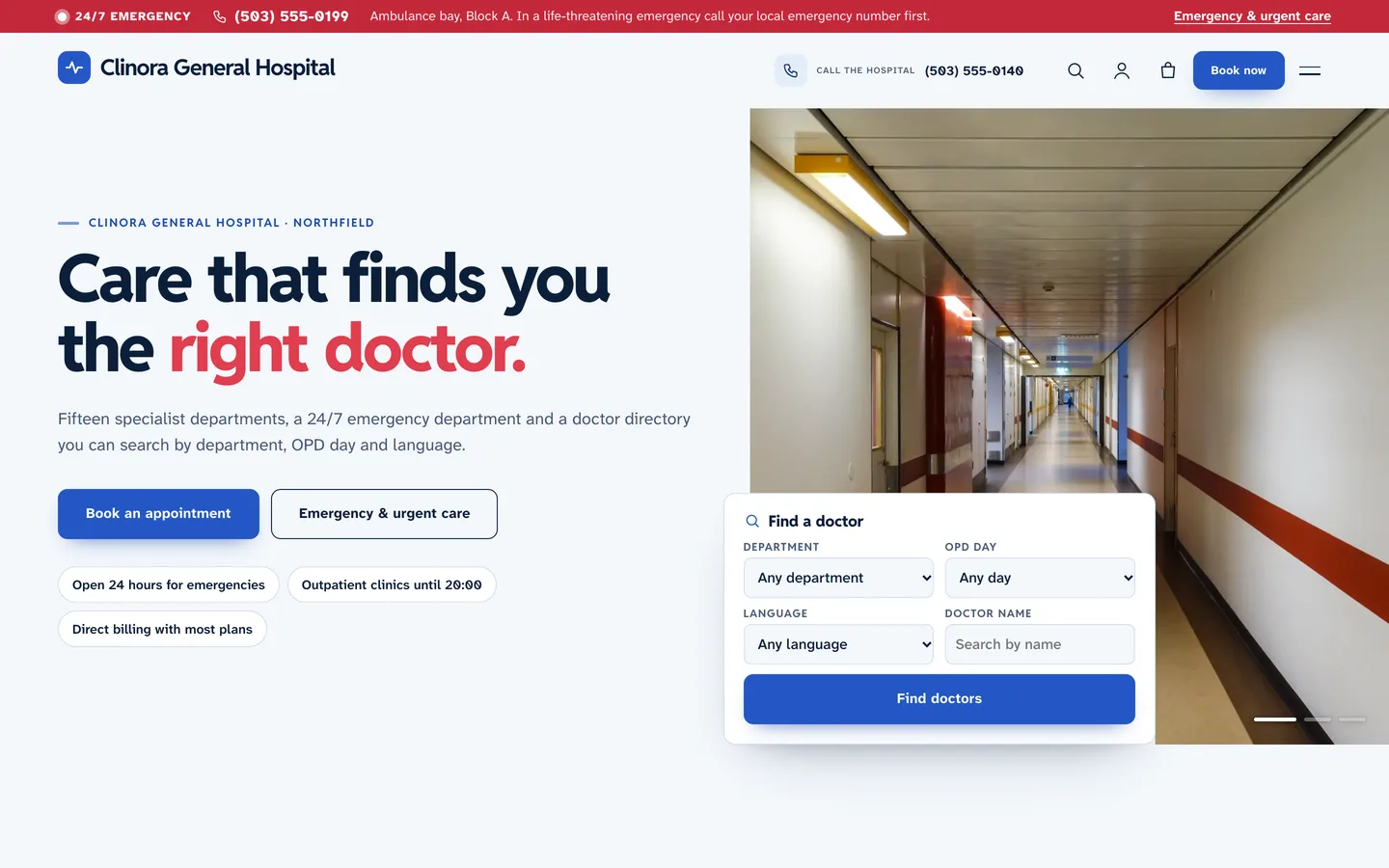
A hospital website is used by people who are worried, tired or in a hurry, and they arrive with the same few questions: which doctor, which day, where do I go, when can I visit, and what do I do if it is urgent? A hospital WordPress theme should answer those first. DEV3 Clinora is built around them: a Find a doctor card in the hero, a doctor directory that shows each doctor's outpatient days at a glance, a red 24/7 emergency strip on every page, and visiting hours that say whether visiting is open right now. This post covers who Clinora suits, how to set it up, and how it stays careful with medical content.
Who Clinora is for
- General and multi-specialty hospitals with ten or more departments and a long doctor list.
- Medical centres and day-surgery clinics that need a department and doctor directory without a custom build.
- Group practices where patients choose by day and language as much as by specialty.
If you run a single-doctor practice, a lighter clinic theme will be simpler. Clinora earns its place when there are many departments and many doctors to find.
Find a doctor, in one card
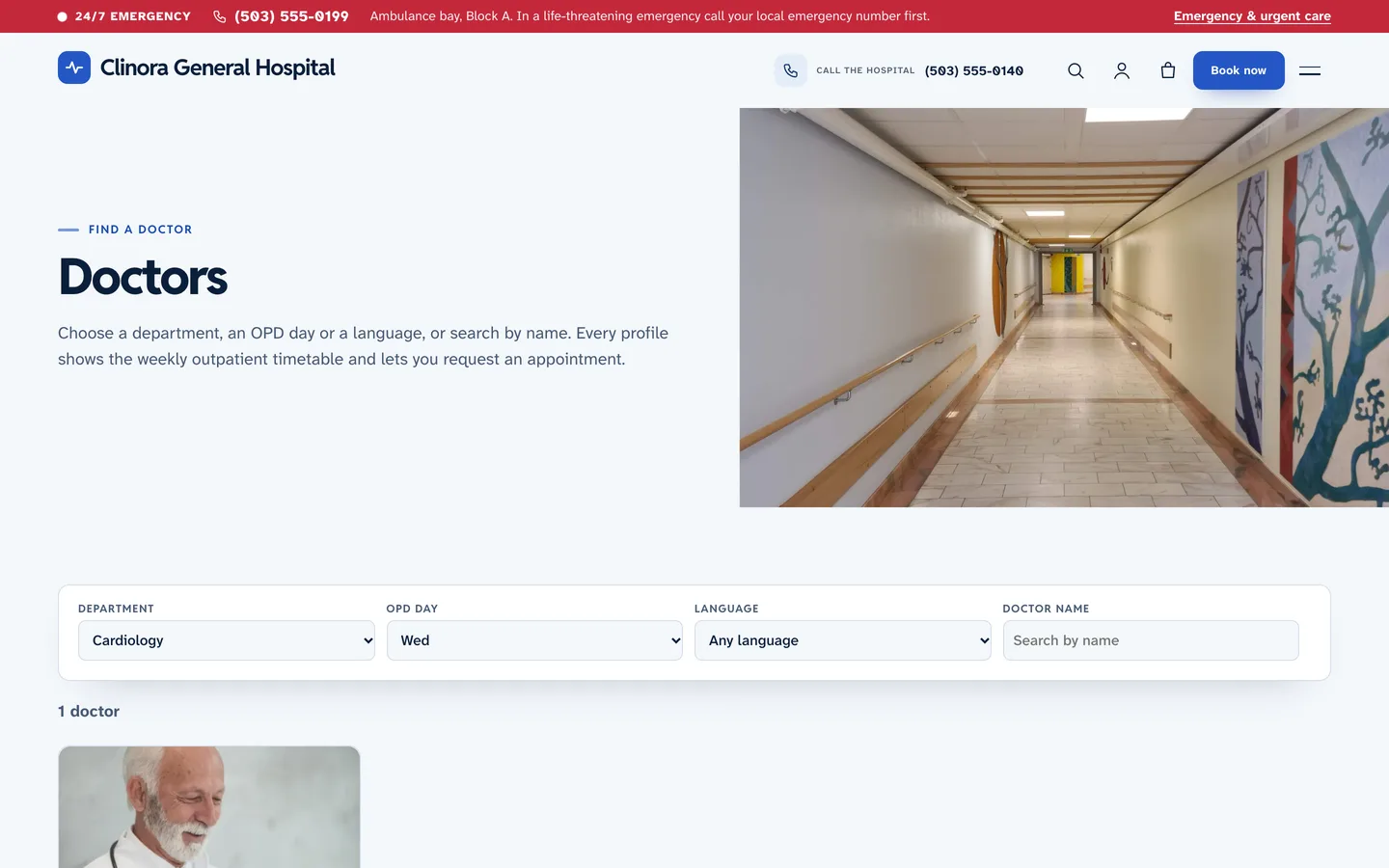
The card in the hero searches by department, OPD day, language and name. It is a plain GET form that opens the doctor directory, so it works without JavaScript, and every result has a shareable link such as /doctors/?cln_dept=cardiology&cln_day=3. On the directory page the cards filter as you type.
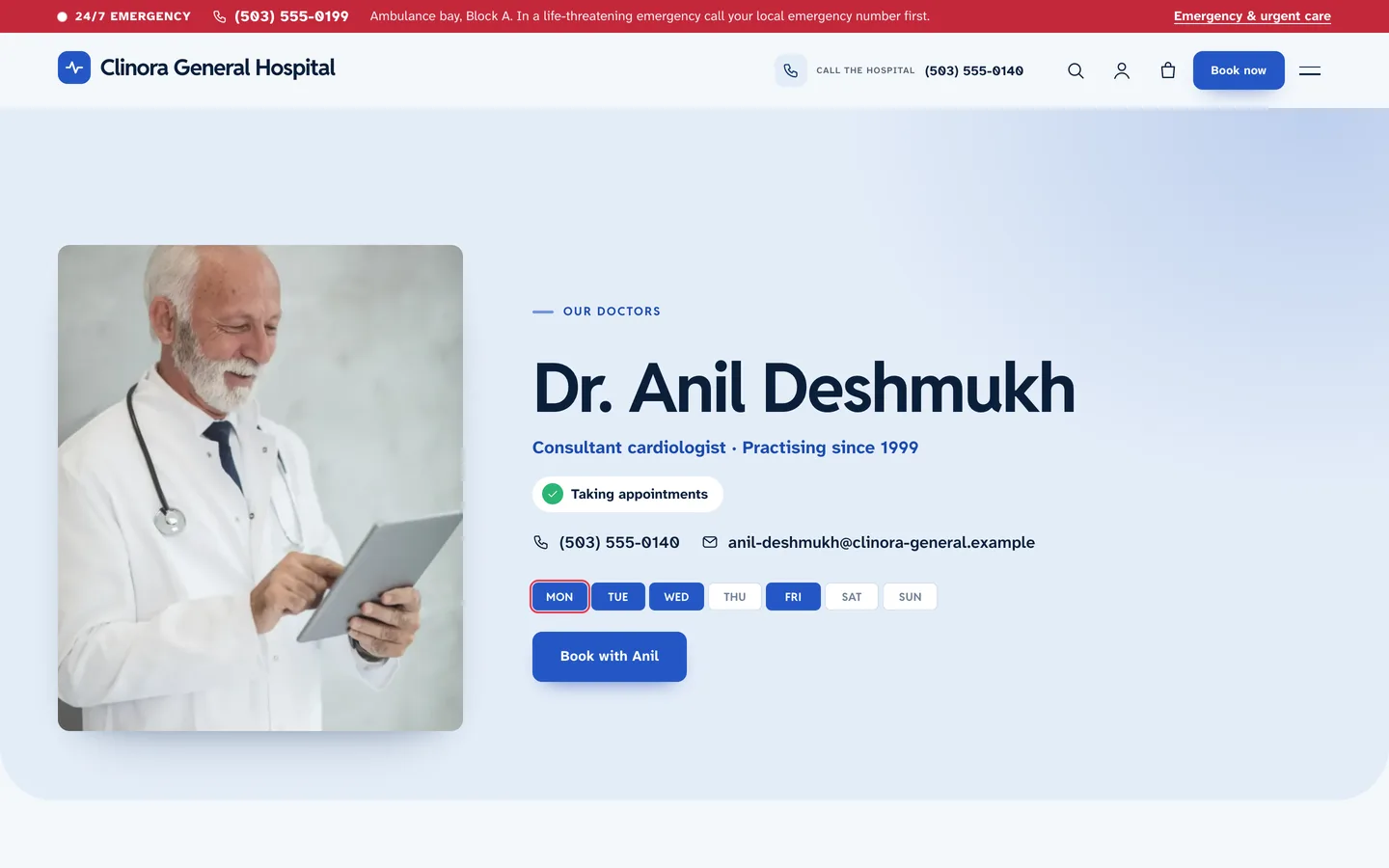
OPD weekday chips
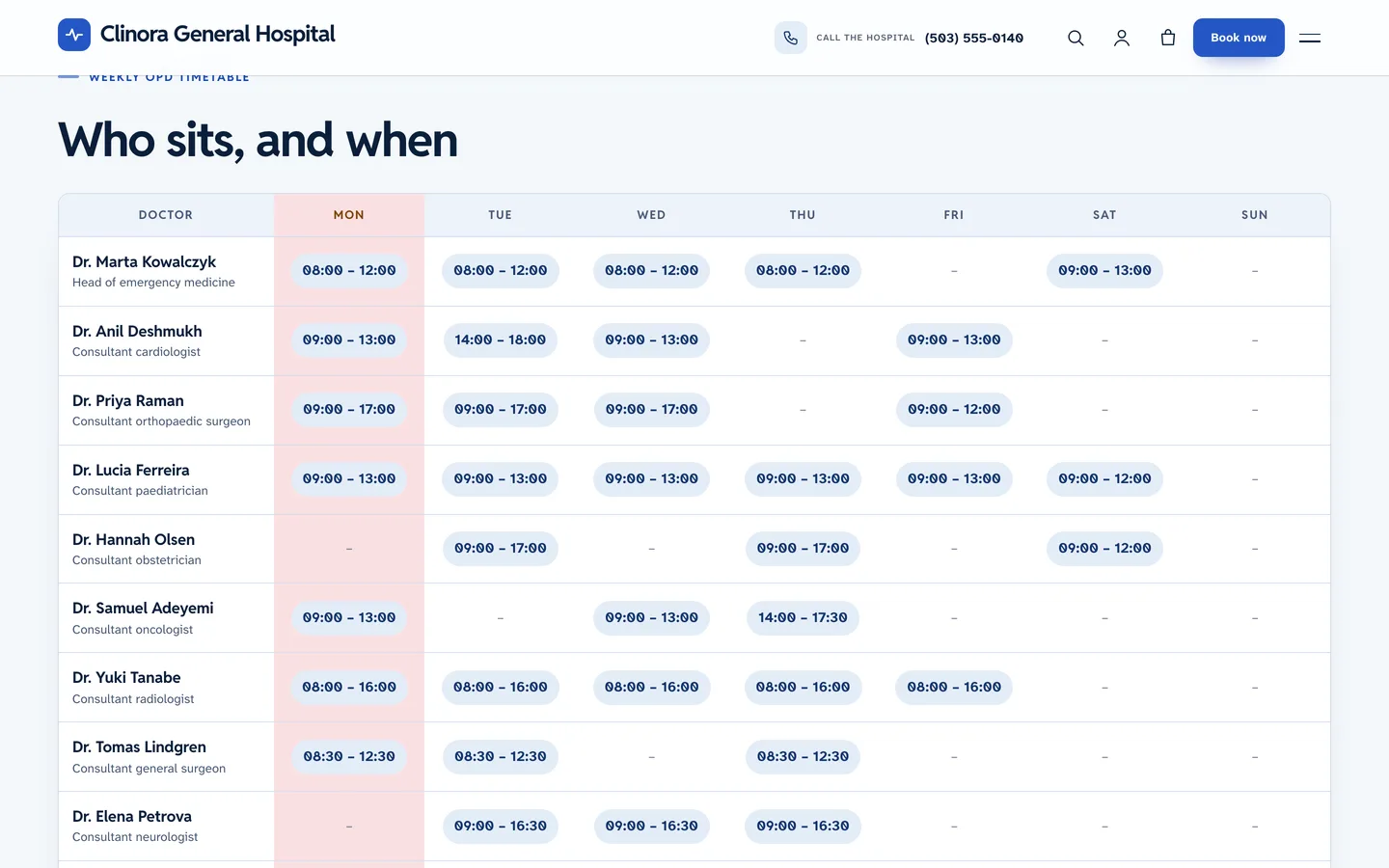
Each doctor's timetable is one line per pattern: Mon,Wed,Fri 09:00-13:00 | Room 12. That single field produces the row of seven day chips on cards and profiles (today is ringed), the weekly OPD timetable and the day filter.
Departments that answer the practical questions
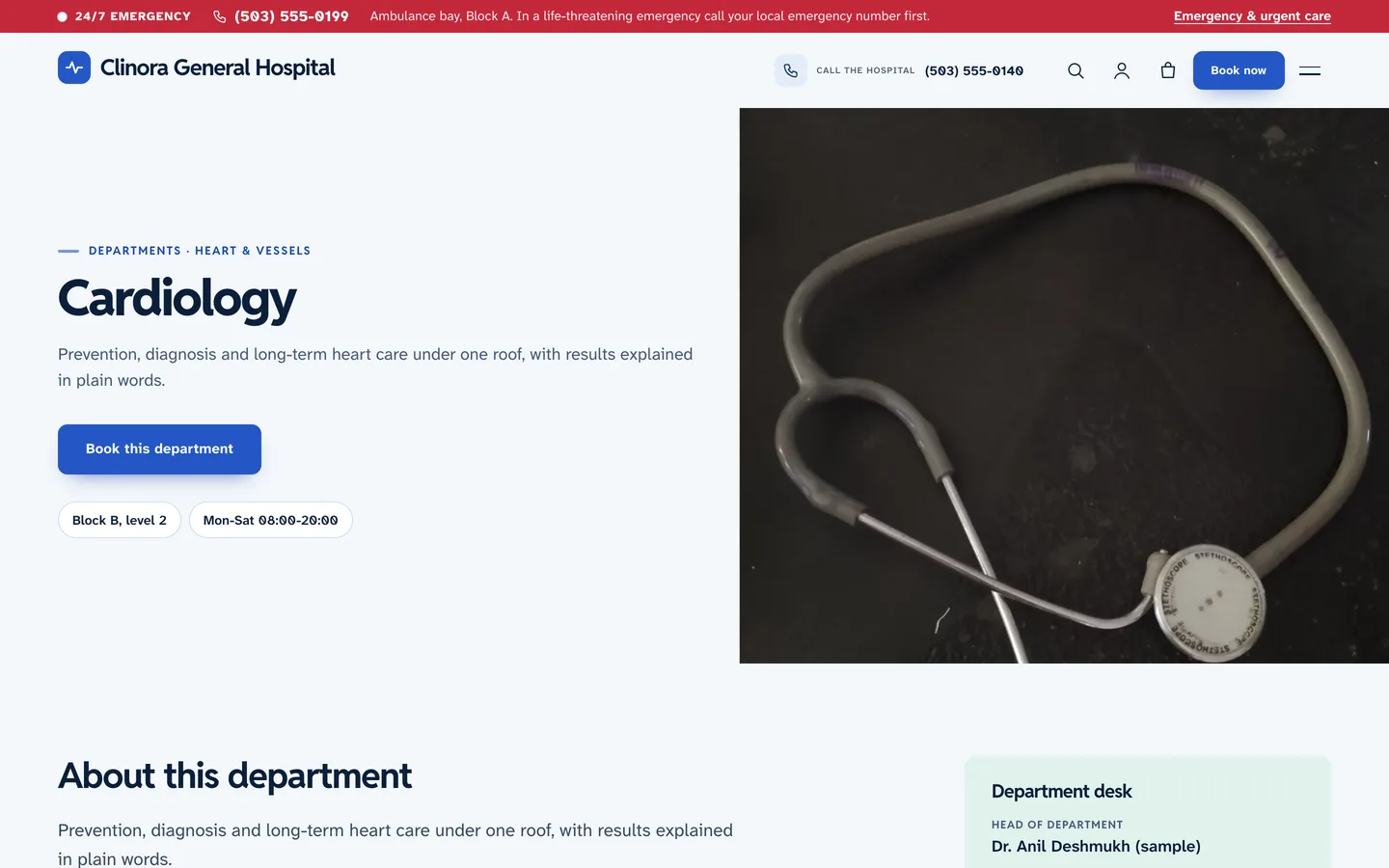
Each department page has a desk with the head, location, OPD hours and helpline, then the conditions treated, what to expect at a first visit and FAQs, with the doctors who sit there.
The emergency strip and visiting hours
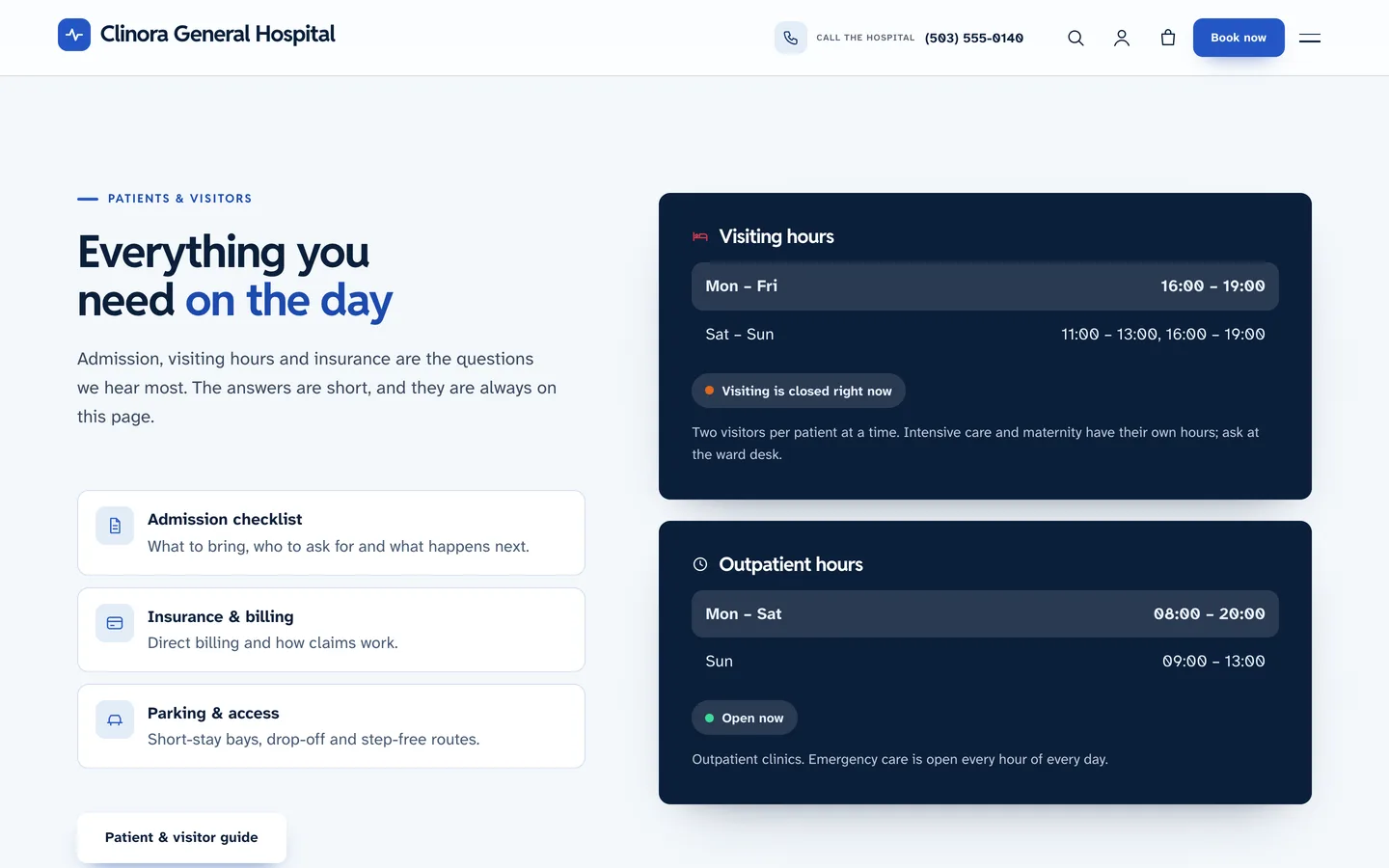
Set the emergency number, a one-line note and your emergency page link in Appearance → Customize → Clinora: business details, and a red strip appears above the header on every page. Outpatient hours and visiting hours use the same simple lines and show an open or closed status.
Careful with medical content
Clinora has a Health disclaimer setting that prints in the footer and under every results panel, estimator and patient story. The demo marks every figure and credential (sample), has no patient photos and makes no medical claims. Doctors without a portrait get an initials tile, so you never need a placeholder face. Your own medical content, and its review, are your responsibility.
Packages, talks and the shop
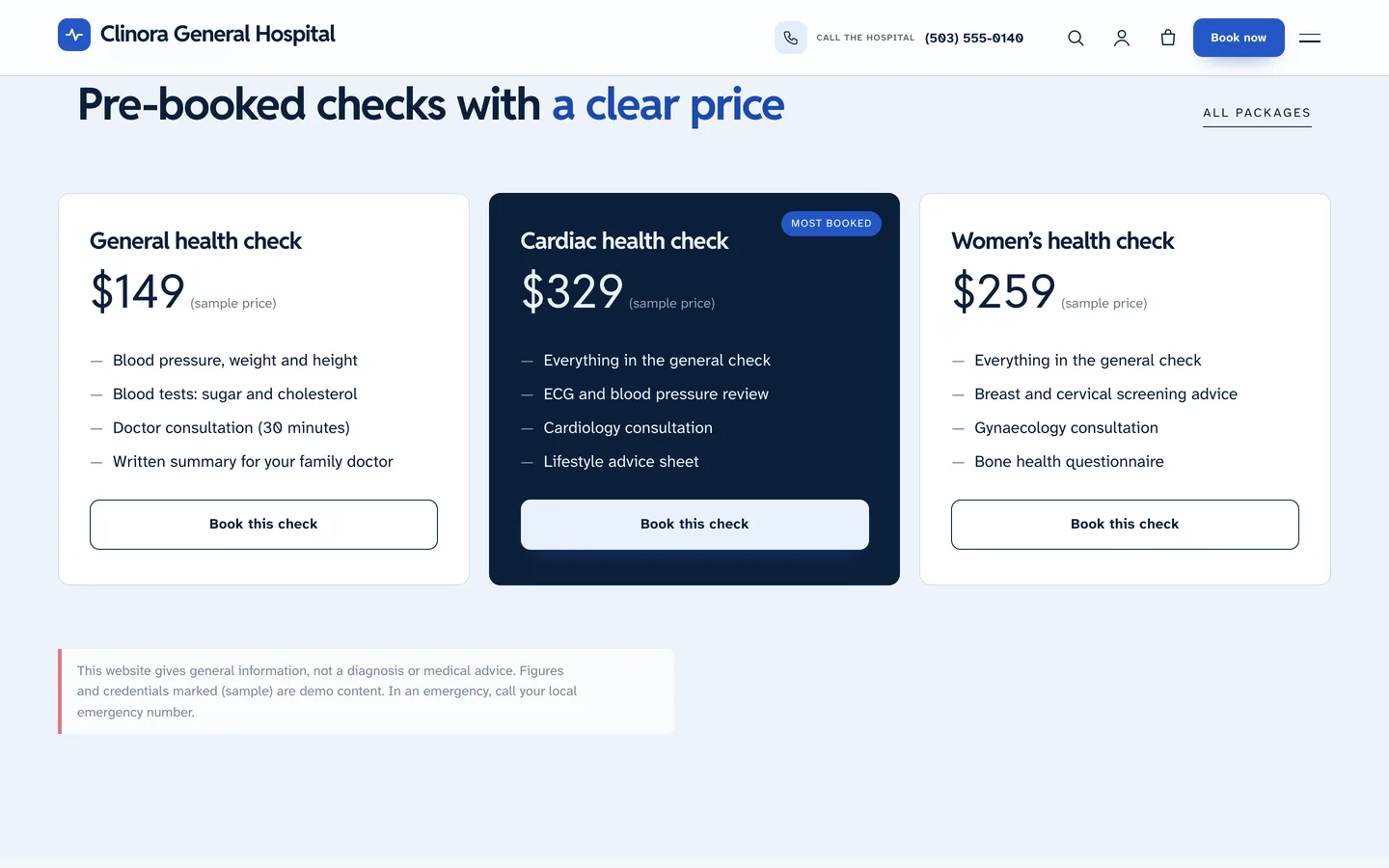
Pre-booked health checks appear as pricing cards and as virtual WooCommerce products, and a Health talks type lists upcoming evenings with dates and venues.
Setting it up
- Install the theme and the DEV3 Theme Toolkit plugin, then import the demo from Appearance → DEV3 Demo.
- Replace the departments and doctors with yours, and write each doctor's OPD timetable.
- Fill in the emergency number, hours, visiting hours and the Health disclaimer in the Customizer.
- Edit pages in Elementor (the free version works) or the block editor, using the 30+ patterns and the
{clinora:finder},{clinora:doctors}and{clinora:week}tokens.
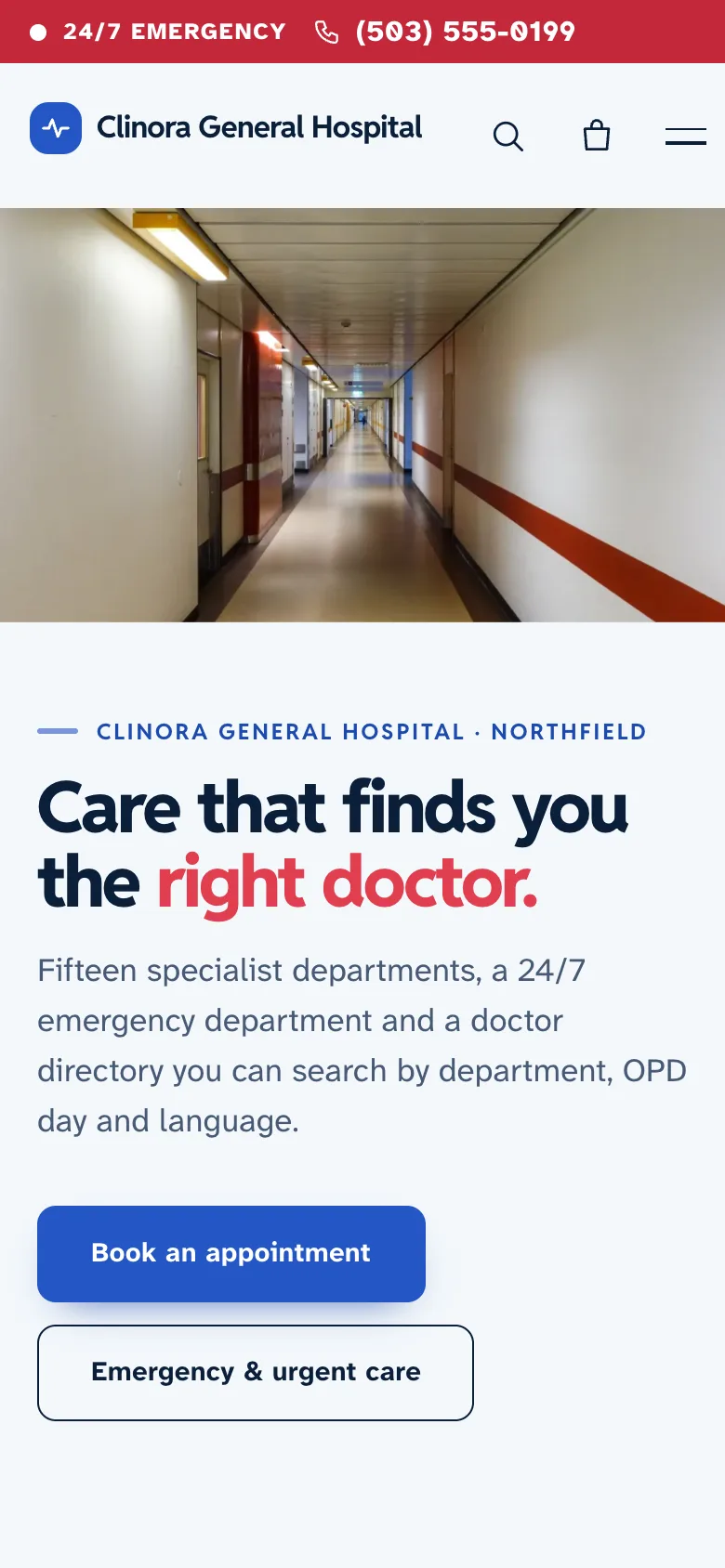
On phones the hero photo becomes a banner and the finder card drops below it.
Clinora includes a child theme, a one-click demo, Hospital and Physician structured data and six months of support.