Enterprise SaaS Startersv1.0.0
Inventra – Multi-tenant Inventory Management & ERP (Next.js + MongoDB)
Next.jsReactNode.js+2
(0)
0 salesUpdated 6d ago
from
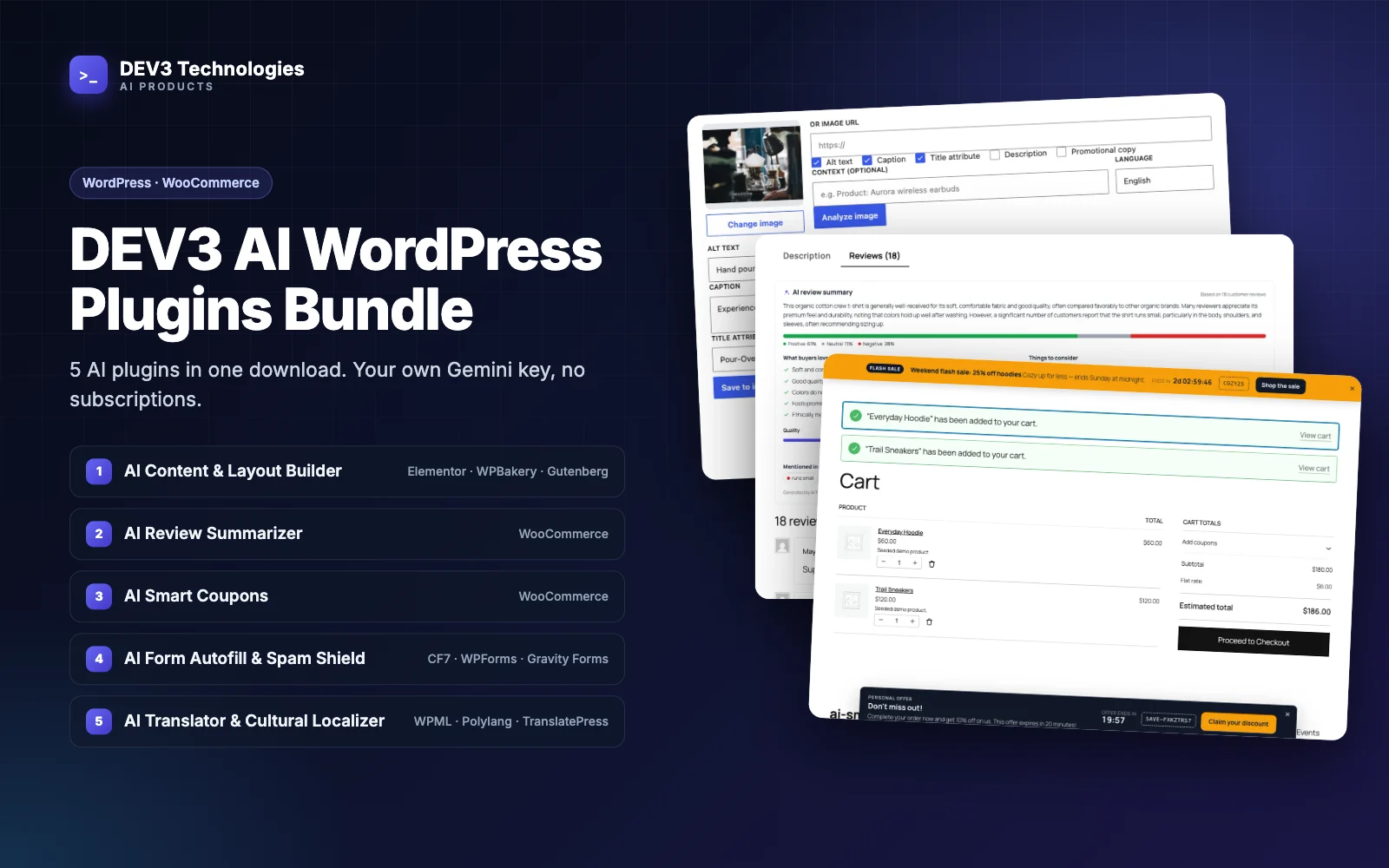
$29WordPress plugin: AI translation adapted per market (formality, units, idioms, glossary), with a translation memory that re-sends only the paragraphs you changed, for Polylang, WPML and TranslatePress.
WordPress plugin: AI translation adapted per market (formality, units, idioms, glossary), with a translation memory that re-sends only the paragraphs you changed, for Polylang, WPML and TranslatePress. Free download: sign in and click Download ZIP. Add your own Google AI Studio (Gemini) API key to switch on the AI features; the documentation says which features work without one.
We built a translation pipeline that treats content as segments, not pages, and remembers every segment it has translated.
<1>link</1>), so the AI never sees URLs, classes or attributes. Translatable attributes (alt, title, placeholder, aria-label, button values) and whitelisted block-comment attributes become their own segments. Rendering a document with no translations reproduces the input byte for byte.sha1 of its whitespace-normalized, placeholder-masked source) per locale pair. On a sync, hits are reused and only new or changed segments are sent, batched into one structured-output request.machine, review, approved or human. An AI write never replaces a human entry, a forced re-translation skips human and approved segments, and a translation post edited directly in WordPress is detected by fingerprint and left alone.pll_* API, join WPML translation groups through WPML's public hooks, or, for TranslatePress, write strings into its dictionary using its own parser and query classes, with paragraphs that contain links registered as translation blocks.Post_Document builds a document from title, content, excerpt, slug, SEO fields (Yoast SEO and Rank Math), WooCommerce attributes, custom fields and terms. Sync_Engine resolves segments against the translation memory, calls the Translator (the Google Gemini API, gemini-2.5-pro by default) for the rest, and passes the rendered values to Post_Writer or the TranslatePress backend. Bulk jobs run in a background queue (Action Scheduler or WP-Cron) with a cost estimate, and saving a translated source post queues a delta sync automatically. A shared core used across DEV3's plugins provides the API client, encrypted key storage, usage logs and licensing; the admin UI is React.
0 salesUpdated 6d ago
from
$290 downloadsUpdated 4d ago
0 salesUpdated 6d ago
from
$290 salesUpdated 6d ago
from
$290 downloadsUpdated 2h ago
0 downloadsUpdated 2h ago
0 downloadsUpdated 2h ago
0 downloadsUpdated 2h ago