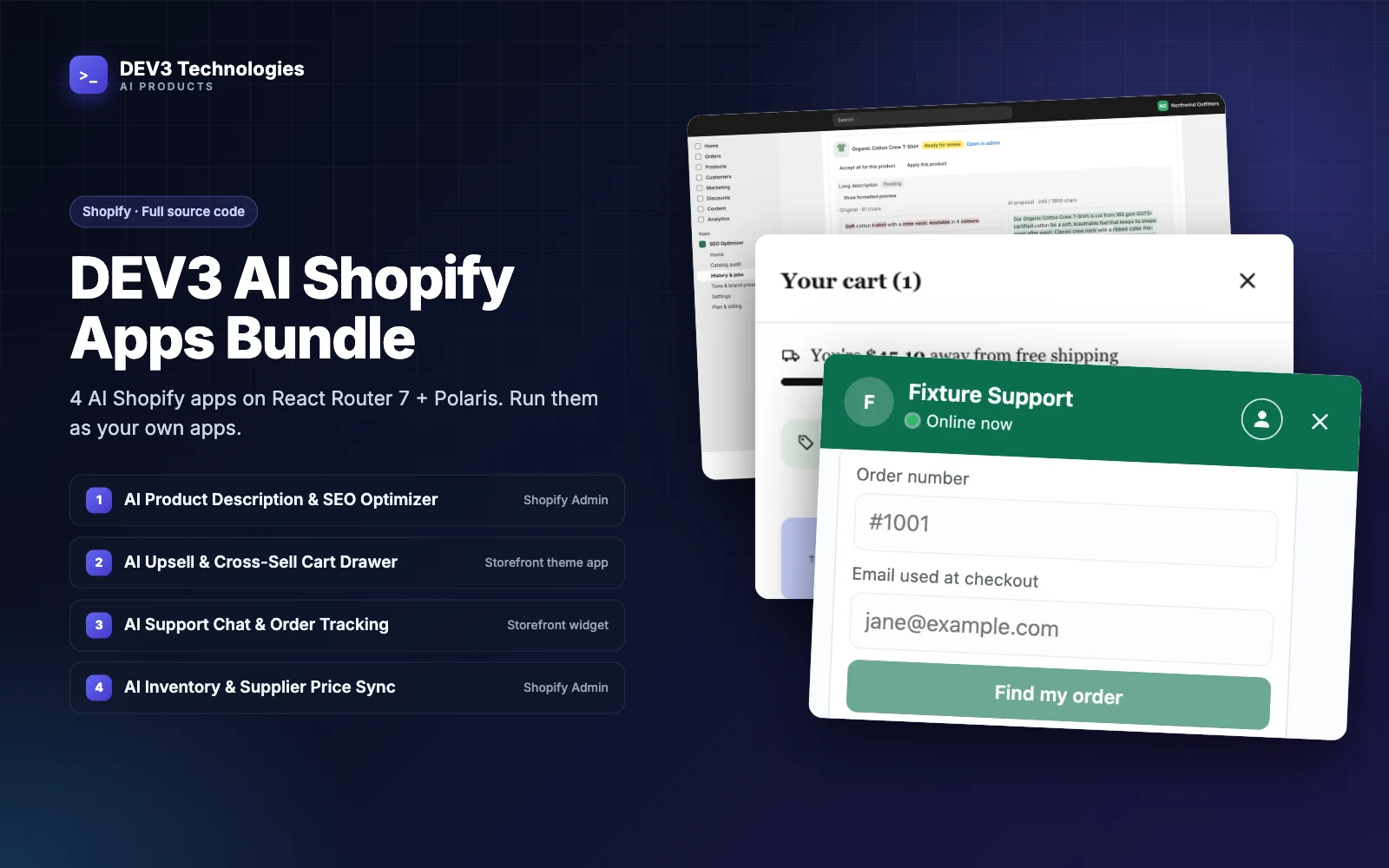
Most Shopify stores run on rented apps. You install from the App Store, approve a monthly charge, and someone else keeps the servers up, ships the updates and answers support tickets. Buying an app's source code and running it yourself is the other option, and it's more common among agencies and multi-store merchants than it used to be. It can be the right call. It also comes with responsibilities that are easy to underestimate.
This guide is an honest build, buy or own comparison for Shopify merchants and agencies. It's grounded in what the four apps in the DEV3 AI Shopify Apps Bundle actually need to run, so the trade-offs are concrete rather than theoretical: hosting, background workers, databases, updates, data ownership, AI usage and customisation.
Three ways to get an app
| Option | What you get | What you take on |
|---|---|---|
| Rent (monthly app subscription) | A working app, hosted, updated and supported by the vendor | A recurring charge per store; the vendor's roadmap, data policy and pricing changes |
| Build (from scratch) | Exactly what you want | The full design, build and test effort, then everything under "own" |
| Own (buy source code) | A complete, tested codebase you run under your own Partner account | Hosting, workers, databases, updates, monitoring and support |
Owning sits between the other two. You skip most of the build effort, but from the day you deploy you're the app vendor.
What the four apps need to run
The bundle is a TypeScript monorepo with four apps and shared packages, built on Shopify's React Router 7 app template and Polaris web components:
- AI Product Description & SEO Optimizer: catalogue audit, bulk AI copy with dry-run review and 30-day rollback.
- AI Upsell & Cross-Sell Cart Drawer: a slide-out cart with AI-picked add-ons, bundles and a checkout Discount Function.
- AI Support Chat & Order Tracking Assistant: order tracking for verified customers, answers from the store's own pages, and hand-off to email, Zendesk or Gorgias.
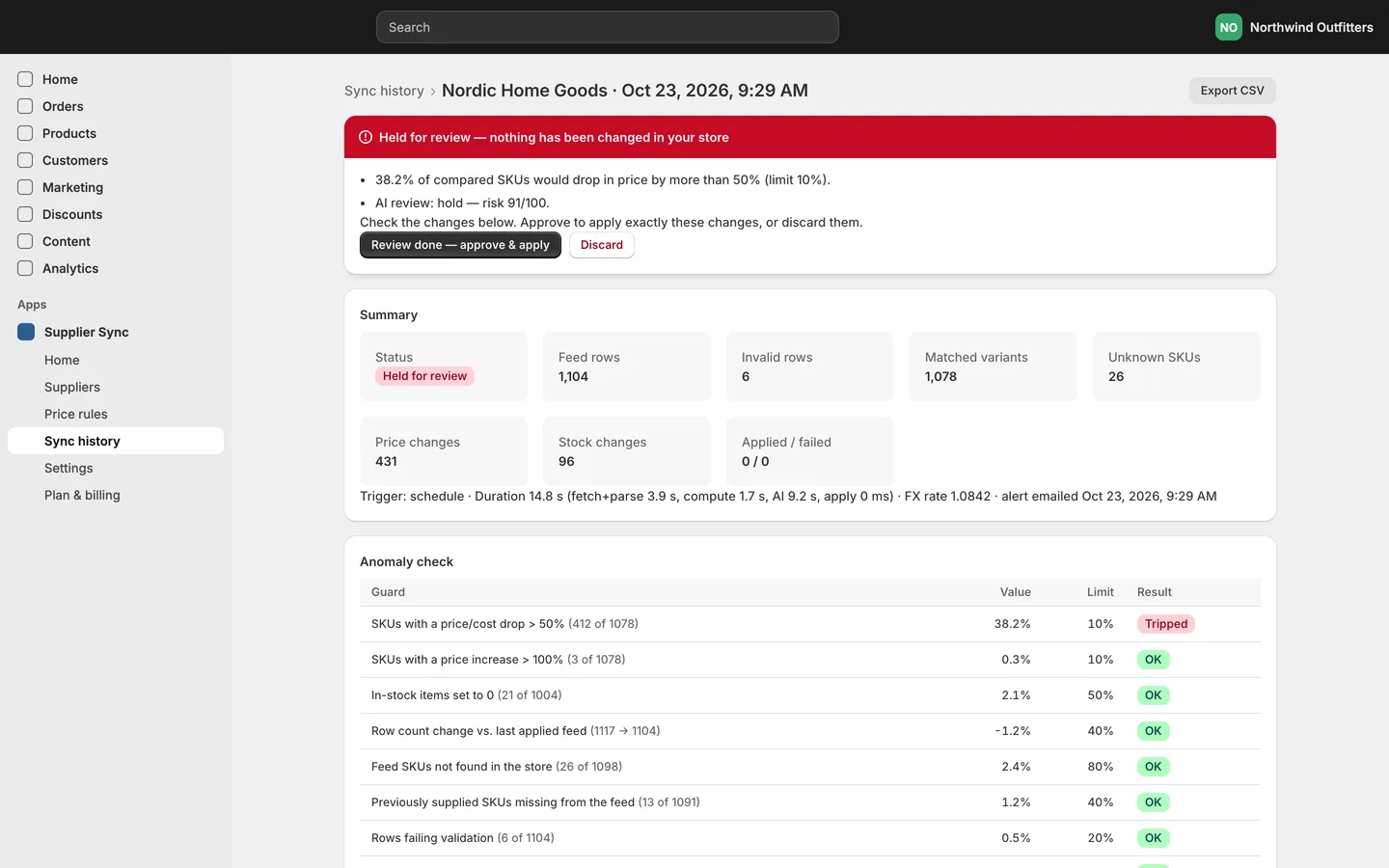
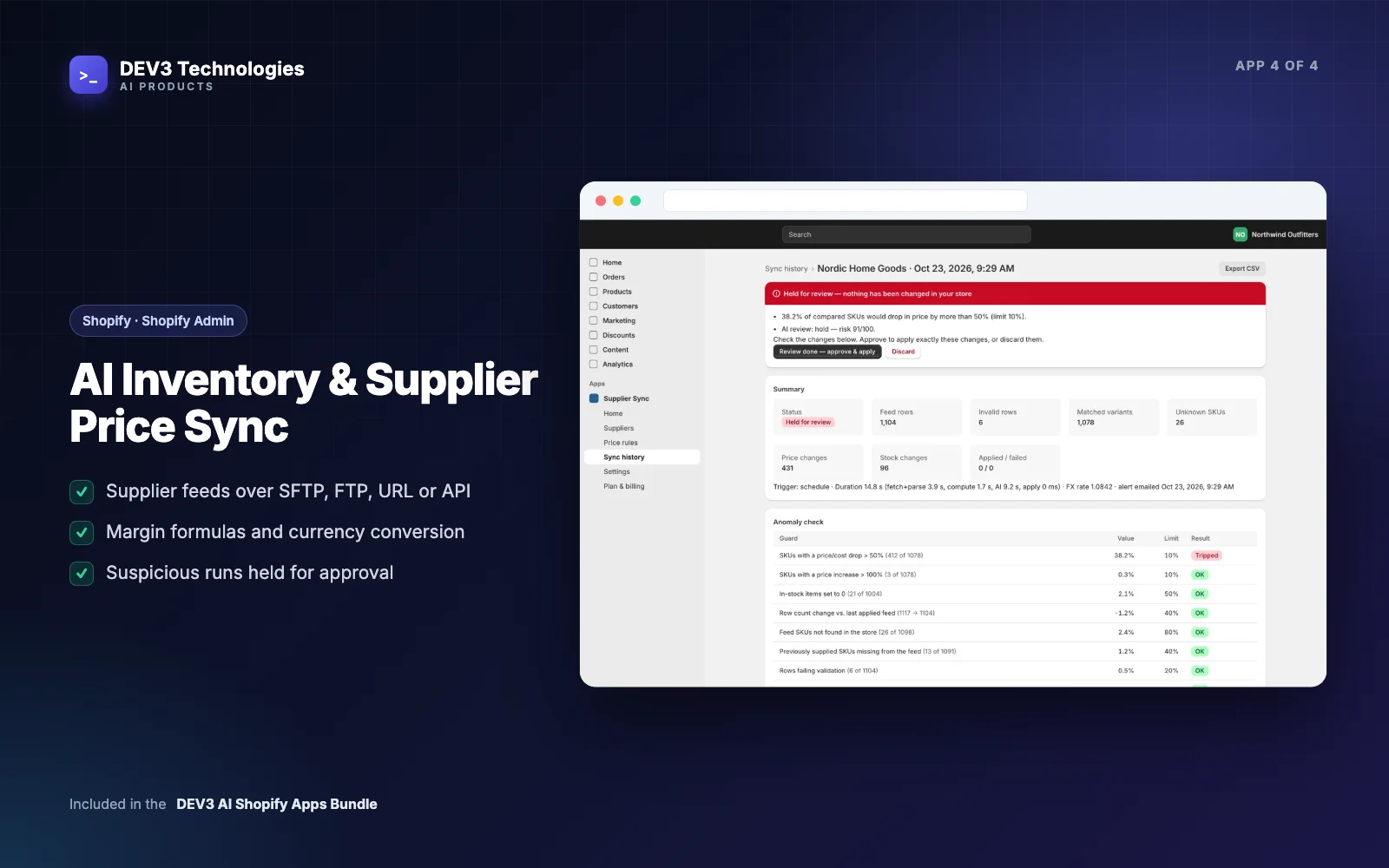
- AI Inventory & Supplier Price Sync: supplier feeds over URL, FTP/FTPS, SFTP or a REST API, with guards that hold suspicious runs for approval.
Each app needs the following, counted from its own package.json, Dockerfile and configuration:
| Requirement | What it means for you |
|---|---|
| A web process | Serves the embedded admin, OAuth, webhooks and storefront App Proxy routes. Needs public HTTPS. |
| A worker process | Runs scans, bulk jobs, syncs, re-ingests and retries from a BullMQ queue. Separate from the web process. |
| PostgreSQL | One database per app. The support chat app also needs the pgvector extension for its knowledge base. |
| Redis | Job queues, caches and rate limits. |
| Node.js 22.12+ | Or the included Dockerfile, which runs migrations and then starts the app. |
| A Shopify Partner app | You link each app to your own Partner Dashboard app and deploy its extensions. |
| An AI provider key | Billed to you directly, by usage. |
| An encryption key | Encrypts stored secrets such as supplier passwords and helpdesk tokens. |
Run all four and you're looking after eight processes, four databases and a Redis instance. Managed Postgres and Redis keep that manageable, but it's still real infrastructure.
The responsibilities, one by one
Hosting and uptime
With a rented app, an outage is the vendor's problem. With your own, it's yours. Some parts of the code are built to degrade rather than fail. The cart drawer's storefront Redis client gives up fast, so a Redis outage means "no cache", not a broken cart. If the AI ranking fails or times out, the drawer falls back to rule-based ranking. If the support chat can't find a relevant passage, it says it doesn't know without calling the AI. Those protect shoppers, but someone still has to notice the outage and fix it.
Background workers
This is the requirement buyers miss most often. The web process can look perfectly healthy while nothing gets done, because the work happens in the worker:
- SEO Optimizer: scan, generate, commit and maintenance queues.
- Cart Drawer: catalogue full syncs, product refreshes after webhooks, discount republishing and a daily analytics prune.
- Support Chat: knowledge-base ingest, a daily re-ingest of every installed shop (the Admin API has no webhook for page or policy changes) and retries for failed hand-offs.
- Inventory Sync: each supplier's sync schedule.
Monitor the workers as closely as the web apps. A stopped worker means supplier prices stop syncing and nobody gets an error.
Updates and API versions
The apps target Shopify Admin API version 2026-10. Shopify releases new API versions on a regular schedule and retires old ones, so an owned app needs a version bump and a retest from time to time. The same goes for the Discount Function's API version, theme app extensions, Polaris and the npm dependencies.
When DEV3 ships a new version, you merge it into your copy, keep your .env files and linked client_id, run the migrations and redeploy. If you've customised the code heavily, merging takes longer. That's the real cost of customisation.
Data ownership and privacy
This is where owning really pays off. Every table lives in your Postgres, under your control:
- Each app stores data per shop and implements Shopify's three compliance webhooks.
shop/redactdeletes every row for that shop after uninstall. - Three of the four apps store no customer data. The cart drawer's analytics use a salted, truncated hash of Shopify's anonymous browser ID, and its web pixel only runs when the shopper's consent allows analytics.
- The support chat app does store conversation data, including the email a customer typed to verify an order, and it handles
customers/redactfor it.
What goes to the AI provider is limited and documented in each app's docs. For example, the cart drawer sends product titles, types, tags and prices, not shopper data, and the inventory reviewer sees aggregated statistics plus up to 15 of the largest changes, not the full feed. With a rented app you rely on the vendor's privacy page. With the source, you can read the code that builds each request.
AI usage
Rented AI apps bundle AI costs into the subscription and cap usage by plan. With your own copy, you pay the AI provider directly for what you use. Each app logs token usage per shop, and every plan in app/lib/plans.ts has usage limits, such as products optimised or AI reviews per month. If you run the apps only for your own stores, review those limits; the free plan is deliberately capped.
Security
You're responsible for keeping secrets safe. The code helps: storefront endpoints are App Proxy routes with verified HMAC signatures and rate limits, webhooks are HMAC-checked, and supplier and helpdesk credentials are encrypted with AES-256-GCM. Never change the encryption key after launch, or stored credentials become unreadable. Keep .env files out of version control and rotate access when staff leave.
Support
When a merchant's sync fails at 2 a.m., there's no vendor queue to join. Each app has a merchant guide you can adapt for your own help pages, but first-line support is yours, or a partner's.
Customisation: why people own
The main reason to own is that you can change anything:
- Your brand. Rename the apps (Shopify needs names under 30 characters), restyle the admin and the storefront widgets.
- Your rules. Change the inventory guard thresholds, add a price-rule type, change how the upsell candidates are scored, or add a helpdesk the support chat doesn't support yet.
- Your plans. Set your own plans and limits in each app's
plans.ts, through Shopify's Billing API. - Your integrations. Connect to an ERP, a PIM or an internal reporting database directly, because the data is already in your Postgres.
The codebase is set up for this. Shared helpers for Shopify calls, queues, billing, AI and encryption live in packages/, and the test suites give you a safety net. Counting the it() and test() cases in the test files gives 240 across the four apps (62 cart drawer, 80 inventory sync, 48 SEO optimiser, 50 support chat) and 22 in the shared packages.
Which option fits you?
Rent if:
- you run one store with standard needs
- nobody on your team or retainer can run Node, Postgres and Redis
- you want someone else to answer support at any hour
Own if:
- you're an agency installing the same apps on many client stores
- you need custom rules, branding or integrations a vendor won't build
- data residency or a privacy review means you need to read the code and control the database
- you already run servers, or pay someone who does
Build from scratch if:
- your process differs so much that even an adapted codebase would be mostly rewritten
For the agency route in detail, linking, hosting and onboarding client stores, see how a Shopify agency can run its own AI apps for client stores. For where each app type earns its keep, see AI for Shopify stores.
A pre-purchase checklist
- Who will host the web apps and workers, and who gets alerted when one stops?
- Which managed Postgres (with
pgvectorfor support chat) and Redis will you use? - Who owns the Shopify Partner account the apps are linked to?
- Who will apply API version updates and DEV3 releases?
- How will you watch AI usage per shop?
- Who answers merchant support questions?
- Have you read each app's data-handling notes against your privacy policy?
Where to go next
Owning Shopify app source code swaps a monthly charge for control over your data, rules and roadmap, at the cost of running the apps yourself. The DEV3 AI Shopify Apps Bundle gives you four complete apps to start from, and DEV3 can install, host or customise them for you. The supplier sync case study shows what one of those workers does in practice.