
Web Scripts & Software
DEV3 Hide Text in Image (Steganography) & Reveal — Source Code (React + Tailwind)
from $20$29
Loading…
Developer tool
Free, no sign-up. Runs in your browser; nothing is uploaded. Buy the source code: $29 Regular / $69 Extended
Choose a cover image (or press Try an example) to start. Your image never leaves this page.
JPEG and WebP save space by rounding colours, which rewrites the very bits that carry the message. PNG keeps every pixel exactly. The tool re-reads the PNG it just made to prove the message survived before it lets you download.
Need Hide Text in Image (Steganography) & Reveal built into your own product? We build it as a full app, API and admin included. Built in about a week, from $99. Send your requirements or SOW; you get a fixed quote and a delivery date.
The hide text in image (steganography) & reveal stays free to use online. If you want the code to run, edit and ship in your own project, get the full source from the DEV3 Marketplace. Instant download, 6 months of support.
Skip the build: ready-made apps with the code included. Buy once, own the source, and try each one live first.
Web Scripts & Software
from $20$29
Enterprise SaaS Starters
from $69$99
Enterprise SaaS Starters
from $69$99
Enterprise SaaS Starters
from $69$99
Enterprise SaaS Starters
from $69$99
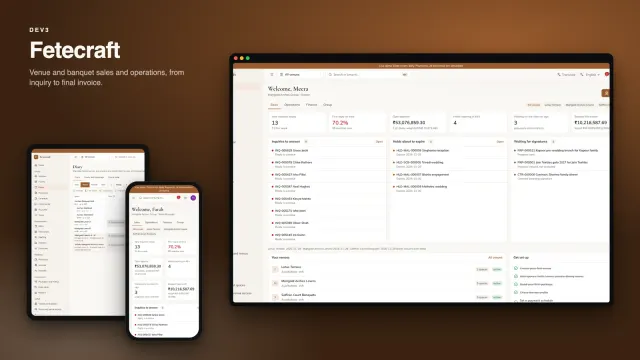
Enterprise SaaS Starters
from $69$99
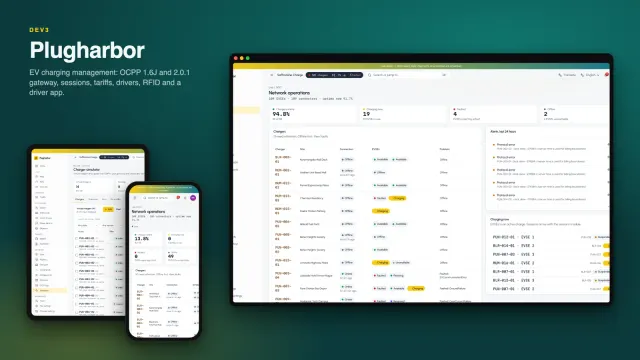
Enterprise SaaS Starters
from $69$99
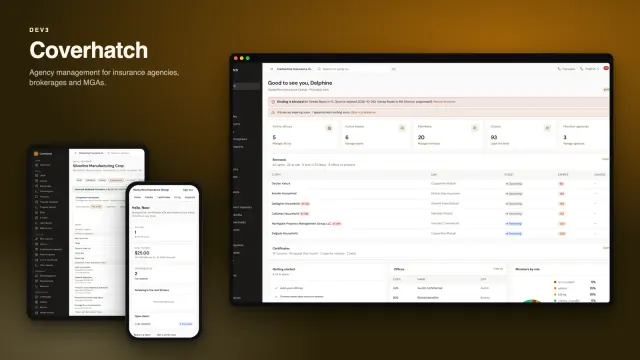
Enterprise SaaS Starters
from $69$99
Steganography hides the fact that a message exists. This tool uses the classic least-significant-bit (LSB) method on the pixels of a PNG, and can encrypt the message first so it stays unreadable even if someone suspects it.
Open the Reveal tab, drop the PNG and enter the password if there is one. The tool reads the header, extracts the bytes, decrypts them and shows the text or offers the file to save. A wrong password and a damaged image give different messages so you know what to fix.
The Detect tab runs the Westfeld-Pfitzmann chi-square attack. LSB replacement makes the counts of value pairs (2k and 2k+1) equal, so a plain camera photo scores low and an image full of embedded data scores high. The chart shows the score for growing parts of the image, since embedding starts at the top.
The first 88 bits hold a header: the marker DV3S, a version, flags (encrypted, text or file, bit depth) and the length. Then the body follows at the chosen bit depth, most significant bit first. Alpha is not used, and transparent pixels are made opaque, because browsers change colour values under transparent pixels.
Every pixel stores red, green and blue values from 0 to 255. Changing the last bit of a value shifts the colour by 1 out of 255, which the eye cannot see. The tool writes your message into those last bits, one after another, and puts a short header in front so the Reveal tab knows where it starts and how long it is.
PNG is lossless, so every pixel comes back exactly as saved. JPEG and WebP compress by rounding colours, which rewrites the last bits and destroys the message. Messengers and social networks often re-compress pictures too, so send the file as a document or attachment, not as an inline photo.
Hiding is not locking. Anyone who knows to look can read an unencrypted message. Add a password and the text is encrypted first with AES-256-GCM, with a key made by PBKDF2-SHA256 (600,000 rounds, the OWASP minimum as of 2023), so without the password the bits are random noise. Pick a long passphrase.
At 1 bit per colour channel you get about 3 bits per pixel, so a 1920 by 1080 picture holds roughly 770 KB. The capacity meter shows the exact figure. Using 2 or 3 bits per channel stores more but adds visible noise and is easier for a detector to spot.
It runs a chi-square test that finds the common LSB replacement method, which is what this tool uses. It cannot find other methods, and noisy photos can trigger false alarms. Treat it as a hint and not as proof either way.
No. The picture, the message and the password stay in your browser tab. Encryption uses the Web Crypto API built into the browser.