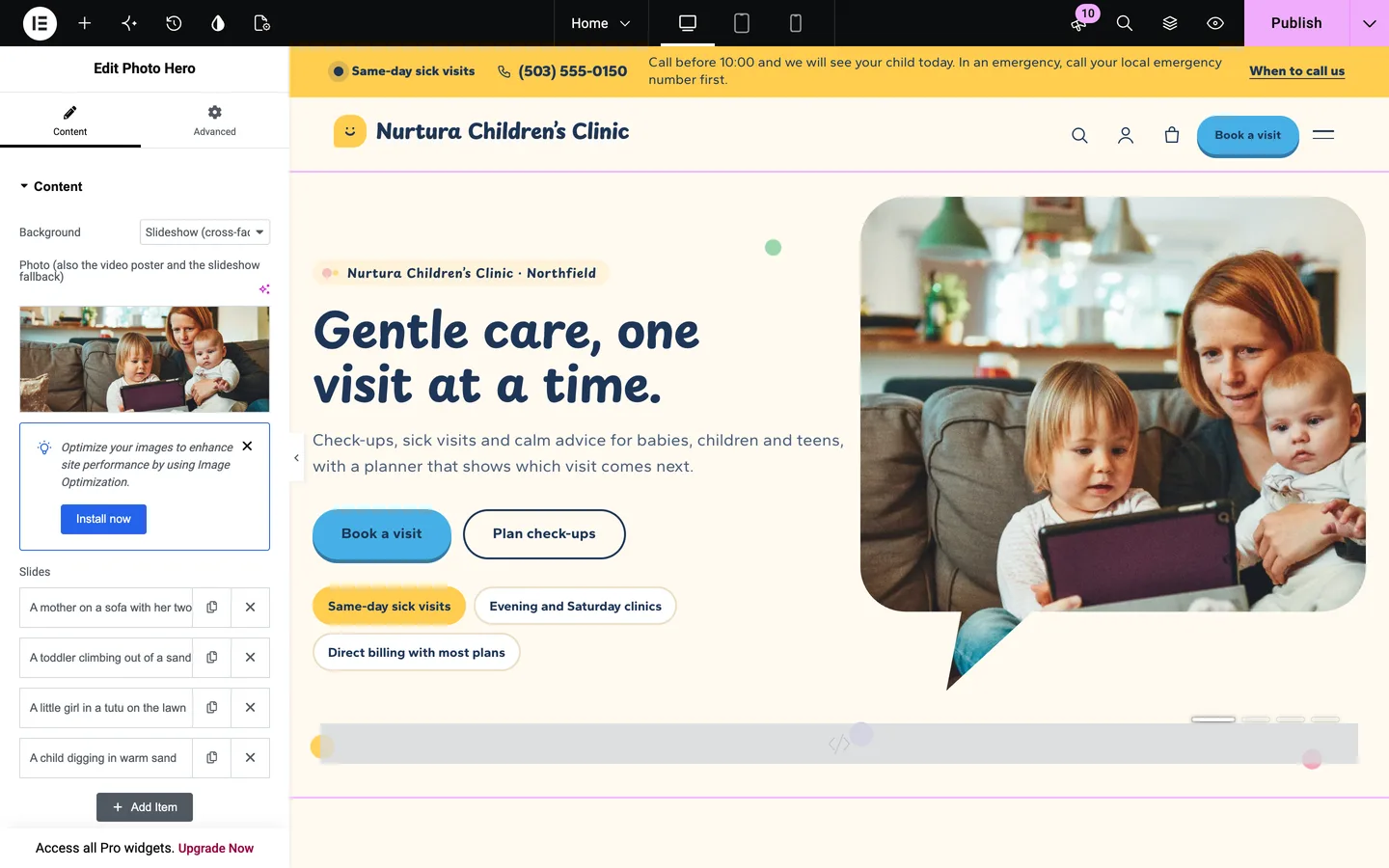
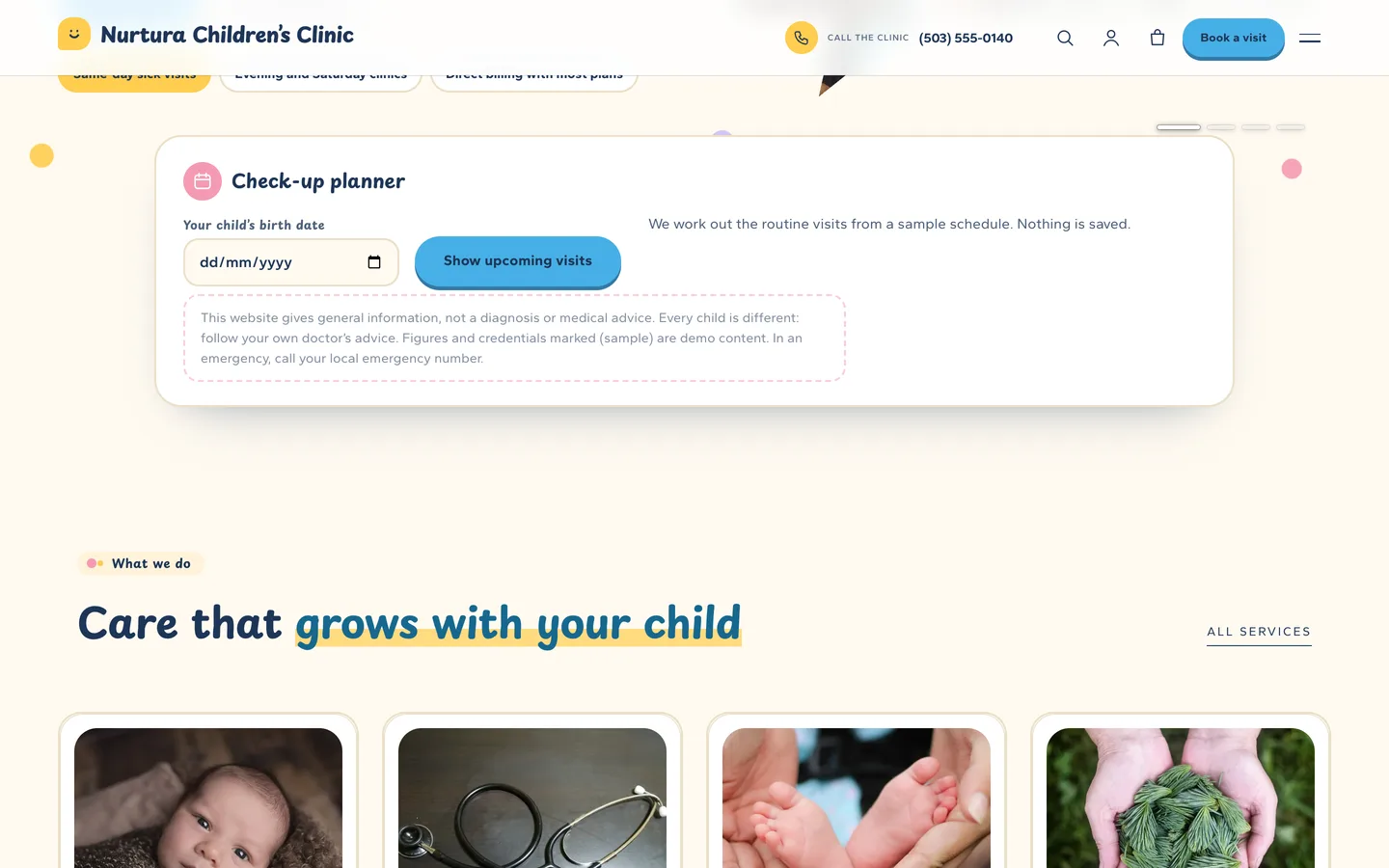
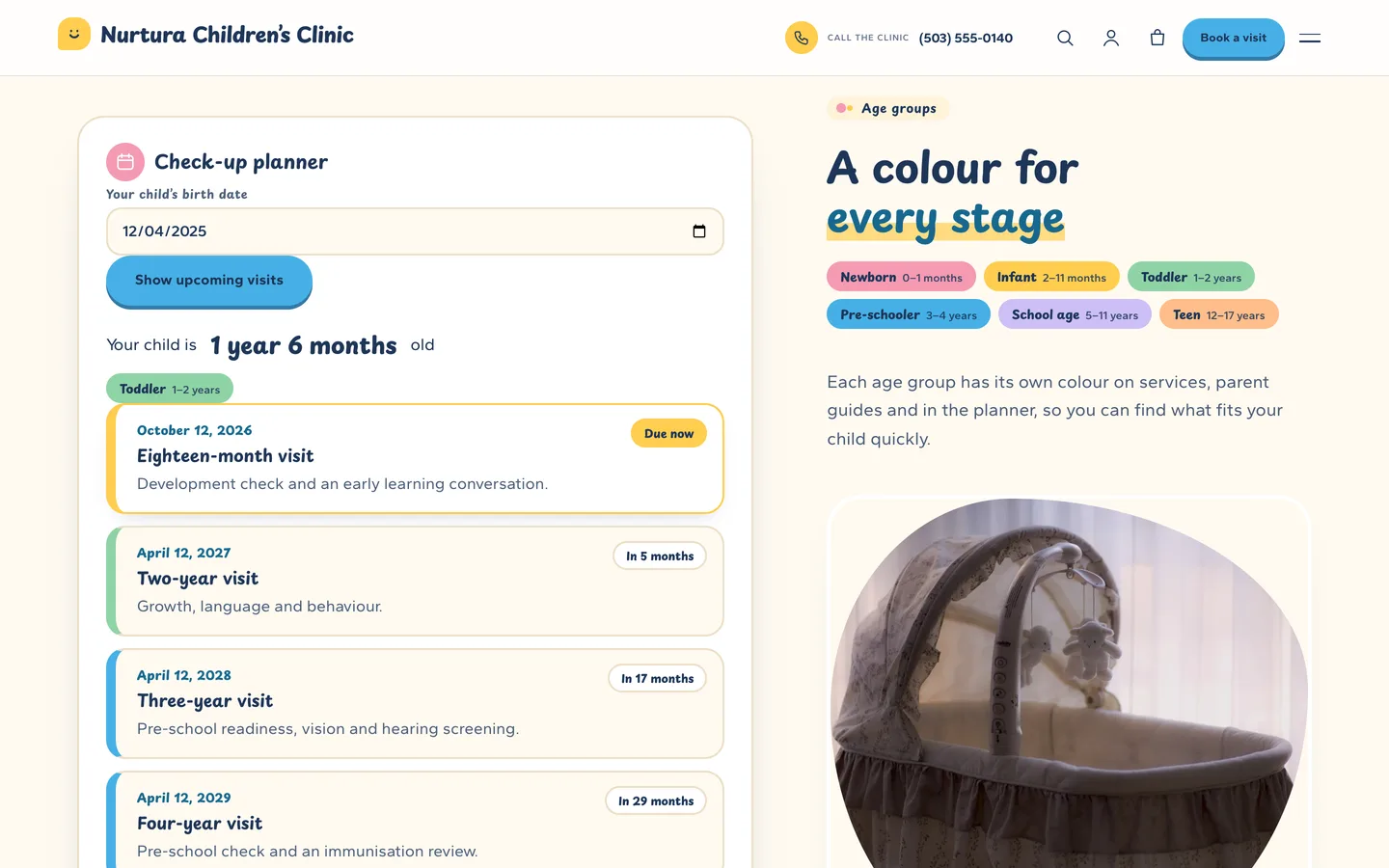
 Check-up planner card — enter a birth date to see which routine visits are due next, from a sample schedule that you edit in the Customizer.
A paediatric clinic WordPress theme with a check-up planner: DEV3 Nurtura
Last updated
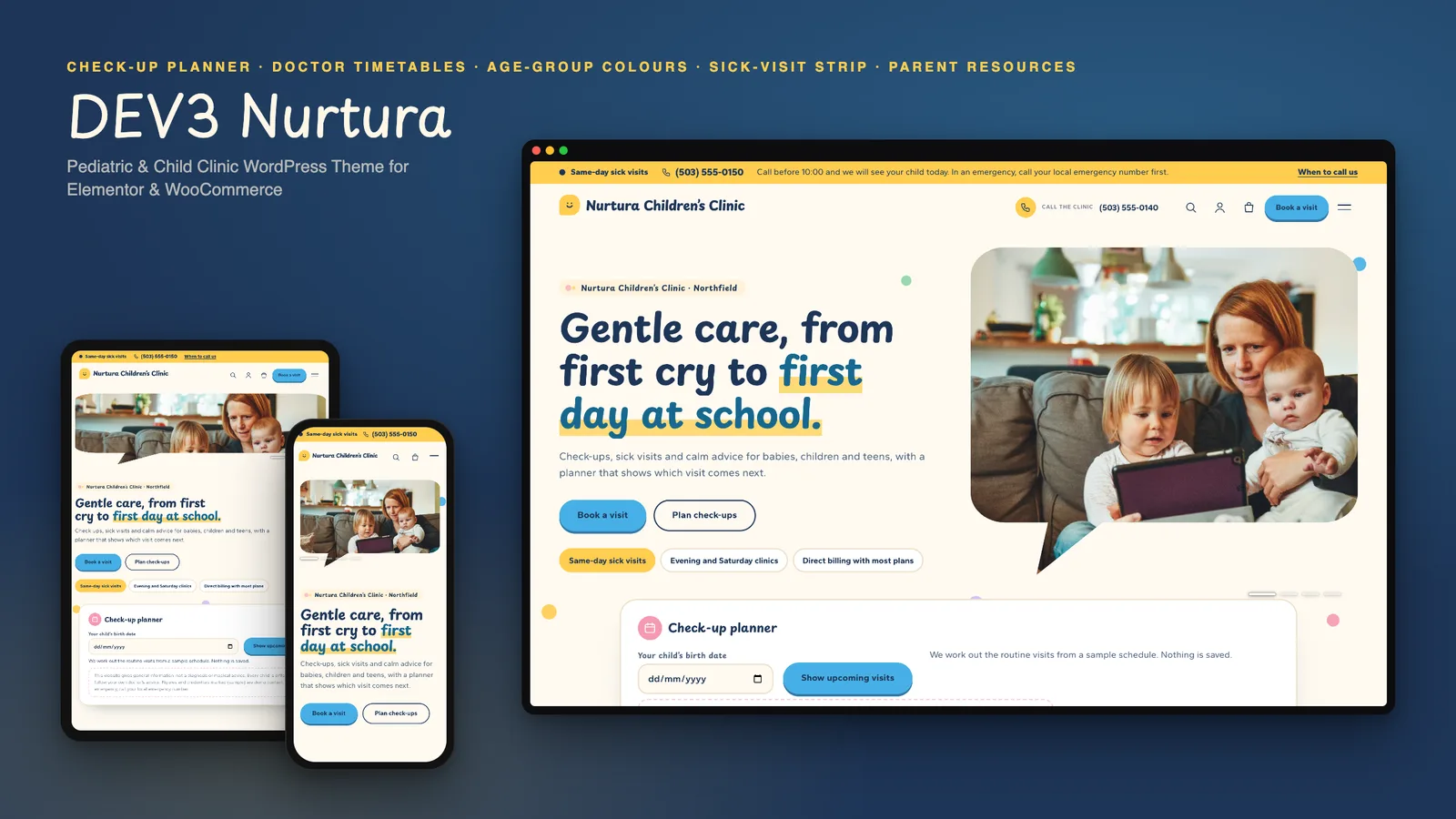
Parents arrive at a children's clinic website with a few simple questions: which visit is due, which doctor and which day, and what do I do if my child is unwell today? A paediatric clinic WordPress theme should answer those first, and do it warmly. DEV3 Nurtura is built around them: a check-up planner that turns a birth date into upcoming visits, a doctor directory that shows each doctor's clinic days at a glance, a same-day sick-visit strip on every page and age-group colours that make a long list of services easy to scan. This post covers who Nurtura suits, how to set it up and how it stays careful with medical content.
Who Nurtura is for
- Paediatric practices and children's clinics with several doctors and a mix of routine and sick visits.
- Family doctors and health centres with a children's service that needs its own page and its own tone.
- Child-development, feeding and sleep clinics that rely on longer first visits and need to explain them.
If you run a single-doctor practice with one service, a lighter theme is simpler. Nurtura earns its place when parents have to choose between services, doctors and days.
A check-up planner
Enter a child's birth date and the planner shows their age, an age-group chip and the next four routine visits with dates and a "due now" or "in 3 months" badge. The visits come from a list in the Customizer, one line per visit, so you decide what is on it. It is a plain GET form that works without JavaScript, with a shareable link such as /check-up-planner/?nut_dob=2025-04-12, and nothing is stored.
Doctors and clinic days
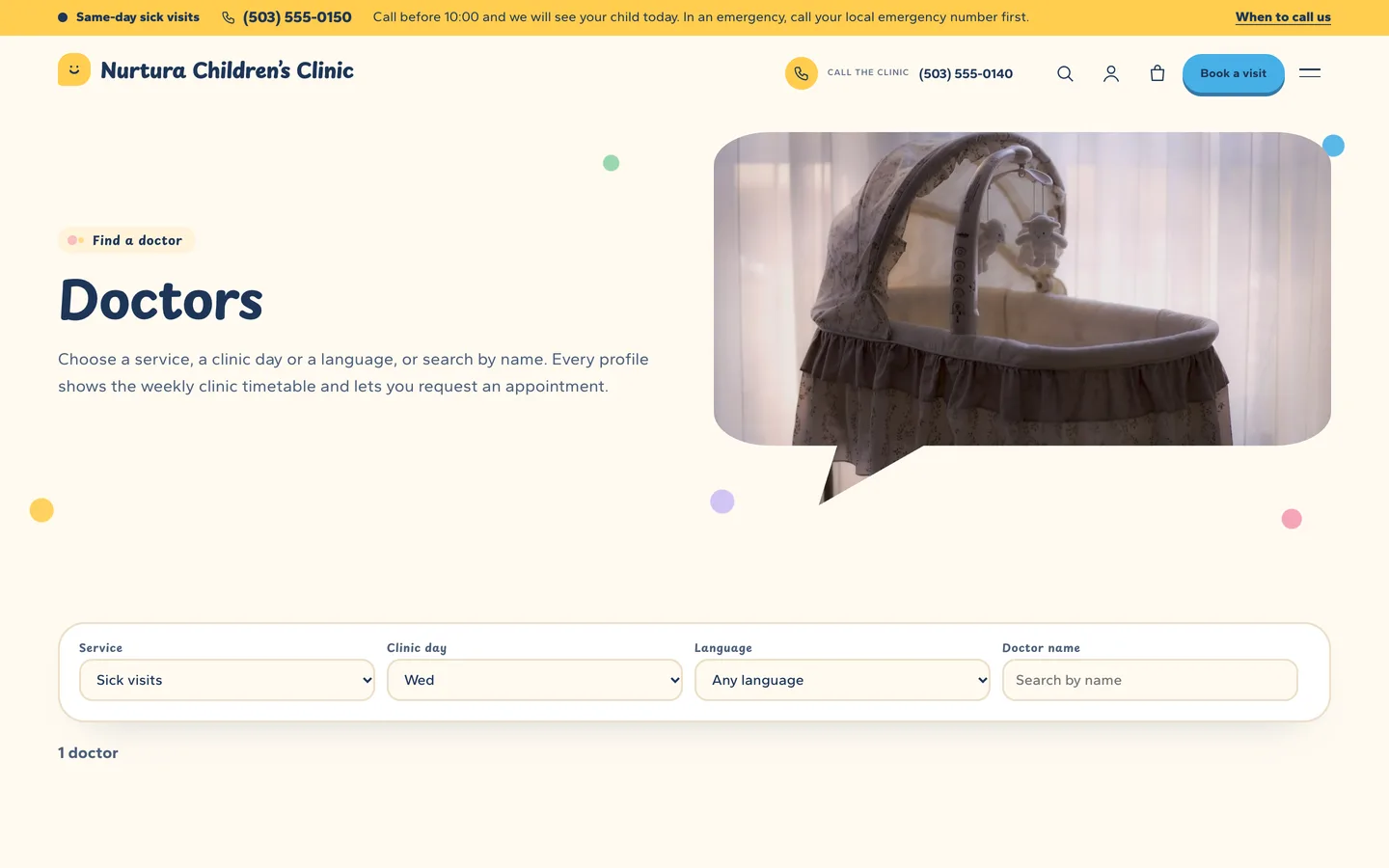
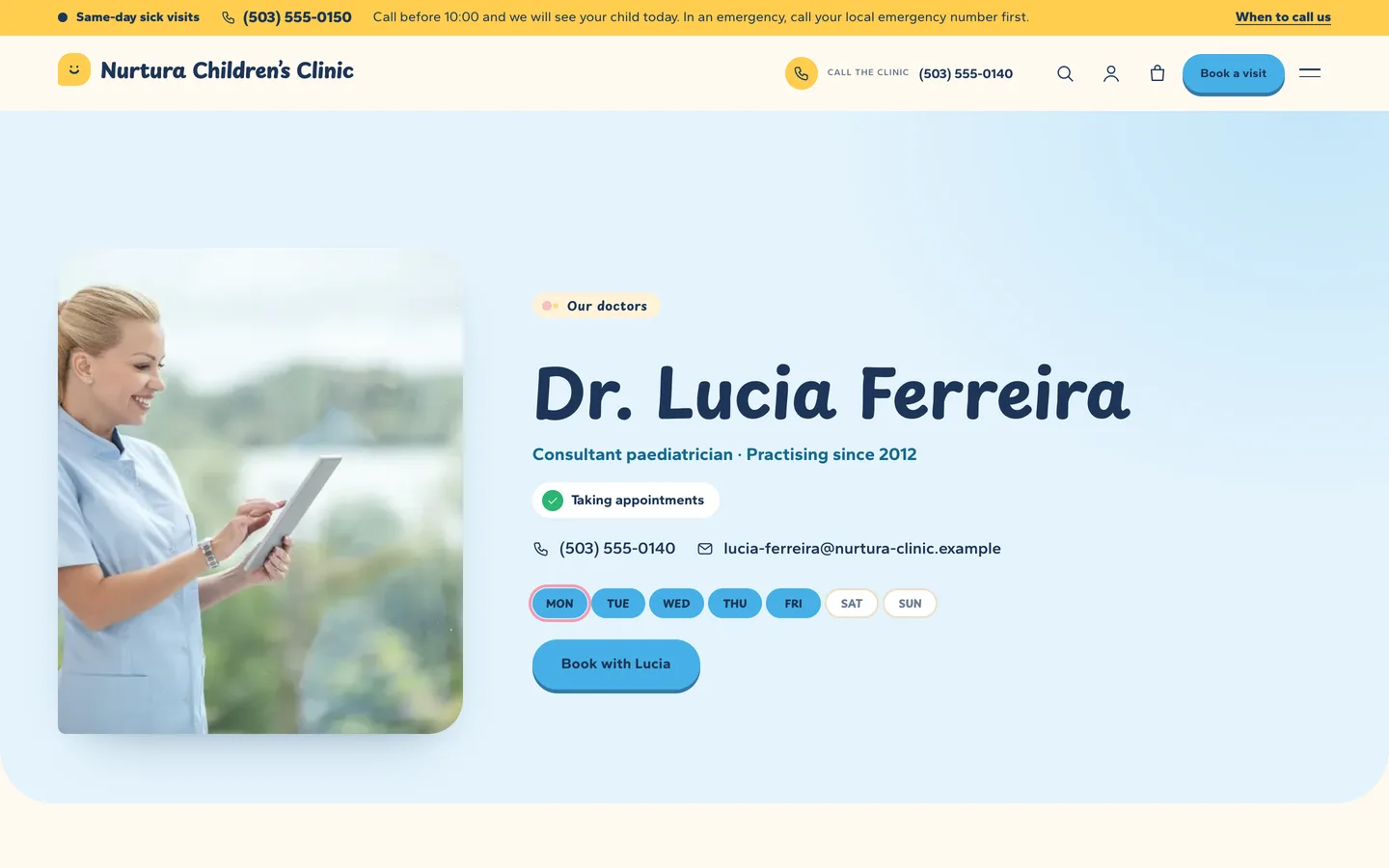
Each doctor's timetable is one line per pattern: Mon,Wed,Fri 09:00-13:00 | Rainbow room 1. That single field produces the row of seven day chips on cards and profiles (today is ringed), the weekly timetable and the day filter in Find a doctor.
Age-group colours and services
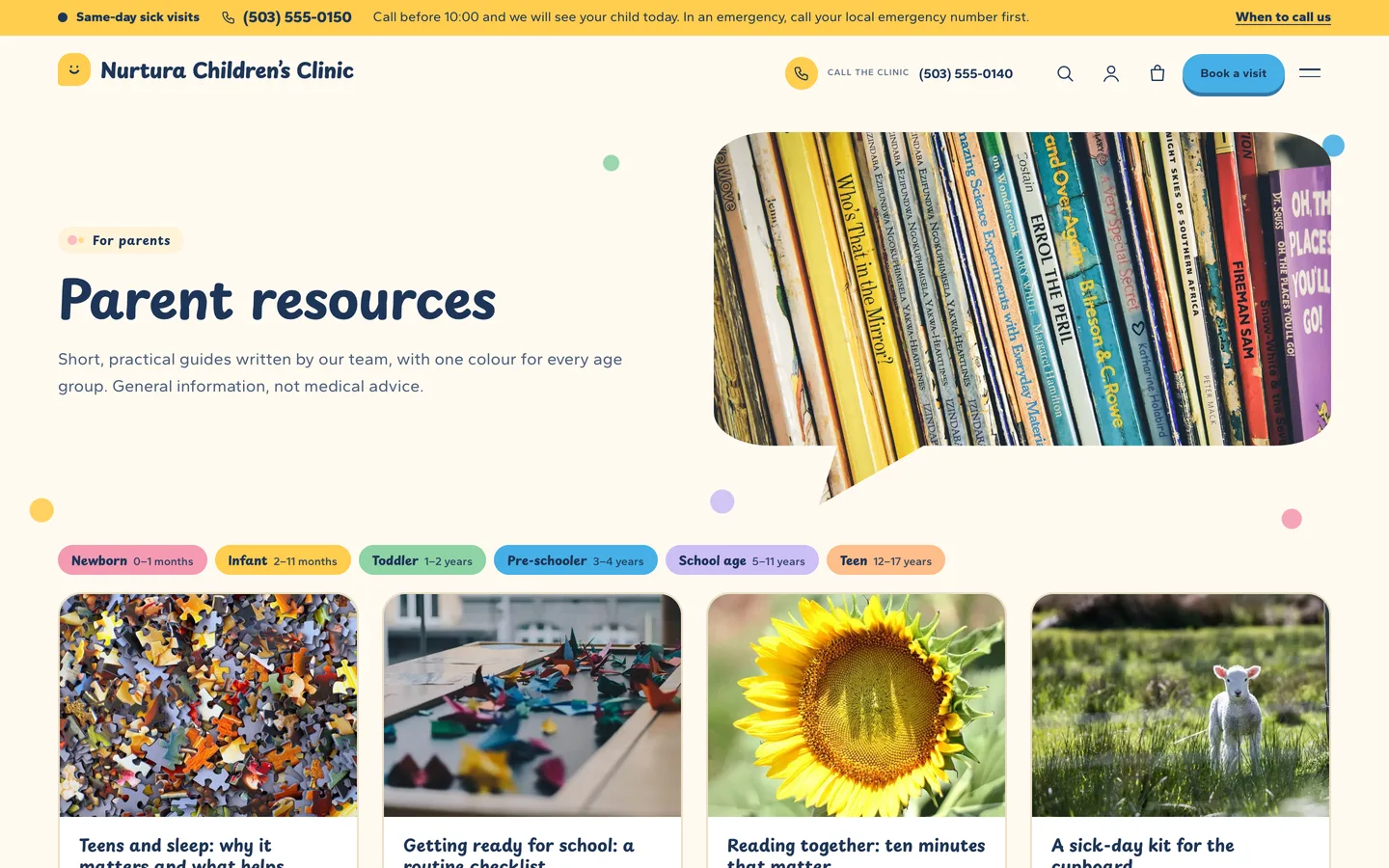
Newborn, infant, toddler, pre-schooler, school age and teen each have a colour, used on services, parent guides and in the planner, so parents find what fits their child quickly.
The sick-visit strip and hours
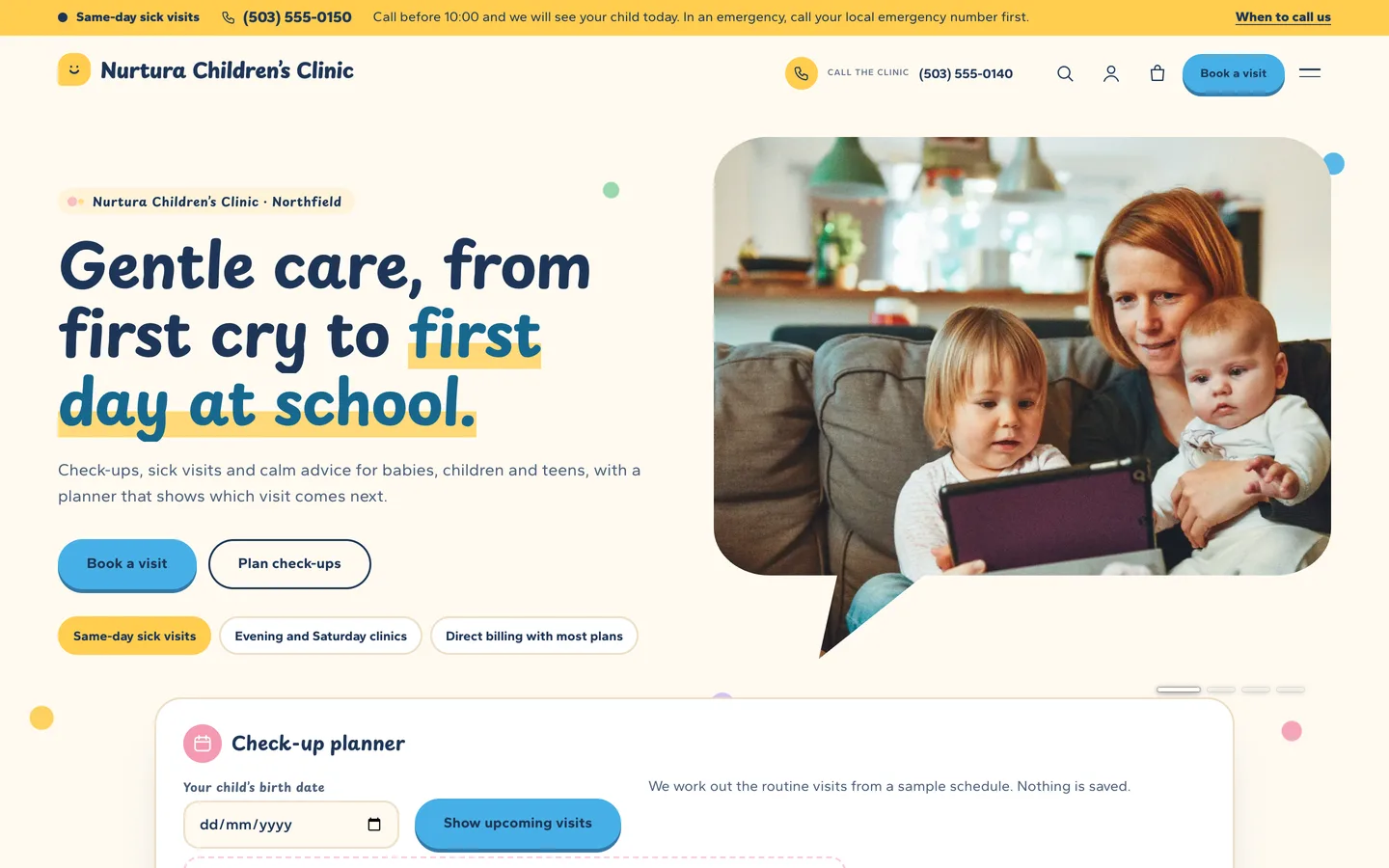
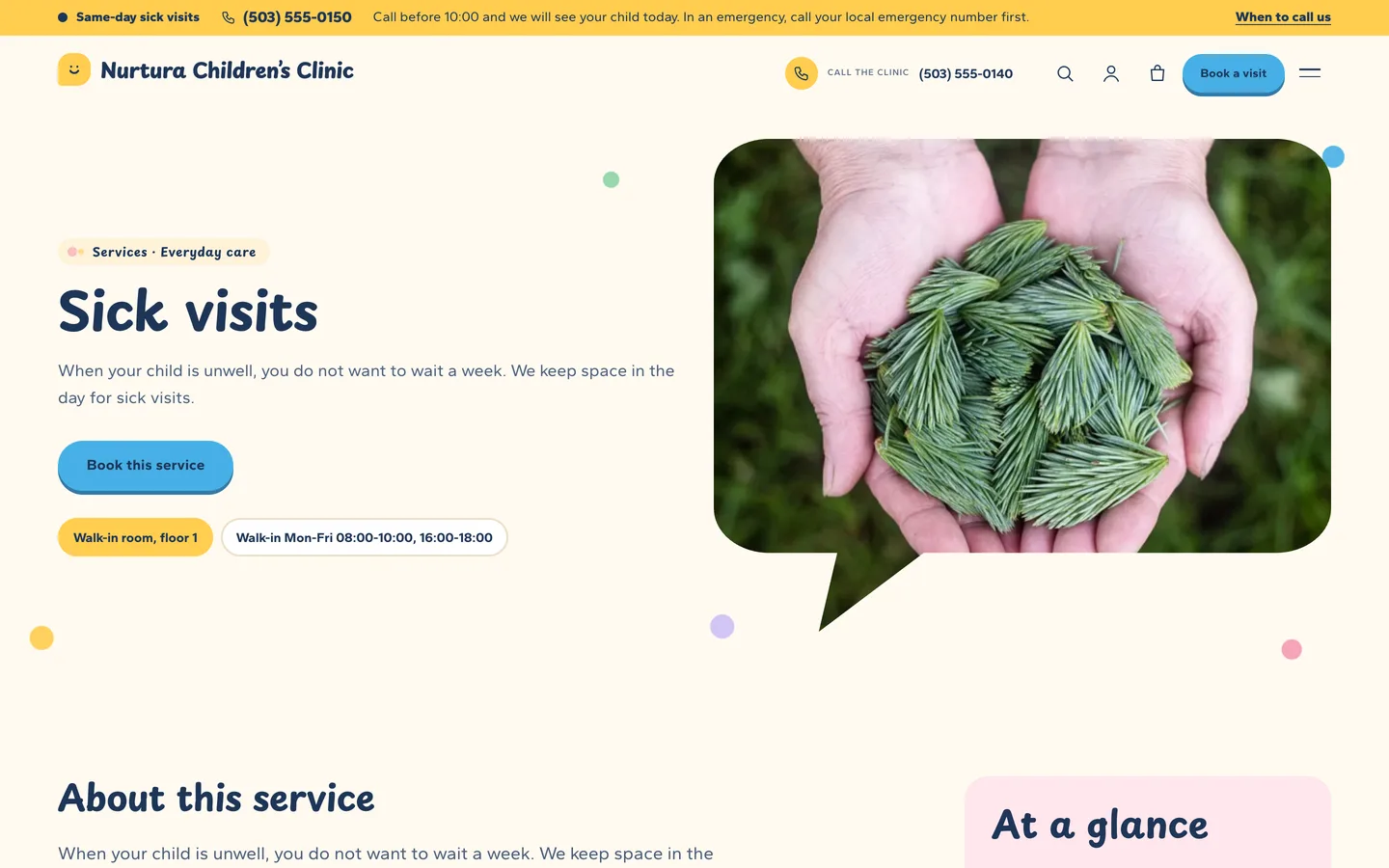
Set a number, a one-line note and your sick-visit advice link in Appearance → Customize → Nurtura: business details, and a sunshine strip appears above the header on every page. Clinic hours and walk-in hours use the same simple lines and show an open or closed status.
Careful with medical content
Nurtura includes a Health disclaimer setting printed under the planner, every result, the sick-visit advice, parent reviews and in the footer. The demo marks every figure and credential (sample), contains no patient photos, shows children only from behind or at a distance, and names no real vaccines or schedules as advice. Before you launch, replace the demo schedule with one agreed with your own doctors.
Built for editing
Every demo page is built in Elementor (the free version works) with DEV3 Theme Toolkit widgets, and 30+ block patterns cover the same sections for the block editor. Dynamic blocks such as the planner are placed with a content slot that is filled when the page is displayed, so the Elementor cache never freezes a result. The theme ships about 13 KB of JavaScript, self-hosted fonts and no 3D.