Many agencies and consultants already set up stock systems for their clients: a spreadsheet here, an off-the-shelf app there, each one configured by hand and billed as a project. Running your own inventory platform turns that into a product. You host one deployment, every client business gets its own workspace, and you sell access, setup and support under your own name.
This guide is for entrepreneurs, agencies and IT consultancies who want to run inventory management as a business for their clients, starting from source code rather than building from zero. It covers the operator's side of the job: how tenants are created and kept apart, how to package plans, how to brand the platform, and how to onboard a new client in a day. It uses Inventra, our multi-tenant inventory and ERP application, as the worked example, and it is careful to say where the code stops and your own process starts.
What you are actually running
When you run inventory software for other businesses, you have two kinds of user:
- You, the platform operator. You create client businesses, decide what each one can use, watch growth across the platform, and handle support.
- Your clients. Each business has its own admin, staff, warehouses, products, customers and books, and must never see anyone else's.
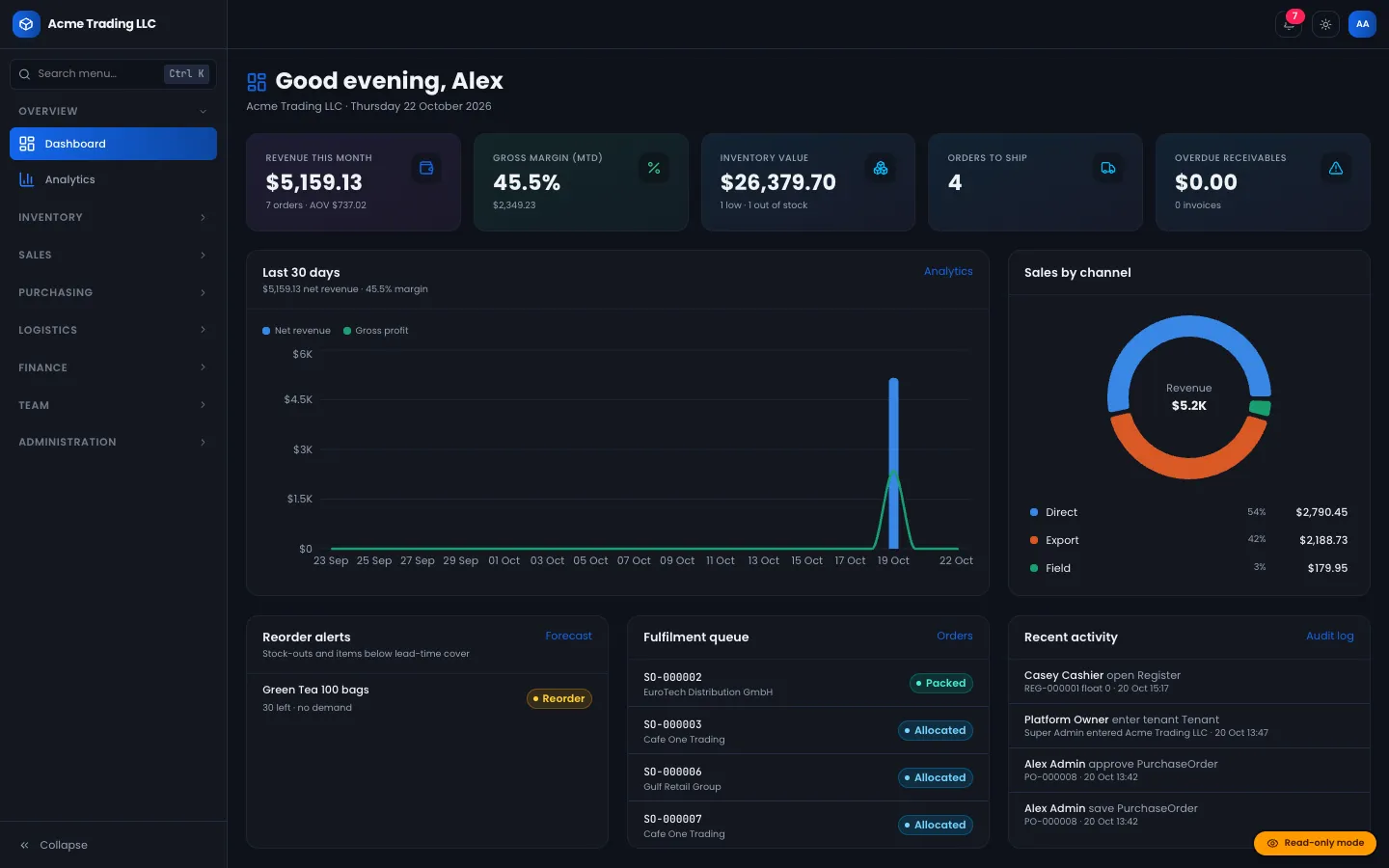
Inventra models this directly. One deployment hosts many businesses (tenants). A Super Admin console sits above them, and each business works at its own address, such as /acme/dashboard. A user who tries another business's address gets a 404.
Step 1: Decide your hosting model
Before your first client, settle where the platform lives and who looks after it.
Checklist
- A Node.js host (version 20.9 or newer) and a domain with HTTPS.
- MongoDB running as a replica set. This is required, because stock and ledger postings use multi-document transactions.
- SMTP for purchase-order emails and password resets (without it, emails are written to the log).
- Cloudinary for logos and images.
- Optional: Upstash Redis if you run more than one app instance and want a shared cache and rate limiting.
- A scheduled call to the protected cron endpoint if clients will use nightly re-order point recalculation and stock rebalancing.
- A backup routine (see Step 6).
Run npm run db:indexes on every deploy so new indexes are built.
Step 2: Understand tenant isolation before you sell it
Clients will ask how their data is kept separate. You should be able to answer precisely.
- Every business-owned record carries a tenant ID.
- A database plugin is fail-closed: any query or aggregation on a tenant model that lacks the tenant filter throws an error instead of running. Cross-tenant reads must opt in explicitly, and only the Super Admin console does that.
- Every change goes through one guarded pipeline: session, then tenant, then permission scope, then validation, then the business logic, then an audit log entry. A repo check fails if a server action skips the wrapper.
- Inside a business, permissions have scopes. Warehouse managers are limited to their assigned warehouses, field reps see only their own customers and orders, and B2B buyers never see cost prices.
The test suite includes tenant-isolation integration tests, and the source ships with 112 automated test cases in 19 Vitest files (counted from its tests folder).
Step 3: Package your plans
This is the part most operators get wrong by over-building. Inventra does not include a subscription billing engine or self-service sign-up, and that is deliberate for an agency model: you sign clients, invoice them through the tools you already use, and switch features on for them.
What the code gives you to build plans:
Ten switchable modules per business
| Module | What it unlocks |
|---|---|
| Inventory & warehouses | Stock levels, bins, batches, serials, transfers |
| Purchasing & vendors | POs, receiving, vendor portal, scorecards |
| Sales orders & invoicing | Pricing rules, credit holds, invoices, returns |
| Point of sale | Till, register shifts, offline sale queue |
| Logistics & cross-border | HS codes, duty estimates, shipping documents |
| B2B customer portal | Wholesale buyers order and view statements |
| Finance & ledger | Double-entry books and financial reports |
| HR & commissions | Attendance and commission rules |
| Field sales app | Rep routes, check-ins, offline orders |
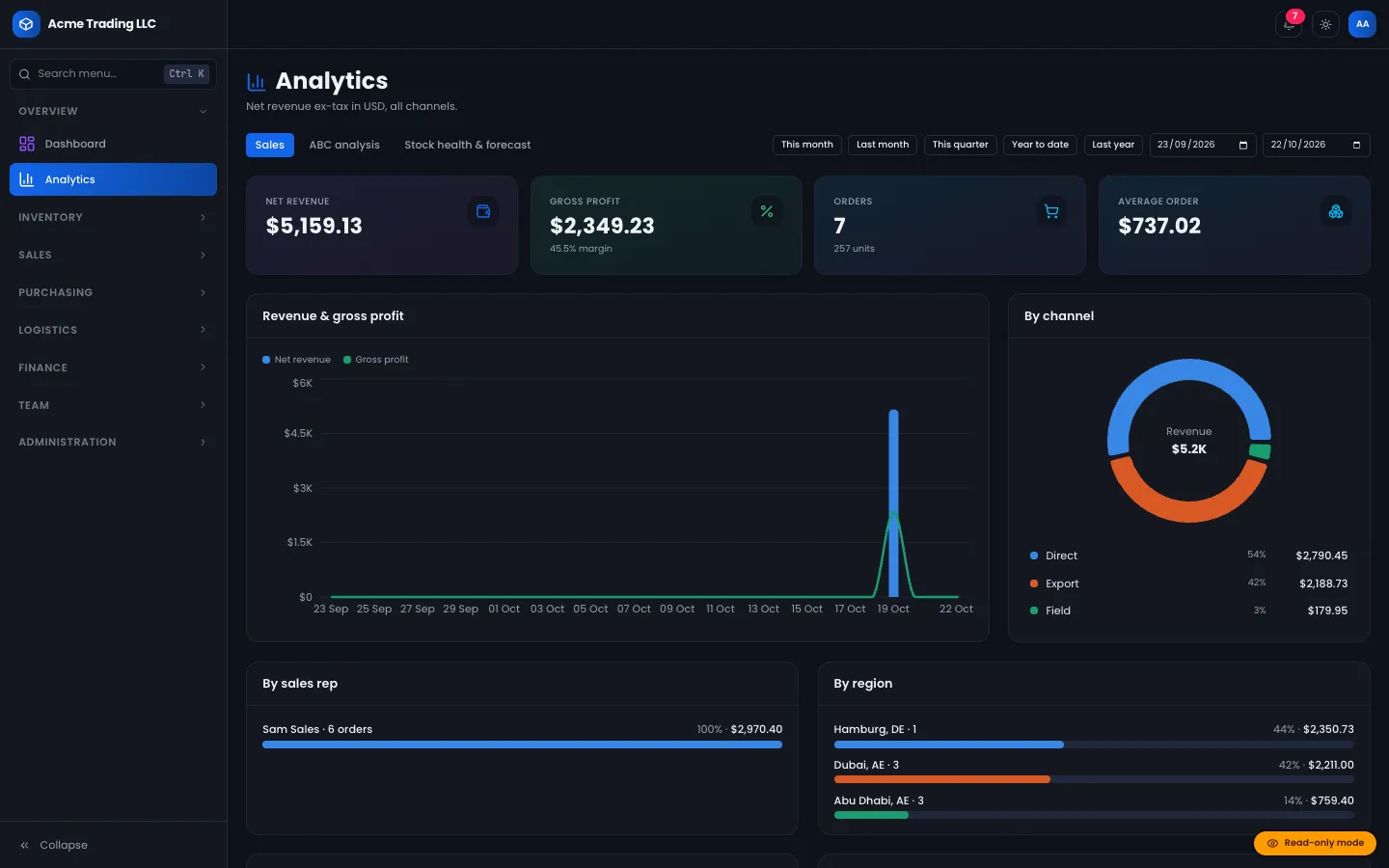
| Analytics & BI | ABC analysis, turnover, stock-out forecasts |
The Super Admin chooses modules when creating a business and can change them at any time. Switched-off modules disappear from the navigation, and their pages redirect back to the dashboard, so a "Starter" client cannot reach a "Pro" feature by typing a URL.
A pricing section on your website. The public website's CMS has a pricing block with plan cards (name, period, description, included features, a featured flag and a button). It is content you edit, not a billing system, so keep it in step with the modules you actually switch on.
A simple packaging pattern:
- Starter: inventory, purchasing, sales.
- Retail: Starter plus point of sale and analytics.
- Distribution: everything, including logistics, B2B portal, field sales and finance.
If you need automated subscription billing or a self-service trial sign-up, treat it as a customisation.
Step 4: Brand the platform as yours
Branding happens at three levels.
Platform name. The product name and tagline used in the interface and page titles are defined in one file, so renaming the platform is a single change in the source.
Public website. / is a marketing site managed from Admin → Website:
- Drag-and-drop sections: hero (including an animated 3D warehouse hero), feature grids, modules, stats, how it works, comparison, pricing, testimonials, FAQ, calls to action, rich text and contact information.
- Site settings: site name, logo, tagline, footer text, an announcement bar, the header button, contact details and social links.
- A contact form with a honeypot and rate limit that saves to an inbox and emails you.
- Preview, publish and unpublish, with indexable pages,
robots.txtand a sitemap, while the app itself stays out of search results.
Each client's workspace. The client's admin uploads their own logo in company settings, and it appears in their sidebar. Individual users can also pick an accent colour, font and text size, saved in their browser, with light and dark themes.
Only publish testimonials and logos you have permission to use.
Step 5: Onboard a new client
This is the repeatable process you will run for every sale.
1. Provision the business
In Admin → Tenants, create the business with its name, URL slug, base currency, supported currencies, time zone, country, tax system (VAT, GST or sales tax), default tax rate, enabled modules and the first Business Admin. Provisioning runs in one transaction and creates:
- the business record,
- a system chart of accounts,
- a main warehouse,
- a default tax rate and a zero-rated / export rate,
- the first Business Admin login.
Either everything is created or nothing is. Slugs that would clash with website pages or app routes are rejected.
2. Configure the workspace with the client
Use Enter workspace from the tenant list to step into the client's business, or let their admin do it:
- Company settings: name, logo, contact details, time zone.
- Currencies and taxes: extra currencies, exchange rates and tax rules.
- Facilities: add warehouses, shops, fulfilment centres or 3PLs, with bins if they use them.
- Users: invite staff as Business Admin, Warehouse Manager, Logistics & Export, Field Sales Rep, POS Cashier or Accountant, assign warehouses and set commission rates.
- Vendor portal logins: created from a vendor's record, so suppliers see only their own POs, ASNs and settlements.
B2B buyer accounts are linked to a customer record. In the current release there is no screen for creating them (the demo data seeds one), so plan that step or have it added.
3. Load their data
Every main module (products, sales orders, vendors, customers, staff attendance and shipments) has Download sample and AI Import buttons. Clients can bring spreadsheets, PDFs, photos or pasted text. Rows are staged in a review grid with per-field confidence; nothing touches live data until a person commits, the commit is all-or-nothing, and a batch can be rolled back. Spreadsheets are mapped by column names without AI, and a rule-based parser handles text and text-layer PDFs when no AI key is set; photos and scans need the optional AI. We wrote up the stock side of a migration in how to replace inventory spreadsheets with a multi-warehouse stock system.
4. Hand over
Walk each role through their home screen. Cashiers land on the till, reps on the field-sales app, buyers on the portal, and admins on the dashboard.
Step 6: Run the platform day to day
| Task | Where |
|---|---|
| Watch growth | Admin overview: new businesses and users per month, newest businesses, cross-tenant activity |
| Suspend a client | Tenant list: suspended businesses cannot sign in |
| Change a client's plan | Tenant list: edit modules |
| Investigate an issue | Enter workspace, then check the audit log |
| Back up | Dev tools: gzip backups of every collection with indexes, download, merge or replace restore with a safety backup first |
| Reset a trial | Data cleaner: clear one business's transactions, or transactions plus business data, after a preview of exact counts |
Dev tools are restricted to listed Super Admin emails in production, and every action is audited. Backups contain password hashes, so store them privately.
Run a sales demo safely
Set read-only mode for a public demo: every write is refused at the action, API and database layers, and a badge explains why. Combine it with demo logins, which list the seeded accounts with a one-click Try button for each role. Prospects can then explore the POS, warehouse and portal views without changing anything.
Things to settle before your first client
- Language: the interface ships in English.
- Offline: the POS till and field-sales order entry keep working through an outage once loaded; the back office needs a connection. Explain this in your plan descriptions. The mechanics are in selling through an outage.
- Stock accuracy: the inventory engine uses conditional updates inside transactions so stock cannot go negative; see designing an inventory ledger that can't oversell.
- Support terms: decide what you include per plan, because the software will not decide it for you.
Closing
Running inventory software as a business is mostly operations: a reliable deployment, clear plans mapped to switchable modules, your own brand on the website and workspaces, and an onboarding routine you can repeat. Inventra covers the platform side (tenants, isolation, modules, branding, provisioning, imports, backups and demo mode) and leaves billing and sales to you.
The source is available on Inventra, and DEV3 can install, rebrand or extend it if you would rather not do that yourself. For the design decisions behind the platform, read the case study.