Web Scripts & Software
DEV3 Webcam and Voice Recorder — Source Code (React + Tailwind)
from $20$29
Loading…
Everyday tool
Free, no sign-up. Runs in your browser; nothing is uploaded. Buy the source code: $29 Regular / $69 Extended
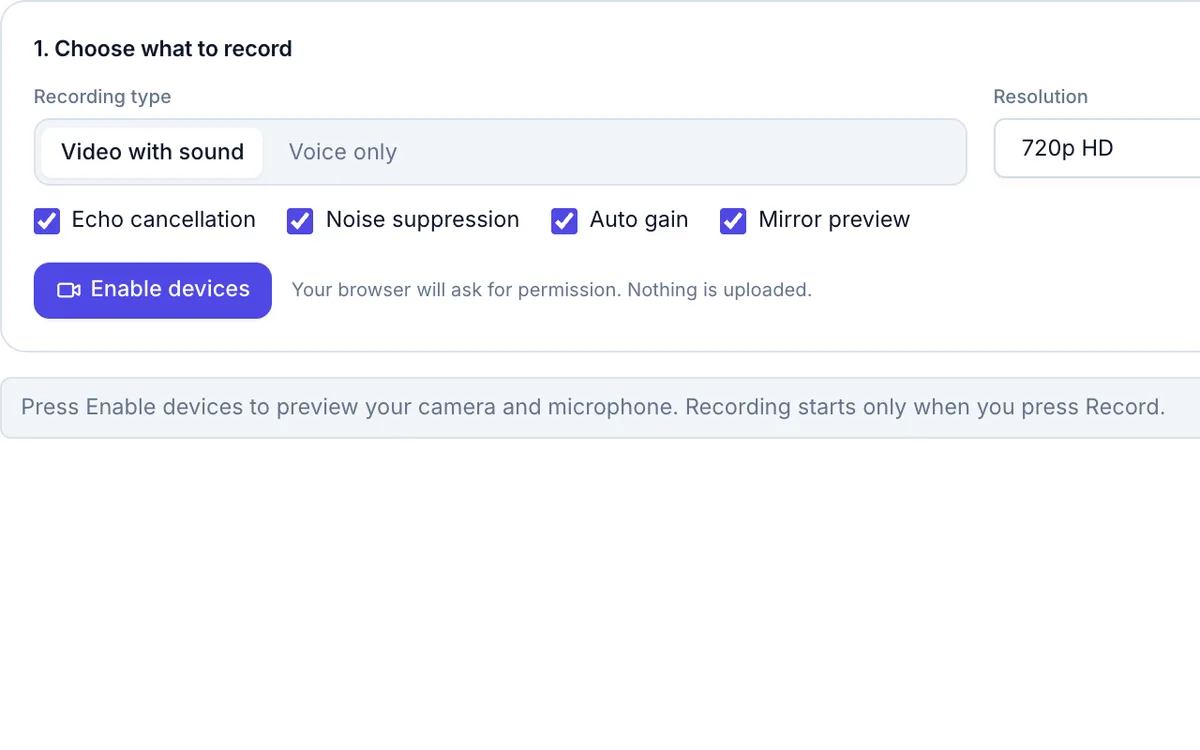
Press Enable devices to preview your camera and microphone. Recording starts only when you press Record.
Need Webcam and Voice Recorder as a full mobile or web app? We build it in about a week. Built in about a week, from $99. Send your requirements or SOW; you get a fixed quote and a delivery date.
The webcam and voice recorder stays free to use online. If you want the code to run, edit and ship in your own project, get the full source from the DEV3 Marketplace. Instant download, 6 months of support.
Get the full app behind this tool. Buy once, own the source, and try each one live first.
Web Scripts & Software
from $20$29
Web Scripts & Software Mobile app
from $69$99
Enterprise SaaS Starters
from $69$99
Enterprise SaaS Starters
from $69$99
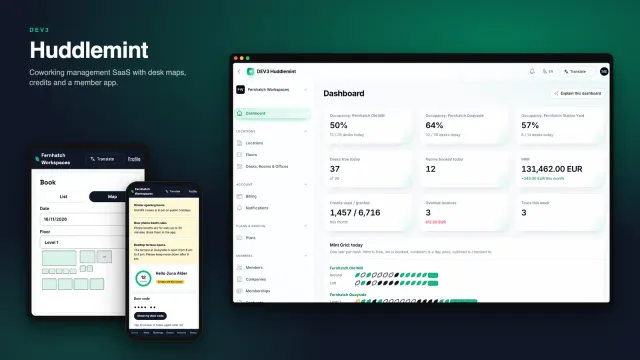
Web Scripts & Software
from $69$99
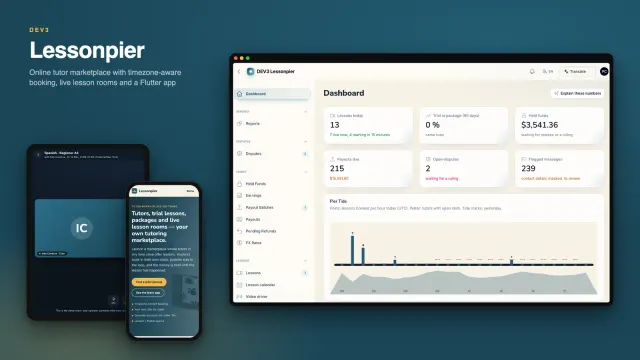
Web Scripts & Software Mobile app
from $69$99
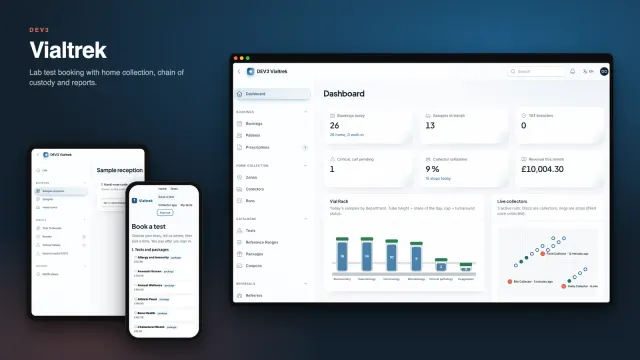
Web Scripts & Software Mobile app
from $69$99
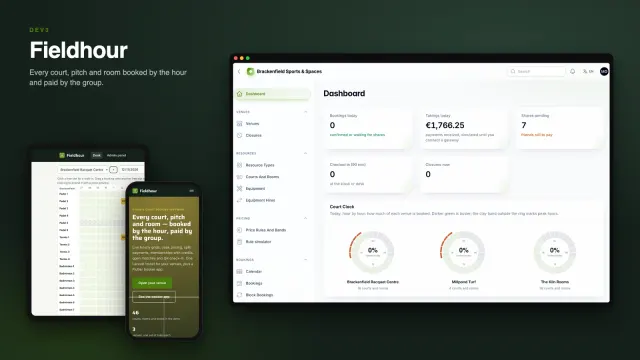
Web Scripts & Software Mobile app
from $69$99
This recorder turns any laptop, phone or desktop into a quick studio. It works for video messages, lesson recordings, interview answers, voice-over drafts, podcast notes and testing whether your webcam and microphone work. Everything happens inside the page, so there is no account, no upload and no watermark.
The original file keeps the format your browser recorded. If you need MP4, MP3 or WAV for an editor, social site or email, use the convert buttons. The first conversion downloads the video engine once, then it is cached by the browser. For cleaning up a noisy voice recording try the background noise remover, and for trimming use the video trimmer or audio cutter.
The tool never sees your recording. The camera light turns off as soon as you stop the preview or leave the page.
No. The camera and microphone stream goes only to a recorder running in your own browser. The file is built in memory and handed to you as a download; nothing is sent to a server.
Browsers always ask before a page can use your camera or microphone. Allow it for this page only. You can revoke it any time from the lock icon in the address bar, and recording stops the moment you close the page.
Your browser picks the best one it can record natively: WebM (VP9 or VP8 with Opus) in Chrome, Edge and Firefox, MP4 in Safari. After recording you can convert to MP4, MP3 or WAV with the built-in converter, which loads a one-time engine of about 30 MB.
Use a quiet room, keep the microphone 10 to 20 cm away, and watch the meter: it should sit in the green zone and never hit the red clipping mark. Turn on noise suppression and echo cancellation if you use laptop speakers, and wear headphones to avoid echo.
No limit from the tool. A standard 720p recording uses about 25 MB per minute and voice only about 1 MB per minute, so the practical limit is your device memory. For very long sessions record in parts.
Yes. Plug it in, press Enable devices, and choose it from the camera or microphone lists. The lists refresh when you connect or remove a device.