Web Scripts & Software
DEV3 Video to MP3 Converter — Source Code (React + Tailwind)
from $20$29
Loading…
Everyday tool
Free, no sign-up. Runs in your browser; nothing is uploaded. Buy the source code: $29 Regular / $69 Extended
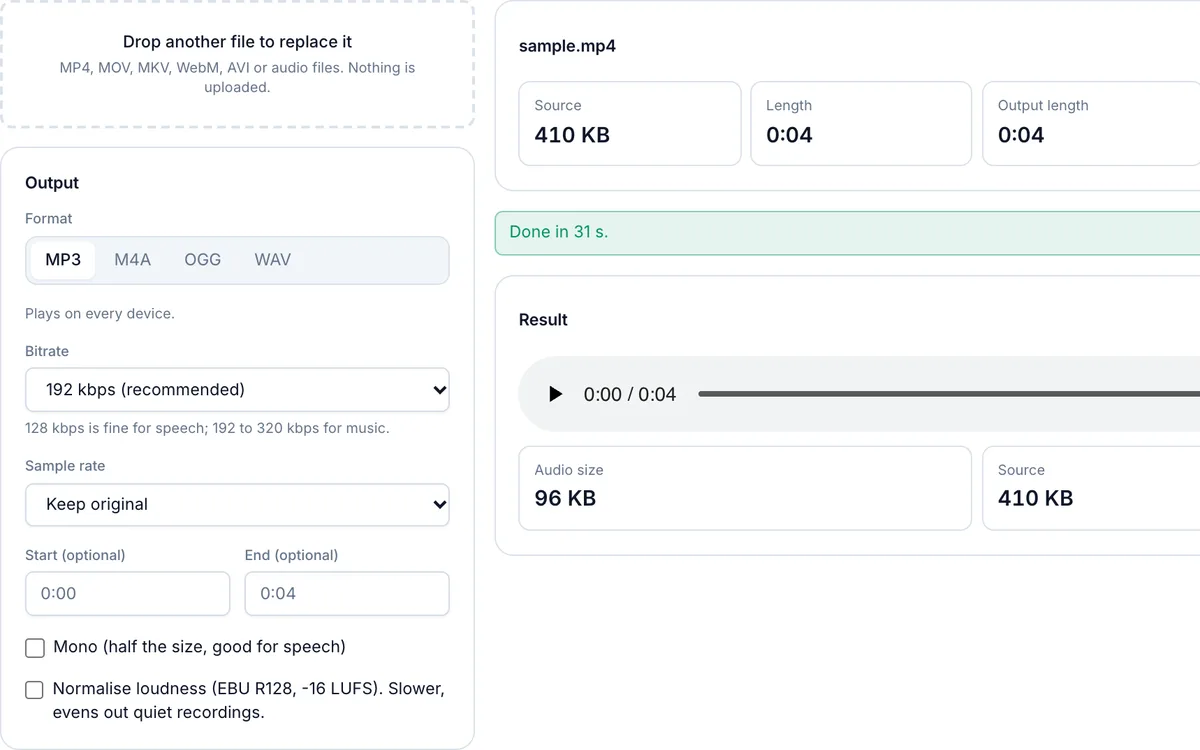
Plays on every device.
128 kbps is fine for speech; 192 to 320 kbps for music.
Pull the sound out of any video, or convert an audio file, into MP3, M4A, OGG or WAV. Everything is processed on your device. The first run downloads the audio engine once (~30 MB).
Need Video to MP3 Converter as a full mobile or web app? We build it in about a week. Built in about a week, from $99. Send your requirements or SOW; you get a fixed quote and a delivery date.
The video to mp3 converter stays free to use online. If you want the code to run, edit and ship in your own project, get the full source from the DEV3 Marketplace. Instant download, 6 months of support.
Get the full app behind this tool. Buy once, own the source, and try each one live first.
Web Scripts & Software
from $20$29
Web Scripts & Software Mobile app
from $69$99
Enterprise SaaS Starters
from $69$99
Enterprise SaaS Starters
from $69$99
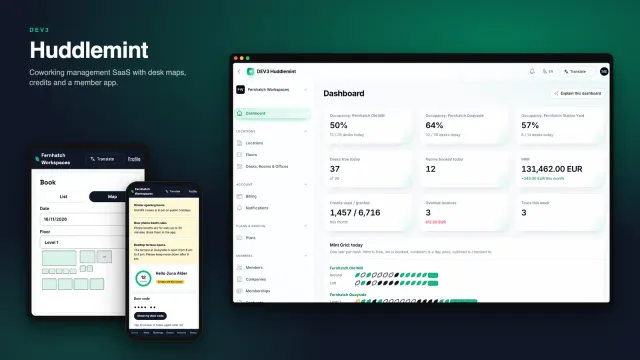
Web Scripts & Software
from $69$99
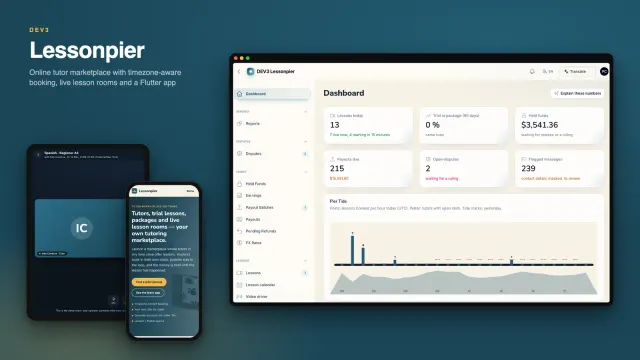
Web Scripts & Software Mobile app
from $69$99
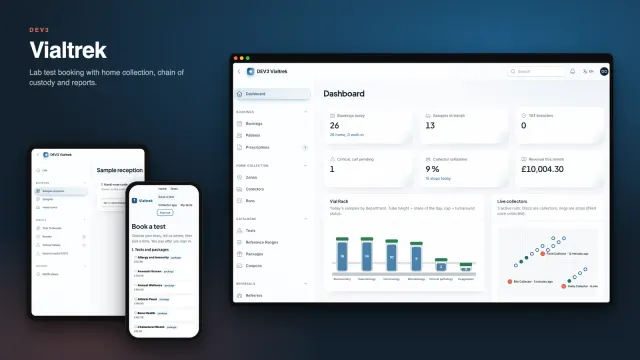
Web Scripts & Software Mobile app
from $69$99
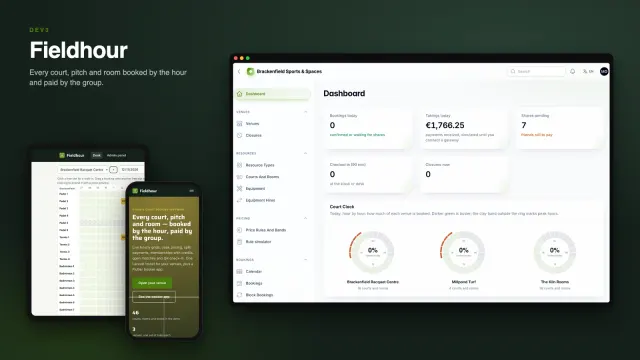
Web Scripts & Software Mobile app
from $69$99
Sometimes you only need the sound: a lecture to listen to on a walk, a song from a clip, an interview for a transcript or the voice track of a screen recording. This tool pulls the audio out of a video and saves it as MP3, M4A, OGG or WAV, all inside your browser using ffmpeg compiled to WebAssembly.
The estimated size updates as you change options. As a guide, 192 kbps MP3 is about 1.4 MB per minute, and 128 kbps is about 1 MB per minute. Mono halves WAV size and is perfectly adequate for spoken word.
Files are read from your disk by the browser and processed locally. Nothing is sent to a server, so confidential recordings are safe to convert.
No. The audio is extracted in your browser with ffmpeg compiled to WebAssembly. Only the engine (about 30 MB, cached afterwards) is downloaded.
128 kbps is enough for speech and podcasts. 192 kbps is a good default for music, and 256 to 320 kbps is close to transparent. Choosing a bitrate higher than the source cannot add detail, it only makes the file bigger.
Yes. Enter a start and end time such as 1:30 and 4:05 and only that section is converted. Leave them empty to convert everything.
M4A (AAC) usually sounds better than MP3 at the same bitrate and is native on Apple devices. MP3 plays on literally everything, so it is the safest for old players and car stereos.
WAV is uncompressed: about 10 MB per minute for stereo CD quality. Use it for editing or when a program requires it, and MP3 or M4A for listening.
Yes. You can drop MP3, WAV, FLAC, OGG, M4A or other audio and convert it to another format, change the bitrate or trim it.