Loading…
Everyday tool
Free, no sign-up. Runs in your browser; nothing is uploaded. Buy the source code: $29 Regular / $69 Extended
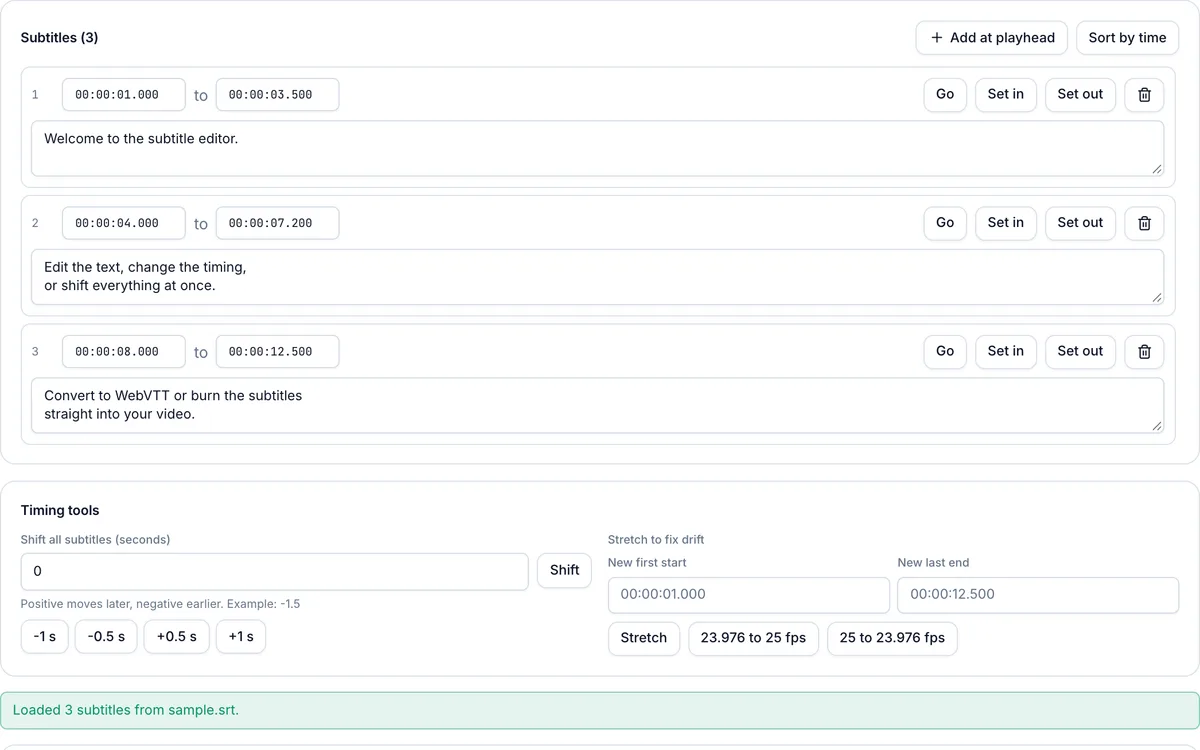
Positive moves later, negative earlier. Example: -1.5
Stretch to fix drift
No issues found.
Add a video above to burn the subtitles permanently into the picture. This re-encodes the video to MP4 with ffmpeg and downloads a ~30 MB engine and a small font once.
Need Subtitle Editor as a full mobile or web app? We build it in about a week. Built in about a week, from $99. Send your requirements or SOW; you get a fixed quote and a delivery date.
The subtitle editor stays free to use online. If you want the code to run, edit and ship in your own project, get the full source from the DEV3 Marketplace. Instant download, 6 months of support.
Get the full app behind this tool. Buy once, own the source, and try each one live first.
Web Scripts & Software Mobile app
from $69$99

Enterprise SaaS Starters
from $69$99
Enterprise SaaS Starters
from $69$99
Web Scripts & Software
from $69$99
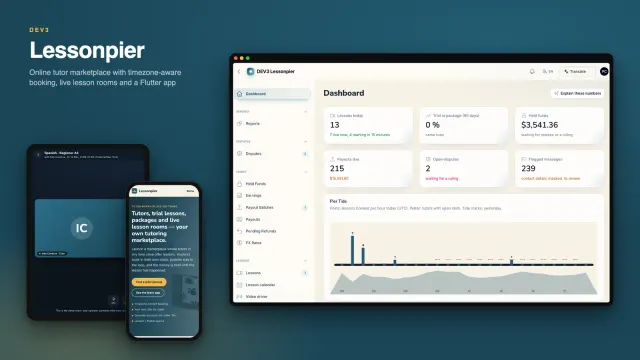
Web Scripts & Software Mobile app
from $69$99
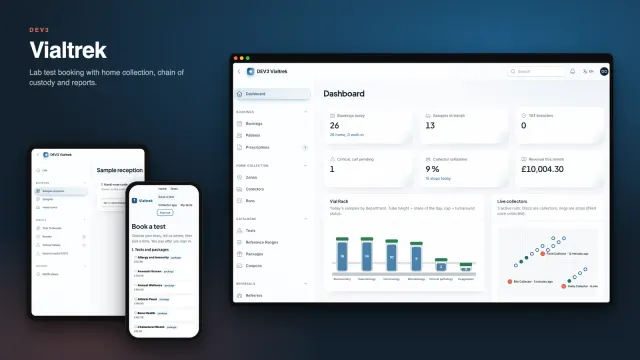
Web Scripts & Software Mobile app
from $69$99
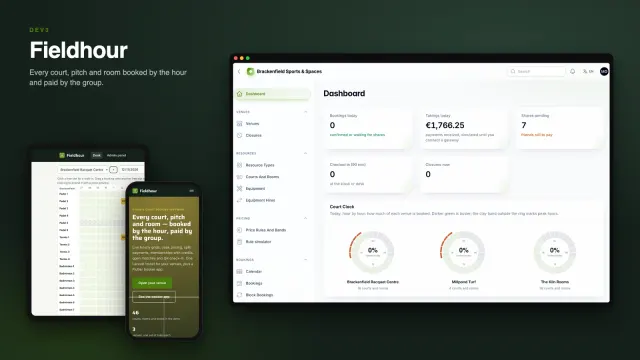
Web Scripts & Software Mobile app
from $69$99
This subtitle editor opens SRT and WebVTT files, lets you edit every line beside your video, and exports in either format. When you are happy, it can also burn the subtitles permanently into an MP4. Everything runs in your browser, so unreleased footage and transcripts stay private.
Choose SRT or WebVTT and download. WebVTT is required by the HTML video track element, while SRT is accepted by most desktop players and editors.
Add a video, pick the font size, colour, position and optional dark box, and press Burn subtitles. The result is an MP4 where the text is part of the picture. This is ideal for social media clips, which often autoplay without sound.
If everything is late or early by the same amount, use Shift with a number of seconds such as -2.5. If the delay grows through the film, use Stretch: enter the time the first line should appear and the time the last line should end, and every line is re-timed proportionally. For a 23.976 to 25 fps mismatch, use the frame rate buttons.
Open the SRT file, switch the format to WebVTT and download. The tool rewrites the header and changes the comma in the timestamps to a dot, which is the main difference between the formats. It also converts back from VTT to SRT.
Burning (hardcoding) draws the text into the video pictures, so it shows on any player and cannot be turned off. It needs a re-encode with ffmpeg. If you want switchable subtitles, keep the SRT or VTT file next to the video instead.
No. Editing happens in your browser, and burning uses ffmpeg compiled to WebAssembly on your device. For burning, the browser downloads the engine (about 30 MB) and a small open font from a public CDN.
Editing and exporting use UTF-8, so any language works in the files. When burning, the bundled DejaVu font covers Latin, Greek and Cyrillic; scripts such as Arabic, Hindi or Chinese need a font that is not included and may show as boxes.
The editor flags common quality problems: overlaps, lines over 42 characters, more than two lines, text shown longer than 7 seconds and reading speeds above about 21 characters per second.