Loading…
Everyday tool
Free, no sign-up. Runs in your browser; nothing is uploaded. Buy the source code: $29 Regular / $69 Extended
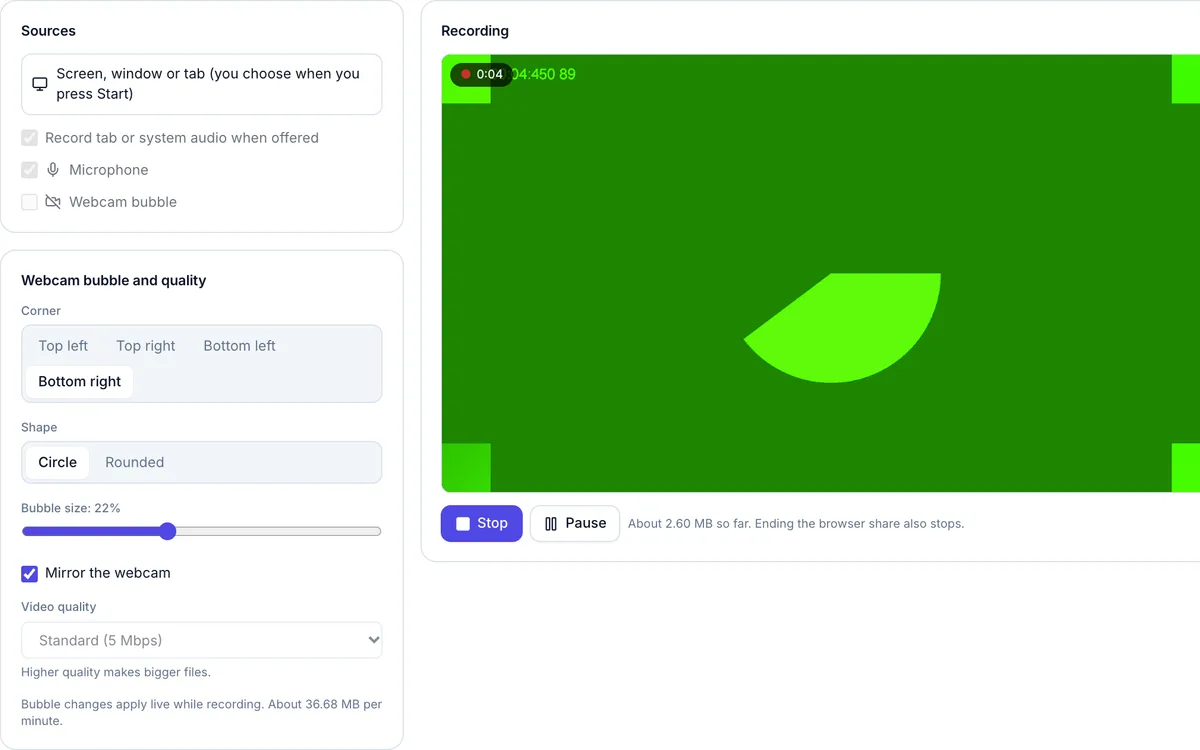
Higher quality makes bigger files.
Bubble changes apply live while recording. About 36.68 MB per minute.
Need Screen Recorder as a full mobile or web app? We build it in about a week. Built in about a week, from $99. Send your requirements or SOW; you get a fixed quote and a delivery date.
The screen recorder stays free to use online. If you want the code to run, edit and ship in your own project, get the full source from the DEV3 Marketplace. Instant download, 6 months of support.
Get the full app behind this tool. Buy once, own the source, and try each one live first.
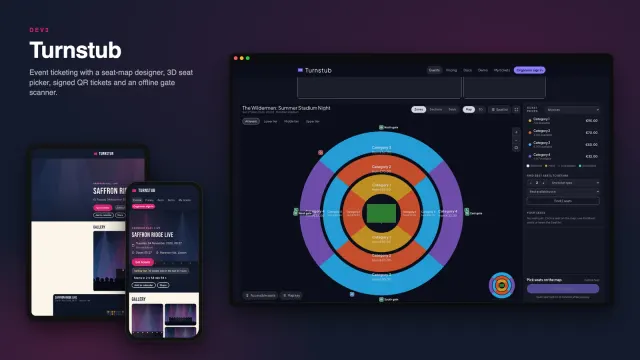
Web Scripts & Software Mobile app
from $69$99
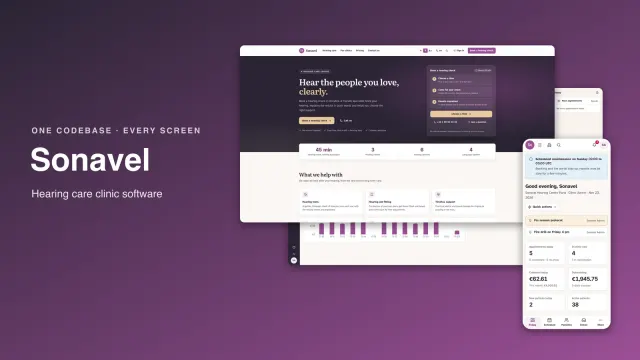
Enterprise SaaS Starters
from $69$99
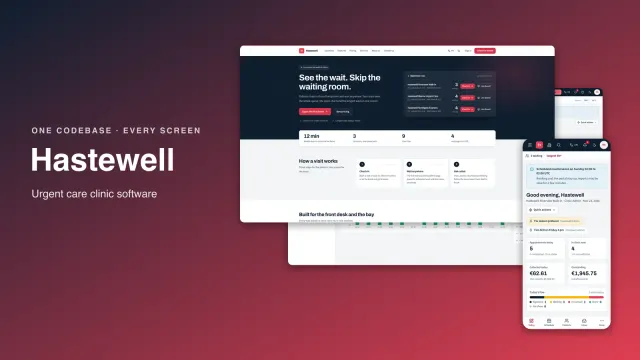
Enterprise SaaS Starters
from $69$99
Web Scripts & Software
from $69$99
Web Scripts & Software Mobile app
from $69$99
Web Scripts & Software Mobile app
from $69$99
Web Scripts & Software Mobile app
from $69$99
This screen recorder captures your whole screen, a single window or a browser tab, together with your microphone and an optional webcam bubble, then saves a video file you keep. It needs no install, no account and adds no watermark. Because the recording happens in your own browser, tutorials, bug reports and private meetings are never uploaded.
Browsers record to WebM, which is ideal for the web and for sharing, but some editors and phones prefer MP4. Use Convert to MP4 for the widest compatibility. If you only want better seeking, use Fix seeking, which is almost instant.
Current desktop Chrome, Edge and Firefox work. Safari support is limited, and mobile browsers cannot record the screen.
No. The browser records directly into memory on your device and you download the file. Nothing is sent to a server. Converting to MP4 also runs on your device with ffmpeg, after downloading its engine (about 30 MB) once.
When the browser asks what to share, pick a Chrome tab or Entire screen and tick Share audio (Share system audio). Chrome and Edge on Windows and ChromeOS support system audio; on macOS only tab audio is available. Your microphone is recorded separately and mixed in.
No watermark and no fixed time limit. The practical limit is your device memory: about 5 Mbps is roughly 40 MB per minute, so an hour is around 2 GB. Choose the Small quality for long sessions.
Browsers write WebM live without a duration. Press Fix seeking to rewrite the container in seconds without re-encoding, or convert to MP4, which also plays in more editors and on phones.
Mobile browsers do not allow screen capture from a web page, so use a desktop browser. The built-in recorders on iOS and Android are the right tool on a phone.
You can change its corner, size, shape and mirroring at any time and the change is applied to the live recording immediately.