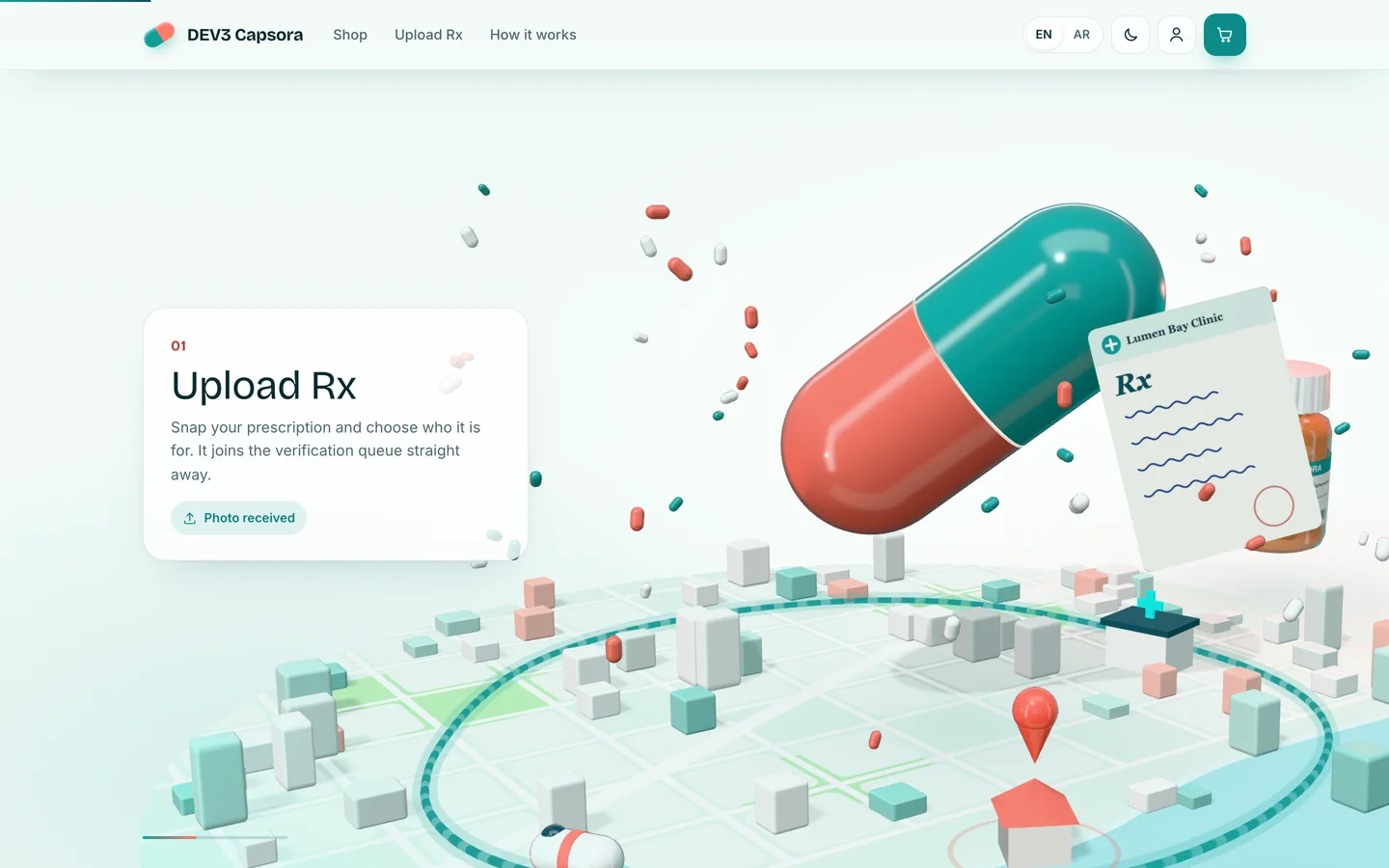
 Scroll story — The camera follows a prescription as it scans and slips into the capsule.
Pharmacy delivery script: following a prescription from upload to the door
Last updated
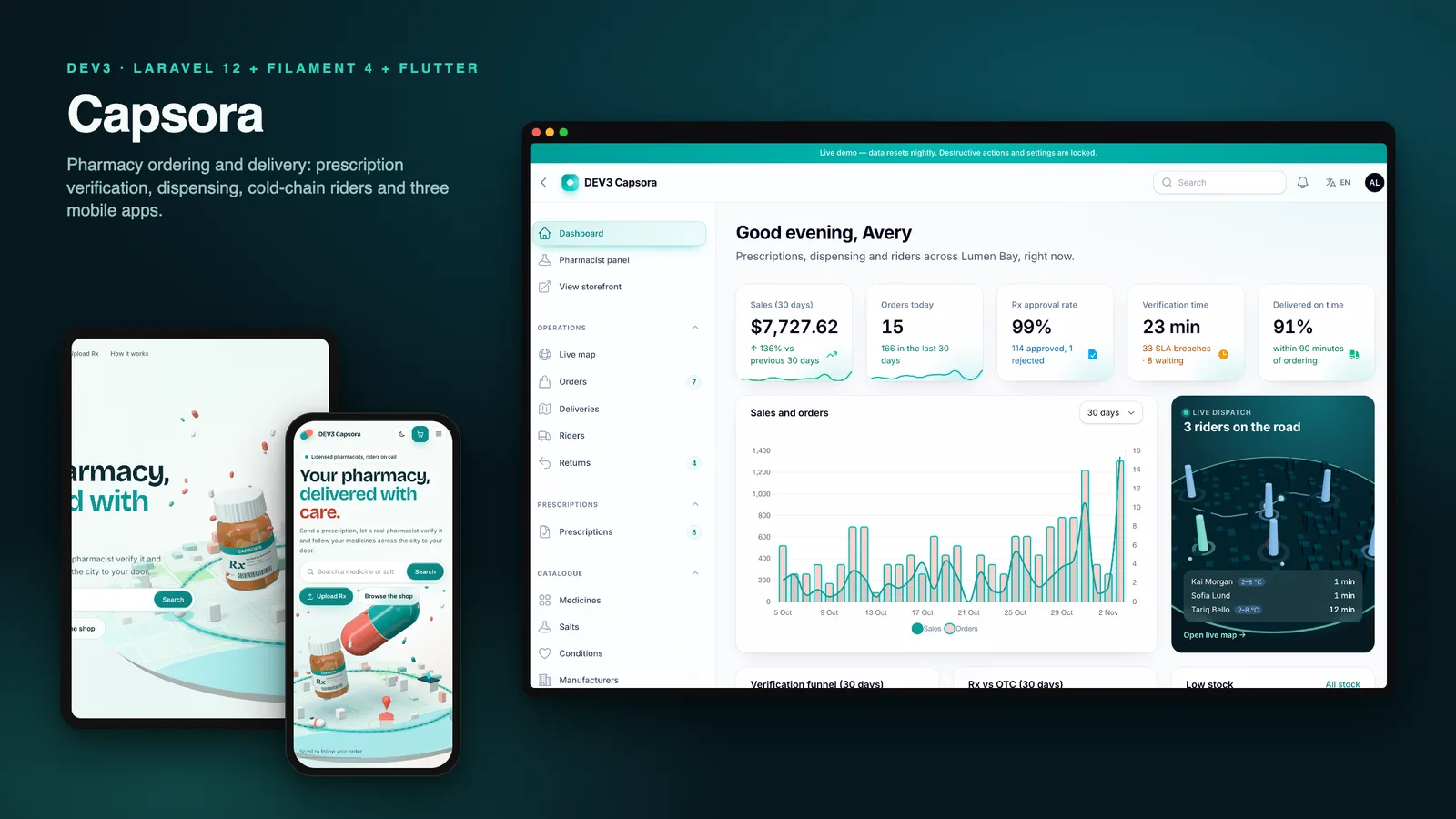
Most pharmacy delivery scripts are a shop with a "prescription" checkbox. The checkbox is the easy part. The hard part is everything after it: who looks at the prescription, what it actually lets the customer buy, what happens when a pharmacy cannot supply a line, and who checks an ID at the door. This guide follows one order through DEV3 Capsora, a self-hosted pharmacy delivery script on Laravel 12, Filament 4 and Flutter, and lists what to test at each stop in any script you evaluate.
Stop 1: finding the medicine
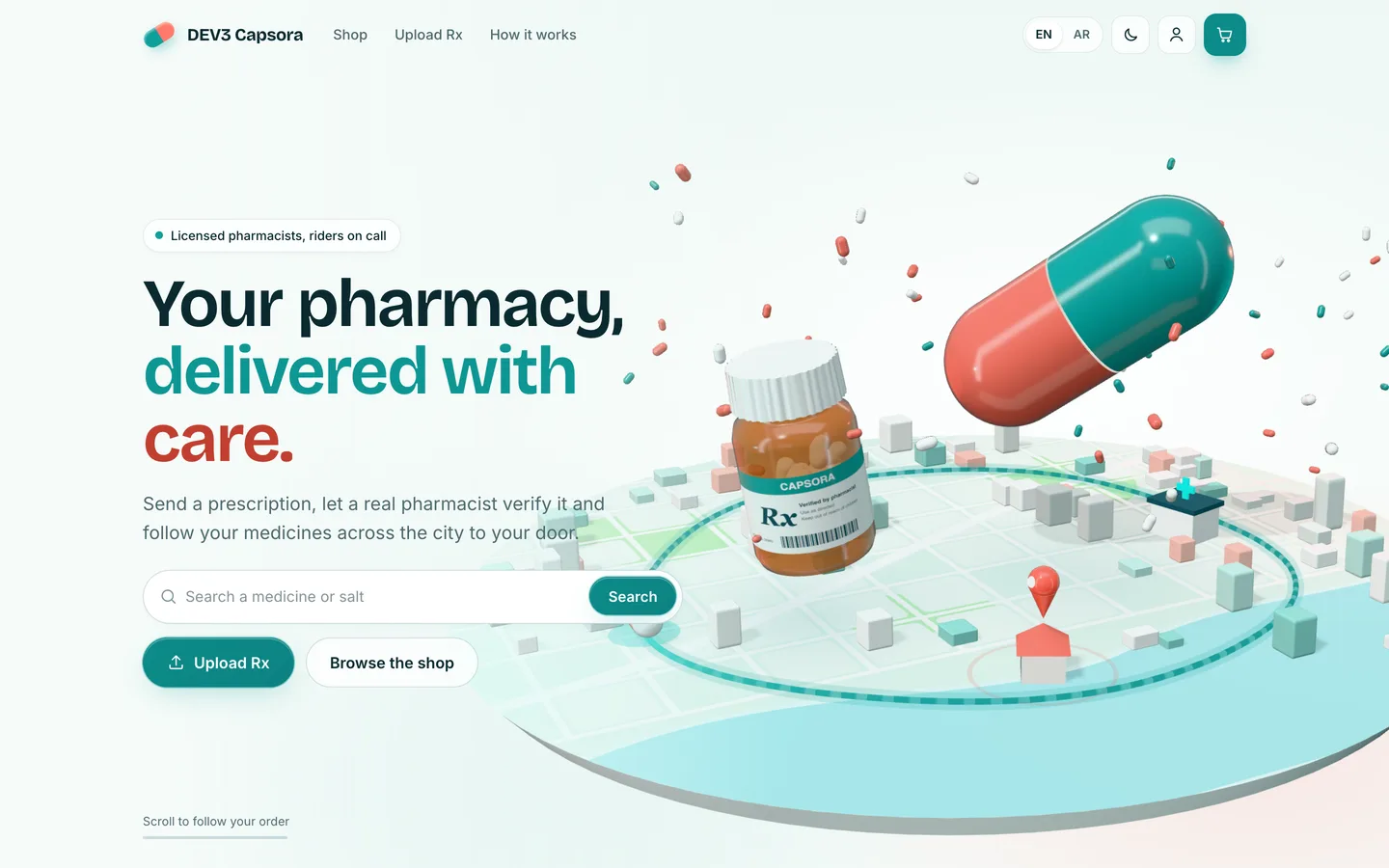
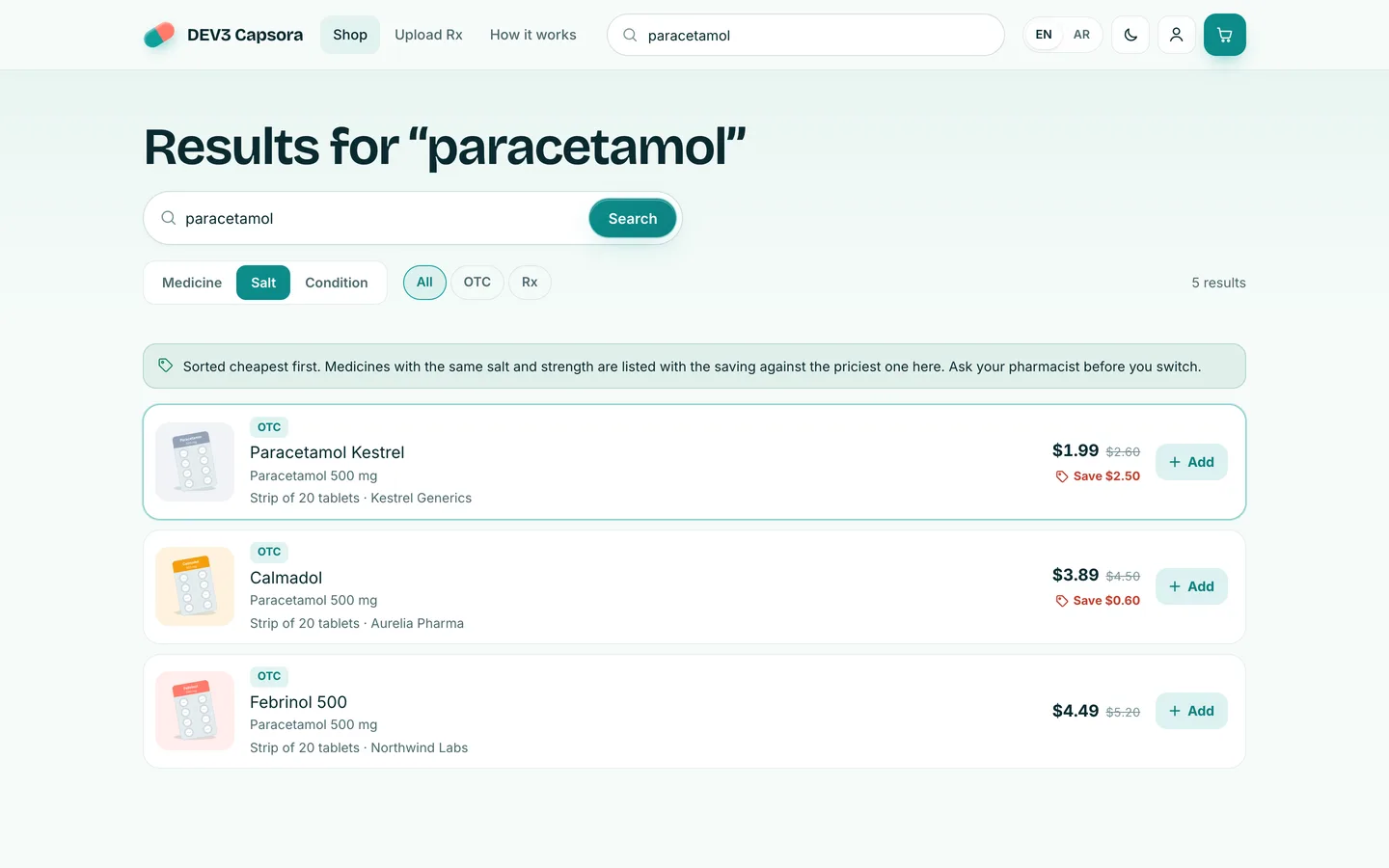
A customer rarely knows a brand. They know a condition, or the salt on an old strip. Capsora searches by medicine name, salt or condition, and a salt search lists same-salt packs cheapest first with the saving on each card. Medicine pages show composition, a generic label-style text, storage notes, and badges for prescription-only and cold-chain items.
Test: search for a salt, not a brand. Does the script find alternatives, and does it show the saving?
Stop 2: the prescription
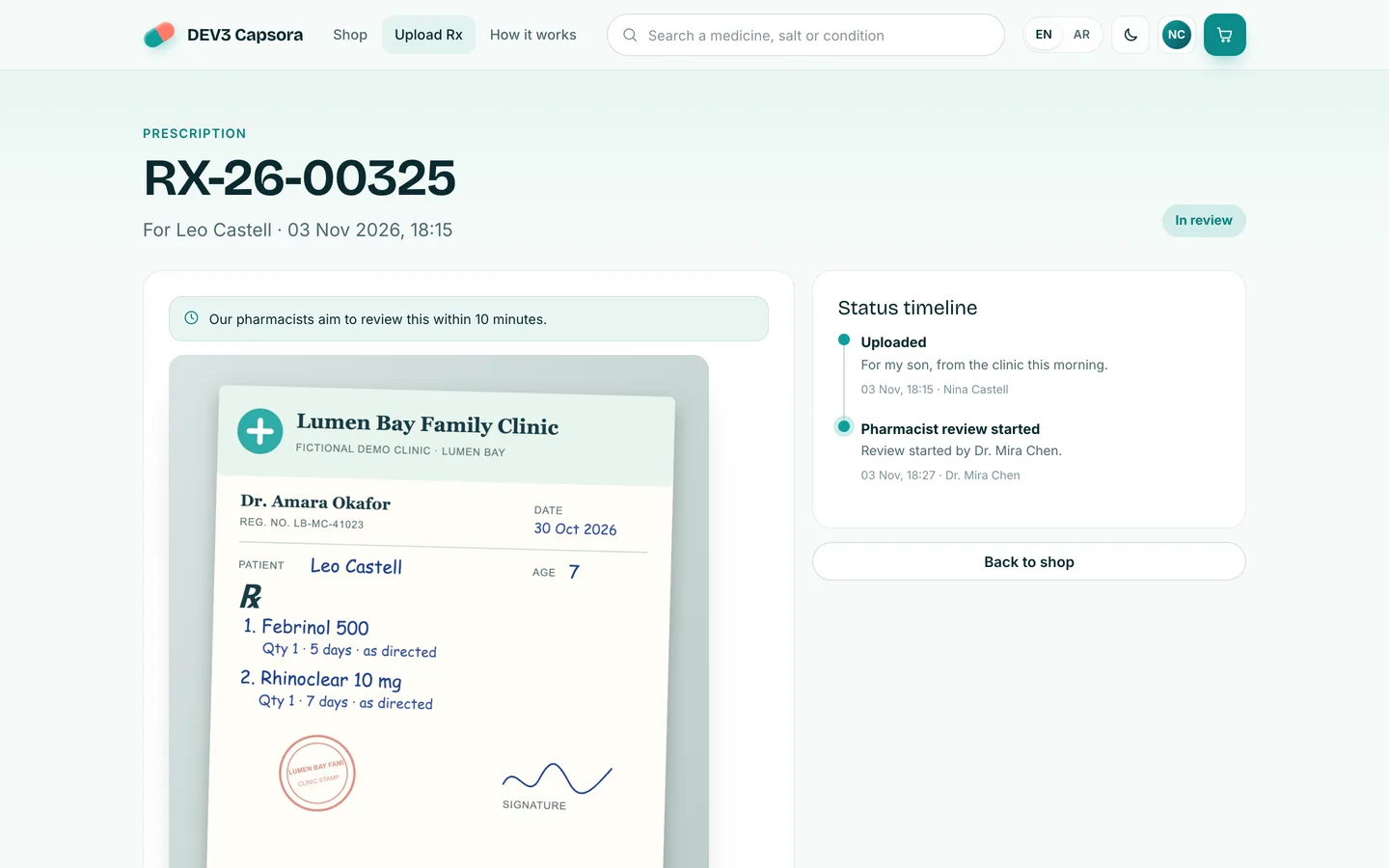
The customer uploads a photo, chooses which family member it is for, and adds a note. The upload joins a queue with a timer. The customer sees a status timeline rather than a silent wait, and if the pharmacist cannot read something they send a question back and the customer re-uploads.
Test: what does the customer see while waiting, and what happens when the image is unclear?
Stop 3: the pharmacist's desk
The pharmacist panel opens on a queue ordered oldest first, with SLA timers and each patient's age and allergies. The verify screen shows the image with a drawing layer for boxes labelled "doctor signature", "drug 1" or "illegible", the doctor's registration number, the issue date and the matched medicine lines. Approve, reject with a reason, or ask for clarification. Each action is a row in an audit trail that cannot be edited from the screen.
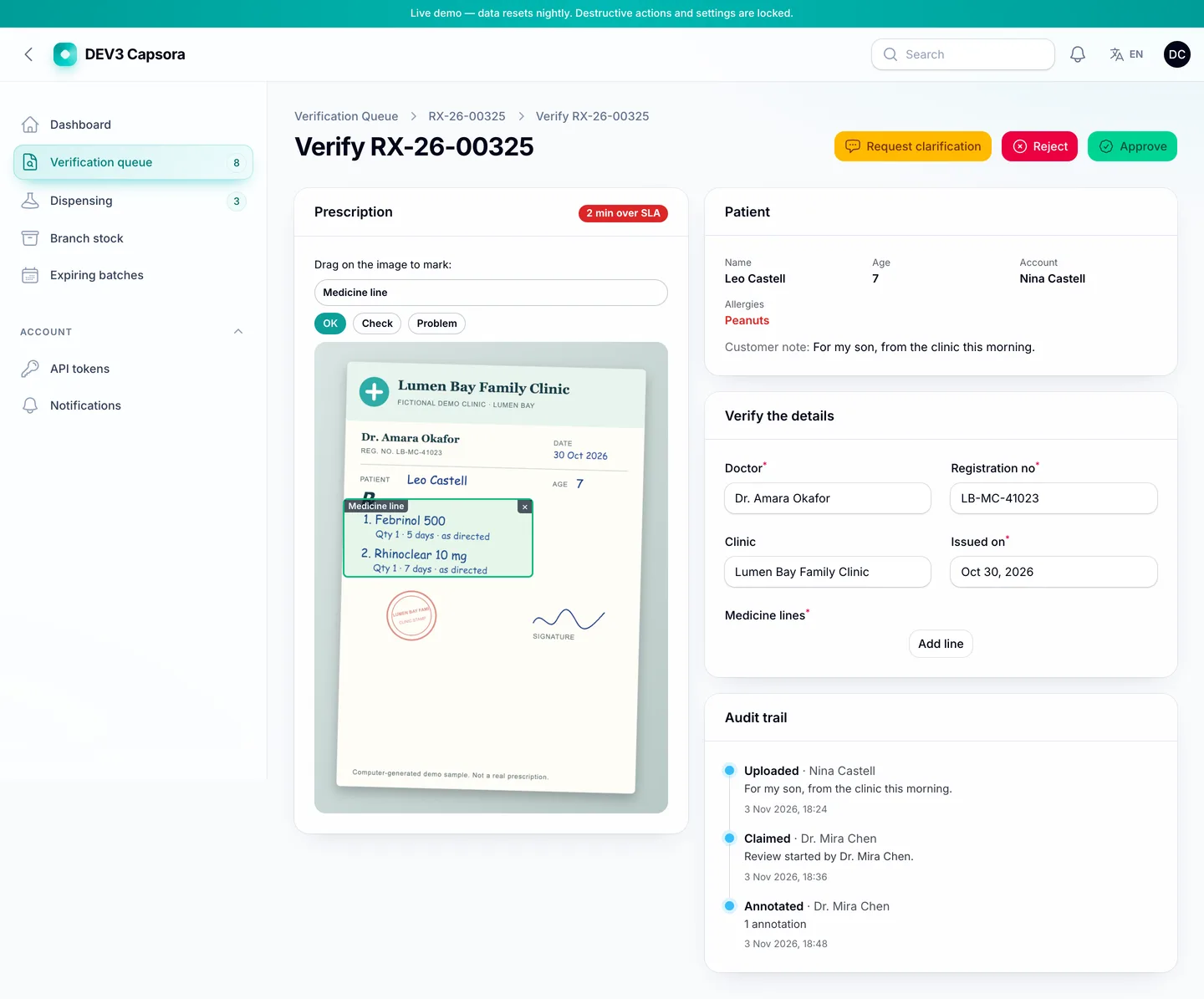
Test: is there a record of who approved what and when? And does an approval cover only the patient and medicines on the prescription? In Capsora an approved prescription unlocks the same medicine, or the same salt and strength, for the same patient, and nothing else.
Stop 4: substitutes and short lines
At dispensing the pharmacist picks batches (earliest expiry suggested), records partial quantities, or proposes a same-salt substitute. The customer approves or declines it, and pays the lower of the two prices. If a line is short, the difference returns to the wallet, or comes off the cash due at the door.
Test: can the customer refuse a substitute? Who pays the price difference?
Stop 5: age, ID and cold chain
Restricted items need a date of birth that meets the minimum age, and a typed date cannot override the one on the patient's profile. Cold-chain orders add a fee and are offered only to riders who carry a cold box. At the door, the rider enters the customer's four-digit code, and for restricted orders also the last four digits of an ID and a confirmation that it matches. Only those four digits are stored.
Test: where is the age rule enforced, at checkout or only on the product page?
Stop 6: after delivery
Customers can set refill subscriptions and a medicine schedule with reminder times, per family member. A scheduled job creates refill orders and expires old prescriptions. The admin side covers returns, stock per branch, batch expiry with write-off, pharmacy licences and KYC documents, and reports.
What else to compare
- Apps: three Flutter apps (customer, rider, pharmacist) that run offline in demo mode and switch to your server with a build flag. Each has its own Arabic right-to-left layout and dark theme.
- Tokens: API tokens are scoped to one app, and a test checks that a customer token cannot reach pharmacist routes.
- Quality: 146 Pest tests with 1218 assertions, Larastan level 6 with no errors, and Flutter tests of 35, 19 and 14 for the customer, rider and pharmacist apps.
- Limits: payment, SMS and push drivers were not run with live accounts, the apps were not tested on physical devices, and the customer app does not yet open a real gateway's checkout page. It is software, not a licence: running a pharmacy needs the permits and qualified staff your country requires.
Instead of a live demo, the listing has 120 grouped screenshots and video tours, and the "How it's built" section explains the design in more detail.