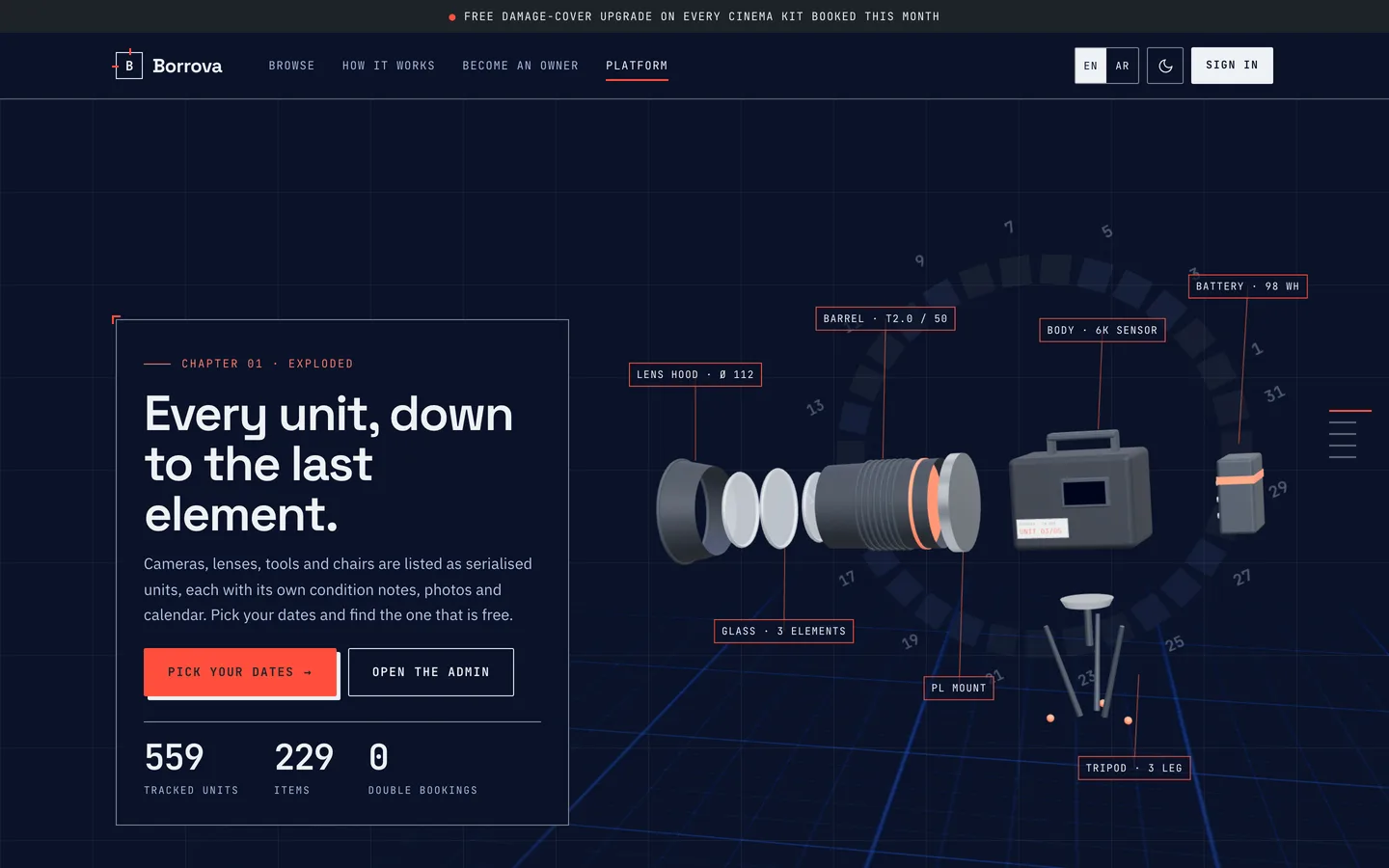
 Exploded kit — A cinema camera floats apart along its axis with coral leader lines to spec labels, above a turning ring calendar.
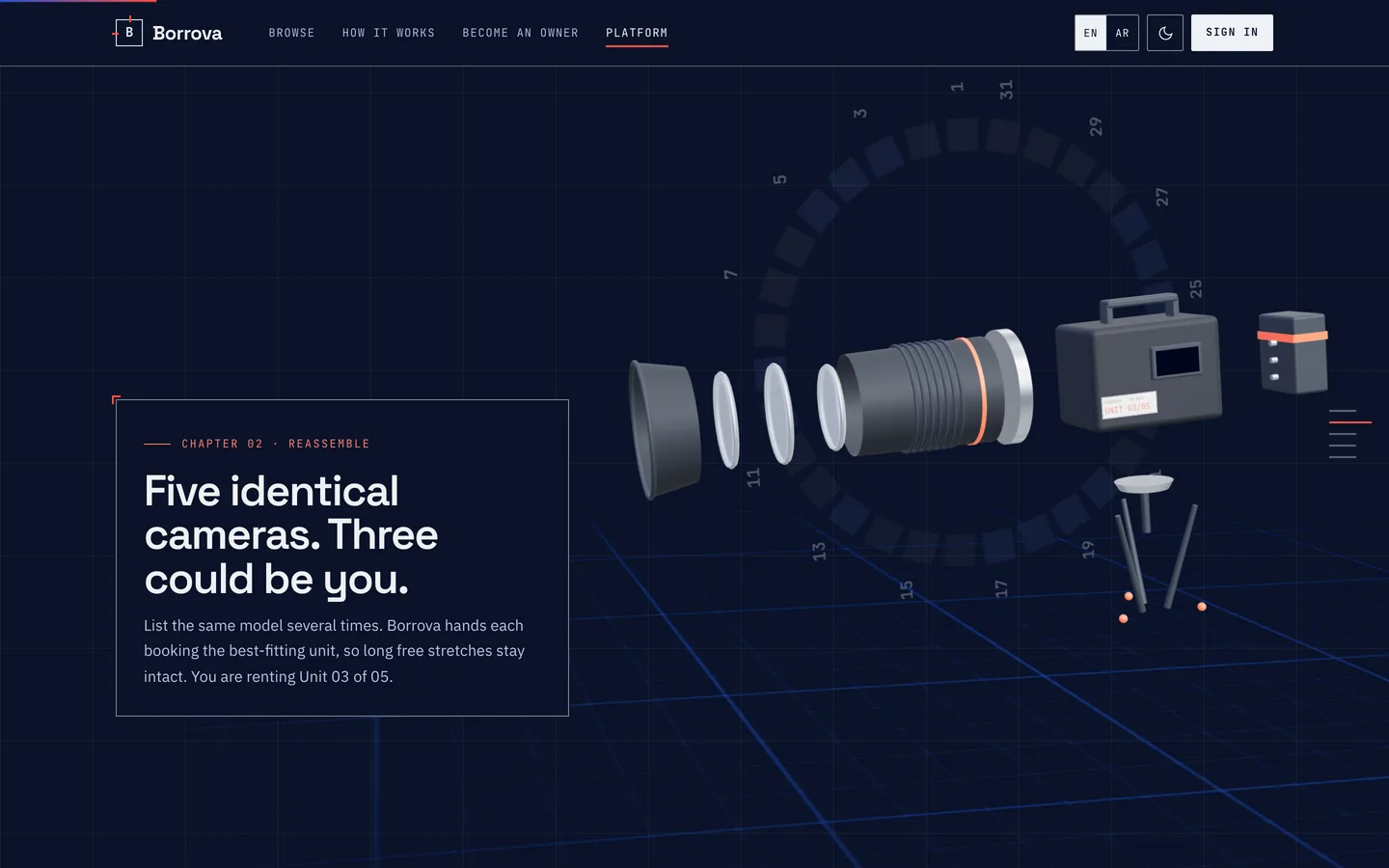 Reassemble — The parts snap together and the serial plate lights up: unit 3 of 5.
Rental marketplace script: 7 things to check before you pick one
Last updated
Rental marketplace scripts tend to share one demo: a grid of cameras, a date picker and a book button. The differences show up in the first busy weekend, when two renters pay for the last lens within the same second, when a three-day rental turns out to cost more than the weekly rate, when a renter keeps the drill two days past the return date and the next renter is already on the way, or when a damage claim is bigger than the deposit and nobody knows who owes what. This guide lists seven things worth testing before you choose a self-hosted rental script, and how Borrova, built on Laravel 12 and Filament 4 with two Flutter apps, handles each one.
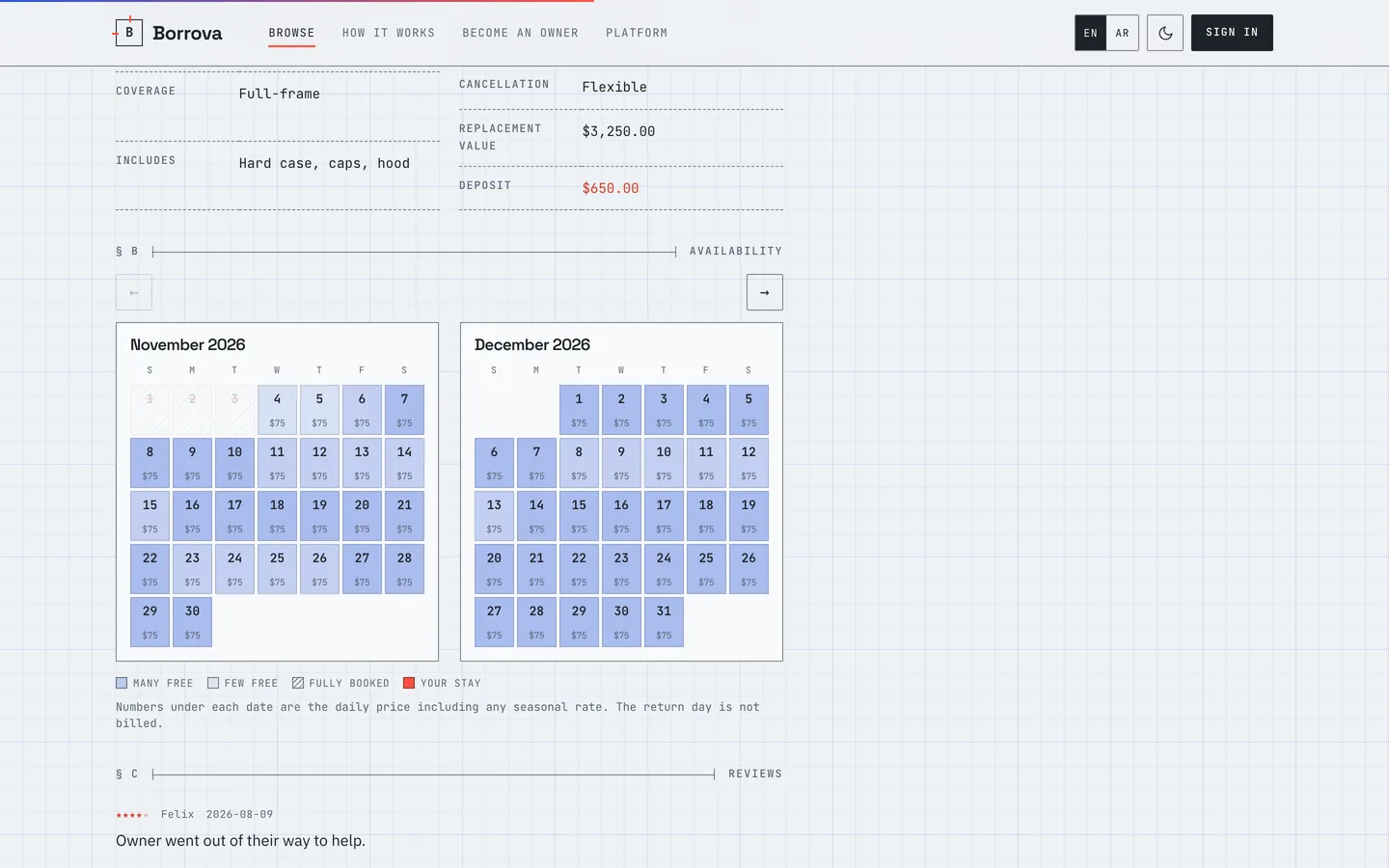
1. Can two people book the same unit?
Ask how availability is stored. A script that checks "is anything booked between these dates?" and then saves is open to a race. Look for a rule the database itself enforces.
Borrova keeps one row per unit and day, with a unique key on the pair. An allocation runs under a lock on the item, picks the closest-fitting free unit so long stretches stay open, and tries the next unit if the database refuses a duplicate. Items can have several serial-numbered units, so a three-unit item can take three bookings for the same days and no more. The test suite cannot prove this on SQLite, so the browser smoke script fires eight parallel bookings at MySQL and checks the counts.
2. Does pricing behave across rate tiers?
Daily, weekly and monthly rates are common. Check the edges: a six-day rental should not cost more than a week, and seasonal prices should apply to the days they cover, not the whole stay.
In Borrova a stay is priced day by day with the highest seasonal multiplier for each date, rounded once at the end, and capped by the weekly or monthly tier. The same maths runs in PHP and in the Dart apps, and shared test vectors run in both, so the quote on the phone matches the quote on the server.
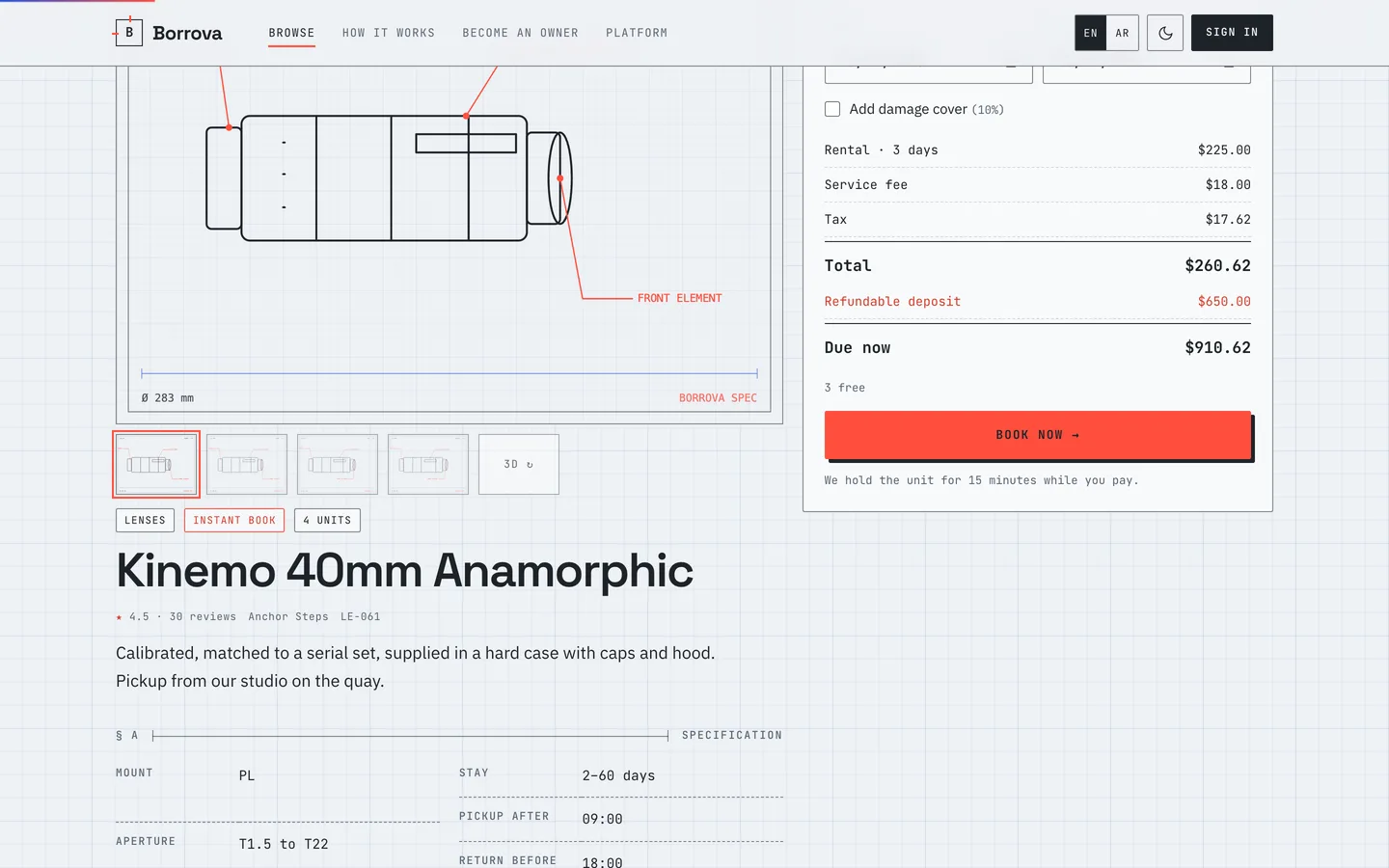
3. How is the deposit actually held?
"Deposit" can mean a card pre-authorisation, a wallet hold or a plain charge. Each behaves differently when a payment fails halfway.
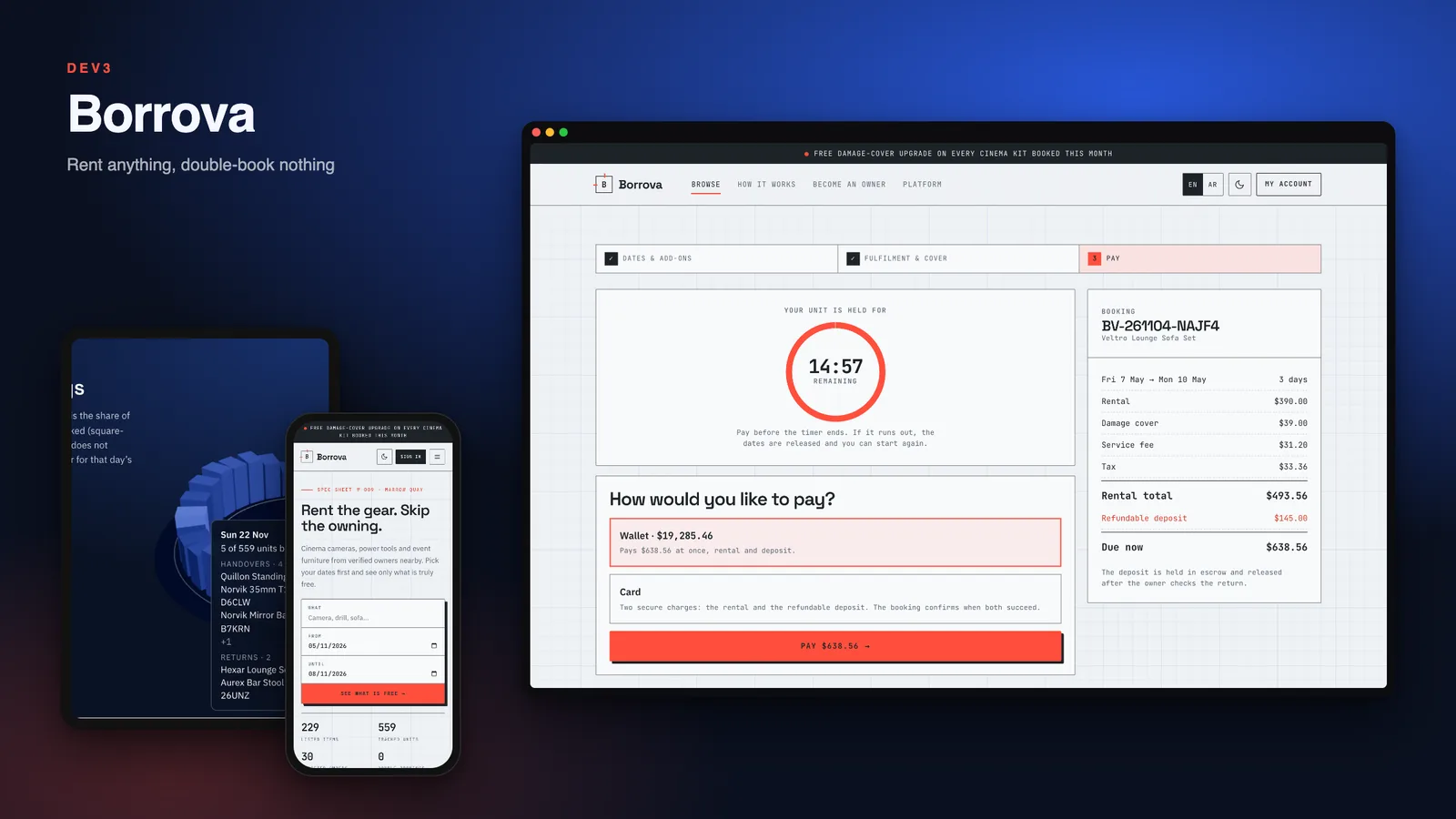
Borrova's payment layer has no pre-authorisation, so the deposit is a real second payment held in escrow. A booking confirms only when both the rental and the deposit have succeeded, and if one fails the other is refunded. Money that arrives after a hold has lapsed is refunded at once. The simulated gateway is the default, and the Stripe, PayPal and Razorpay drivers were not tested with live accounts.
4. Is the handover recorded?
Disputes start at pickup. Look for condition photos from both sides and some proof that the item changed hands.
Borrova uses a six-digit code. The renter sees it in the account or app, the owner types it, and both sides add condition photos first. Five wrong tries lock the code for ten minutes. The return works the same way. Staff can see handover and return photos side by side when they decide a dispute.
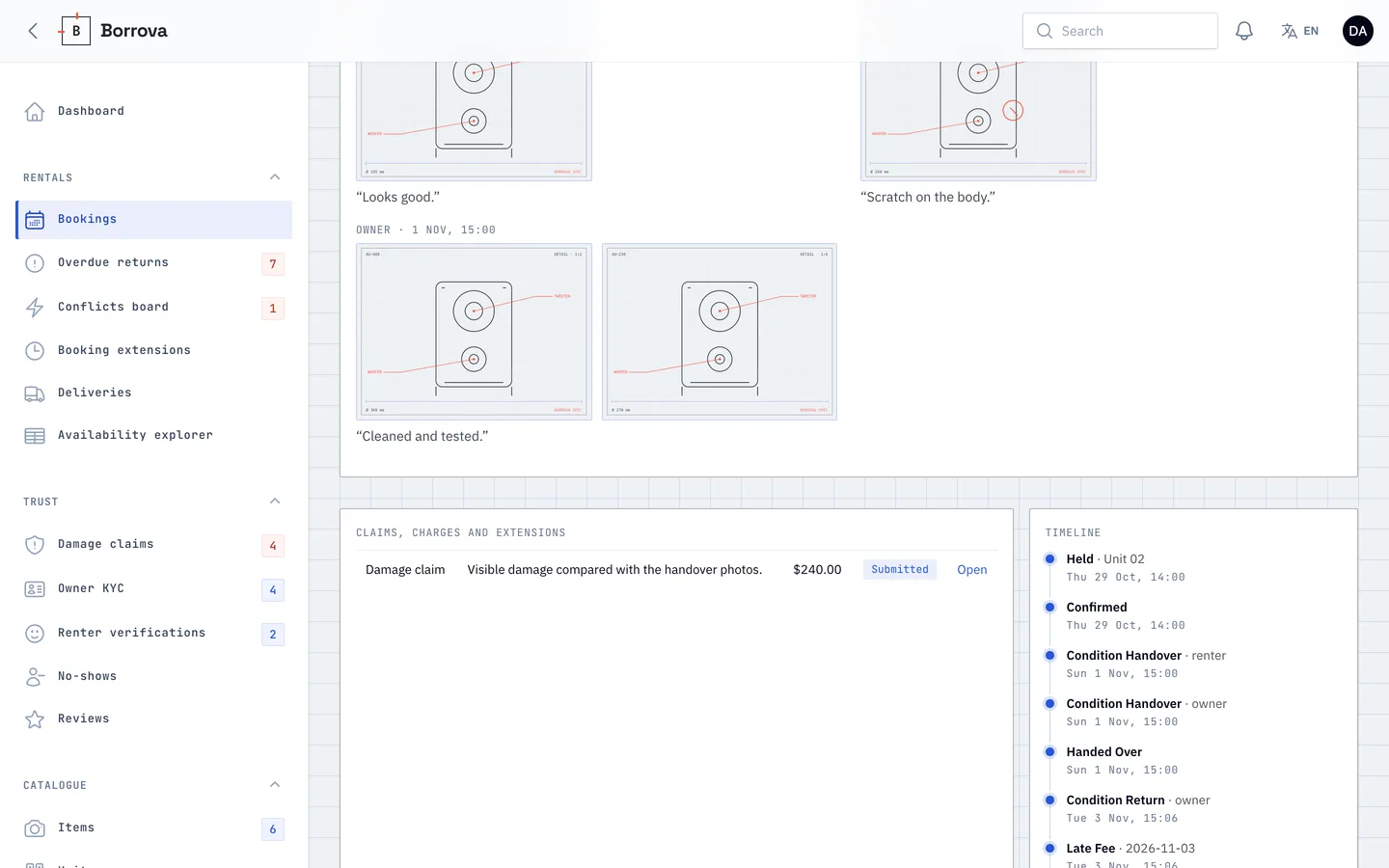
5. What happens when a claim exceeds the deposit?
A script that only refunds the deposit or keeps it is not enough. You want a claim process with evidence, a time limit and a clear split.
In Borrova the owner has a claim window after the return. A claim needs photos, a reason and an amount no higher than the replacement value. The renter accepts or disputes it, and silence counts as accepting. Late fees come out of the deposit first. The renter's share is limited by an optional damage cover with a deductible, an insurance pool pays the rest up to a cap, and anything the deposit cannot cover becomes a charge due in seven days. An unpaid charge blocks new bookings.
6. What if the item comes back late?
Late returns hurt the next renter. Check whether the system notices, charges, and does something about the collision.
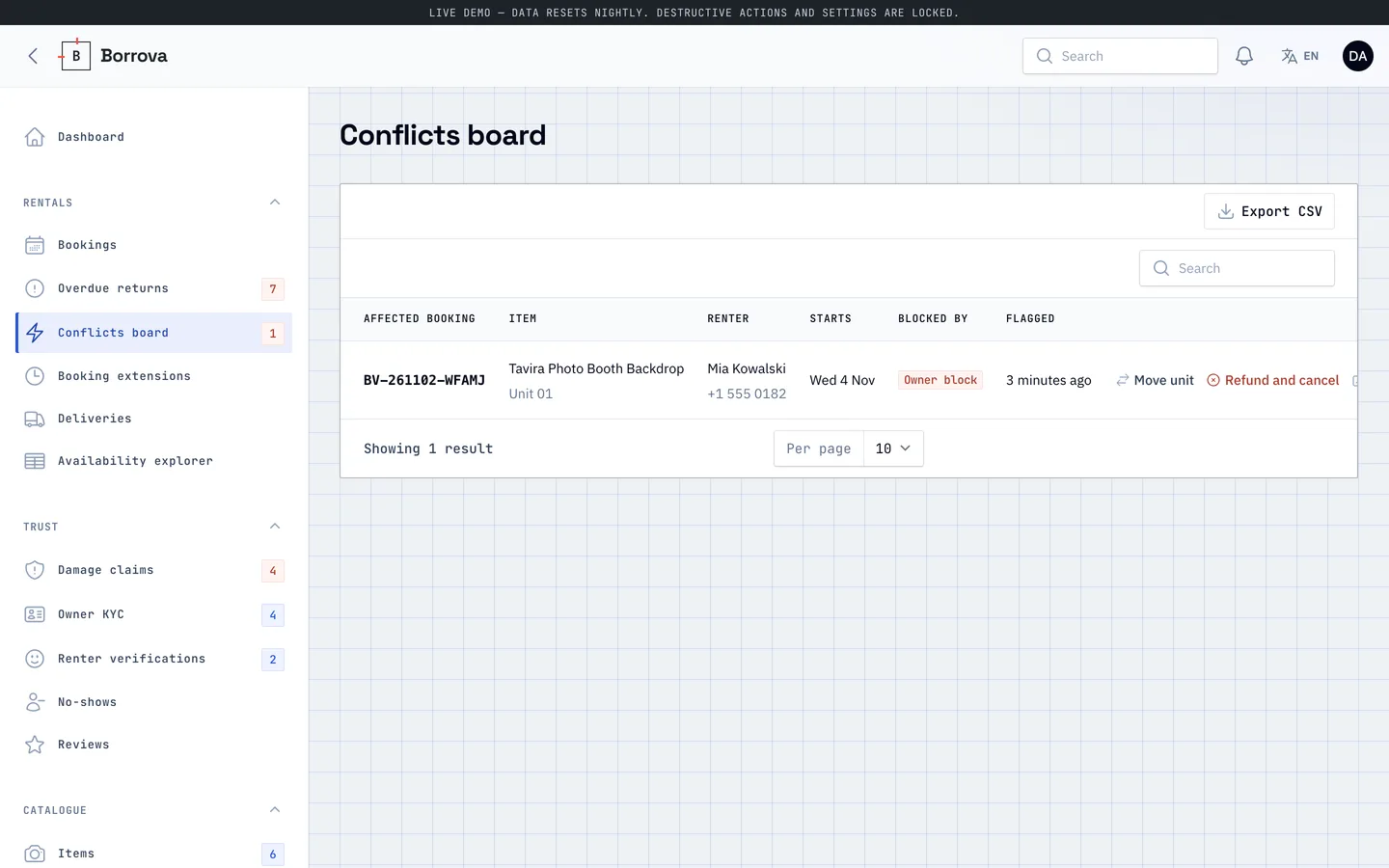
Borrova checks every fifteen minutes. After a grace period it adds a late fee for each started day, takes it from the deposit first, and looks at the next booking on that unit. If another unit is free it moves the booking and tells both people. If not, the booking lands on a Conflicts board where staff can rebook or cancel with a full refund.
7. Are there apps for both sides, and how were they tested?
Renters and owners do different jobs. Ask whether the owner has an app, and what the apps were tested against.
Borrova includes a Flutter renter app and a Flutter owner app. Both start in demo mode with their own data, and two build flags point them at your server. The renter app passed 147 tests and the owner app 130, and both build as a debug Android package and for the iOS simulator. They were not tested on physical devices. The apps send generated photo tokens for condition photos rather than camera pictures, although the API accepts files. Owners cannot yet reply to reviews from the API, and there is no claims list endpoint, so the owner app builds its claims screen from returned bookings.
See it in action
The video tour goes from search by date through booking, owner approval and handover, to a late return, a claim and the deposit split in the admin panel.
What else to compare
- Cancellation: flexible, moderate and strict policies per item, with a refund preview that uses the same code as the real refund.
- Verification: owner documents and renter ID checks are reviewed by staff, and items can require a verified renter.
- Delivery: optional delivery within a radius, with a driver map.
- Admin: roles for admin, operations, finance and support, a deposit ledger, an insurance pool ledger, four reports and a 3D utilisation dial.
- Languages: English, plus Arabic with right-to-left layout for navigation and the main flows. Some long body copy stays English.
- What was not verified: live payment, SMS and push accounts, physical devices and Lighthouse mobile.
- Quality: Borrova 1.0.0 shipped with 245 Pest tests (6,490 assertions), a headless-browser pass over 45 pages, an installer test from the zip and a clean secret scan.
Instead of a live demo, the listing has 113 grouped screenshots and two video tours, and the "How it's built" section explains the architecture.