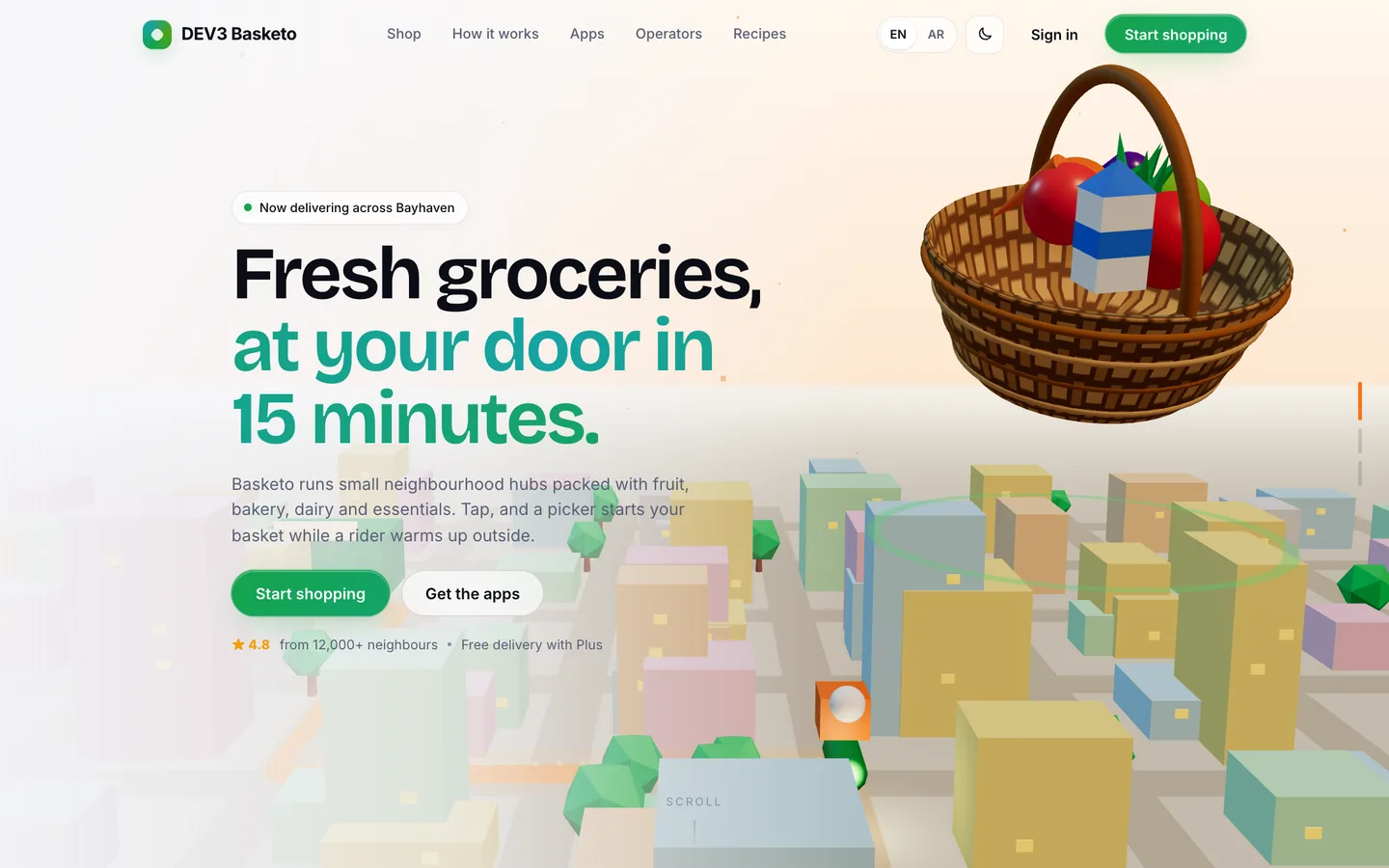
 Signature 3D hero — A woven basket of fresh produce floats over a low-poly city while a scooter rides its glowing route.
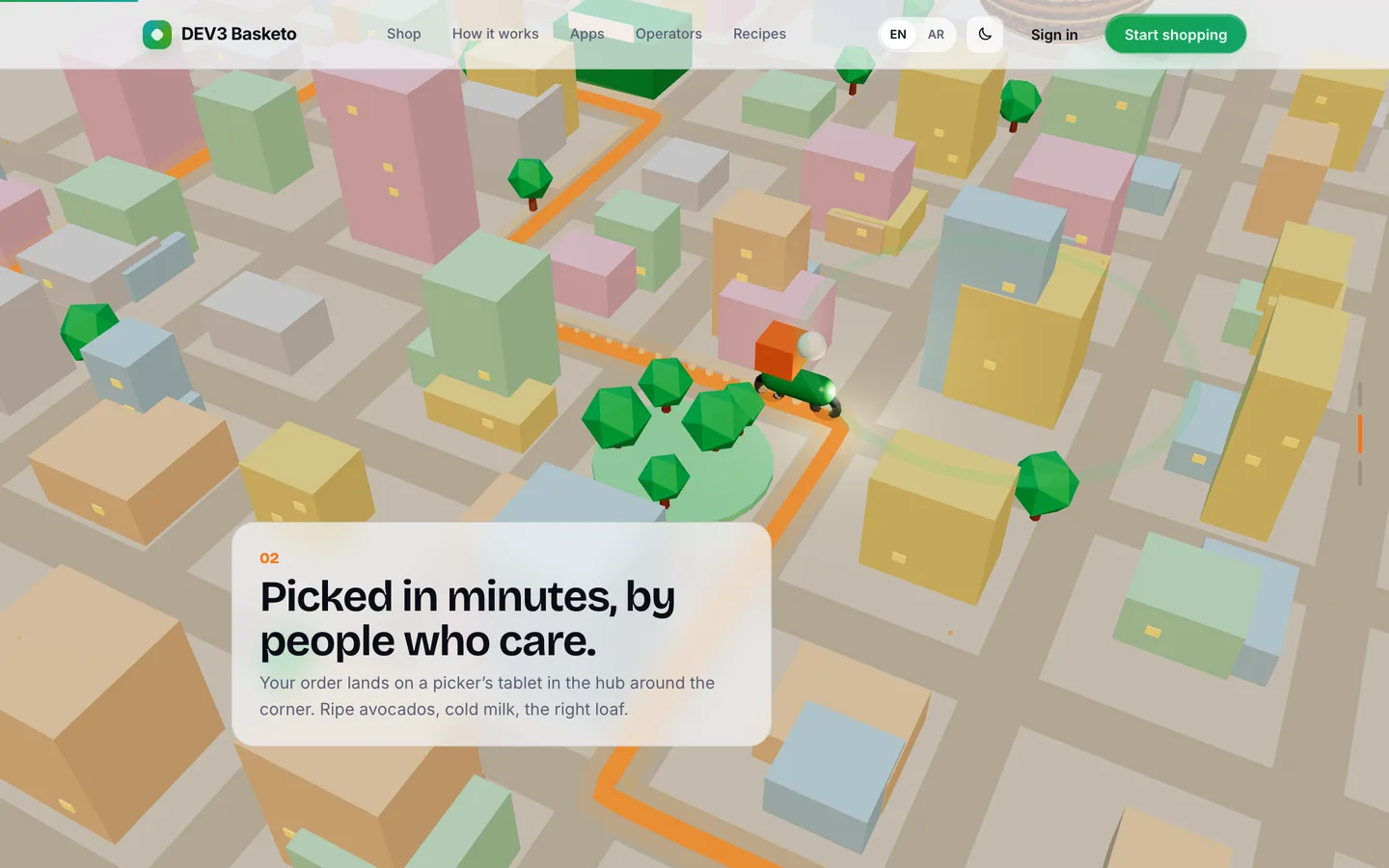 Scroll-driven story — The camera drops from the basket towards the city as the second beat explains who picks your order.
Grocery delivery script: following one basket from slot to doorstep
Last updated
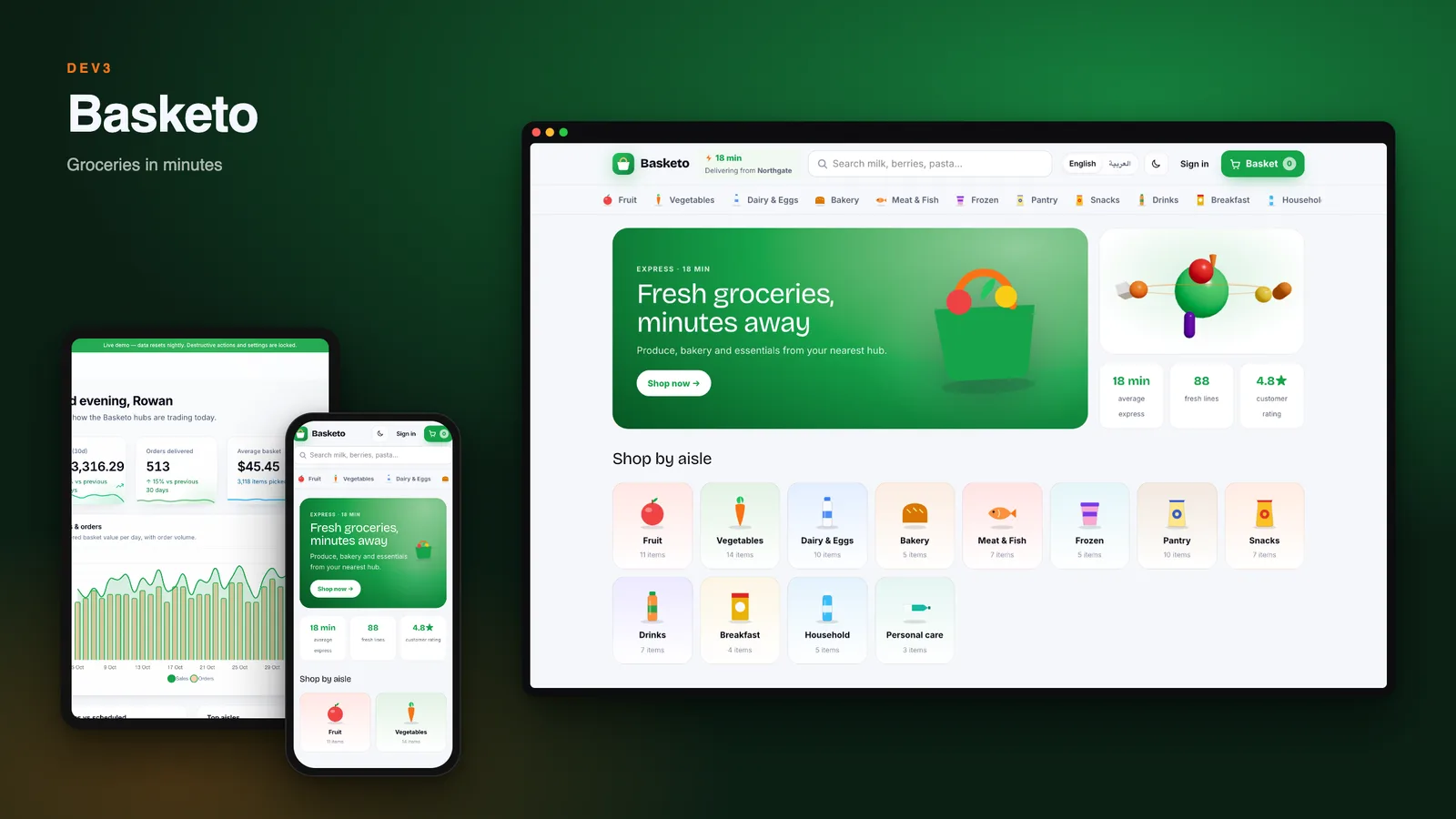
Most grocery delivery demos stop at the basket. The hard part comes after checkout, when someone has to find eggs in an aisle, weigh the tomatoes, deal with a missing item and hand a bag to a rider. This guide follows one order through DEV3 Basketo, a self-hosted platform on Laravel 12 and Filament 4 with Flutter apps, in the order things actually happen.
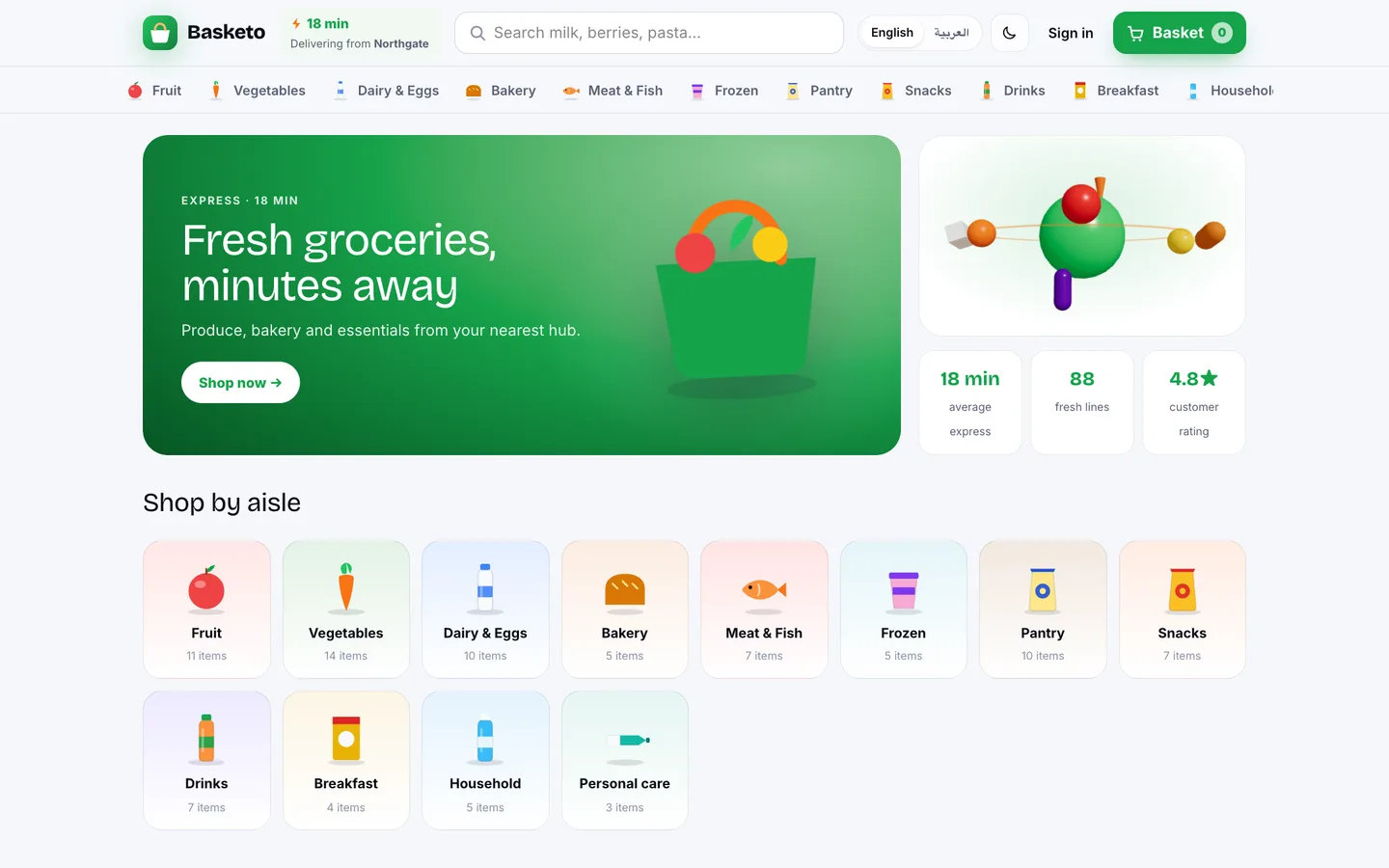
Minute 0: the customer builds a basket
The shop knows which dark store serves the customer's address. Loose produce is sold by weight, so the customer chooses an amount and sees the price for it; packed goods are sold by unit. Recipes add every ingredient in one tap and scale with the number of servings. Search understands synonyms and suggests the closest product when a word is misspelt.
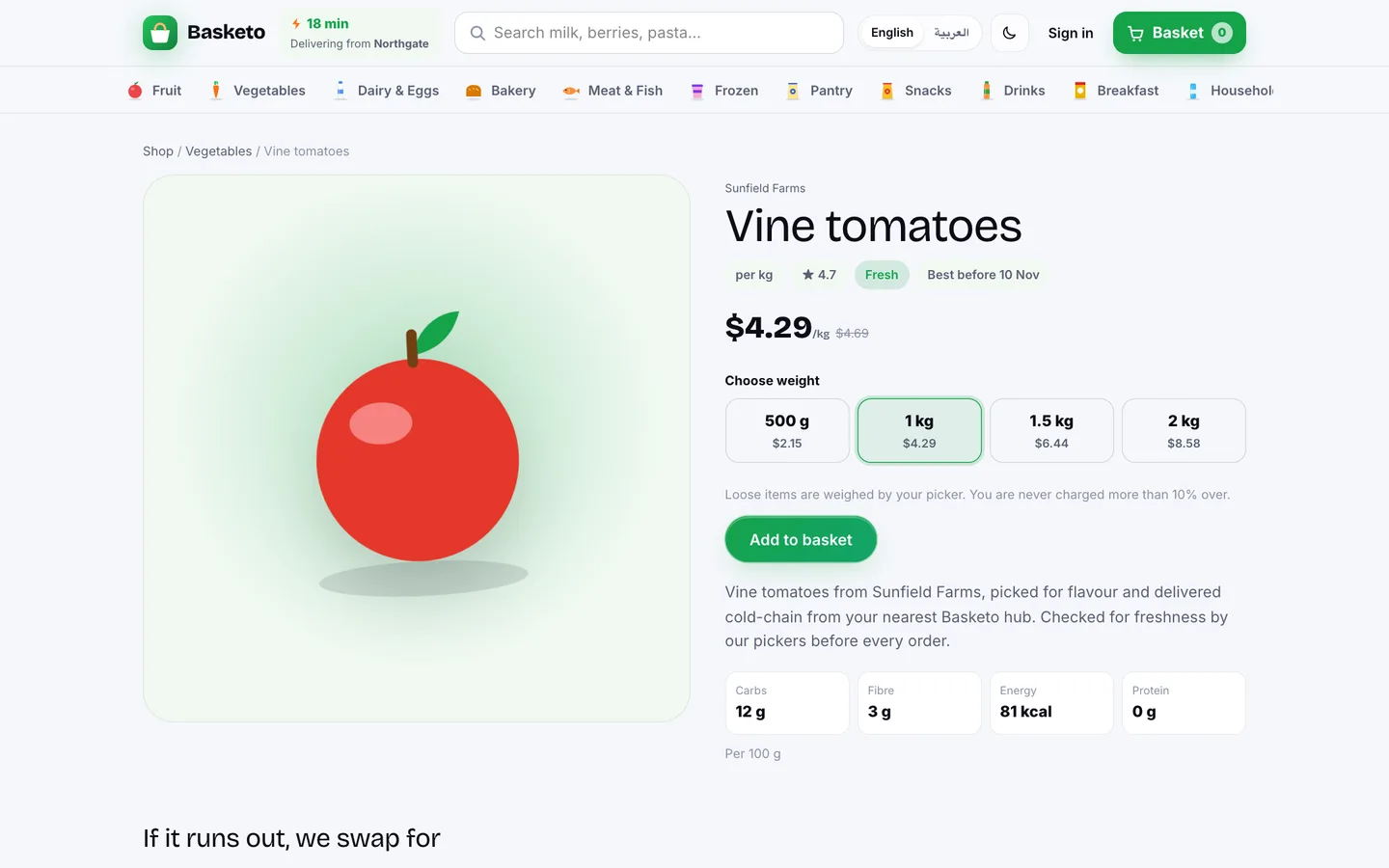
Each line also carries a rule for what to do if it is unavailable: closest match, ask me, call me, or no substitute.
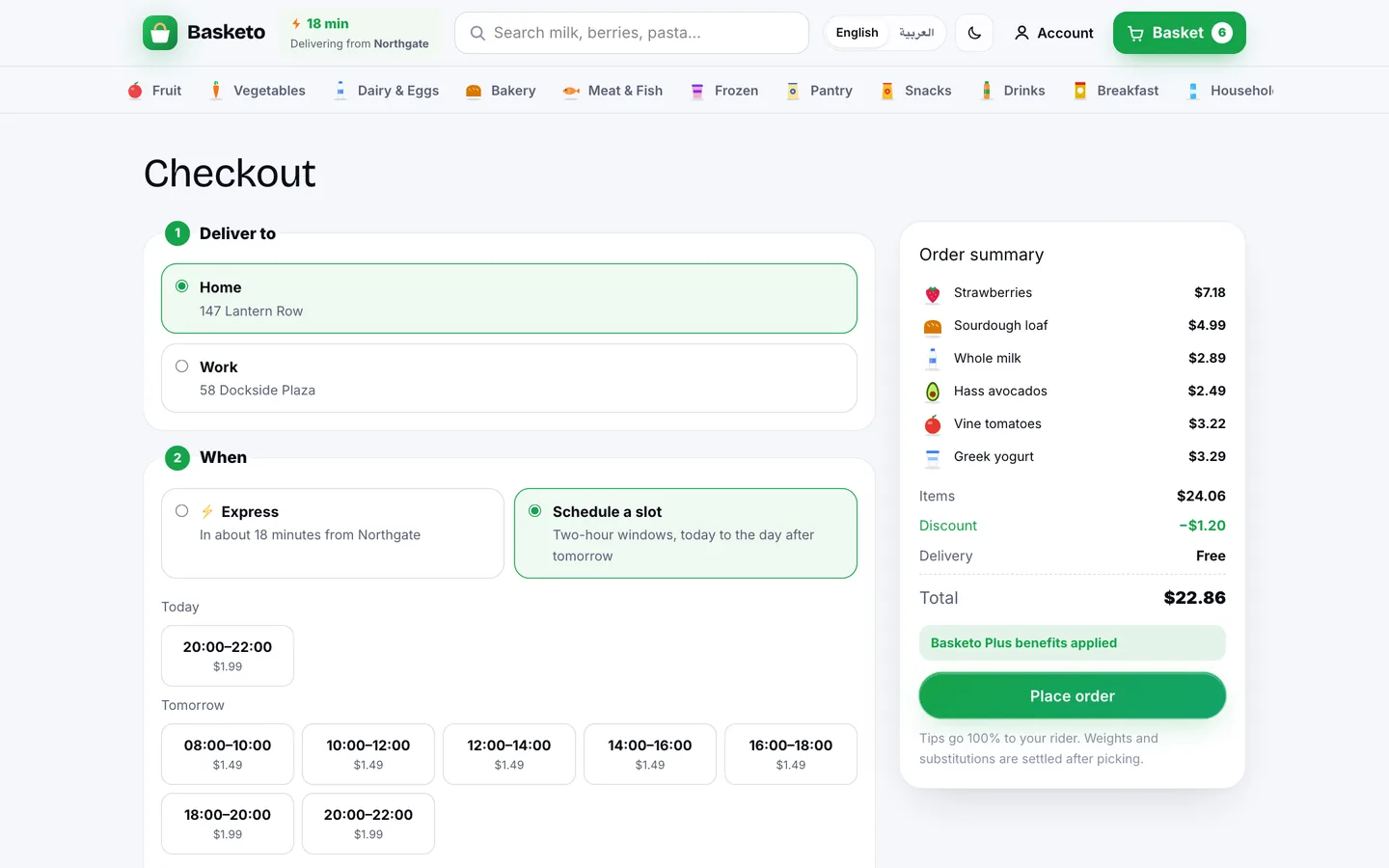
Minute 1: a slot with a capacity
Checkout offers an express delivery or a scheduled window. Windows have their own fee and capacity per store, and a full one is marked as full. Paying by card, wallet or cash on delivery are all options. A card order that is never paid is cancelled after 30 minutes by the scheduler, and its stock and slot are released.
Minute 10: picking in the dark store
The order lands in the store's pick queue, express orders first, with an SLA timer. The pick list is sorted by zone and aisle so the picker walks the store once. The picker scans a barcode (the scanner is simulated in the web panel and in the app), types the weight for loose items, and either substitutes or marks an item missing. Then comes packing with the number of bags and cold bags.
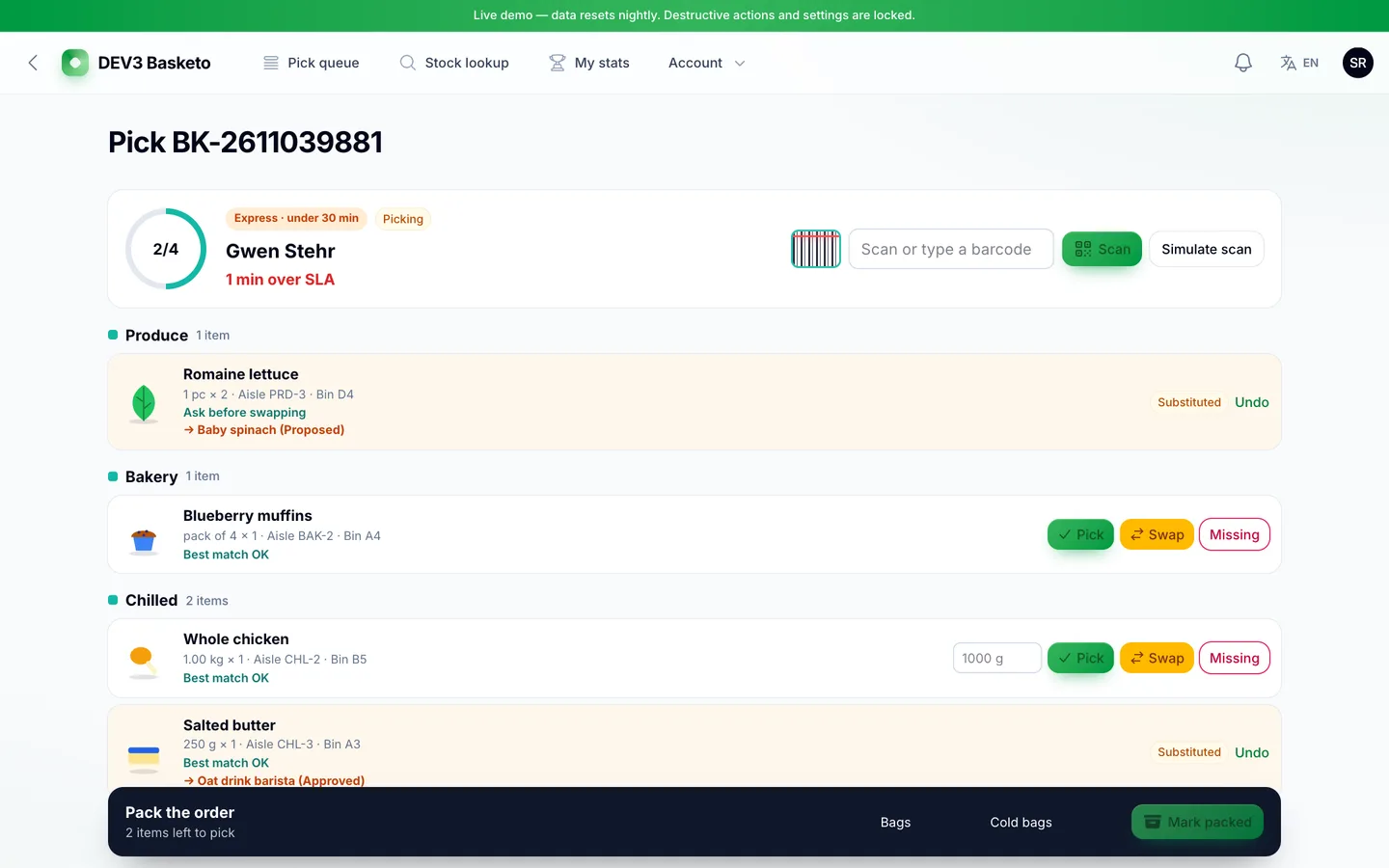
What the picker does decides what the customer pays. A lighter weight, a cheaper substitute or a missing item is refunded to the wallet, and if a discount applied only the share actually paid comes back. A heavier weight or a dearer substitute is absorbed, with loose items picked up to 10% over the ordered weight. When the customer's rule was "ask me", the swap waits for their decision until packing.
Minute 20: the rider
When the order is packed, it is offered to the nearest free rider. Offers expire and are re-offered; a scheduled sweep dispatches orders nobody took. The rider collects with the store's pickup code, follows the route and finishes the job by entering the customer's four-digit delivery code. For cash orders, the cash is recorded against the rider and settled later in the admin.
What to check in any grocery platform
- Slots: are capacity and unpaid holds handled?
- Weights: can the final charge differ from the order, and who absorbs the difference?
- Substitutions: does the customer choose, and is there an approvals queue?
- Picking: is the list sorted by location, and does stock deduct first-expired-first-out?
- Handover: are there codes at pickup and at the door?
- Apps: is there a picker app and a rider app, or only the customer one?
Limits worth knowing
Basketo ships with a simulated payment gateway; Stripe, Razorpay and PayPal drivers, push and SMS providers are included but were not run against live accounts. The apps were built and driven headless and in simulators, not on physical devices, and maps are illustrations with simulated rider positions. Version 1.0.0 was checked with 108 Pest tests, and the customer, picker and rider apps have 36, 21 and 21 tests. The listing's Good to know section covers the rest.