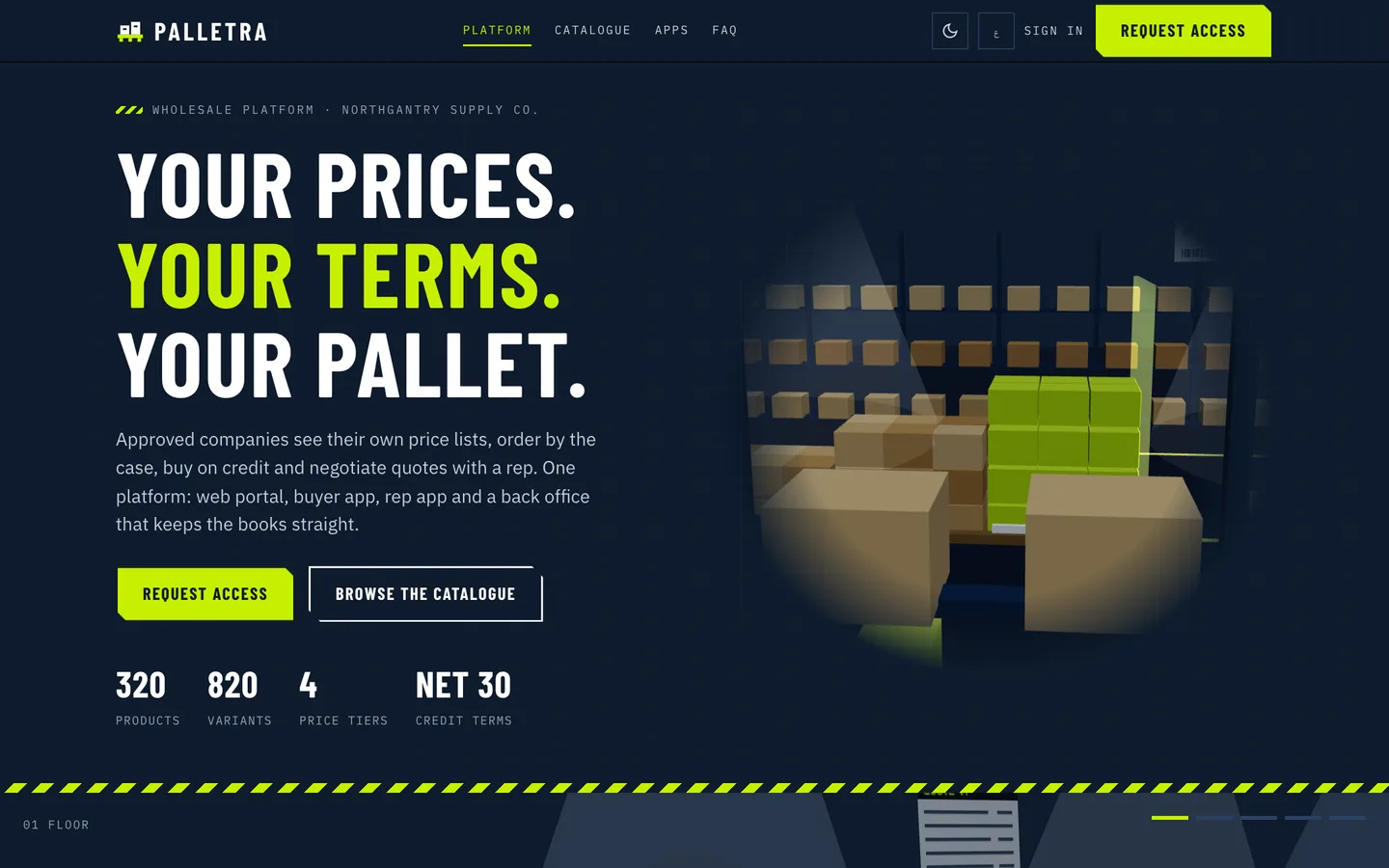
 Price-break hero — Cartons stack into volume tiers on a night warehouse floor while a scan beam prices each level.
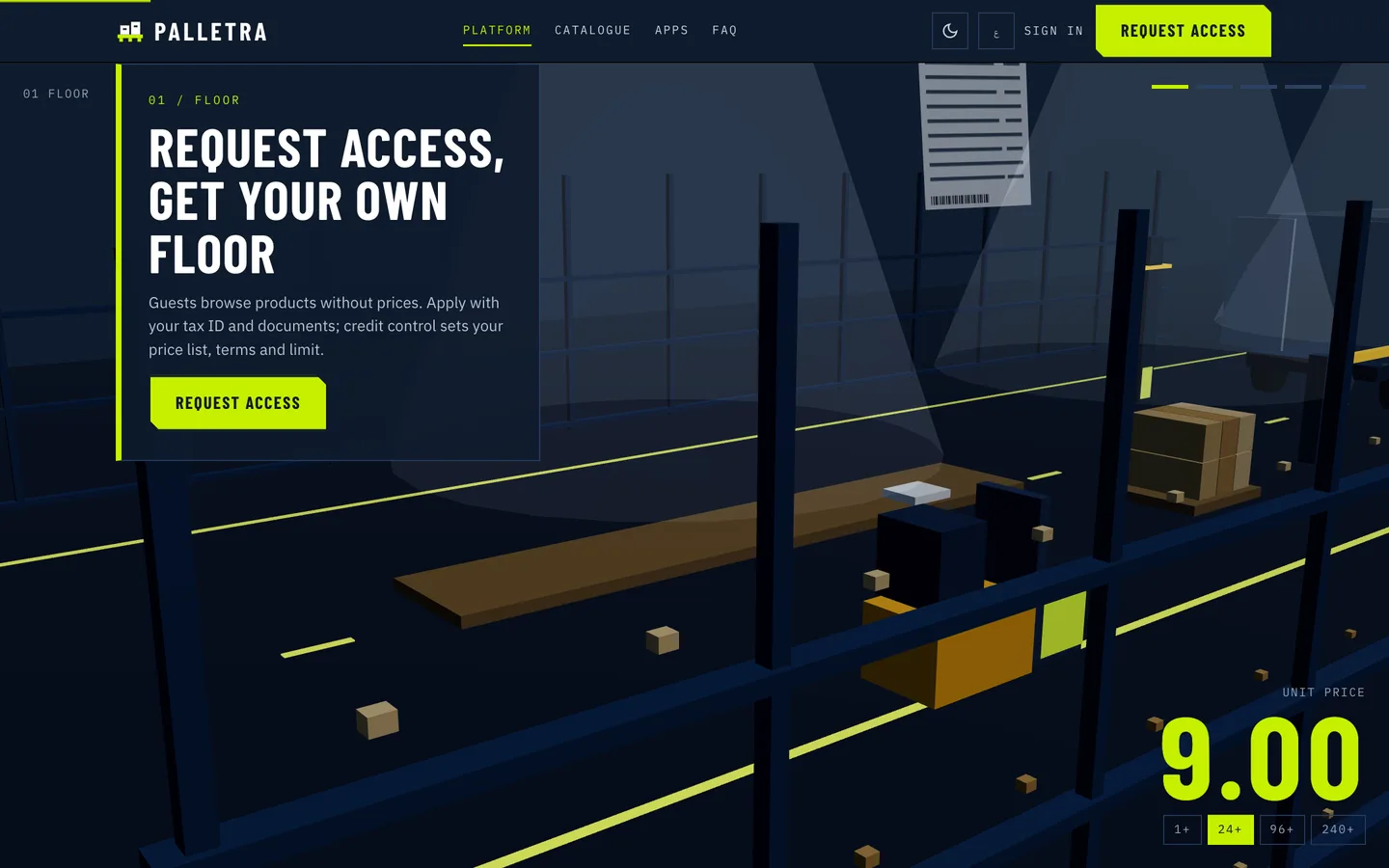 Floor — Request access and get your own price list, terms and limit.
B2B wholesale ordering software: 7 things to check before you pick one
Last updated
Wholesale demos all show the same thing: a catalogue, a cart, a login. The differences appear in the first month of real trade, when two customers see the same item at different prices and one of them is wrong, when a buyer orders 7 of something sold in cases of 12, when two orders that each fit a credit limit together do not, when a rep gives away more margin than a manager allowed, or when a return credits more than the customer paid. This guide lists seven things to test before choosing self-hosted B2B ordering software, and how Palletra, built on Laravel 12 and Filament 4 with two Flutter apps, handles each one.
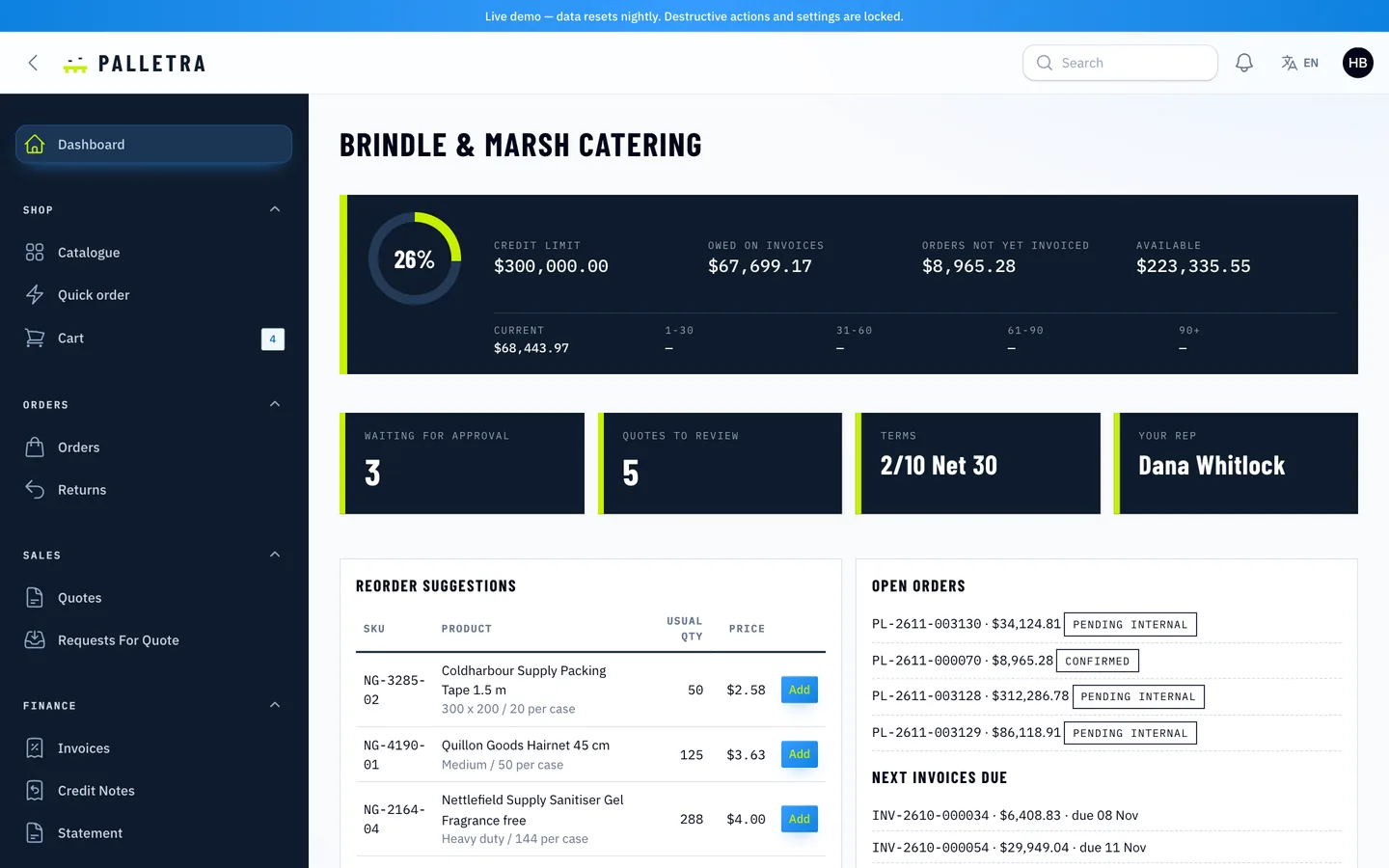
1. Does every customer get the right price, and can you explain it?
Ask what wins when a customer has a contract, a list and a base price at once, and whether the answer is "lowest" or a defined order. Prices that depend on quantity tiers need the same answer on the web, in the app and in a quote.
Palletra resolves a price in a fixed order: quote line, contract price, the first company list in a parent chain that has a row for the item, then the base price. A price simulator in the admin shows the winner and its source, and the same test vectors run in the PHP tests and in both apps.
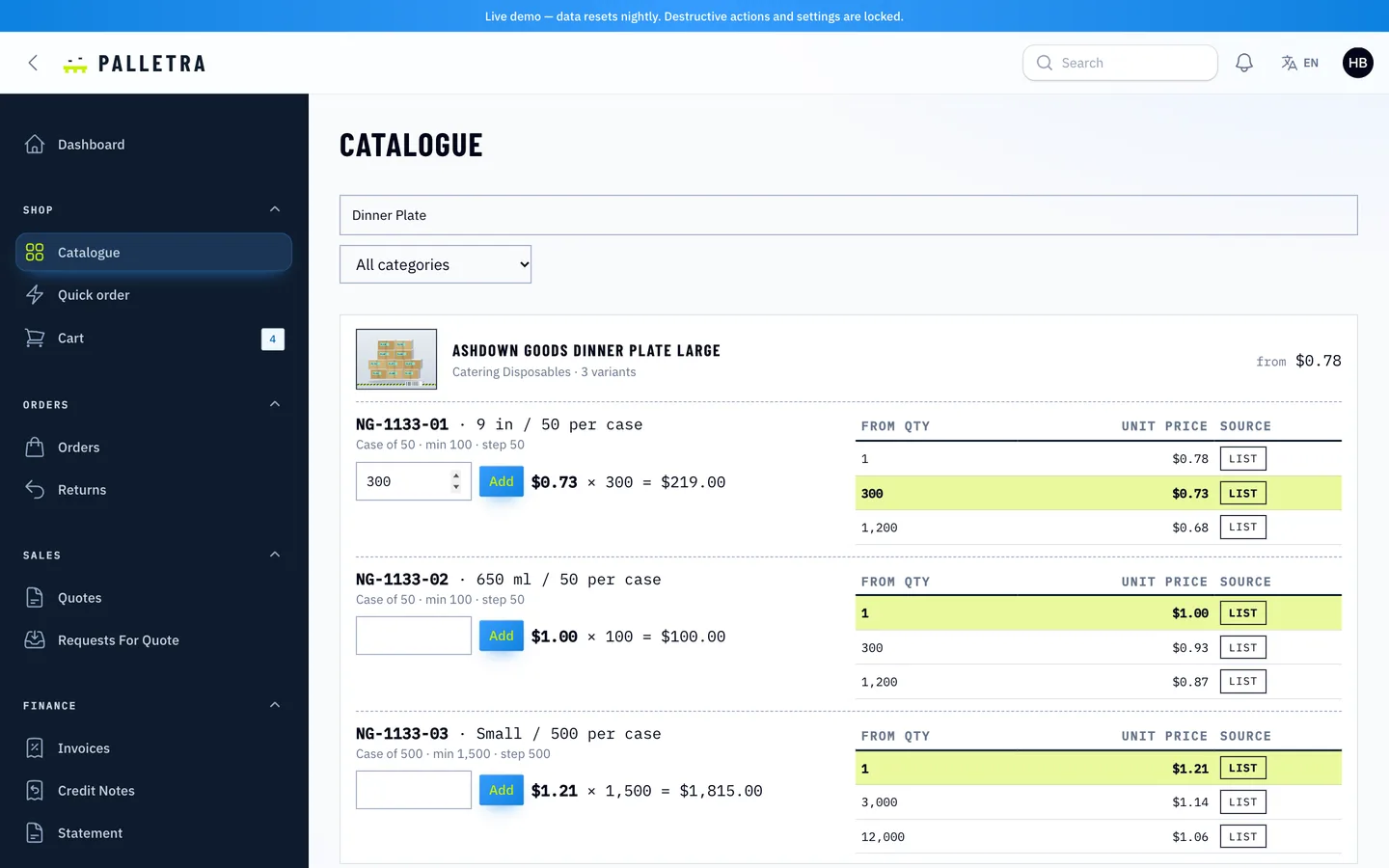
2. Are quantities whole cases?
Selling by the case means a minimum and a step. Check what happens with an invalid quantity: an error, or a helpful correction.
In Palletra each variant has a minimum and a step, a contract can override the minimum, and the server suggests the smallest valid quantity. The apps snap typed values to it. Reps cannot bypass the rule on normal orders, and only a manager-level quote can waive it.
3. Is credit checked in a way that two orders cannot beat?
A credit limit read by two requests at once is not a limit. Look for locking, and for what happens to an order that is held.
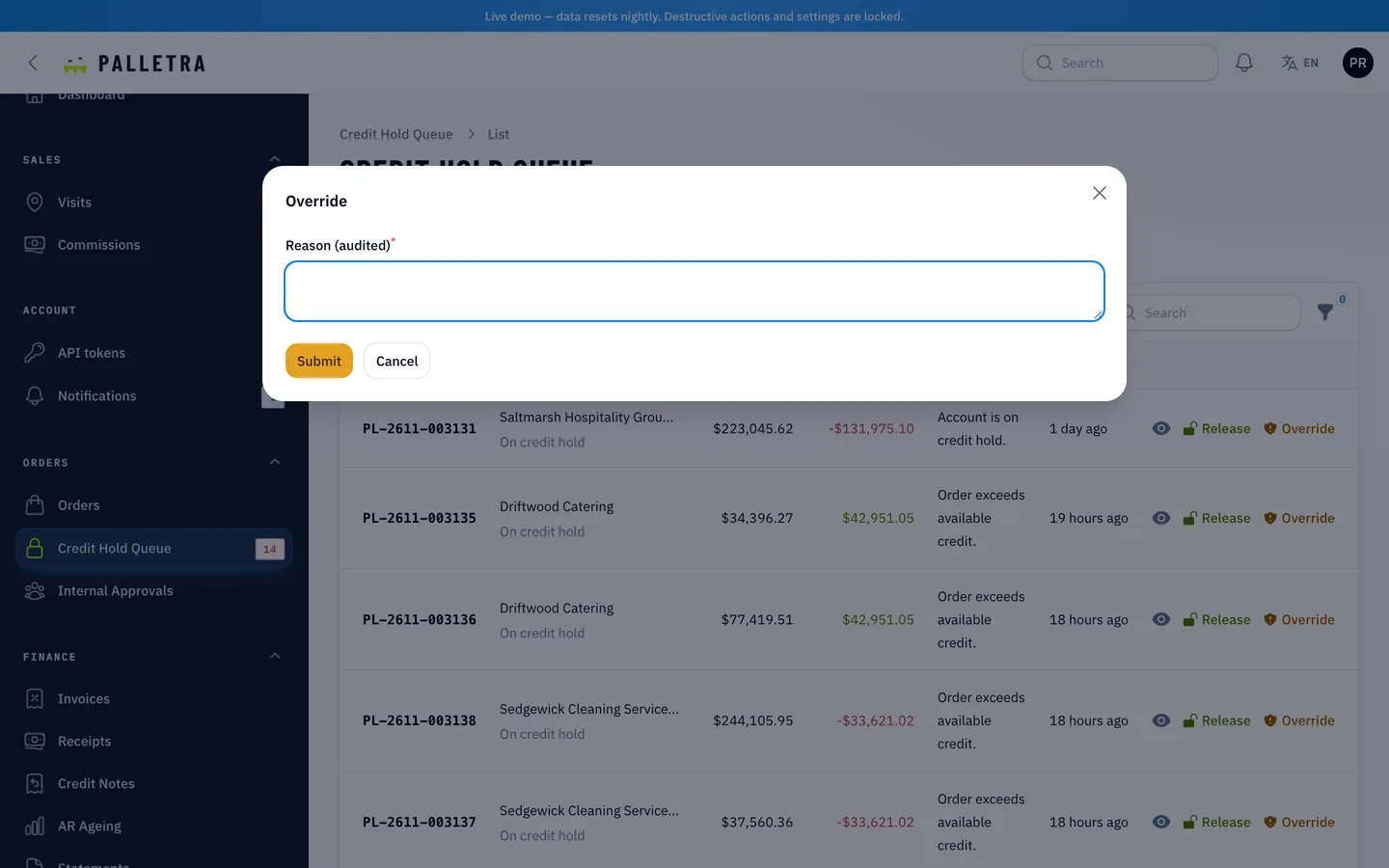
Palletra locks the company row, then adds open receivables and unbilled orders. An order over the available credit, or from a company with an invoice overdue past the allowed days, goes on hold without reserving stock. Credit controllers release it within the limit or override with a reason that is audited. Parallel-request tests against MySQL check that of two orders that fit alone but not together, one is confirmed and one is held.
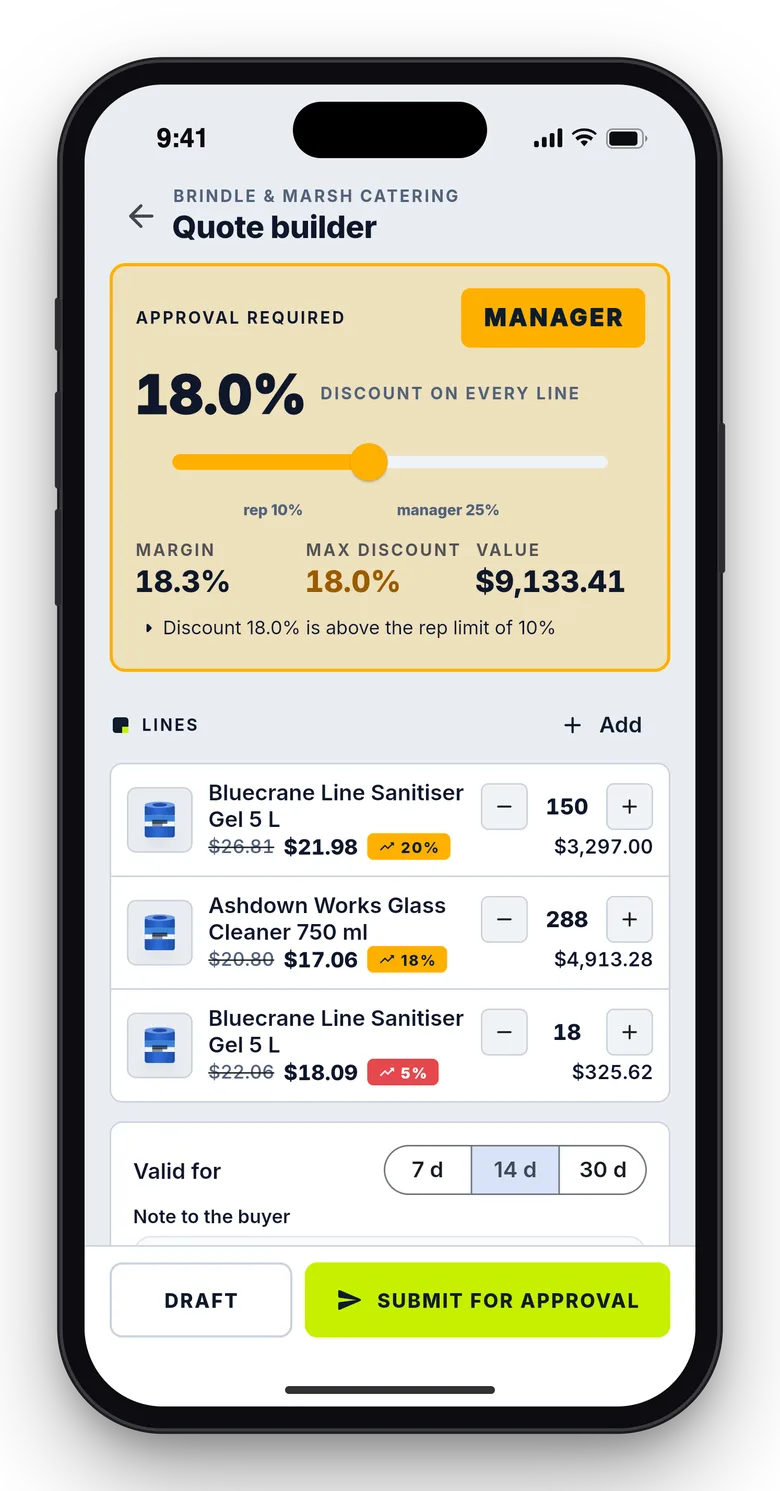
4. Do quotes need the right person to approve them?
If reps can send any discount, margin goes missing quietly. Look for levels, order and versioning.
Palletra sets the approval level from rules for maximum discount, minimum margin and maximum value, and runs manager then director when both are needed. An approver cannot be the quote's own rep, and any edit after submission creates a new version and clears earlier approvals. Buyers see unit prices and totals, never cost or margin, and accepting creates one order at the quoted prices.
5. Do invoices, payments and credit notes add up?
Partial shipments, partial payments and early-payment discounts break simple accounting. Ask whether there is a ledger and a way to prove it balances.
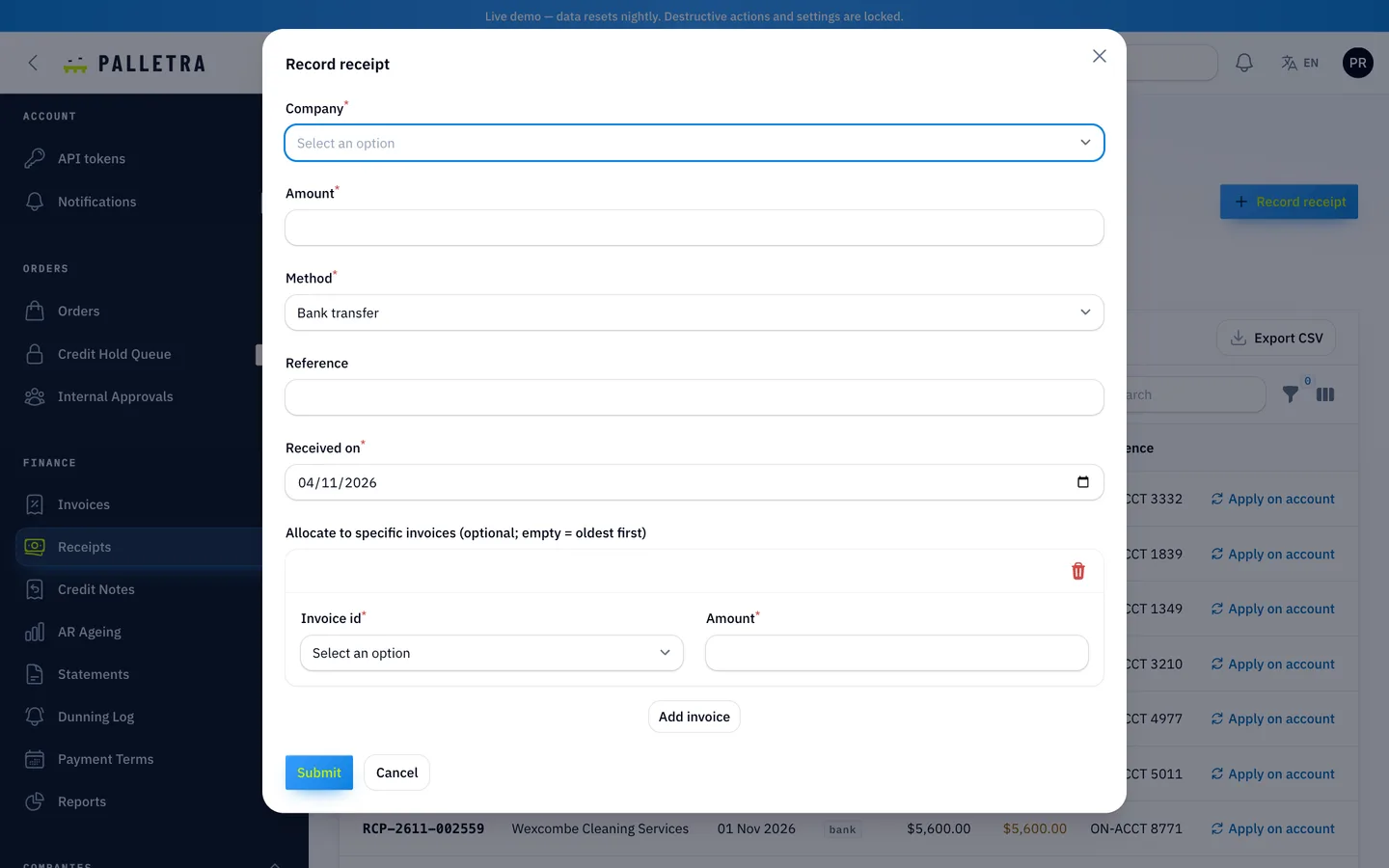
Palletra issues one invoice per shipment, splits tax so invoices equal the order exactly, allocates receipts oldest first or to chosen invoices, and issues a credit note when the early-payment discount applies. A daily job checks that the ledger equals open invoices less unallocated receipts and credit notes. Statements show ageing buckets.
6. Do returns credit only what was paid?
A return after an early-payment discount is where many systems over-credit. Check partial returns, repeated returns and tax.
In Palletra a return is credited at the original unit price with proportional tax, and never above what was invoiced less what was already credited. When a discount was taken, the credit for those lines is reduced by the same share, so the total of repeated partial returns equals the amount paid and not more. Void works only on invoices with no payments.
7. Does the rep app work with a poor signal?
Reps visit warehouses and kitchens with patchy coverage. Ask what happens to an order taken offline when prices change before it syncs.
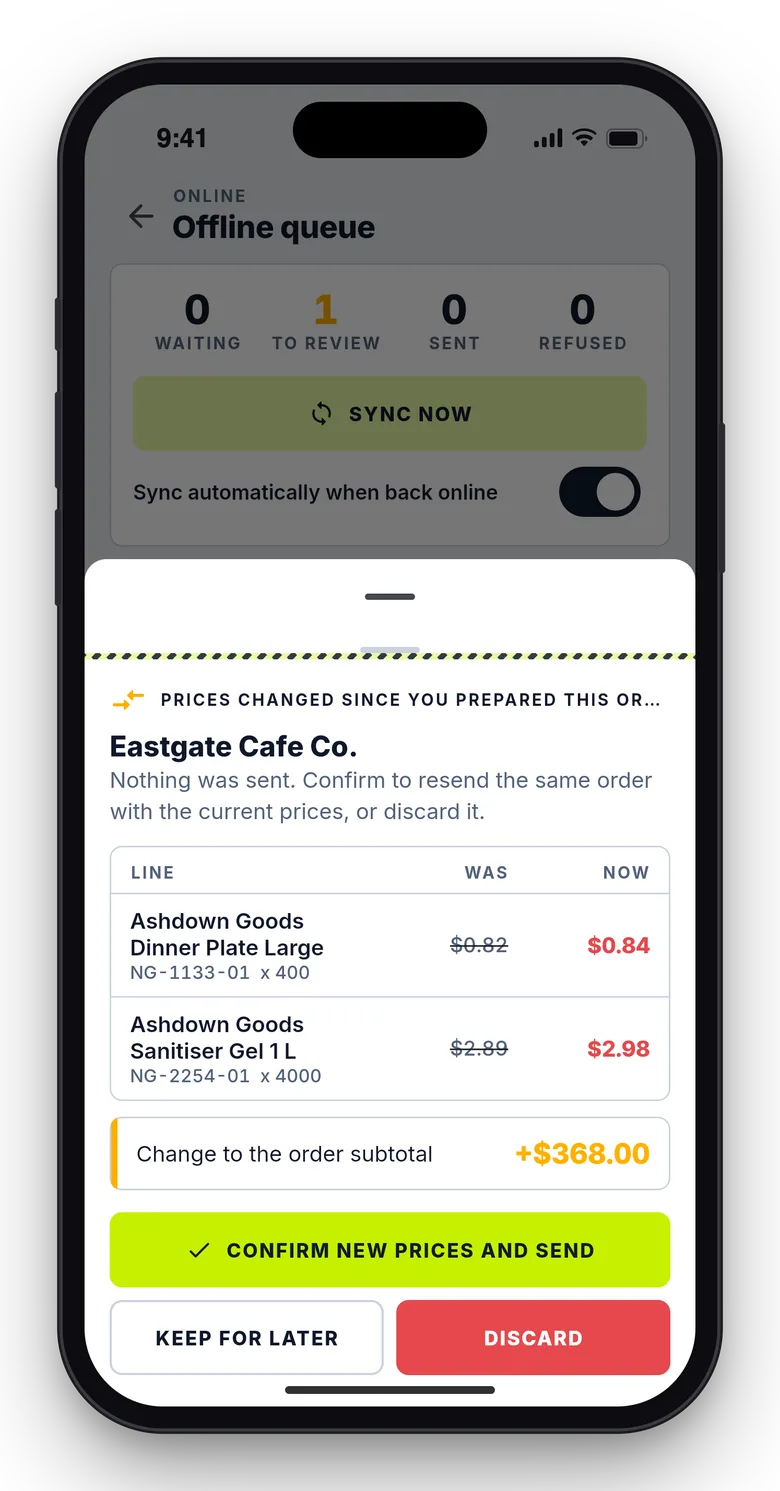
The Palletra rep app queues the order with a client reference. On sync the server prices it again, and if anything moved, nothing is created until the rep confirms a diff sheet. Resending the same reference never creates a second order. The app also has a route map, check-in with a distance flag, a catalogue with margin chips, commissions and targets.
Apps and admin
Palletra includes a buyer app and a rep app in Flutter. Both start in demo mode with their own data, and two build flags point them at your server. The buyer app passed analysis and 150 tests, and the rep app 85 tests. The real-server path of the buyer app (sign-in, invoices, paying, the PDF) was run against a seeded local backend, but neither app was tested on a physical device.
See it in action
The video tour goes from the 3D marketing site through applying for an account, tier prices, the cart, a credit hold and its release, shipping, invoicing and paying, to a quote and the admin warehouse view.
What else to compare
- Roles: admin, sales manager, sales director, sales rep, pricing, credit controller and warehouse, plus company admin, approver, purchaser and viewer roles for buyers.
- Reports: revenue against targets, margin, discount leakage and quote win rate.
- Languages: English, plus an Arabic translation with right-to-left layout.
- What is not built: a re-invoice flow after voiding an invoice, carrier integrations and multi-supplier marketplaces.
- What was not verified: live payment gateways, SMS and push with real accounts, and the apps on physical devices.
- Quality: Palletra 1.0.0 shipped with 171 Pest tests (764 assertions), Larastan level 6 with no errors, a headless-browser pass over 79 pages and 14 happy paths and an installer test from the zip.
Instead of a live demo, the listing has 112 grouped screenshots and two video tours, and the "How it's built" section explains the architecture.