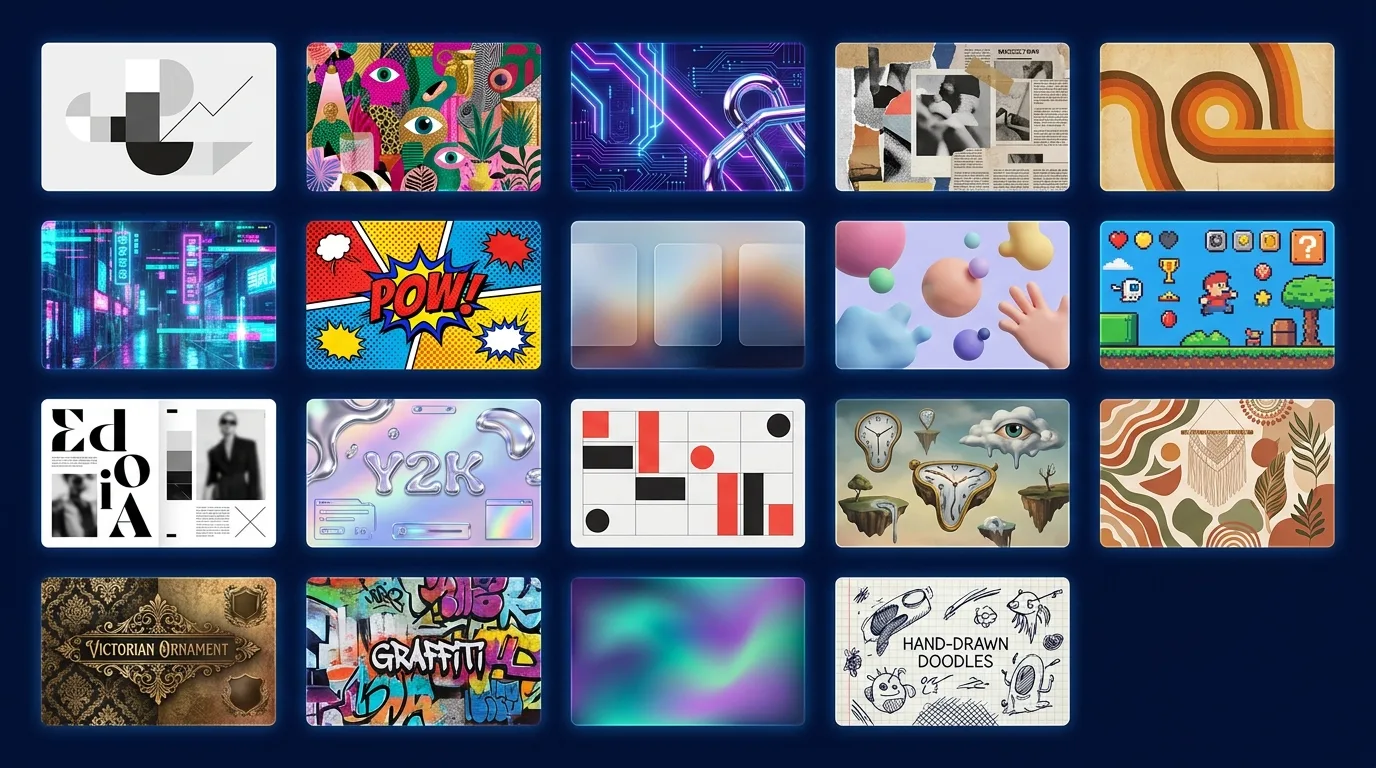
Every brief we receive eventually reaches the same question: what should it feel like? Colours, type and layout follow from the answer, and a named design style is the fastest way to agree on it. Saying "glassmorphism with an aurora backdrop" gets a founder, a designer and a front-end engineer picturing the same screen in seconds.
Below are 19 styles we use and get asked about most often. For each one: what defines it, where it works on websites, apps and brand material, and the mistake to avoid. Every illustration in this post was generated with AI to show the style itself, not a real product.
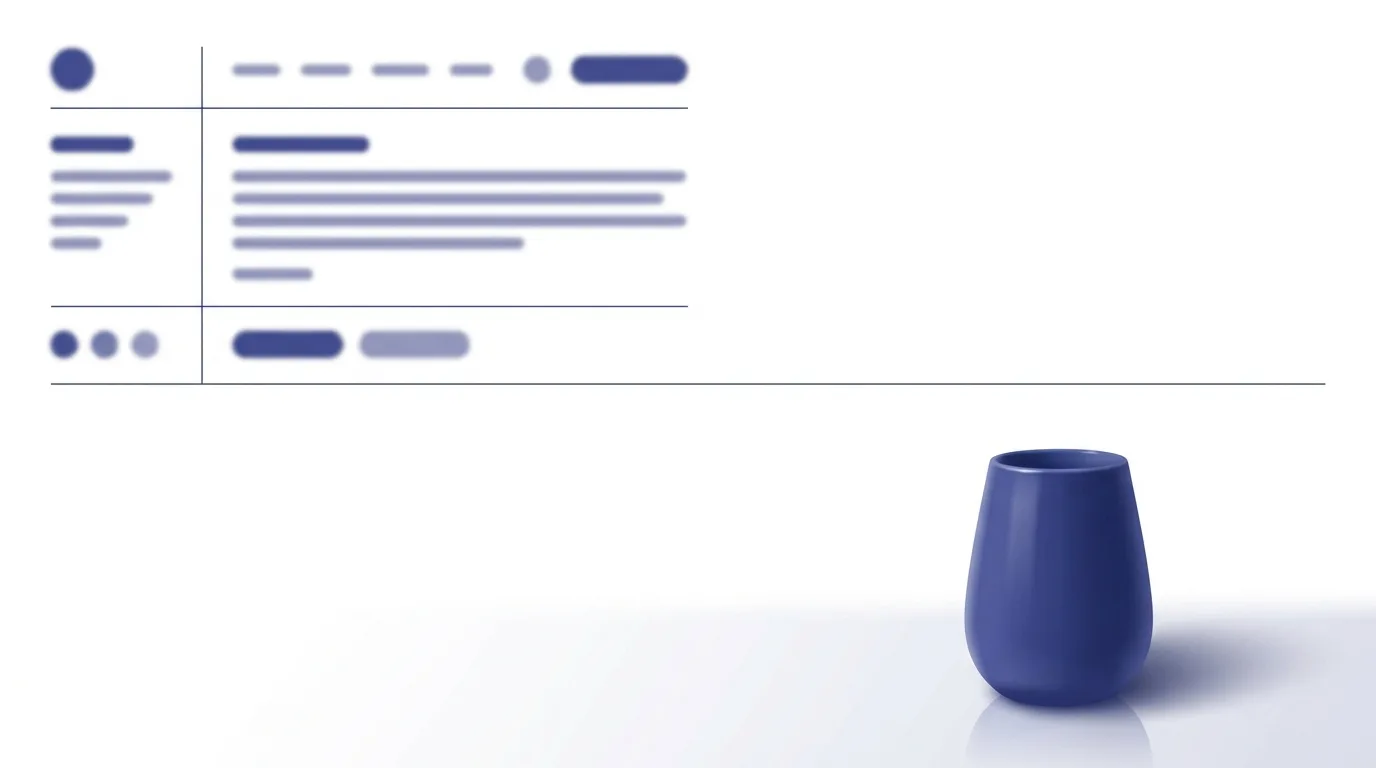
1. Minimalism
What defines it: generous white space, one or two typefaces, a restrained palette (often a single accent colour), strict alignment and nothing decorative that doesn't do a job.
Where it works: SaaS dashboards, developer tools, fintech and premium product pages. It loads fast, reads well on small screens and keeps attention on the call to action.
Avoid: confusing minimal with empty. Minimalism still needs hierarchy: clear headings, enough contrast, and states (hover, focus, error) that are easy to see. Hairline grey text on white is a common accessibility failure.
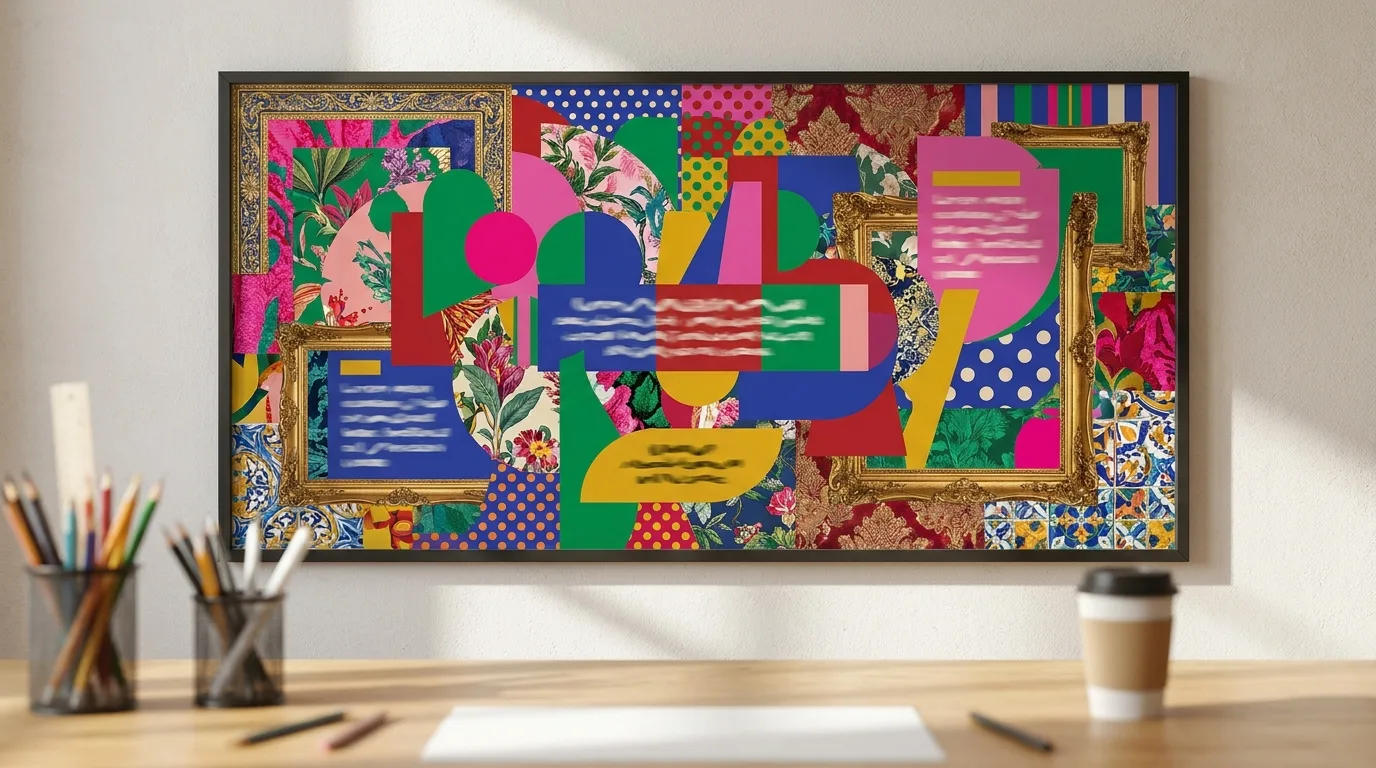
2. Maximalism
What defines it: more is more. Layered patterns, saturated and clashing colours, oversized type, textures, decorative frames and dense compositions that still feel intentional.
Where it works: fashion, music, food and lifestyle brands, campaign landing pages and social posts that need to stop the scroll.
Avoid: maximal content. Keep the decoration loud and the information architecture quiet: one primary action per screen, and copy that still scans.
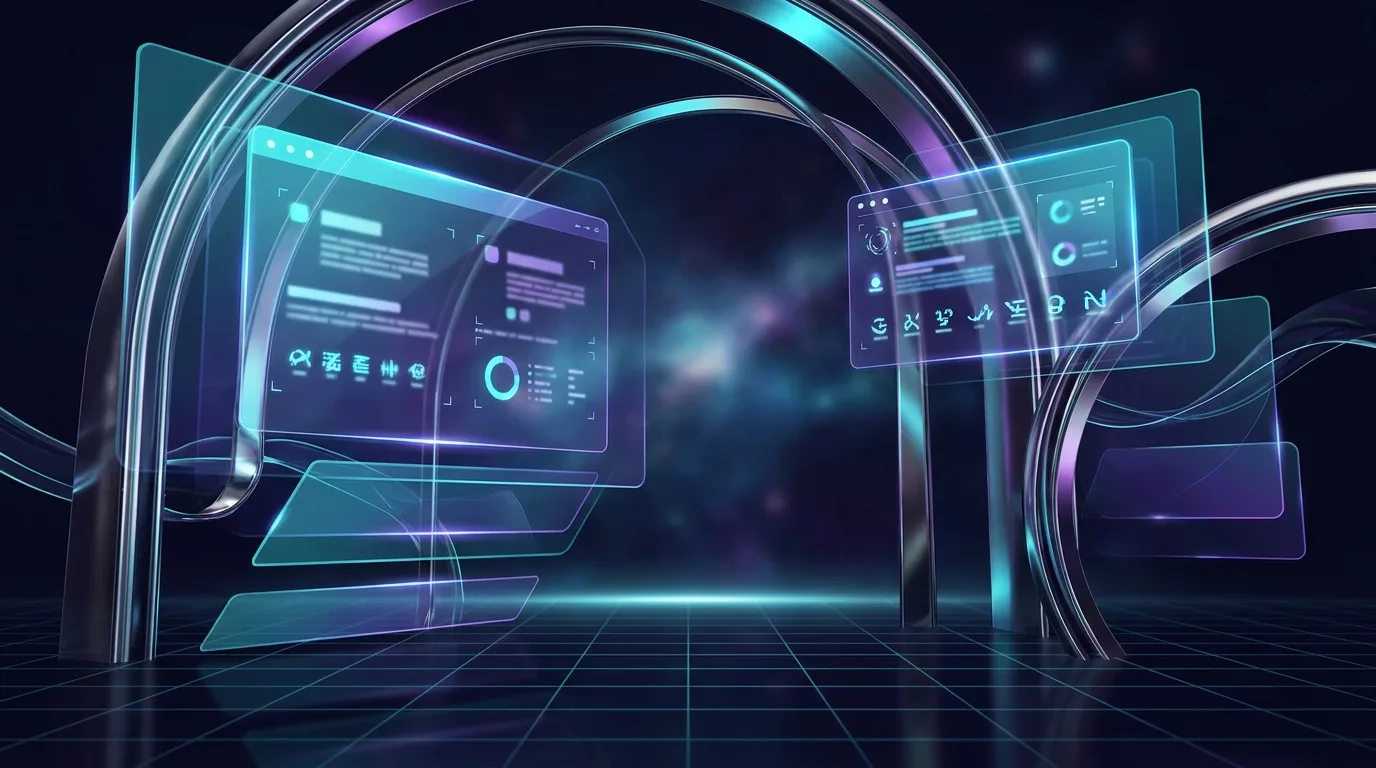
3. Futuristic
What defines it: dark backgrounds, glowing accents (cyan, violet), glossy or metallic surfaces, depth, motion and interface elements that look like they float.
Where it works: AI products, Web3, automotive and hardware launches, and anything that has to signal "next generation". It pairs naturally with 3D heroes and subtle WebGL.
Avoid: low contrast and heavy effects. Glow on dark looks great in a mock-up and poor on a cheap laptop in daylight. Test contrast, and keep shaders light enough to hold a smooth frame rate on mid-range phones.
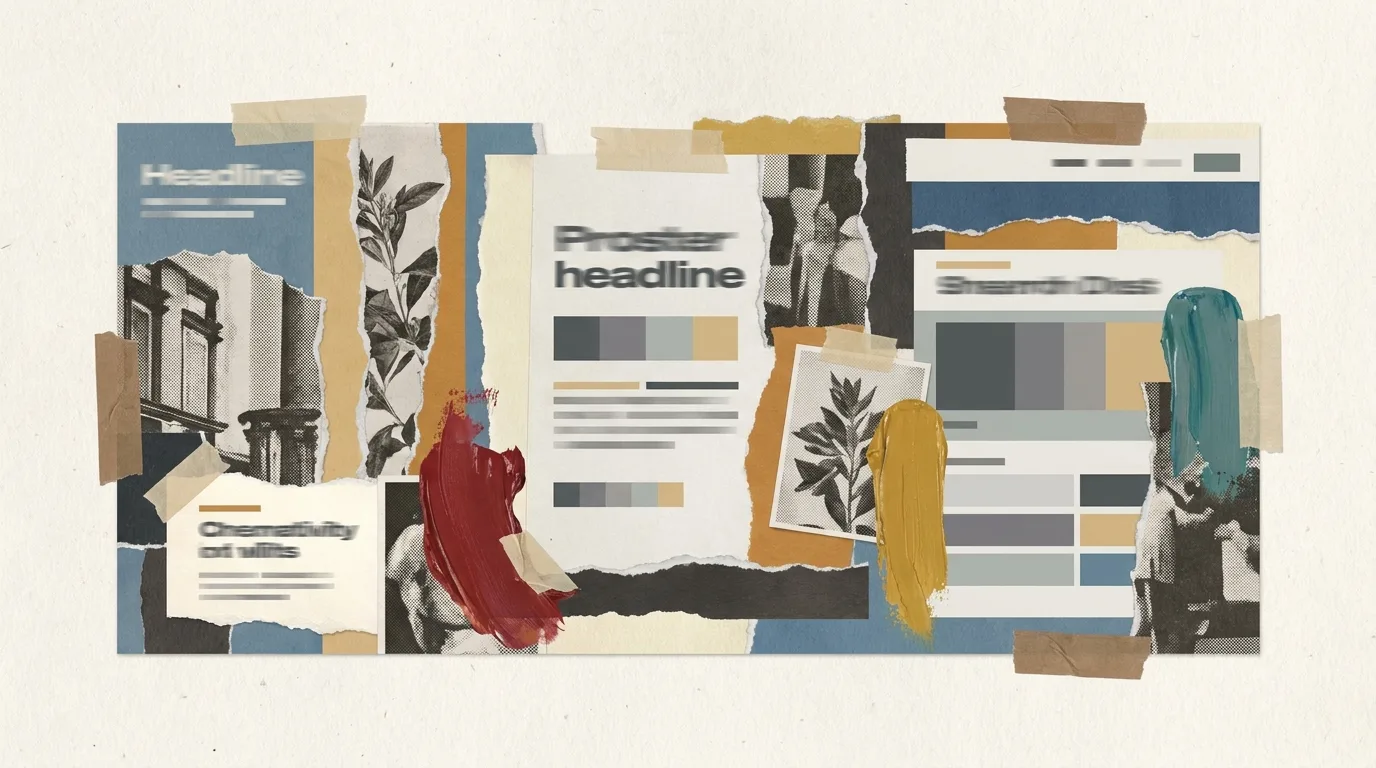
4. Collage art
What defines it: cut-out photographs, torn paper edges, tape, halftone dots and mixed media layered into one composition. It feels handmade and editorial.
Where it works: creative agencies, cultural institutions, podcasts, campaign key visuals and Instagram carousels.
Avoid: using it for dense product UI. Collage is a hero and storytelling device; switch to a calmer system once users have tasks to complete.
5. Retro
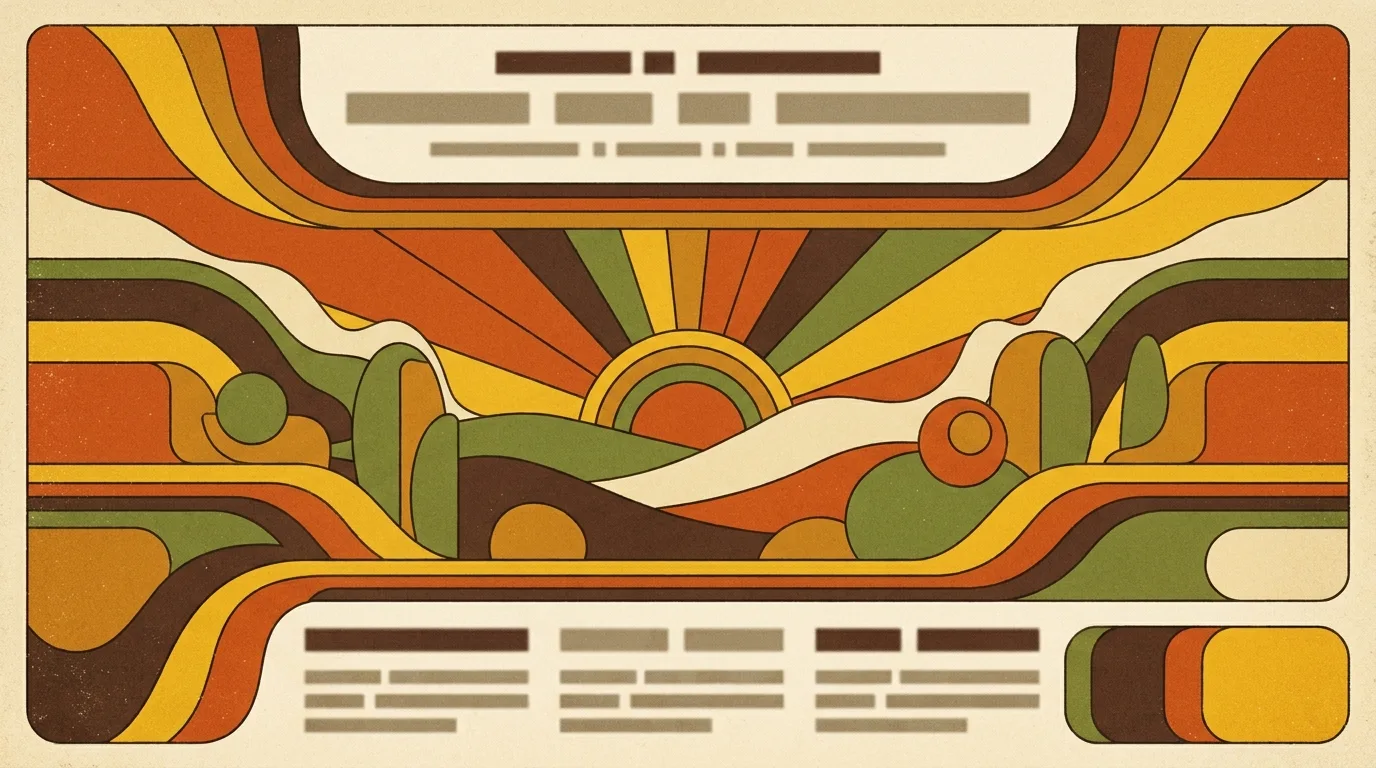
What defines it: colour palettes, shapes and textures borrowed from a specific past decade. The 1970s version means warm oranges, mustard, rounded geometry, sunset stripes and print grain.
Where it works: food and drink, hospitality, apparel and any brand built on nostalgia or craft.
Avoid: retro without a reference point. Pick a decade and stay consistent; mixing '70s stripes with '90s web gradients reads as confused rather than playful.
6. Cyberpunk
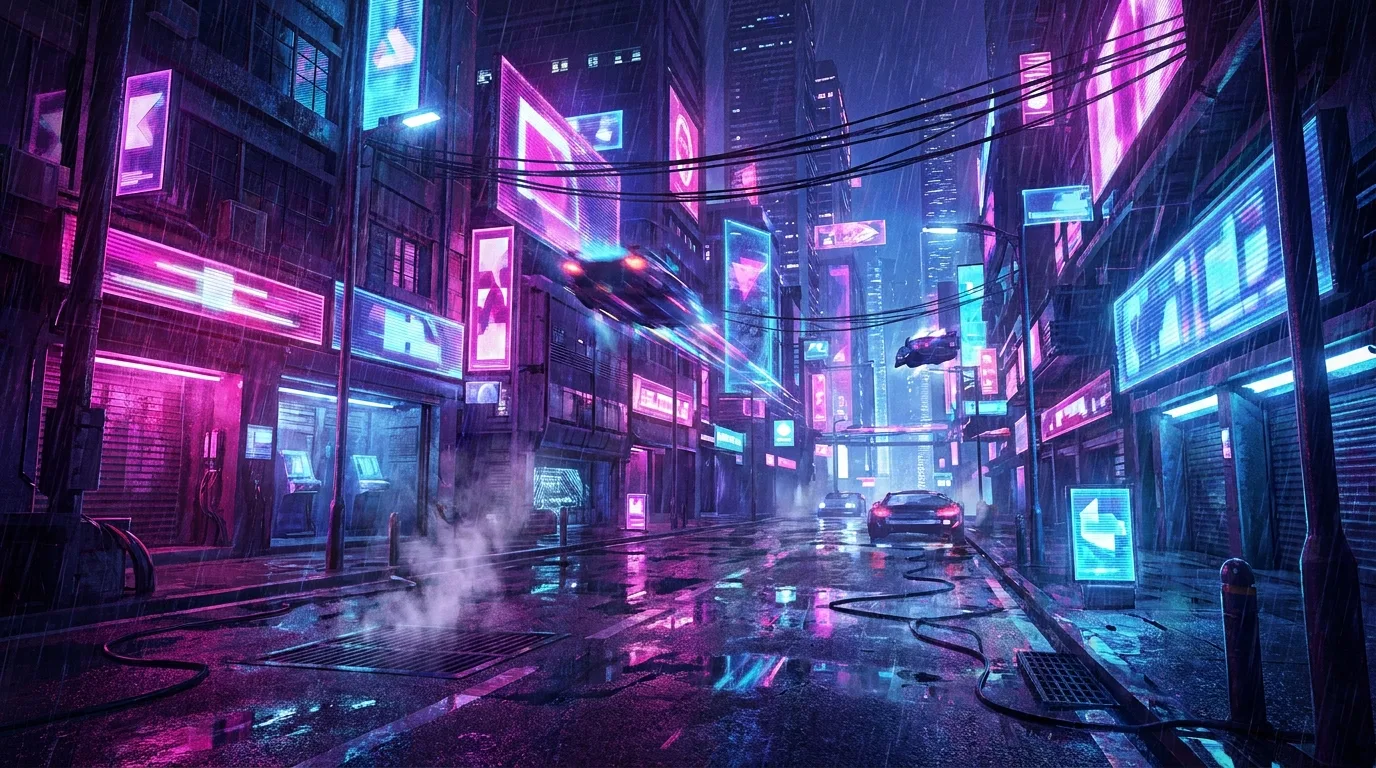
What defines it: neon magenta and electric blue on near-black, rain and reflections, glitch effects and dense urban tech imagery. "High tech, low life."
Where it works: gaming, esports, security products, music and nightlife.
Avoid: glitch effects on body text, and flashing animation. Respect prefers-reduced-motion, and keep readable copy on solid panels.
7. Pop art
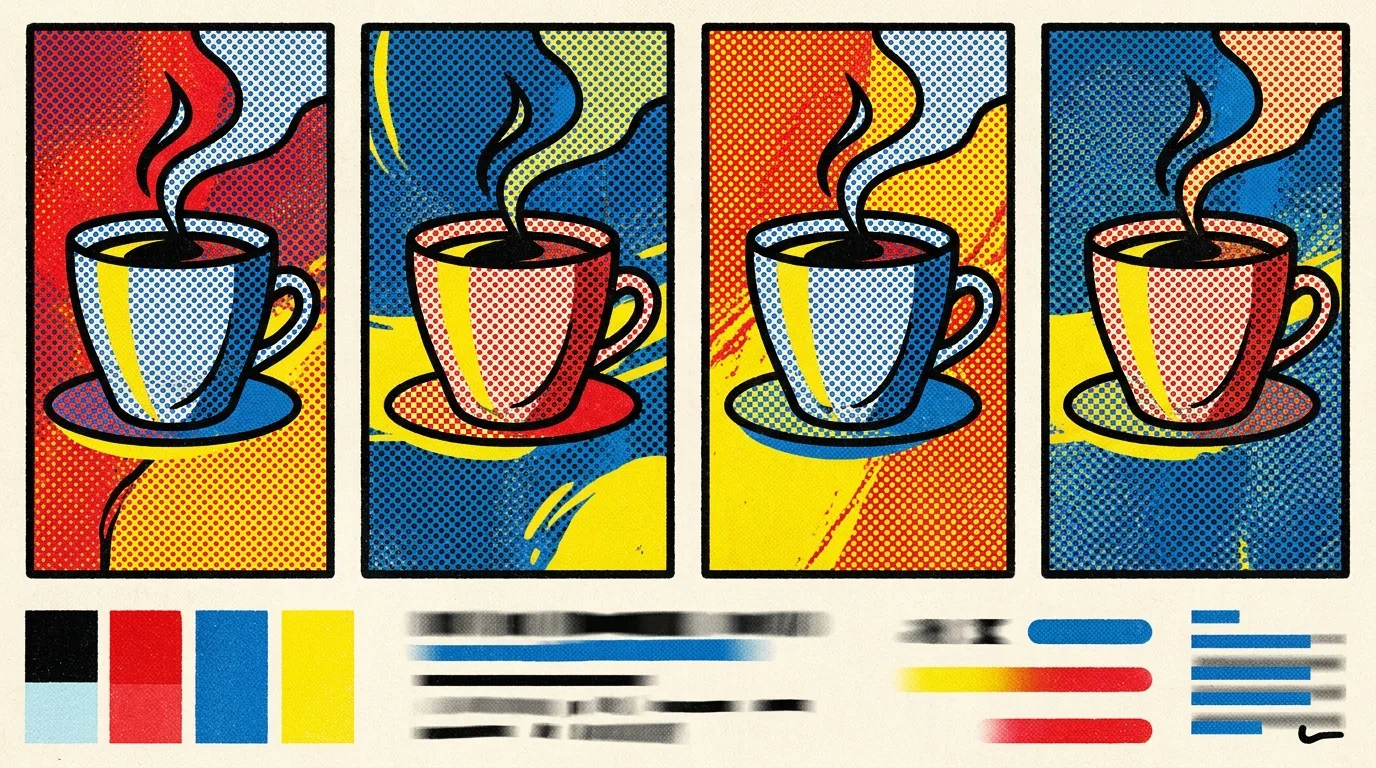
What defines it: Ben-Day halftone dots, thick black outlines, flat primary colours, comic-book framing and repetition in the spirit of Warhol and Lichtenstein.
Where it works: consumer apps, youth brands, events, packaging and social campaigns that want energy and humour.
Avoid: overusing it. Pop art is perfect for a launch or a section, but tiring as a full product UI. Use it for moments: onboarding illustrations, empty states, promotions.
8. Glassmorphism
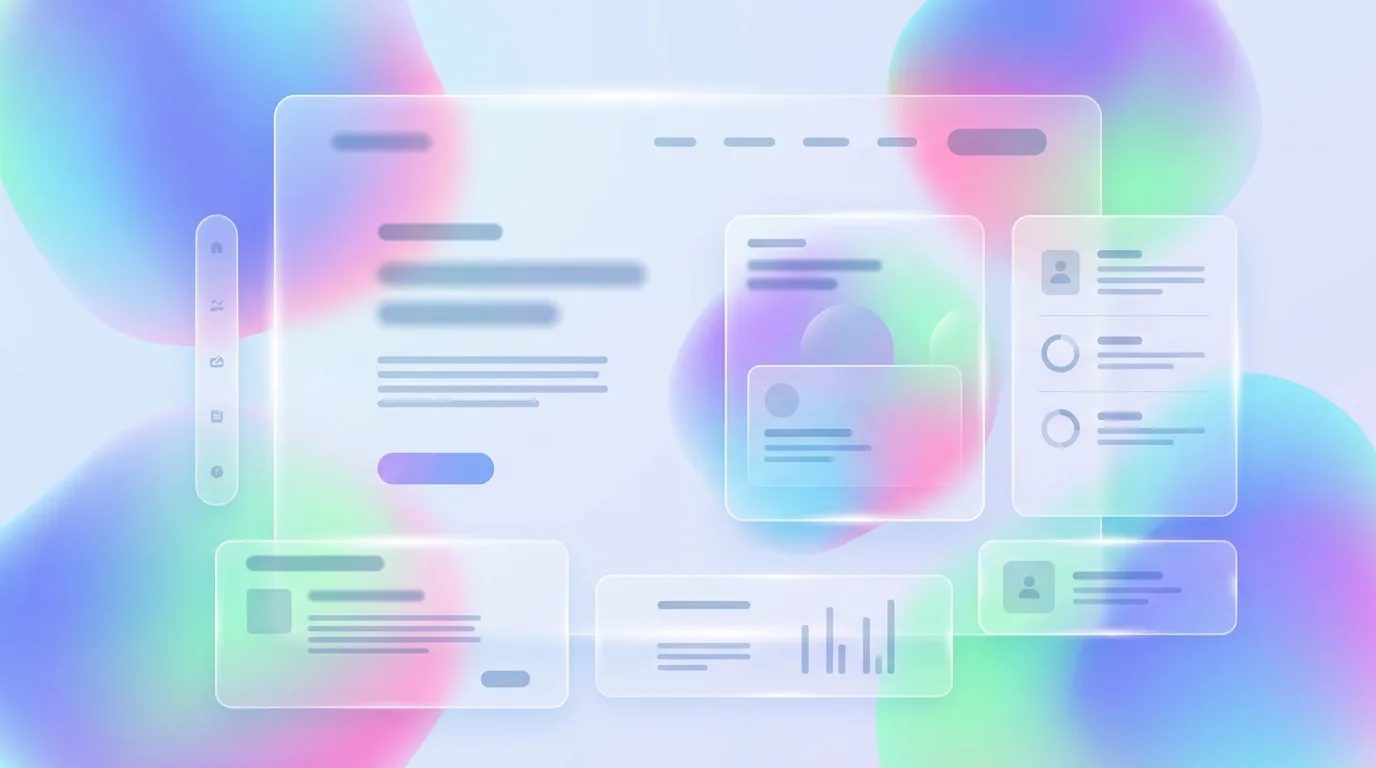
What defines it: frosted, translucent panels (background blur) floating over colourful gradients, with soft borders and subtle highlights.
Where it works: dashboards, widgets, operating-system-style UIs and hero sections where depth matters.
Avoid: unreadable text on busy backgrounds and performance surprises. backdrop-filter is expensive on low-end devices; give panels enough opacity for contrast, and provide a solid fallback.
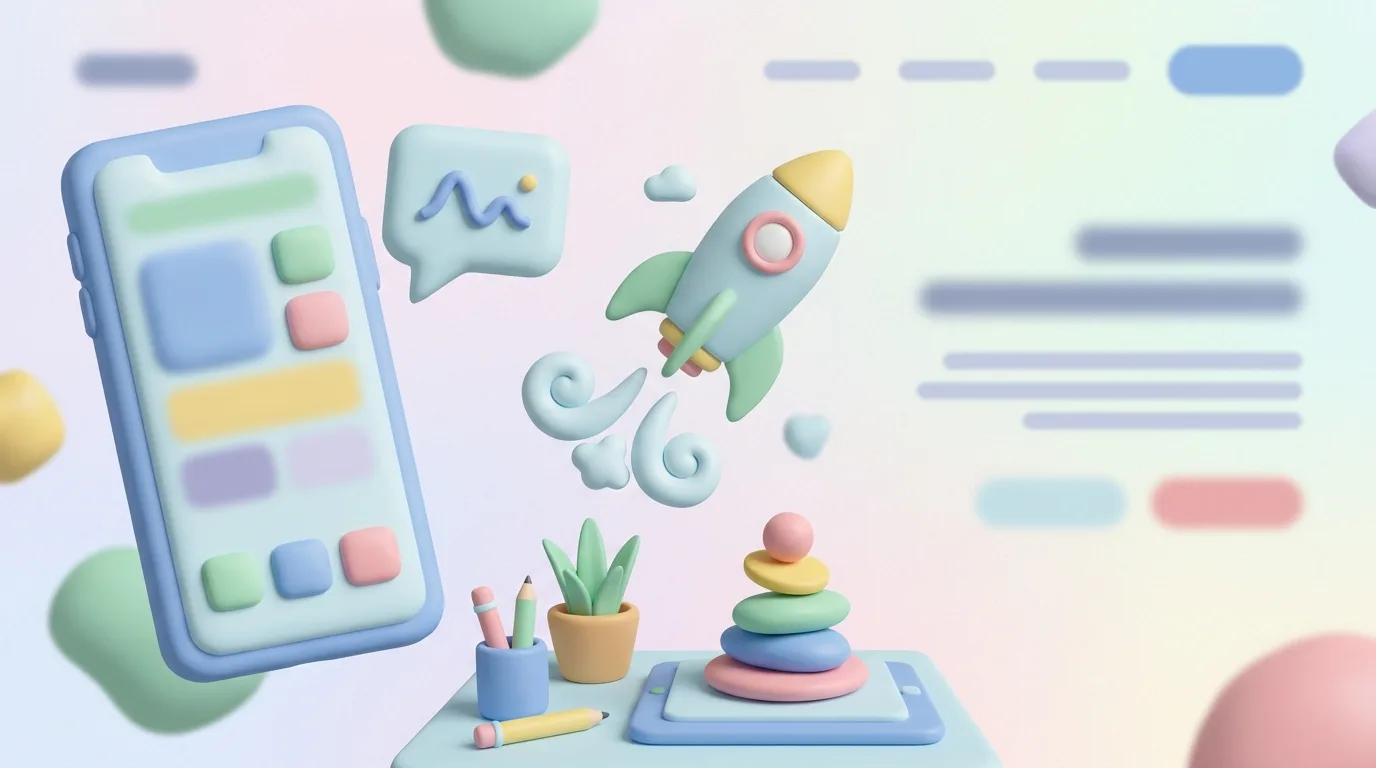
9. Clay style (claymorphism)
What defines it: soft, rounded 3D shapes that look like modelling clay. Pastel colours, puffy forms, inner highlights and soft shadows.
Where it works: onboarding, education, health and wellbeing, kids' products and friendly fintech, anywhere you want to lower anxiety.
Avoid: making buttons look like toys. Keep interactive elements clearly interactive, and use clay mainly for illustrations and icons.
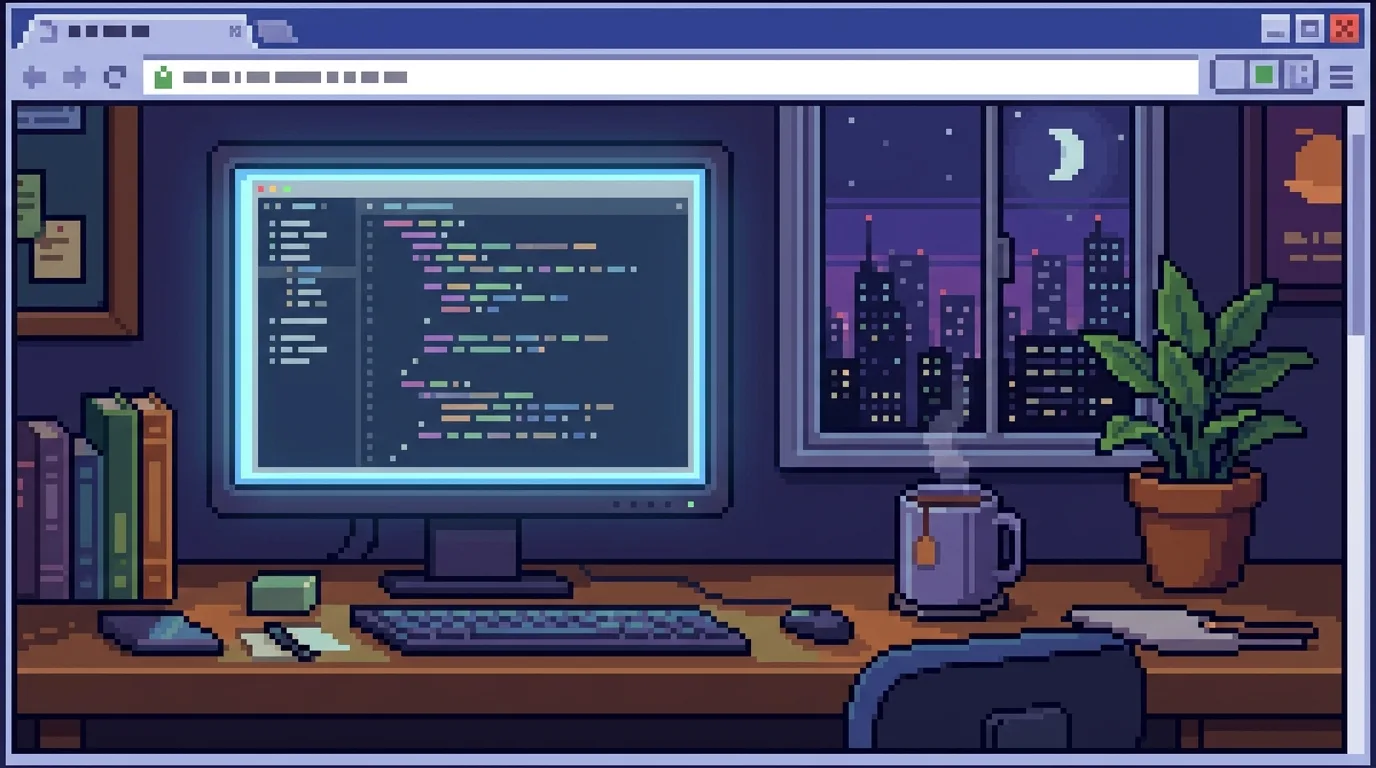
10. Pixel art
What defines it: images built from visible square pixels with a limited palette, borrowing from 8- and 16-bit games.
Where it works: games, developer communities, hackathons, NFT and Web3 projects, and playful easter eggs inside serious products.
Avoid: blurry scaling. Export at whole-number multiples and use image-rendering: pixelated so the pixels stay crisp on high-density screens.
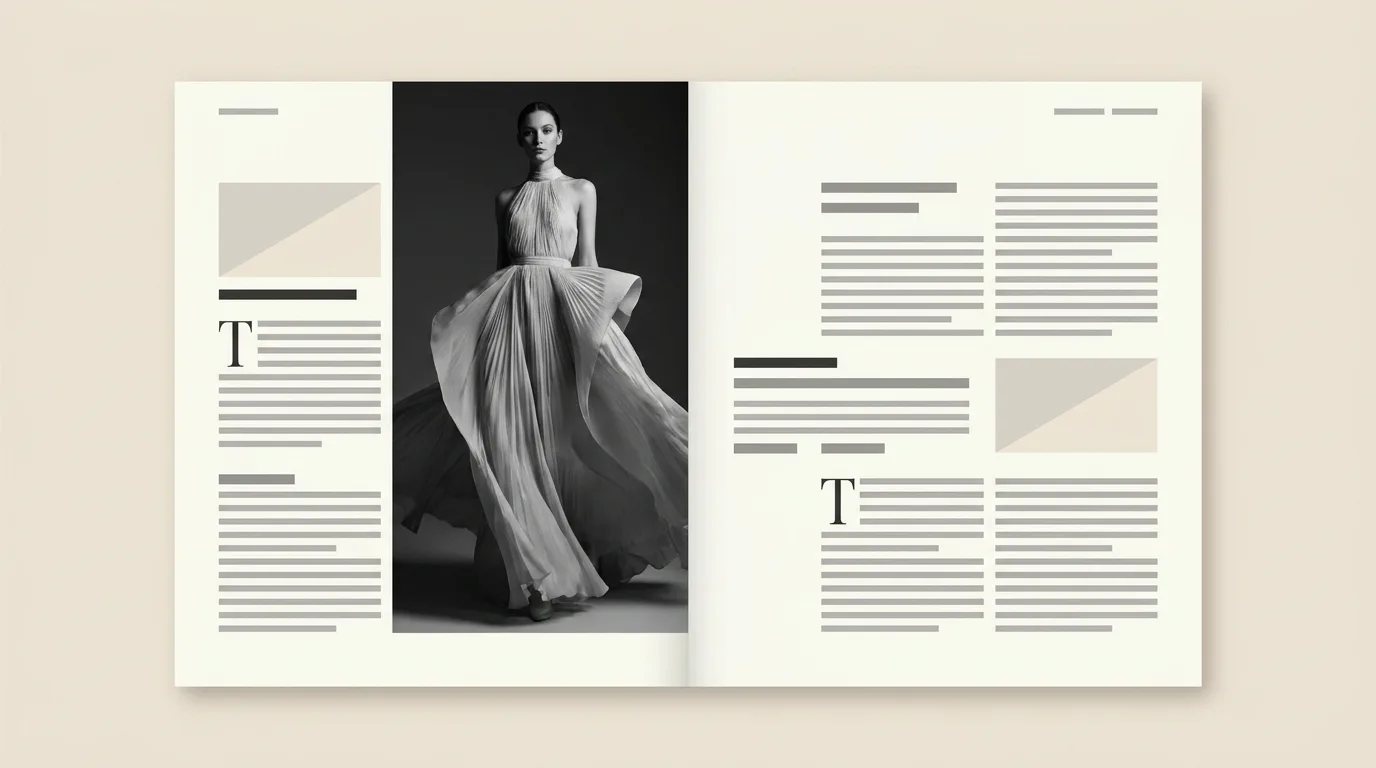
11. Editorial
What defines it: magazine thinking applied to screens. Strong photography, expressive headline type, column grids, pull quotes and generous margins.
Where it works: blogs, publications, portfolios, luxury brands and long-form case studies like the ones on our work page.
Avoid: shipping a print layout to mobile unchanged. Editorial grids need a deliberate single-column version, and typography that scales with the viewport.
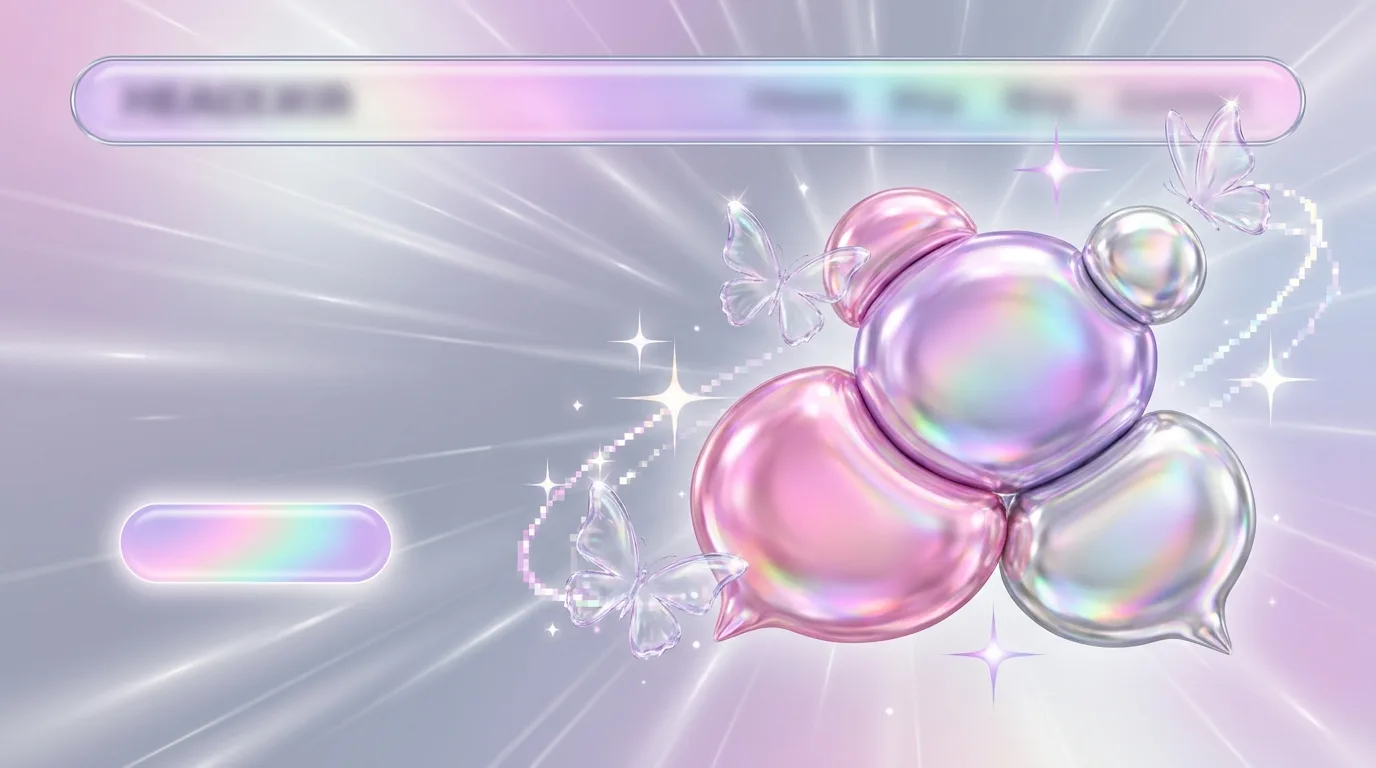
12. Y2K
What defines it: the early-2000s internet: chrome and bubble shapes, iridescent gradients, sparkles and butterflies, glossy buttons and playful pinks, lilacs and silvers.
Where it works: Gen-Z consumer brands, beauty, music, fashion drops and social content.
Avoid: dated usability along with the dated look. Keep modern spacing, accessible contrast and clear navigation under the nostalgia.
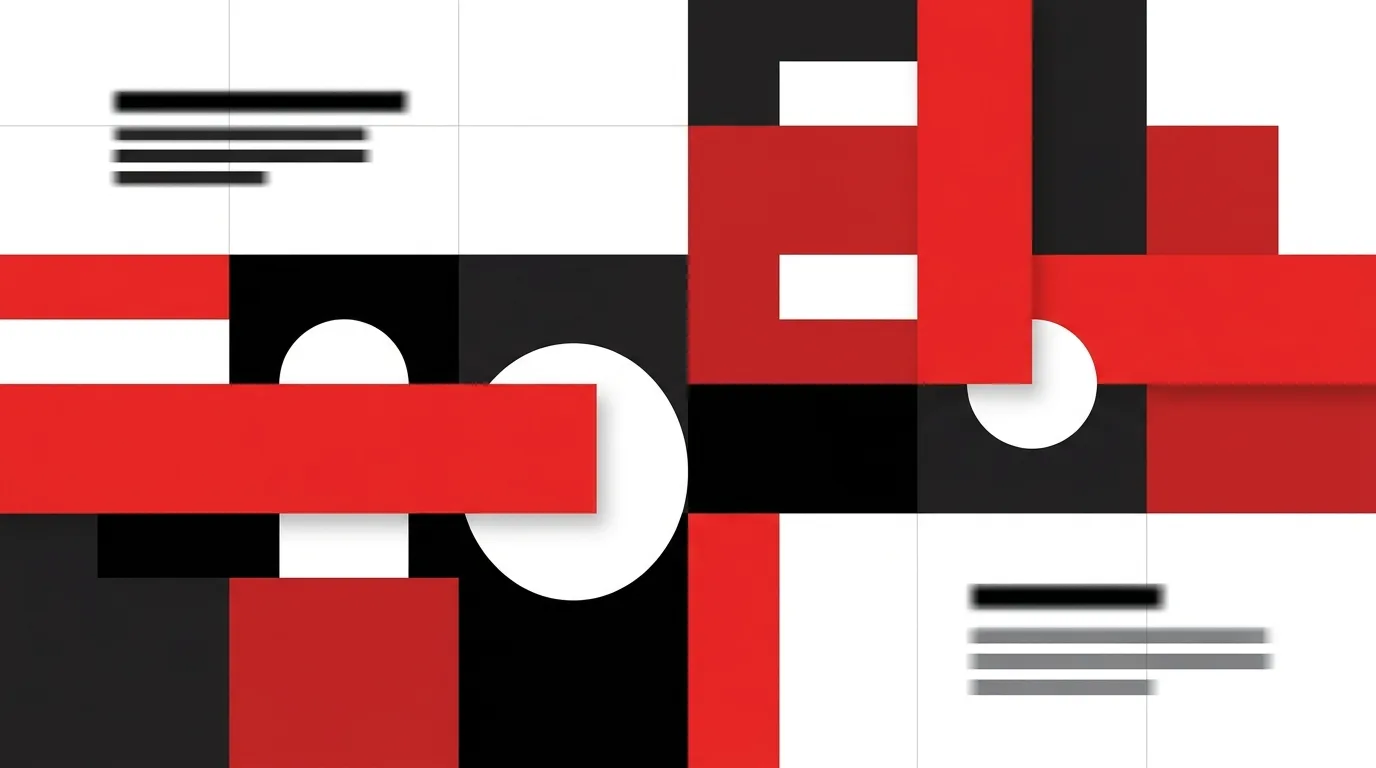
13. Swiss design (International Typographic Style)
What defines it: a strict modular grid, asymmetric balance, flush-left sans-serif type, objective photography and bold blocks of colour, typically red, black and white.
Where it works: corporate sites, design-led SaaS, architecture firms, annual reports and data-heavy pages. Its logic maps directly onto CSS Grid.
Avoid: rigidity without rhythm. The grid is a tool; vary scale and white space so pages don't feel like spreadsheets.
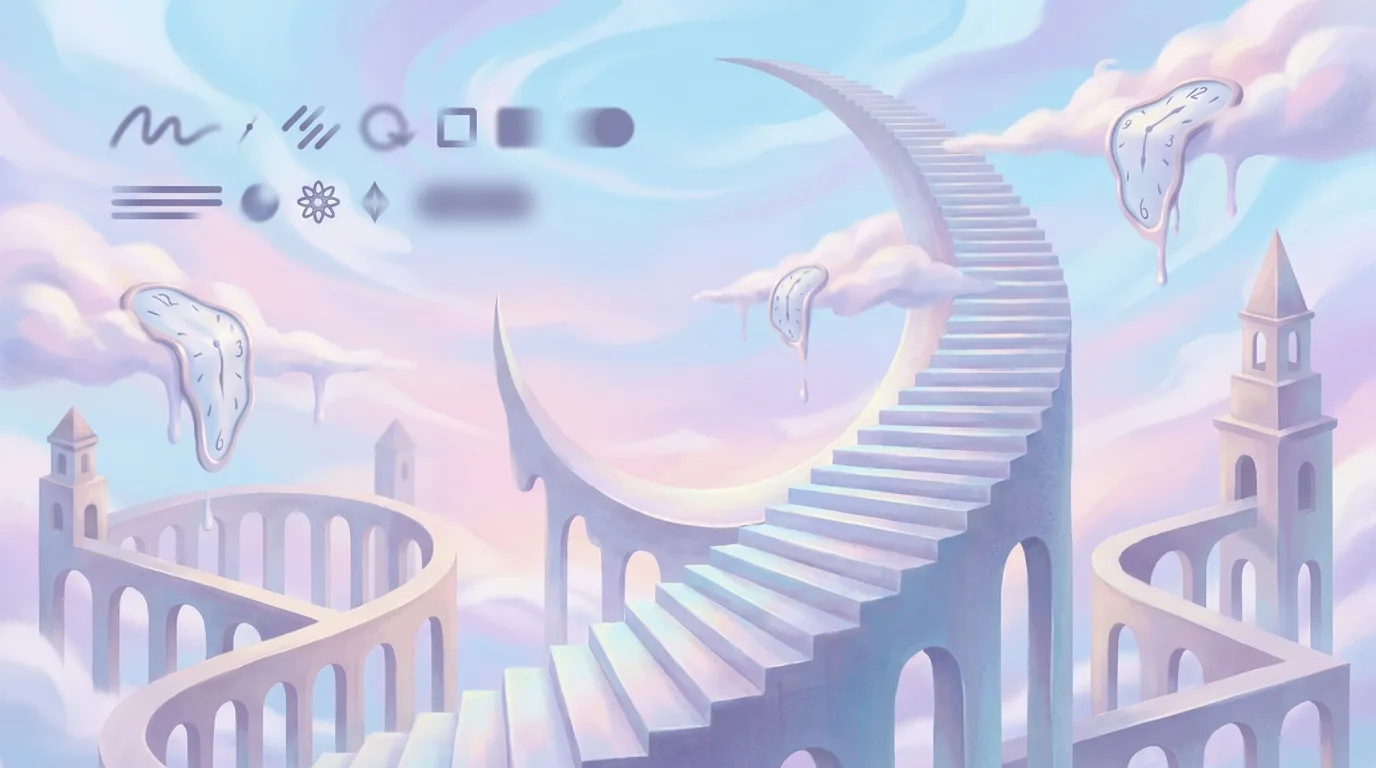
14. Surreal design
What defines it: dreamlike, impossible scenes. Floating objects, melting forms, distorted scale and unexpected combinations, inspired by Dalí and Magritte.
Where it works: creative campaigns, music and entertainment, AI-generated art projects and brand storytelling that needs to be memorable.
Avoid: surrealism that hides the message. Pair a strange image with a very clear headline, so people remember both the picture and the product.
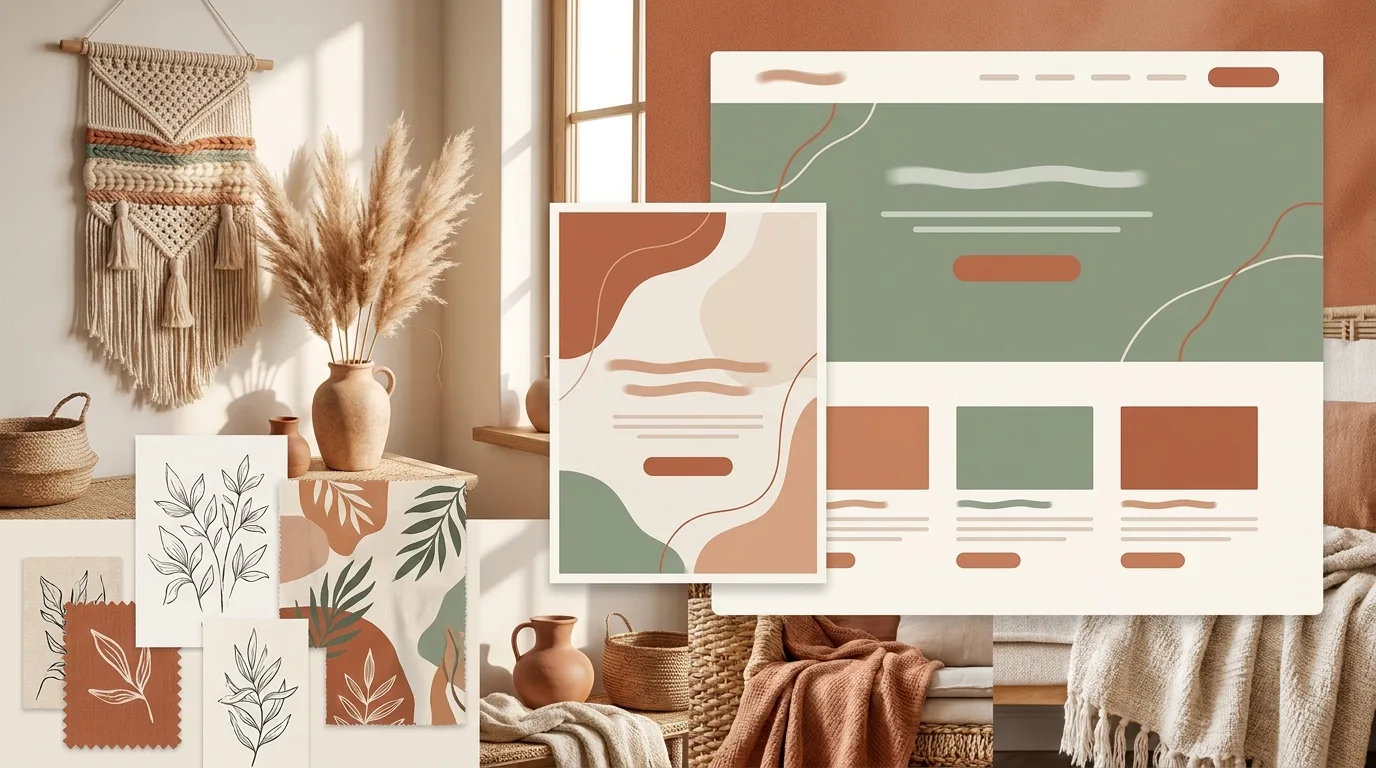
15. Bohemian
What defines it: earthy palettes (terracotta, sage, cream), natural textures such as macramé, rattan and dried grasses, hand-drawn botanicals and a relaxed, artisanal feel.
Where it works: wellness, interiors, handmade goods, cafés, travel and sustainable brands.
Avoid: muddy contrast. Earthy palettes can drift into beige-on-beige; keep one darker anchor colour for text and buttons.
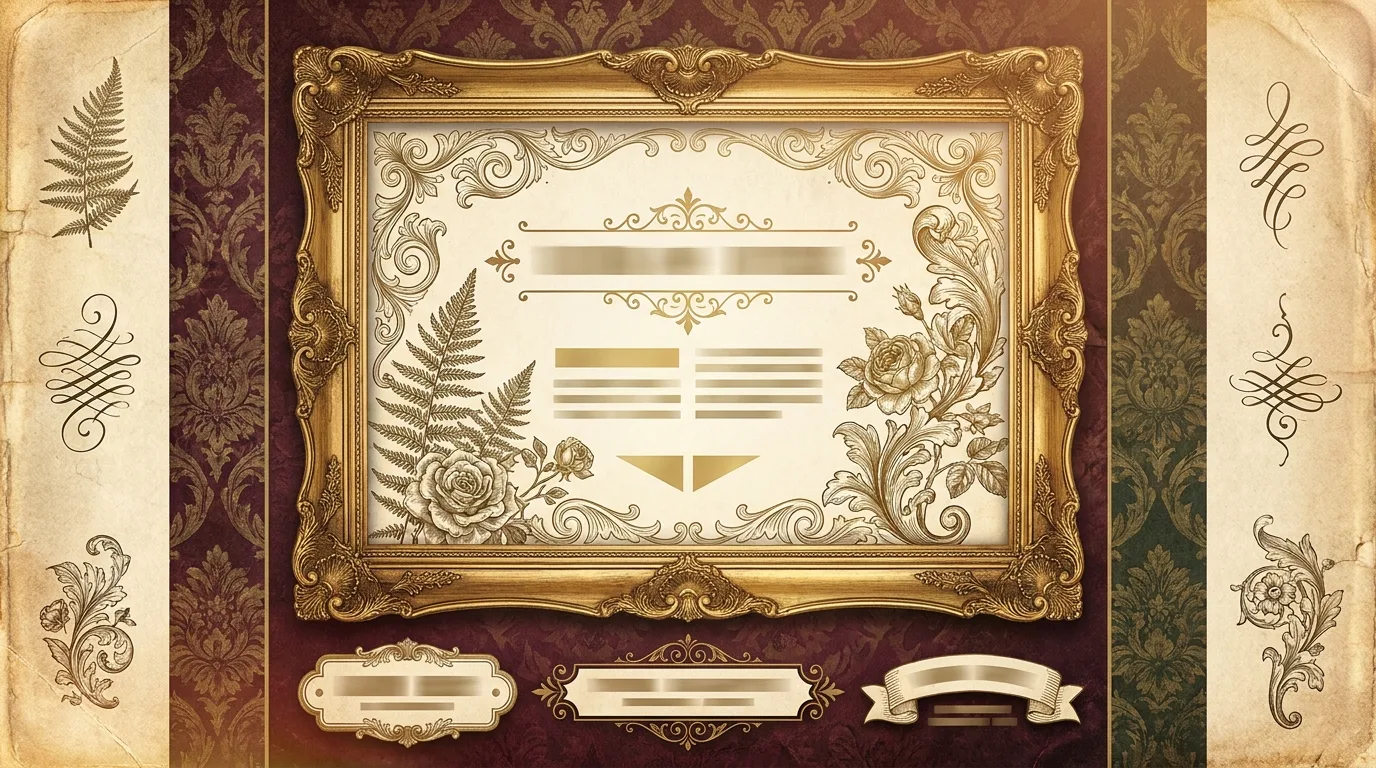
16. Victorian
What defines it: ornate frames, damask and filigree patterns, engraved illustrations, rich burgundy, gold and deep green, and serif type with flourishes.
Where it works: heritage and premium brands, spirits, perfume, boutique hotels, books and invitations.
Avoid: ornament everywhere. Use decoration for frames and section dividers, and keep running text in a clean, readable serif.
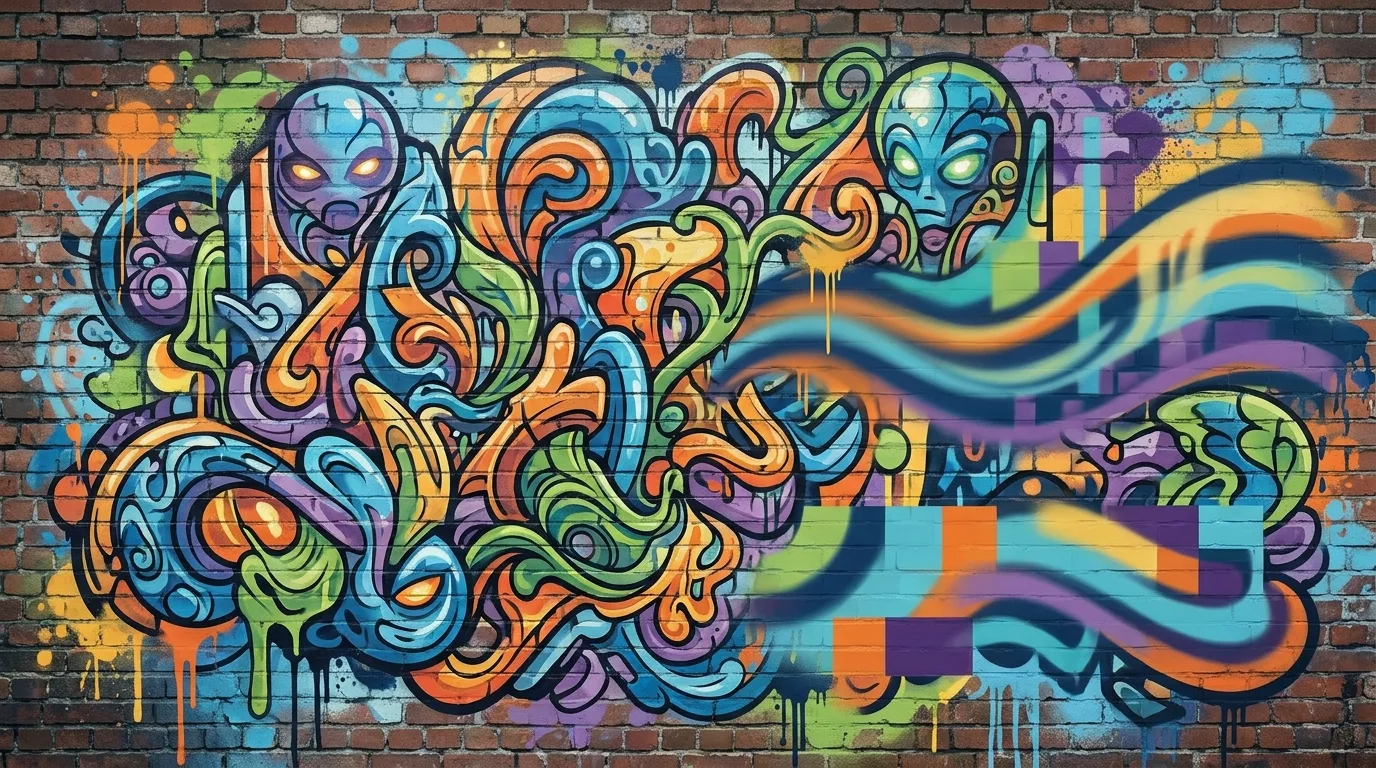
17. Graffiti
What defines it: spray paint, drips, wildstyle lettering, bold characters, stickers and the texture of brick and concrete. Energetic, rebellious and urban.
Where it works: streetwear, music, sports, youth campaigns, events and murals for physical spaces.
Avoid: illegible key information. Let the art carry the mood, and set prices, dates and actions in clean type.
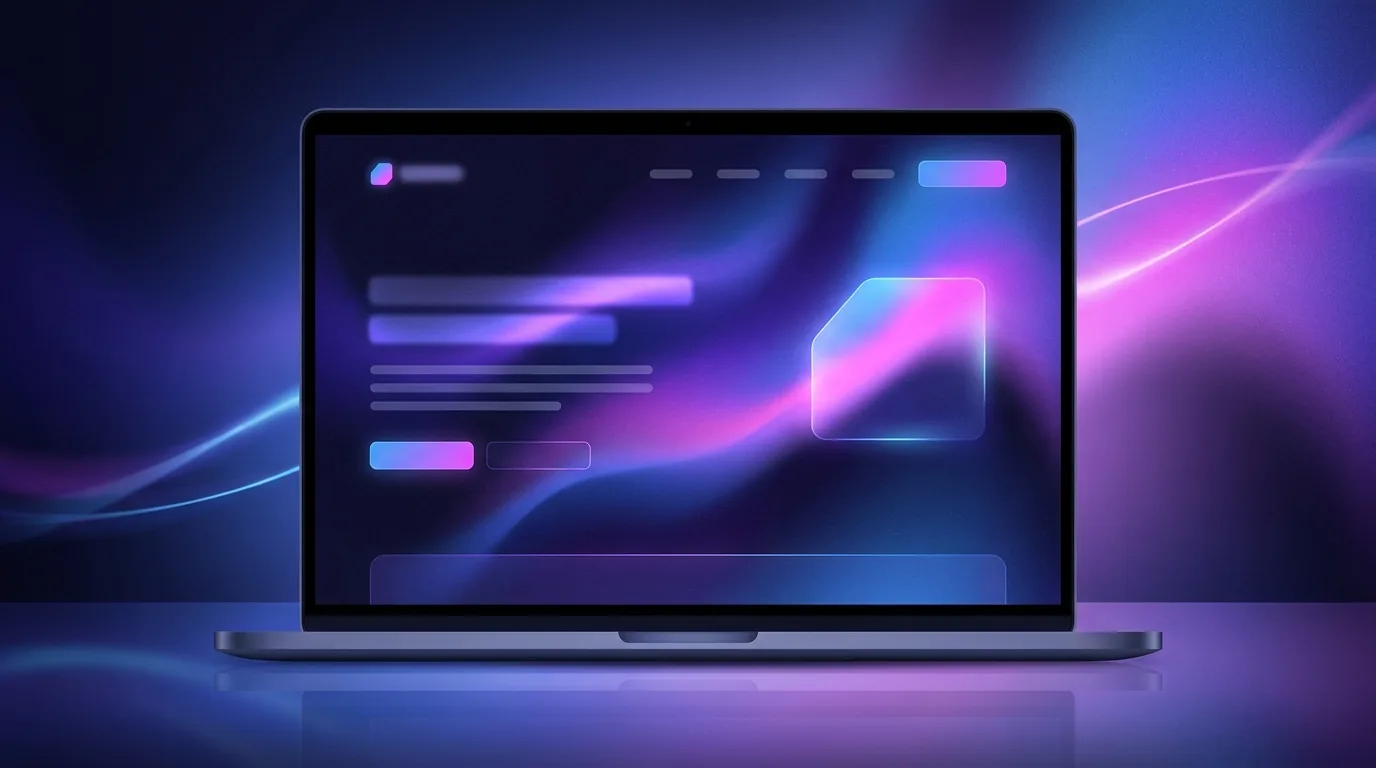
18. Aurora (gradient) design
What defines it: soft, flowing multi-colour gradients inspired by the northern lights, usually teal, violet and pink blending over a dark or light base, sometimes animated slowly.
Where it works: SaaS and AI hero sections, app backgrounds, product launches and presentation decks. It adds atmosphere without competing with UI.
Avoid: banding and heavy video backgrounds. Generate gradients in CSS or with a light shader, add a touch of noise to prevent banding, and keep text on a calm area.
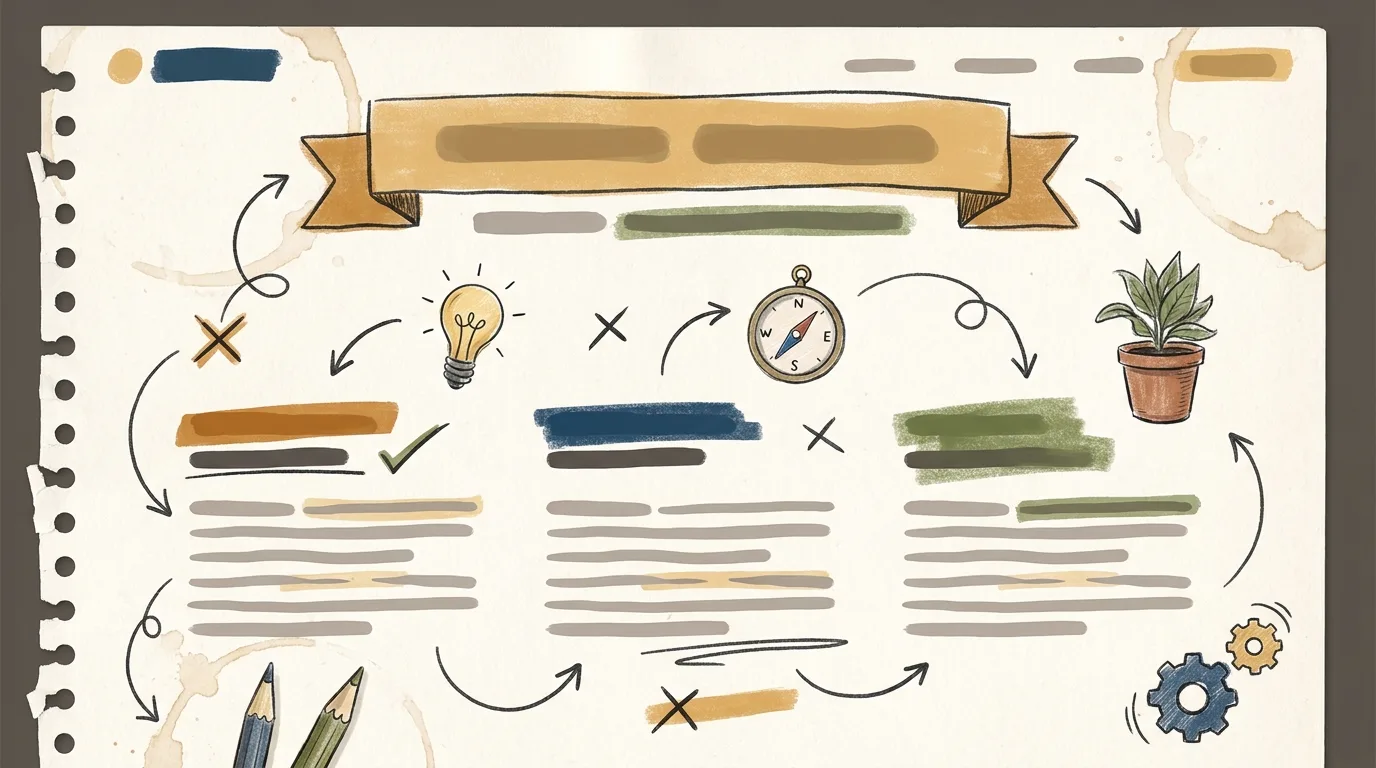
19. Handwritten
What defines it: hand-drawn doodles, arrows, underlines, scribbles, sketchy icons and handwritten accents layered over cleaner layouts. It feels human and approachable.
Where it works: education, coaching, creator brands, explainer pages, onboarding and annotations that point users to what matters.
Avoid: handwritten fonts for paragraphs. Use them for short accents and annotations; long copy belongs in a highly legible typeface.
Choosing a style for your product
A style is a starting point, not a costume. We usually decide in three steps:
- Start with the audience and the job. A payroll dashboard and a streetwear drop need very different energy. Minimalism, Swiss and editorial suit dense or professional tools; maximalism, pop art, Y2K and graffiti suit campaigns and consumer brands.
- Mix one expressive style with one structural style. For example, aurora gradients on a minimal layout, clay illustrations inside a Swiss grid, or a collage hero above an editorial article. The structural style keeps the product usable; the expressive one gives it personality.
- Turn it into a design system. Once the direction is agreed, capture it as tokens (colour, type, spacing, radius, shadow, motion) and components. That's what keeps the style consistent across the website, the app and every social post.
At DEV3 we design and build websites, apps and SaaS platforms end to end, from the first moodboard to production code. If you want help picking a direction or turning one into a design system, explore our UI/UX design service or send us a message.